

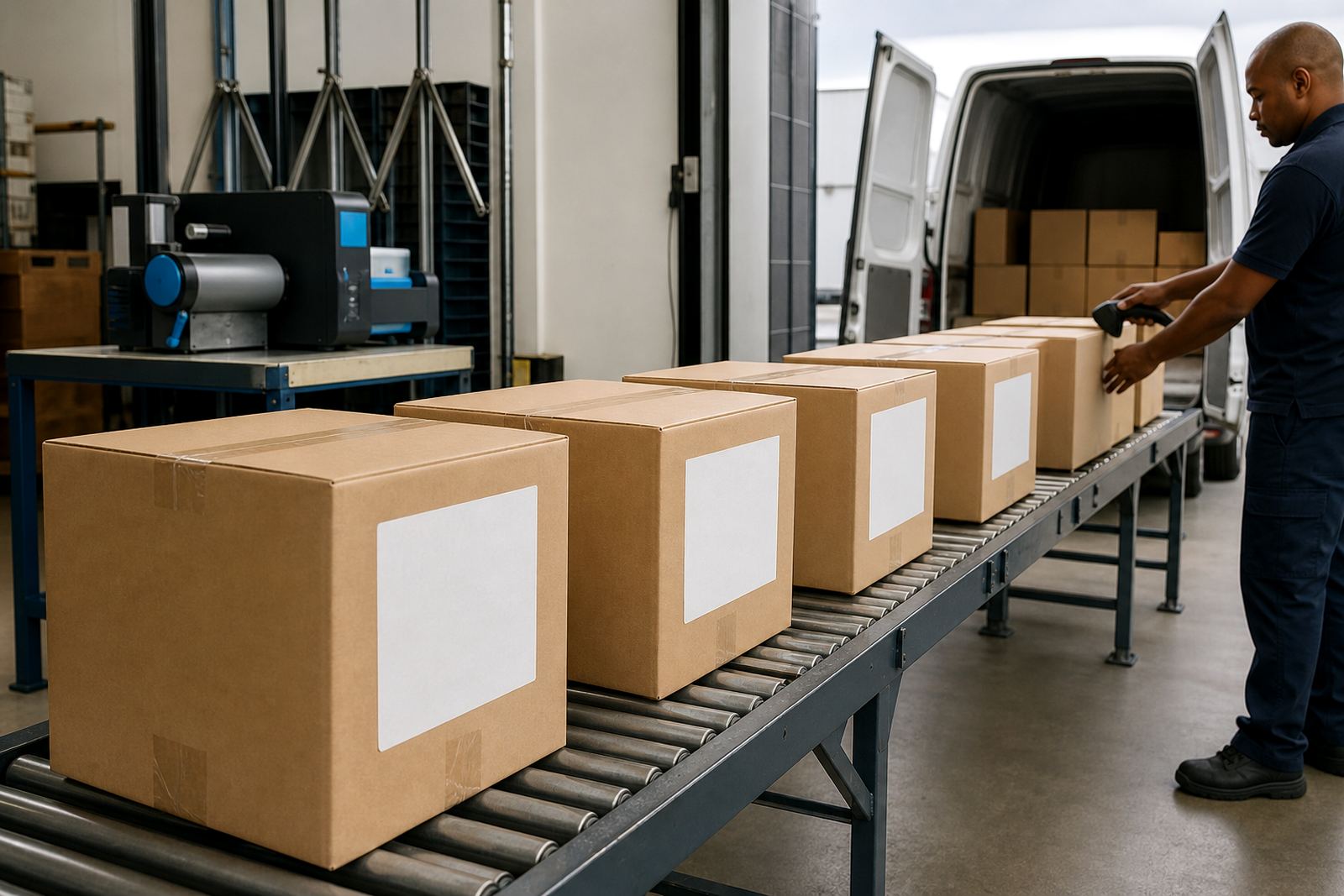
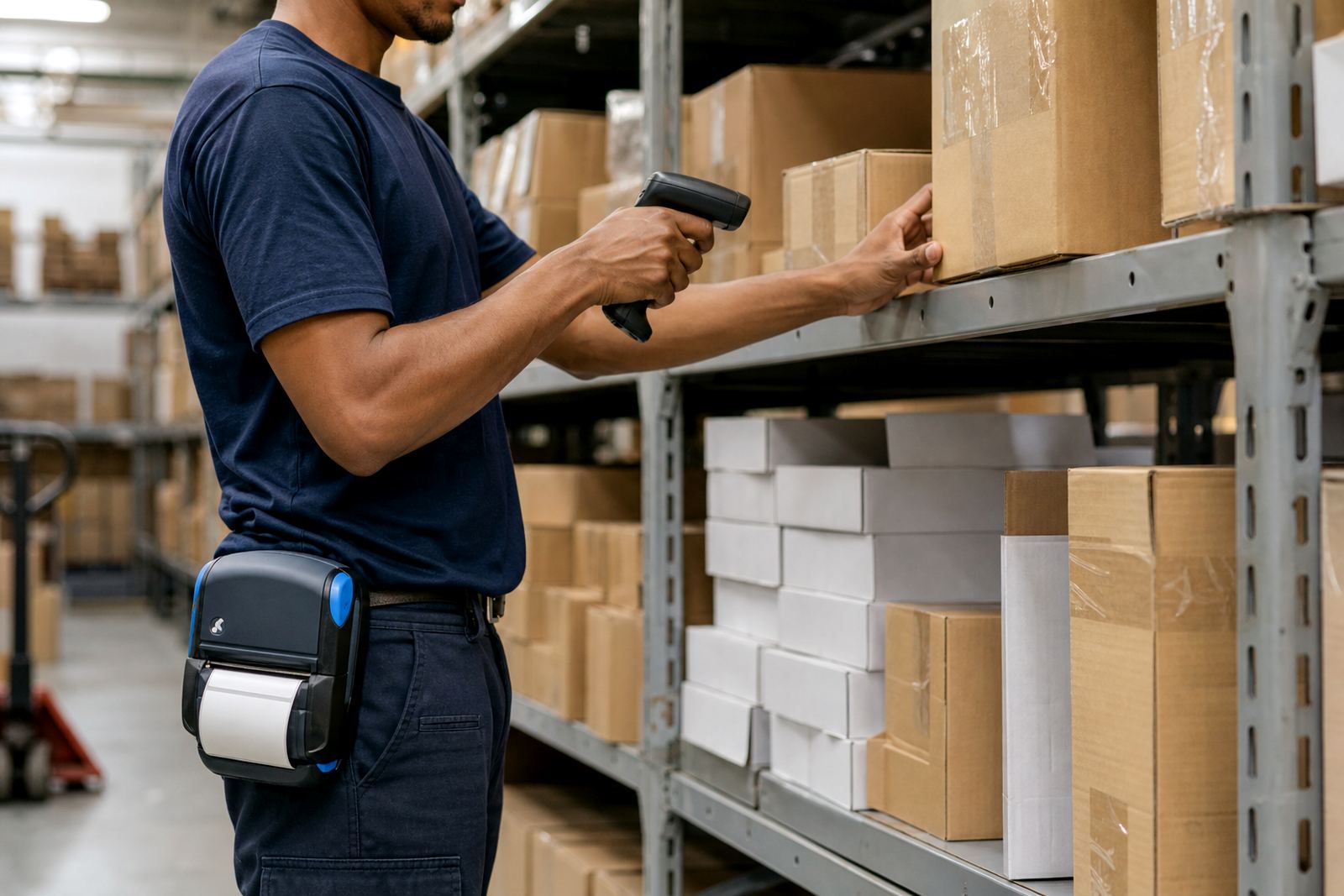
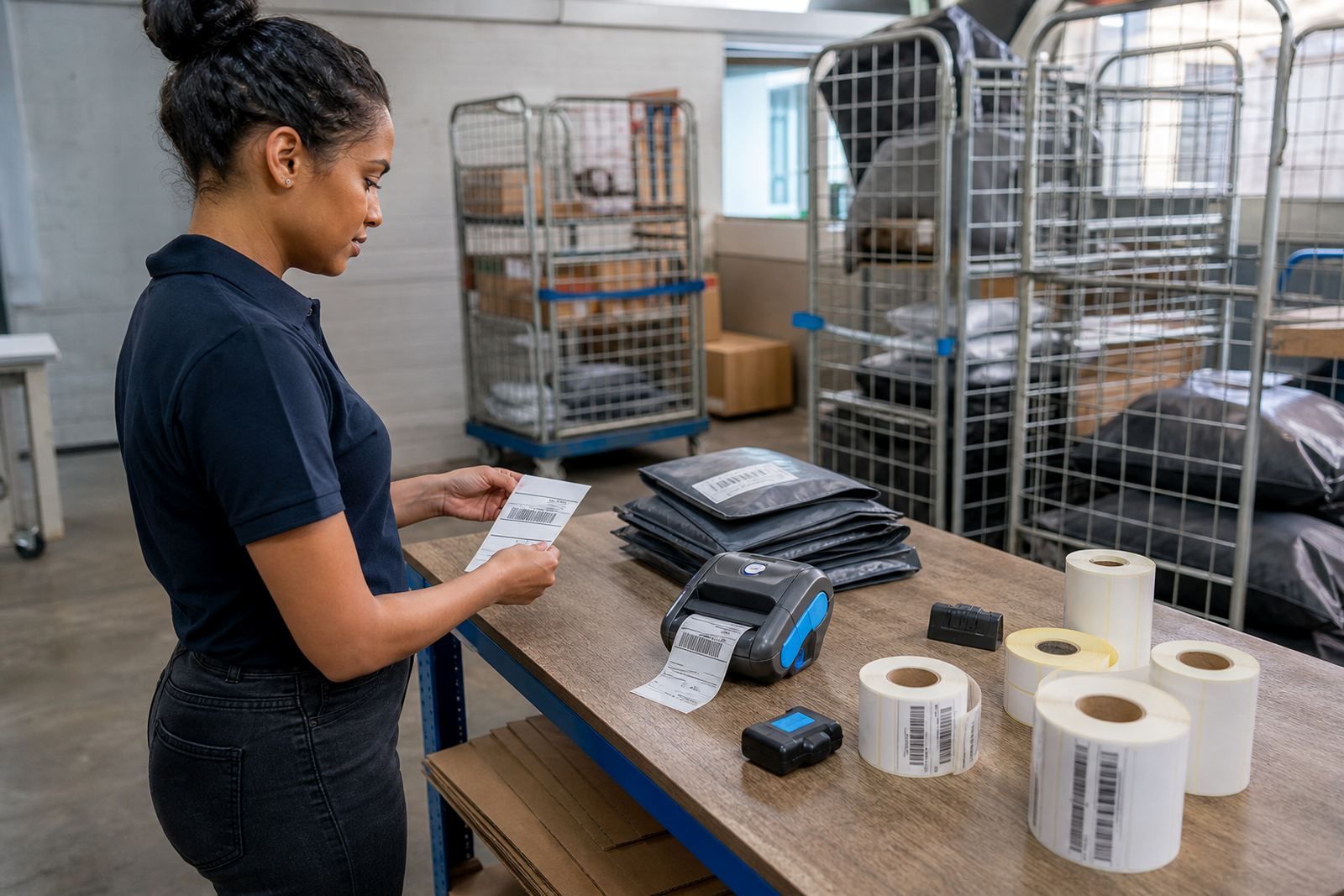
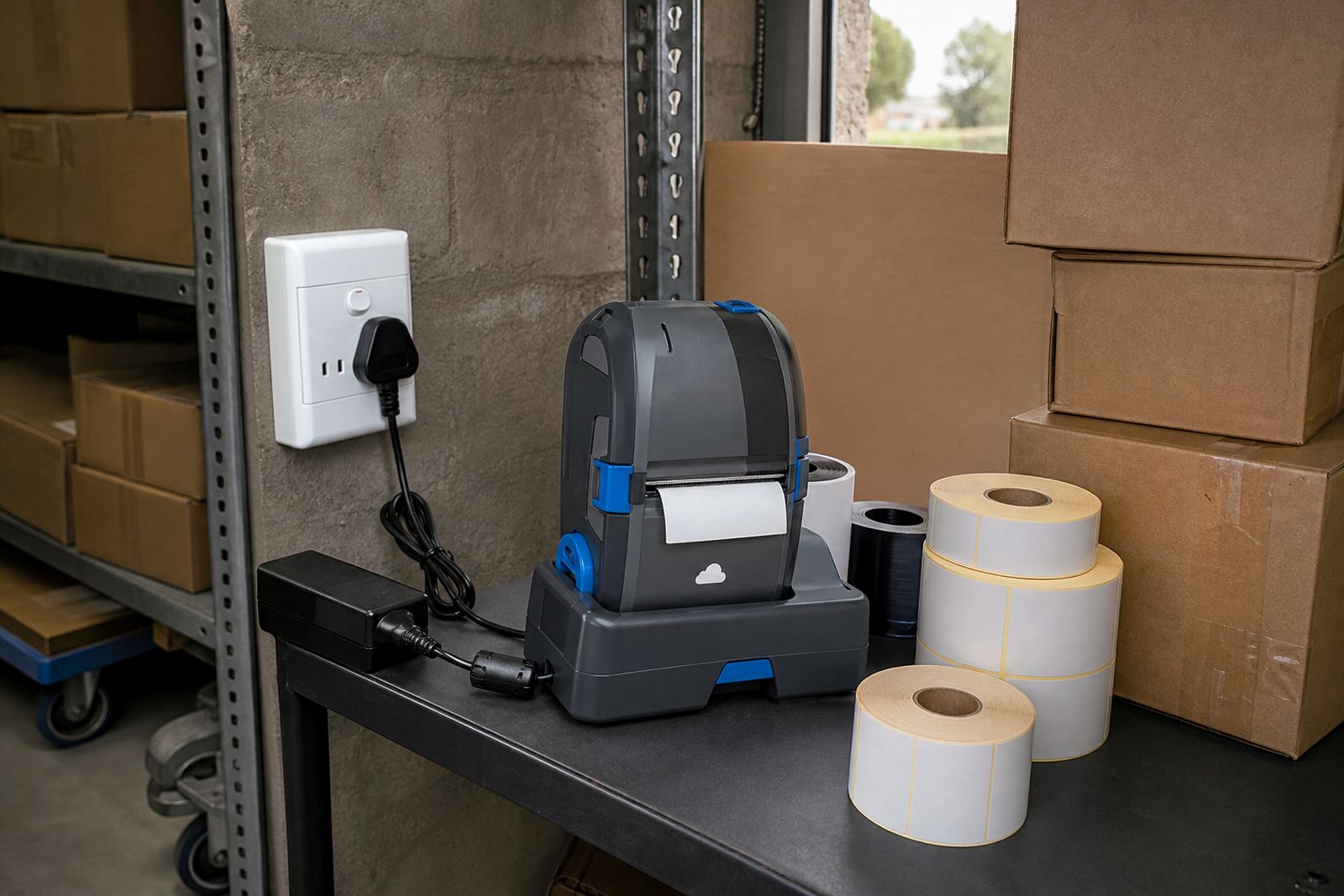
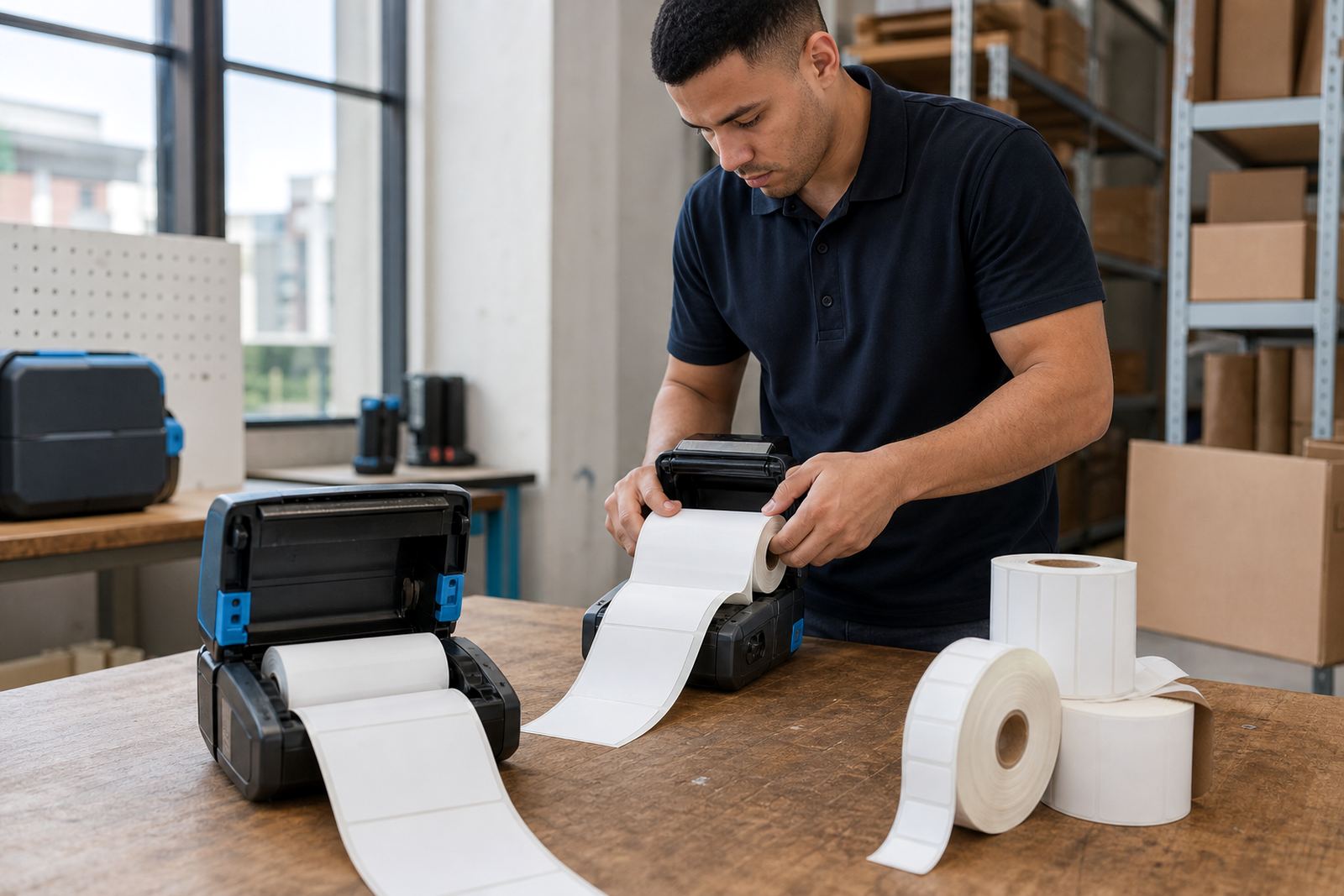
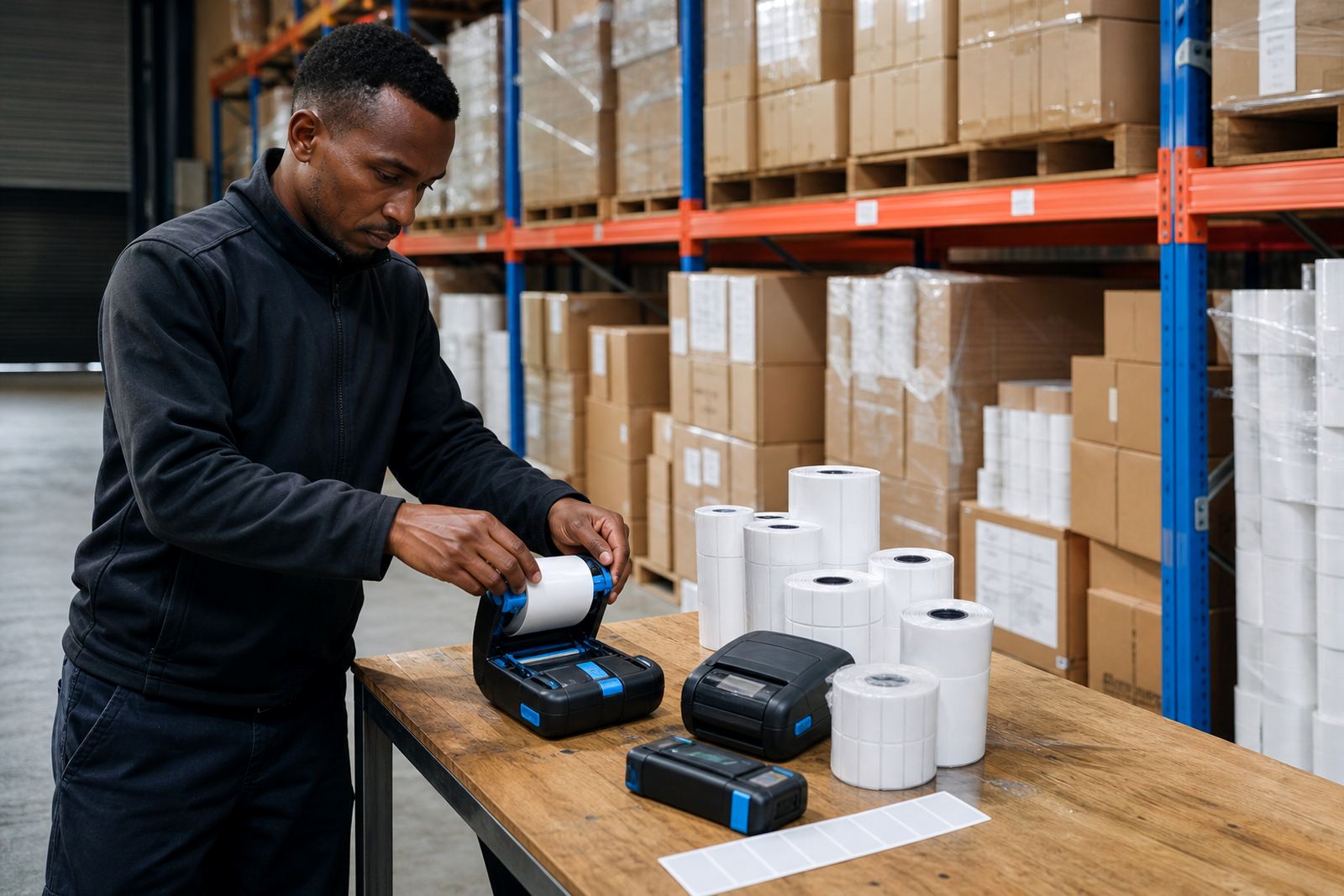
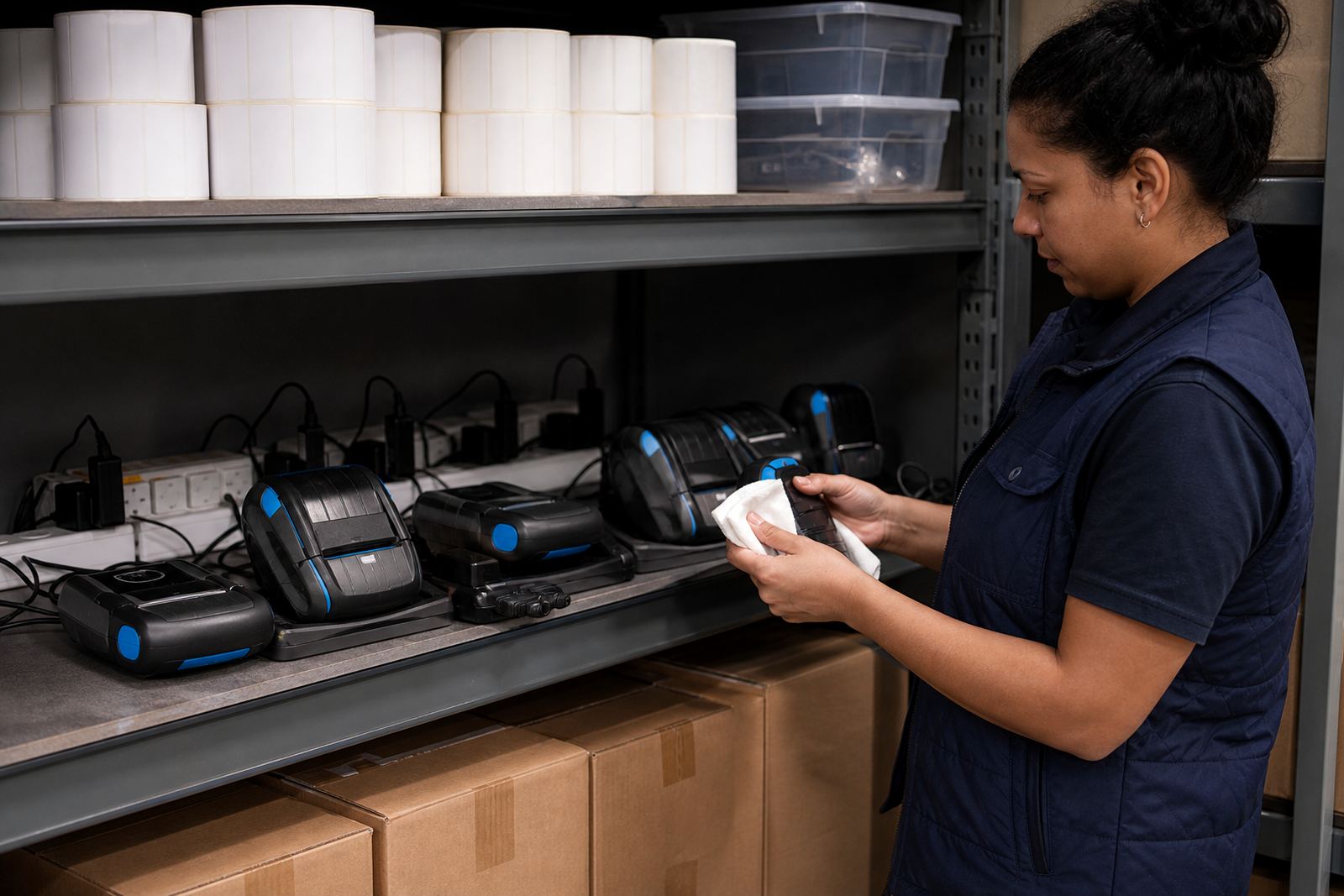
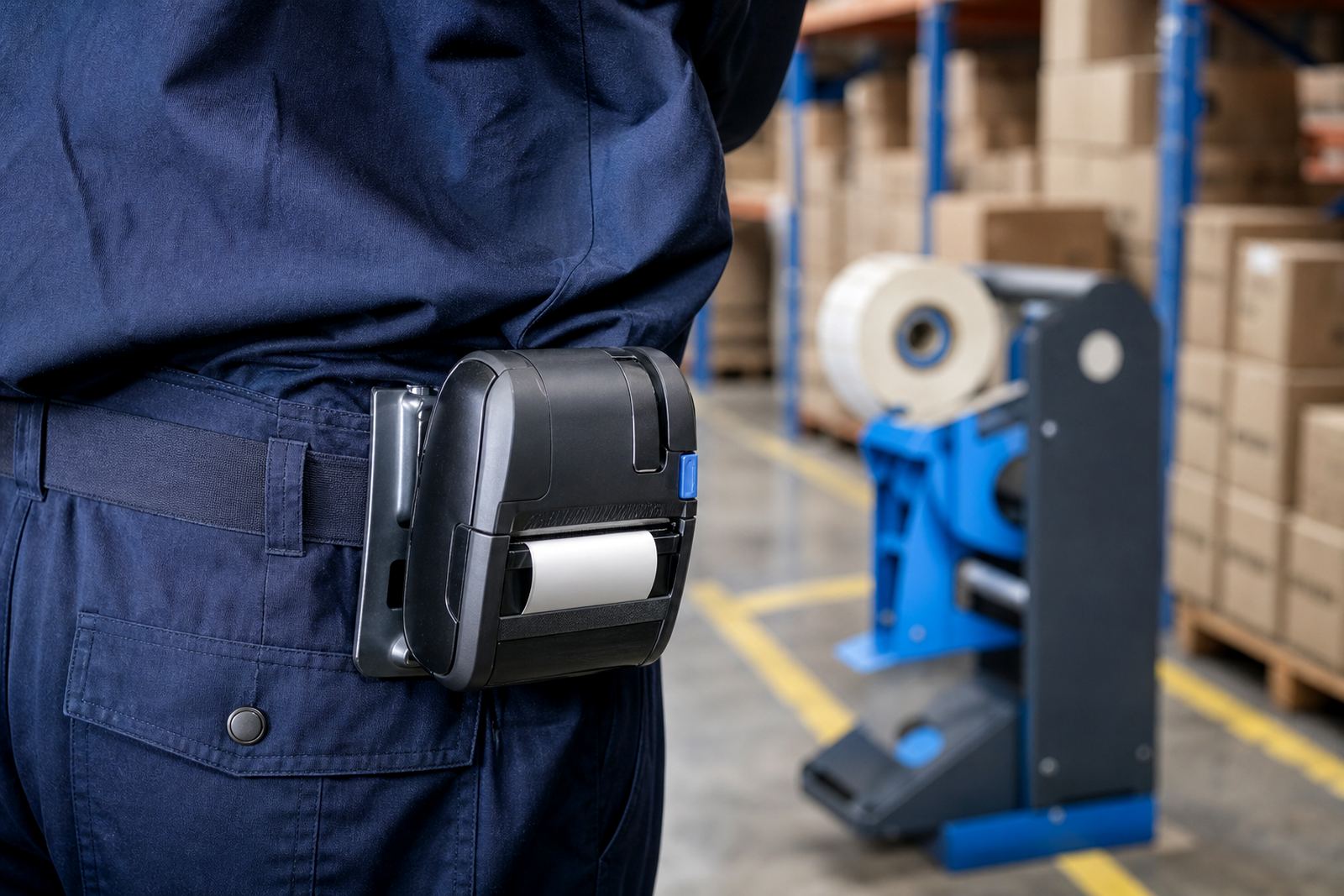
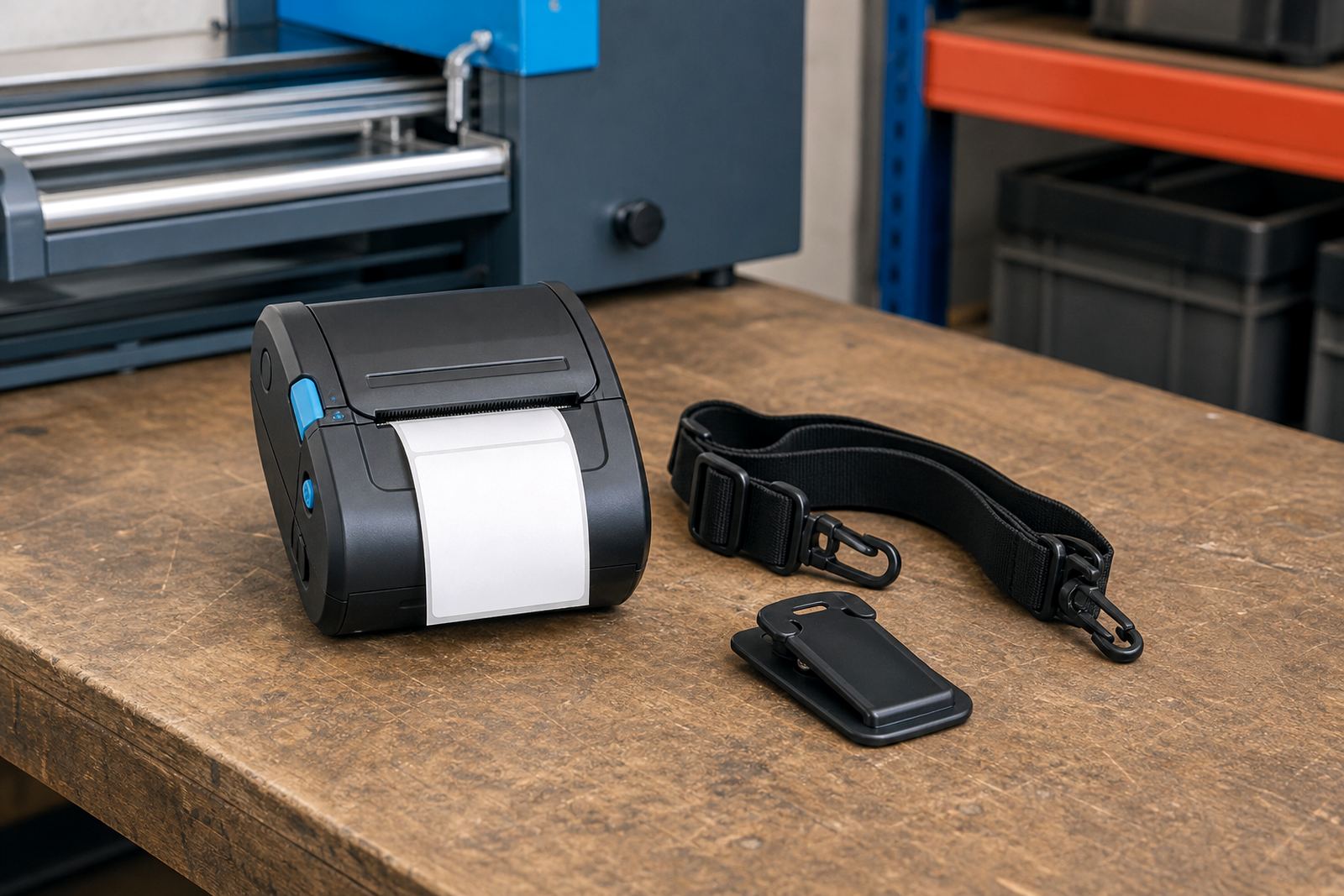
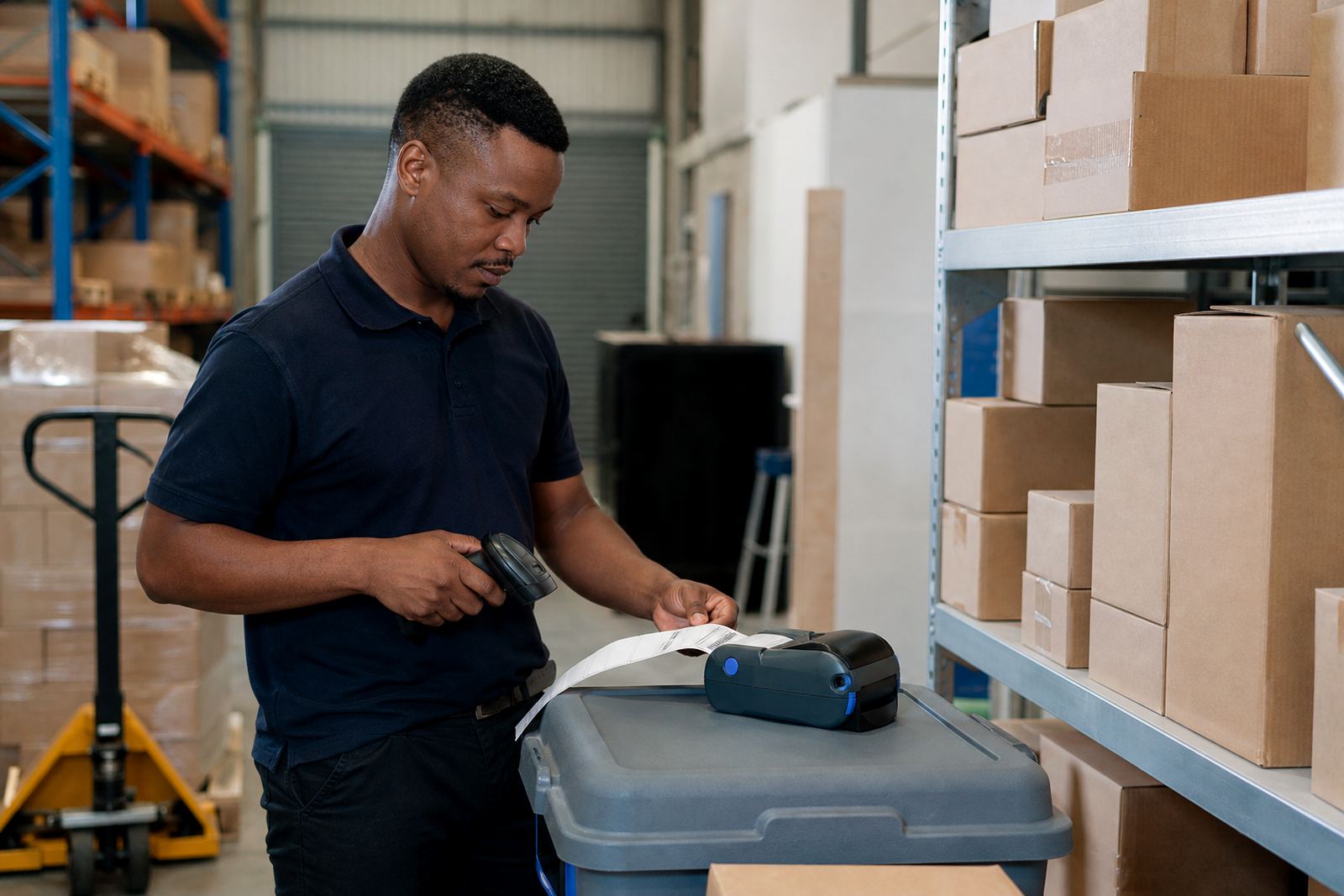
Mobile printers in a working aisle
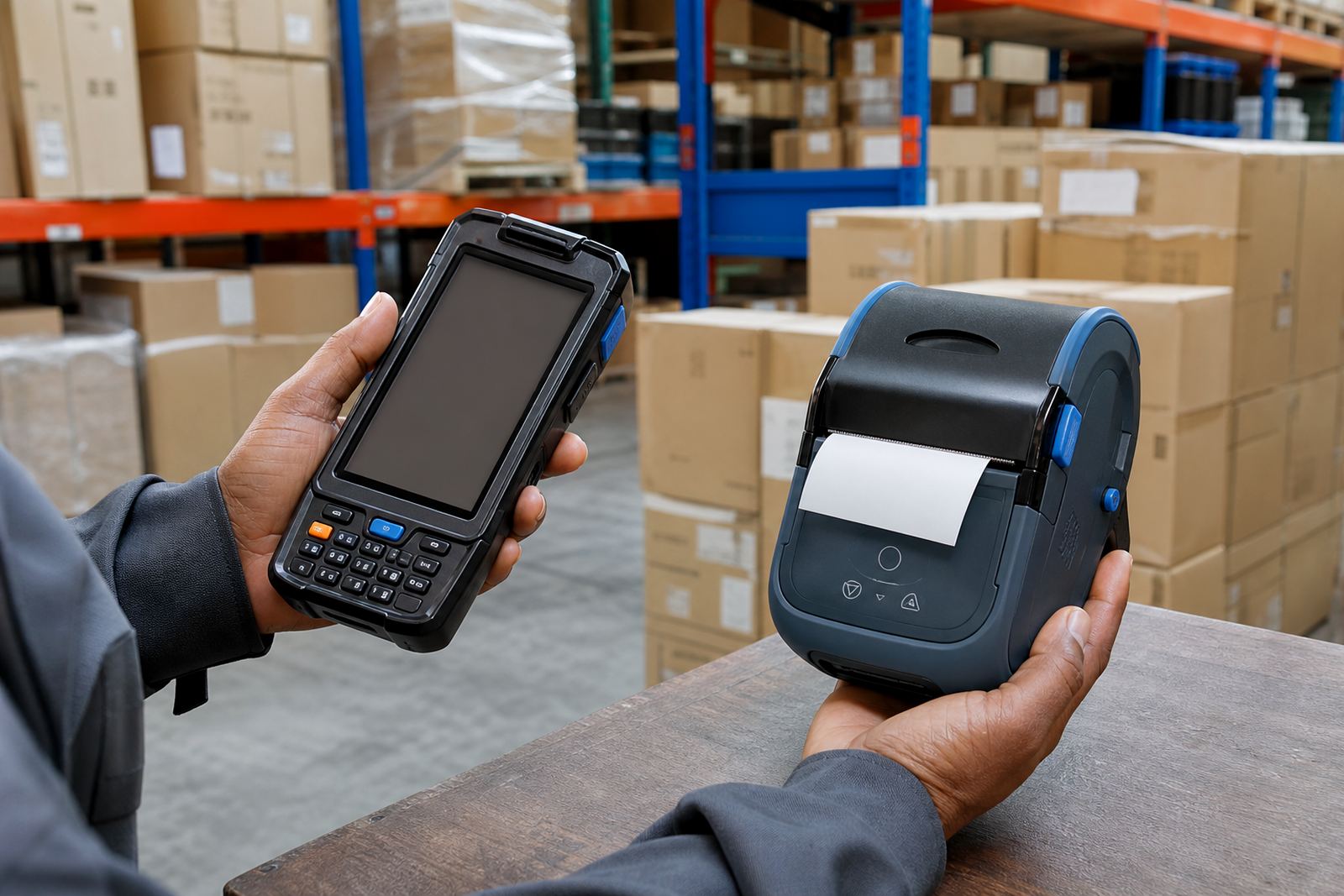
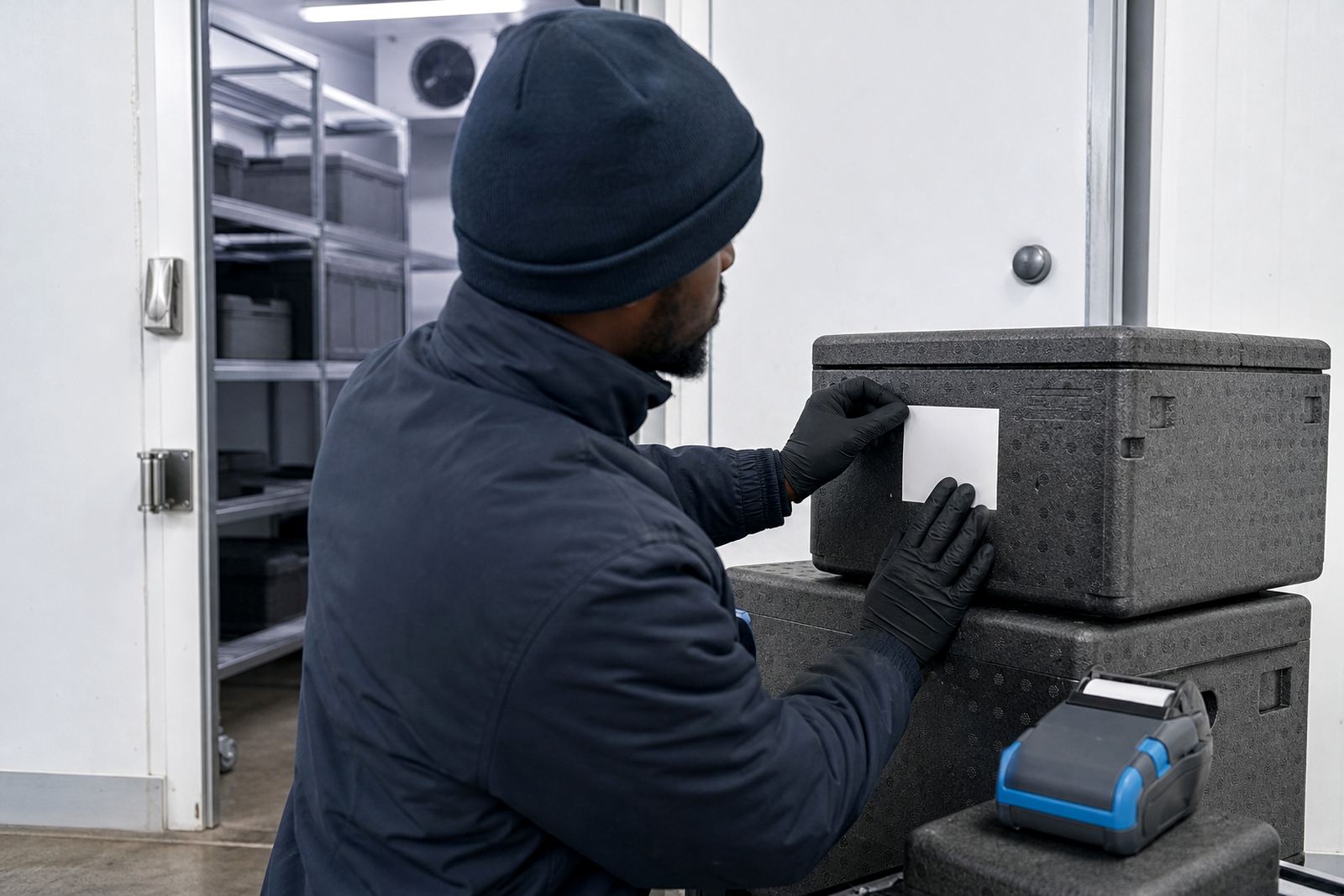
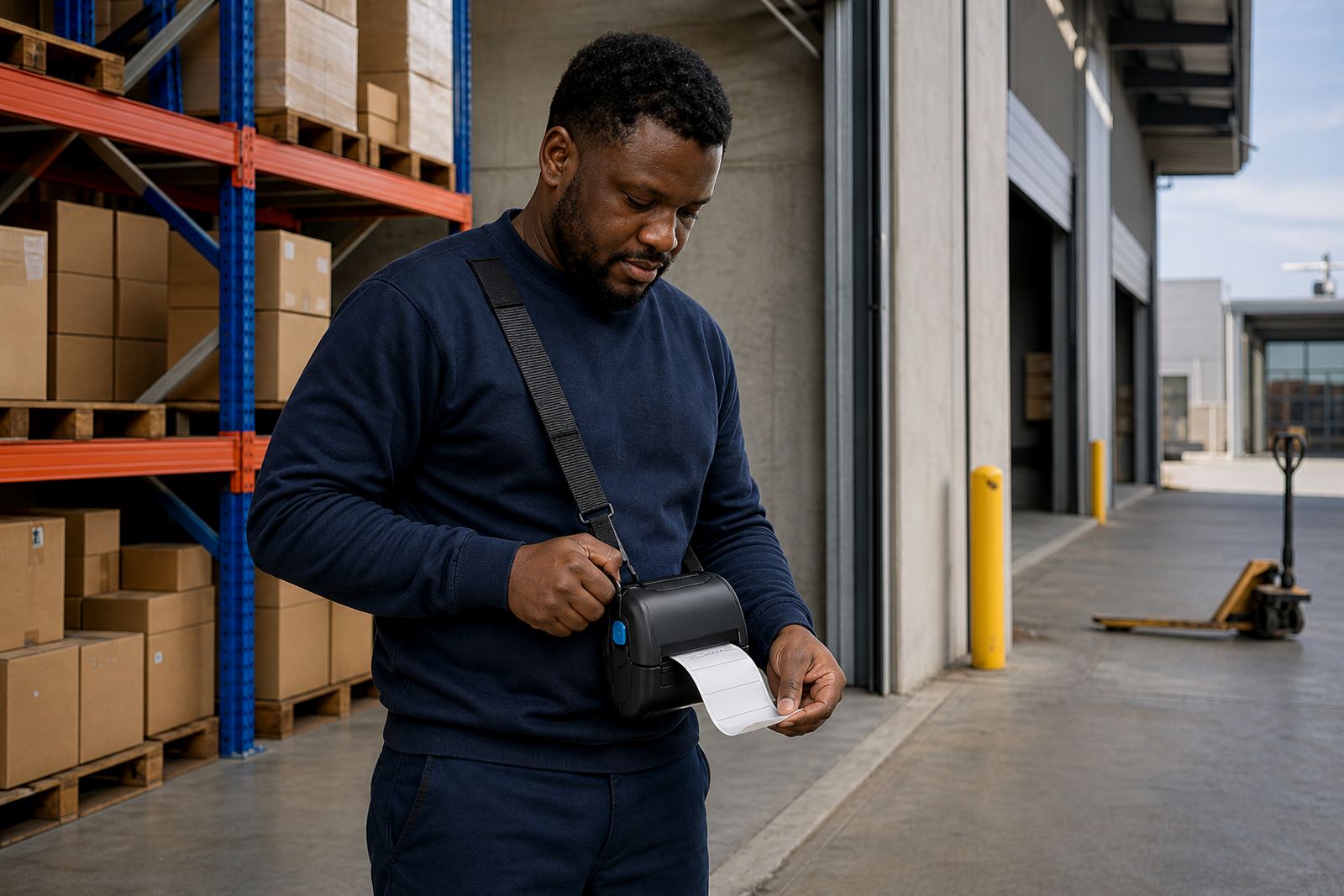
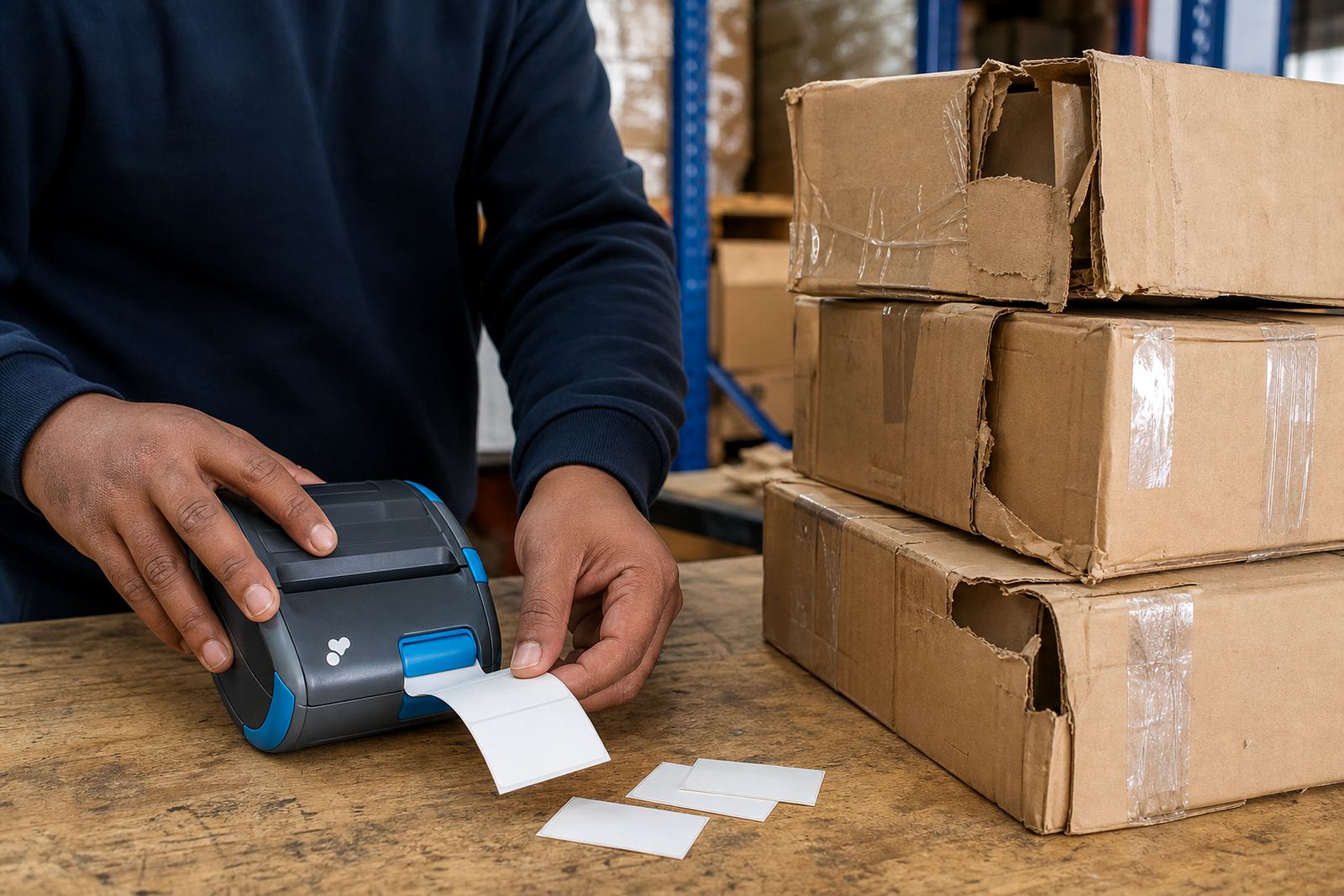
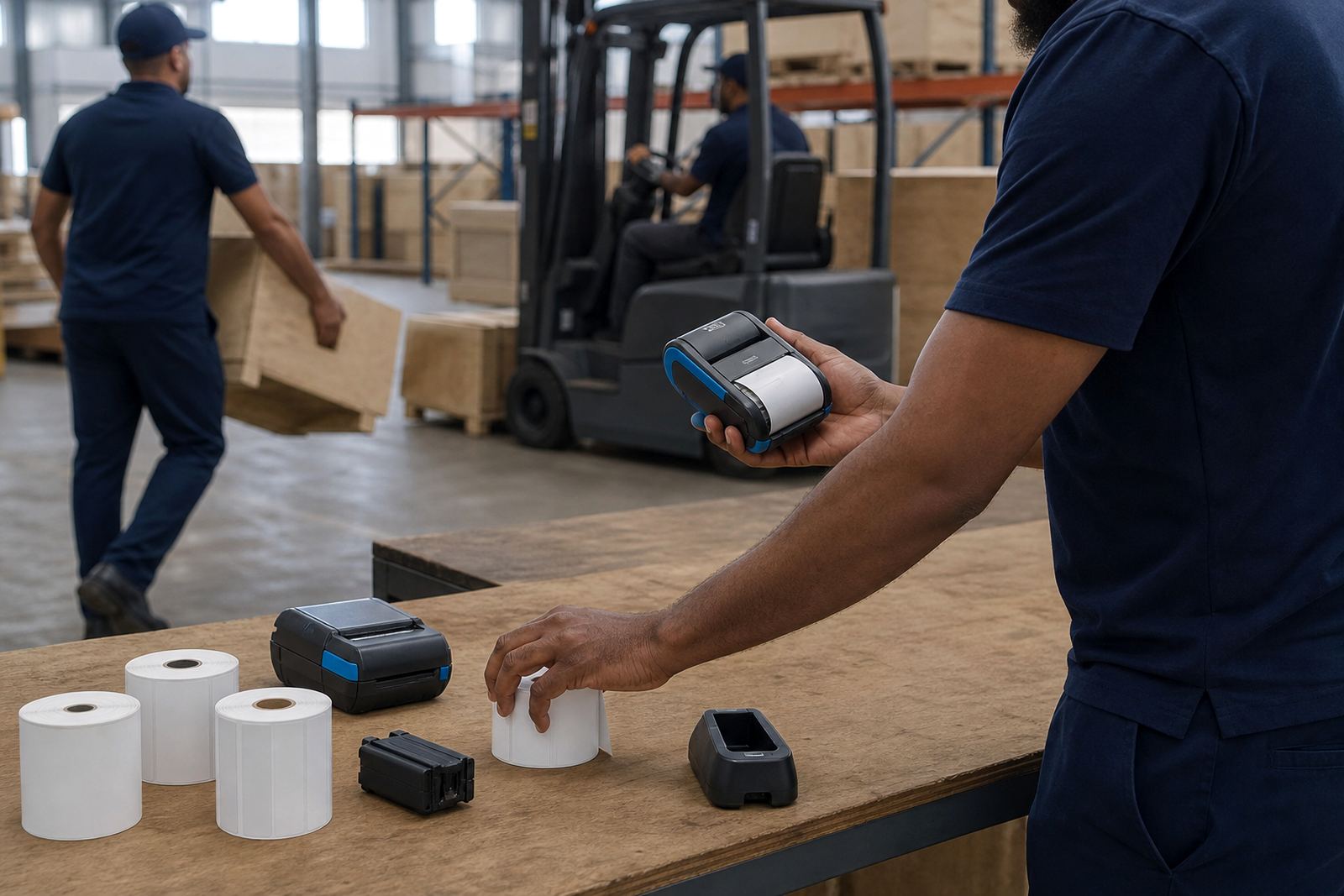
Thermal mobile label printers are built for people who move between shelves, cages and loading bays. A compact unit can print 2-inch or 3-inch labels, while wider models handle larger address, shelf and asset labels when the brief calls for more room.
Direct thermal printing suits short-life labels and quick throughput, where the print stays readable long enough for dispatch, picking or temporary stock control. Thermal transfer uses a ribbon and works better where labels need longer life, sharper barcode edges or better resistance to handling.
Choosing label stock without guessing
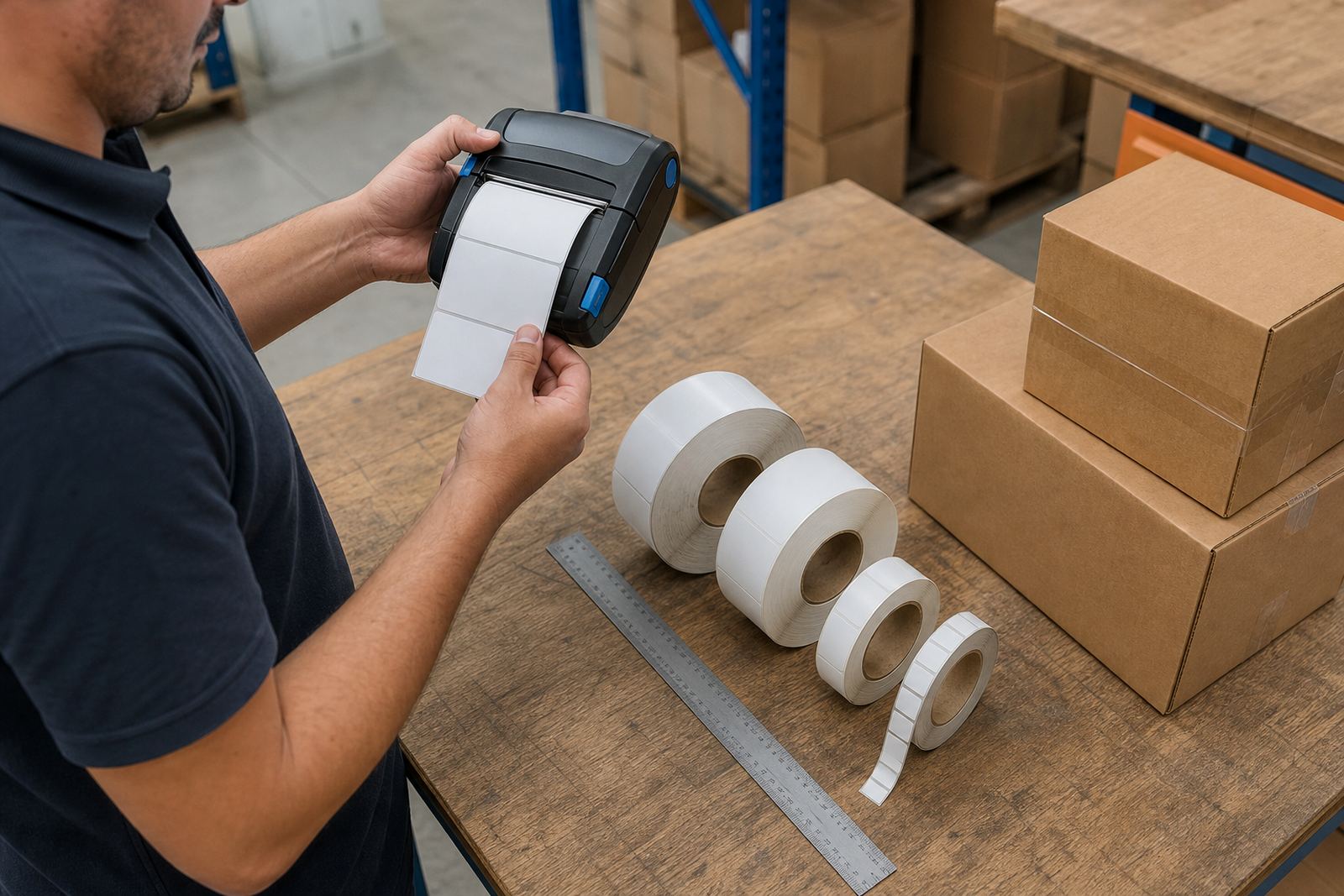
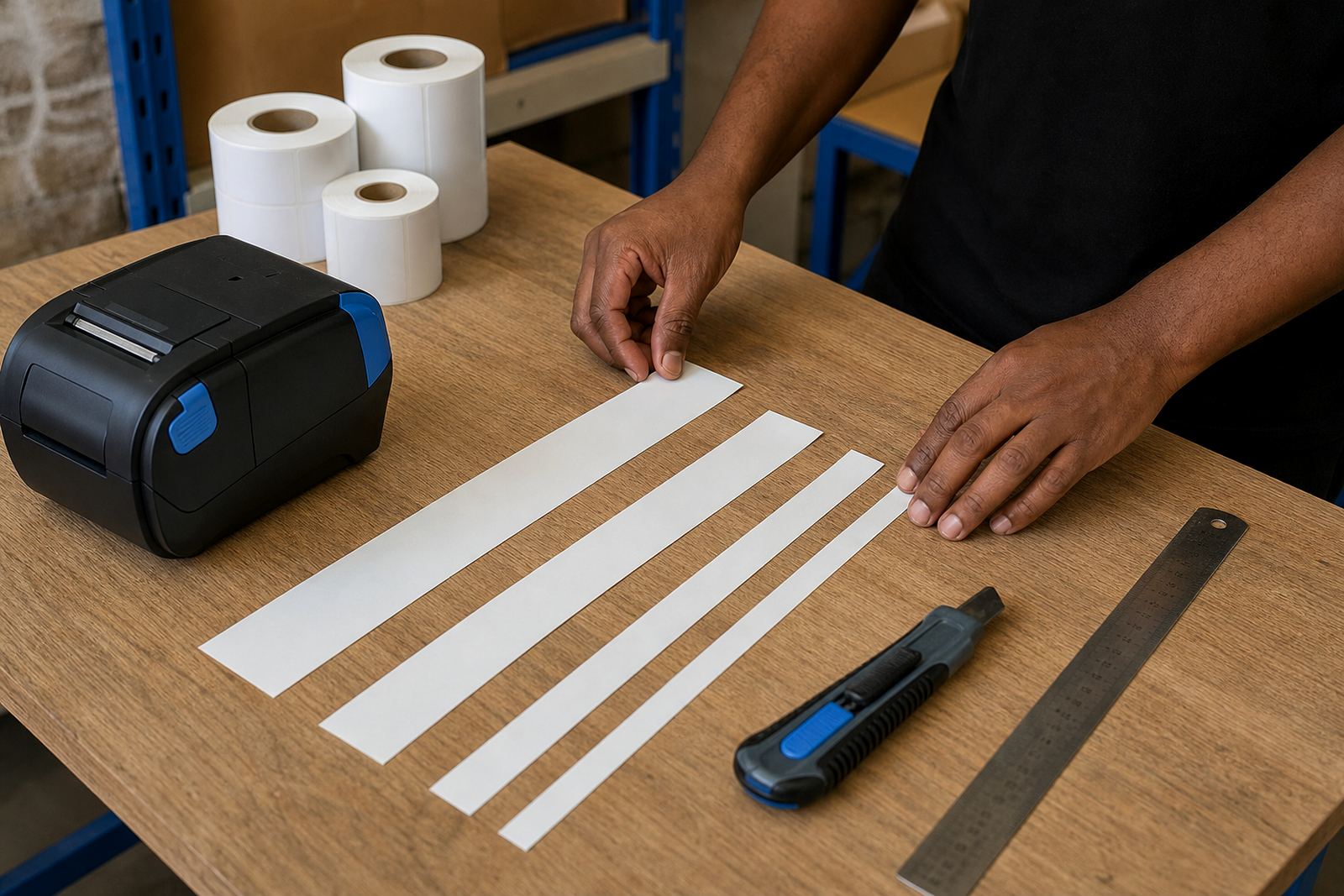
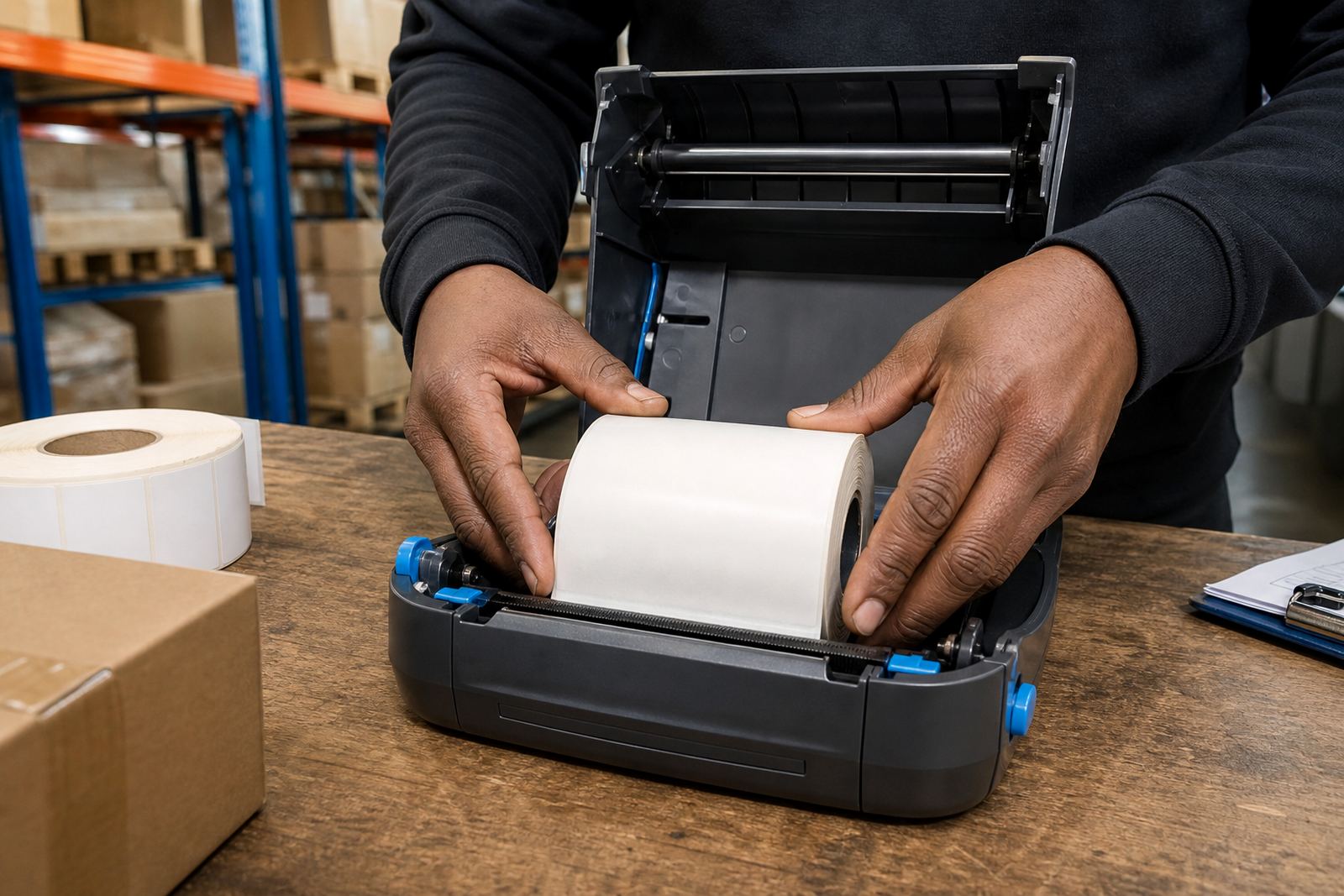
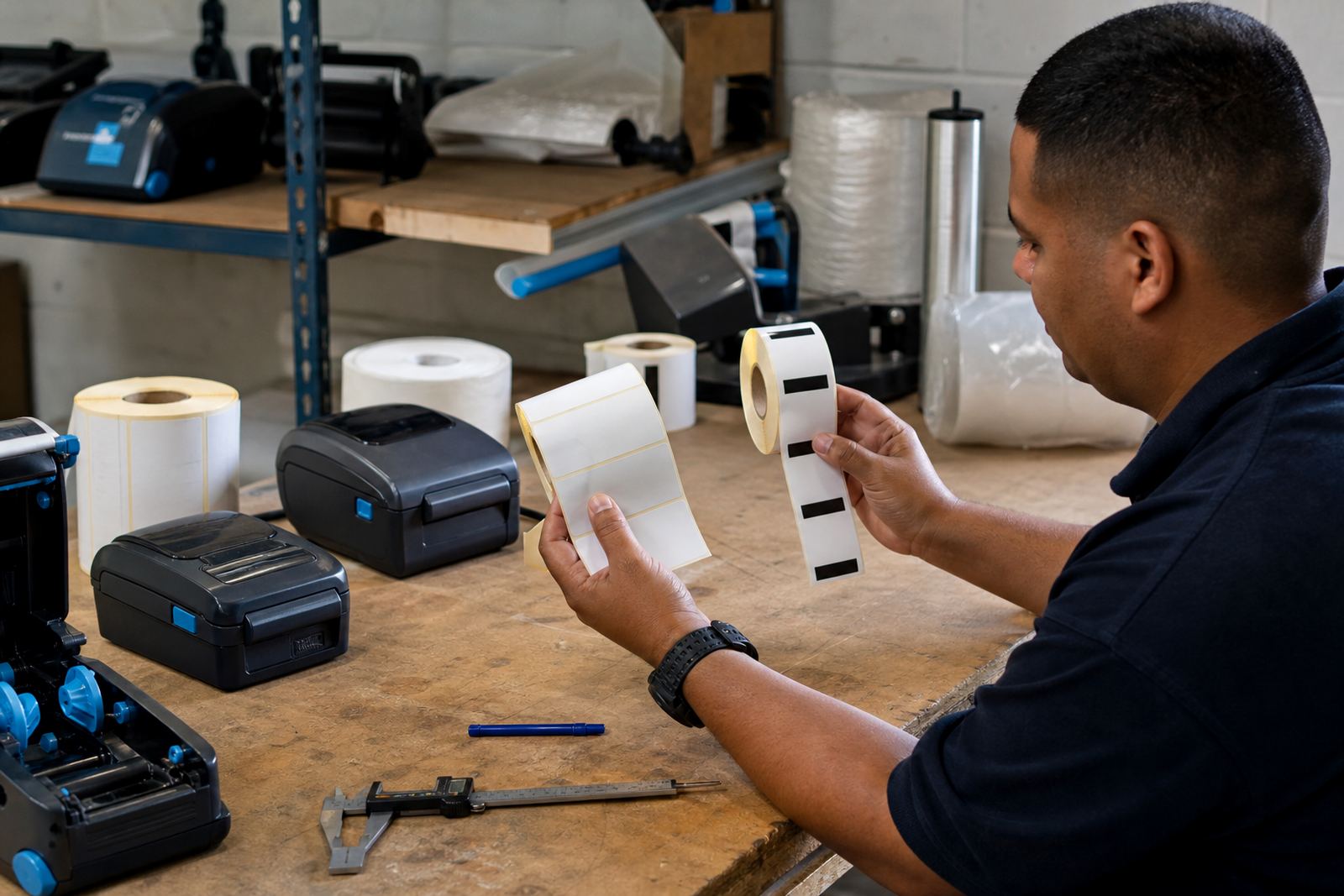
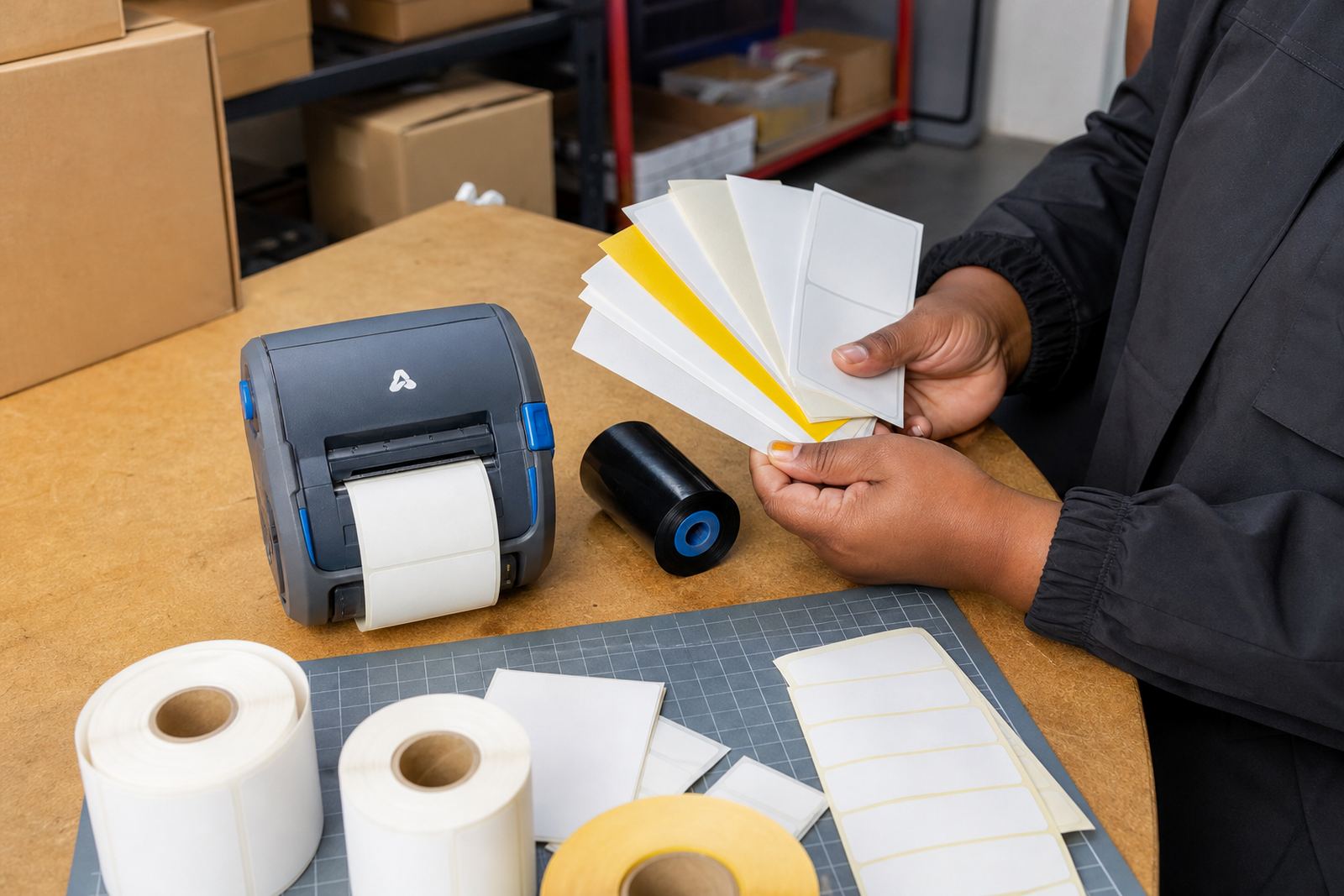
Label size, face material and adhesive all matter when a printer leaves the office and goes into a stockroom. Smooth cartons, plastic crates and pallet wrap each behave differently, so the roll has to match the surface and the storage conditions.
- Direct thermal rolls suit fast-moving dispatch and short-term identification.
- Thermal transfer rolls suit long-lasting barcodes, serial labels and shelf markers.
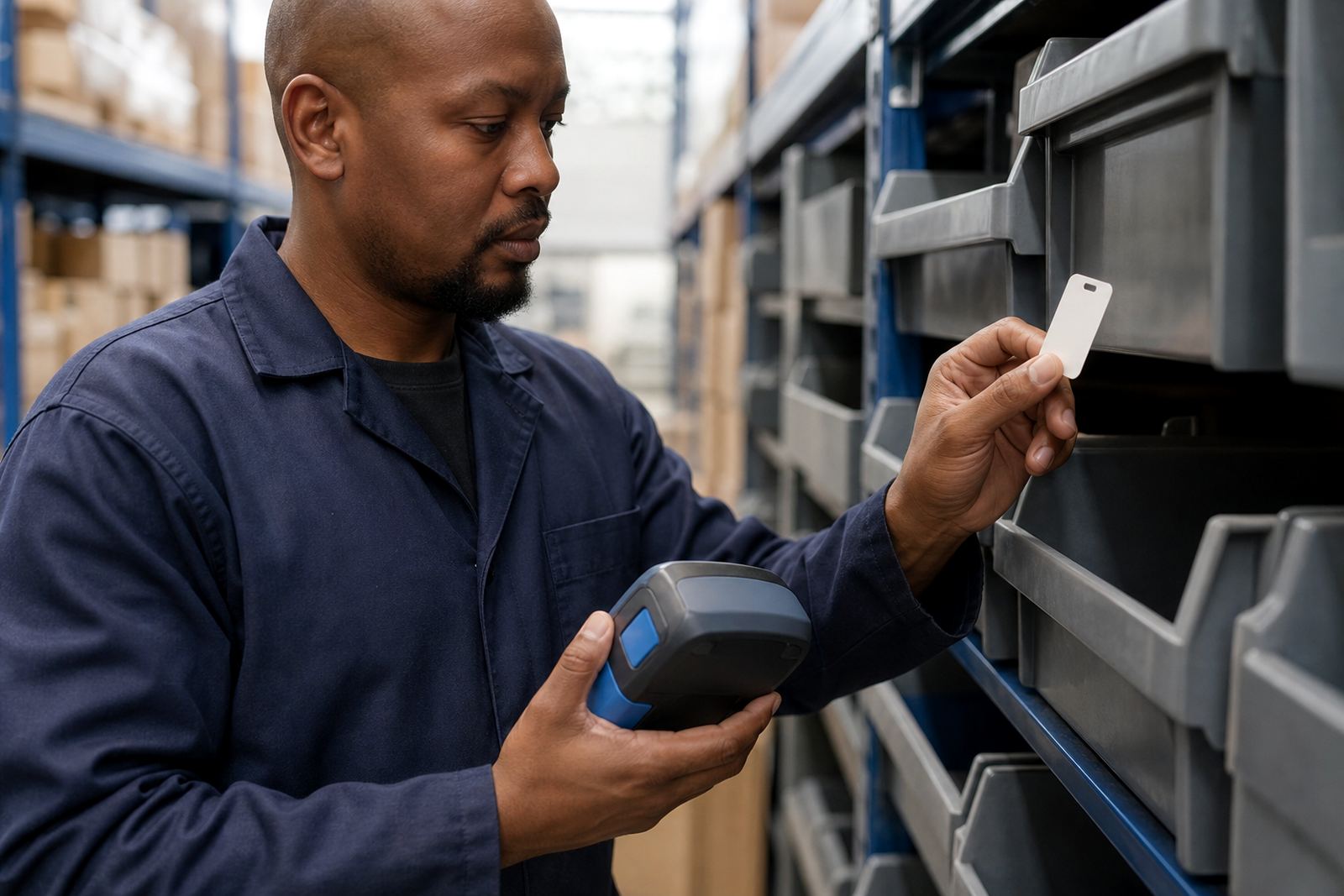
- Small labels work well for courier slips, bin faces and handheld scanning.
- Wider labels help with shipping data, product notes and multi-line text.
Pairing, calibration and the first test label
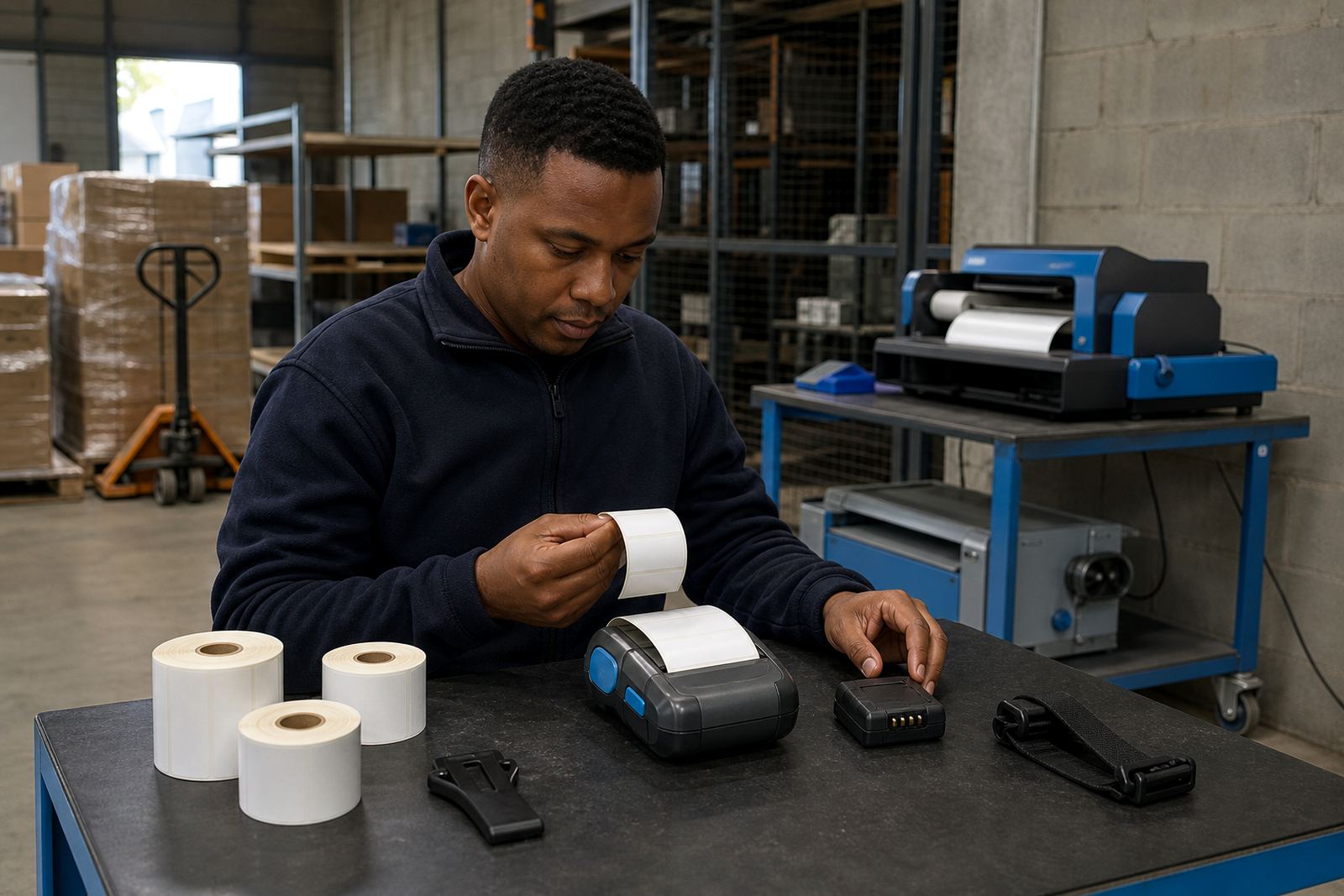
Bluetooth and Wi-Fi pairing need a steady setup if the printer is moving between staff members or different packing stations. Once paired, the printer should feed cleanly and print at the right darkness without clipping the barcode or leaving the label off centre.
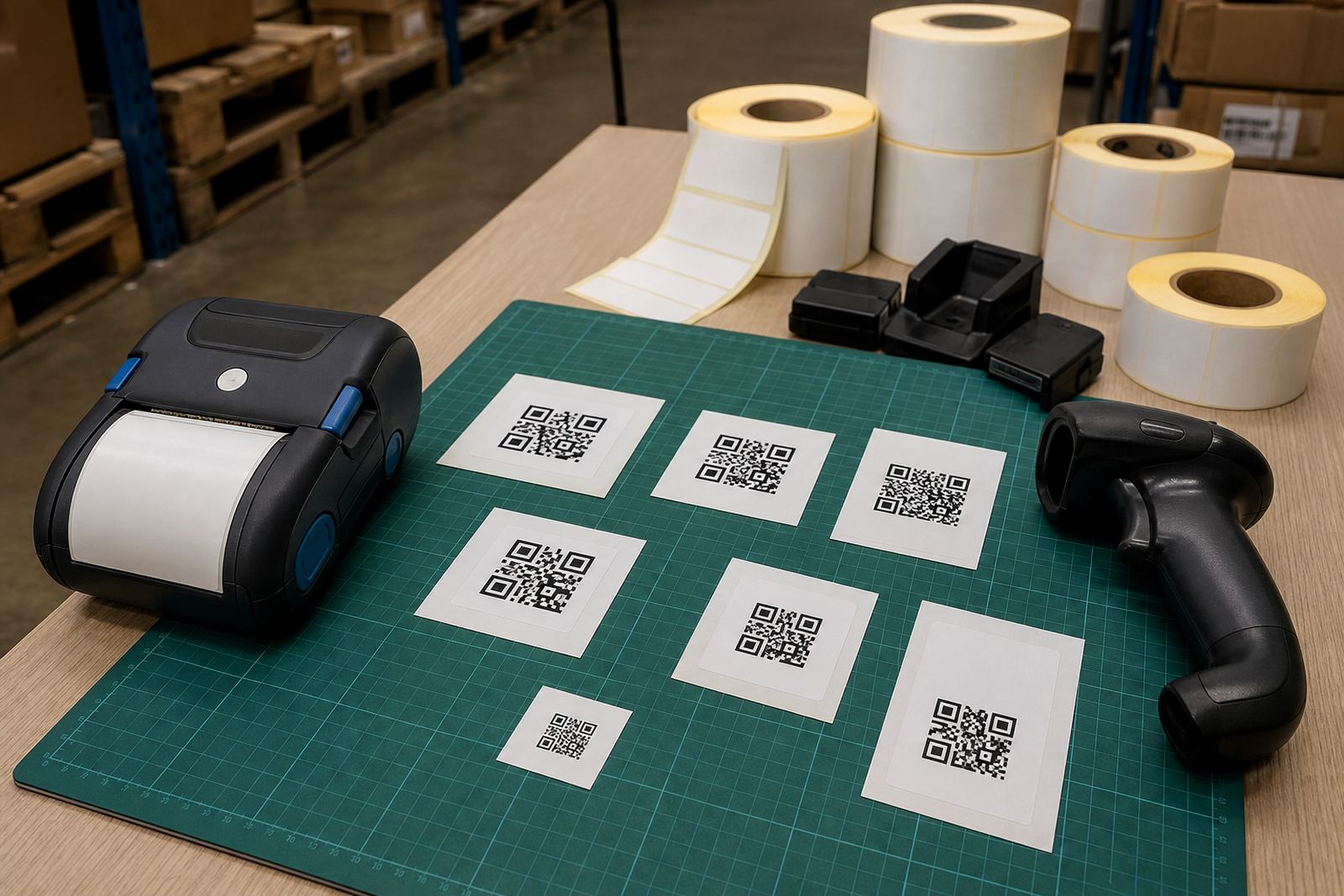
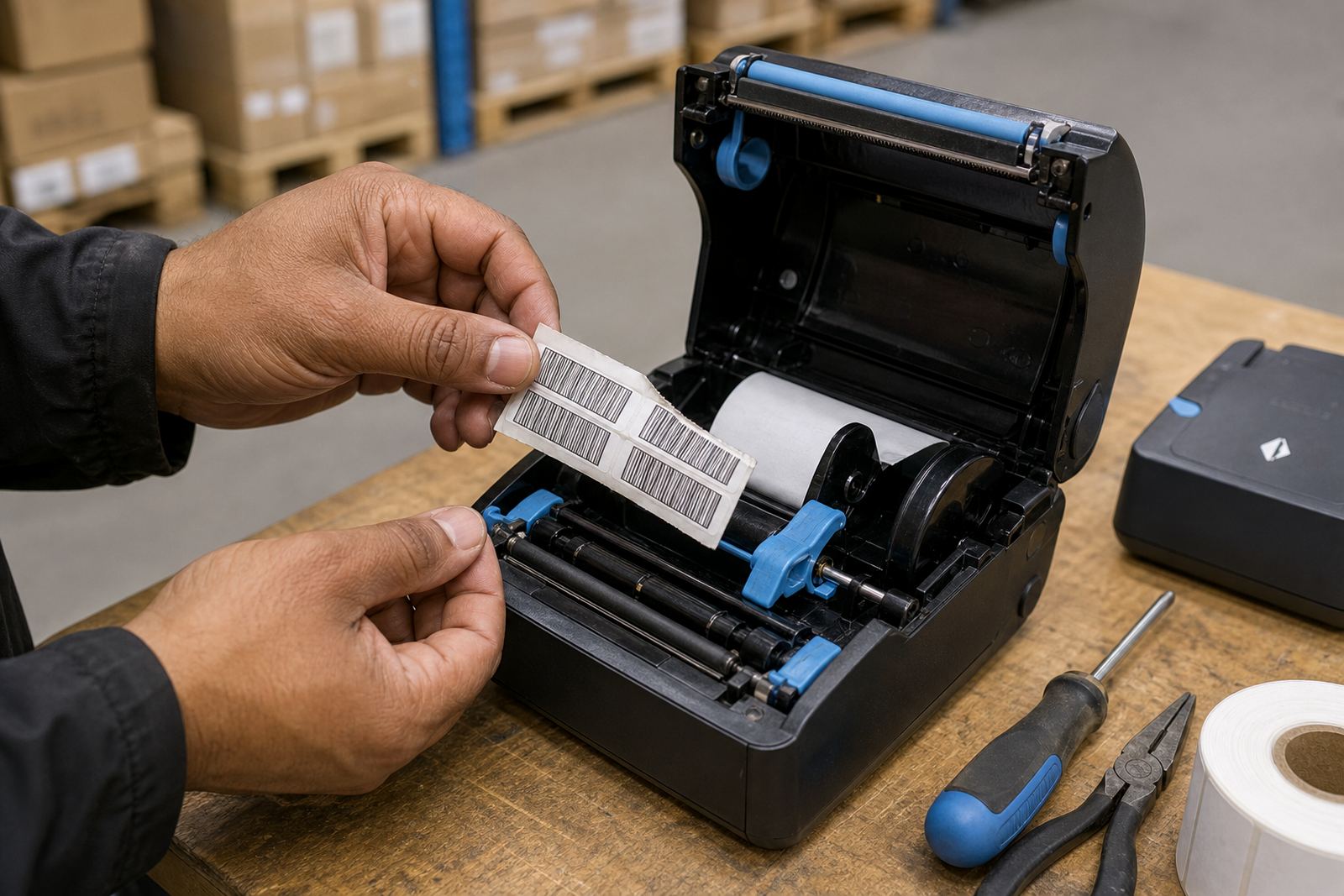
Calibration matters more than many teams expect. If the sensor does not read the gap or black mark properly, labels can drift, waste stock or peel unevenly at the point of use. A short test run shows whether the feed, margins and darkness are set properly.
Battery checks that keep a shift moving
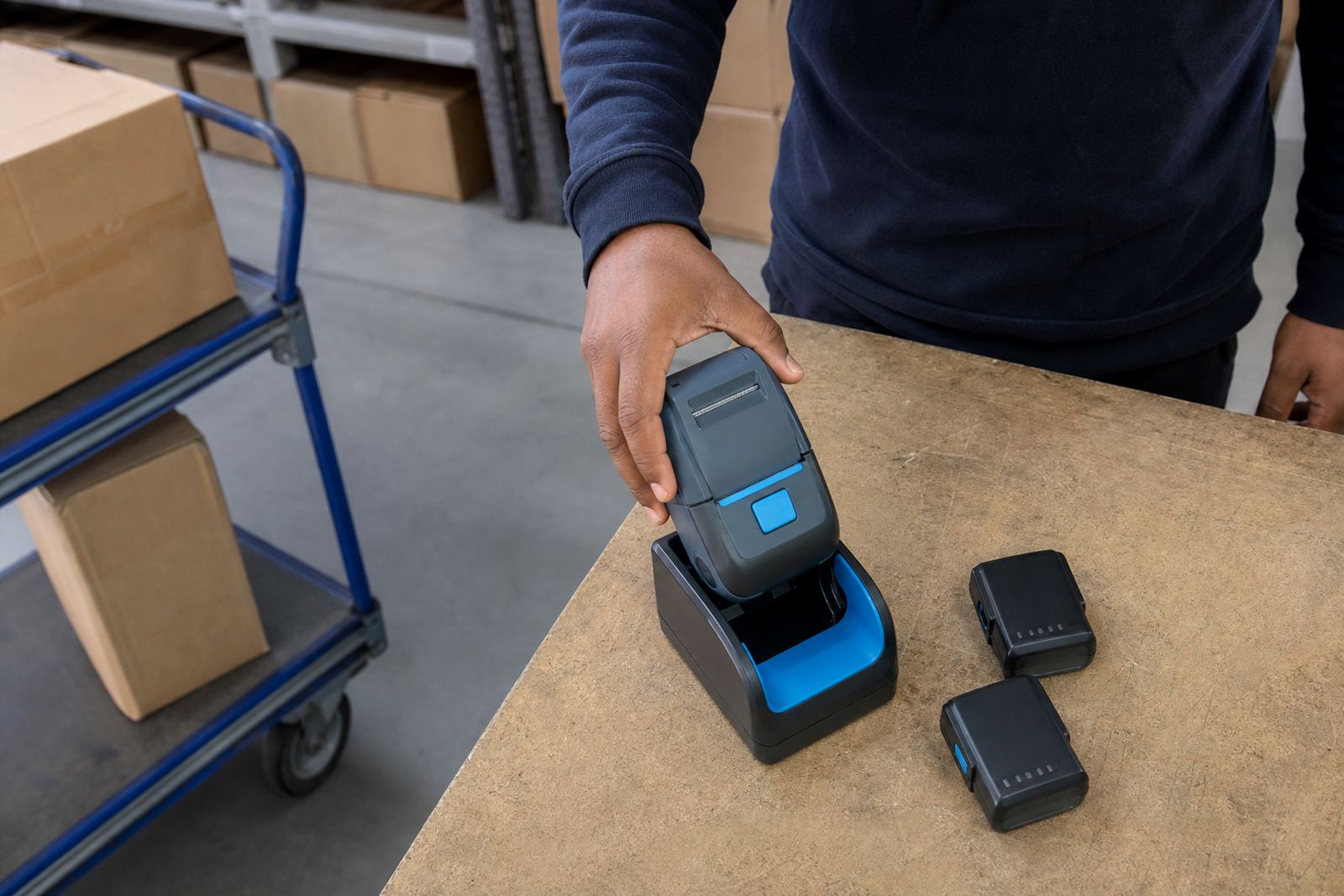
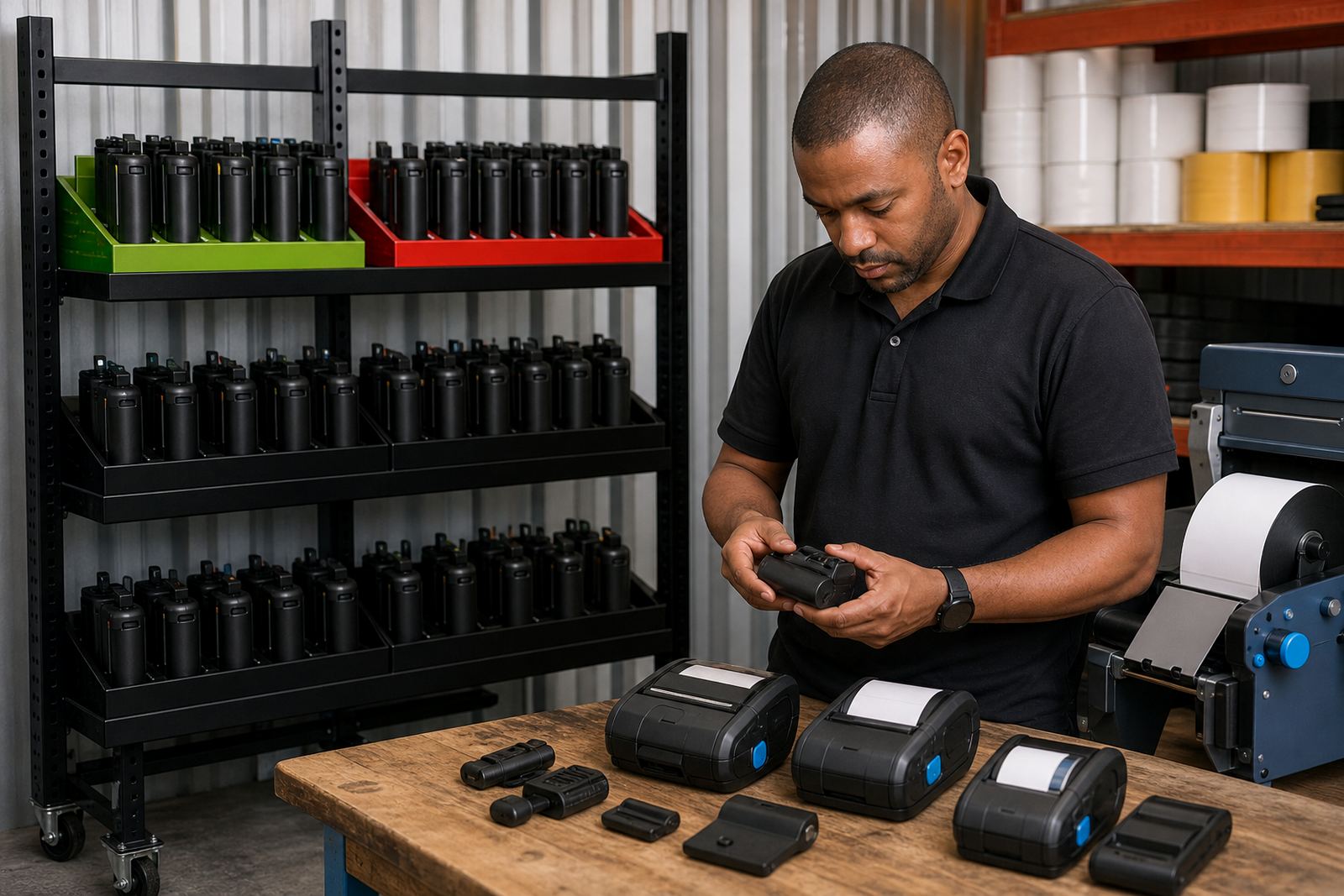
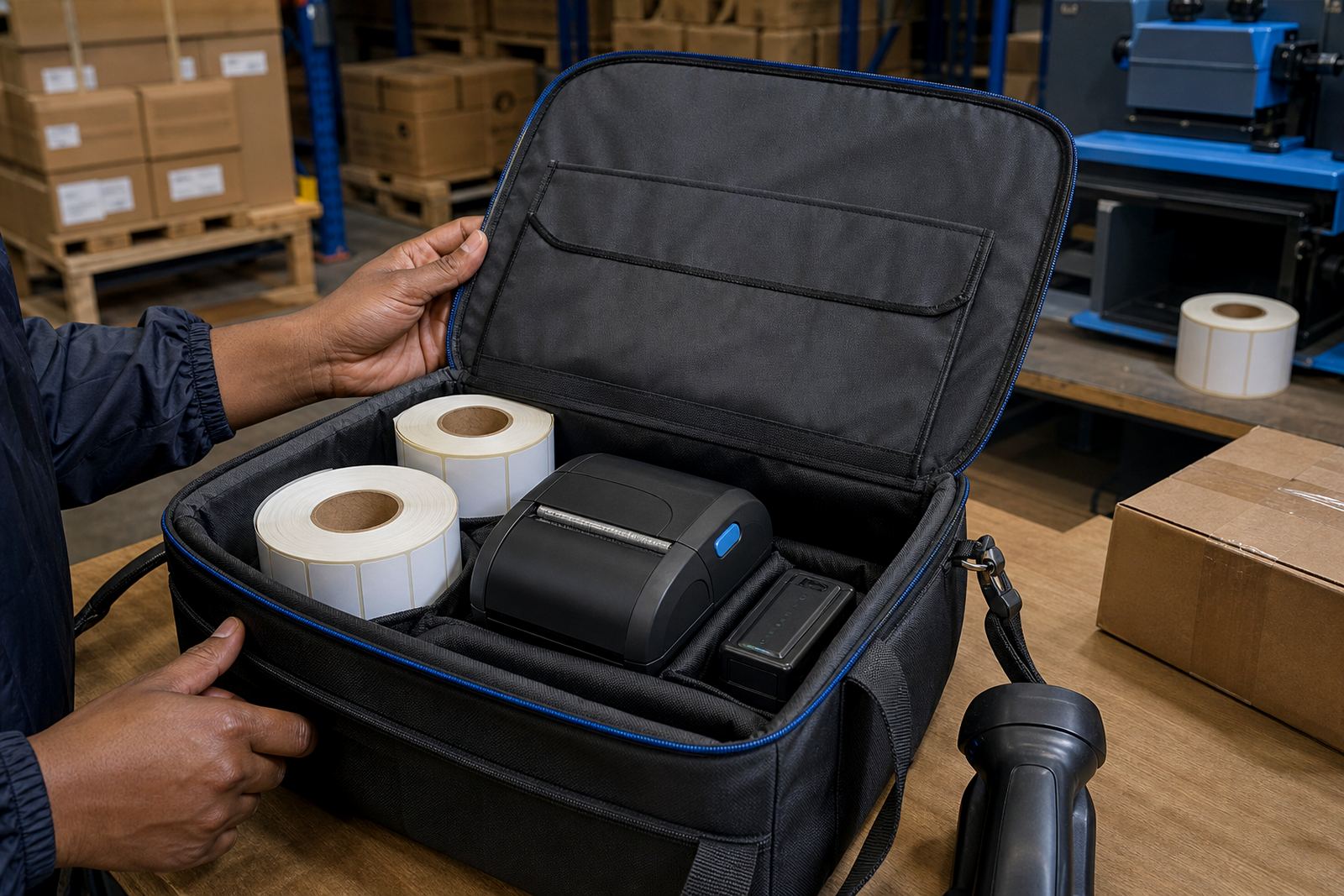
Battery life is not just a number on a spec sheet. In practice, it depends on print density, radio connection, label length and how often the unit wakes and sleeps between jobs.
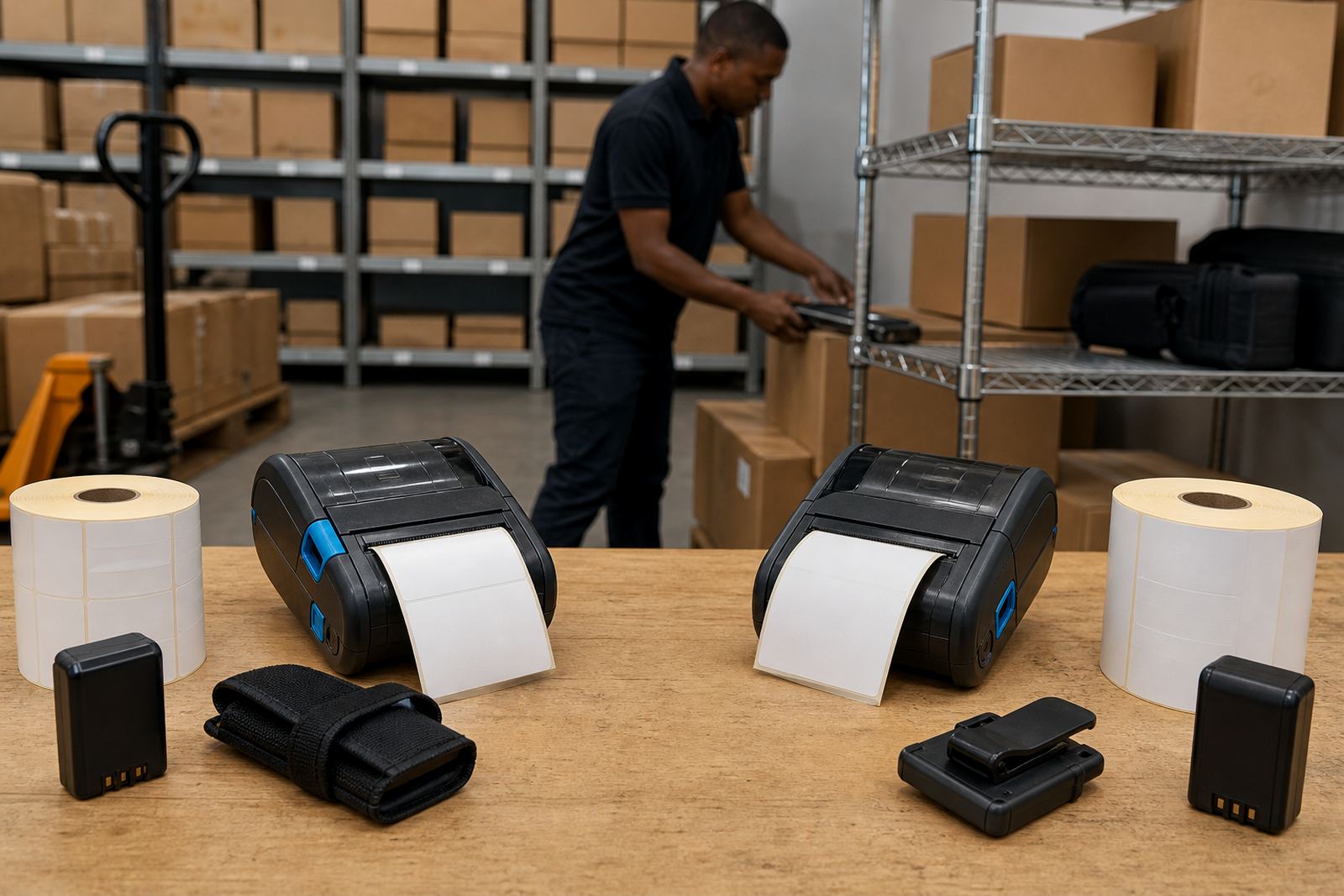
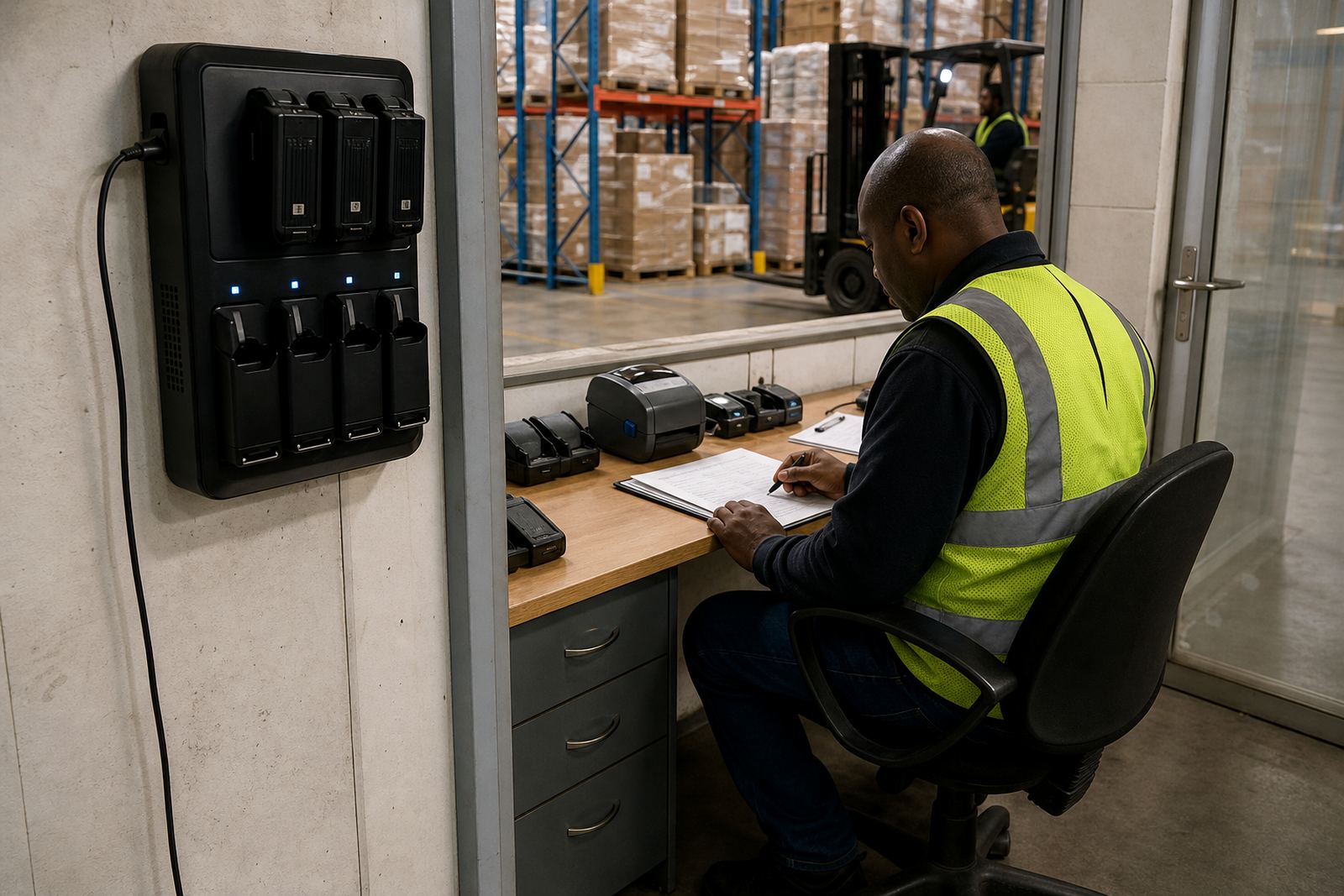
- Test the battery before a busy run of collections or stock counts.
- Check charge cycles if the printer is shared between shifts.
- Replace swollen or weak batteries before they damage routine use.
- Inspect belt clips so the printer stays secure during movement.
Print quality, barcode work and everyday cleaning
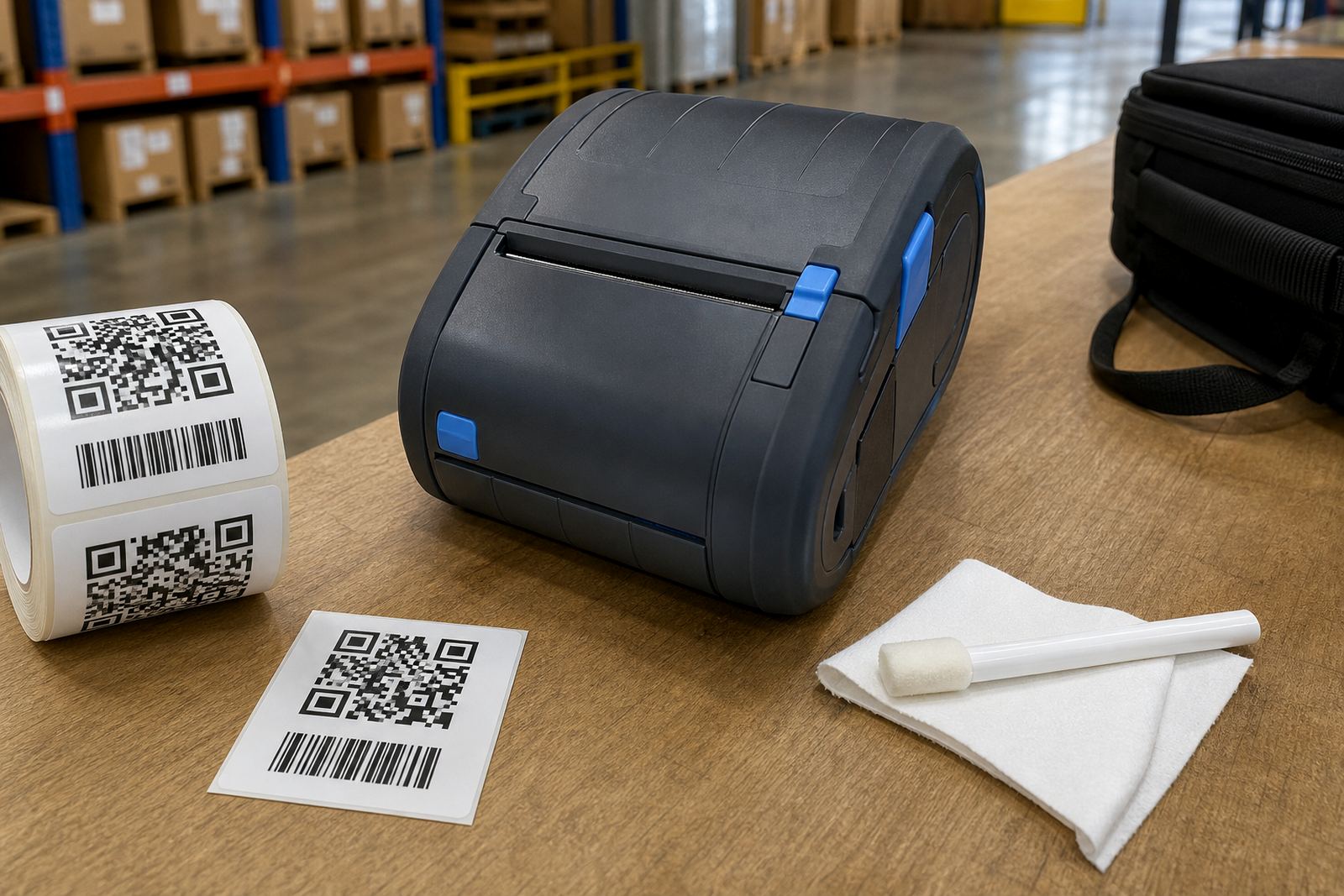
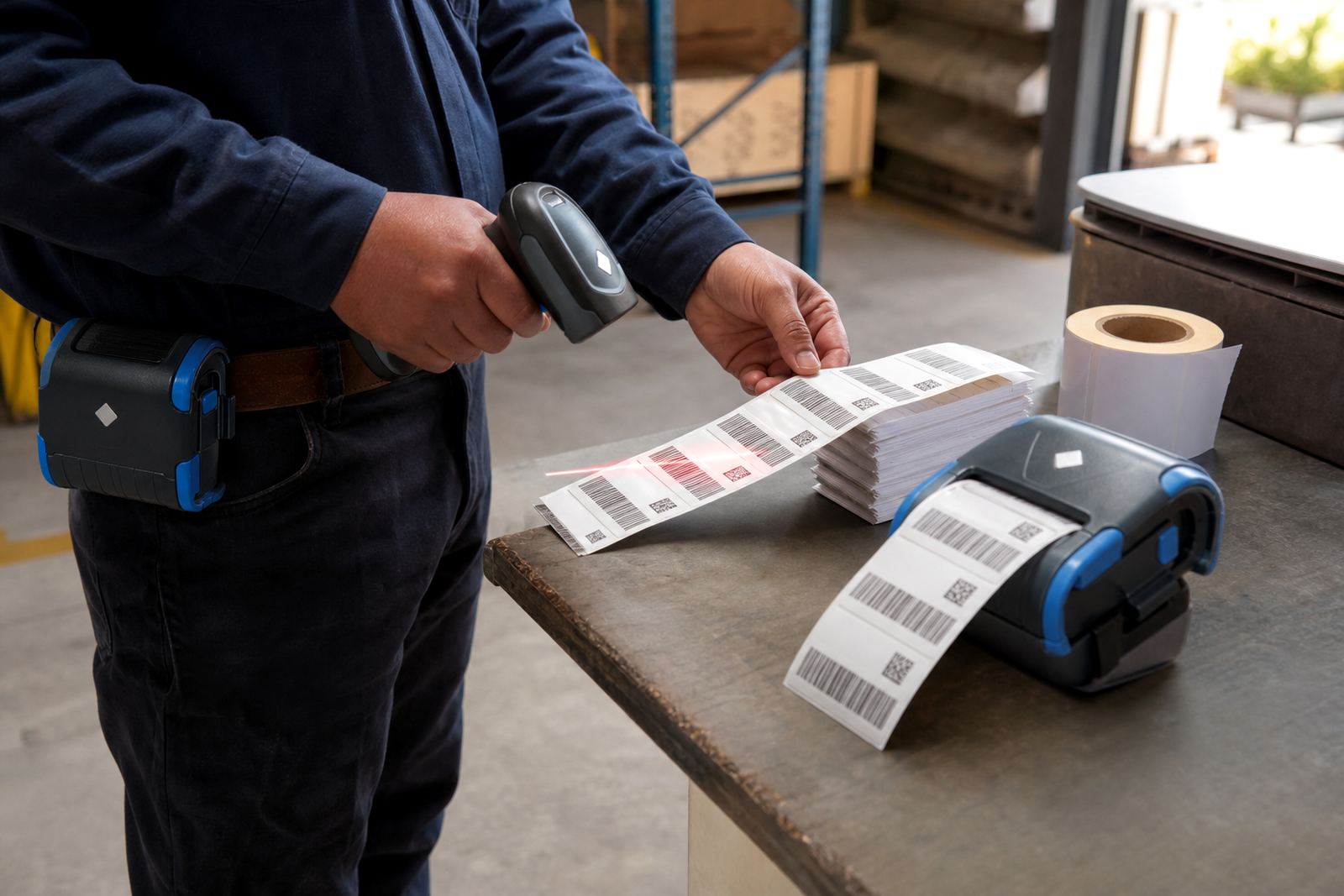
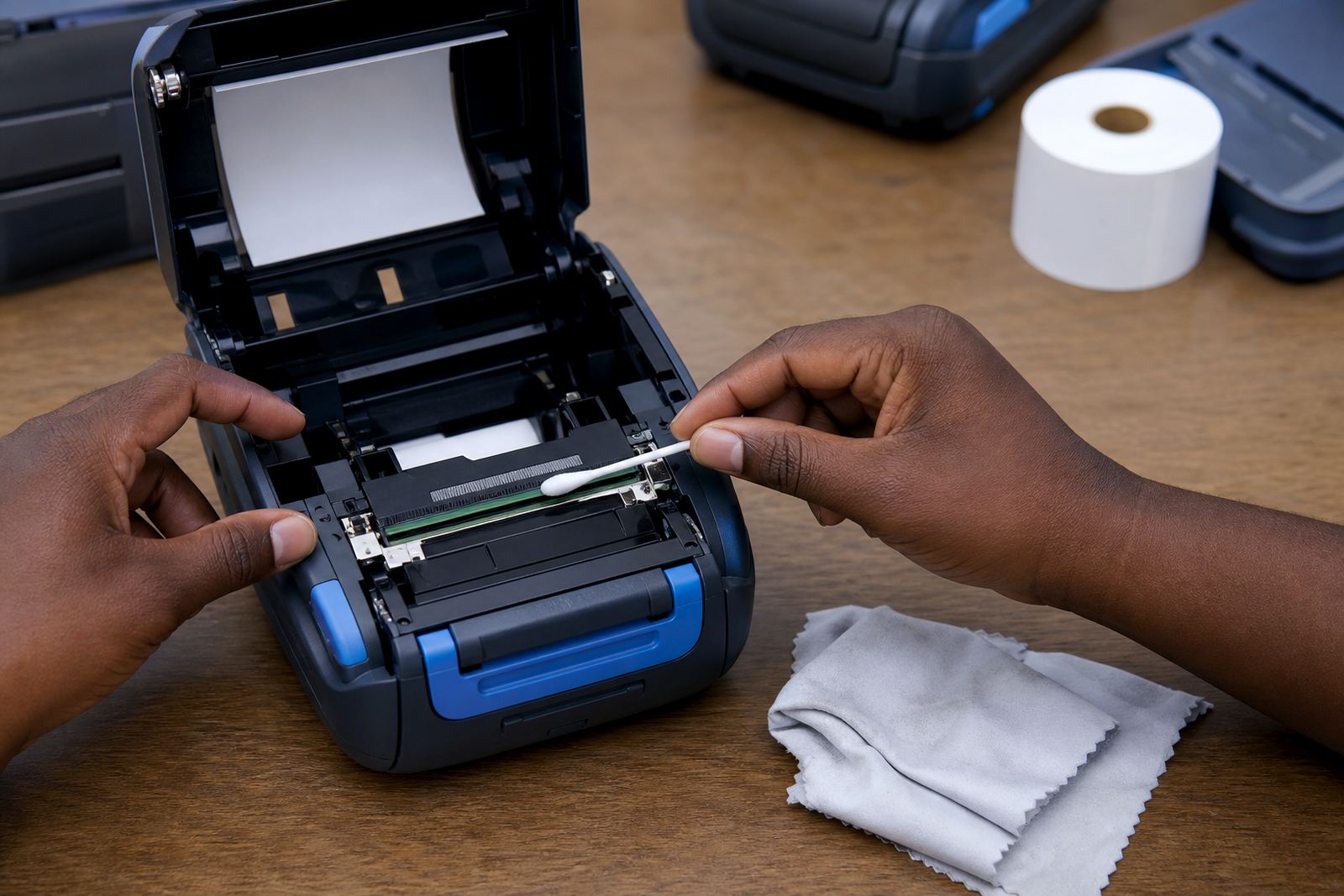
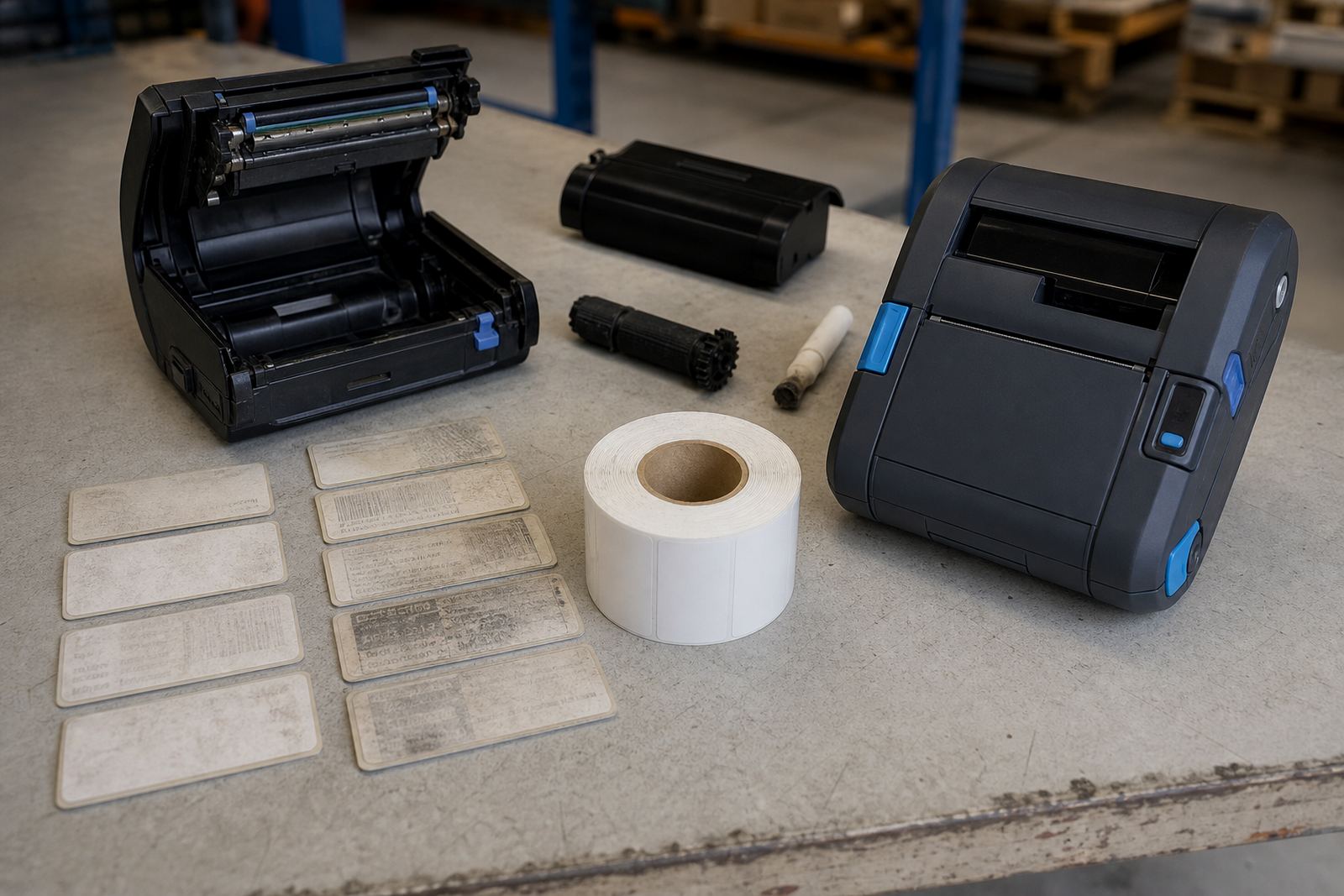
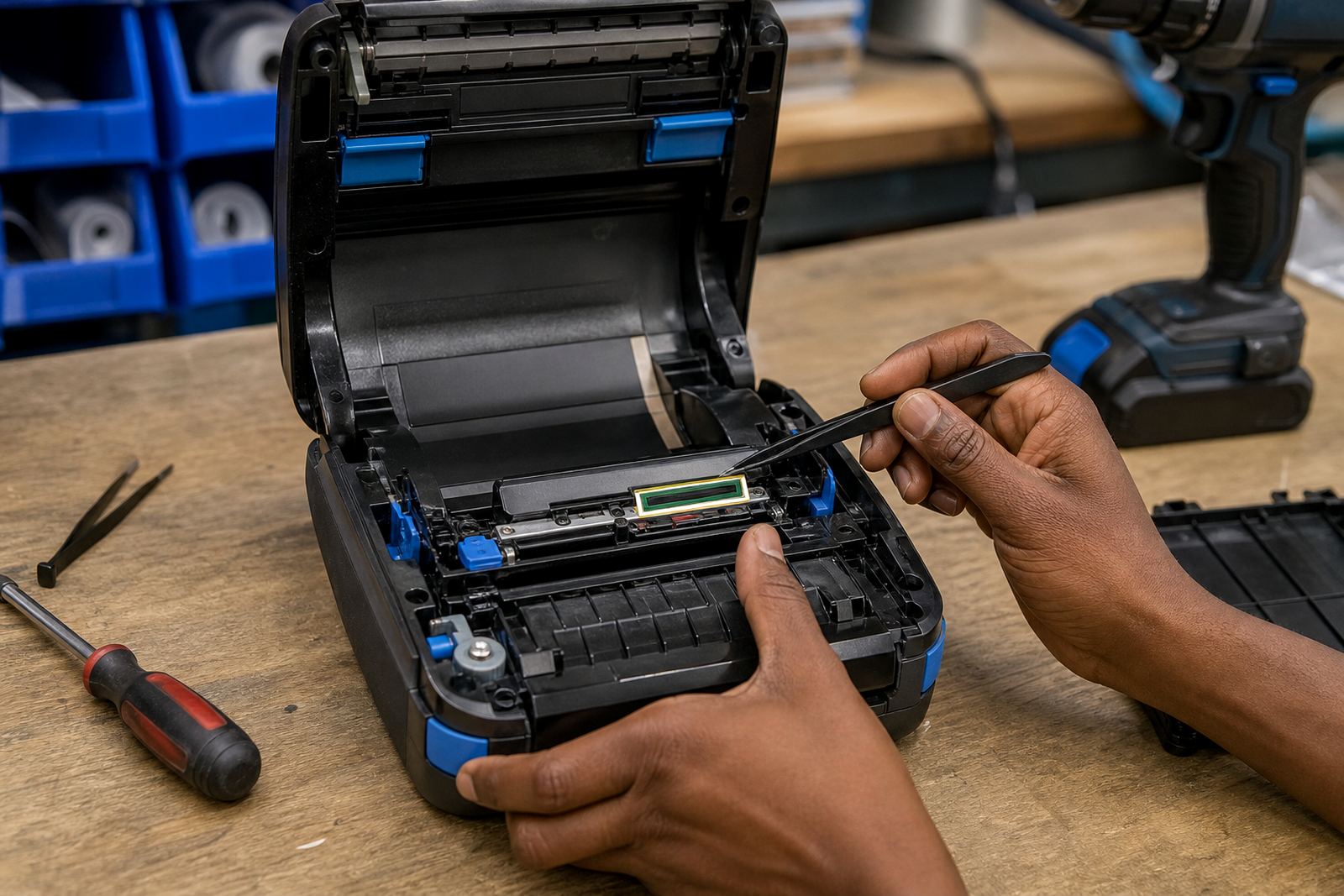
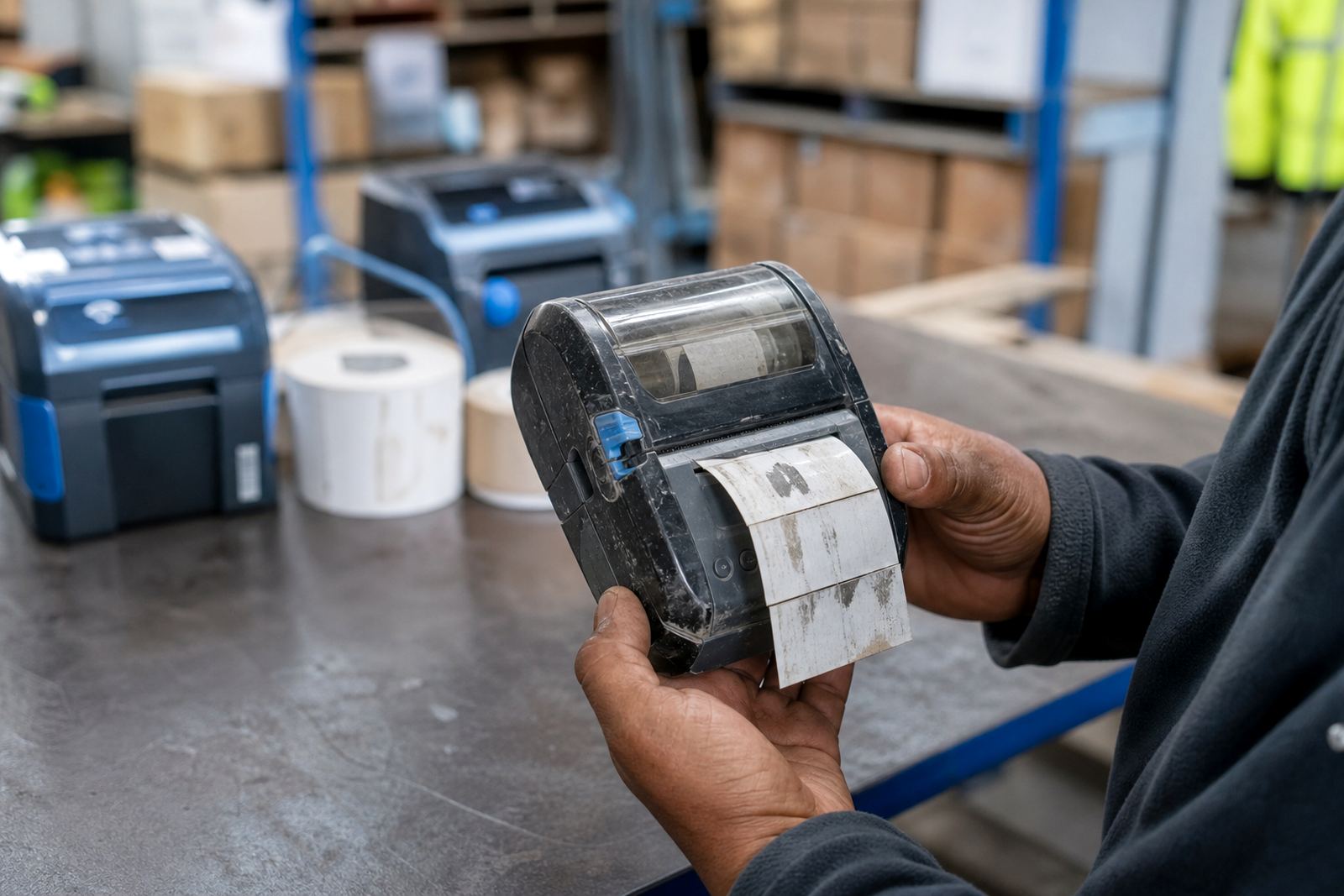
When print fades, streaks or leaves broken bars, the cause is often dirt on the printhead or a worn roller. Dust from cartons, label adhesive and warehouse grit collect fast, especially where the printer is clipped to a belt or carried through different zones.
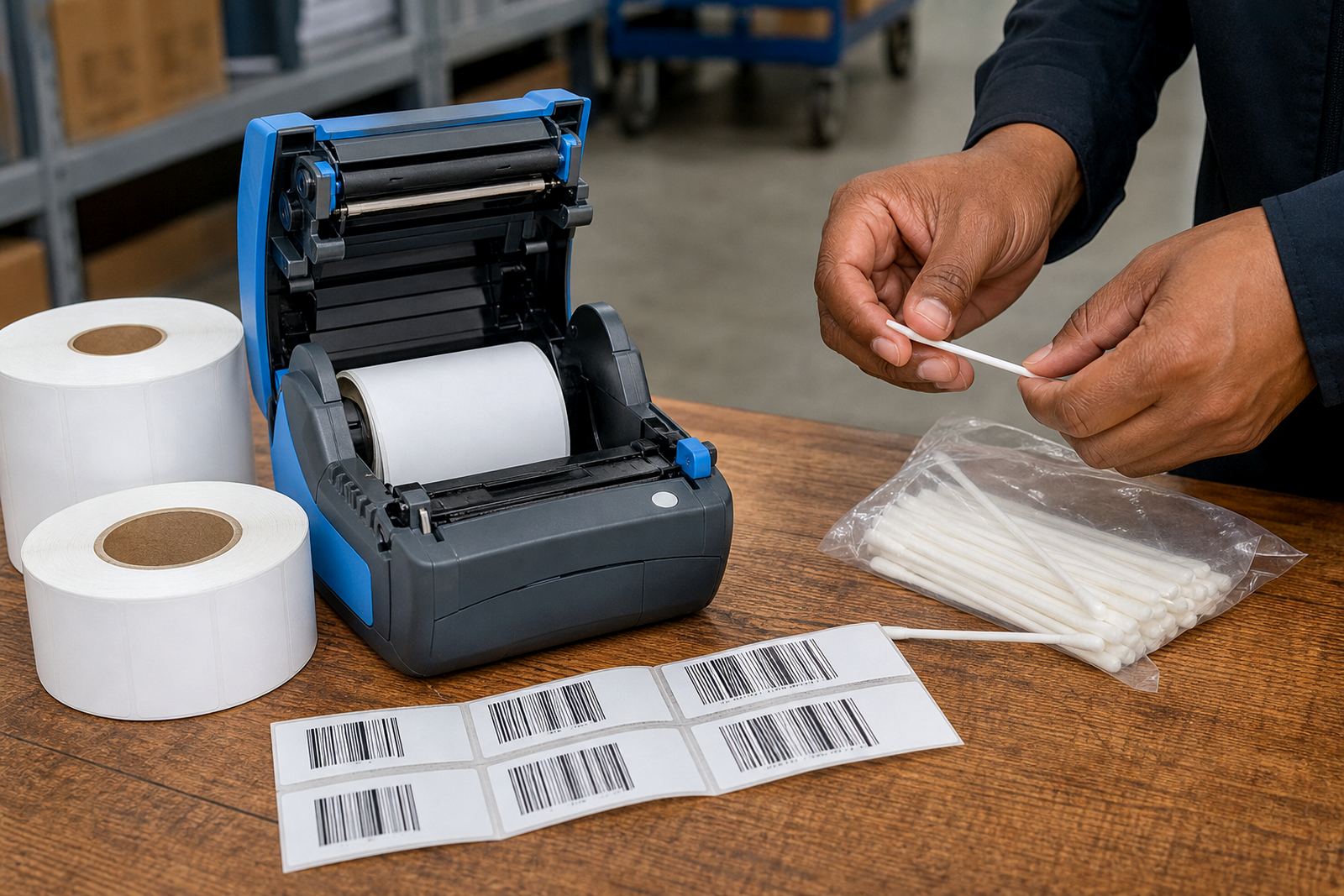
Clean the printhead with the right swab or cloth, then check the platen roller for wear. A clear barcode and a sharp QR code depend on even heat, correct darkness and a label roll that feeds smoothly through the mechanism.
From Montague Gardens to national floor calls
Our base is in Montague Gardens, Cape Town, and we also do on-site setup and repairs throughout South Africa for Cape Town, Johannesburg, Durban, Pretoria and Gqeberha. That covers Bluetooth pairing, Wi-Fi setup, label calibration, printhead cleaning, battery replacement, label jam clearing and operator training.
These notes are here to help warehouse, courier and retail stockroom teams read the job more clearly. The listing cards are added separately, while our contact form is there for teams that want setup, servicing or label supply help matched to a specific site.