

Picking the right worksite for a handheld printer
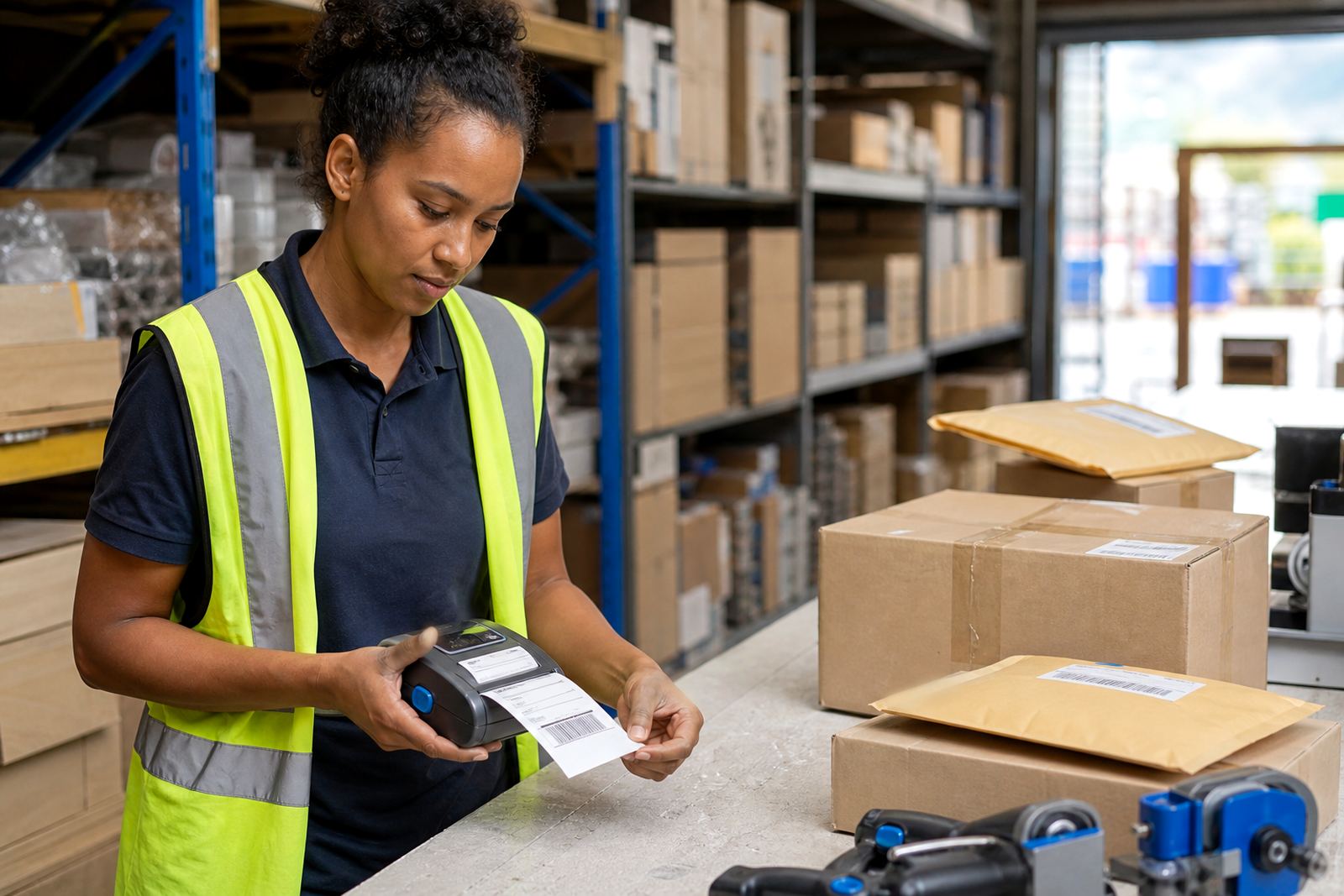
Different sites ask for different print behaviour. A warehouse picking line may need clean barcode labels that stay readable through handling, while a courier run often needs quick label output from a mobile device and a battery that holds up through a full route. Retail stockrooms usually want compact units that fit into tight aisles and can switch between item labels, shelf labels and return tags without much fuss.
Thermal mobile label printers are normally chosen by print width, label roll size and the kind of media in use. Direct thermal suits shorter-life labels and simple address or stock identification, while thermal transfer uses ribbon with the label stock for harder-wearing marks. Bluetooth pairing is common for phones and tablets, and Wi-Fi helps where devices must move across a larger site without dragging cables about.
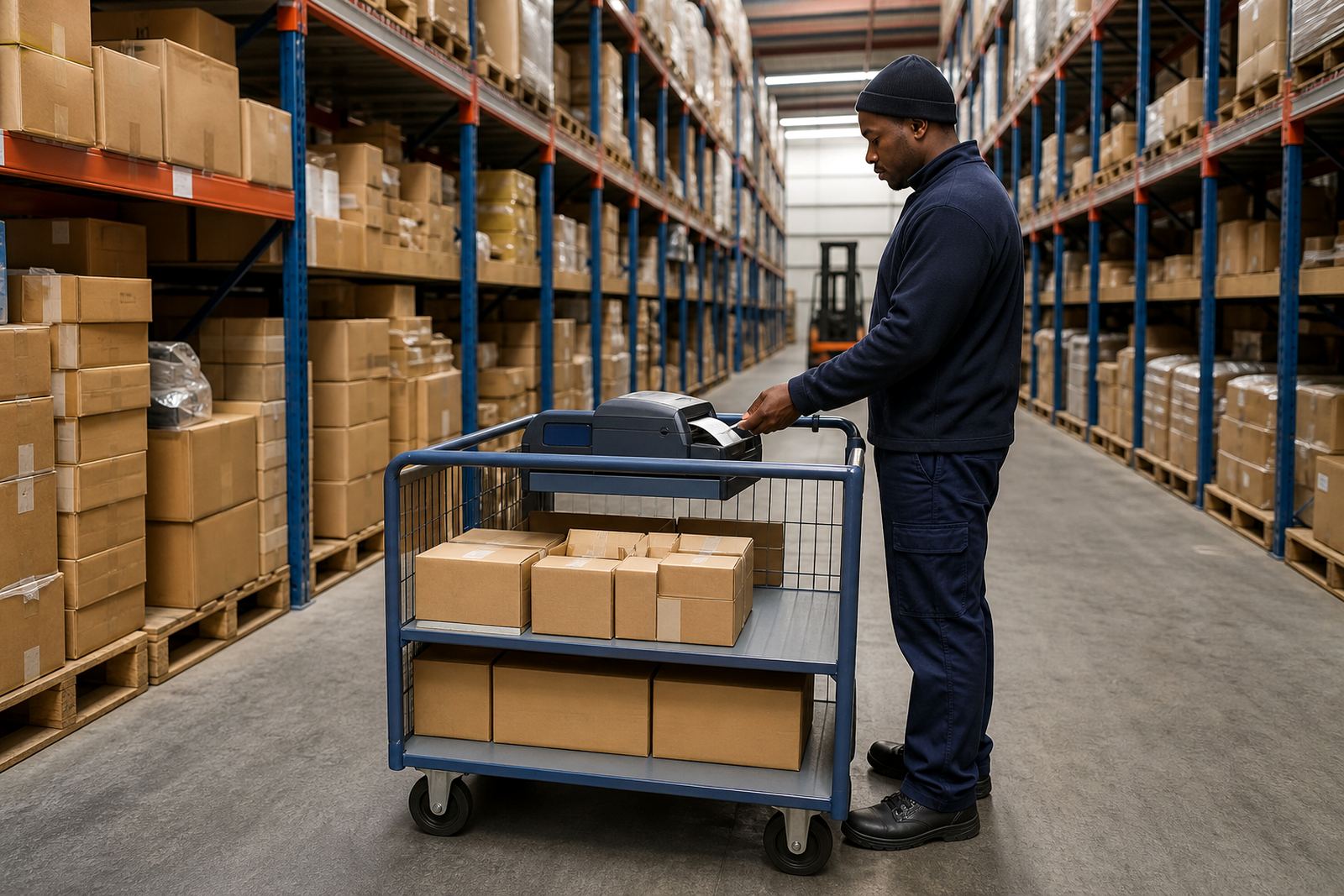
Warehouse lanes, picking benches and receiving bays
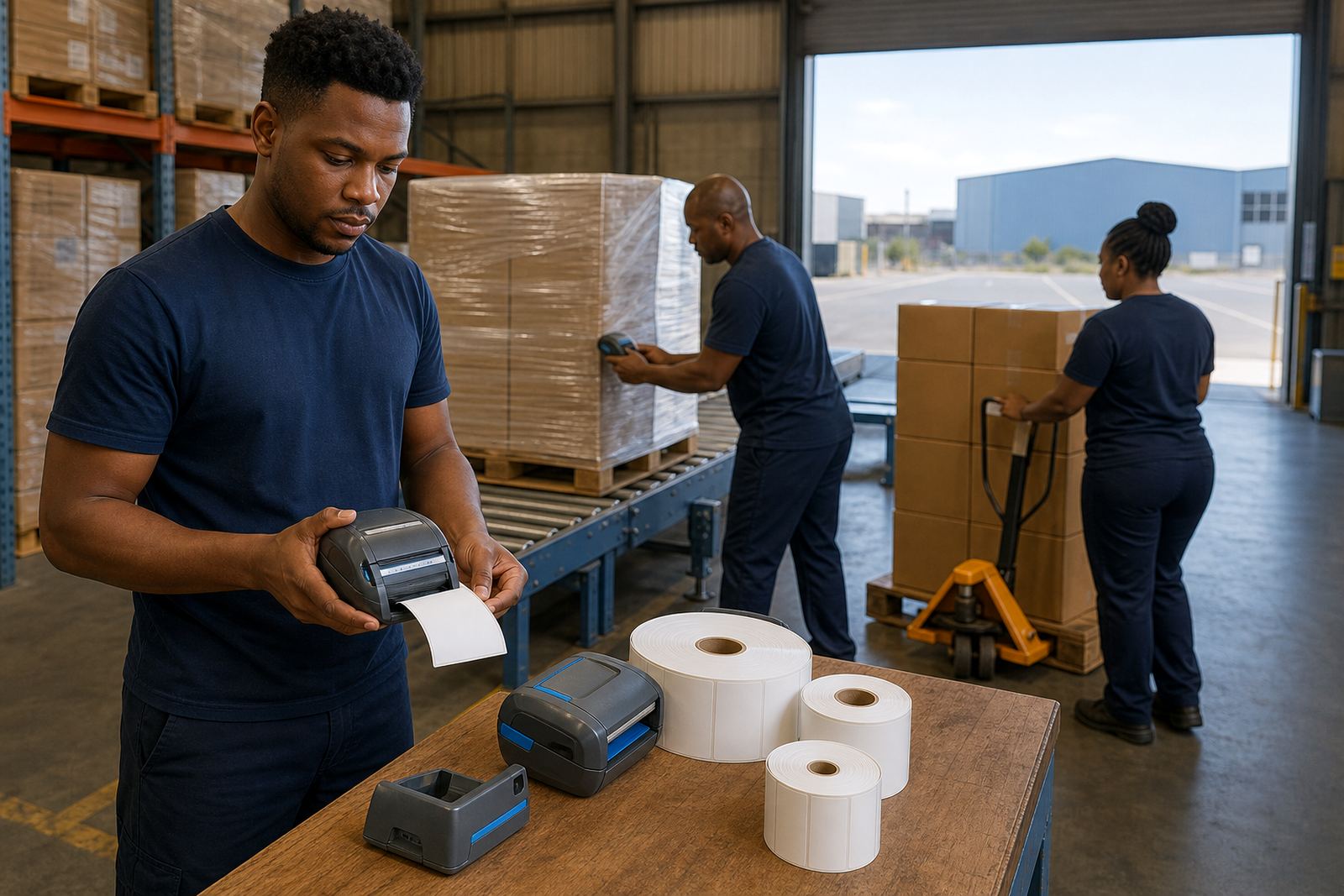
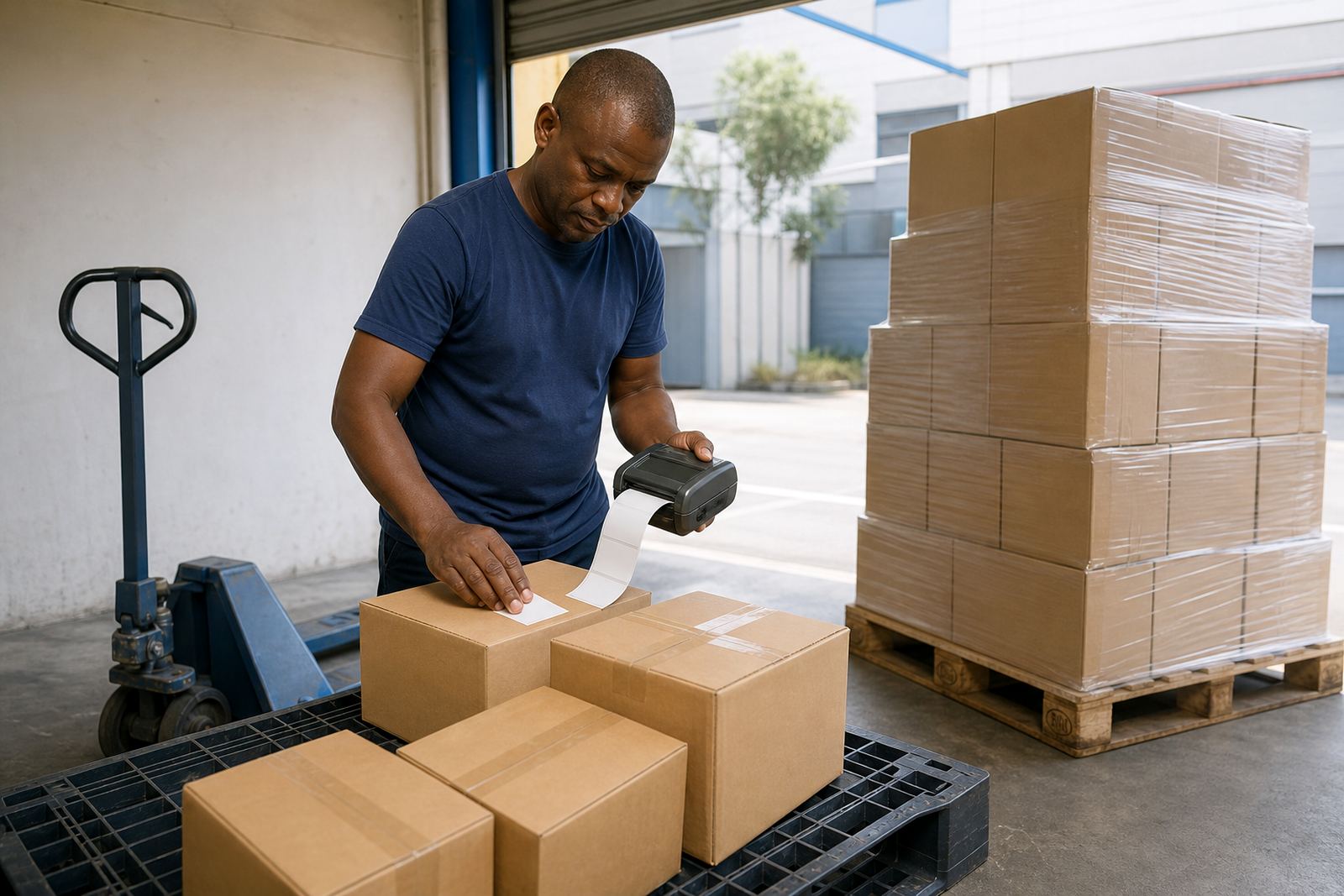
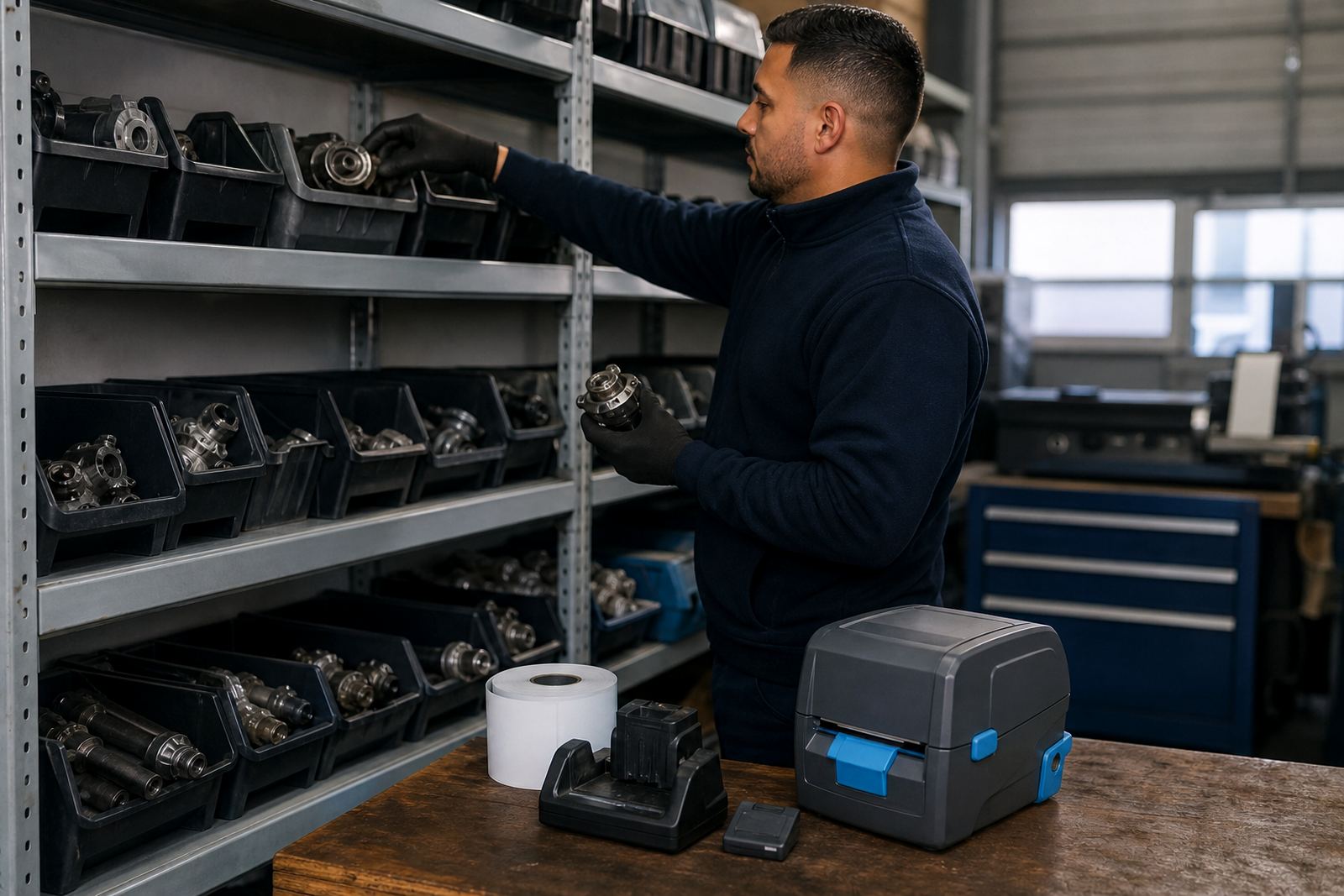
Warehouses put the printer in the middle of movement. Labels need to stay legible after packing, scanning and stacking, so print quality and calibration matter. If the label feed drifts, barcodes can shift off centre or clip at the edge, which slows scanning at receiving, dispatch or put-away points.
- Use direct thermal for short-use dispatch and carton labels.
- Use thermal transfer where abrasion, sunlight or handling is heavier.
- Check label width against the printer's supported range.
- Keep the printhead clean so lines and barcode bars stay sharp.
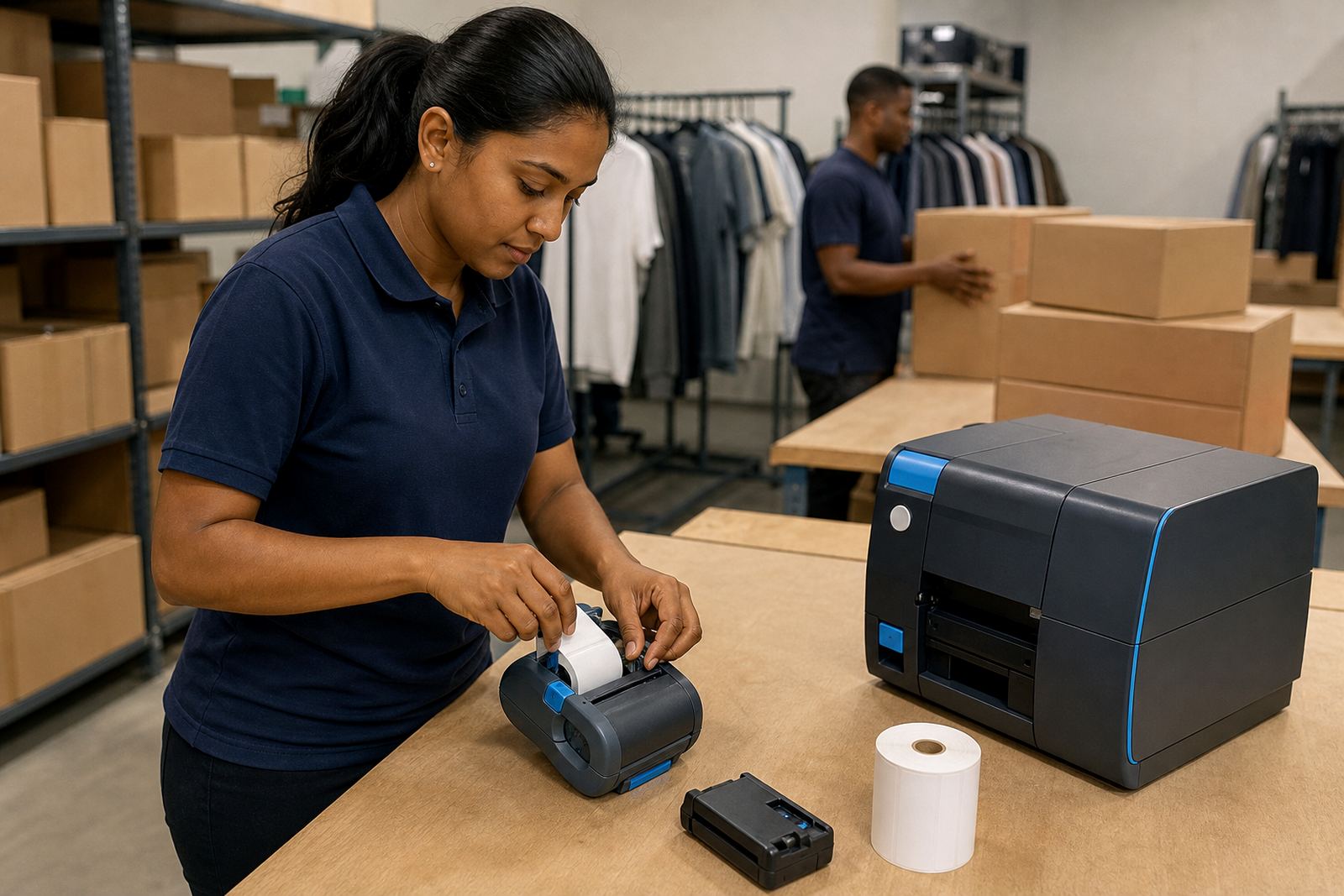
On-site setup helps when teams are adding the printer to handheld devices, warehouse tablets or fixed work points. Training also matters because the operator needs to know how to load rolls, clear jams and test a sample label before a busy shift starts.
Courier runs and moving vehicles
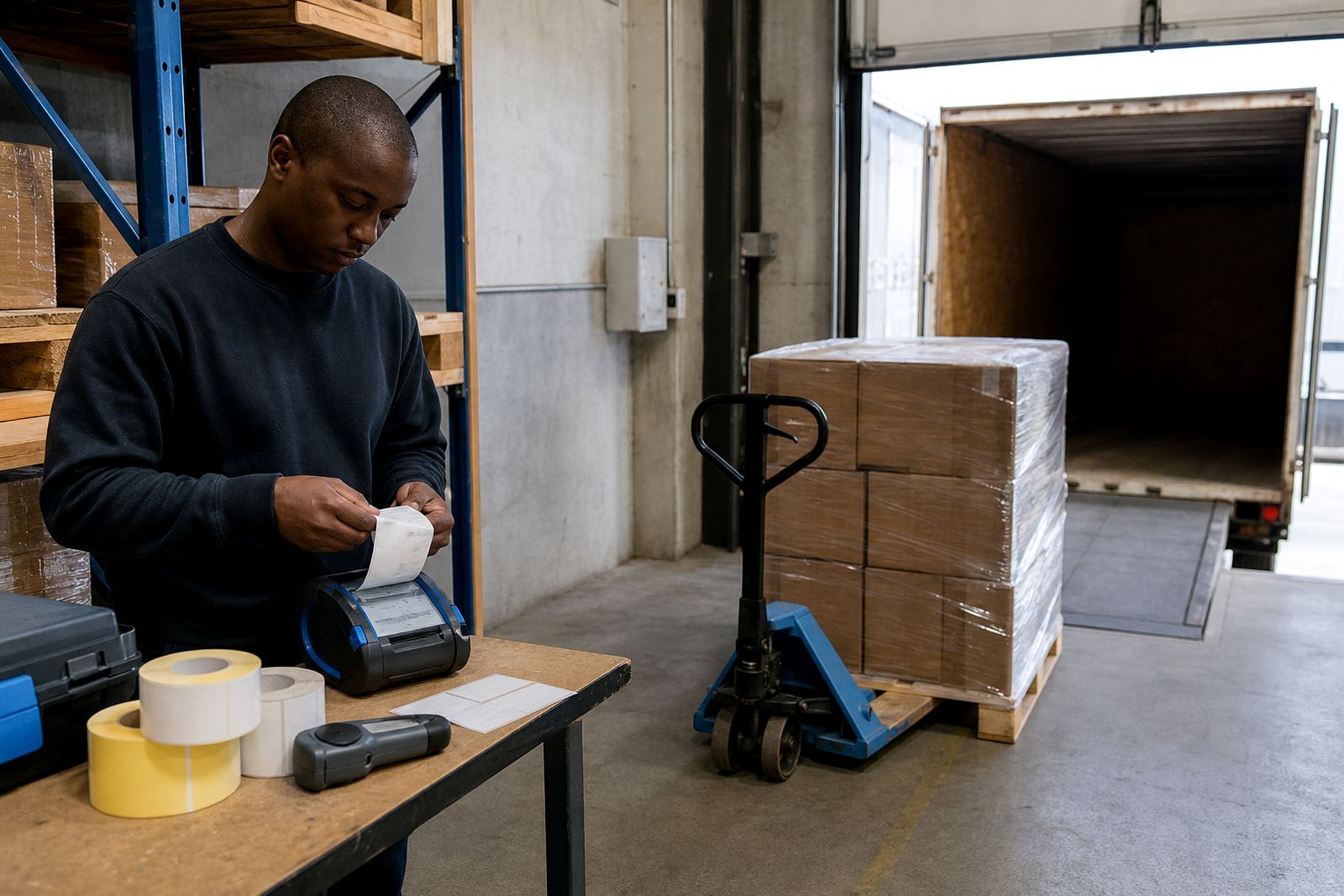
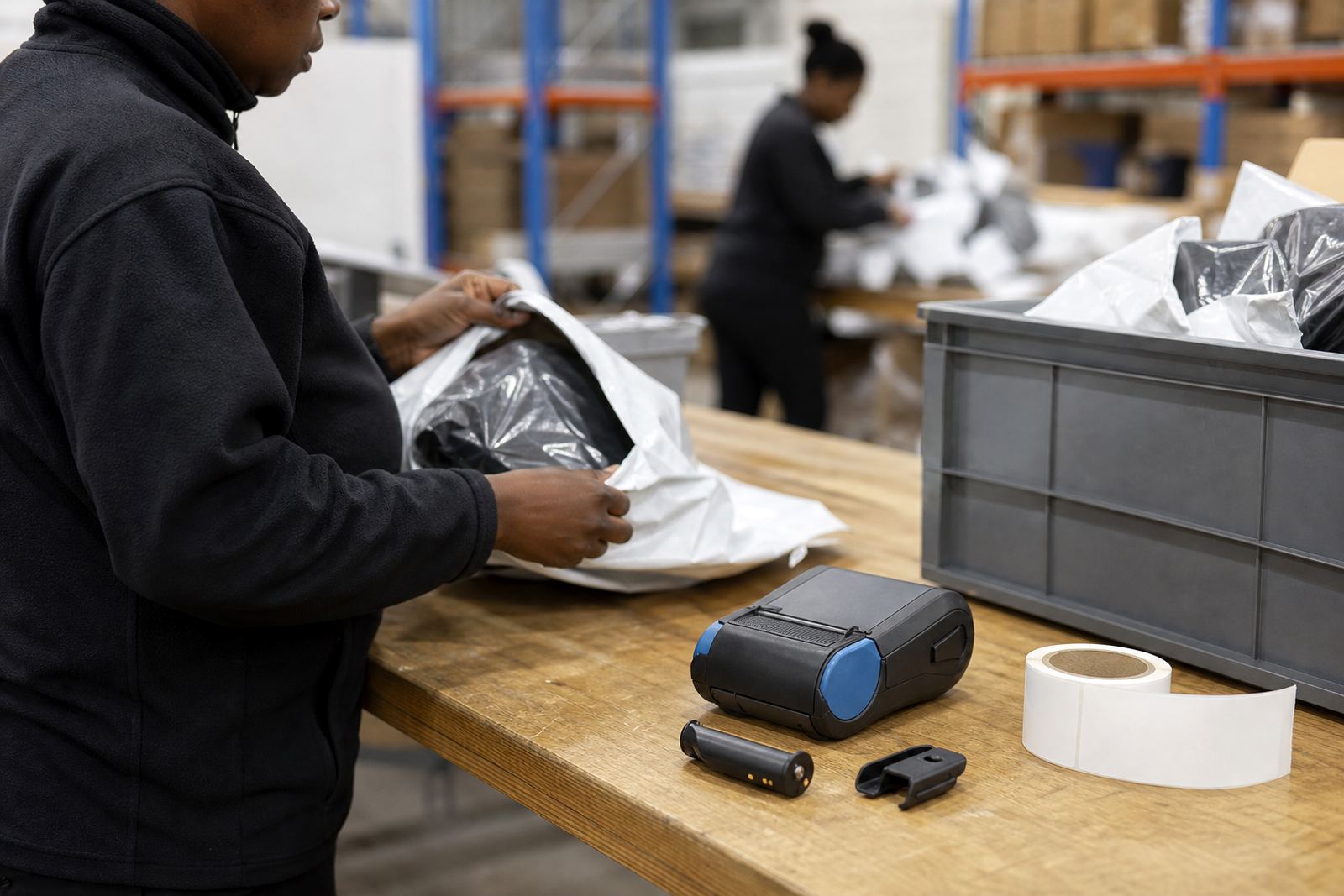
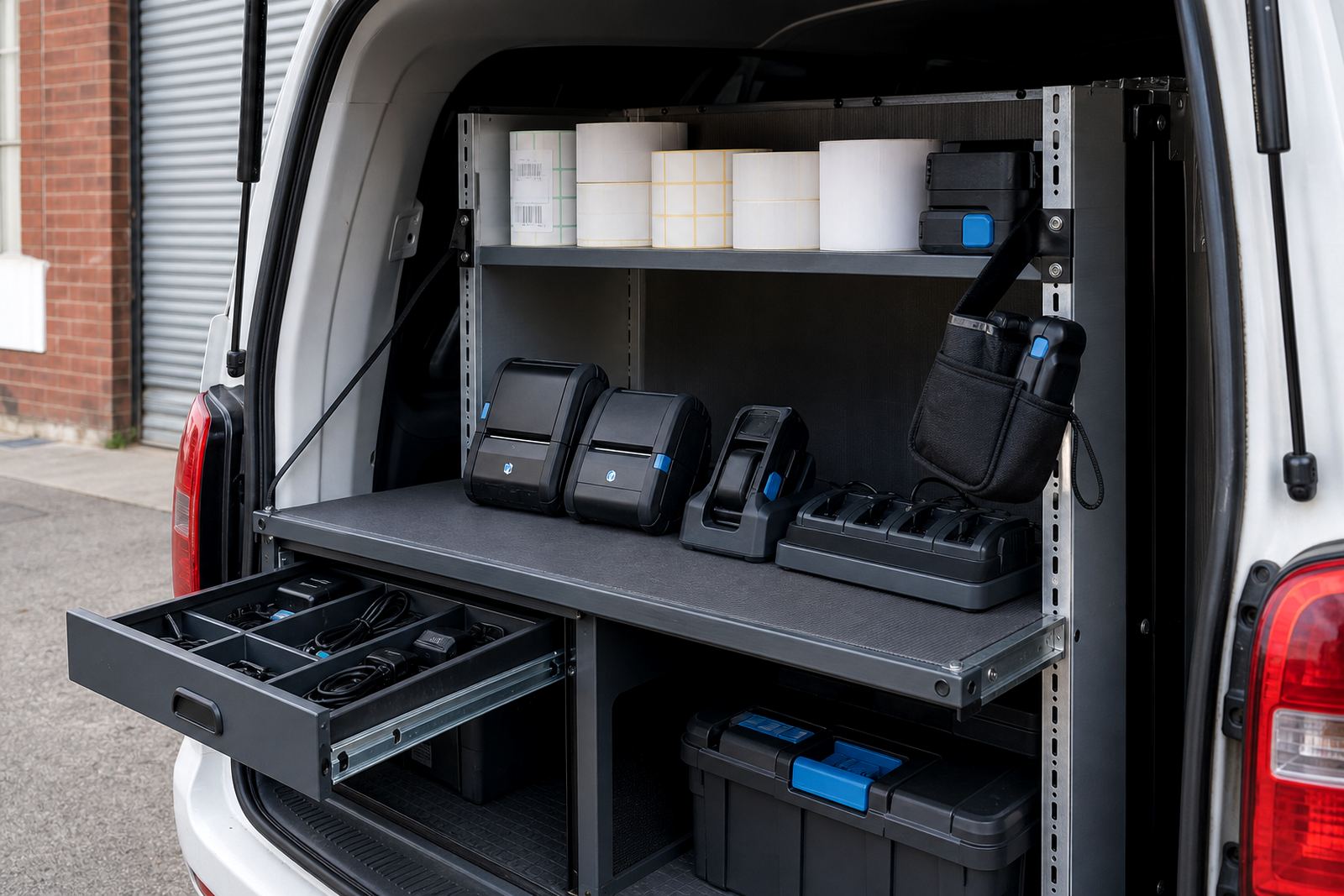
Courier teams need equipment that moves easily and stays ready in the vehicle, depot or handover bay. Battery life is part of the decision, but so is how the printer handles repeated pairing with different devices during the day. A belt clip or carry method can make a difference where the operator is in and out of vehicles, gates and collection points.
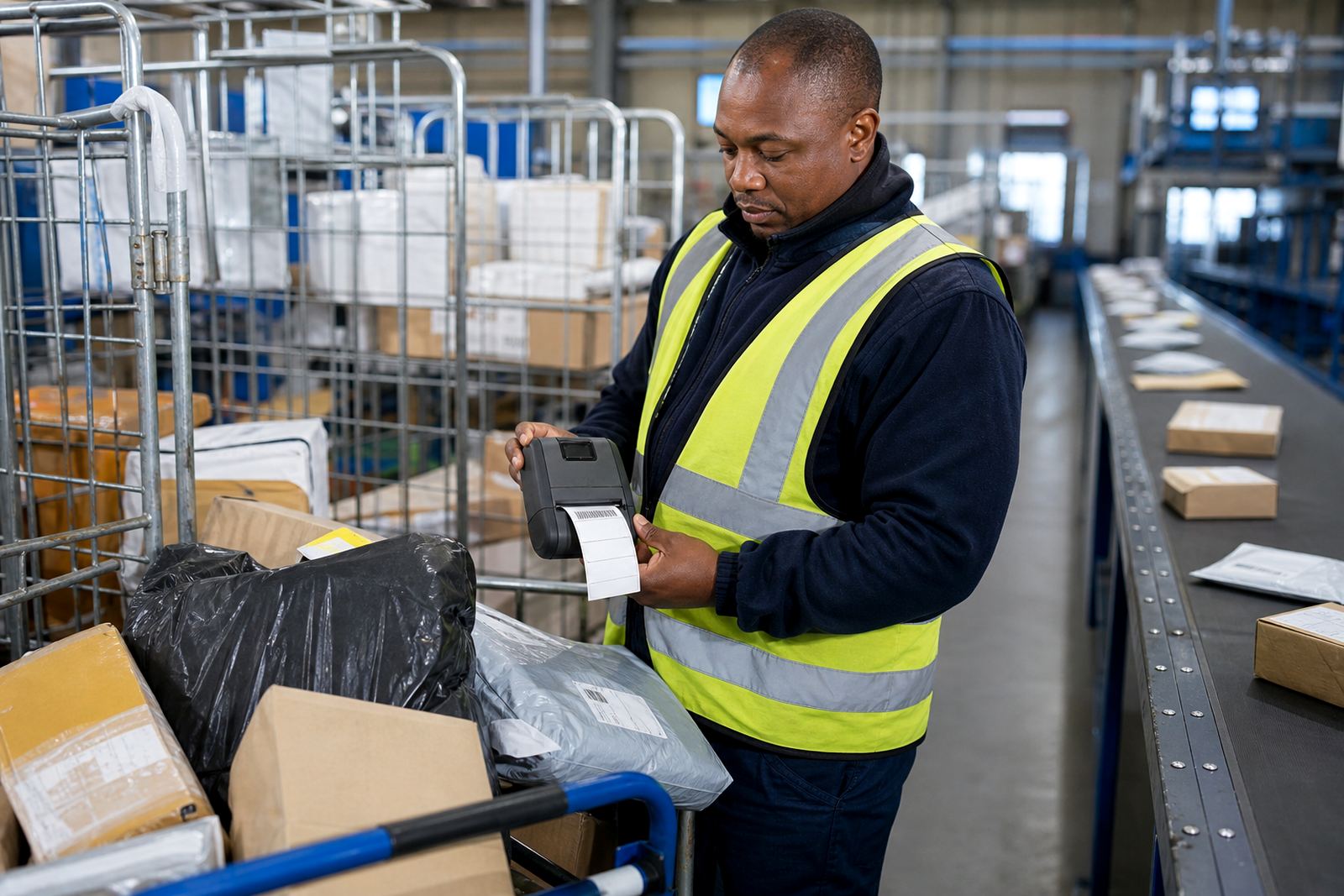
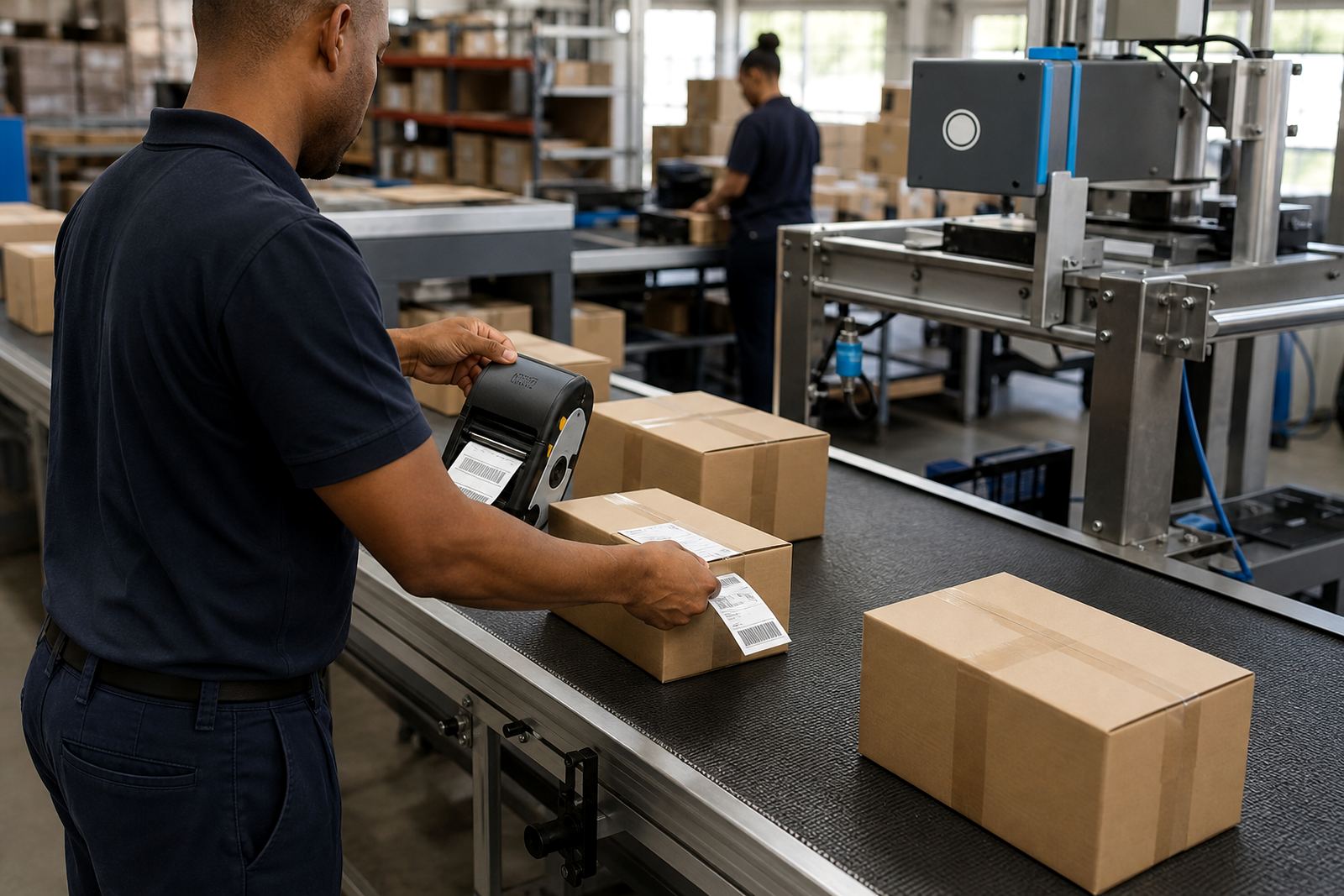
For courier use, the label must print cleanly enough for scanning and quick sorting. Small address labels, routing labels and return labels all ask for reliable feed alignment. If the printer is dropping characters, feeding crooked or leaving pale bars on a barcode, print quality fixes and battery testing usually come first.
Retail stockrooms and back-of-house counters
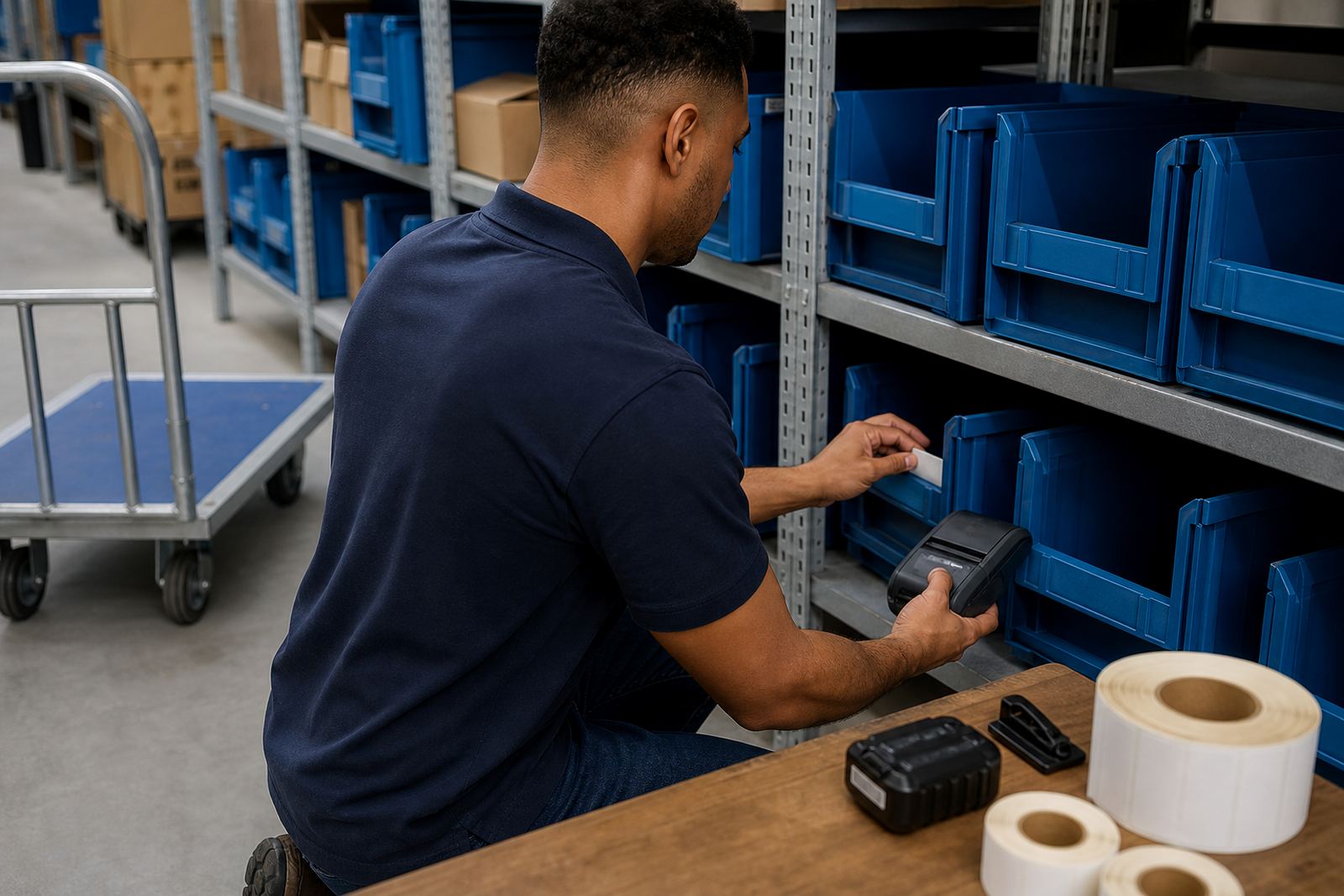
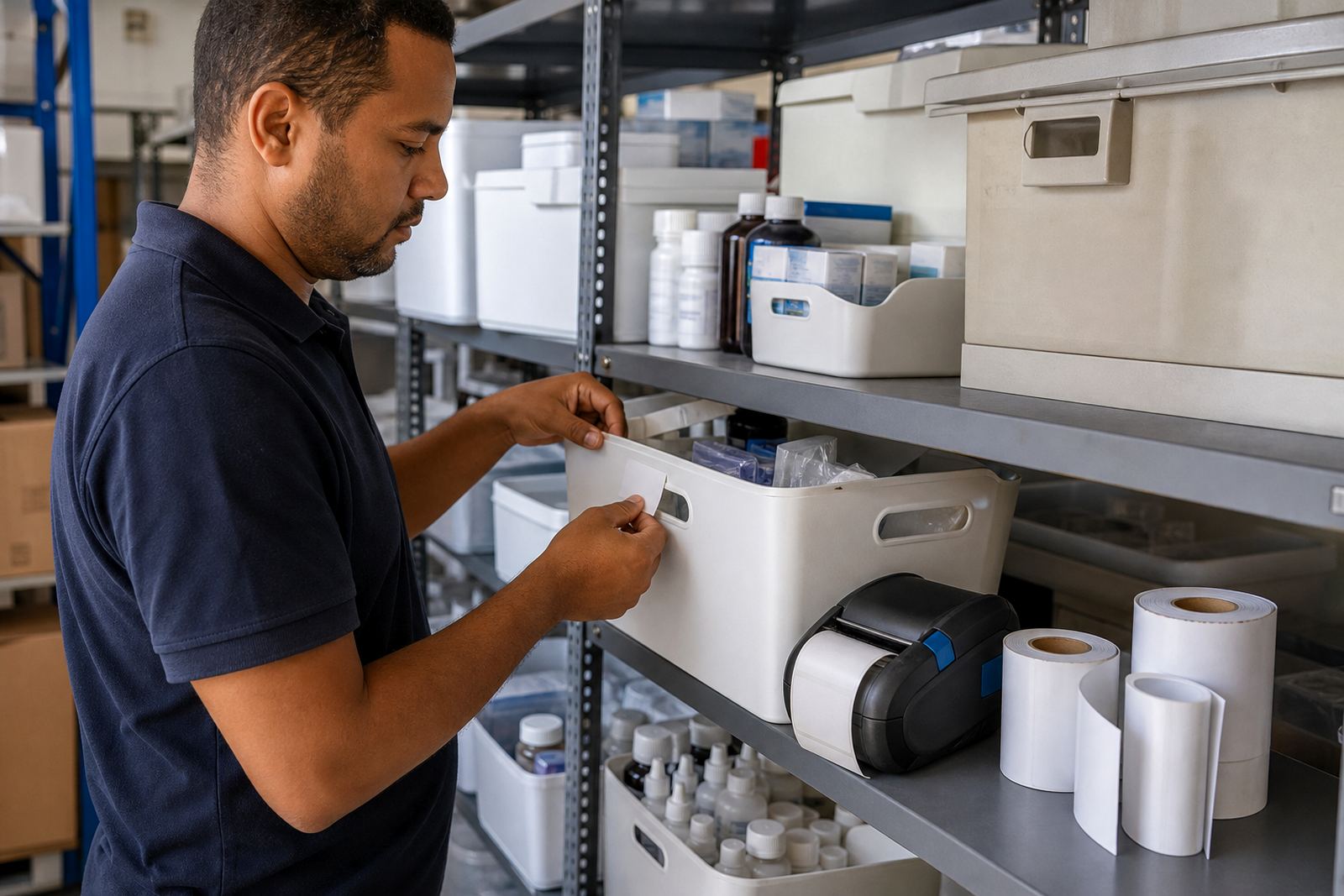
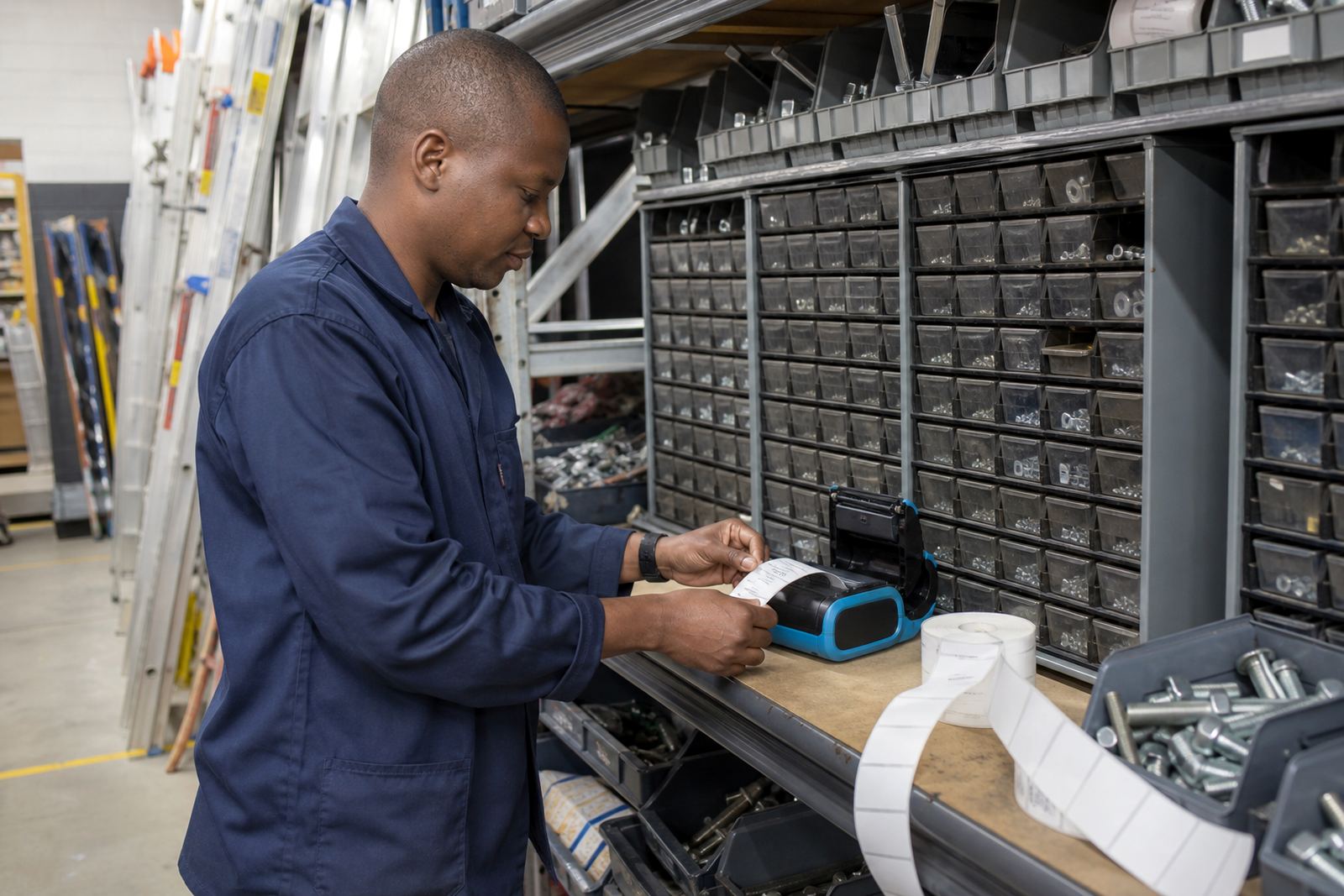
Retail stockrooms often need a printer that can switch between stock counts, shelf tags and markdown labels without wasting time on repeat setup. A compact mobile printer is useful where the team moves from receiving to shelf replenishment and back again. Label rolls should match the label width required by the store process, not just whatever roll is on hand.
- Label calibration keeps the feed lined up after roll changes.
- Bluetooth pairing helps when the printer follows one device.
- Wi-Fi setup suits shared use across a back office network.
- Battery replacement becomes useful when runtime drops off.
In stockrooms with dust, cardboard fibres and constant handling, preventive servicing is worth doing before faults build up. Printhead cleaning and label jam clearing are small jobs on paper, but they make a visible difference to day-to-day use.
Media choices that decide the result
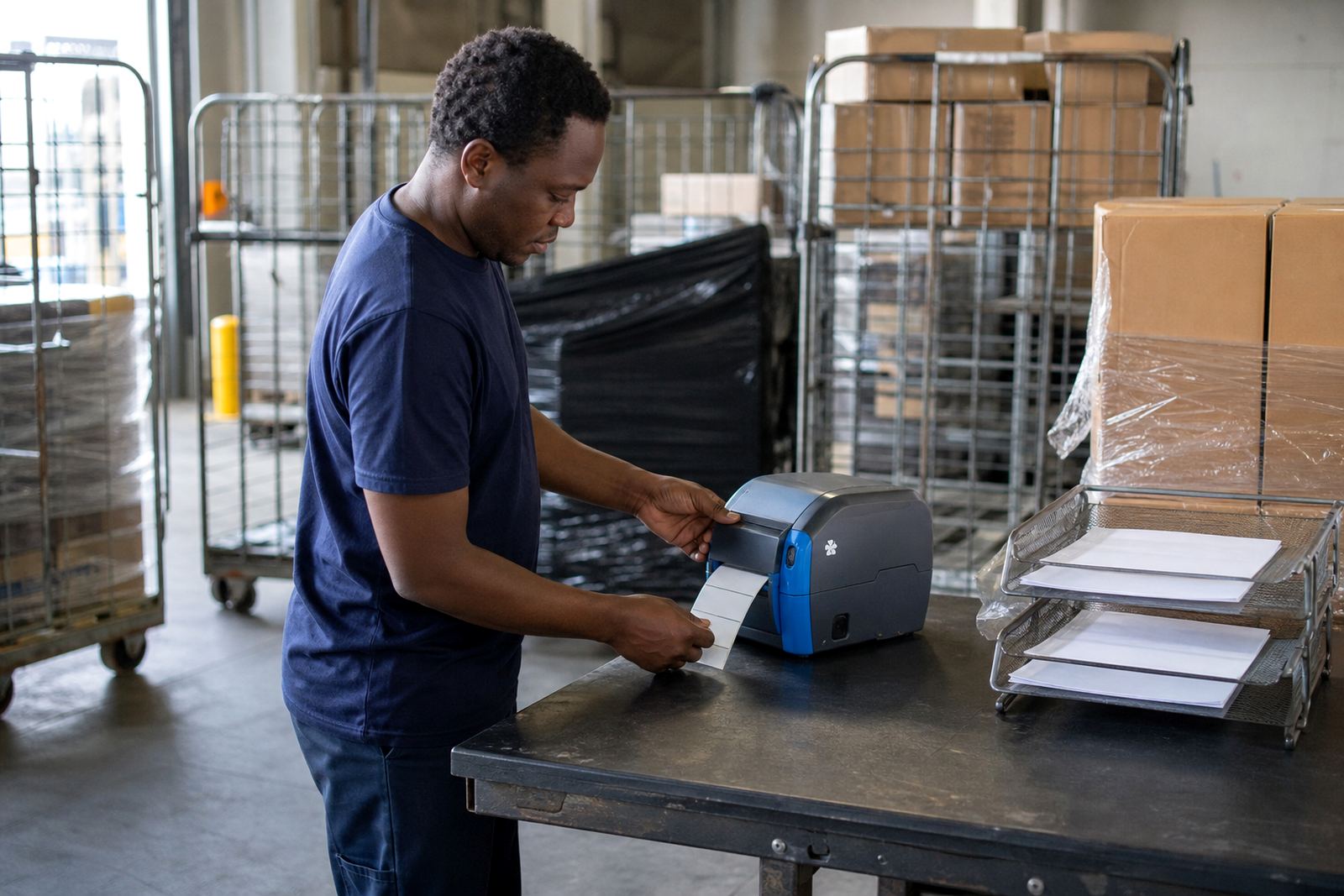
The label roll matters as much as the printer. Direct thermal labels are useful for short-term marking where the print does not need to survive rough handling for months. Thermal transfer stock is better where the label must hold up to moisture, friction or longer storage. The wrong media can leave a job looking fine at print time and poor by the end of the shift.
Common working questions are practical ones: will the printer handle the label size, will the barcode scan first time, and does the printer sit comfortably in the hand during repeated use. These questions are easier to answer when the site knows the exact stock line, device type and use case before a setup starts.
Setup, repairs and field support across the main centres
Go-Printer operates from Montague Gardens, Cape Town and supports teams in Cape Town, Johannesburg, Durban, Pretoria and Gqeberha. The same gear can behave differently in a warehouse aisle, a courier hub or a retail stockroom, so on-site setup often includes pairing, calibration and a practical test on the labels the team actually uses.
Repairs often begin with the common faults: battery replacement, belt clip repair, print quality fixes, printhead cleaning and label jam clearing. A trained technician can also check whether the printer is matched to the label stock in use, which helps avoid repeat feeding problems and poor barcode output.
Contact details for the right site fit
If the site is in Montague Gardens, Bellville, Midrand or one of the bigger metro areas, the discussion usually begins with the printer model, label size, media type and how the unit will be used during the day. That gives the team a clearer read on whether direct thermal or thermal transfer is the better route.
For setup, servicing or media queries, clients can get in touch through our contact form on the contact page. It is the quickest way to pass through the details of the site, the label roll and the pairing method in use.