Shift length starts with the job, not the charger
A mobile label printer can lose power faster on a long picking run than it does on short counter work. The way staff print, how often labels are reprinted and whether the printer sits active in a trolley or truck all affects the battery draw. In warehouses around Montague Gardens or on delivery routes across Cape Town, the same printer can behave very differently from one shift to the next.
Battery life also depends on whether the unit is doing light label runs or full barcode batches. A printer that spends the day producing a few small address labels may last far longer than one that prints dense warehouse labels with logos, barcodes and QR codes. That is why the battery number on paper is only part of the story.
- Long print runs use more power than short bursts.
- Frequent reprints add extra drain and waste labels.
- Cold storage work can shorten usable battery time.
- Idle units that stay switched on still lose charge.
Direct thermal and thermal transfer do not draw power the same way
Direct thermal printers are usually used for short life labels and fast day-to-day stock work. They heat the printhead to darken coated labels, so the job is simple and the battery load is often lighter. Thermal transfer printers use a ribbon as well as the label roll, and that extra mechanical work can change how much power is used during a shift.
The chosen label size also matters. Wider labels need a bigger print area, and that means more heating across each line. A narrow 50 mm label for shelf marking will usually ask less from the battery than a wider shipping label used for cartons or stock cages. If the printer is set to darker print density than needed, the battery will work harder than it should.
- Use the print width that matches the job.
- Set darkness only as high as needed for clean bars.
- Keep the label format consistent for repeat work.
- Choose the right media for the print method in use.
Bluetooth, Wi-Fi and constant pairing can trim the charge
Wireless connection is practical, but it is not free in battery terms. Bluetooth pairing for handheld scanning or mobile devices tends to use less power than a printer that stays awake on Wi-Fi for longer periods. In a retail stockroom, a unit paired and unpaired all day may show a shorter shift life than one used in a planned batch pattern.
Connection quality matters too. If the printer keeps searching for a weak signal, it uses battery while doing very little useful work. A stable pairing, clean setup and the right sleep settings help protect the charge. On-site setup often includes checking whether the device wakes too often, which can be a hidden cause of poor battery performance.
- Turn off wireless features not needed on the shift.
- Check sleep settings on the printer and paired device.
- Keep pairing stable to avoid repeated reconnect attempts.
- Test the printer where it will actually be used.
Temperature, dust and rough handling change real-world runtime
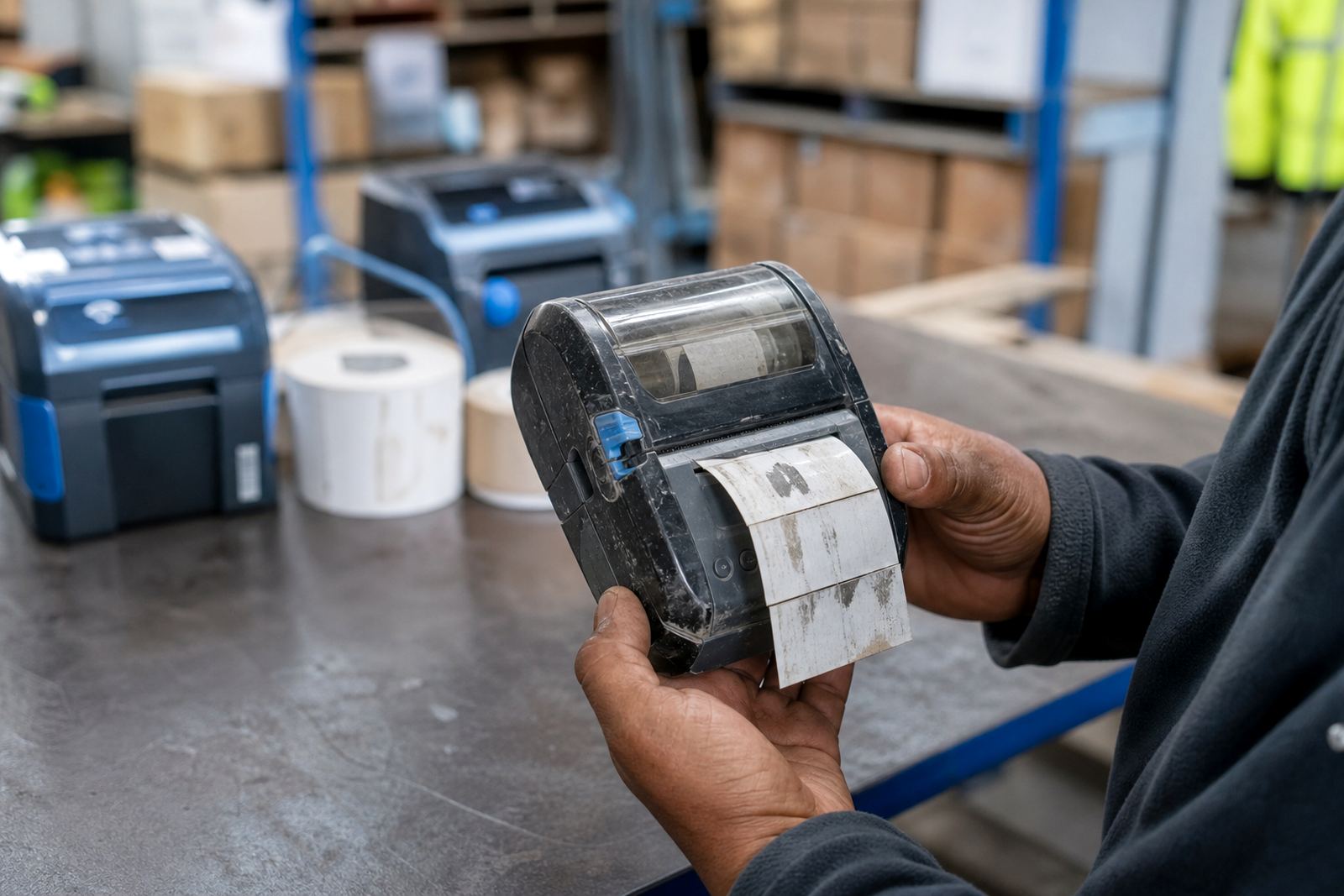
Battery life is not only about electronics. Dust from packing areas, sticky residue from labels and rough handling in courier bags can all interfere with charging contacts and printer airflow. In Durban, where humidity can be high, poor storage can also lead to damp contacts or tired batteries that seem to drop charge faster than expected.
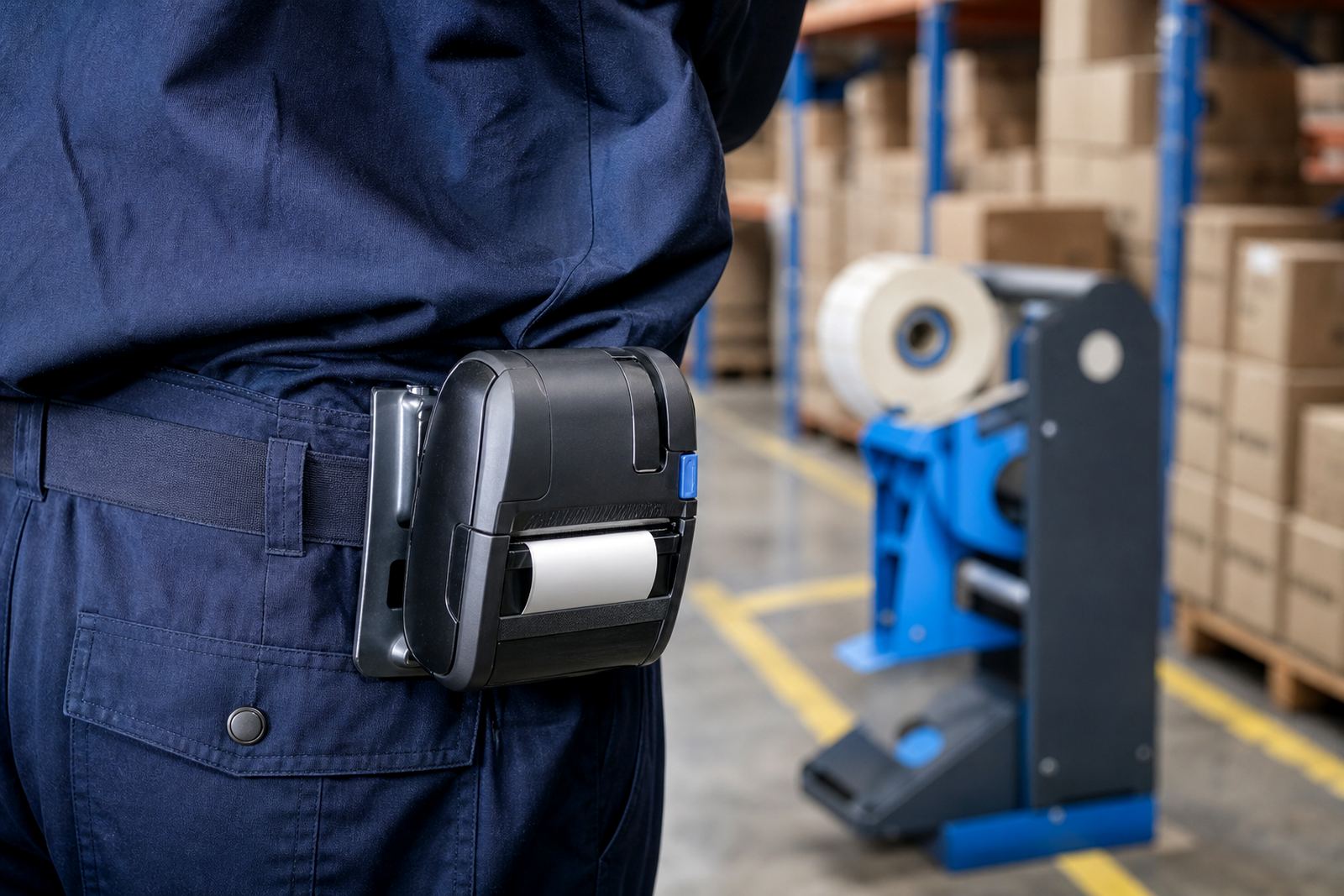
A printer that is dropped, bumped or kept in a hot vehicle can lose performance over time. Belt clips help, but a loose clip or cracked housing makes the unit harder to carry safely and increases the chance of damage. Printhead cleaning also matters because a dirty head can make the printer work harder for the same result. That extra strain may not be dramatic on one shift, but it adds up.
- Keep charging contacts clean and dry.
- Avoid leaving the unit in heat for long periods.
- Clean the printhead on a regular service cycle.
- Inspect belt clips and battery latches for wear.
Charging habits decide whether the battery feels strong or tired
The way a battery is charged often matters as much as the way it is used. Repeated short top-ups can be fine if the equipment is designed for them, but old batteries can start to hold less charge no matter how carefully they are treated. A battery that never reaches a full charge, or one that is left unused for long periods, may not deliver the shift length staff expect.
Battery testing should be part of routine servicing, especially when a team notices that one printer finishes the day early while another stays active. Replacement is not always the first answer, but it is sometimes the only practical fix once the cells are worn. In a busy Johannesburg dispatch room, one weak battery can slow label work more than a full queue of staff does.
- Use the proper charger for the printer model.
- Test batteries that feel weak before blaming the printer.
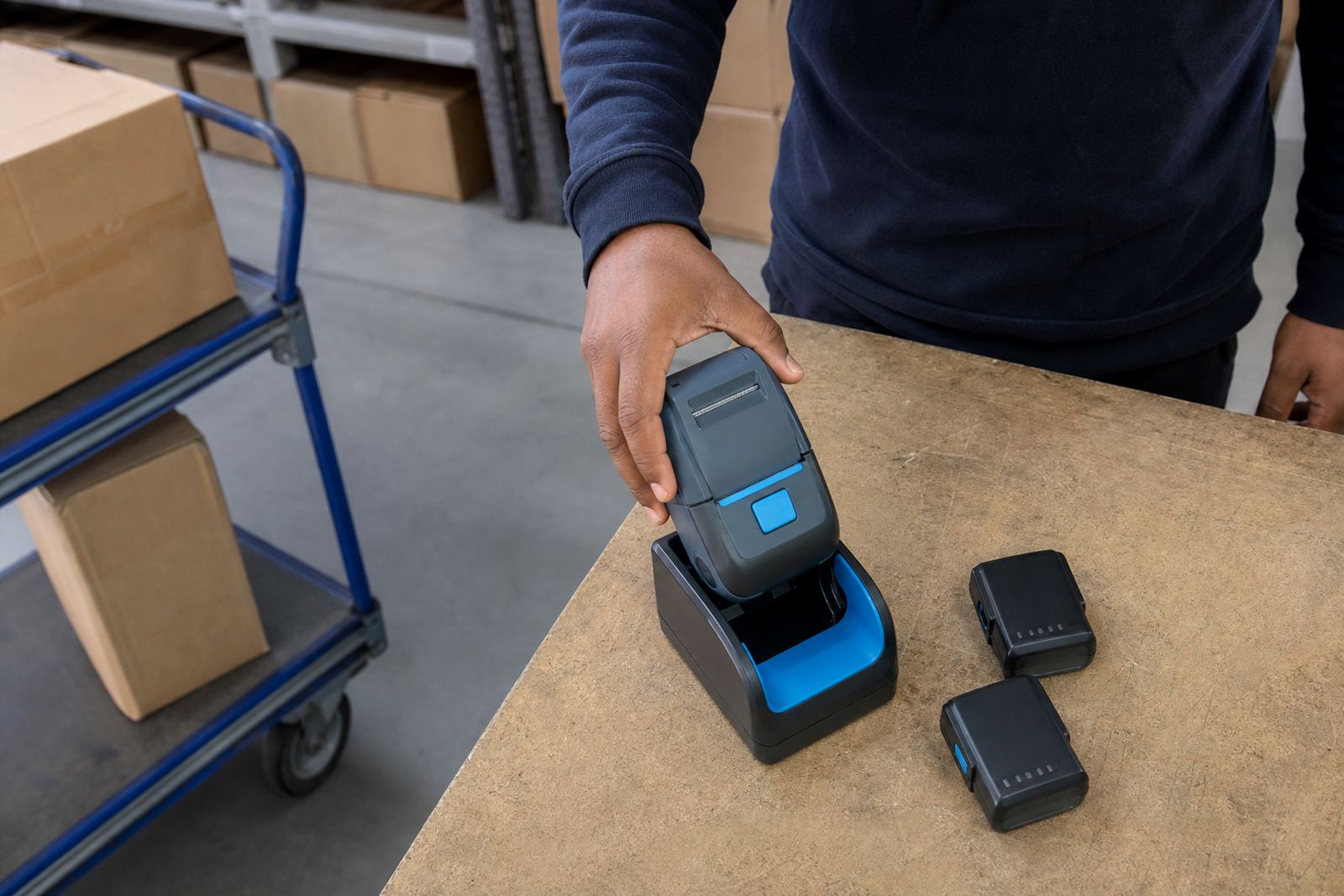
- Rotate spares where the operation allows it.
- Replace tired batteries before they fail on shift.
A Cape Town stockroom example shows the small things adding up
In a Montague Gardens stockroom, a team may print short shelf labels in the morning, courier labels at midday and stock counts in the afternoon. If the printer is set too dark, the wireless connection keeps reconnecting and the battery is older than it should be, the charge will fall much faster than the staff planned. None of those issues is dramatic on its own, but together they shorten useful runtime.
That is where practical support helps. On-site setup can check calibration, label sizes, pairing and print density in the same visit, while a technician can clear label jams, inspect the battery and clean the printhead before the next busy run. For operations across Cape Town, Pretoria, Gqeberha, Durban and Johannesburg, the goal is the same: steady output, fewer interruptions and a battery that does the job it was meant to do.
- Check the printer settings before changing the battery.
- Match the label roll to the actual print job.
- Use preventive servicing for repeat battery complaints.
- Keep spare batteries for shift cover where needed.