Cold stock areas need labels that hold their shape
In a cold room, labels are judged twice. First when they are applied to cartons, crates or trays, then again when a picker has to read them under a fluorescent fitting while wearing gloves. Condensation is the first problem. The second is poor adhesion on cold or slightly damp surfaces. If the label lifts at one corner, dust and moisture creep in and the print starts to fail.
Direct thermal labels suit short life stock and fast rotation, especially where cartons move quickly through a chilled room and out to dispatch. Thermal transfer labels handle longer storage better, and they usually give a harder wearing print surface for barcodes, item codes and batch details. For chilled stockrooms in Cape Town, Johannesburg or Durban, the room itself is only half the story. The label must survive the journey from receiving bay to cold room to floor pick, and still scan cleanly at the end.
Direct thermal or thermal transfer for cold-room stock
The print method should suit how long the label must last. Direct thermal printing uses heat on a coated label face, so the print is clean and fast but can fade with time, sunlight or repeated rubbing. Thermal transfer uses a ribbon, which gives a tougher mark and is better for labels that must stay legible for longer or that face more handling in a cold store. That difference matters when cartons sit in a chiller for several days before they move.
- Use direct thermal for short stay labels, dispatch tags and rapid picking.
- Use thermal transfer where codes must remain dark and clear for longer.
- Match the ribbon type to the label face for better smear resistance.
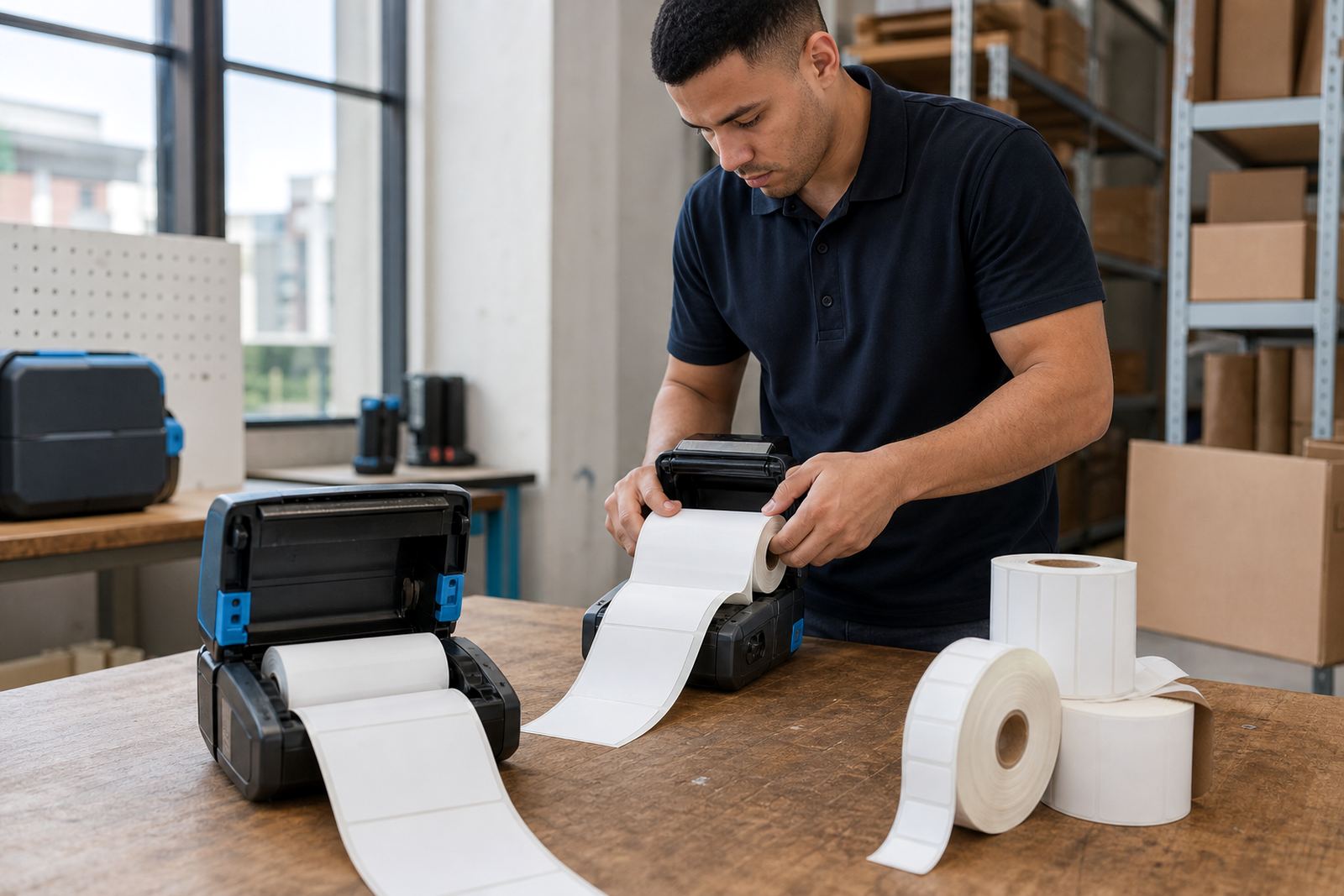
- Check whether the print area needs a narrow 50 mm label or a wider 100 mm format.
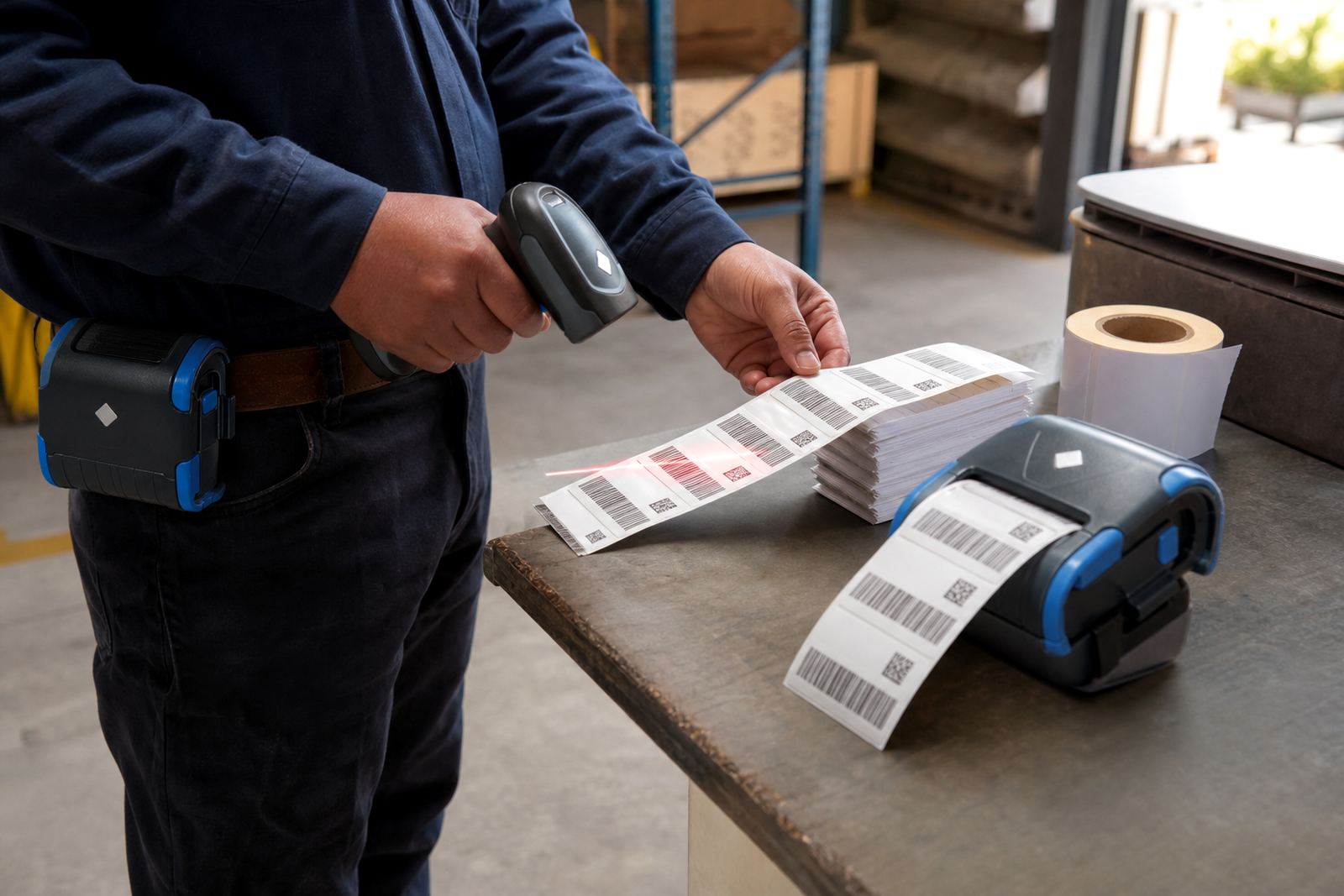
Barcode and QR printing should stay sharp at the smallest line widths your scanner can read. If the printhead is dirty or the darkness setting is too high, the bars can spread and the scanner struggles, especially after a cold room door has opened and closed a few times.
Condensation, glue and the moment the label goes on
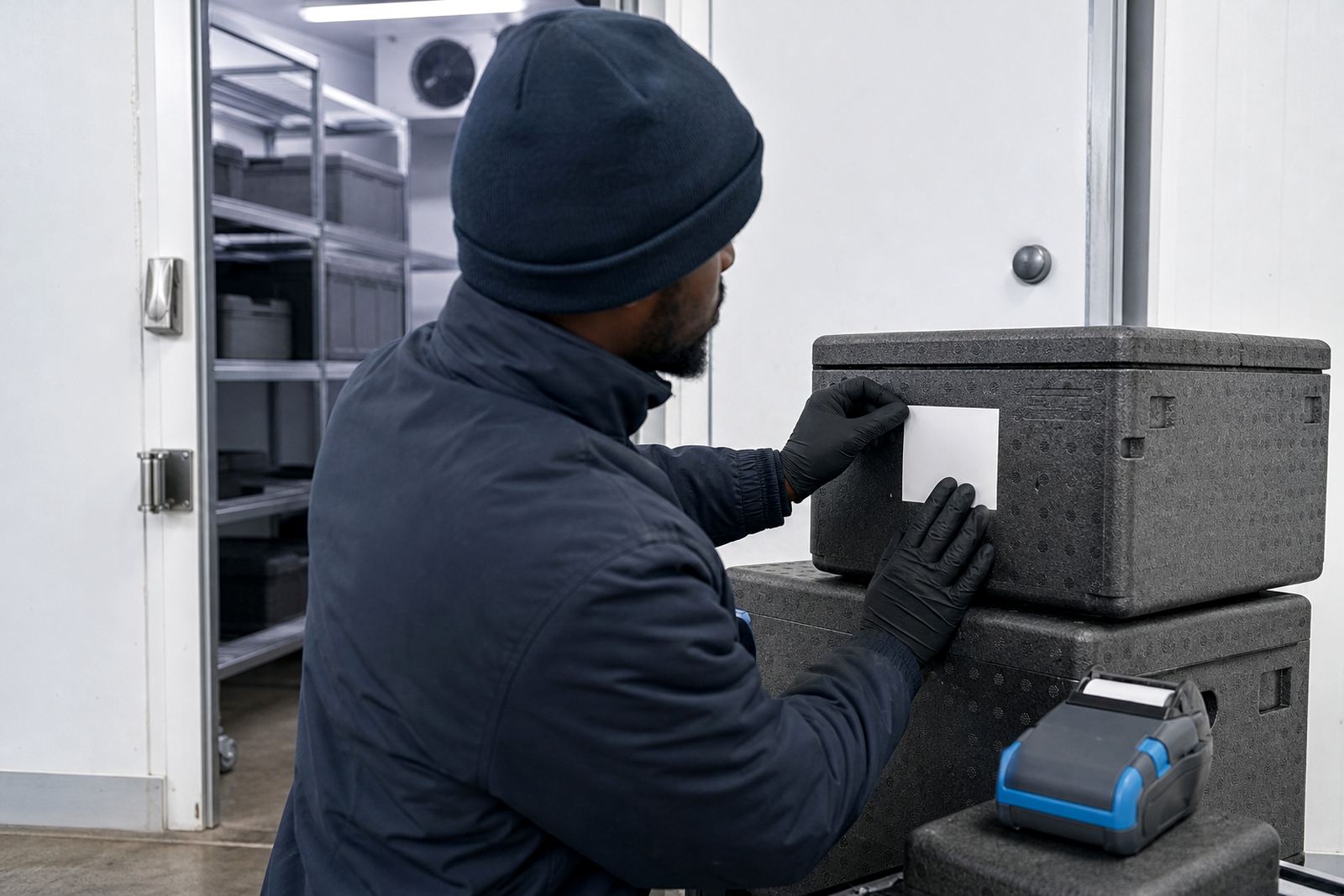
Even the strongest label will fail if we put it on badly. A cold surface pulls moisture from the air, and that film makes adhesion patchy. If the carton is wet, dusty or frosted, the label may look fine at first but lift once it warms and cools again. In a retail stockroom in Bellville or a frozen goods area near Montague Gardens, that small lift can turn into a loose edge that catches on shelving or tote handles.
Surface prep is basic but it matters. Wipe away frost, keep the panel as dry as possible and press the label down firmly from the centre outward. If the stock is transferred from a warm delivery truck into a cold room, give the outer carton a moment to settle before labelling. That reduces bubbling and gives the adhesive a fair chance to bond.
Battery life, pairing and moving between zones
Mobile printers are useful in cold rooms because staff can label at the point of receiving, put-away or relabelling without walking back to a fixed station. Battery life needs to cover a full shift of short bursts, not just a few sample prints in the office. In chilled areas, batteries can behave less consistently, so battery testing should be part of routine checks. Belt clips also matter because a technician or picker may need both hands free when working around trolleys and cold shelving.
- Bluetooth pairing should be tested where the printer will actually be used.
- Wi-Fi setup needs stable coverage through insulated walls and steel racks.
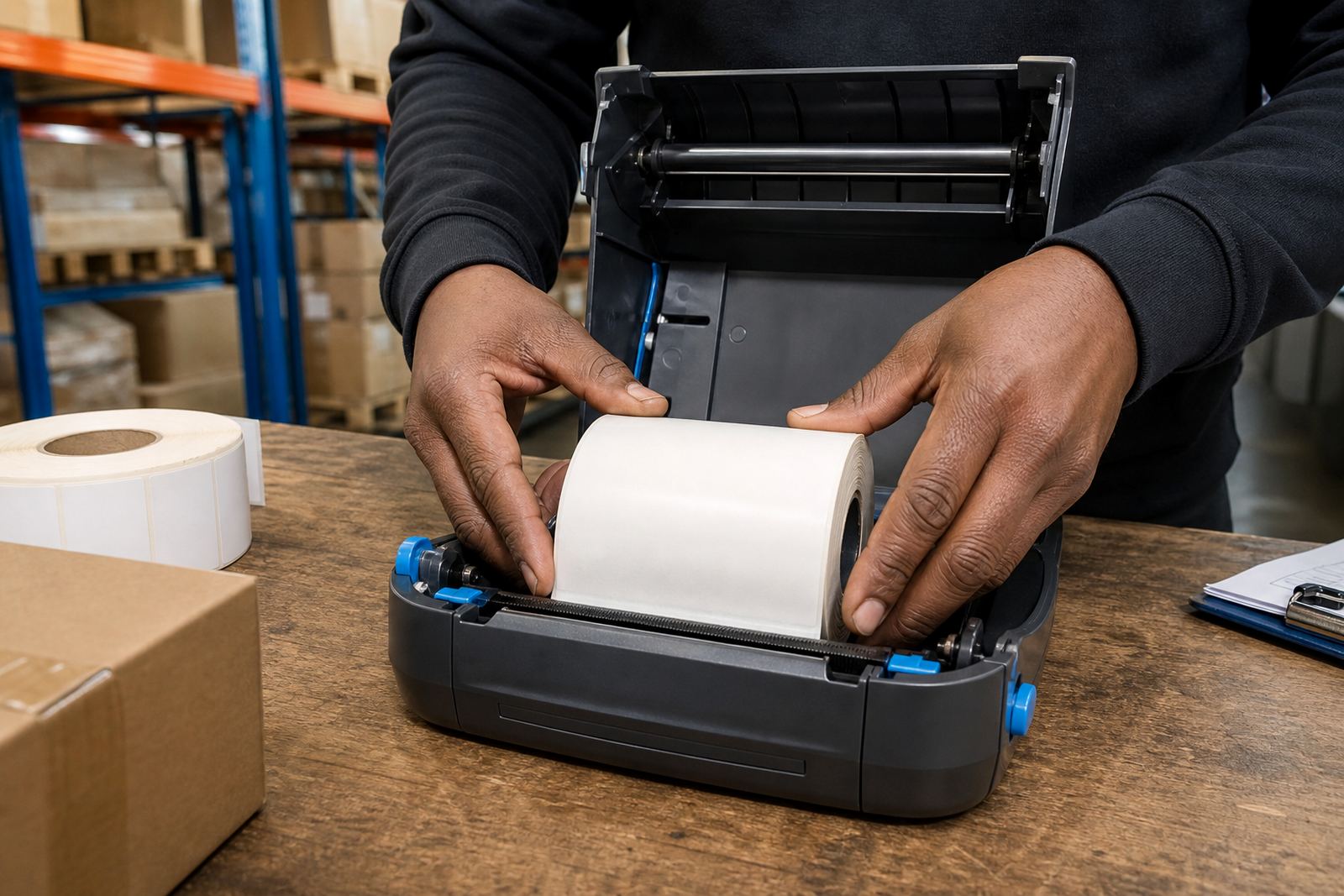
- Label calibration helps the printer detect the gap, black mark or notch correctly.
- Battery replacement is often easier to plan before power loss creates downtime.
When a printer slips out of calibration, labels may feed too far or cut off a barcode at the edge. That is frustrating in a chilled area where gloves, cold air and narrow aisles already slow the job down.
Cleaning the printhead before the marks start fading
Cold room work throws fine dust, adhesive residue and tiny fibres into the print path. Over time that build-up weakens one side of the print or leaves pale streaks across the label face. Printhead cleaning should be handled as normal care, not as a rescue job after labels have already started failing. A clean printhead gives better contrast, cleaner symbols and fewer rejected scans at the packing bench.
During preventive servicing, the printer should be checked for label scraps around the feed path, worn rollers, loose battery contacts and any marks that suggest the head is running too hot. A printer that works in a warehouse office can still struggle in a cold room once moisture, static and frequent handling are added into the mix. If a label jams twice in a shift, the fault usually sits in the feed path, the media setting or the roll choice, not just the operator.
A Cape Town cold store example with real movement
A chilled stockroom in Montague Gardens may receive mixed cartons from suppliers in the morning, then re-label them for local distribution before midday collections. In that kind of flow, the team needs a printer that can pair quickly with the handheld device, produce clean 2D codes and keep labels readable after the cartons move from ambient space into cold storage. If the label stock is too small, the barcode crowding can make scanning awkward. If it is too large, it peels around edges or blocks useful pack details.
The practical answer is to match the printer to the stockroom rhythm. That means the right label size, a clean printhead, a stable battery and a roll that suits the print method. For chilled stock, the details are small but they add up: dry surfaces, correct calibration, reliable pairing and labels that stay put when the room gets busy.
On-site setup and repairs help because the real test happens where the stock is stored, not at a quiet counter. A technician can check the printer in the same conditions the team works in and adjust the settings to suit the room, the shelves and the label format being used.