




The kit work starts with clean labels and clear prints
Support often begins with the small things that keep a printer honest. A mobile unit has to feed labels evenly, read barcodes cleanly and leave the right amount of margin for the scanner, especially when staff are moving between stock cages, receiving areas and dispatch benches.
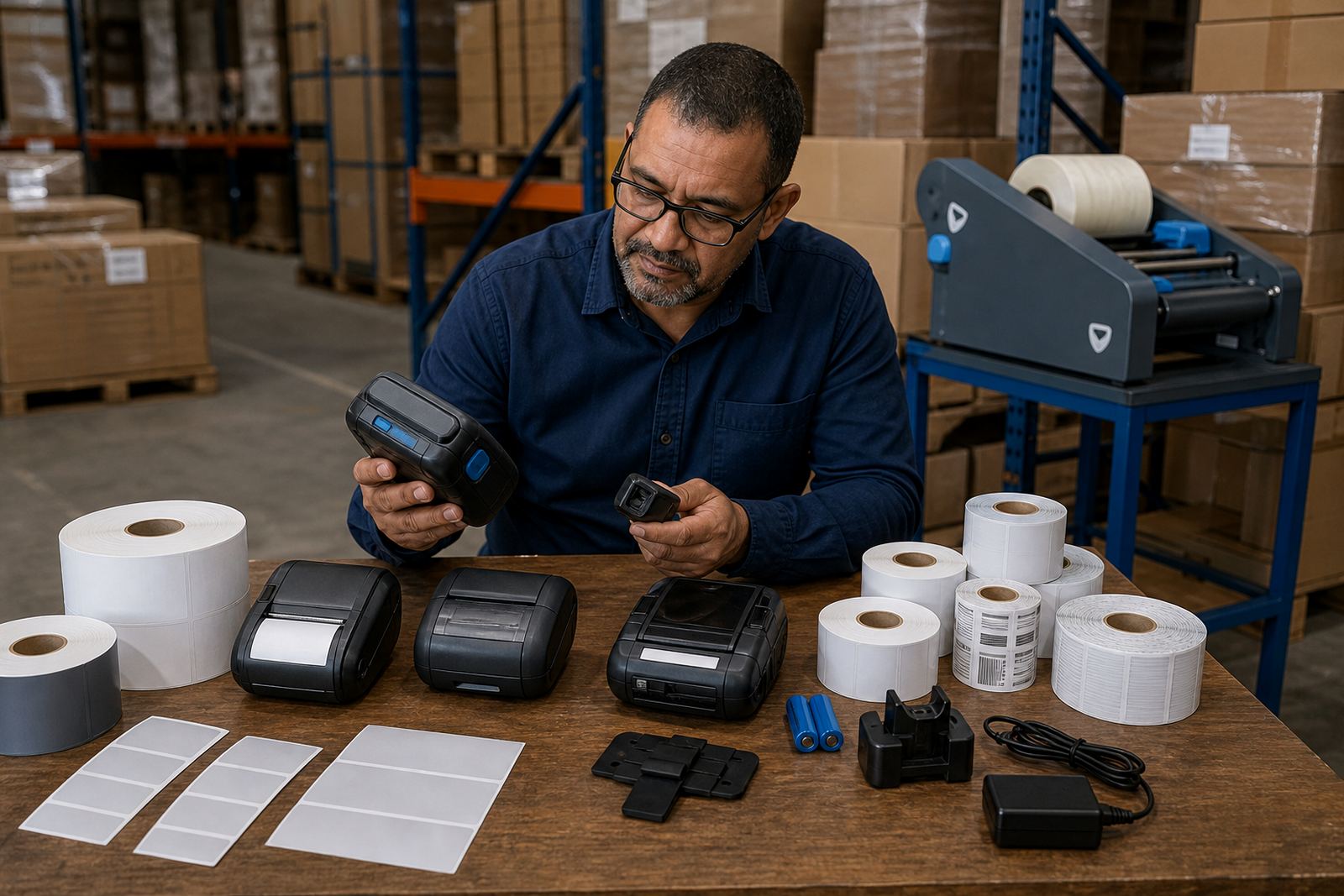
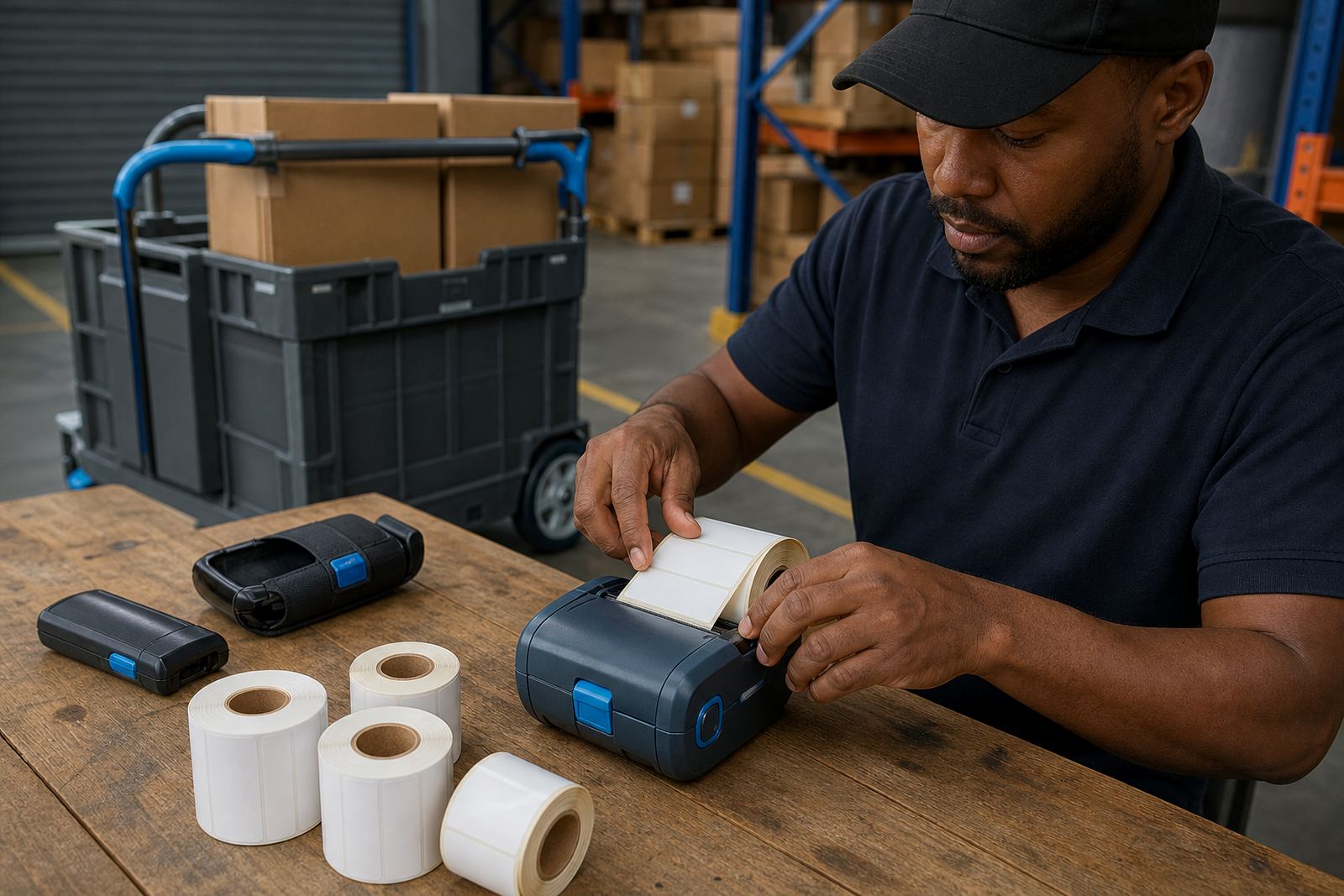
We help with direct thermal and thermal transfer printers, so the roll, ribbon and label size match the job. Direct thermal suits short-life labels and thermal transfer is better when the print needs to hold up to handling, light or warmer storage conditions. Label width, roll diameter and core size all matter, because a poor fit can throw the feed off and waste material.
Pairing, calibration and the first test label
Bluetooth and Wi-Fi pairing can be straightforward, but only when the printer settings, device name and label template all line up. If the printer is paired but the label lands too high, too low or cuts off the barcode, the issue is usually in calibration, media sensing or the layout file.
- Bluetooth pairing for handheld and mobile use
- Wi-Fi setup for fixed work areas and shared printing
- Label calibration for gap, black mark and continuous rolls
- Barcode and QR printing checks for scan accuracy
- Template alignment for text, symbols and serial fields
We also look at print width, because a 2 inch or 4 inch job needs the printer to match the label stock properly. When the setting is off, the print can drift and the roll may jam at the edges.
Battery checks that matter in the middle of a shift
Battery health is one of the first things we test on mobile units. A battery may still hold charge but lose capacity under load, so the printer starts well and fades when a long run of labels is needed. That can happen after repeated charging, rough handling or storage in hot vehicles and humid coastal conditions.
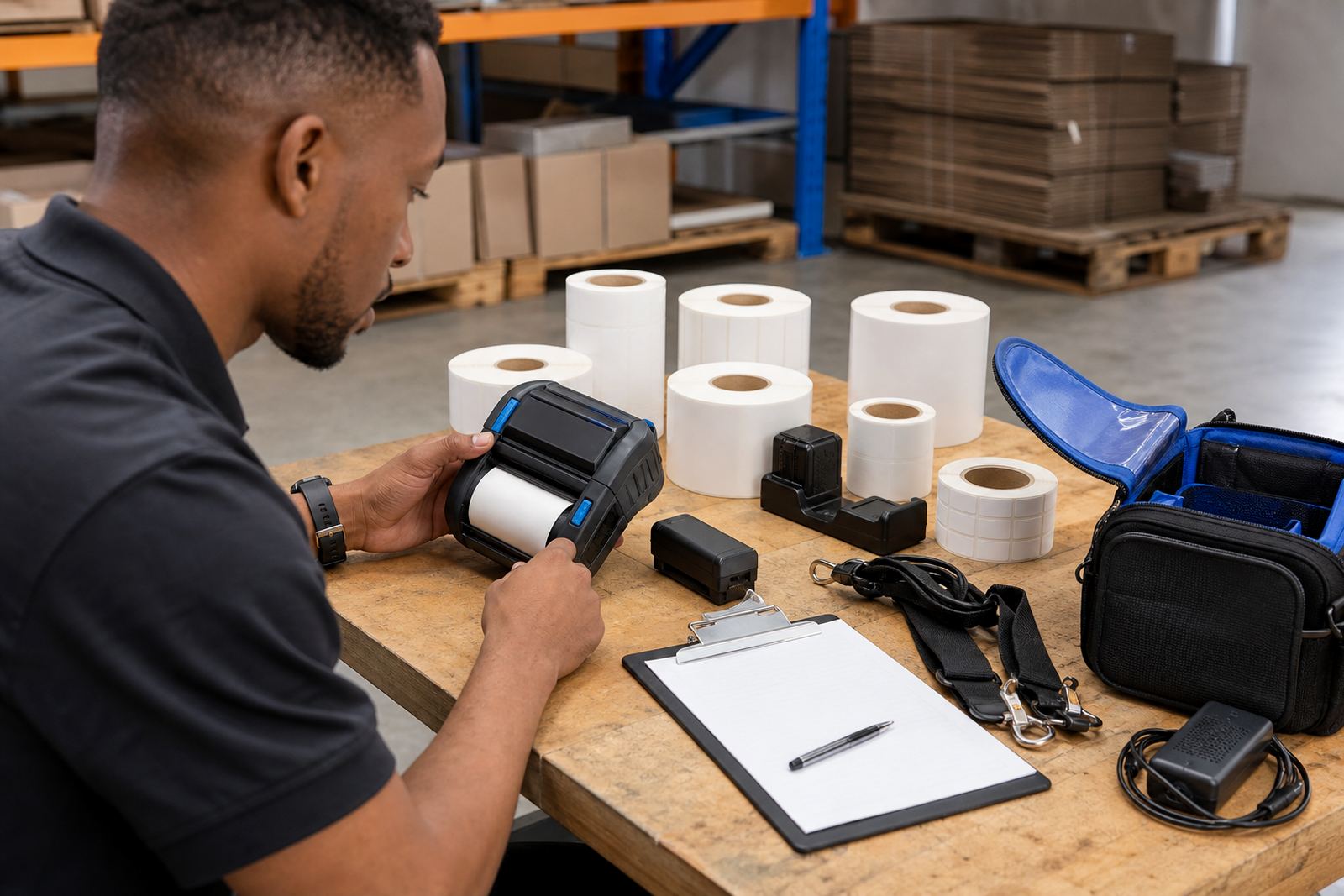
- Battery testing under normal use conditions
- Battery replacement where cells no longer hold charge
- Belt clip repair for carry comfort and daily movement
- Power checks on charging cables and docks
These checks are useful for courier teams, retail stockrooms and warehouse staff who carry the unit through the day. A firm clip, a steady battery and a clean contact point make the printer easier to use in practice.
Printhead cleaning and the fixes that stop repeat faults
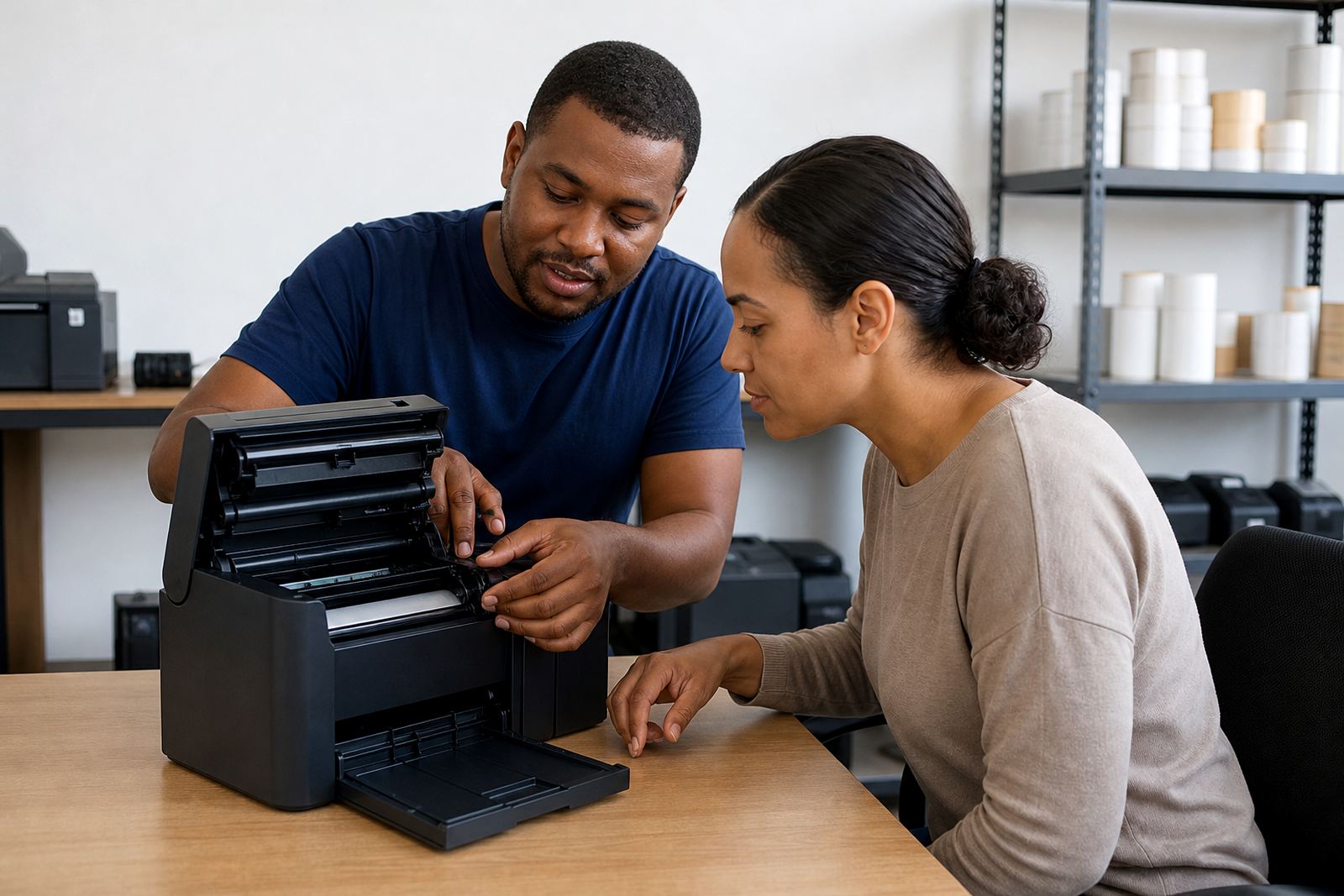
Print quality often slips before the printer fails completely. White gaps, faded bars, patchy text and smeared edges usually point to dirt on the printhead, an off-centre roll or a setting that does not suit the stock. Dust, adhesive residue and label fibres build up fast in busy areas.
We handle printhead cleaning, label jam clearing and print quality fixes. Preventive servicing keeps the feed path cleaner and gives staff a chance to catch worn rollers, weak catches and damaged covers before they slow the work down.
On-site setup for South African working floors
Our on-site setup reaches Cape Town, Johannesburg, Durban, Pretoria and Gqeberha, with support also covering Bellville, Midrand and nearby areas. A shop floor, warehouse lane or courier counter can all have different space limits, lighting and movement patterns, so the printer needs to be placed and tested in the real work area.
We help with operator training too. Staff learn how to load rolls, clear a basic jam, check the battery level and keep the printhead clean without turning a small fault into a bigger one.
Who handles the calls, site work and supply side
The support side is handled by a team that knows the equipment and the stock flow around it. Mandla Mthethwa oversees the branch, while Anele Ntsele manages operations and Kagiso Ngwenya takes field service work on site. Leanne Hlongwane keeps label supplies aligned with the jobs, Siyabonga Adonis leads technical support and Zinhle van Wyk handles training and setup.
- On-site setup and label calibration
- Bluetooth pairing and Wi-Fi setup
- Printhead cleaning and print fixes
- Battery testing, replacement and clip repair
- Operator training and preventive servicing
Clients contact us through our contact form on our contact page when they need help with a printer, labels or a service visit. The support page sits here to keep the work practical, clear and tied to the equipment on the bench.