Light, moisture and scuffing change the job
Indoor labels often live in cleaner air, with shorter exposure to sun, rain and rough handling. A stockroom label on a shelf edge may only need to survive dust and fingertips, while a parcel label in transit has to deal with rain, condensation, abrasion and repeated scanning.
Outdoor use changes the question straight away. Sunlight can fade a direct thermal label, especially where the label sits on a pallet, crate or machine part that moves between yard and truck. Moisture matters too, because humid coastal air in Cape Town or Gqeberha can soften some adhesives and make corners lift before the job is finished.
- Indoor labels can suit short term stock identification and carton marking.
- Outdoor labels usually need stronger face stock and adhesive.
- Heat, UV and damp air all affect how long a label stays legible.
Direct thermal has a place, but it is not for every yard
Direct thermal printing works without ribbon, so it is tidy for fast-moving warehouse and courier work. It is useful for dispatch labels, temporary shelf labels and short life parcel stickers where the label only needs to hold up for a limited period.
Once the label is expected to face sun, rubbing or long storage outdoors, thermal transfer is usually the safer option. The ribbon bonds more durable print to the label face, which helps barcodes and QR codes stay readable after handling and transport. A courier depot in Johannesburg may need that extra staying power far more than a retail stockroom label that is replaced every week.
- Direct thermal suits temporary labels and high-turnover packing lines.
- Thermal transfer suits longer life labels and tougher environments.
- Barcode and QR readability matters more when parcels move between sites.
Print width and label size should match the job
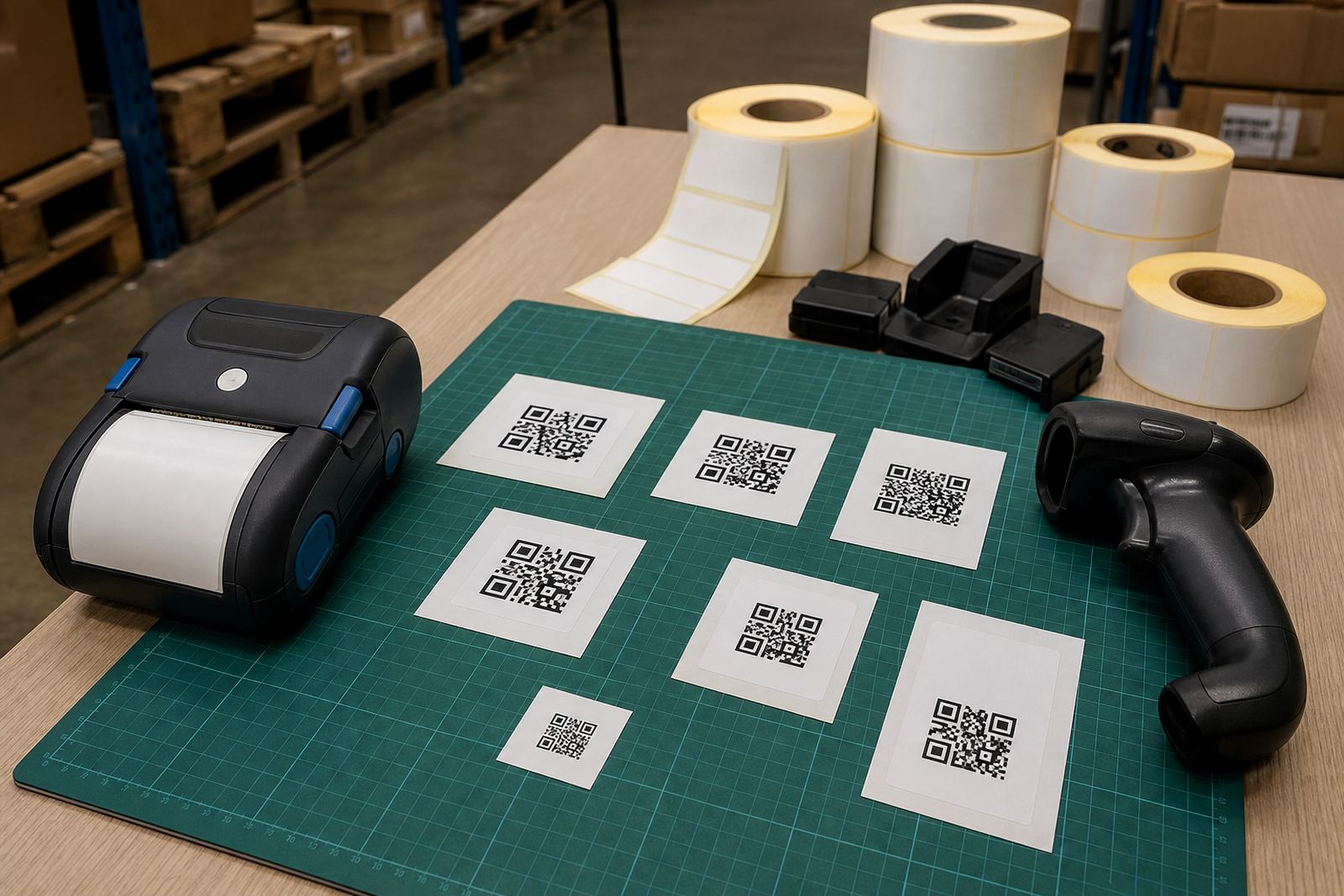
Mobile printers are built for practical field work, but the print width still needs to match the label format. Smaller widths suit shelf strips, bin labels and compact asset tags. Wider labels are better for courier routing, warning marks and product information where more text has to sit alongside the code.
Getting the size wrong causes wasted rolls, clipped text and barcode issues. A label that is too narrow may force the operator to shrink the type until it becomes hard to read. A label that is too wide can fold, catch on packaging or leave too much blank space, which looks untidy and makes the roll less efficient.
- Use smaller labels for stockroom bins and internal sorting.
- Use wider formats for logistics and dispatch cartons.
- Check that the barcode or QR code has enough quiet space.
Battery life matters when the printer leaves the counter
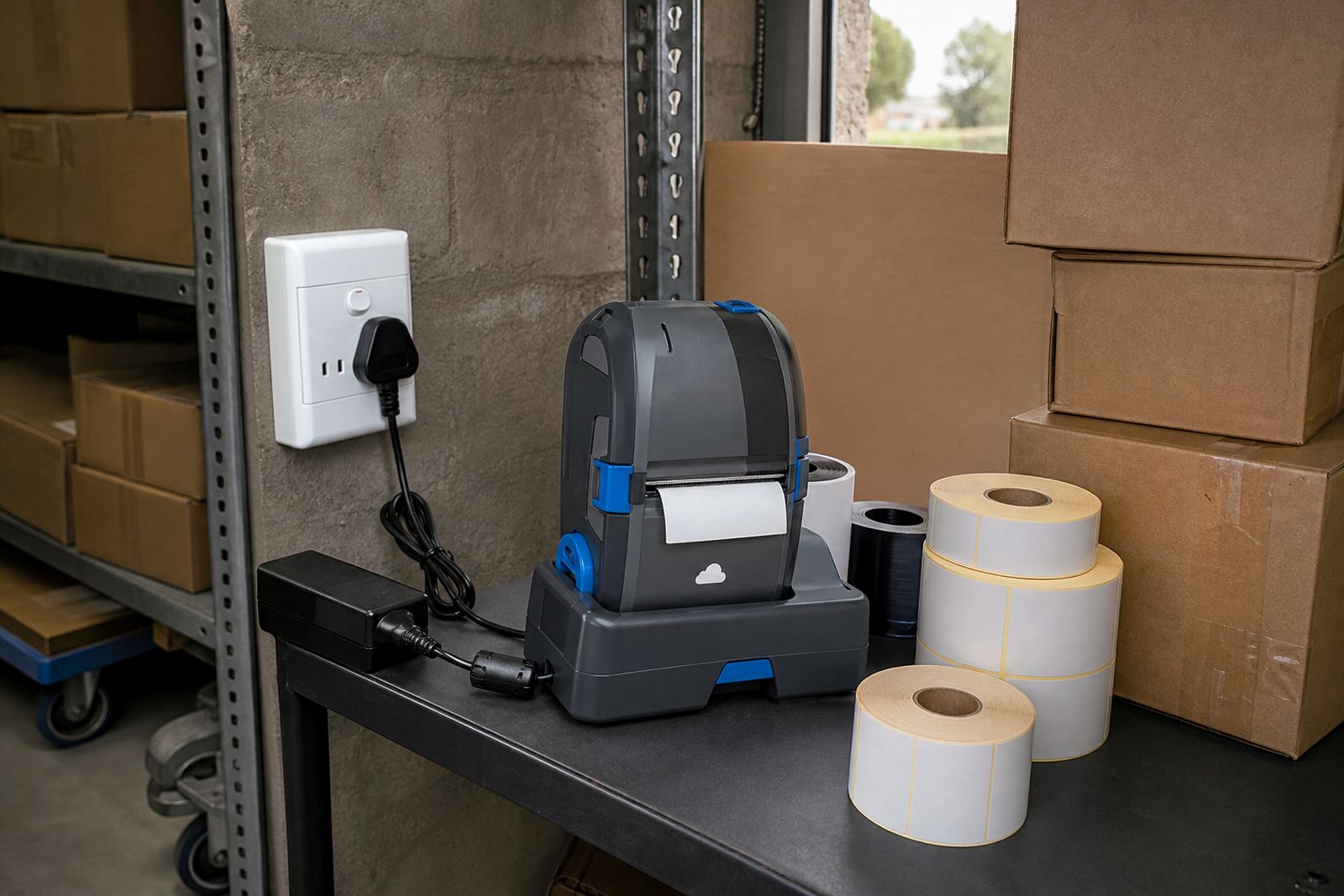
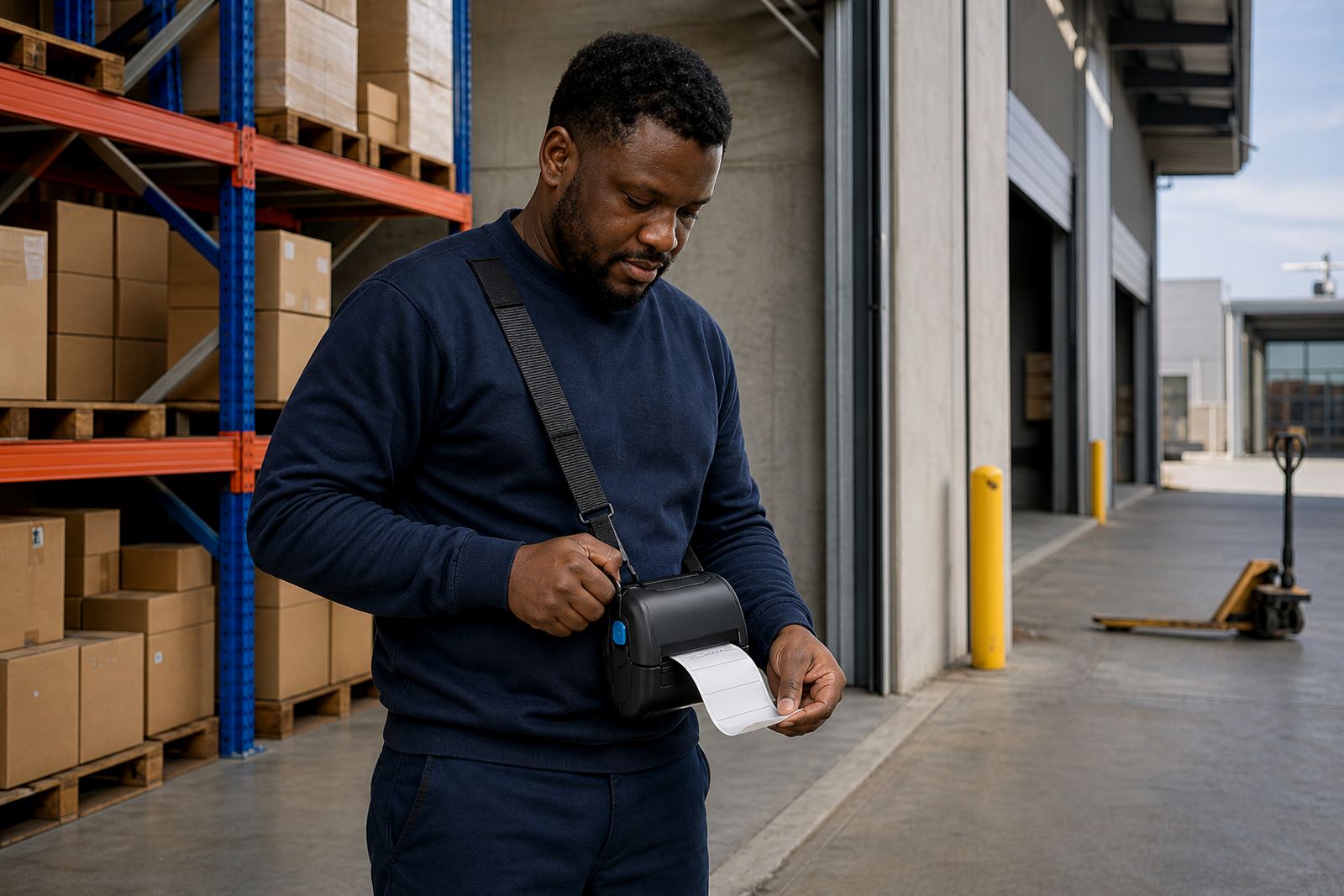
Indoor use often means a printer stays close to a bench, trolley or packing station. Outdoor or field use changes the pace, because the printer travels with the operator and needs steady battery performance through a shift. Battery health matters just as much as charge level, especially when printers are used for route work, receiving and ad hoc relabelling.
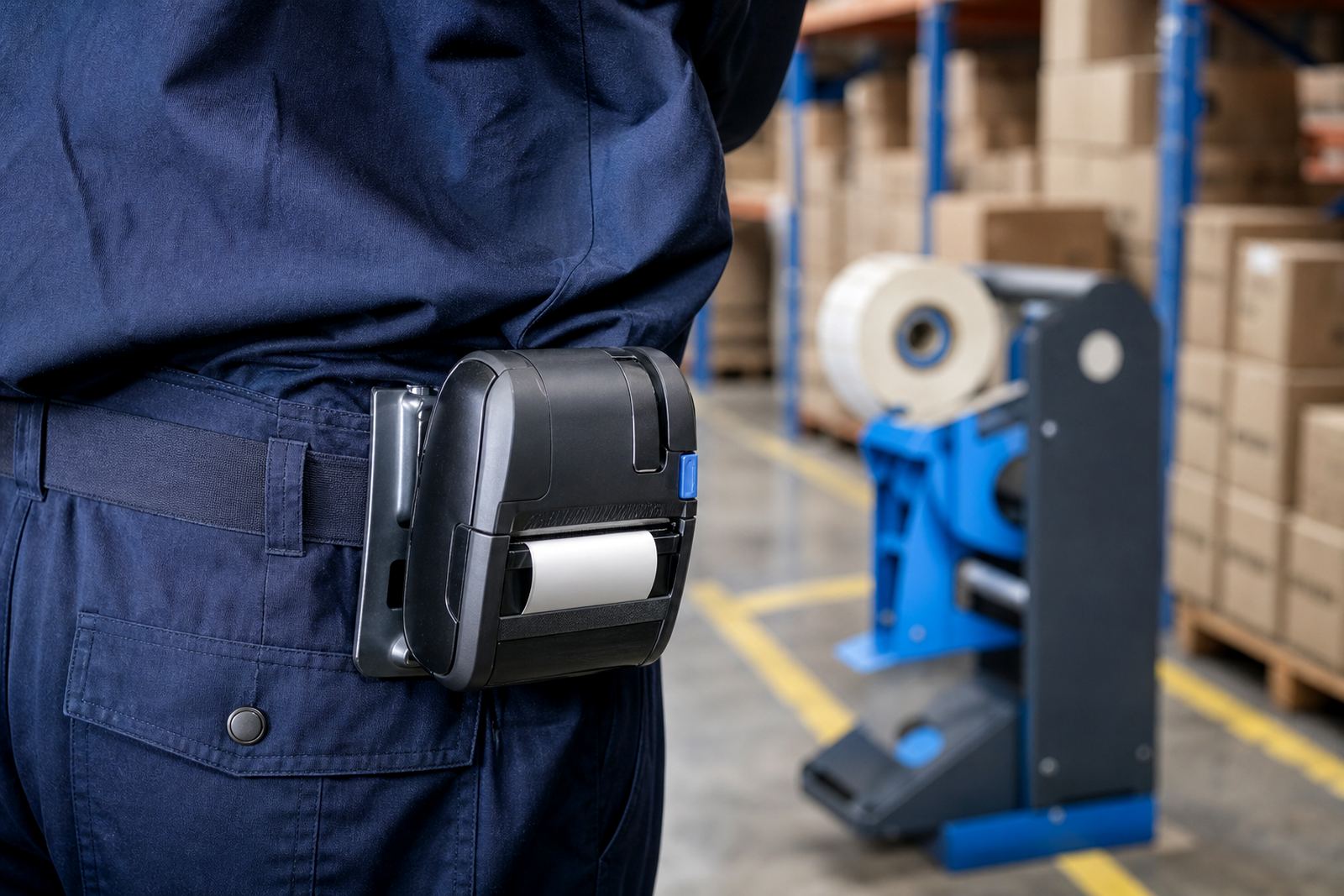
In practice, a tired battery can cause more trouble than the printer itself. Labels may print slowly, pairing can become uneven and operators lose confidence in the unit. Belt clips, spare batteries and a clean charging routine help keep mobile printing predictable, particularly where staff move between shelves, yards and loading bays.
- Check battery condition before a busy dispatch run.
- Keep belt clips secure for field movement and ladder work.
- Replace weak batteries before they affect printing on site.
Pairing and calibration need a calm setup
Bluetooth pairing and Wi-Fi setup sound simple until the printer must work across a warehouse or between several receiving points. Signal strength, device names and network settings all need to be checked before labels are expected to print in the right place. A poor setup can waste labels, create duplicate jobs or send the operator back to the start of the process.
Label calibration is just as important. If the printer does not read the gap or mark correctly, the feed drifts and the cut or tear point lands in the wrong place. That is when operators start trimming labels by hand, and the result usually looks worse than the original problem.
Our team handles on-site setup, Bluetooth pairing, Wi-Fi setup and label calibration for mobile label printers used in warehouses, couriers and retail stockrooms. For sites in Montague Gardens, Bellville, Midrand, Pretoria, Durban, Johannesburg and Gqeberha, the same basic checks apply, even if the layout is different.
Cleaning and servicing keep the print clear
Printhead cleaning is not optional on a busy label printer. Dust, adhesive residue and paper debris can leave faint lines across the print, and once that starts the barcode or QR code may scan poorly. Indoor stockroom dust can be enough to cause trouble, while outdoor work adds grit and moisture to the mix.
Preventive servicing helps avoid avoidable faults. Belt clips loosen, battery contacts wear, label jams build up around rollers and print quality slips before staff notice the cause. A short maintenance routine keeps the unit cleaner and reduces the need for emergency repairs in the middle of a dispatch run.
- Clean the printhead with the correct method for the printer type.
- Clear label jams before they score the feed path.
- Test print quality after servicing, not only before.
A Cape Town stockroom lesson that travels well
A retail stockroom in Montague Gardens may start with neat shelves, dry flooring and short label runs. The same business can still face a different problem once stock moves to a truck yard or a receiving area exposed to wind and salty air. In that shift, the label choice changes from convenience to durability.
That is the point of indoor versus outdoor planning. The printer, roll and adhesive should match the real setting, not only the room where the label was first printed. When a warehouse team, courier hub or retail stockroom matches the media to the environment, labels stay readable for longer and the work stays orderly.
Go-Printer supports mobile label printers, label rolls, battery checks, repairs and operator training from our Montague Gardens base in Cape Town. The same approach can be applied across South Africa, but the details on the ground always decide which label survives the day.