When the label station has to share the counter
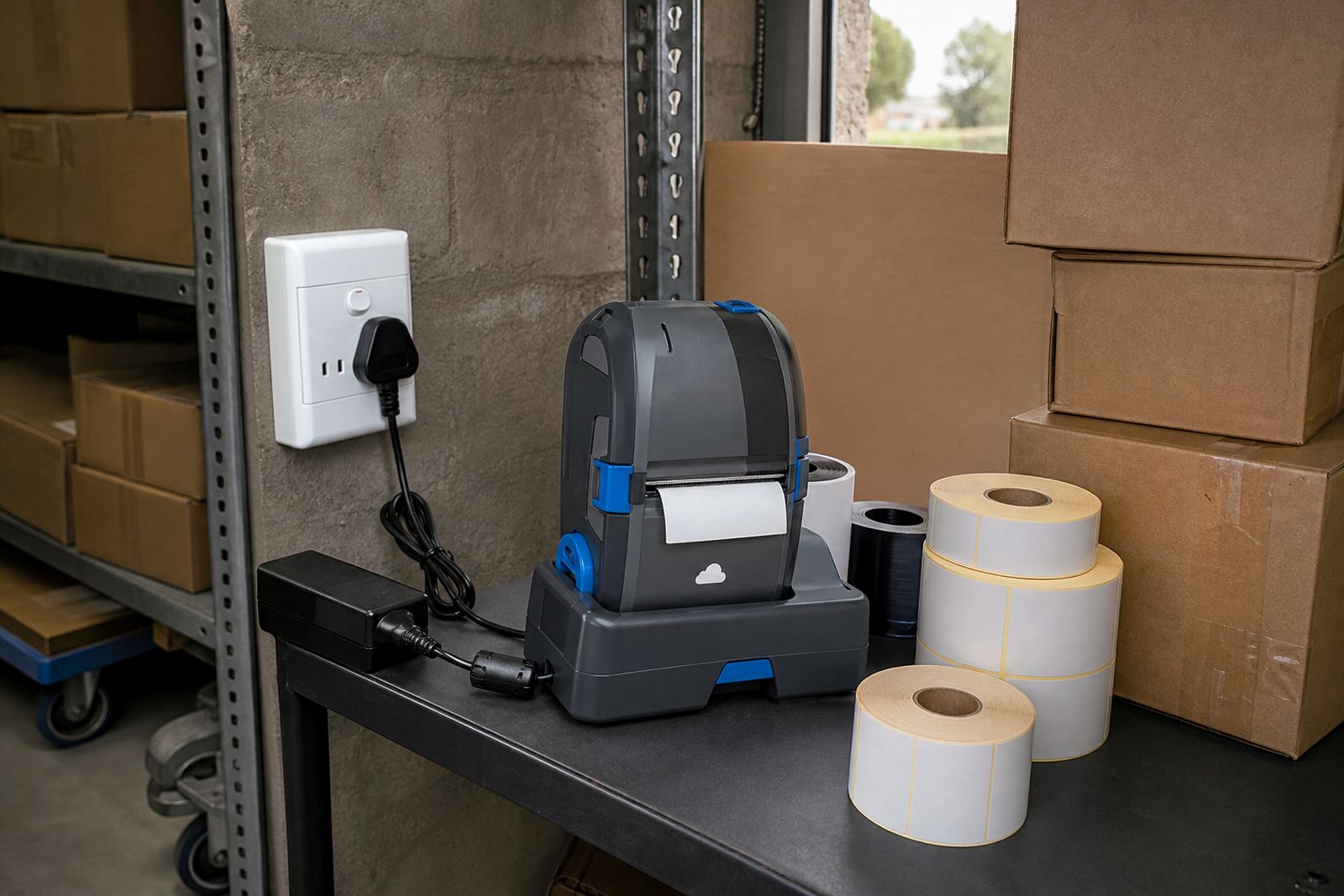
In many stockrooms, the label station is not a proper station at all. It sits beside a scanner, a roll of tape, a clipboard and whatever else landed there before 8 o’clock. A compact mobile printer changes that arrangement because the unit can sit in a small cradle, move to the job and store out of the way when the shift is done.
That matters where every metre of bench space has a job. A mobile printer with a narrow footprint leaves room for folding cartons, parcel scales and stock checks. It also cuts the number of trips between the packing bench and the shelving aisle. In smaller Cape Town back rooms, that sort of order saves time and keeps labels from disappearing under loose stock.
For warehouses and retail stockrooms, space saving is not about having less work. It is about keeping the work close to the shelf edge, the trolley and the packing point. A printer that fits on a narrow surface can still handle direct thermal labels for short-life use, or thermal transfer rolls where the label needs longer life and stronger resistance.
How compact printers fit the job without crowding it
Most mobile label printers are built for labels up to a modest width, which is enough for parcel marking, shelf tags, returns, bin labels and many barcode jobs. The casing is usually small enough to carry by hand or keep on a belt clip while moving between bays. That shape matters when the team is working in tight aisles or sharing one worktable.
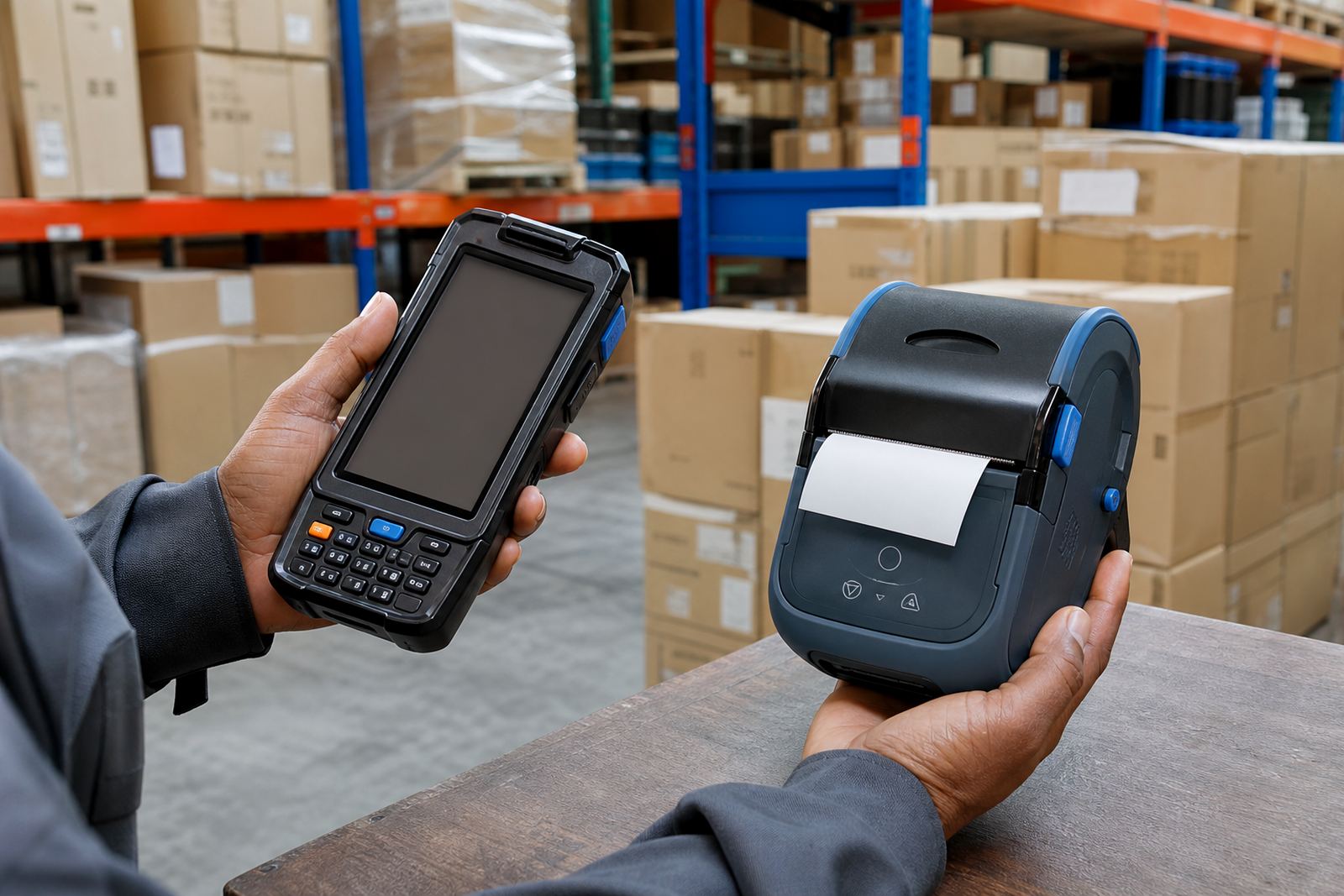
Battery life is part of the space story as well. A printer that runs through a shift without constant charging means fewer charging points and less cable clutter on the counter. Where the unit pairs by Bluetooth or Wi-Fi, the phone, tablet or handheld terminal can talk to it without a fixed workstation taking up room.
- Direct thermal printing suits shorter-life labels for parcels, dispatch notes and shelf labels that turn over quickly.
- Thermal transfer suits labels that must last longer, especially where handling, friction or warmth can wear the print.
- Common print widths cover narrow stock labels and wider box labels without needing a full-size bench printer.
- Barcode and QR printing should stay crisp, because a faint edge can slow scanning at the wrong moment.
Space saving also depends on the consumables
The printer is only half the picture. Label rolls, spare batteries and clips can take over a work area if they are not sorted properly. A stockroom that keeps the right roll sizes on hand avoids piles of mixed stock on the bench. That is important where different departments use different label widths for shelves, crates, dispatch bags or return goods.
It helps to match the label roll to the real task, not to what happens to be left in the cupboard. Direct thermal rolls are useful where speed matters and the label will not live for months. Thermal transfer rolls make more sense where the print must last in cooler rooms, in transit, or in areas where hands touch the label often. In Cape Town, coastal humidity can also affect label handling if rolls are left open on a shelf too long.
Keep spare batteries in a marked drawer, not loose beside the packing tape. The same goes for belt clips, charging leads and test labels. A tidy consumables drawer keeps the bench clear and makes it easier to spot a worn part before it becomes a stoppage.
Pairing and calibration without eating up floor space
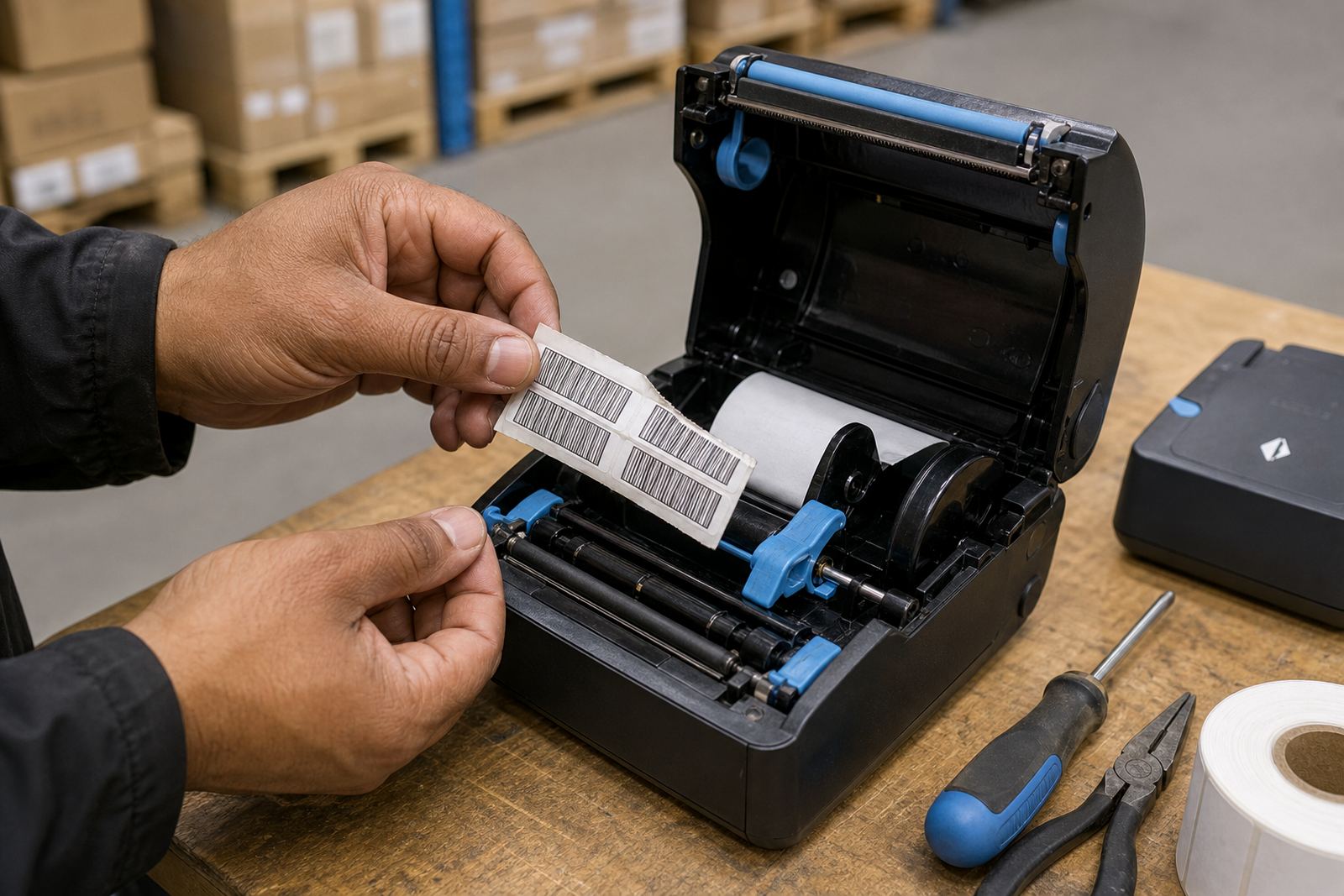
A mobile printer only saves space if it is easy to use where the team actually works. Bluetooth pairing, Wi-Fi setup and label calibration should be set up properly from the start so the operator is not dragging the printer back to an office or a large benchtop station for every small adjustment. If the label feed is off, the roll wastes stock and the counter fills up with misprints.
Calibrating the label size matters when the same printer is used for different rolls. A narrow product label and a wider dispatch label need different settings, and the printer must recognise the gap or black mark correctly. Good setup also helps with barcode and QR printing, especially when the labels are small and the code has to scan first time at the goods-in point.
- Check the roll path before the team starts a busy shift.
- Set the media type correctly for direct thermal or thermal transfer stock.
- Pair the printer to the device that actually does the work.
- Keep one test label nearby for quick print checks after changes.
What a smaller Cape Town stockroom gains from the right setup
A practical example is a retail stockroom in Montague Gardens where the packing bench has to serve receiving, pricing and dispatch. A full-size printer can dominate that surface. A compact mobile printer, mounted where needed and paired to a handheld device, leaves room for a scale, a scan gun and a box of labels without turning the bench into a tangle.
That same approach works for couriers loading parcels in Bellville or a branch team in Midrand. The job changes, but the need stays the same: keep the printer close, keep the labels organised and keep the working surface clear. If the printer is moved between bays, battery checks and printhead cleaning become part of normal housekeeping rather than a separate task that gets pushed aside.
At Go-Printer in Montague Gardens, Cape Town, the service side is built around that kind of use. On-site setup, Bluetooth pairing, Wi-Fi setup, print quality fixes, battery testing, battery replacement, belt clip repair, label jam clearing, operator training and preventive servicing all support a smaller footprint. A printer that is cleaned and calibrated properly takes up less mental space too, because staff know where it sits and how it behaves.
Keeping the printer small without letting upkeep get messy
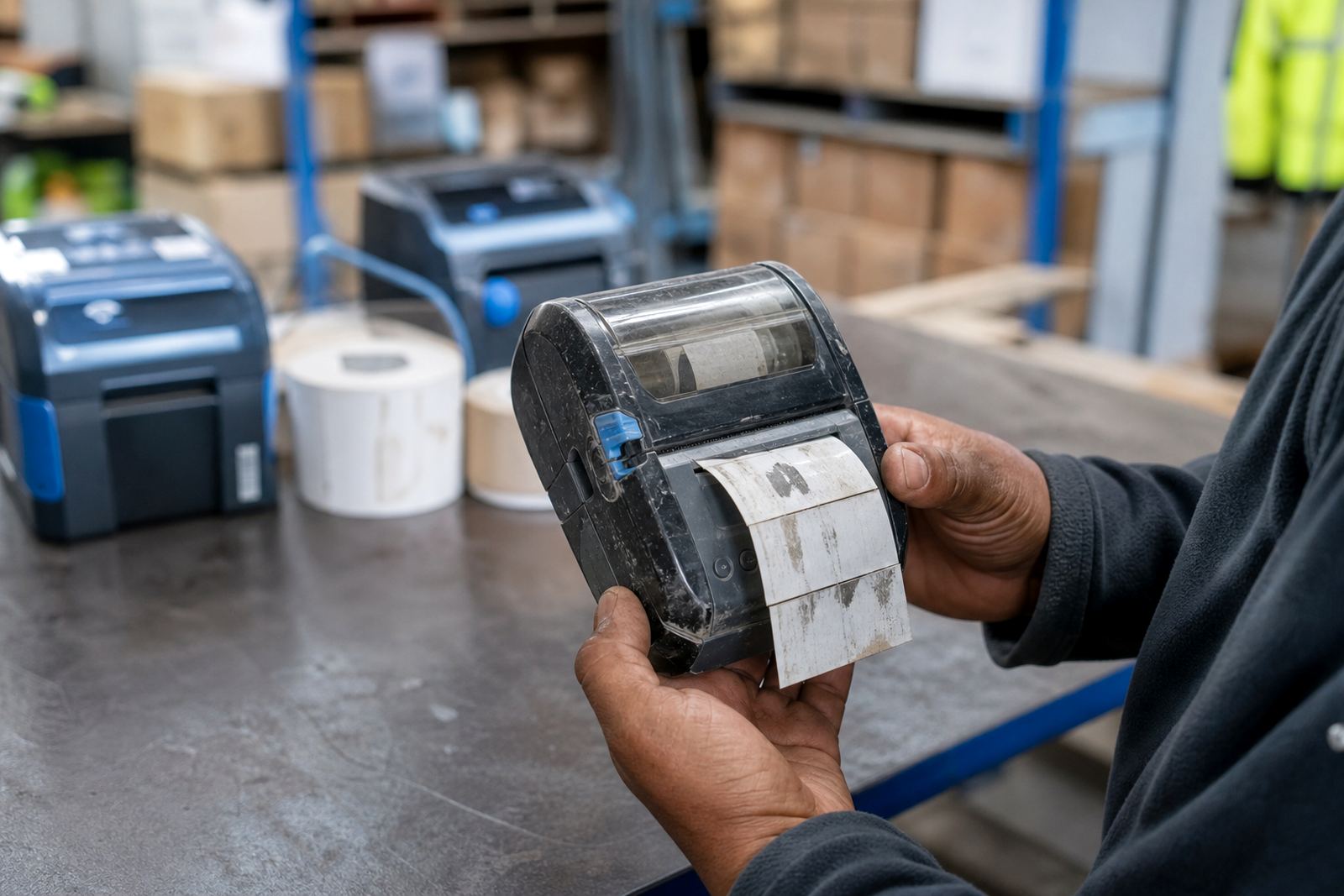
Space saving is not just about the size of the device. It is also about avoiding repeat fixes caused by dust, worn rollers or dirty printheads. A clean printhead gives darker, clearer output and reduces wasted labels. That matters when the printer is used in a busy stockroom where fine dust from cartons and packaging can settle quickly.
Repairs should be practical and specific. If a battery is failing, replace it before it becomes a daily interruption. If the belt clip has loosened, fix it before the unit gets dropped. If labels are feeding skew or the print is faint, sort the calibration and the printhead condition before more rolls are wasted. The point is not to add more equipment. The point is to keep the small setup working hard without taking over the room.
For warehouses and retail stockrooms across Cape Town, Johannesburg, Durban, Pretoria and Gqeberha, that balance often decides whether the bench feels cramped or workable. A compact mobile label printer does not ask for much floor area, but it does ask for the right roll, the right setup and a bit of care. In return, the stockroom stays clearer and the labels stay where they should be, on the box or shelf and not under the paperwork.