When the printer is fighting the roll
Most feed trouble starts with the roll not sitting square in the printer. If the label stock shifts left or right, the platen roller cannot pull it through evenly and the printer starts skipping, drifting or stopping between labels. Mobile units are especially sensitive here because they are moved around, clipped to a belt or carried between packing stations.
Direct thermal rolls and thermal transfer rolls behave differently too. Direct thermal stock usually has a smoother face and no ribbon, while thermal transfer jobs need the ribbon seated properly against the label face. If the wrong roll type is loaded, the printer may advance the media but the print will look faint, patchy or blank in places. In some stockrooms the feed issue is really a media mismatch, not a mechanical fault.
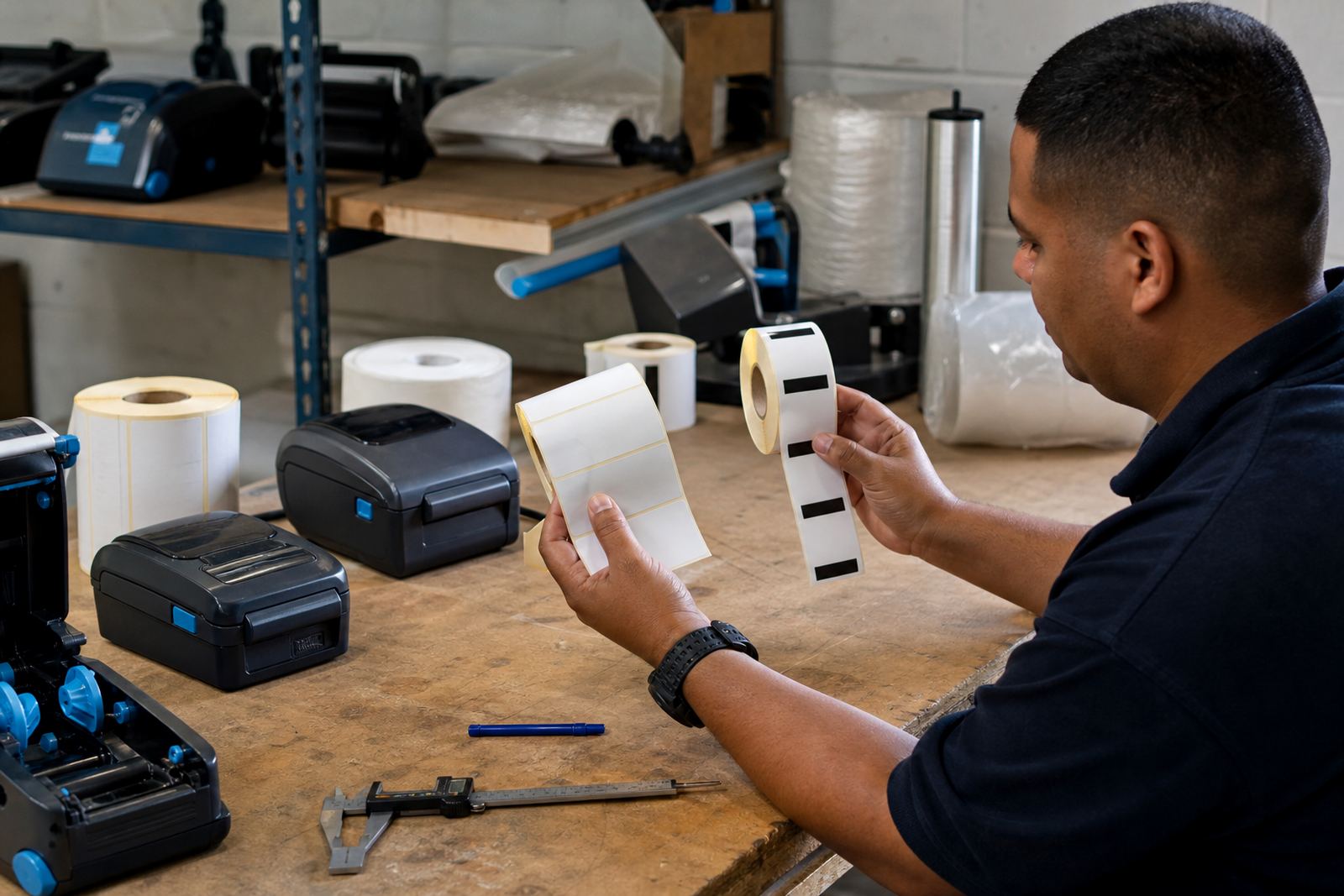
A second problem is label width. If the printer is set for 50 mm labels but the roll is 38 mm wide, the sensor and feed spacing can be out from the first scan. That gap shows up as missed labels, crooked cuts or a barcode printing too close to the edge.
The quick checks that save a service call
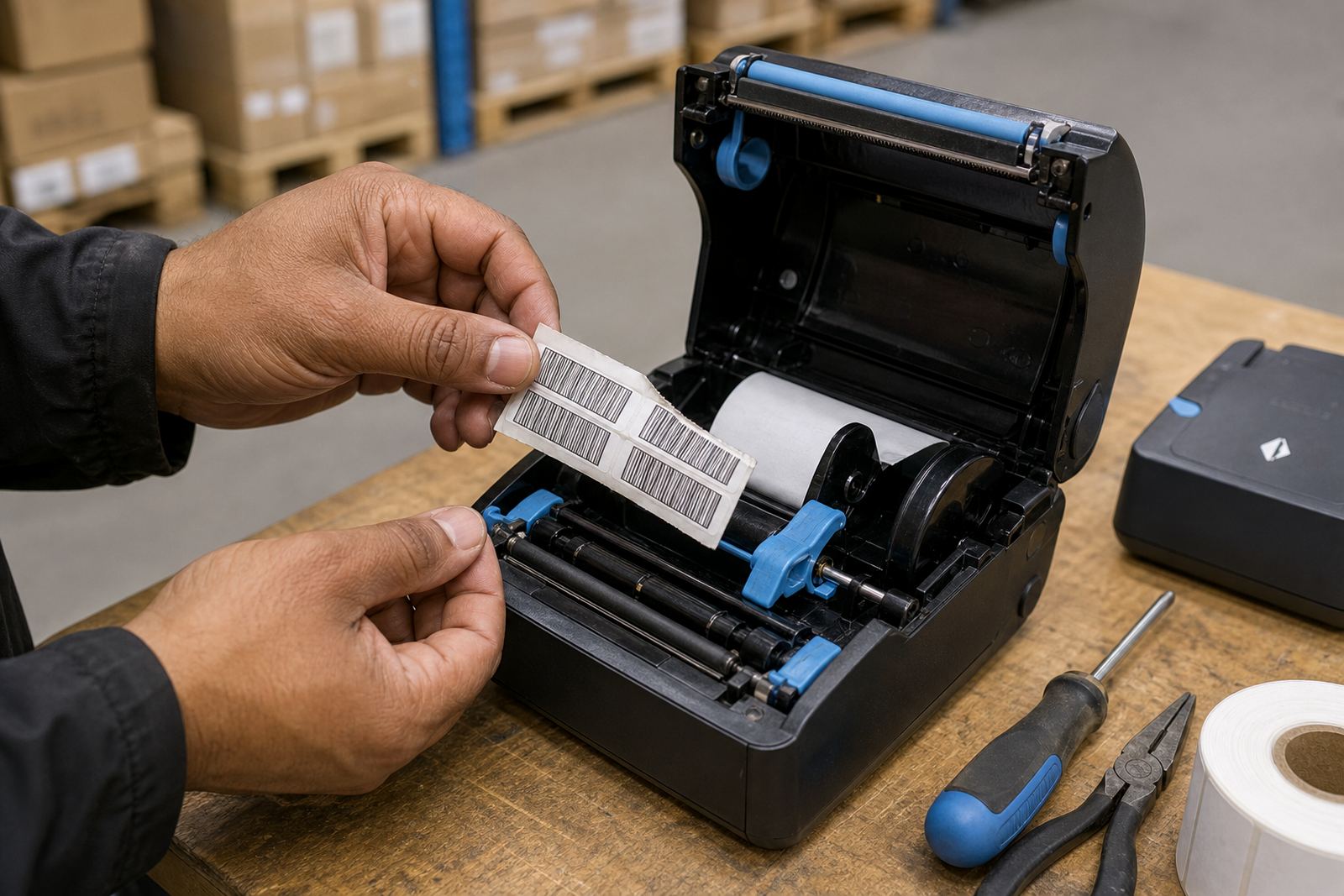
Before asking for repairs, look at the basics in the printer bay. Open the cover and check whether the roll turns freely, whether the edge guides touch the stock evenly and whether any torn liner is trapped near the exit path. A small scrap of adhesive can throw the feed off by a few millimetres.
- Reload the roll so the labels feed from the correct side.
- Make sure the edge guides sit snug, not tight.
- Confirm the label size in the print settings matches the roll.
- Check that the battery has enough charge for a full print run.
- Wipe visible dust from the label path with a soft lint-free cloth.
Battery condition matters more than many teams expect. A weak battery can reduce feeding force, especially when the printer is asked to produce long batches of barcodes and QR codes. If the feed gets worse as the charge drops, that is a clue worth noting before any repair visit.
Sensor settings that are often overlooked
Many feed faults come from the printer reading the wrong gap, black mark or notch setting. A roll designed for gap sensing will not behave like a black mark roll, and the printer will keep hunting for the next label edge. That leads to blank advances, repeated beeps or labels printing half on one strip and half on the next.
Some operators also change the media size but leave the calibration untouched. After that, the printer may still think it is handling the old size. Recalibration resets the feed logic so the printer knows where one label ends and the next begins. In busy depots across Cape Town or Johannesburg, this is one of the most common causes of false feed errors after a roll change.
Bluetooth and Wi-Fi pairing can affect the symptom too. If the mobile unit is paired to the wrong profile or the print job is being sent with an old label template, the printer may feed correctly but place the print in the wrong position. That can look like a mechanical fault when it is actually a setup issue.
Printhead care and the marks it leaves behind
A dirty printhead does not only affect print clarity. Built-up adhesive, dust and ribbon residue can create friction on the media path and that extra drag makes the printer struggle with smooth feeding. On direct thermal stock the effect often shows as uneven darkness across the label. On thermal transfer jobs it may show as patchy print and intermittent feed jerks.
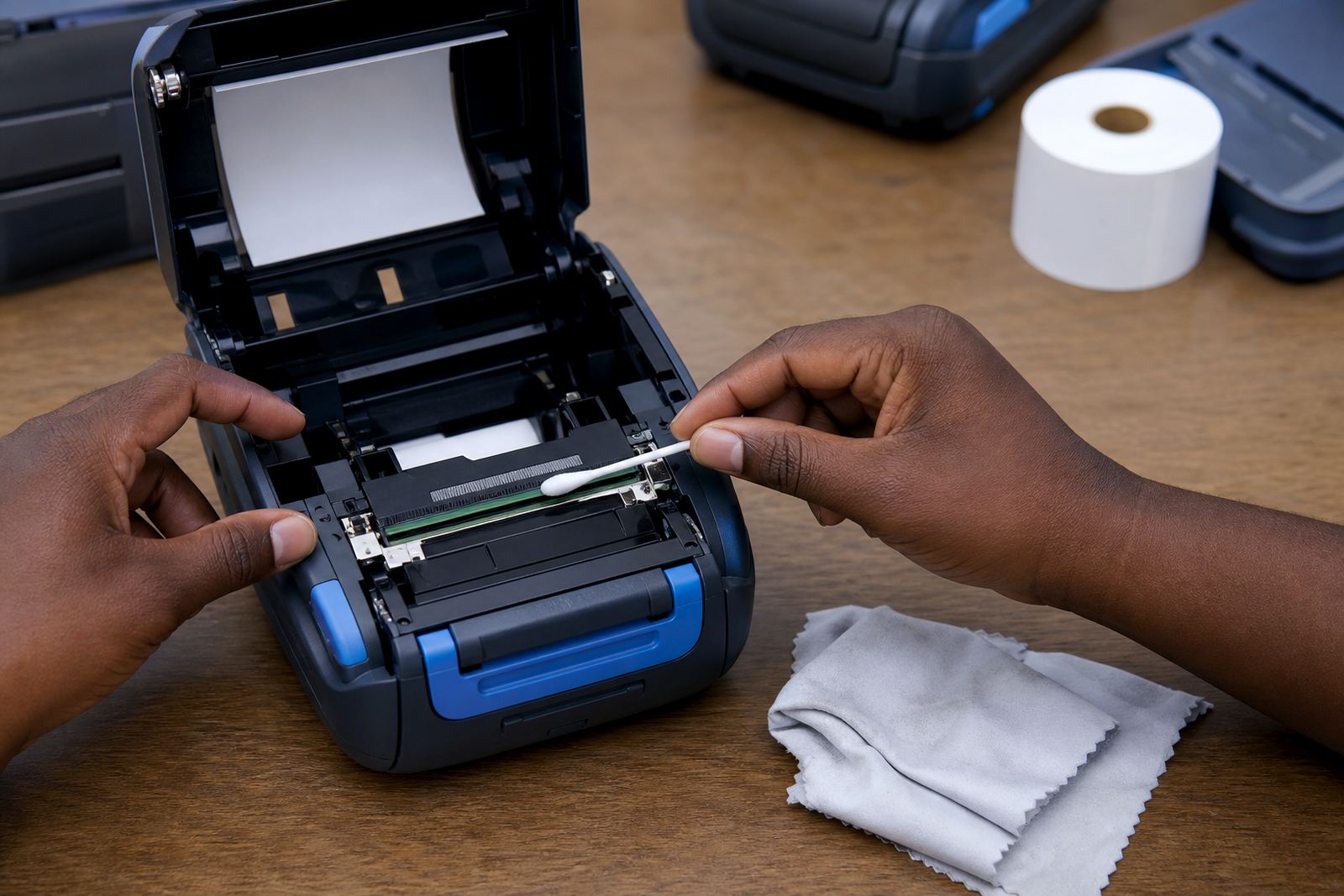
Printhead cleaning should be careful and regular. Power the unit down, let the head cool and use a suitable cleaning swab or cloth on the print line and nearby roller surfaces. Do not scrape at residue with anything sharp. A scratched head or roller can create a permanent feed issue that no amount of software calibration will fix.
- Clean after heavy dust exposure in a stockroom.
- Check for glue build-up after a roll change.
- Inspect the platen roller for shiny or flat spots.
- Look for damage on the label edge as it exits the printer.
A Cape Town stockroom example from the packing bench
In Montague Gardens, a retail stockroom team may run short bursts of shelf labels in the morning and courier labels later in the day. If the same mobile printer is moved between stations, the roll can shift slightly in transit. One label batch prints neatly, then the next starts feeding unevenly because the media guide is no longer sitting where it should.
The fix is often practical rather than dramatic. Re-seat the roll, run a calibration, clean the head and check the label dimensions against the template. If the printer uses a belt clip and the unit has been knocked during the shift, the cover latch or guide may also need attention. We see the same pattern in Durban humidity and in Pretoria dry stores, just with different wear on the roll and adhesive.
For couriers, the issue can appear after a battery swap or after the printer has been carried loose in a vehicle. A small bump is enough to change the feed path. Once the roll is aligned and the calibration is reset, most recurring misfeeds stop making an appearance.
When the fault points to repairs or training
If the printer still skips after the roll is loaded correctly and the settings are checked, the problem may sit in the sensors, the roller assembly or the battery contacts. At that stage, a technician should inspect the unit for worn drive parts, damaged clamps or a failing battery pack. Belt clip damage can also be a clue, since the printer may have taken more knocks than the team realised.
On-site setup helps where several users share the same printer style. A short operator session on media loading, Bluetooth pairing, Wi-Fi setup and label calibration can prevent a repeat of the same feed fault. In busy workplaces, one person’s quick workaround often becomes a branch-wide habit and that habit is what keeps the problem alive.
If the labels feed cleanly after these checks, the machine can usually stay in service without further drama. If not, the printer needs a closer look from a field technician who knows mobile label units, roll types and the way barcode layouts behave on small print widths.