When a label goes pale before the job is done
A label that looked sharp yesterday but reads poorly today can slow scanning, misroute stock and cause extra manual checking. In warehouses and retail stockrooms, that often shows up first on barcode labels, shelf labels and carton IDs that face handling, daylight or warm storage areas.
The first question is not only whether the label has faded, but how it has faded. A label that washes out evenly may point to media that was never suited to the job. A label that loses parts of characters, skips bars or goes patchy often points to printer setup or a dirty printhead. If the print is light across the whole label, the printer may be running too cool, the battery may be weak, or the media roll may not be seated correctly.
Direct thermal and thermal transfer do different jobs
Direct thermal labels are coated to darken under heat, so they work well for short-life use such as courier cartons, dispatch labels and temporary shelf marking. They are useful when the label must be clear for a short period and then move on. Their weak point is heat, sunlight and friction, which can all make the print fade faster than expected.
Thermal transfer labels use a ribbon to move the print onto the label surface. That method gives better staying power for long-life stock labels, asset marks and labels that need to survive more handling. If a business is using direct thermal stock where thermal transfer would be a better fit, the fading problem often keeps returning no matter how carefully the printer is cleaned.
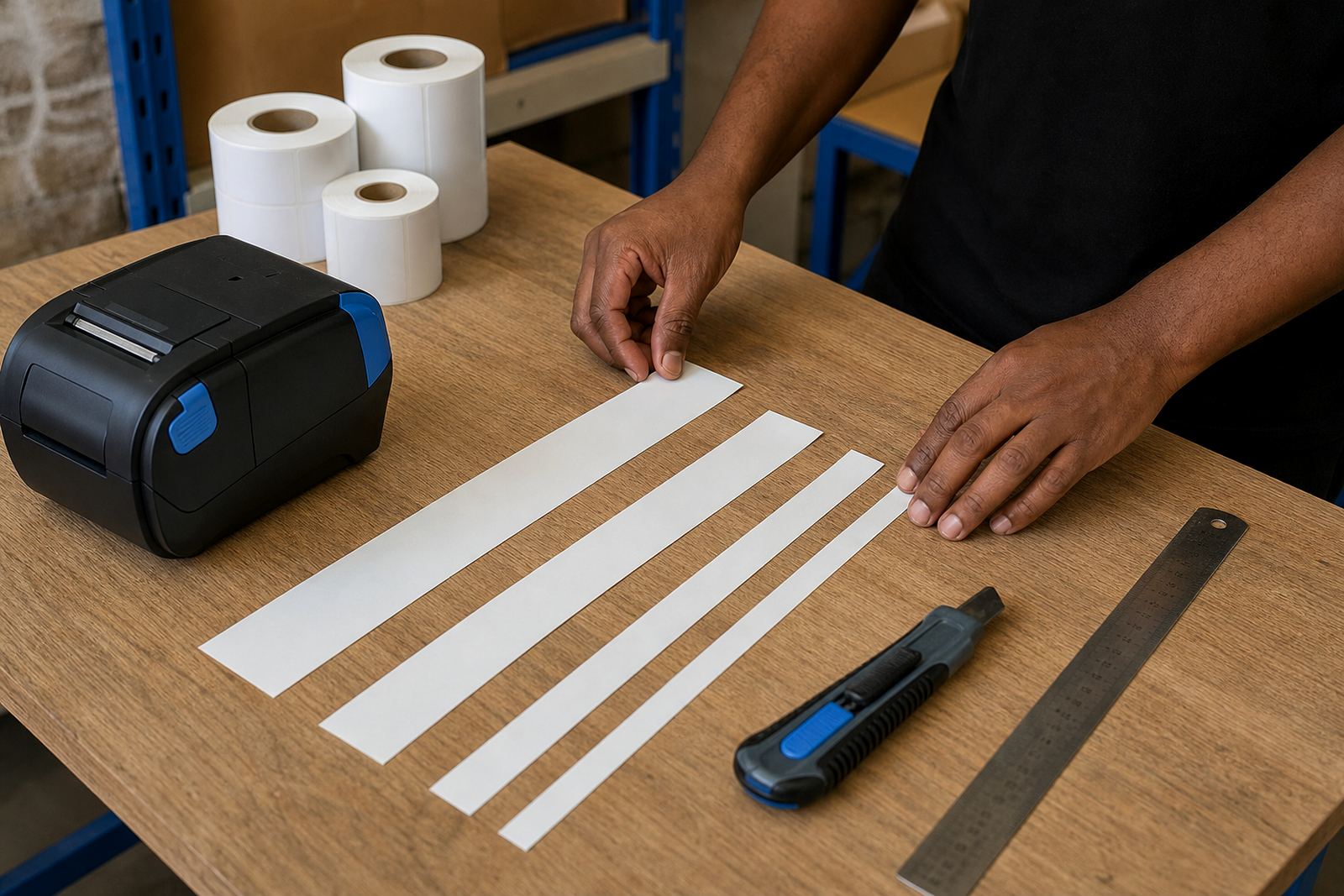
In practice, the media choice must suit the work. A 50 mm by 25 mm label for tote bins may not need the same durability as a 100 mm by 150 mm carton label in a dispatch lane. The printer can only do so much if the roll itself is wrong for the environment.
- Short-life labels suit dispatch and temporary identification.
- Long-life labels need stronger media and steadier print settings.
- Heat, sunlight and rubbing shorten the life of direct thermal print.
- Thermal transfer is often better for storage labels that stay in place.
Print darkness, speed and the battery all leave clues
Mobile label printers are built for movement, but they still need correct settings. If print darkness is too low, the barcode may scan in one part of the store and fail in another. If print speed is pushed too hard, light strokes can appear on the label, especially when the battery is not holding a strong charge.
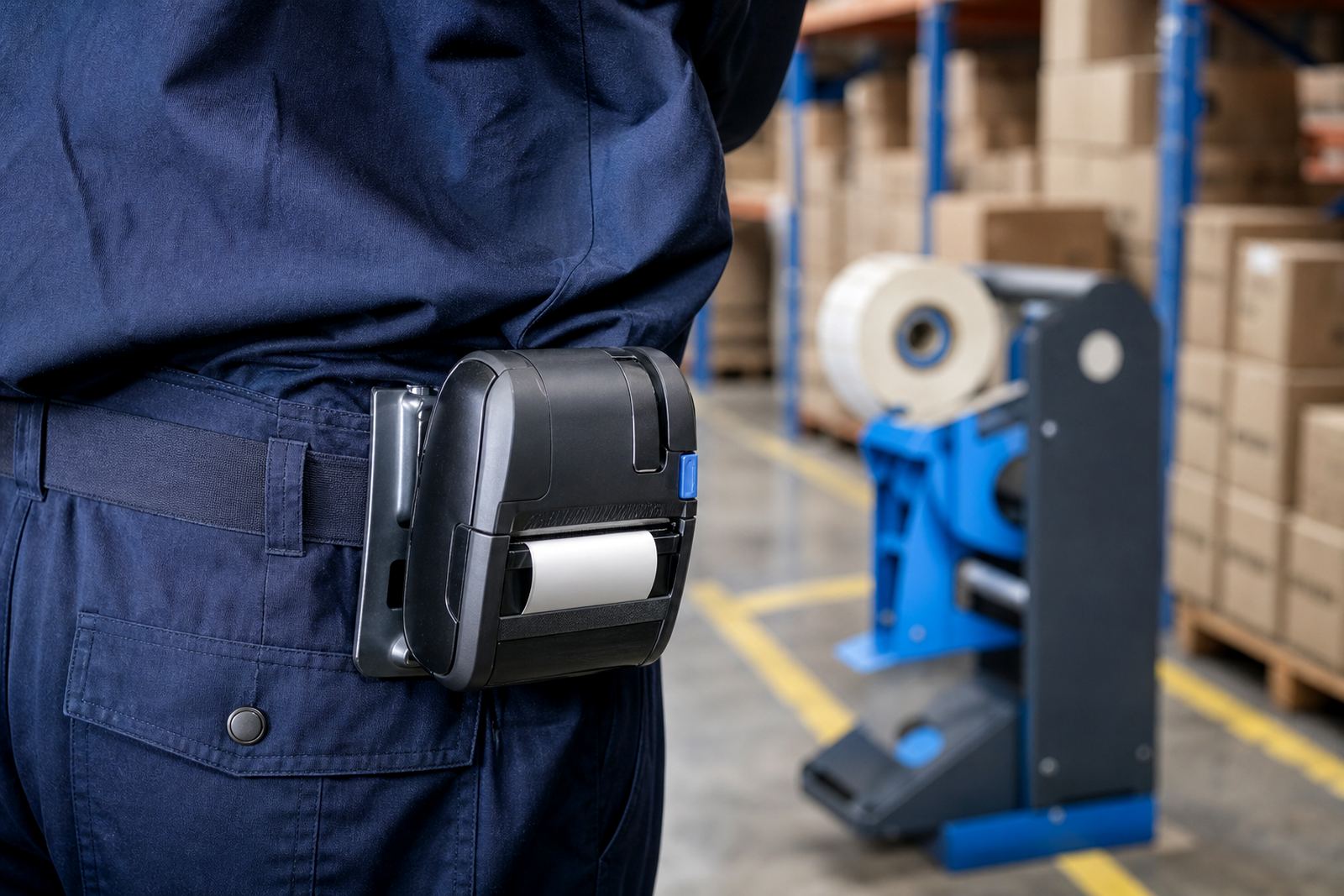
Battery condition matters more than people think. A printer with a tired battery can still power up and feed labels, yet the print may look pale, uneven or incomplete. That is especially common on busy days when the unit moves from receiving to packing to dispatch without a proper charge break. Belt clips and carrying cases also matter, because knocks and dust around the dock can shake the roll or loosen the cover.
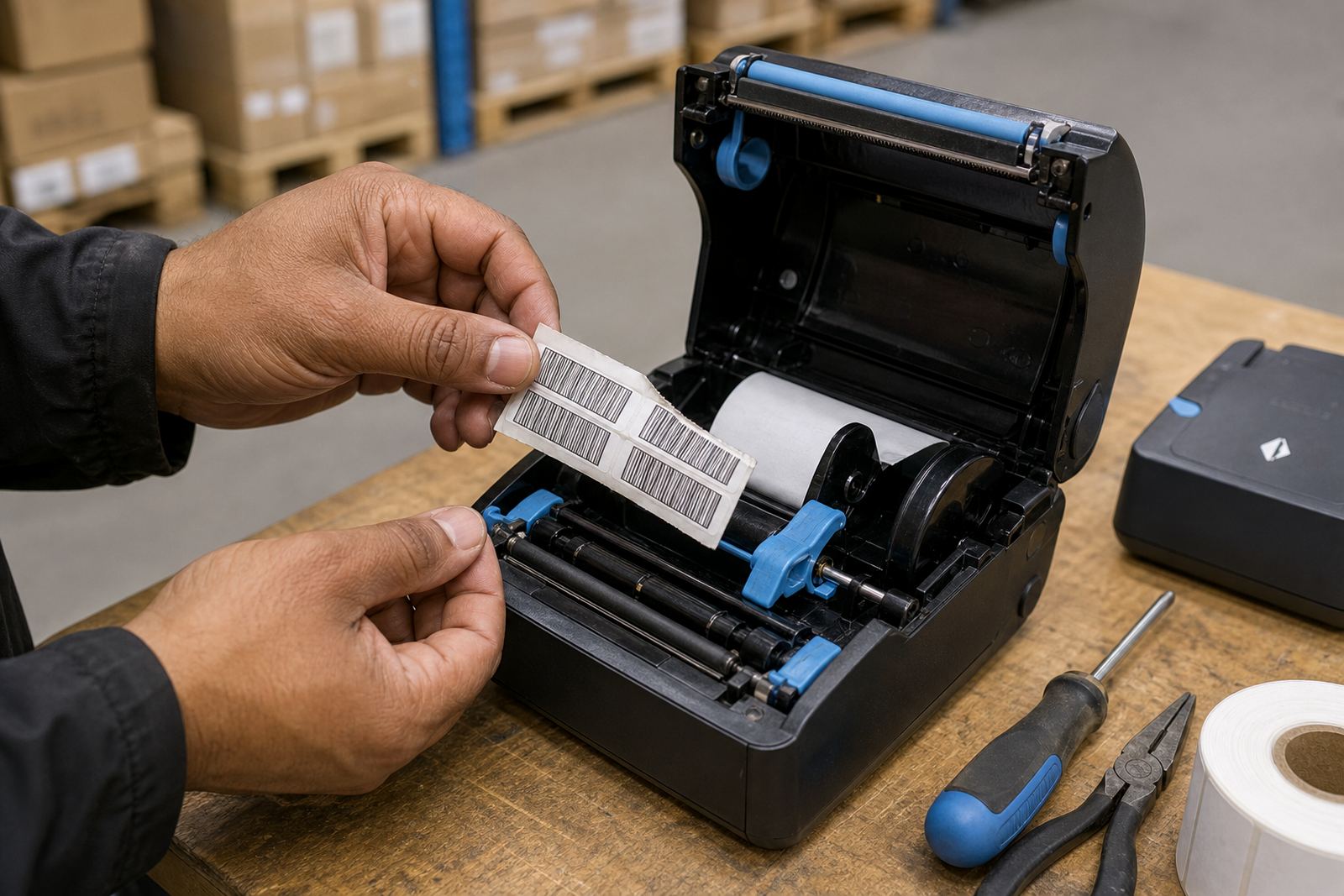
Bluetooth and Wi-Fi pairing are useful for mobile work, but a weak connection can also be mistaken for print fading. If a job is sent twice or interrupted mid-label, the result can look blurred or incomplete when the real issue is transfer, not media. A careful setup checks the pairing, the calibration and the label size before the labels start moving through the queue.
- Low darkness settings can leave bars too faint to scan.
- Weak batteries can reduce print strength and feeding consistency.
- Poor calibration may shift the print off centre.
- Pairing faults can look like print quality problems at first glance.
What faded labels say about care inside the printer
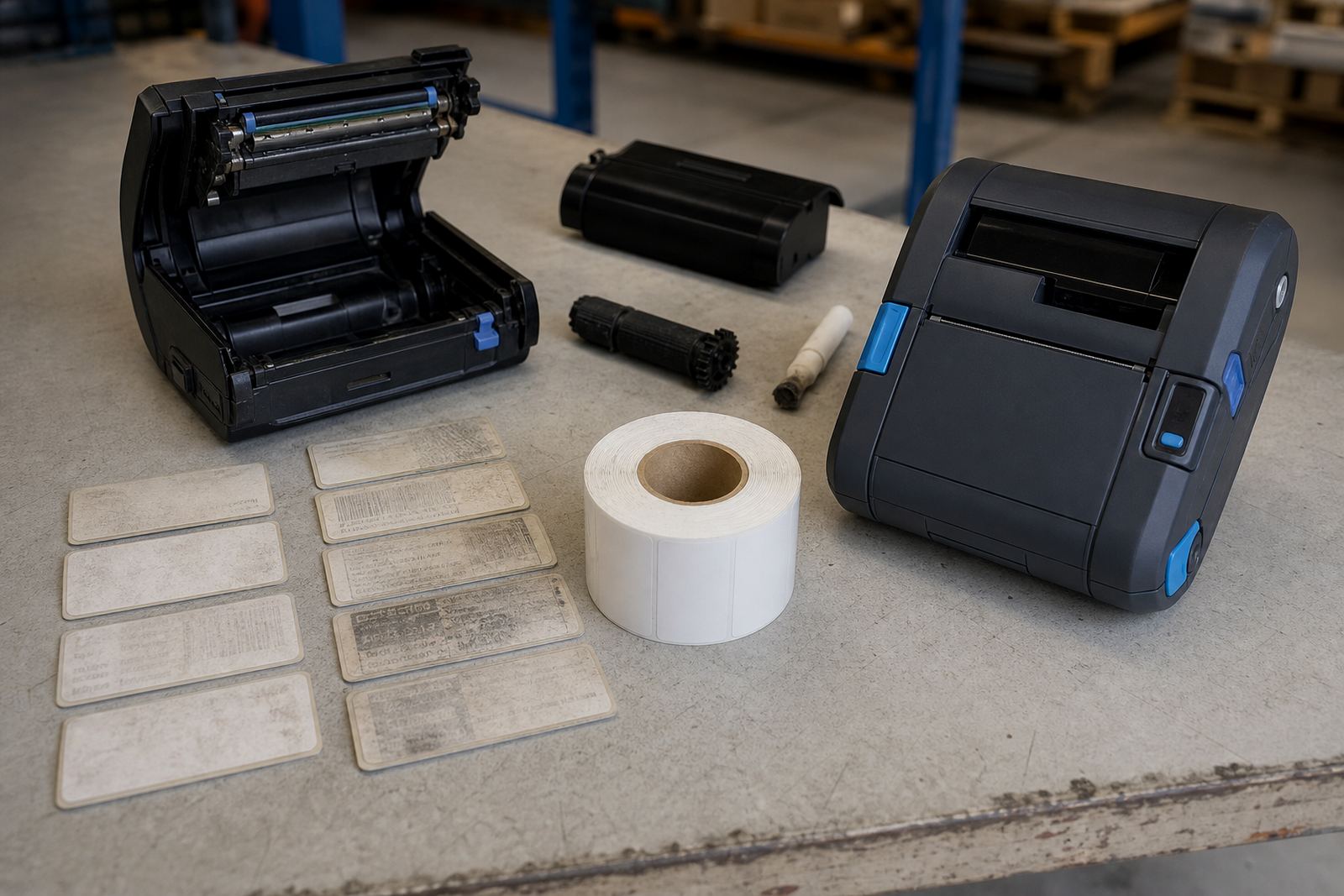
Printhead cleaning is a plain job, but it changes the result quickly. Dust, adhesive residue and tiny bits of label backing collect on the head and rollers, then the print starts showing pale bands or missing lines. On direct thermal units, that build-up can show after a few rolls. On thermal transfer units, ribbon dust and label debris can do the same damage.
In many stockrooms, the printer is used until the labels look bad enough to complain about. That usually means the machine has been working with too much friction for too long. Cleaning, calibration and label roll checks should happen before the print becomes hard to read. If the printhead is worn, cleaning will only help for a short while and the faded strip will keep returning in the same place.
A good repair check looks at the whole path, not just the print surface. Roll pressure, platen wear, sensor alignment and label feed all affect how the image lands. When a label fades at one edge more than the other, the printer is usually telling you something specific, not being difficult.
A Cape Town example that kept repeating until the cause was found
A retail stockroom in Montague Gardens had a run of labels that looked fine at print time but faded badly before the end of the week. The team had already changed rolls and tried reprinting, yet the problem kept returning on certain shelf labels and transfer labels used for fast-moving stock.
The check showed two issues. The first was media that was being used in a warmer area near a receiving bay, where direct thermal labels lost clarity faster than expected. The second was a printhead with residue across one section, which made the bars thin and the text look washed out. After the media was matched to the job, the printer was cleaned and the darkness setting was corrected, the labels held their reading for the work they were meant to do.
That kind of problem is common in Cape Town and also in Johannesburg, Durban, Pretoria and Gqeberha where stockrooms vary from cool back areas to bright loading zones. The same printer can give very different results when the storage conditions change. Labels do not fail in a vacuum, they fail in the place where they are used.
A practical reading of the warning signs
Faded labels are useful because they point to the cause if you look closely. Light print across the whole label suggests settings, battery or media selection. Missing patches suggest contamination or a worn printhead. Labels that fade after exposure to heat or sunlight point toward the wrong stock for the job. If the barcode scans badly only after handling, the issue may be rubbing rather than print strength.
For warehouses, couriers and retail stockrooms, the answer is usually a mix of the right roll, correct calibration and steady printer care. Setup on site helps catch those details early, especially when a team uses different label sizes for carton ends, shelves and packed orders. Preventive servicing then keeps the printer ready instead of waiting for a bad print run to expose the fault.
- Choose label stock that suits how long the label must last.
- Keep the printer clean, especially the head and rollers.
- Check battery condition when print looks weak.
- Test barcode and QR output on the actual label size.
- Adjust calibration before poor feeding starts to waste rolls.