When labels start fading instead of reading cleanly
Faded text is one of the first clues that a unit needs attention. On direct thermal labels, heat and paper condition both affect the result, so pale print can point to a worn printhead, weak settings, or the wrong label stock. On thermal transfer units, light print often shows ribbon trouble, poor pressure, or a dirty print path.
If barcodes look patchy or QR codes stop scanning on the handheld reader, do not brush it off as a once-off fault. That sort of print usually gets worse over a shift, and the next pallet label can be the one that causes a delay at dispatch.
- Light print on one edge usually points to printhead wear or dirt.
- Missing lines in a barcode can mean the printhead has a damaged section.
- Soft, grey labels often need calibration or a fresh media check.
Battery trouble shows up before the unit goes flat
A mobile printer with a tired battery rarely fails without warning. The charge may drop faster than expected, the unit may switch off during label runs, or the battery metre may jump around. In a busy stockroom that can leave a picker carrying a printer that looks ready but is not.
Battery health matters most where staff move between the receiving area, picking aisles and packing tables. If the printer holds less charge than it used to, or the belt clip and charging contacts feel loose, it is worth testing before the workday gets shaped around a weak unit.
- Short run time after a full charge is a common sign of battery wear.
- Loose contacts can interrupt charging without any obvious fault.
- Warm batteries after light use deserve a proper check.
Bluetooth and Wi-Fi problems are often early warnings
At first, connection faults are easy to brush aside. A label printer that keeps losing Bluetooth, asks to pair once more, or will not join Wi-Fi may not have a software fault at all. Dust, saved device profiles, weak signal near the packing bench, or a worn radio module can all create the same nuisance.
When operators keep re-entering settings for the same printer, the unit is telling you something. If the connection works in one area of the site but fails near another, the fault may be in the printer or in the way the connection profile has been set up. Either way, repeated pairing is a sign worth checking.
- Frequent re-pairing can mean the saved settings are not holding.
- Slow discovery on nearby devices may point to a radio fault.
- Dropouts around metal shelving can expose a weak signal and a weak setup.
Label jams and crooked feeding waste more time than people expect
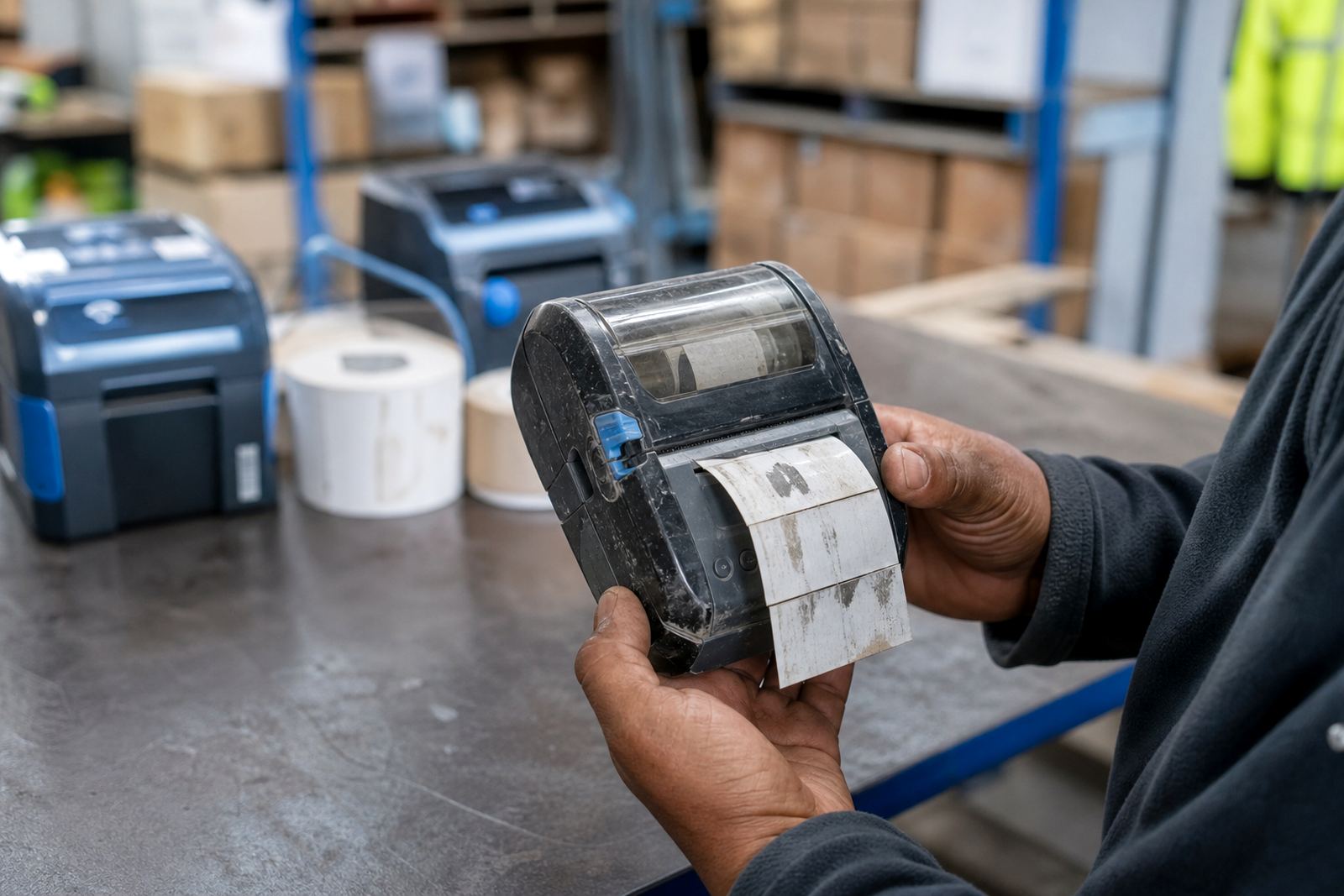
When labels start drifting, curling, or jamming inside the printer, the issue usually grows. A small feed fault can turn into torn liners, misaligned print, and a pile of half-used rolls. In courier work that means a parcel label may not sit square on the carton, which is a problem at the handover point.
Check whether the label roll matches the printer width and whether the guides sit properly. Many units run up to about 104 mm print width, but the roll still needs the right size and the right placement. A roller that feeds unevenly, or a sticky path from paper dust, can be enough to throw the print off centre.
Printhead cleaning is not a nice-to-have task
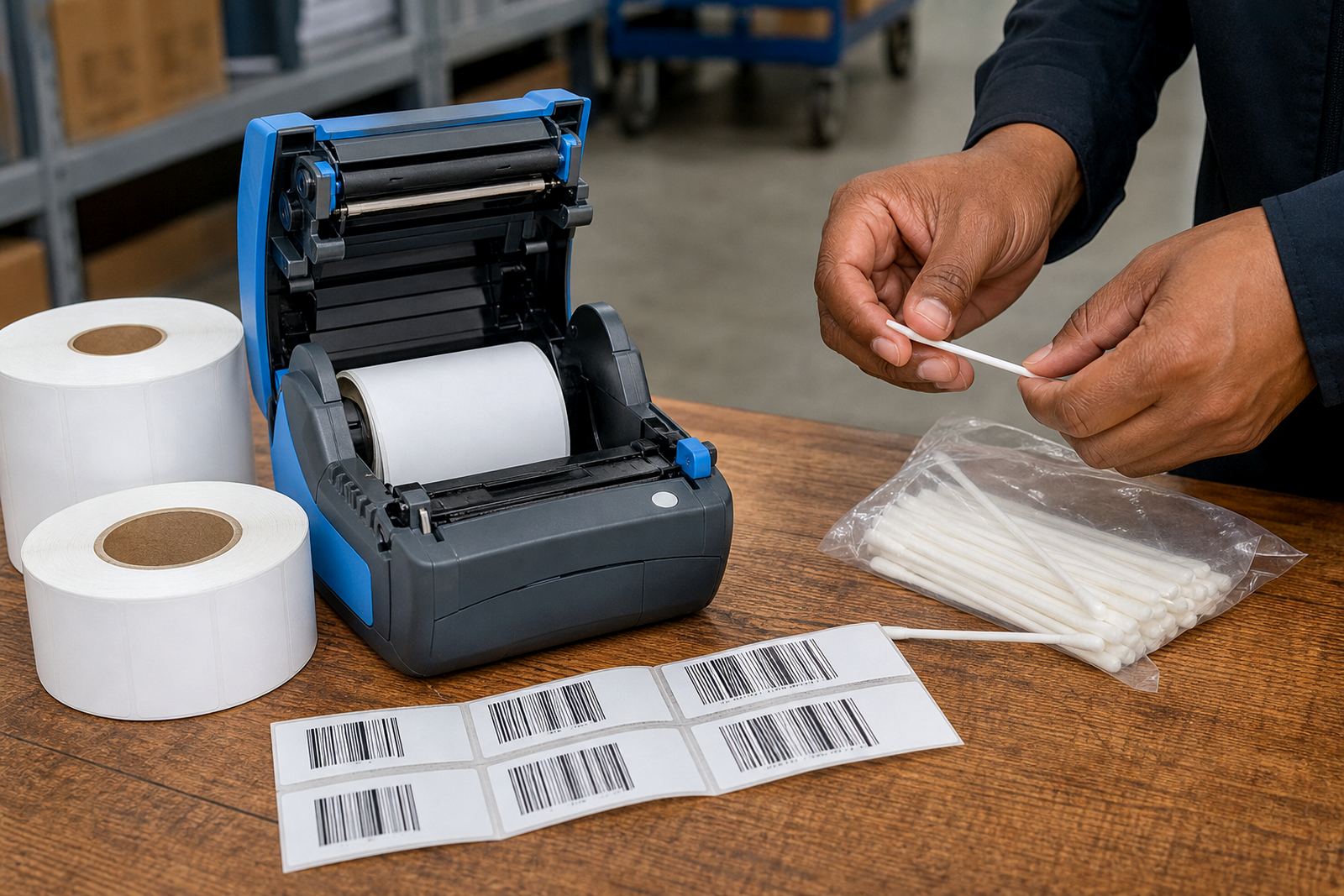
Dirty printheads cause more trouble than many teams expect. Dust, adhesive residue and paper fibres build up fast on direct thermal and thermal transfer units, especially where labels move through all day. Once the build-up settles, the print can get patchy, streaked, or weak on one side.
Regular cleaning is basic care, not a special repair. A clean printhead helps barcode edges stay sharp, keeps small text legible, and reduces the chance of premature wear. If a printer keeps losing quality soon after a clean, that is a stronger sign that the head or feed path needs proper servicing.
- Patchy print after cleaning can indicate the printhead itself is wearing out.
- Adhesive on the path can drag the label and affect registration.
- Repeated streaks at the same position often mean a fixed fault, not just dirt.
A Cape Town stockroom example that is easy to recognise
In Montague Gardens a stockroom team may notice the issue first on a Monday morning. Labels print, but the barcodes are faint and one battery is already weaker than the others. By the time the unit reaches the packing bench, staff are tapping the screen, checking the roll, and trying to get a clean scan on the first pass.
At that stage, checking the printer properly saves time down the line. On-site setup, label calibration, battery testing, belt clip repair and print quality fixes all help when a printer is still working but no longer working well. The repair may be simple, yet waiting for a full failure can leave the team with a queue of parcels and a machine that is no longer dependable.
The small faults that deserve attention before the shift goes sideways
There is a pattern to printer downtime signs. They start with a few slow prints, then a weak battery, then a connection that drops more often than it should. After that, labels begin to waste, scans fail, and the printer spends more time being adjusted than used. Catching those clues early is the best way to protect the job flow.
If you are running direct thermal labels for short-life stock or thermal transfer labels for tougher tracking, the warning signs are worth taking seriously. The unit may still power on, but the work around it starts changing. That is when a service check, calibration, or replacement part is worth sorting before the failure lands in the middle of a dispatch run.