Heat lands where the label needs it
The printhead is the part that turns heat into text, barcodes and QR codes. When dust, label adhesive or ribbon residue sits on the head, the heat does not spread evenly and the result is patchy print, pale lines or faint edges on the label.
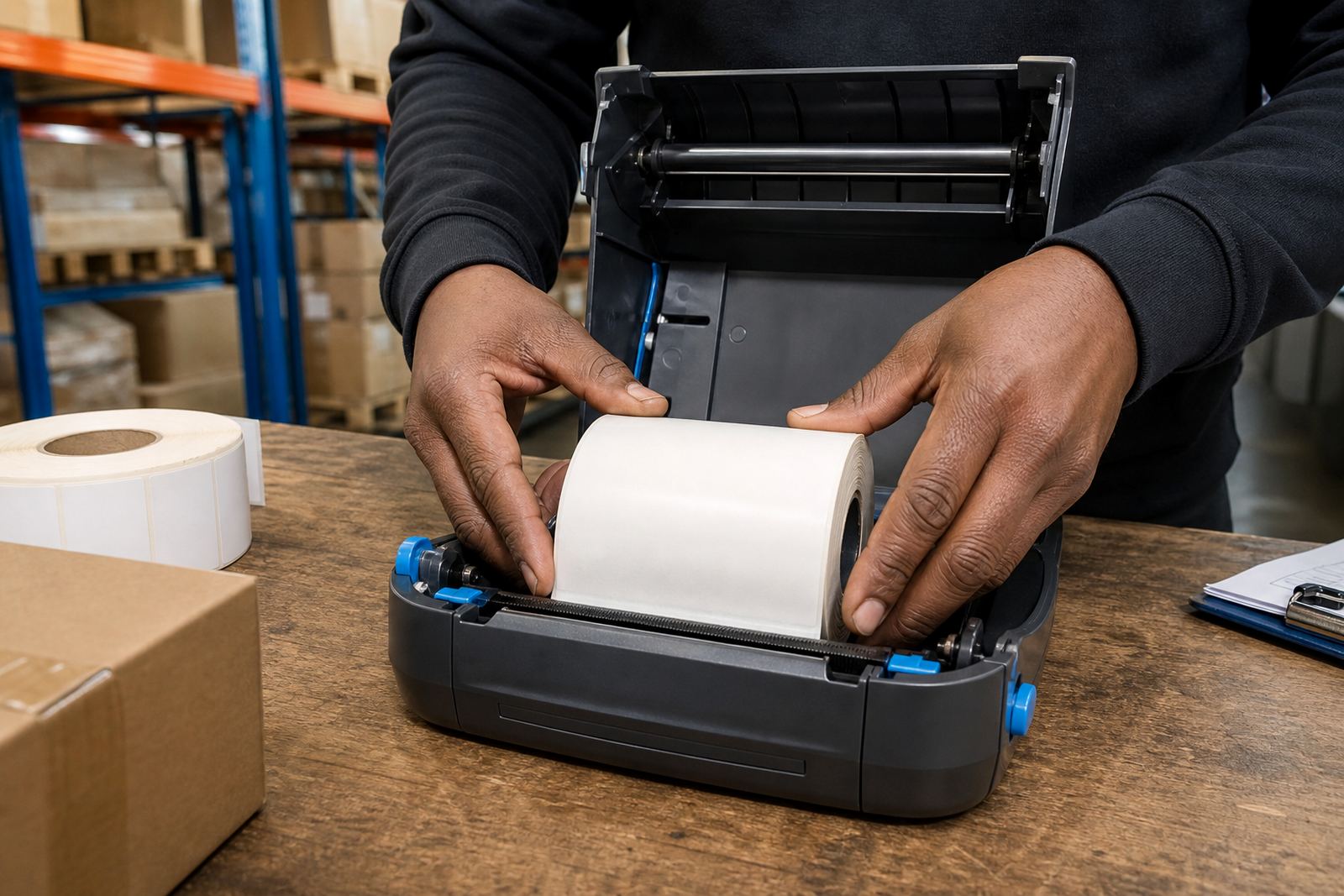
Mobile units used in warehouses and delivery work take a knock from pockets, belt clips, packing tables and dusty aisles. A printer that handles 50 mm, 60 mm or wider labels can still print cleanly, but only if the head stays free of grime and the platen roller is not dragging residue back across the media.
Direct thermal and thermal transfer need different care
Direct thermal printers print on heat-sensitive labels, so the printhead is working straight onto the label surface. Thermal transfer units use a ribbon, which gives better durability for labels that must last through storage, handling or transport. Both need cleaning, but thermal transfer often leaves more residue around the head and guides.
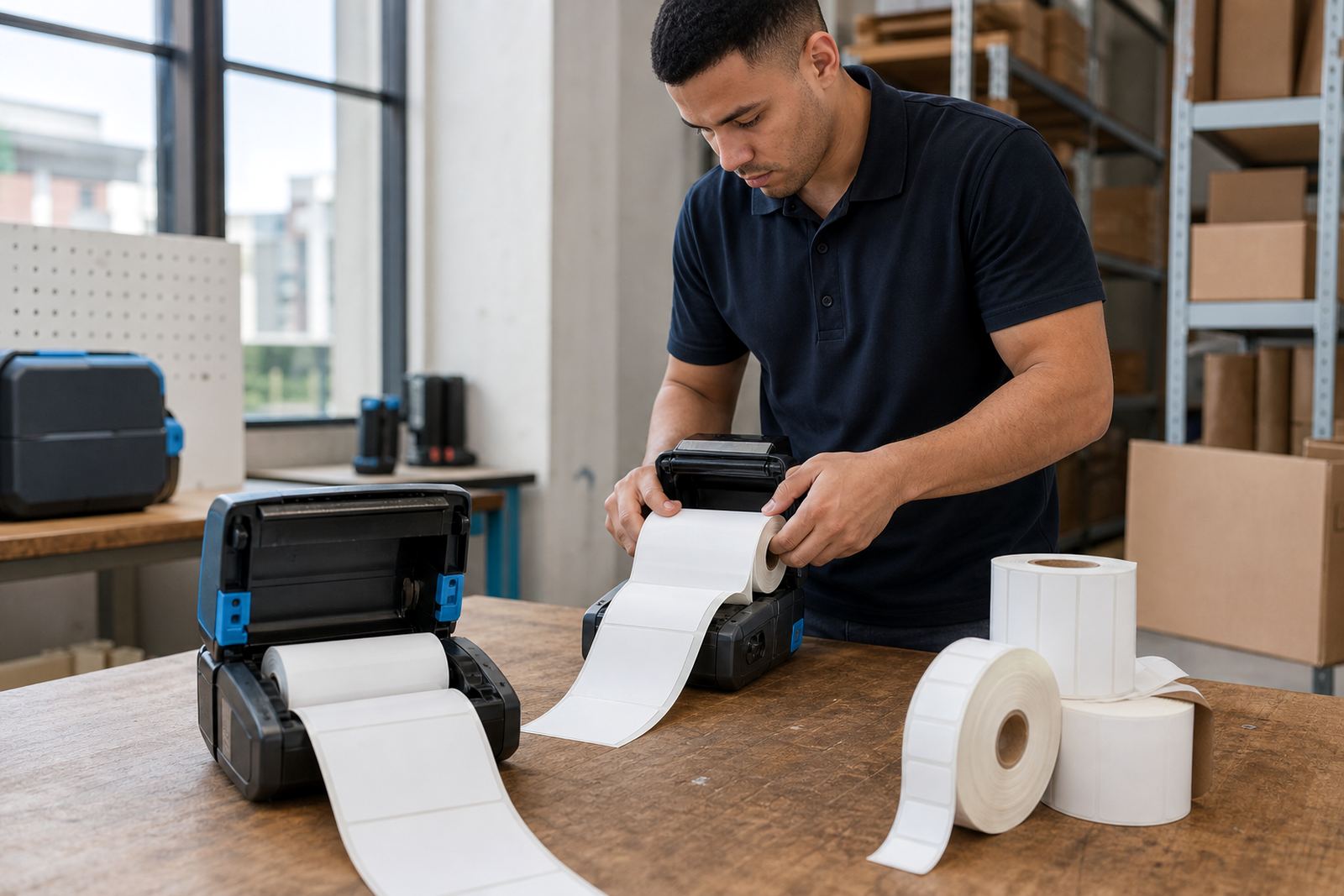
When a team switches between short shipping labels and tougher stock labels, cleaning matters even more. If the printer is used for barcode labels, shelf labels or parcel tags, a dirty head can make scans awkward and slow the line down.
- Check for light streaks running through the print area
- Look for labels that print dark on one side and pale on the other
- Watch for sticky marks where adhesive has baked onto the head
- Clean after heavy use, not only when print quality drops
A small routine beats a long repair
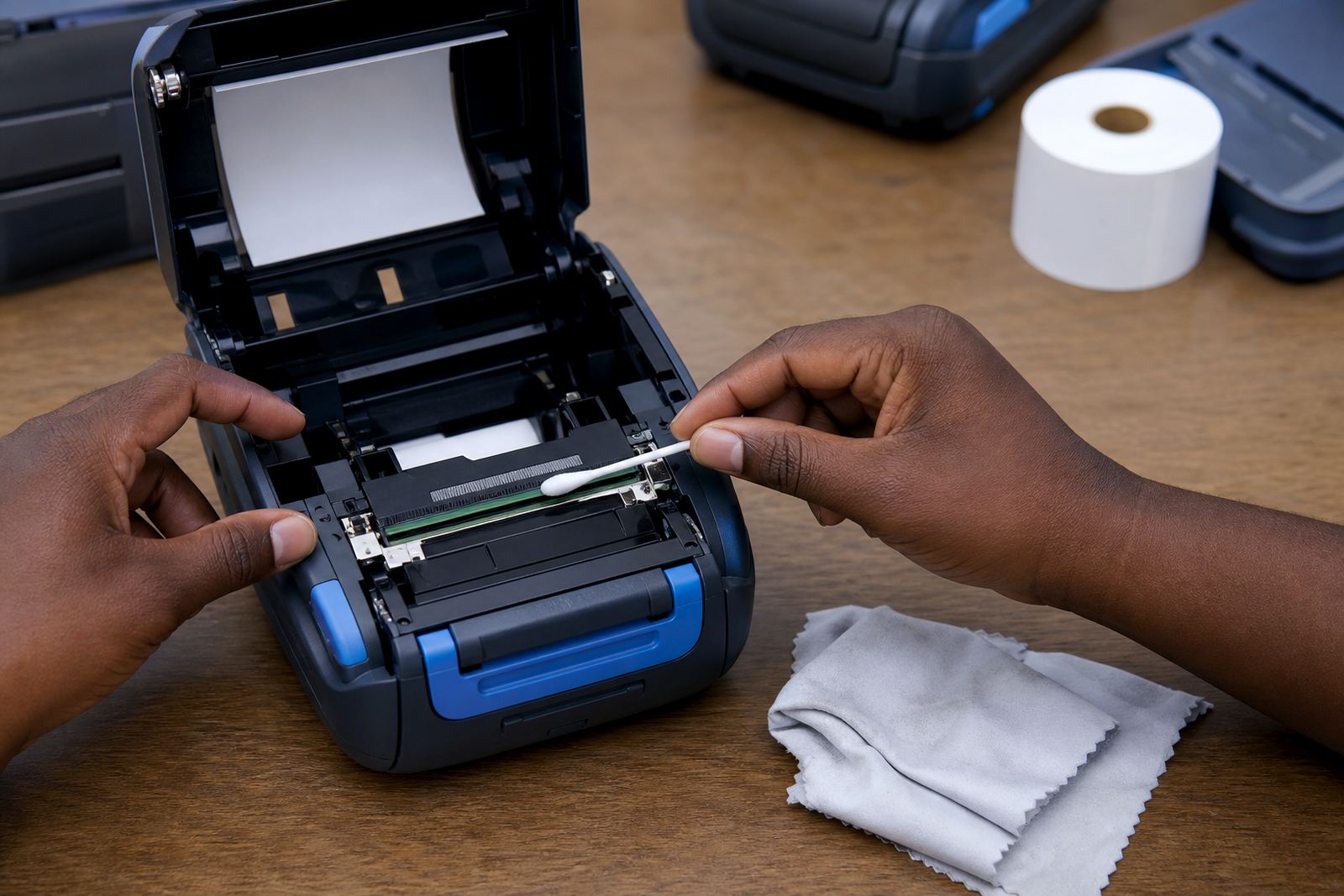
Most printhead issues start as simple build-up. A clean, dry lint-free swab or cloth with the right cleaning fluid can remove dust and residue before it hardens. Let the printer cool first, then lift the mechanism carefully and wipe along the head in one direction, not back and forth.
That routine is especially useful on mobile printers used by pickers and drivers who pair via Bluetooth or Wi-Fi and print label after label through a shift. If the printhead is left dirty, the printer works harder to reach the same darkness and the labels can start to look uneven.
- Power off before cleaning
- Never scrape the head with a sharp tool
- Keep fingers off the heating line
- Let the surface dry before loading labels again
Battery life and print settings still matter
Battery performance and printhead condition affect each other more than many teams expect. A weak battery can cause irregular heating, while an overloaded darkness setting can push the head harder than it needs to work. On mobile units, that extra strain shows up as faded print, hotter running parts and quicker wear.
For couriers in Cape Town or a stockroom in Pretoria, it helps to match the label size, darkness setting and print speed to the job. Wide labels, fine barcodes and small QR codes need a steadier setting than a plain parcel sticker. A clean head gives the printer the best chance to hold that detail.
Label jams leave marks that should not be ignored
When a label folds, peels or jams inside the printer, adhesive and paper fibres can transfer onto the printhead. If that happens often, the printer may keep producing rough edges or blank bands even after the jam is cleared. The problem is not always the label roll itself, the head may already be marked.
Our team sees this in warehouses where different rolls get swapped through the day, or in retail stockrooms where operators are moving quickly. A short check after a jam can save a lot of frustration later.
- Remove the roll and inspect the feed path
- Clean the head before loading fresh labels
- Check whether the roll width matches the printer guide
- Test a barcode scan before the next batch
Cape Town stockrooms and field repairs need the same discipline
Montague Gardens, Bellville and Midrand do not share the same dust, humidity or handling patterns, but the cleaning principle stays the same. A printer that travels in a van, sits on a packing bench or moves between sites is always picking up something. Clean printheads help keep label readability steady across those settings.
When a mobile printer needs attention, we handle on-site setup, print quality fixes, label calibration, battery replacement, belt clip repair and preventive servicing across South Africa. Mandla Mthethwa leads the business with a team that includes operations, field service, label supplies, technical support and training, so the work covers both the device and the way staff use it.
For teams in Cape Town, Johannesburg, Durban, Pretoria and Gqeberha, better cleaning habits often lead to fewer reprints and less wasted label stock. That part is not glamorous, but it keeps the label legible and the barcode scannable.