When a clean label starts looking tired
Streaks can show as pale lines, darker bands or patchy barcode edges. On a thermal mobile label printer, that usually means the printhead has dust, adhesive build-up or a worn section that no longer heats evenly.
Direct thermal labels are coated to darken with heat, so they are sensitive to friction, dust and the wrong storage conditions. Thermal transfer jobs use a ribbon, and streaking there often points to ribbon wrinkles, uneven pressure or a print setting that does not suit the media.
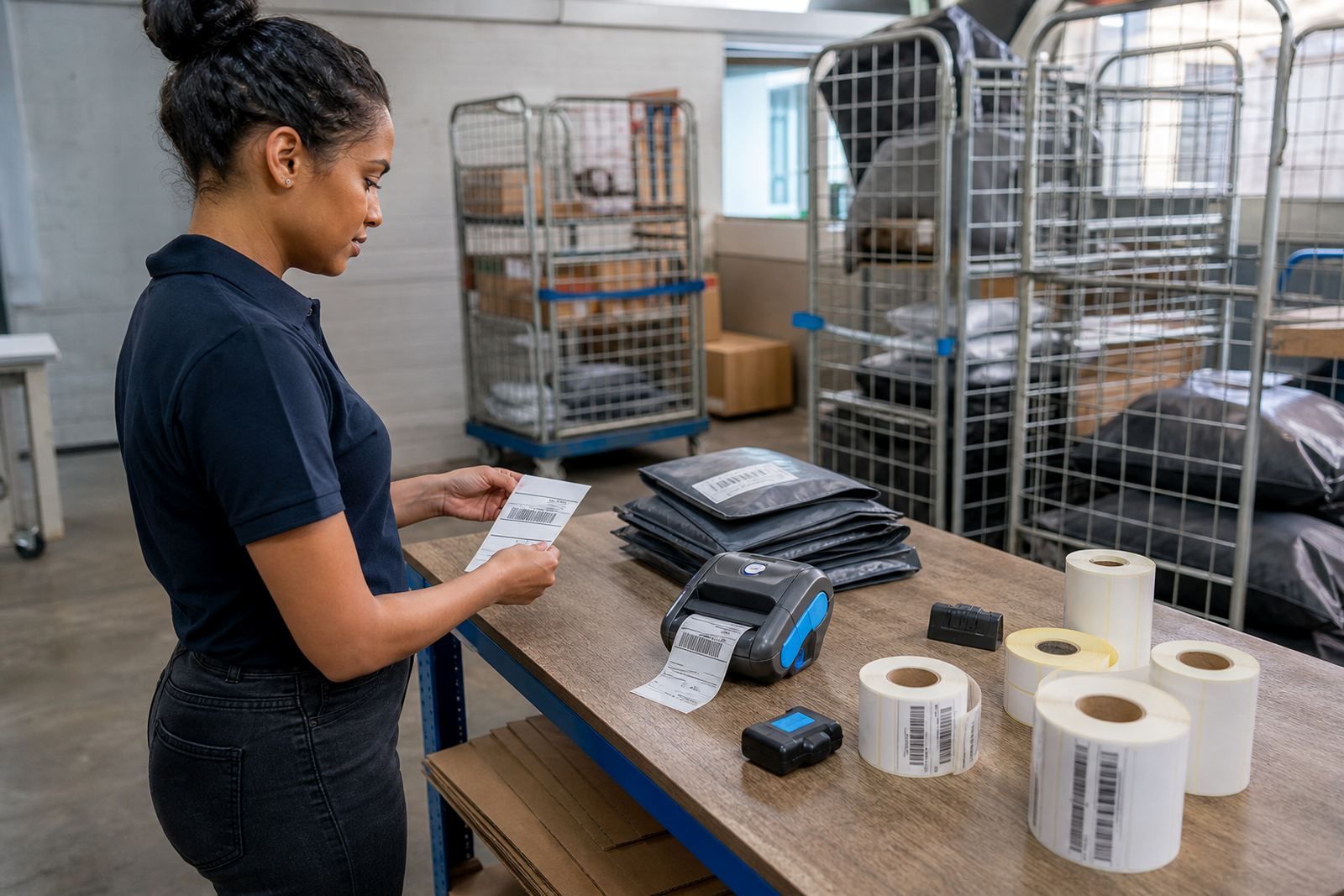
In a Cape Town warehouse near Montague Gardens, a stock team may notice the problem after a busy shift of pallet labels and shelf tags. The same fault can show up in a courier van in Pretoria, where a printer has been knocked about and not checked for a while.
Check the roll before blaming the printer
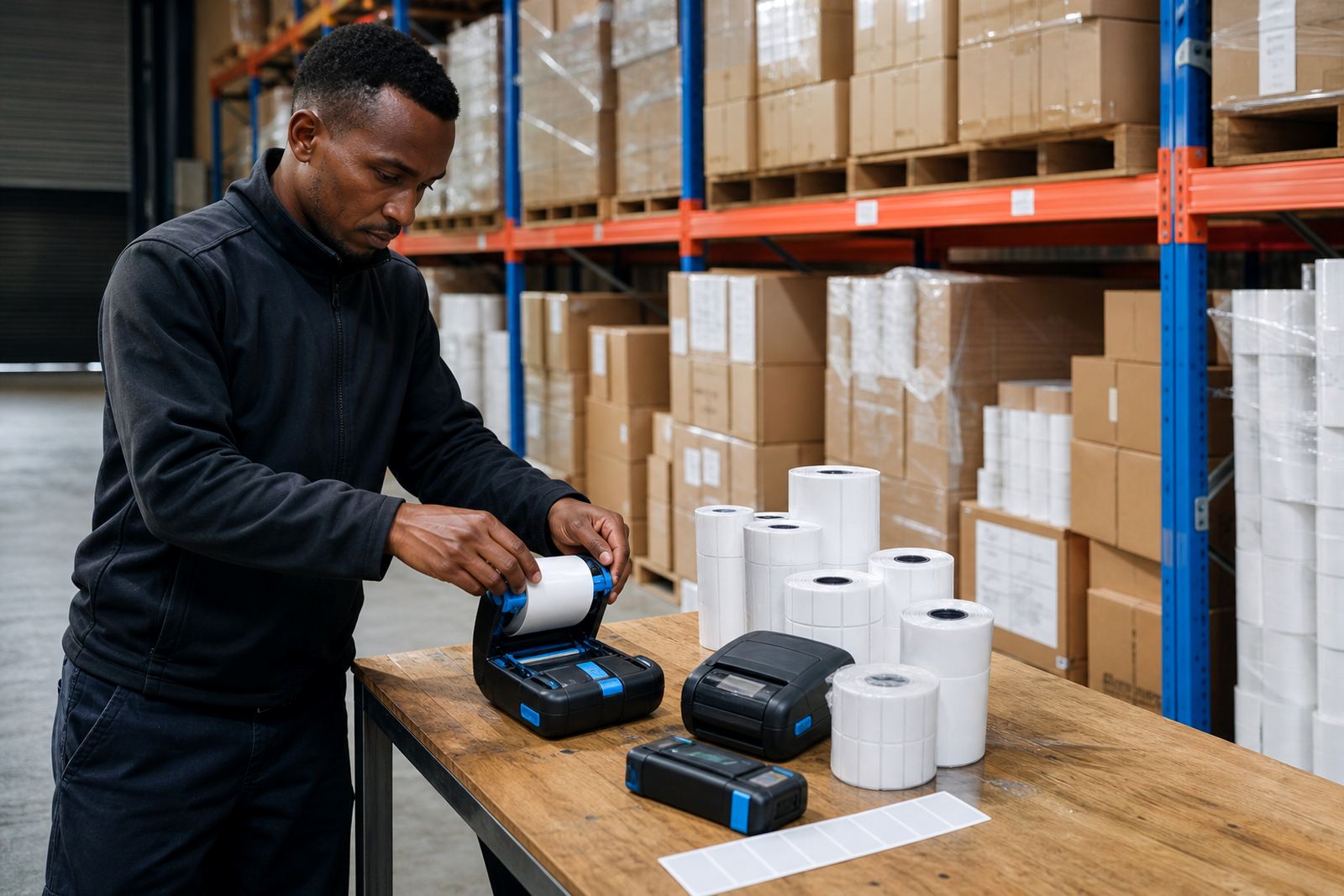
Many streaking complaints begin with the label roll. If the roll is loose, dusty or the wrong size, the printer can feed unevenly and leave pale stripes across the label face.
- Match the label width to the printer's print width
- Check that the media gap or black mark setting is correct
- Make sure direct thermal rolls are not mixed with ribbon stock
- Store rolls away from heat and moisture, especially in coastal humidity
- Look for crushed cores, curled edges or adhesive dust on the roll
Many teams underestimate how much label size counts. A 50 mm by 25 mm courier label needs different calibration from a wider warehouse tag, and a barcode that prints well on one roll may go grey on another if the gap sensor is not set properly.
Printhead care that stops repeat faults
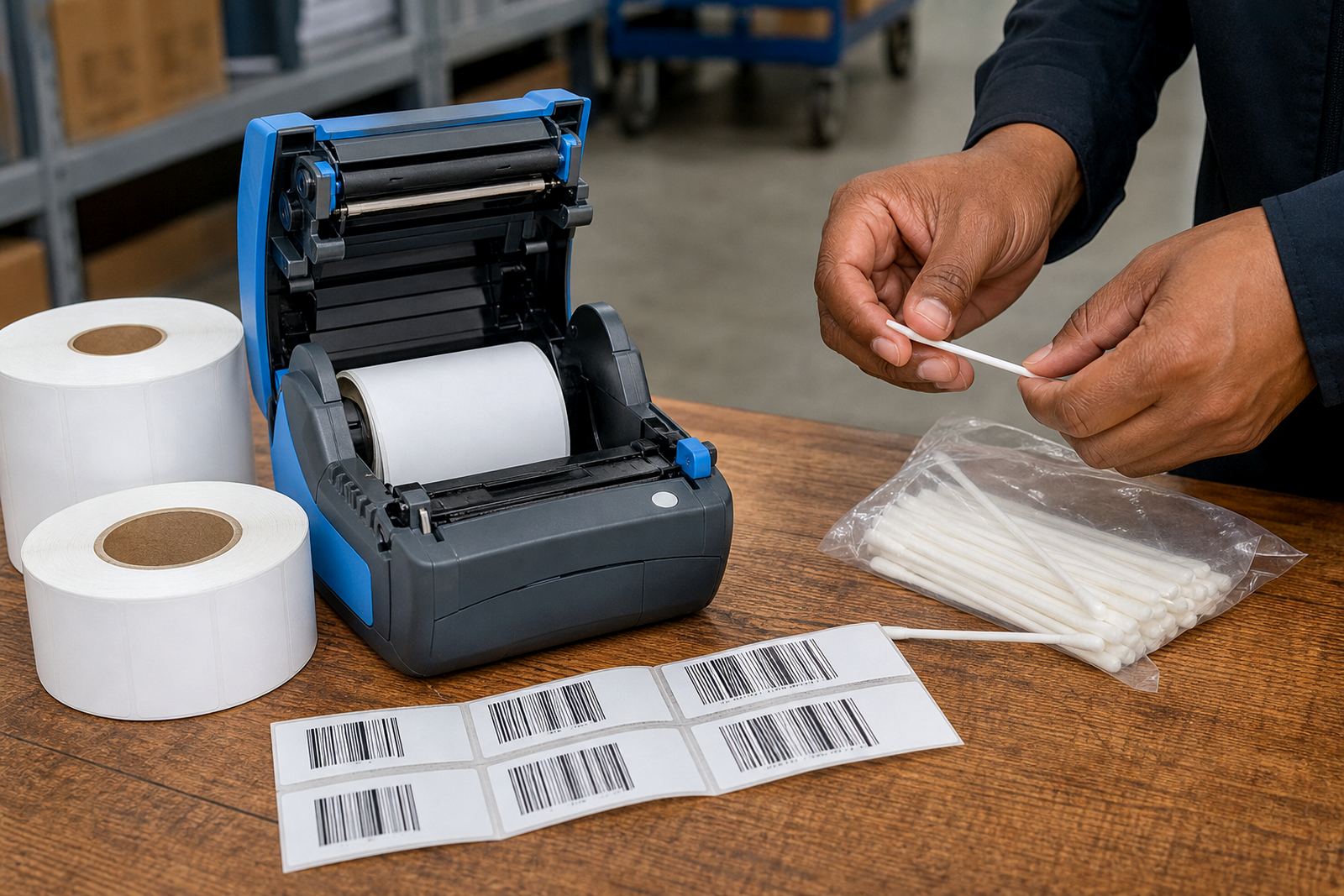
The printhead is the first place to inspect when streaks keep returning. Tiny bits of paper, dust and adhesive can sit on the heating line and leave a visible stripe through every label.
Printhead cleaning is simple work, but it needs care. Use the right cleaning method for the printer body and let the head cool before touching it. A hard scrape can do more harm than the dirt ever did.
- Clean the printhead after heavy use
- Wipe the platen roller if labels slip or skew
- Check for scratches or worn lines on the head
- Look for adhesive dust near the label path
- Replace worn parts before print quality drops further
If the same line appears in the same place on every label, wear is likely. If the streak changes position, the issue may be feed alignment, dirty rollers or a roll that is not sitting straight.
Bluetooth, Wi-Fi and the wrong settings problem
Many mobile printers now pair through Bluetooth or Wi-Fi, and the connection itself is not the cause of streaks. The trouble comes when the label app sends a file with the wrong darkness, speed or label dimensions.
A courier printer that is set too dark can produce thick, muddy bars. A stockroom printer set too light may leave a barcode that scans badly and shows pale lines through the text. The fix is usually in the setup, not the handset or tablet.
During on-site setup in Johannesburg or Bellville, the first checks often include pairing, calibration and a test print across a few label sizes. That gives a cleaner result than guessing from the screen and hoping the roll is right.
Battery health and pressure on the print cycle
A weak battery can make a portable printer behave oddly. It may feed in fits and starts, print with uneven heat, or stop midway through a batch, which can leave half-dark labels and streaked output.
Battery testing matters when a unit has been in vans, stockrooms and service counters where it is charged and used many times a day. Belt clip damage can also matter, because a printer that gets bumped and dropped is more likely to suffer internal movement or loose contacts.
- Test battery capacity before blaming the media
- Replace batteries that no longer hold a steady charge
- Check charging contacts for dirt or wear
- Inspect the belt clip and casing for impact marks
- Keep a spare battery where long rounds are common
When a label printer is expected to handle barcode and QR printing on the move, power stability is part of print quality. Uneven power can leave a print with light bands that look like media faults but start at the battery pack.
A local fix that fits the day on the floor
On a busy morning in a Gqeberha retail stockroom, streaks often show up just as receiving slows and the team starts relabelling shelves. The quickest recovery is a proper check of the roll, a clean printhead, then a fresh calibration before the next batch goes out.
That is the kind of work our team handles across Cape Town, Durban, Pretoria and Johannesburg, with on-site setup and repairs where the printer is actually used. We work through Bluetooth pairing, Wi-Fi setup, print quality fixes, label jam clearing and preventive servicing, because the fault is often a mix of small issues rather than one big failure.
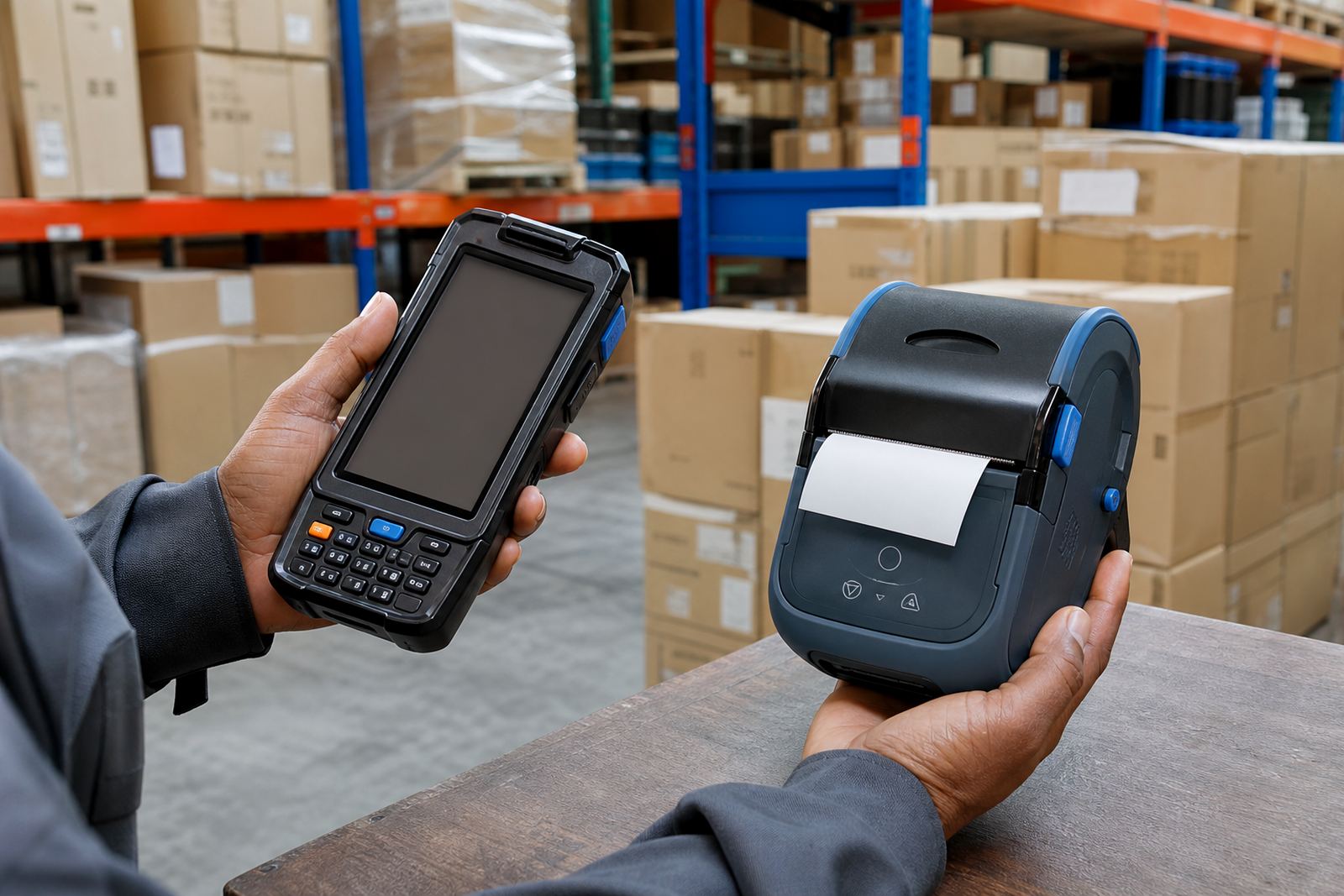
For some sites, a mobile printer is the main tool for dispatch labels, shelf labels and goods-in tags. If it prints cleanly, the team moves faster. If it streaks, every scan and every reprint costs extra handling.
When the streaks point to repair, not routine cleaning
Cleaning solves many cases, but some printers need parts replaced or reset properly. A worn printhead, damaged roller or faulty sensor can keep causing lines even after the machine has been wiped and calibrated.
Our repair work covers the faults that sit behind repeated streaking, especially where the same machine is used for warehouse labels, courier parcels and retail stock control. We also check whether the media type suits the print method, because direct thermal and thermal transfer behave differently under the same job settings.
If the streaks keep returning after the usual checks, the printer is telling you something. It may be time for a deeper service rather than another quick clean.