A route is part of the printer plan
In a warehouse, a printer is not only a box that prints labels. It is part of the walking pattern, the scan pattern and the hand movement pattern. If a team covers receiving, put-away, picking and dispatch in one run, the carry method must suit that route or the unit becomes a nuisance rather than a tool.
For direct thermal label printing, many teams use smaller labels for shelf marks, tote labels and courier labels, while thermal transfer suits jobs where the print must hold up better against handling, sunlight or cooler conditions. The route decides which roll size sits in the pouch, and which print width the team actually needs at the workface.
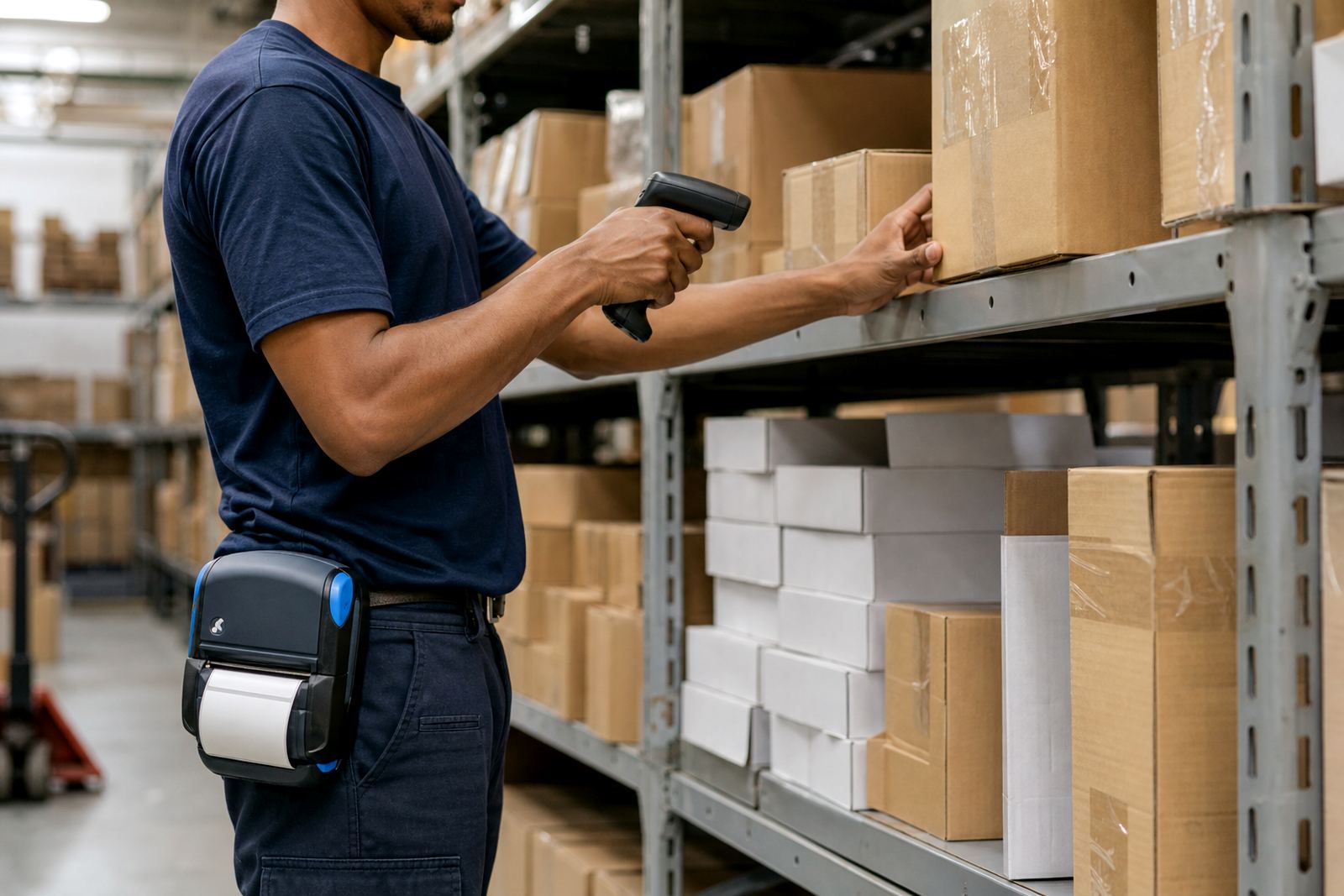
Clip, pouch or belt mount
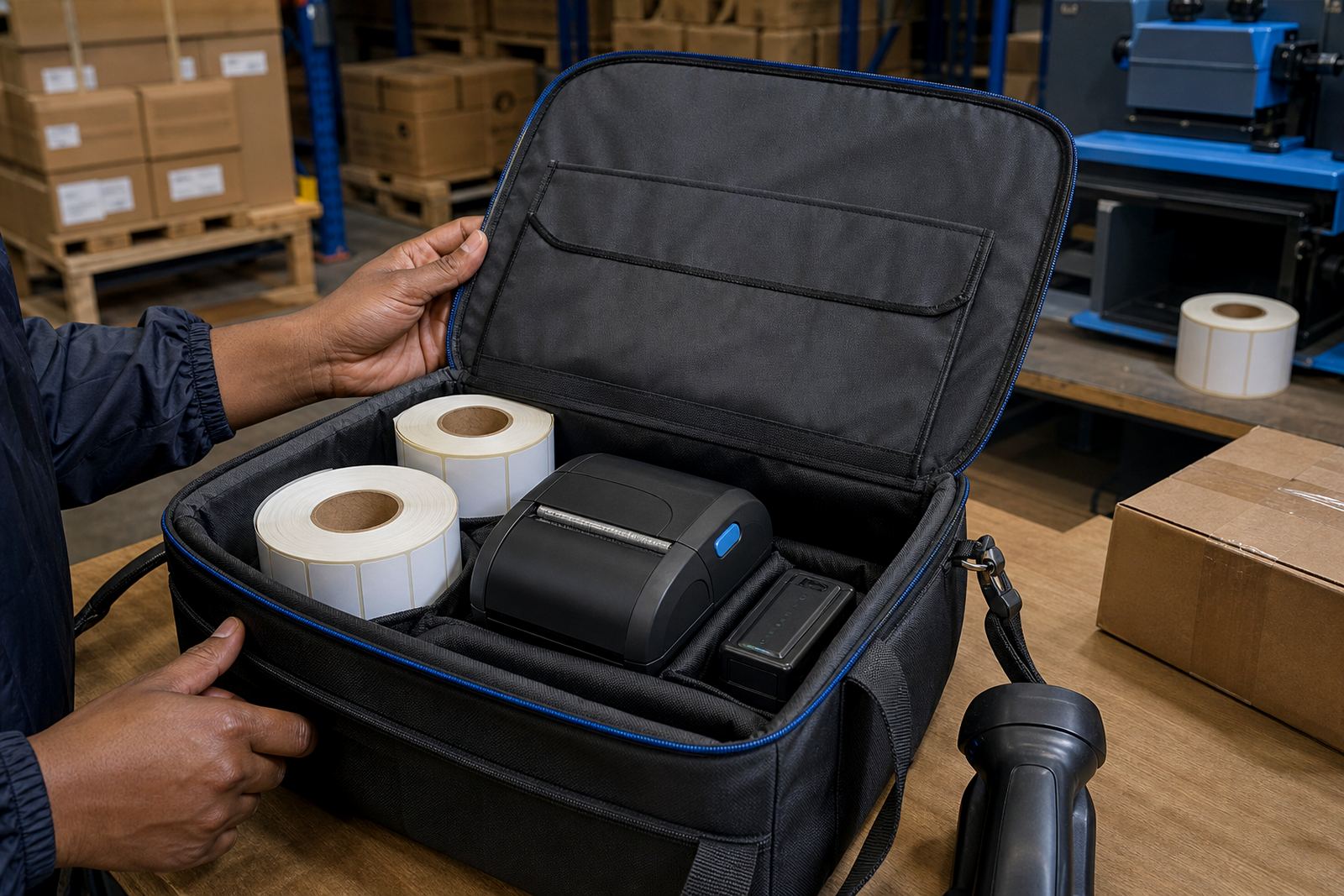
Mounting is not a small detail. A printer clipped too high catches on racking. One mounted too low knocks against knees and pallets. A pouch with enough room for spare rolls and a battery can keep the unit balanced, though the weight still matters when someone is walking the floor for hours.
- Belt clips work well for lighter units and short walking loops.
- A pouch helps when spare labels must travel with the printer.
- Shoulder carry suits longer routes, but the strap needs to sit right.
- A stable mount reduces knocks that can unsettle labels and fittings.
In Montague Gardens, where many stockrooms run tight aisles and mixed shelving, carry position often matters as much as print speed. A printer that swings too much slows the whole run.
Power, pairing and the places teams pause
Mobile printers need pairing that holds while a worker moves between bays, loading zones and office points. Bluetooth pairing is common for handheld use, while Wi-Fi setup helps where the printer must join a site network and receive jobs from a fixed system. The trick is to keep the connection simple for the actual route, not only for the office bench.
Battery life should match the longest run in the day, not the easiest one. A unit that runs out before the last trip to dispatch creates extra handling, and that is where battery testing becomes useful. If a battery is tired, replacement is better than asking the operator to work around it.
- Check whether the route includes dead zones for wireless handoff.
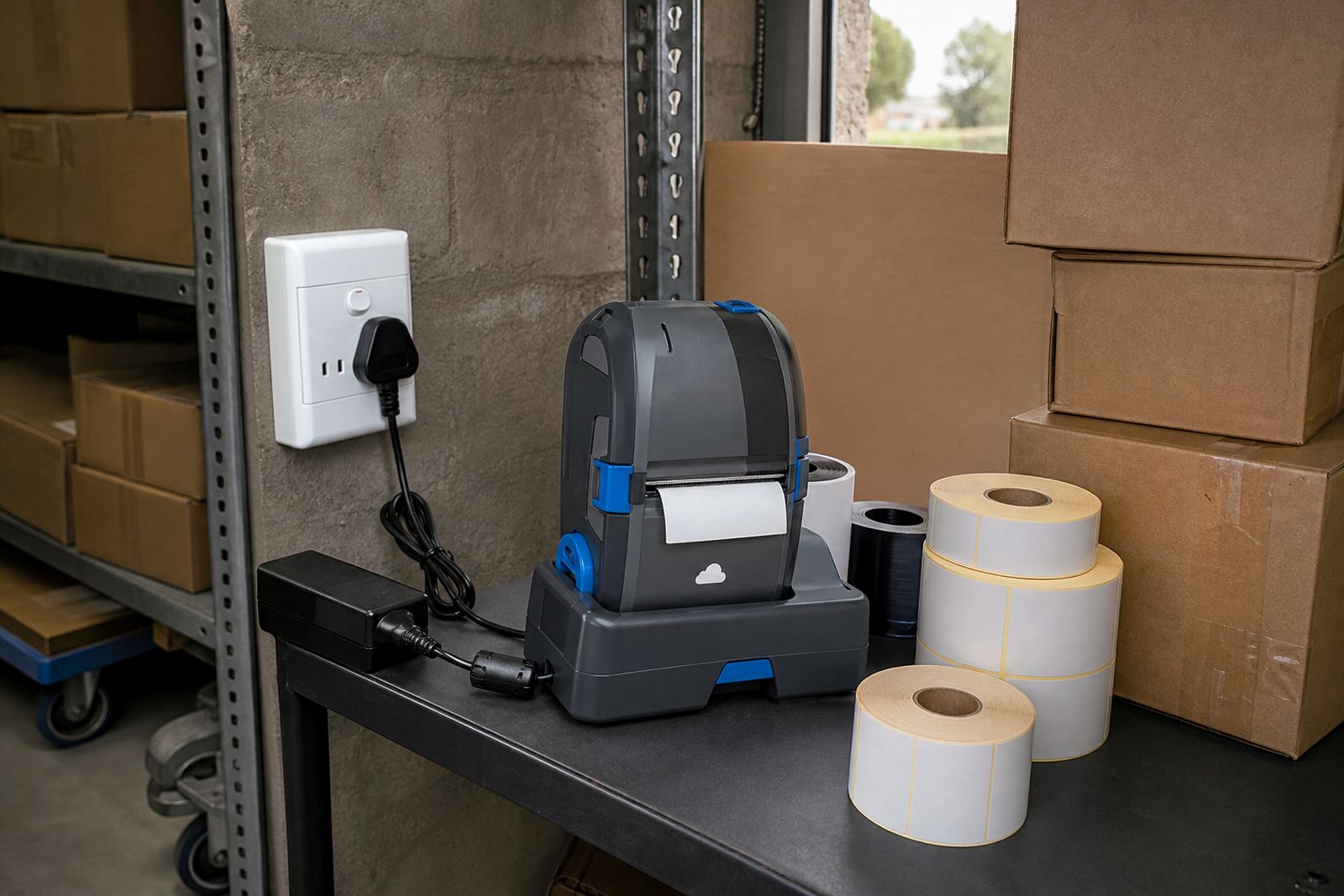
- Keep a charging point where the team already returns goods.
- Test spare batteries before a busy shift starts.
- Set the printer to the right label size before walking out.
Label size decides how much time gets lost
Walking routes expose weak label choices very quickly. If the roll is too wide for the job, the printer carries extra bulk. If the label is too small, barcode and QR printing becomes awkward and the scan can suffer. A courier route in Cape Town does not need the same label format as a retail stockroom in Pretoria, and a warehouse receiving bay may need both in the same week.
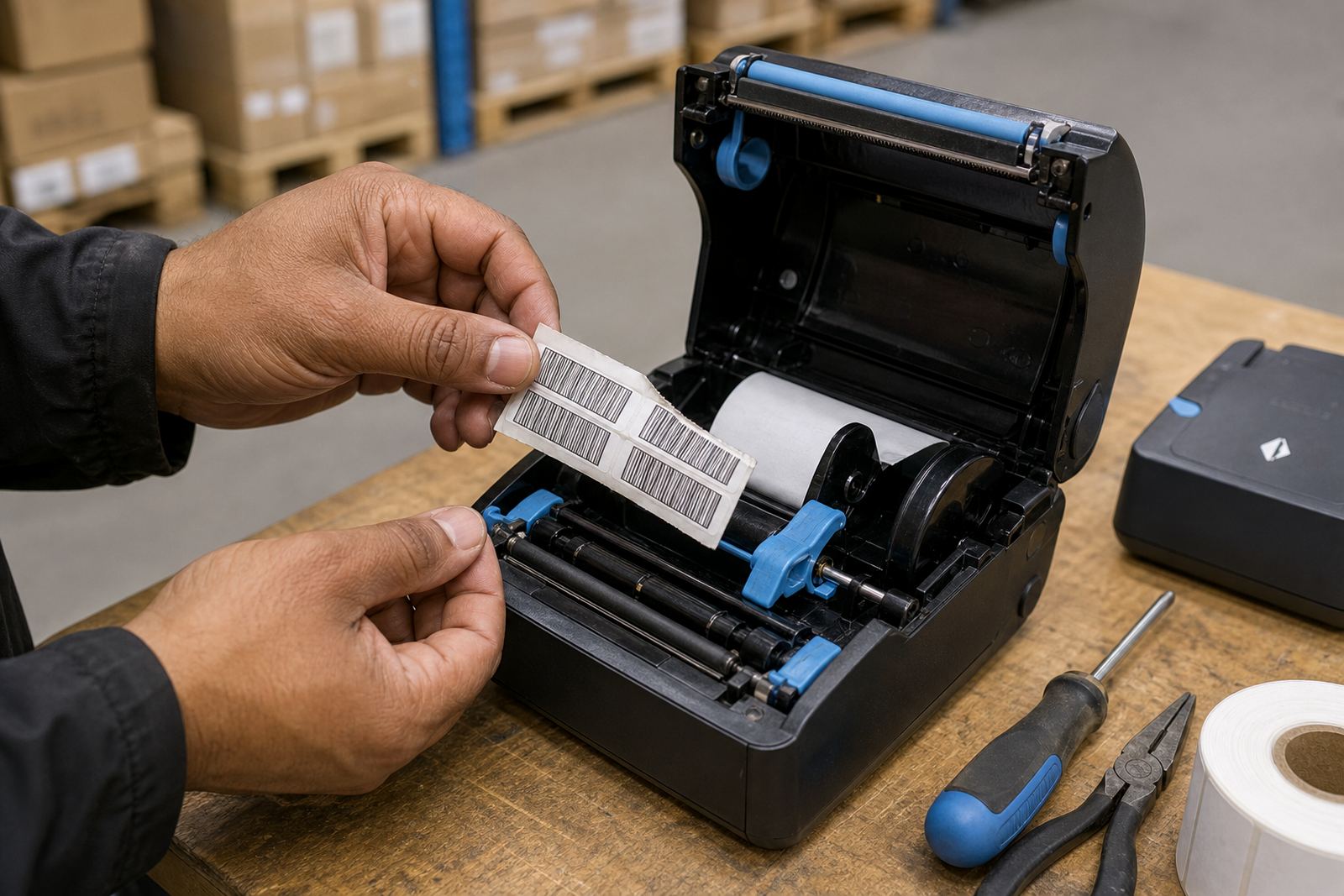
Label calibration matters here. When the media guides are off, the label can drift, waste stock or jam during the run. That is annoying on a bench, but on the floor it becomes lost movement, wasted steps and a slower handover at the next point.
Print quality that survives movement
Moving teams expose every small fault in a print. If the printhead is dusty, labels start to look faded or patchy. If the rollers are dirty, the feed can slip. Print quality fixes usually begin with printhead cleaning, a check on the roll path and a look at whether the label stock suits the job and the printer width.
Thermal transfer print is often picked when the label must last longer, while direct thermal suits shorter-life labels where speed and simplicity matter. The wrong choice shows up fast on a route, because the operator notices each weak label as it leaves the machine.
A Cape Town delivery route that proves the point
A team in Montague Gardens may start at receiving, move to put-away, then cut across to picking and end near dispatch. That route asks for a printer that sits firmly on the belt, a battery that lasts the full round and a label roll size that matches the main task. If the team also handles retail replenishment, a second label format may be needed for shelf and stock codes.
On-site setup helps because the printer can be calibrated where the route actually happens. Our team handles Bluetooth pairing, Wi-Fi setup, label calibration, belt clip repair, battery replacement and preventive servicing across Cape Town, Johannesburg, Durban, Pretoria and Gqeberha. When a unit starts sticking labels or missing clean scans, the fix is usually small, but it needs to be done on the right machine in the right place.
The practical lesson is plain. A walking route is not only about distance, it is about balance, access and the way the printer sits against the job.