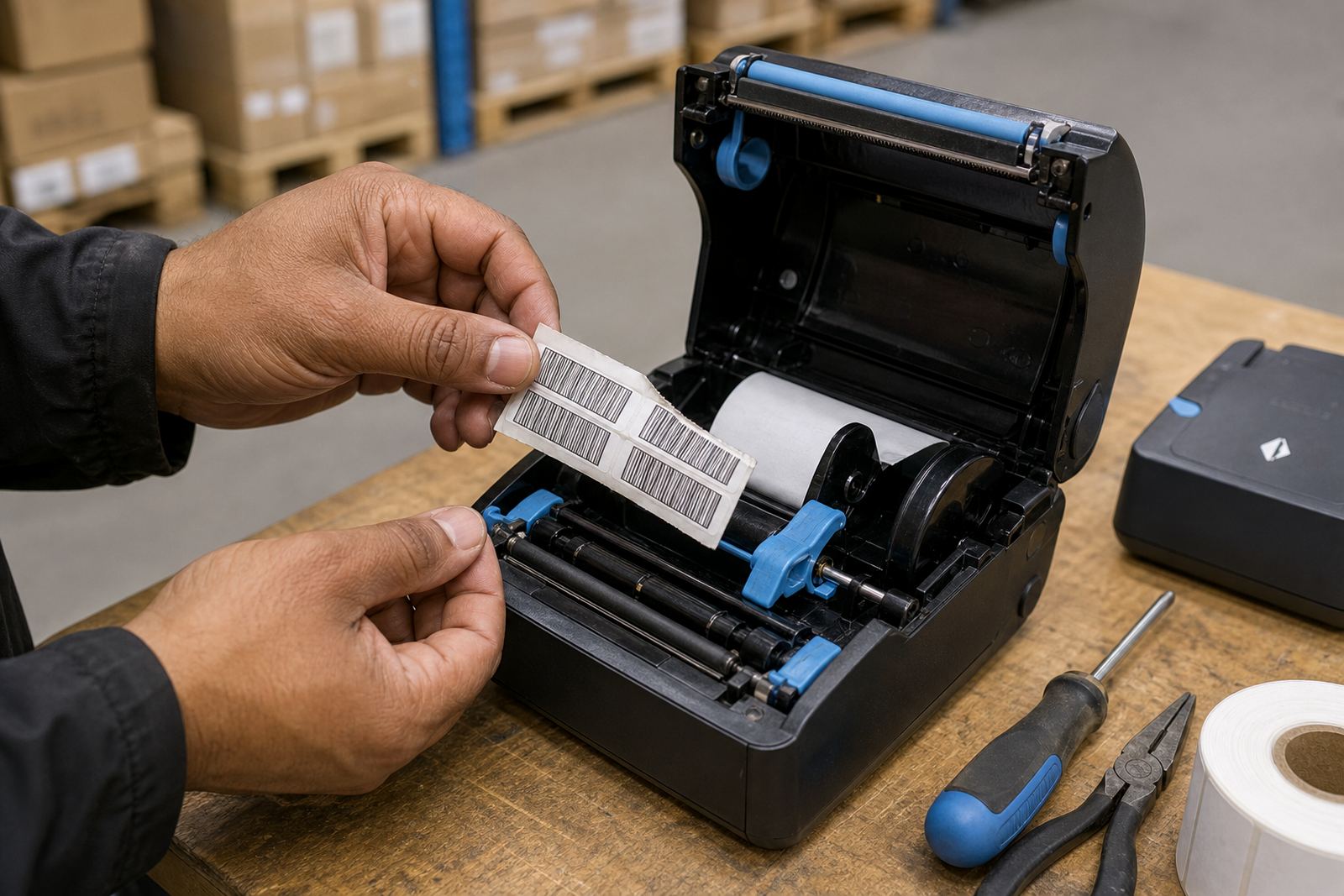
A battery routine is part of the label workflow
In a warehouse or courier run, the battery is not just a power source, it is part of the label process. When a mobile printer is used for goods receiving, picking, relabelling or dispatch, the battery has to last long enough to finish the task without mid-round surprises. A planned swap routine helps supervisors keep printers in service instead of waiting for a flat unit to be noticed at the wrong moment.
Most thermal mobile label printers rely on a rechargeable pack that should be checked before the shift starts. Operators need enough charge for the route, the label volume and the print settings in use. Direct thermal printing usually needs less energy than thermal transfer, because there is no ribbon drive to keep moving, but the printer still has to feed labels, power the head and keep wireless pairing stable.
What a good swap point looks like on the floor
A battery swap point works best when it is easy to reach, clearly marked and kept with the right spares. In Montague Gardens we often see teams improve their rhythm simply by setting one clean table near dispatch or the stockroom office, then using it for charged batteries, clips and a quick inspection. The point need not be complex, but it does need a fixed spot and a clear handover method.
- Keep charged batteries separate from used ones.
- Mark printers that need testing before the next shift.
- Check belt clips for cracks, loose screws or bent mounts.
- Wipe dust from the battery contacts before fitting a fresh pack.
- Note printers that felt warm or lost charge too fast.
That small routine prevents a lot of end-of-shift frustration. It also gives the next operator a printer that is ready to pair by Bluetooth or Wi-Fi without extra fiddling at the loading bay.
Direct thermal and thermal transfer call for different ways of handling them
Battery planning changes depending on the print method. Direct thermal label rolls suit short-life labels, dispatch notes and stock labels that do not need long outdoor exposure. Thermal transfer works better when the label must remain readable for longer, especially where handling, heat or moisture may be part of the job. A transfer unit can use a little more power during a busy run, so it helps to track battery use against the kind of label being printed.
Label size matters too. Wider labels and dense barcode fields put more work on the printer than small shelf tags. If a team is printing courier labels, carton labels and shelf labels in the same shift, the battery profile will not be the same for each task. That is why one battery checklist rarely fits every route. The job card should show which printer is assigned to which task, and which battery was fitted at the start.
Trouble signs that point to battery or contact issues
When a printer slows down, drops connection or starts producing faint output, the battery is not always the only cause, but it should be checked early. Flat packs, poor contact points and tired battery cells often show up alongside jammed labels or dirty printheads. If the printer is feeding correctly but the print is patchy, the battery may be delivering unstable power under load.
- Charging indicator changes but the printer still dies early.
- Bluetooth pairing keeps dropping during normal movement.
- Wi-Fi connection weakens when the battery is near empty.
- Labels print lighter on one side or leave gaps in barcodes.
- The battery sits loose in the printer body or belt kit.
Printhead cleaning still matters here. Dust from rolls and carton fibre can build up and make a healthy printer look faulty. A battery swap routine should sit alongside cleaning, calibration and a quick check of the label path so the team is not guessing at the cause.
A safer handover between shifts
At a Durban stockroom handling fast courier parcels, a shift change can move quickly. One operator leaves a printer on a trolley with a nearly flat battery, the next person grabs it and heads into the aisles, then the label roll starts skipping because the pack was already weak. That is the kind of avoidable slip a swap routine is meant to remove.
Clear handover works better when the outgoing shift does three things: fits a charged battery where needed, places used batteries in the correct charging slot, and notes any printer that needs testing before the next round. The incoming shift then knows which unit is ready for use and which one needs attention from the technical side. It sounds basic, but it keeps the floor steady when the pace is high.
Spare parts and setup support keep the routine working
A battery routine only stays useful if the spare parts are on hand and the printers are set up properly. Belt clips need to hold securely when staff are walking between shelves or loading bays. Chargers need a proper place. Labels need to be matched to the printer setting, whether the roll is direct thermal or thermal transfer. If the machine is set too dark or too light, operators may blame the battery when the real issue is calibration.
For teams across Cape Town, Johannesburg, Pretoria, Durban and Gqeberha, on-site setup and repairs keep the process practical. Our work covers Bluetooth pairing, Wi-Fi setup, label calibration, battery replacement, belt clip repair, print quality fixes and label jam clearing. In Bellville or Midrand, the same routine still applies: keep the battery flow clear, keep the printer clean and make sure the operator knows which roll belongs in which unit.
When a busy stockroom has more than one shift, battery swapping becomes part of the day-to-day method rather than an afterthought. That is usually where the biggest difference shows up, not in a dramatic change, just in fewer interruptions and cleaner labels at the right moment.