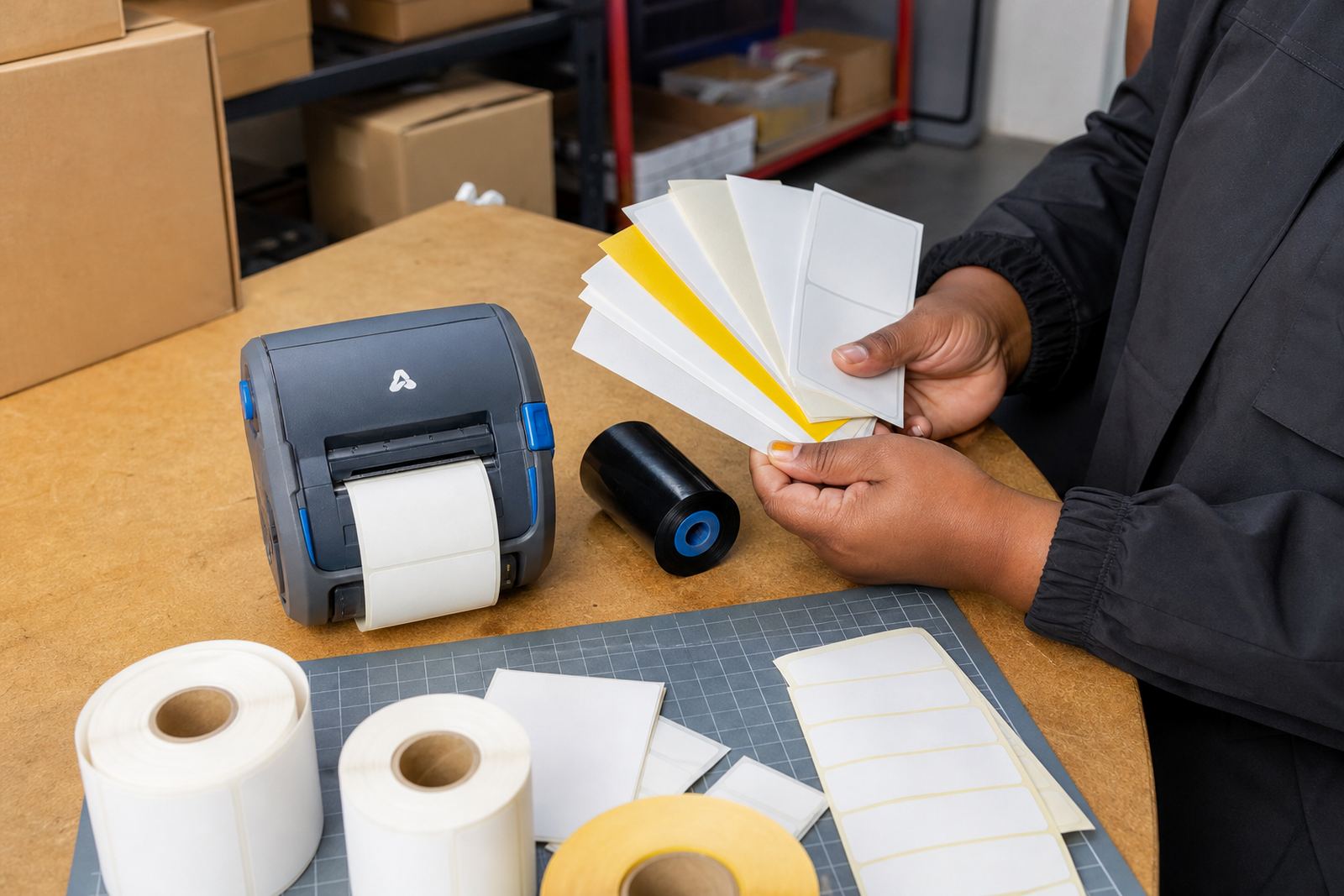
Start with the content, not the roll
A label should be sized around the message it must carry. If the label is only holding a product code and a short location line, a narrow format can work well. Once you add batch number, expiry date, barcode and a QR code, the space needs change fast.
Direct thermal labels suit short life stock movement, dispatch tickets and internal picking labels. Thermal transfer labels suit jobs where the print must stay clear for longer or cope with handling, light abrasion or heat. That choice affects the size planning too, because transfer printing often carries denser information and needs enough space for clean edges around each item.
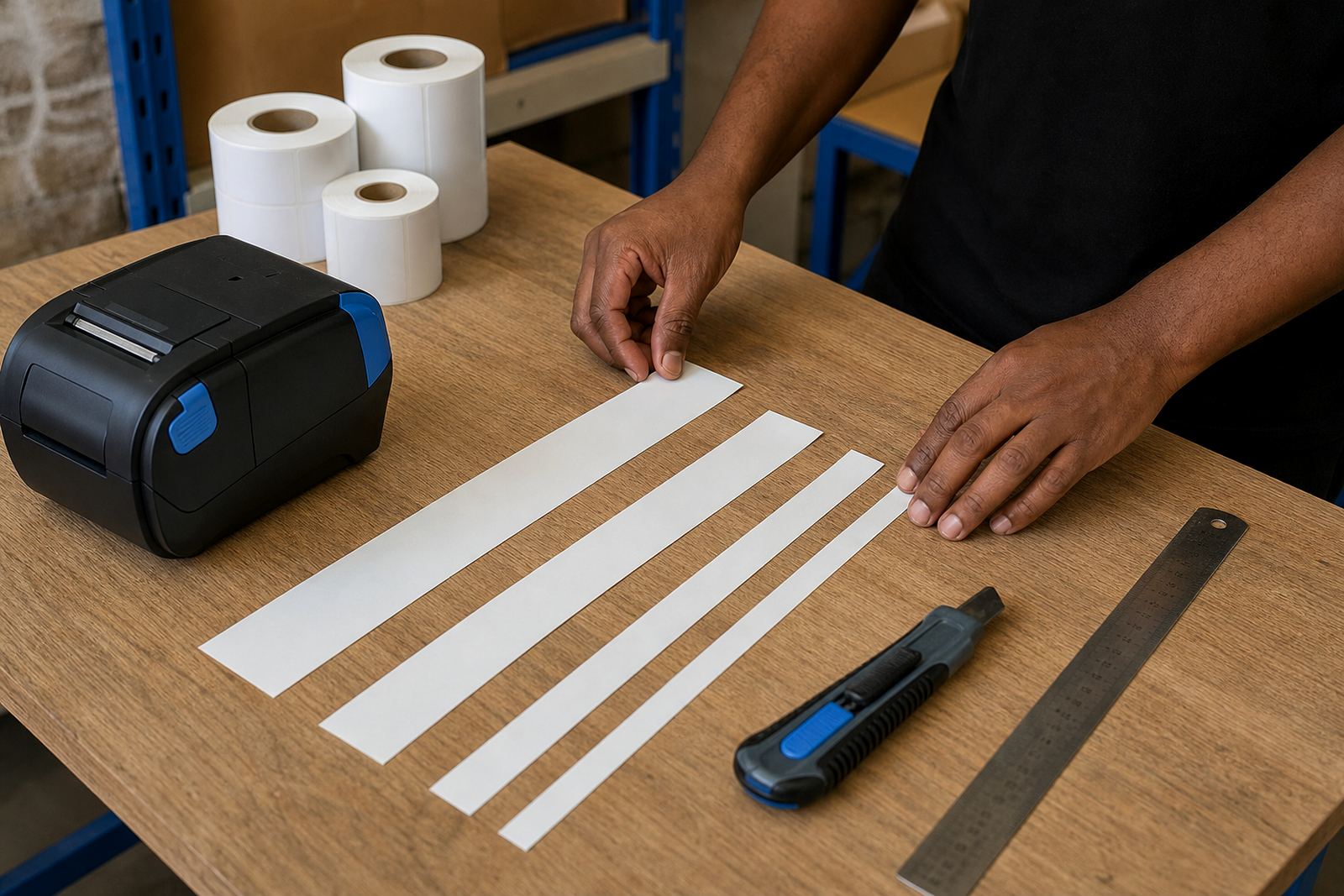
In practice, a 50 mm wide label may handle a short code and one barcode, but not much more. A 76 mm width gives more room for human-readable text, a wider barcode and a cleaner layout. If the label is too small, operators start shrinking fonts and squeezing margins, which leads to misreads and messy scans.
Match the width to the job on the floor
Warehouses in Montague Gardens often run mixed stock, from small cartons to larger bins and pallet tags. That mix means one label size rarely suits every task. A courier satchel label, a shelf label and a warehouse location label each carry different content, so the print width should follow the task rather than the printer alone.
- For compact product labels, keep the layout tight and leave a clear quiet zone around the barcode.
- For pick-face labels, allow space for location codes, description text and a visible scan mark.
- For dispatch labels, plan for address lines, routing details and any tracking code that must stay clear in transit.
- For shelf and bin labels, prioritise larger text over extra fields if operators need to read them from a short distance.
Mobile printers usually handle common label widths well, but the real test is whether the content stays legible after printing and handling. A label that looks correct on screen can still fail in the field if the font is too small or the barcode is clipped at the edge.
Barcode and QR space is never decorative
Barcode size planning is where many stockroom labels go wrong. A code that is too small may scan badly when the ribbon is light, the printhead needs cleaning or the label surface is not flat. QR codes need even more care because they depend on clear modules and enough white space around them.
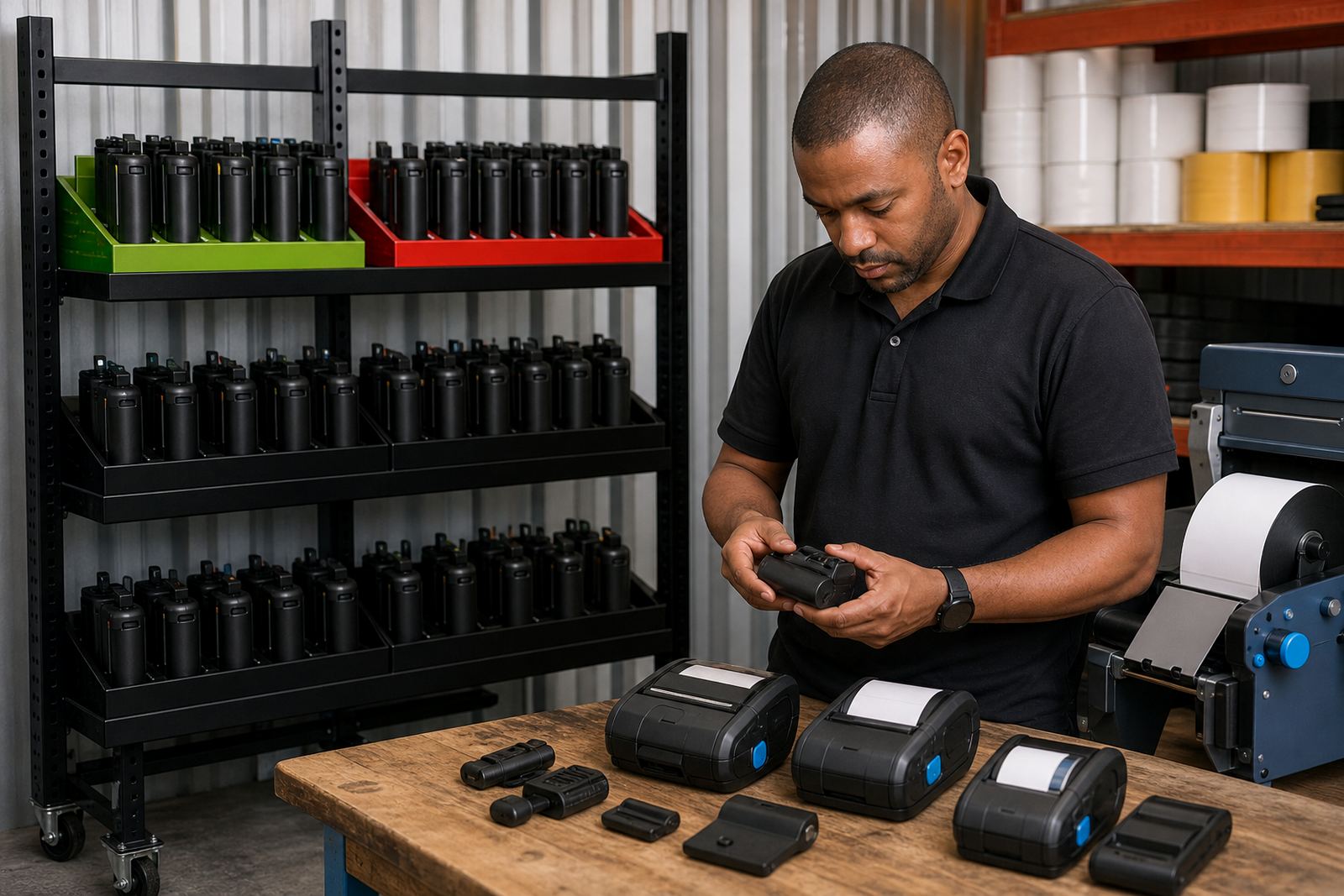
For thermal mobile label printers, the print width and resolution decide how much information fits cleanly. A 2-inch printer can manage short labels well, but a wider format gives more breathing room for mixed text and machine-readable content. When the same label must carry a product name, code, batch line and a QR code, the layout needs planning before anyone starts printing rolls by the box.
One useful rule is to keep the barcode large enough for the scanner you actually use, then build the text around it. If the label is crowded, the scanner pays the price first and the operator follows with reprints. That costs media, battery life and time at the packing table.
Battery life changes how long a format stays practical
Label size also affects battery use on a mobile printer. Larger labels with dense content take longer to print, especially where the printer is laying down several lines, a logo-free header, a barcode and a QR code. When a field team is moving through a large site or a courier is working a full route, that matters.
Smaller labels can reduce print time, but only if they still carry the full job detail. If the format is too small, the operator may need to print twice or manually rewrite details elsewhere, which defeats the purpose. Clean sizing is not about making the smallest possible label, it is about getting one readable label out in one pass.
- Keep the layout compact when the label is used for quick identification.
- Use a wider format when multiple codes or longer descriptions are required.
- Leave room for the printer to advance and cut cleanly without clipping the last line.
- Check battery condition if print jobs are getting longer than the label format really needs.
A Cape Town stockroom example that stays practical
In a Montague Gardens stockroom, one team may label incoming cartons, shelf positions and outbound parcels on the same shift. The cartons need short product IDs, the shelf positions need larger text and the parcels need tracking marks that scan first time at dispatch. That is three jobs, not one, so forcing a single label size across all of them creates waste.
A better pattern is to set one compact size for internal carton tags, one mid-width size for shelf and bin labels, and one wider format for courier dispatch work. When the team can switch by task, the rolls last longer and the prints look cleaner. The operator spends less time trimming content to fit and more time moving stock.
We often see the same issue when a new site starts with rolls that are simply too wide for the content. The printer can handle the label, but the unused space builds cost with no gain. If the label carries only a code and one short line, a slimmer roll is easier to manage and cheaper to store in the cabinet.
Keep the printer and the label stock in step
Label planning is not just a design task. It also depends on calibration, printhead condition, pairing settings and the label roll that feeds through the machine. If the media is skewed, the printer may shift the print area and cut off text at the edge. If the printhead has dust or adhesive build-up, the barcode can lose sharpness even when the size is right.
Bluetooth and Wi-Fi pairing matter when several users share one mobile unit across a warehouse or stockroom. Once the printer is paired and calibrated, the same size settings should stay consistent for that job. That consistency helps with barcode quality, QR code clarity and print alignment on every roll.
- Clean the printhead before blaming the label size.
- Test a short run after changing roll width or label length.
- Use the same layout settings for the same stock task.
- Keep spare rolls matched to the approved label format.
For South African sites with more than one branch, consistency matters even more. A label format that works in Cape Town should still print clearly in Johannesburg or Durban when the same stock rules apply. That is easier when the content, the printer settings and the roll size are all set together.