When a parcel changes hands, the label has to change with it
Courier teams work with tight handovers. A carton may move from picking to packing, then from local delivery to intercity linehaul, and the label must match the latest route or status. If a page sticker curls, fades or prints badly, scanning slows and parcels get set aside while someone looks for a replacement label.
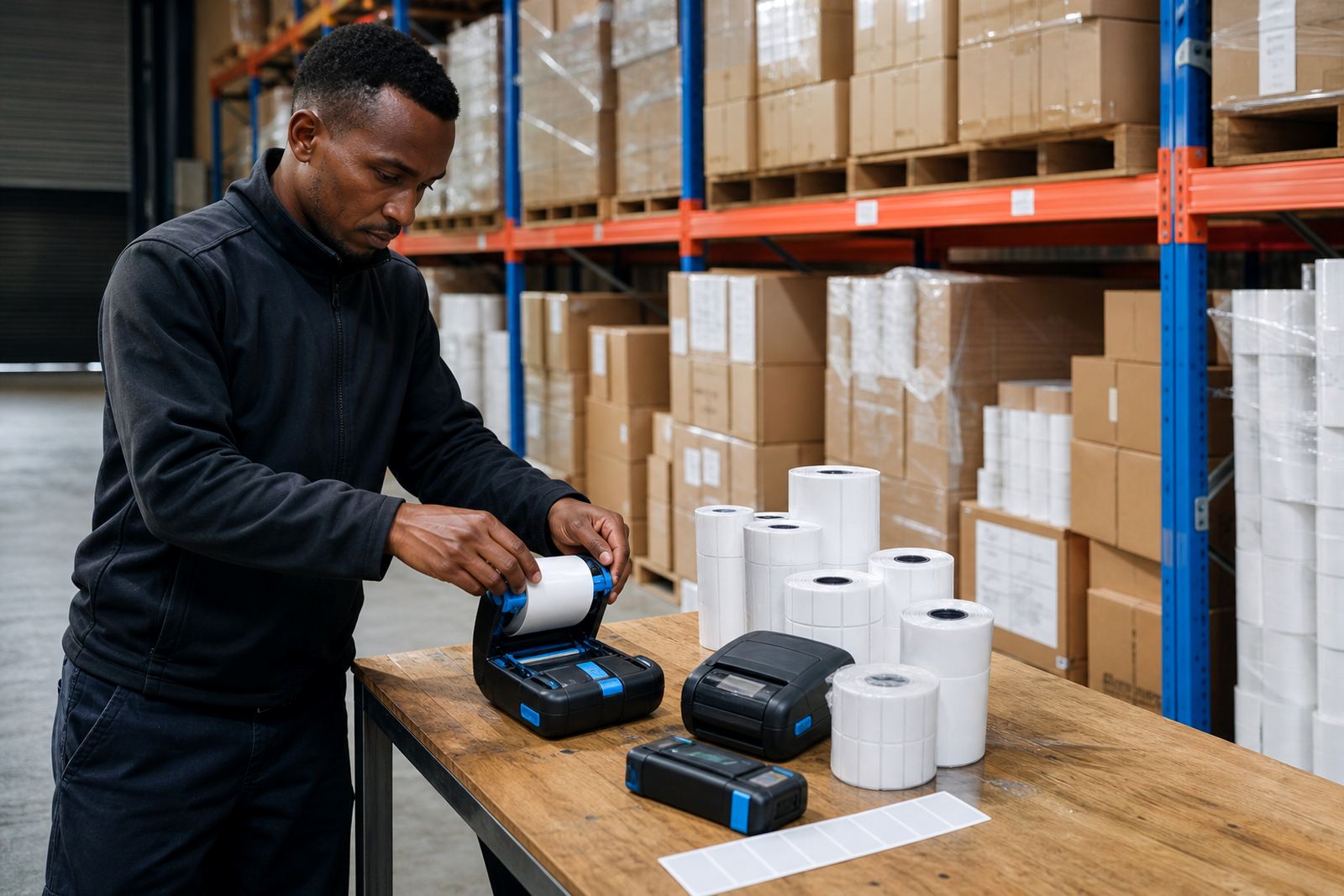
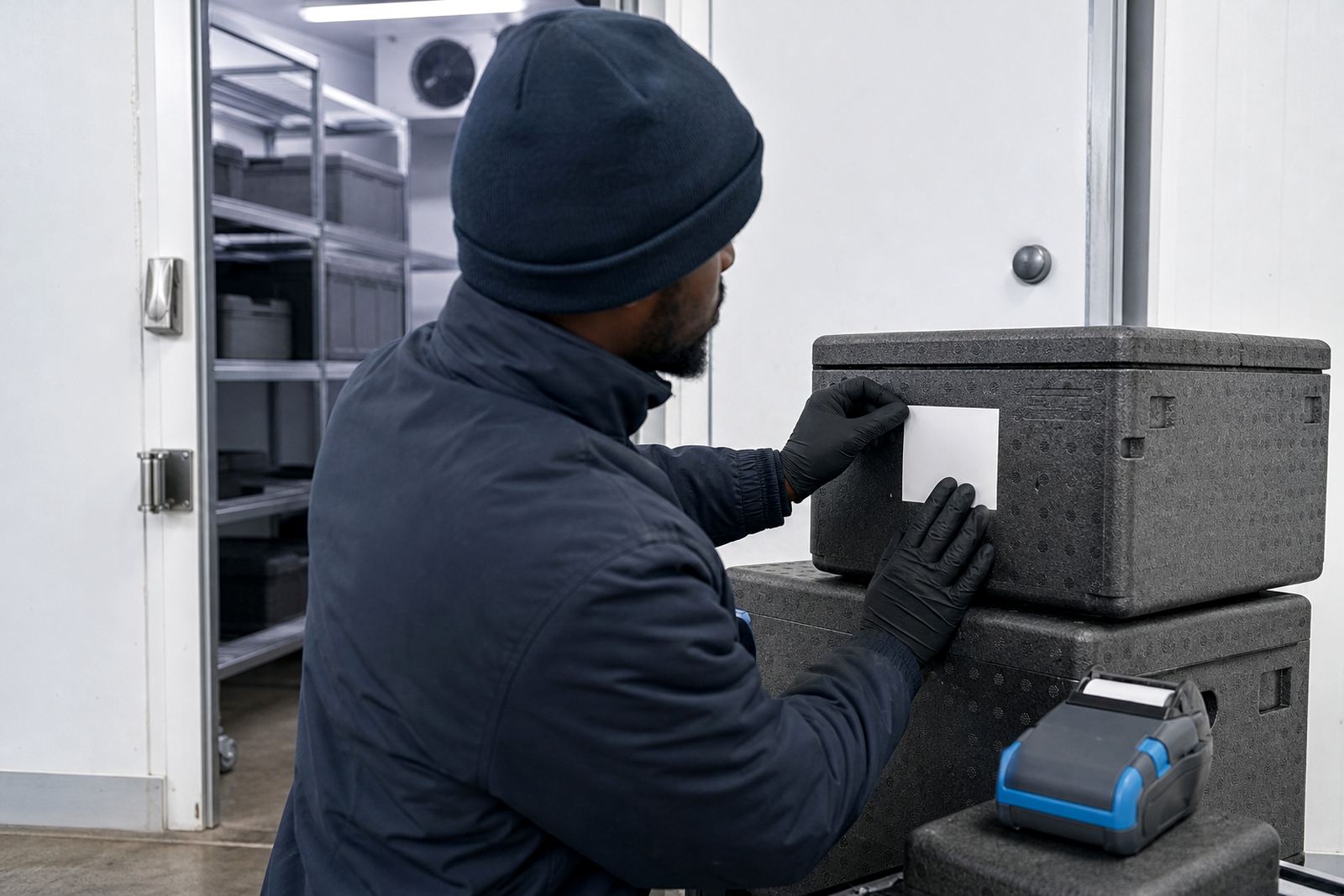
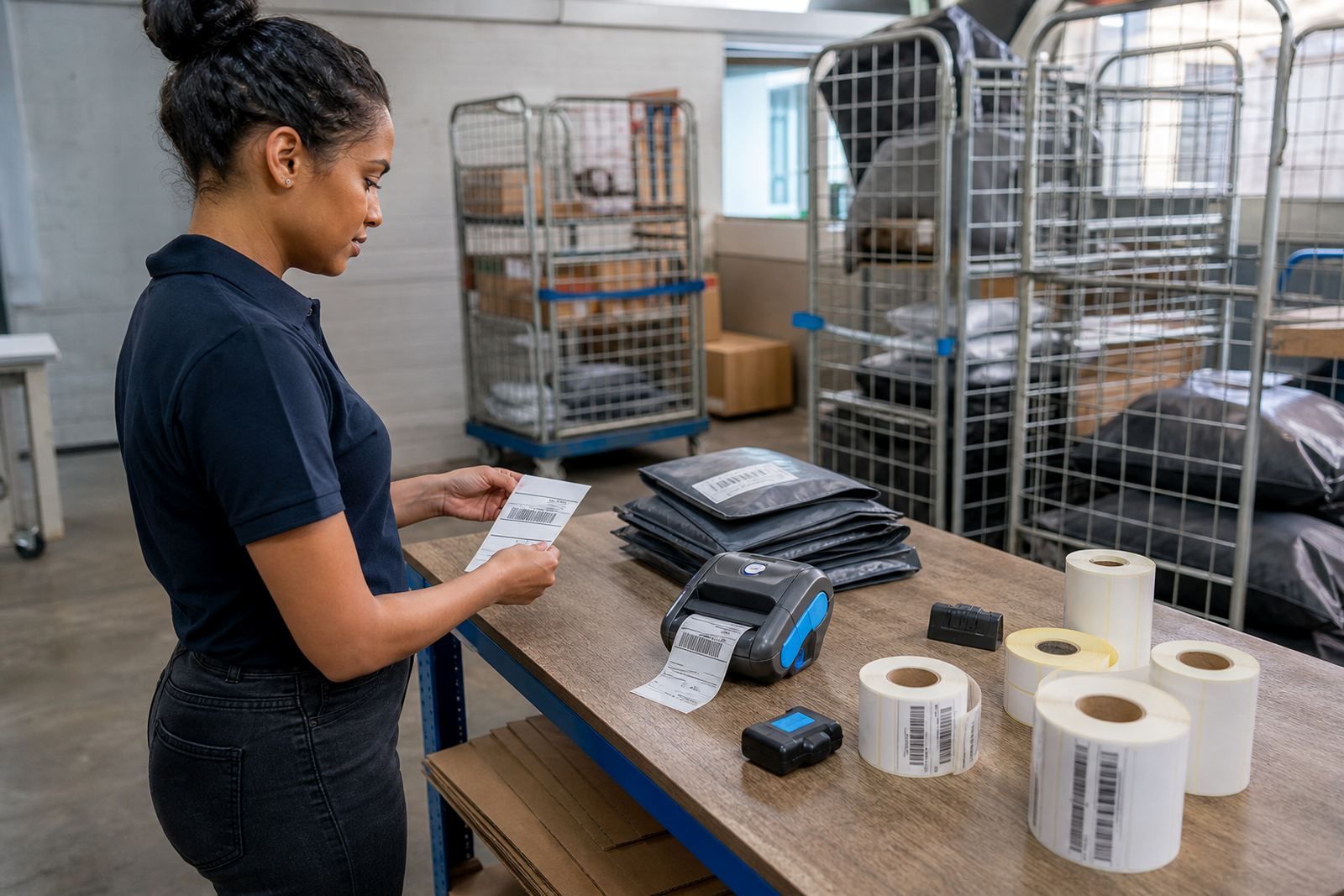
That is where a mobile label printer earns its place. It travels with the driver, runner or stock controller and lets the team print a fresh label where the parcel is sitting. For a Cape Town depot, that might be on the loading bay. In Johannesburg or Durban, it might be in a cage near the dispatch gate. The point is the same: the correction happens at the parcel, not back at a counter.
Thermal printing choices that fit courier work, not office paperwork
Courier relabelling usually relies on direct thermal printing or thermal transfer printing. Direct thermal suits short-life labels, such as route notes, tote labels and temporary parcel tags. It uses heat-sensitive label stock, so there is no ribbon to carry. Thermal transfer suits labels that must stay readable for longer, or where handling, sun and friction are part of daily use. It uses a ribbon to place durable print on the label face.
For moving parcels, the print width matters. Many teams use compact units that handle common label widths for shipping and stock control, while wider models are better when you need larger address blocks, barcode fields or multi-line routing notes. A clear barcode and QR code need clean spacing and the right darkness setting, otherwise scanners miss the mark and the parcel gets passed around again.
- Direct thermal suits courier labels with a short life
- Thermal transfer gives longer-lasting print on tougher stock
- Barcode and QR printing need correct label calibration
- Print width should suit the label size you use most often
- Clean printheads keep text and codes sharp under daily use
Battery life, pairing and belt clips matter more than people think
A mobile printer is only useful when it stays ready during a shift. Battery life needs to match the working pattern, whether the team is covering a morning dispatch run or working through a mixed collection round. If the battery is weak, the printer turns into another item to charge and track. Battery testing and replacement are part of keeping that unit useful in the field.
Bluetooth pairing is common when the printer connects to a handheld device, while Wi-Fi setup helps in areas where labels must print from a shared system or more than one point on the floor. A belt clip may sound like a small detail, but it matters when a staff member is moving between bays with parcels in hand. If the clip cracks or loosens, the printer gets put down and may not stay close when the next reprint is needed.
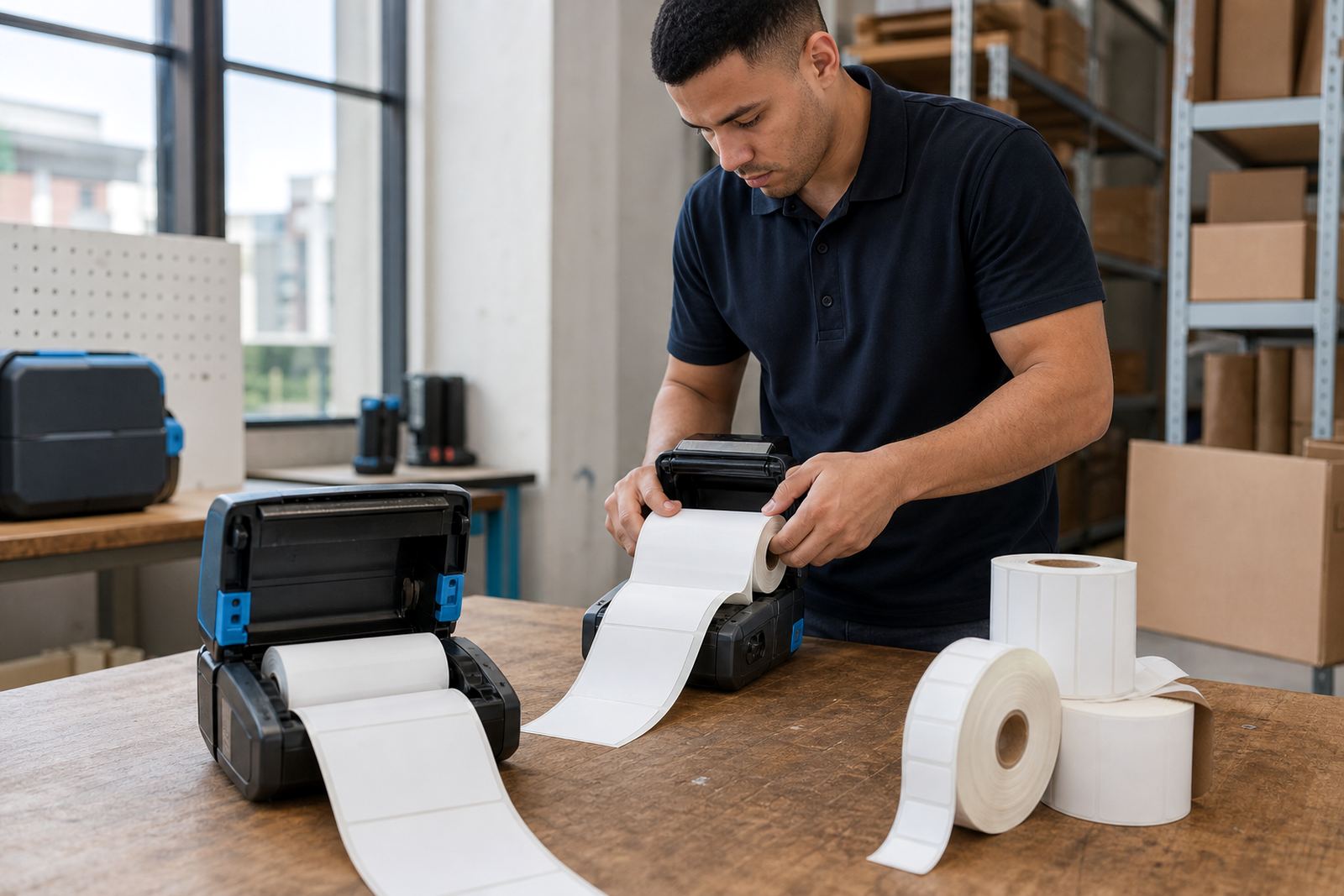
Good setup also includes label calibration. The printer must know the label size and gap pattern, otherwise it feeds too much stock or cuts print in the wrong place. That is usually where operators think the machine is faulty when it is really just out of alignment.
A Durban relabelling run needs different habits from a quiet back office
Couriers in humid coastal conditions face another issue, especially around Durban and Gqeberha. Labels can lift at the edges, adhesive can lose grip on dusty cartons, and print stored in the wrong drawer can smear before it reaches the van. The answer is not guesswork. It is matching the right label roll to the job and keeping the printer clean enough to do its work without dragging debris across the printhead.
On a real run, a driver may return with a parcel that needs a route change after a late address correction. The stockroom prints a new label, checks the scan, and moves the parcel back into flow. If the printer head has residue on it, the barcode may look sharp to the eye but still scan badly. Printhead cleaning, label jam clearing and basic preventive servicing avoid that kind of interruption.
What on-site setup looks like when the team is spread across more than one branch
Courier relabelling often fails in the handover, not the hardware. One branch uses the wrong label roll, another pair of staff save the printer settings incorrectly, and a third group keeps a spare unit with no charged battery. On-site setup sorts out the working pattern. The printer, labels and device settings need to agree before the first parcel leaves the floor.
For teams in Montague Gardens, Bellville or Midrand, the same basics apply, even if the pace changes from site to site. Training helps operators know when to clean the printhead, when to test the battery, and how to clear a label jam without damaging the rollers. A short checklist is often worth more than a drawer full of spare parts.
- Confirm the label width before loading stock
- Check Bluetooth or Wi-Fi pairing before the shift starts
- Run a barcode test label, then scan it
- Clean the printhead before streaks become a daily habit
- Keep spare batteries charged for field movement
- Teach one person per shift to handle basic jams
A practical Cape Town example with a nationwide pattern
In a Cape Town courier stockroom, parcels may be sorted for local drop-offs, airport handovers and long-distance routes in the same afternoon. A relabelling station near the dispatch lane helps the team print fresh identifiers without sending staff back to a central computer. That saves steps and keeps the parcel moving. The same setup works in Johannesburg or Pretoria, where the day may shift between inbound receiving and urgent outbound work.
When the printer, labels and operator habits line up, courier relabelling becomes a controlled part of the shift rather than a scramble. That is the real value of portable printing. It gives the team one more chance to correct the parcel before it leaves the building, which is often the last clean moment to fix the label.