When a dozen labels is enough
Short run printing is not about pushing out thousands of labels at once. It is about making the right labels when the pallet is ready, the carton count changes, or a pick face needs a fresh code before the next truck leaves.
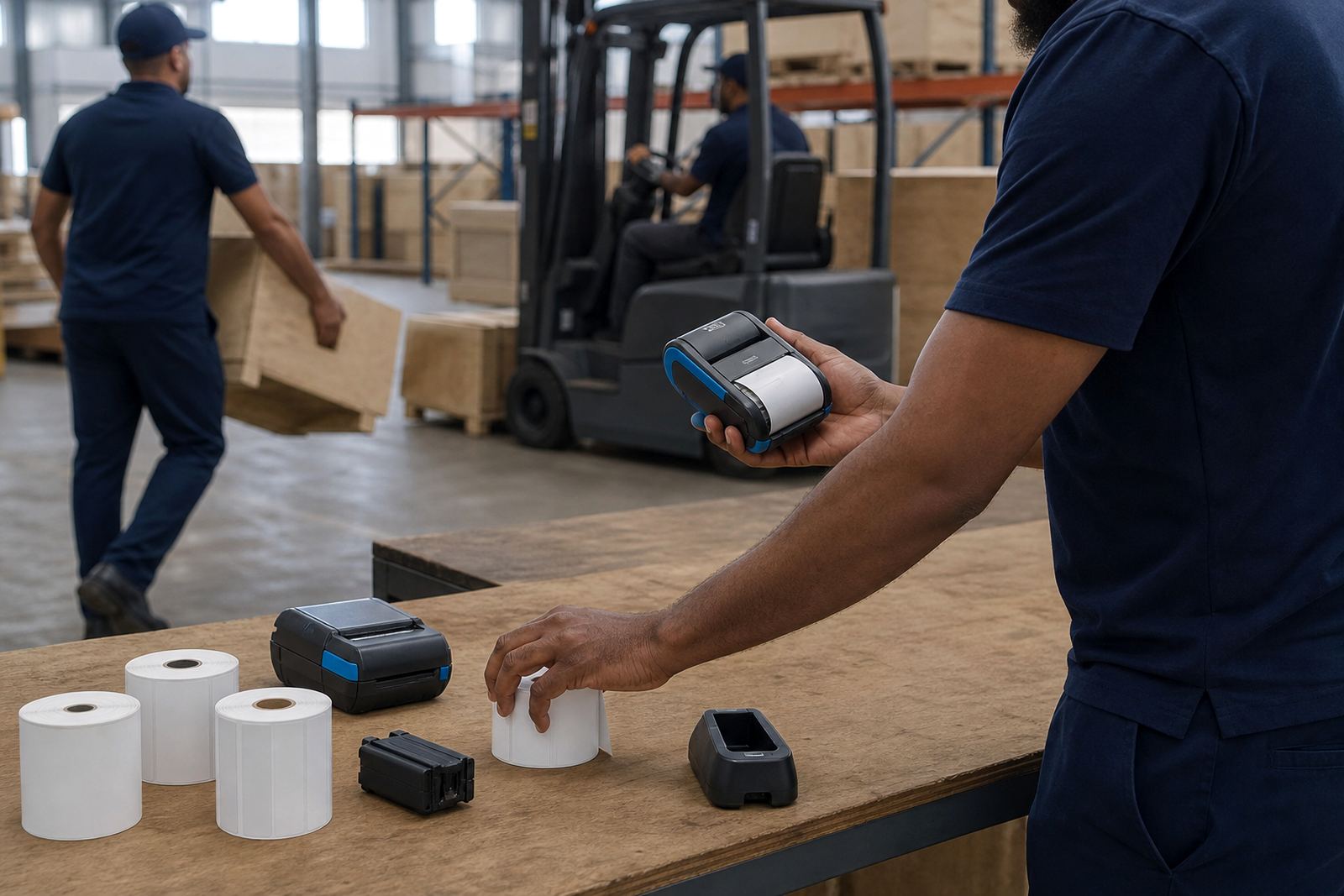
In warehouses and retail stockrooms, that usually means a mobile printer that can move with the operator. A label can be printed at the receiving bay, fitted to a tote, then checked on the spot. That keeps work tight and avoids piles of outdated rolls in a drawer.
Picking the right printer for the job
Thermal mobile label printers are commonly used for this kind of work because they print where the work happens. Direct thermal units suit short life labels and fast turnarounds. Thermal transfer units use a ribbon and are better where the label must hold up to handling, sunlight or abrasion.
Print width is as important as the printing method. A narrow unit may suit small item labels, while a wider model helps with shelf labels, carton labels and courier formats. Battery life also matters in the field, especially where staff move between receiving, packing and dispatch without returning to a charging point for every task.
- Direct thermal for short life dispatch and stock labels
- Thermal transfer for tougher labels that need longer legibility
- Bluetooth or Wi-Fi pairing for phones, tablets and handheld terminals
- Label widths matched to barcode, QR and text layout
- Battery checks before a shift starts, not after labels run out mid-run
Small batches still need clean output
A short run is only useful if each label scans first time. Poor calibration can leave text cut off, barcodes shifted, or QR codes too faint for a scanner. In practice that means the media guide must be set correctly, the label size must match the roll, and the print darkness needs to suit the material.
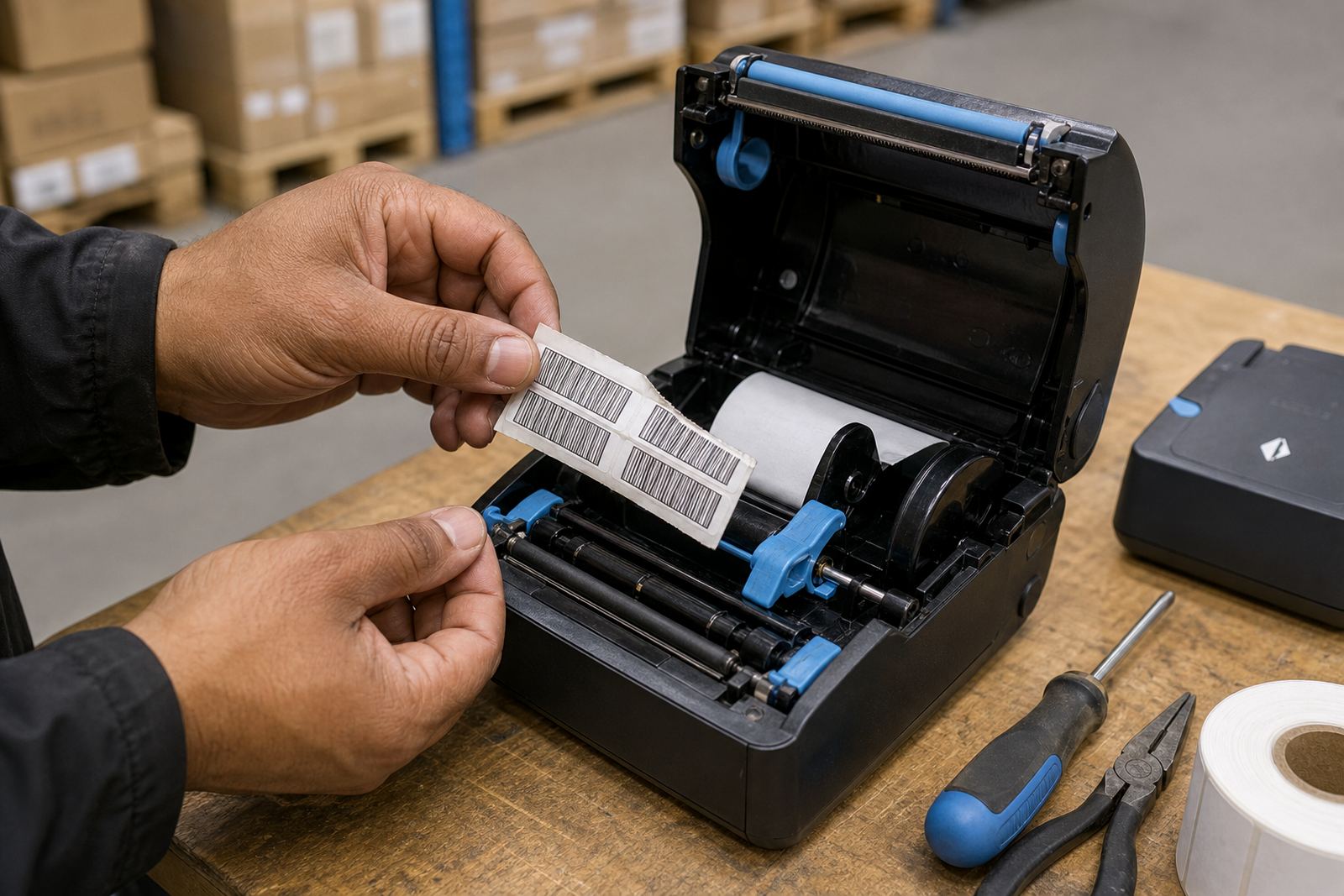
Printhead cleaning is part of that picture. Dust from cartons, adhesive build-up and bits of liner can blur the print, especially in a busy stockroom. A quick clean with the correct method helps the head stay even, and it saves operators from wasting rolls on bad output.
A Cape Town stockroom example
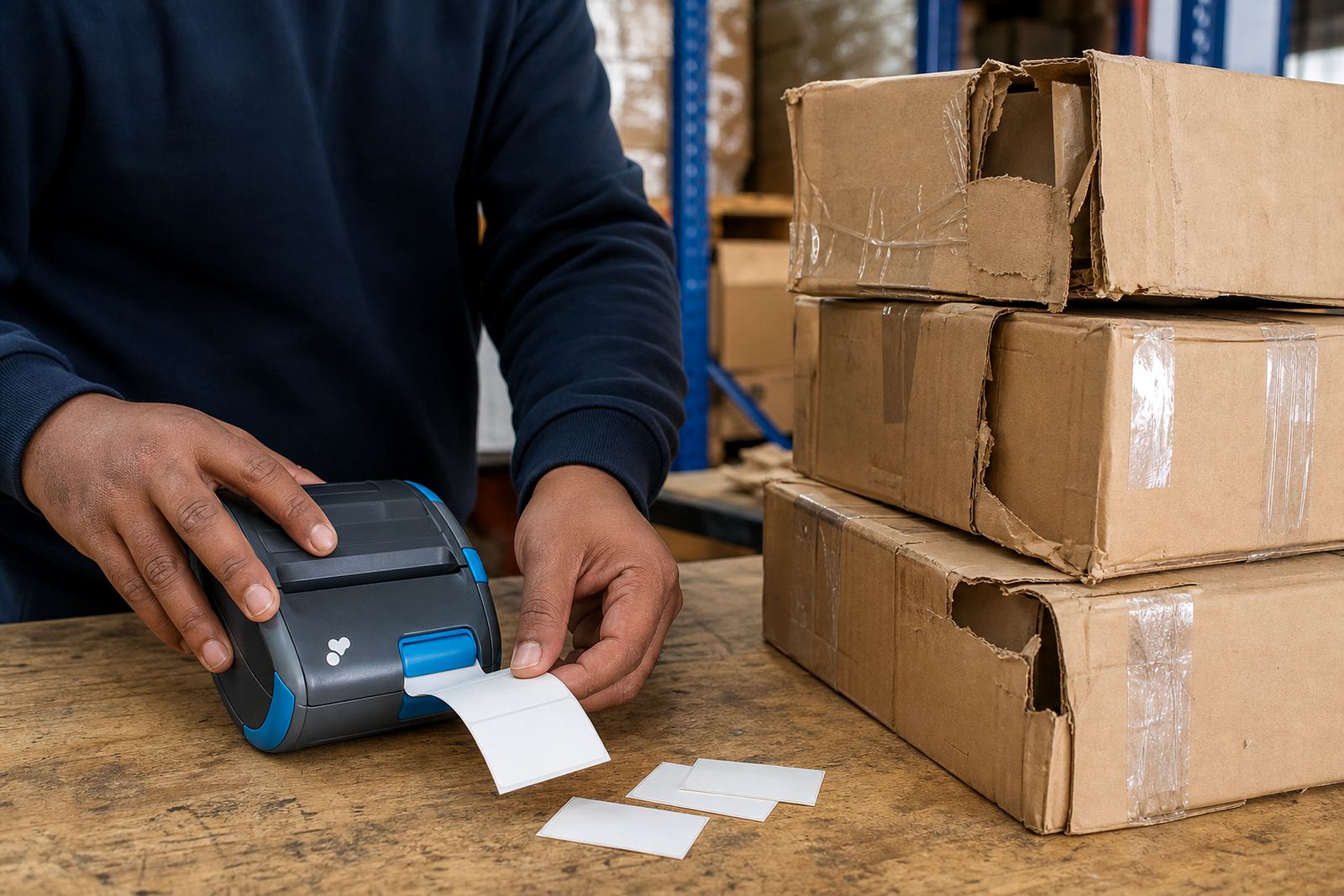
In Montague Gardens, a retail stockroom may need short runs all day long. One batch for incoming goods, another for shelf replenishment, then a few courier labels for same afternoon dispatch. A mobile printer on Bluetooth makes that possible at the packing table, while Wi-Fi helps where several workstations need the same label file.
That kind of set-up works best when the labels themselves are matched to the task. A narrow asset tag, a wider shelf strip, or a courier label each asks for a different roll size. If the wrong roll is loaded, operators waste time trimming, reprinting or forcing a label that does not fit the pack.
- Receiving bay labels for goods checked in by hand
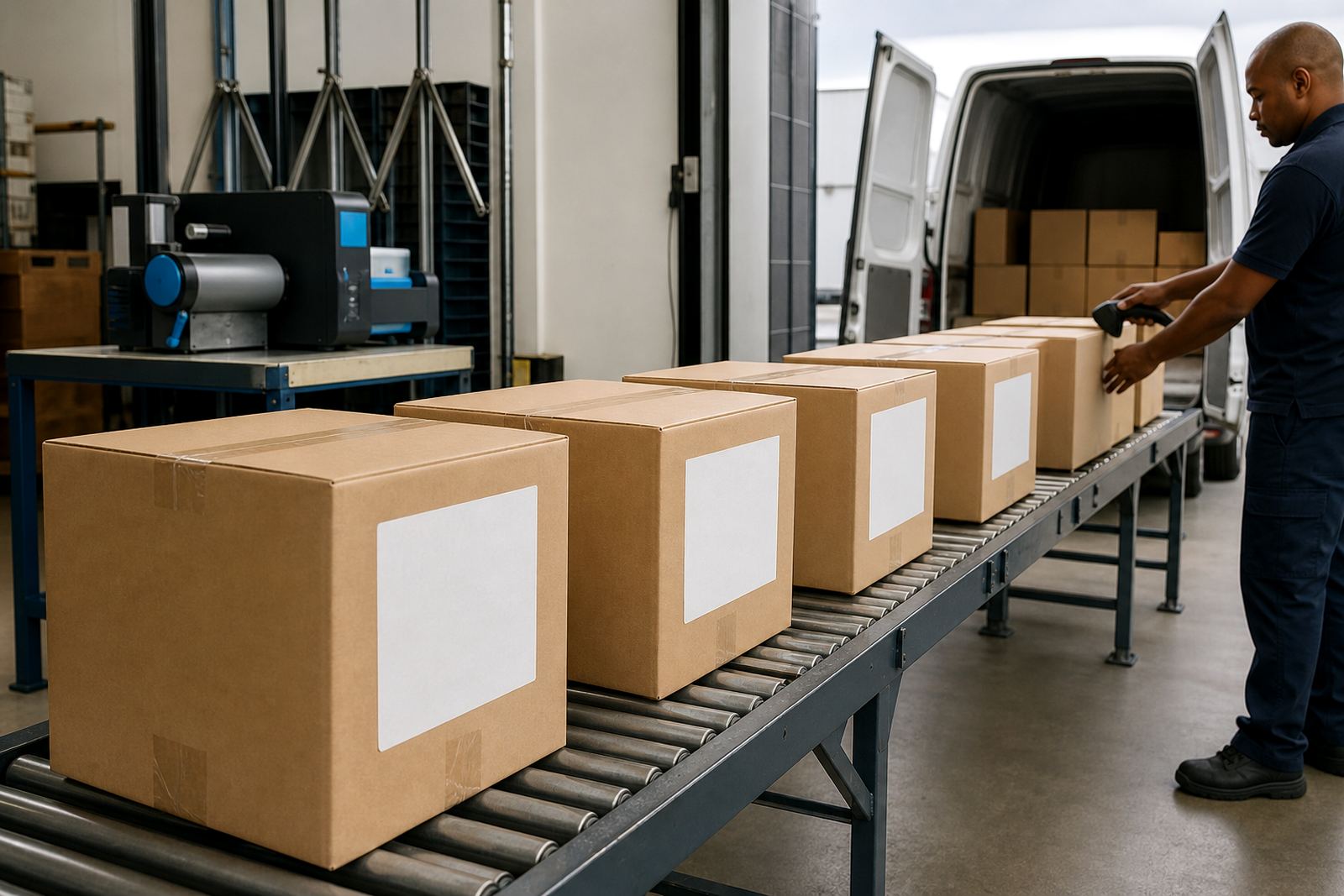
- Courier labels for cartons moving through dispatch
- Shelf and bin labels for stockrooms with frequent changes
- Barcode and QR labels for scanning at pick and pack
Setup that keeps the printer useful
Short run printing depends on setup as much as on the machine itself. Pairing a unit to the right device, setting the label width, and loading the correct roll all shape the result. Where the team is new to mobile printing, operator training avoids the common mistakes that lead to misprints and waste.
At the same time, repairs need a practical eye. A loose battery clip, a failing battery, or a worn printhead can stop the printer from doing small jobs cleanly. Belt clips also matter for couriers and field staff who carry the unit during the day, especially when the printer must move between bays or vehicles.
What short run printing asks for in practice
Short run work is easiest when the printer, roll and label purpose all line up. The machine should fit the hand, the battery should last through the work pattern, and the labels should match the surface they are fixed to. In coastal towns like Cape Town and Gqeberha, storage conditions also matter because humidity can affect adhesive and label handling.
For warehouses, couriers and retail stockrooms, the better approach is usually the plain one: print only what is needed, keep the roll correct, and keep the unit clean. That gives clearer stock labels, better scanning and less stoppage from avoidable errors.
- Choose direct thermal for fast, short life labels
- Choose thermal transfer when durability matters more
- Match label width to the application before loading the roll
- Keep spare batteries, clips and rolls ready for the shift
- Schedule preventive servicing before the print quality drops