A label that prints is not the same as a label that scans
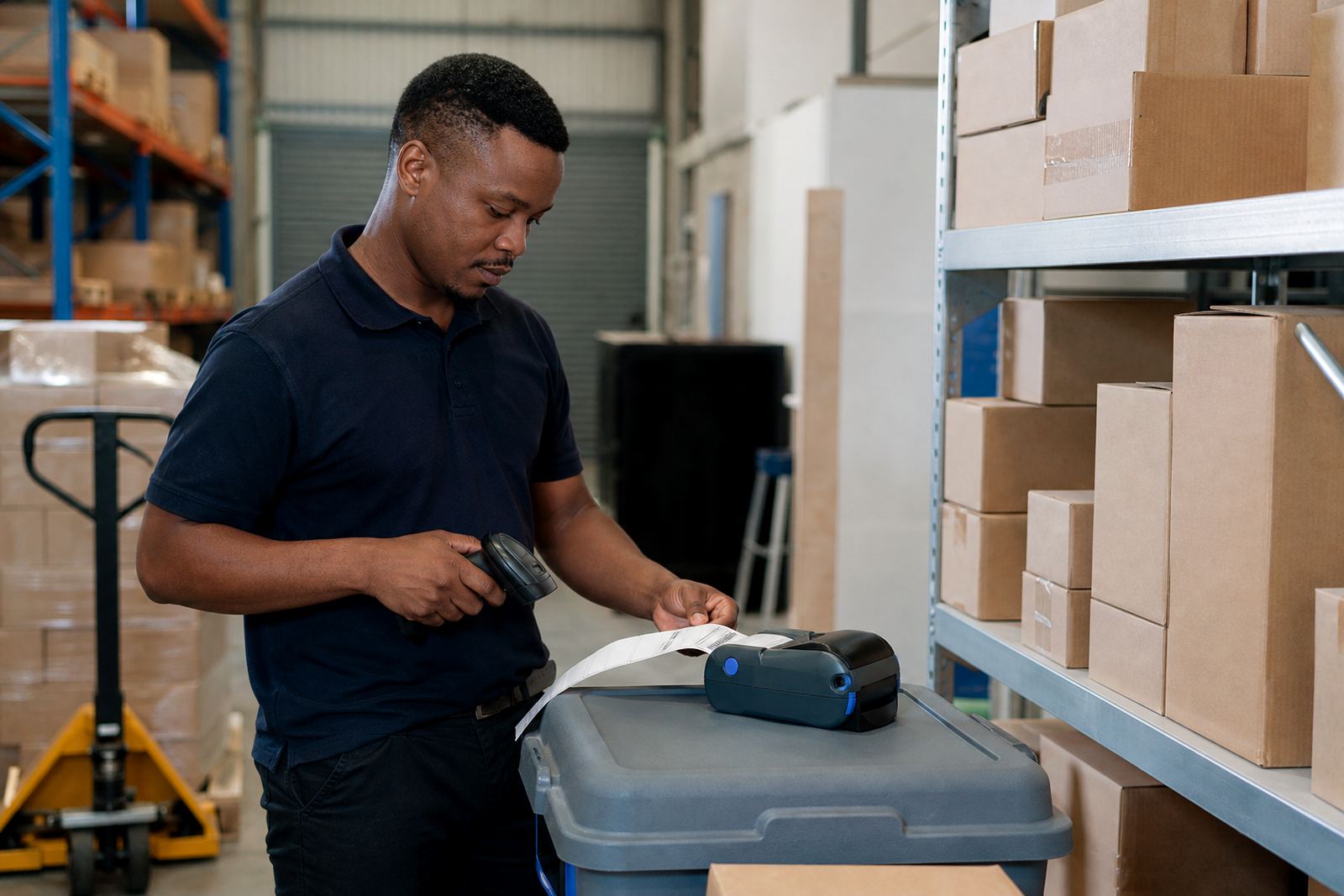
In a warehouse, courier hub or retail stockroom, the test is not whether ink appears on paper. The real check is whether a handheld scanner reads the barcode first time, every time, at the angle and distance the team will use on the floor. That is where scan testing labels earn their place. A clean print can still be too light, too small, or crowded by the wrong margins.
Thermal mobile label printers are usually used for short runs, bin labels, shelf tags, dispatch labels and asset tags. The printer may use direct thermal media for short-life labels or thermal transfer stock for labels that must last longer. Either way, the sample label should prove three things: the printer is feeding correctly, the code is readable, and the label suits the task.
- Barcode bars must stay crisp, not broken or smudged.
- QR codes need clear quiet zones around the code.
- The text must remain readable after handling and transport.
- Label length should suit the item and the scanner window.
What a proper scan test should prove on site
A proper scan test goes beyond one happy print. The setup should be checked with the actual label size, the same stock type, and the same Bluetooth or Wi-Fi pairing the team will use in daily work. If the printer is meant for 50 mm or 100 mm label rolls, the calibration must match that width, otherwise the print can drift to one side or leave marks where the cutter or tear edge should be.
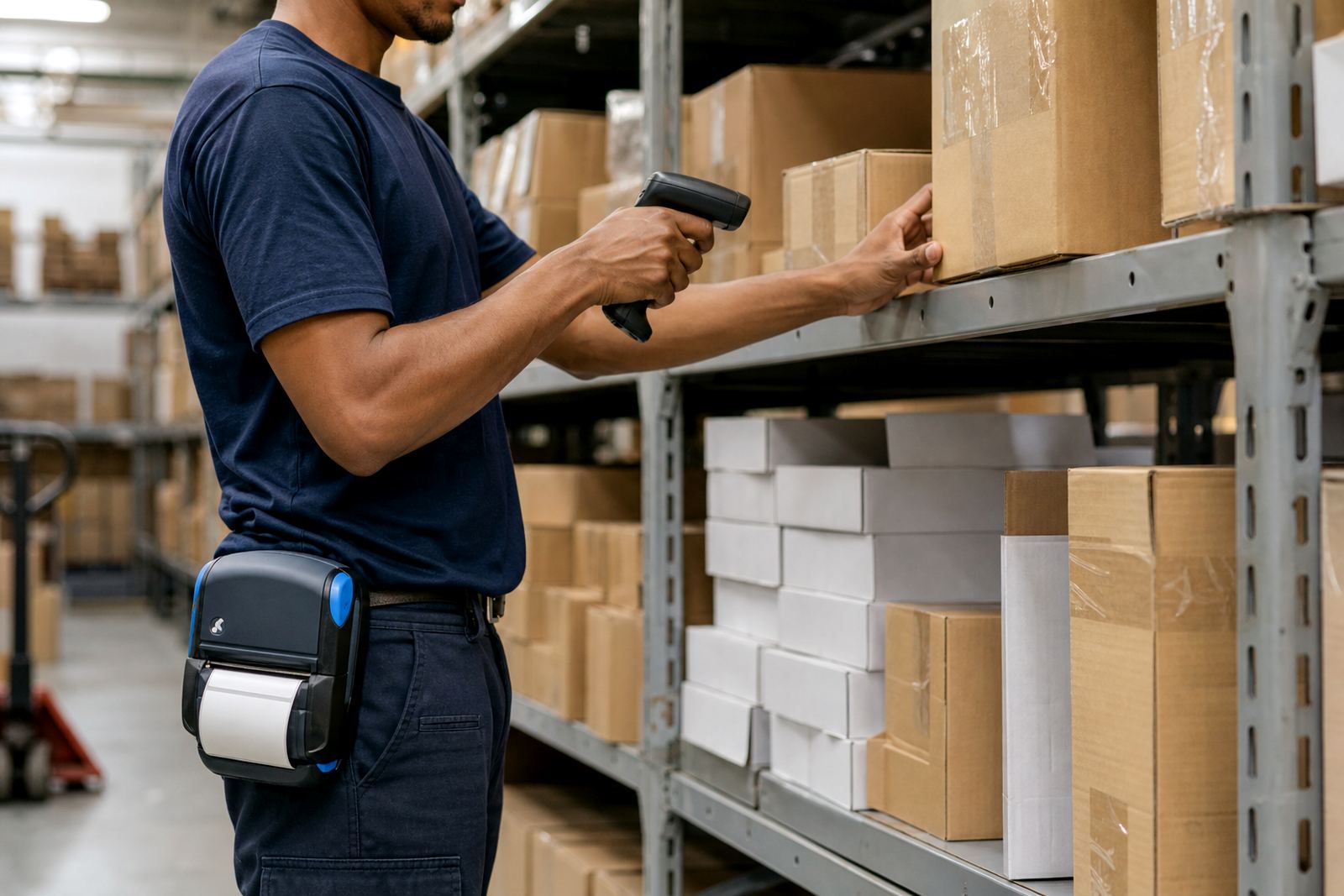
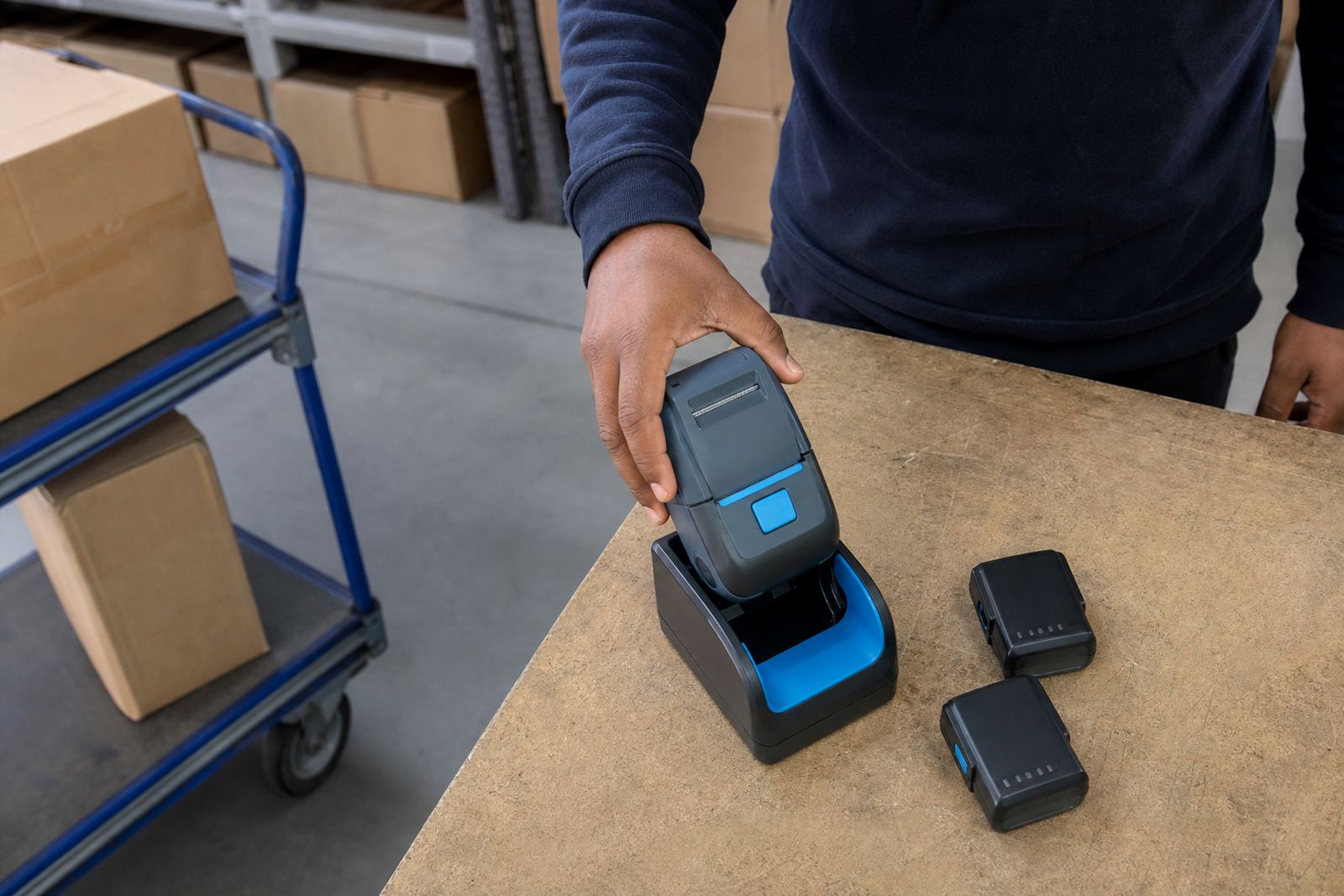
We also look at battery condition, because a unit that prints well on charge but slows down later in the shift can cause missed labels. Belt clips matter too. If the printer is worn on a belt during picking or dispatch, the unit must sit steady enough to avoid accidental knocks and label jams.
- Check barcode readability on both flat and curved surfaces.
- Test the label at the normal scanner distance.
- Print more than one sample to confirm consistent darkness.
- Verify the printer keeps alignment after a short run.
- Make sure the roll feeds without rubbing or skewing.
Direct thermal and thermal transfer behave differently
Many label problems begin with the wrong stock for the job. Direct thermal labels are common for short-term use, especially where the label only needs to survive a dispatch cycle, a bin move or a same-day transfer. Thermal transfer labels suit tougher use, where heat, handling, moisture or longer storage can dull a direct thermal print too quickly.
That difference affects scan testing. A label that scans neatly when it is freshly printed may still fade too soon if the material is wrong for the environment. In Cape Town, coastal humidity can expose weak stock fast, while a busy Gauteng stockroom may wear labels down through repeated handling. The sample output should show whether the print holds its edge, not just whether it looks fine on the table.
For mobile units, print width matters as well. A printer that supports a narrower roll may be ideal for small barcode labels, while a wider format can suit item descriptions, locations and compliance notes. The sample needs to match the layout the team actually wants.
Small setup faults that a scan test catches early
Label testing is often where minor setup faults show themselves. A printer that is slightly out of calibration may print too close to the edge. A battery with poor performance can cause weak output in the middle of a run. Bluetooth pairing can look stable until the device moves from one zone to another, while Wi-Fi setup can expose network settings that were not fully settled.
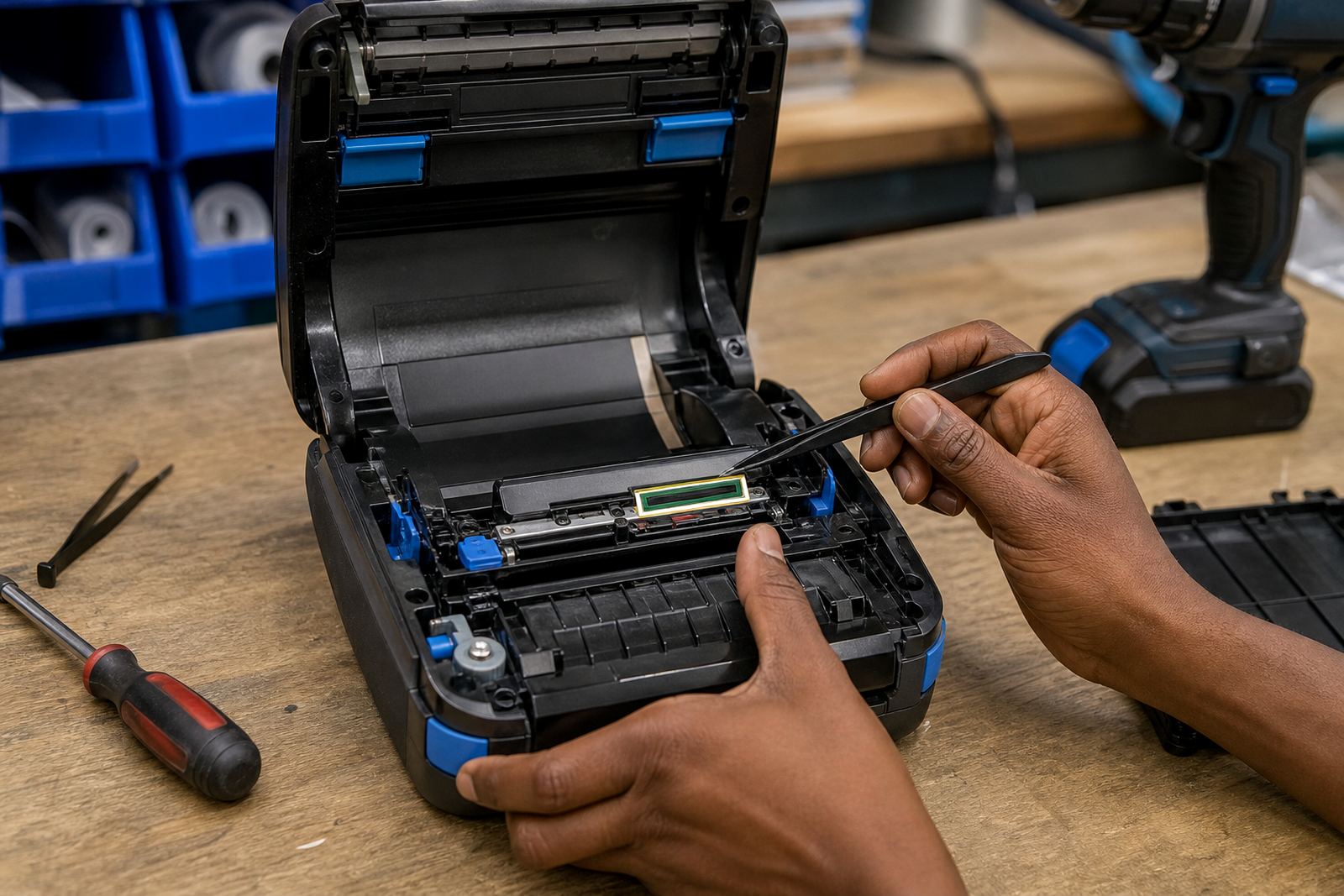
Printhead cleaning also shows its value here. Dust, adhesive residue and worn labels can leave light bands across the print surface. If the head is dirty, a barcode may still print but the bars are uneven, and the scanner struggles with the result. Sample labels are useful because they show these faults before the team labels dozens of shelves or cartons.
- Light bands often point to a dirty printhead.
- Uneven side margins suggest calibration is off.
- Repeated skips can point to roll tension or feed issues.
- Fading on part of the label may point to low battery output.
A Cape Town stockroom example that saves rework
In Montague Gardens, a stockroom may use mobile printers for shelf relabelling, receiving bins and courier dispatch. If the team labels ten pallets before checking scan quality, any mismatch in size or darkness becomes a clean-up job. If the first labels are tested properly, the print settings can be adjusted before the work starts in earnest.
A local setup might need Bluetooth pairing for floor movement, with a second device set up over Wi-Fi for the office side. The sample roll can then be used to confirm that the same layout prints well across both settings. Have one person scan the code with the handheld reader, another check the text, and a third confirm that the label peels or sticks as it should. That short test often saves hours of rework later.
It also helps with training. Operators learn what a good label looks like, how much darkness is enough, and when to stop and clean the printhead instead of pushing through another batch.
What our setup and repair work usually covers
When we handle a new mobile printer setup, the aim is not only to get the device printing. It is to get the label format, scanning result and handling behaviour lined up with the work on site. That can mean checking the roll path, pairing the printer, checking battery health and printing sample labels in the exact sizes needed for stock, dispatch or shelving.
Our on-site work across Cape Town, Johannesburg, Durban, Pretoria and Gqeberha often combines repairs with training. A unit may need a battery replacement, a belt clip repair or a print quality fix. In other cases, the issue is only a stubborn label jam or a feed setting that needs correcting. The sample test shows which part is at fault before the job gets handed back to the team.
- On-site setup for new printers and label rolls.
- Bluetooth and Wi-Fi setup for mobile use.
- Label calibration for the correct width and length.
- Printhead cleaning and print quality fixes.
- Train operators to inspect labels daily.
The habit that keeps labels useful after day one
Scan testing should stay part of the routine, not just the opening setup. When a new batch of labels arrives, when the printer moves to a different area, or when the team changes how it scans, a few sample prints can show whether the format still works. That is especially useful where stockrooms handle mixed items, with some labels needing short-term readability and others needing more durable output.
For warehouses, couriers and retail stockrooms, the value is plain. A good sample label tells the team that the printer, roll and scanner are working together. It also tells them when cleaning, calibration or battery checks need attention before the day turns messy. If the label reads cleanly on the bench and in the aisle, the setup is doing its job.