A five minute close-out beats a noisy morning
End shift care is not complicated, but it does need order. A mobile label printer that is left with a half used roll, dust on the printhead and a weak battery will usually show its mood first thing the next day, often through pale labels or a skipped line across the barcode.
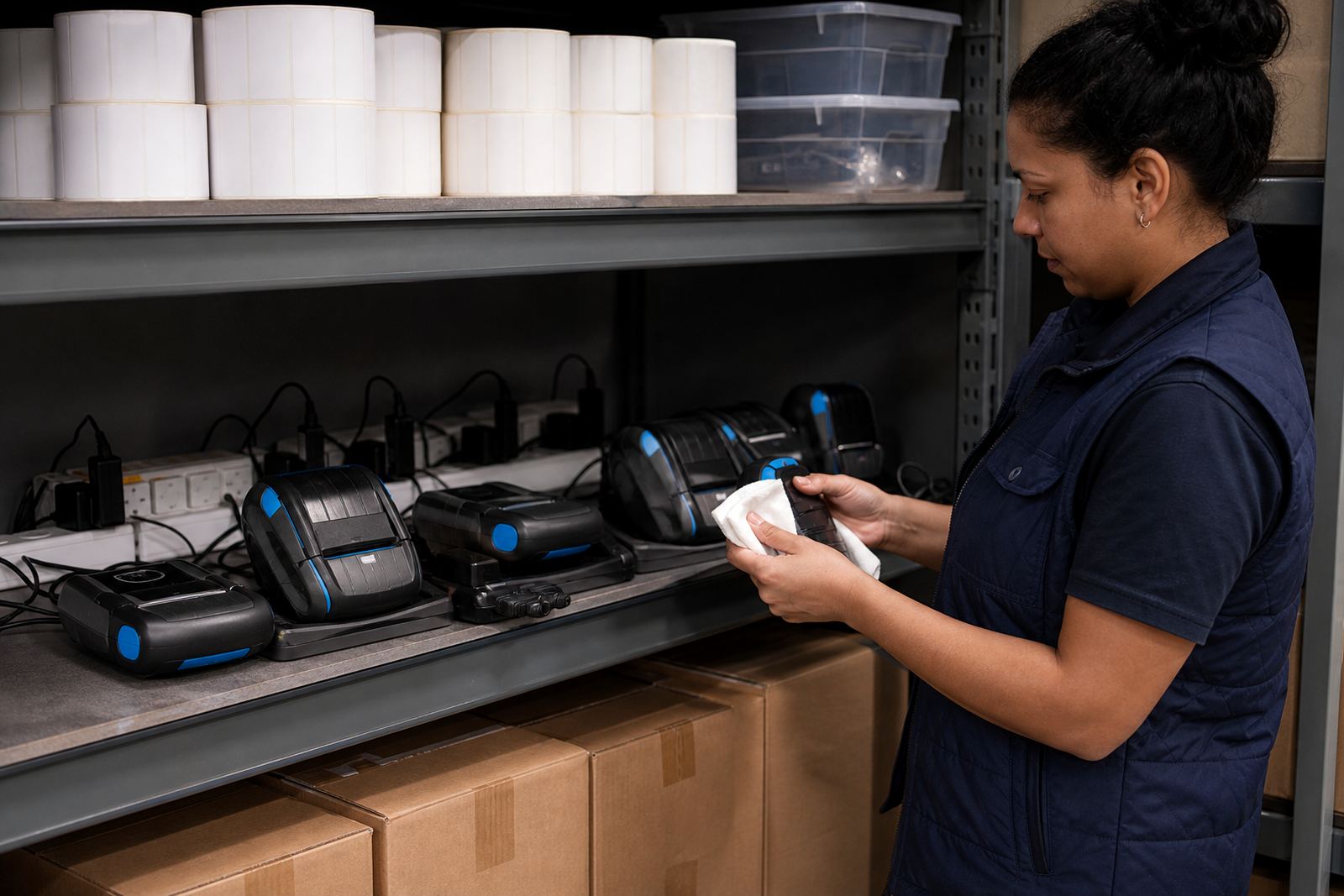
In warehouses, courier cages and retail stockrooms, the last operator of the shift should leave the unit ready for the next person who picks it up. That means checking the label path, removing scraps from the cutter or platen area if the model uses one, and putting the printer on charge before it is forgotten under a stack of cartons.
For teams in Montague Gardens or Bellville, the routine is usually the same, even if the pace is different. A printer that stays clean and charged is easier to pair by Bluetooth or Wi-Fi, easier to calibrate for the next label size, and less likely to waste labels on trial prints.
What to do before the printer goes onto charge
Direct thermal units need care around heat and paper dust, while thermal transfer units need a little more attention around ribbon residue and alignment. Either way, the close-out is about removing the causes of poor print quality before they settle in.
- Switch the unit off properly if the model uses a power button sequence.
- Check the battery level and seat the battery pack firmly in place.
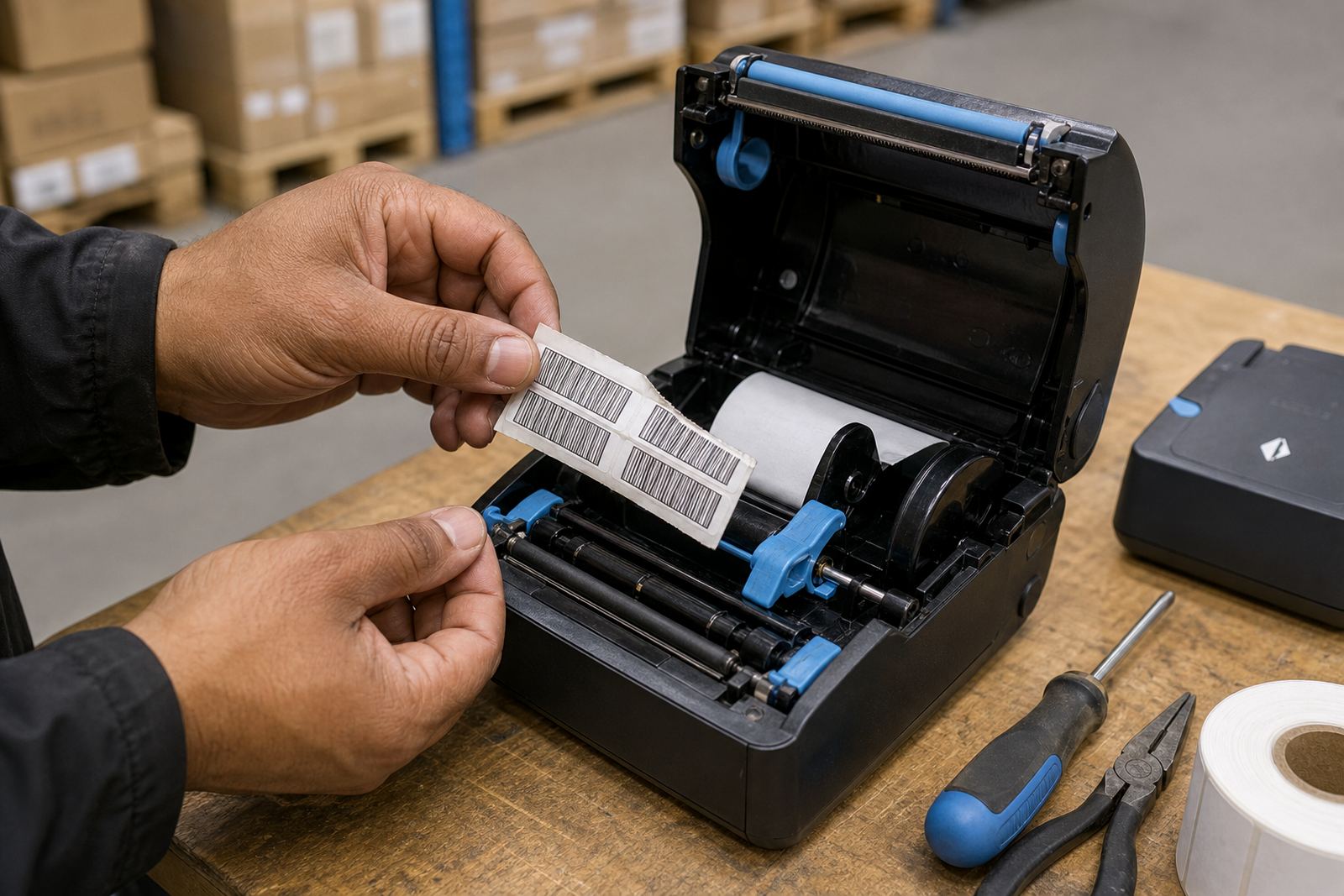
- Remove loose label backing, torn labels and dust from the feed path.
- Inspect the printhead for faint lines, sticky residue or visible wear.
- Confirm that the roll still matches the label width used on the run.
- Store spare rolls in a dry cabinet, away from sun and humidity.
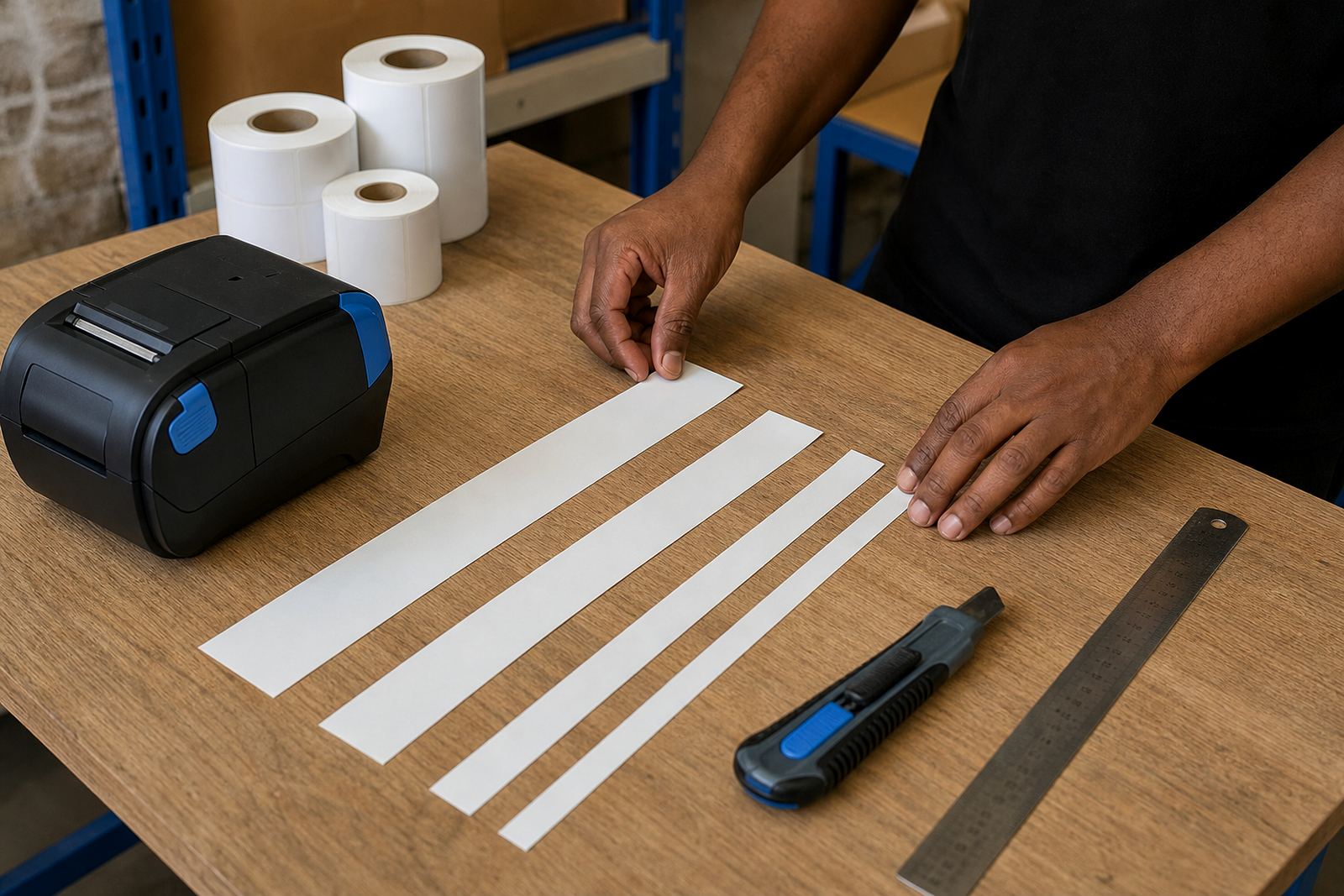
Short label sizes can track differently from wider stock, especially when the roll has been handled often during the day. If the printer has been used for barcode or QR printing, a final test label helps show whether the bars are crisp and whether the dark areas are filling evenly.
Battery care matters more than people think
Most portable printers are only useful when the battery is predictable. A battery that is left nearly flat for long periods can make the next shift start with a rush of charging, and that usually leads to rushed setup and poor checks. For couriers and dispatch teams, that is when labels get printed too dark, too faint or in the wrong size.
Battery care does not need a workshop bench. Keep the contacts clean, look for swelling or cracked housings and replace a battery that no longer holds enough charge for a full shift. On some units, a battery test will show whether the pack still supports proper print speed or whether it is dropping out under use.
In Durban stockrooms, where humidity can work its way into small equipment, the charger contacts and battery compartment deserve a quick wipe. It is a small job, yet it helps prevent the printer from failing at the loading bay when labels are needed most.
Pairing notes for Bluetooth and Wi-Fi units
When a mobile printer is used across several stations, pairing should be checked before the day ends. Bluetooth connections can be dropped by a changed phone setting or a forgotten device name, while Wi-Fi units can lose their network details after an update or a manual reset.
That does not mean every unit needs a full reset every evening. It does mean the operator should confirm the printer name, the connection path and the test print before the device is packed away. In a busy warehouse, a printer that looks ready but is not connected can waste time at the worst possible moment.
- Confirm the paired device name on the tablet, phone or handheld scanner.
- Check that the printer is still set to the correct label width.
- Print a short barcode sample and scan it if the process allows.
- Store the unit where buttons will not be pressed in transit.
For teams moving between Johannesburg, Pretoria and Gqeberha, the same habits help keep settings stable. When a printer is shared across shifts, clear labelling of the unit and its charger prevents confusion at handover.
The label roll deserves proper storage too
Label rolls are often treated like packing material, but the surface matters. Direct thermal labels react to heat, light and moisture, so a roll left in a hot bakkie or near a sunny window may darken before it is used. Thermal transfer rolls need clean handling as well, because dust or damage on the label face can still affect print quality.
Store the rolls in their cartons where possible, and do not place heavy boxes on top of them. If a roll has been opened, place it where the edges will not curl. Curled labels can cause jams, crooked feeds and misreads on barcodes or QR codes.
A practical closing habit in a retail stockroom is to return the correct roll size to the correct shelf and note any roll that has been partly used. That stops operators from loading the wrong width the next morning and having to recalibrate the printer before the first delivery note is printed.
When a quick check is enough and when repairs help
Some end of shift issues can be handled in minutes. A dirty printhead, a sticky label path or a loose battery clip often shows up as a simple fault. Other faults need hands-on repair, especially when the printer skips lines, refuses to feed or loses connection each time it is moved.
That is where preventive servicing earns its place. A technician can check the printhead condition, clean the feed path, test the battery, assess the belt clip and verify whether the unit is still giving a sharp print across the full width. For mobile printers that move between stores or loading bays, that check is usually better than waiting for a failure on a busy morning.
Go-Printer operates from Montague Gardens in Cape Town and supports teams across South Africa, including Cape Town, Johannesburg, Durban, Pretoria and Gqeberha. On-site setup and repairs help keep the same printer usable across shifts, with the right label size, pairing settings and print quality for the job in hand.