Paper and synthetic, each has a job to do
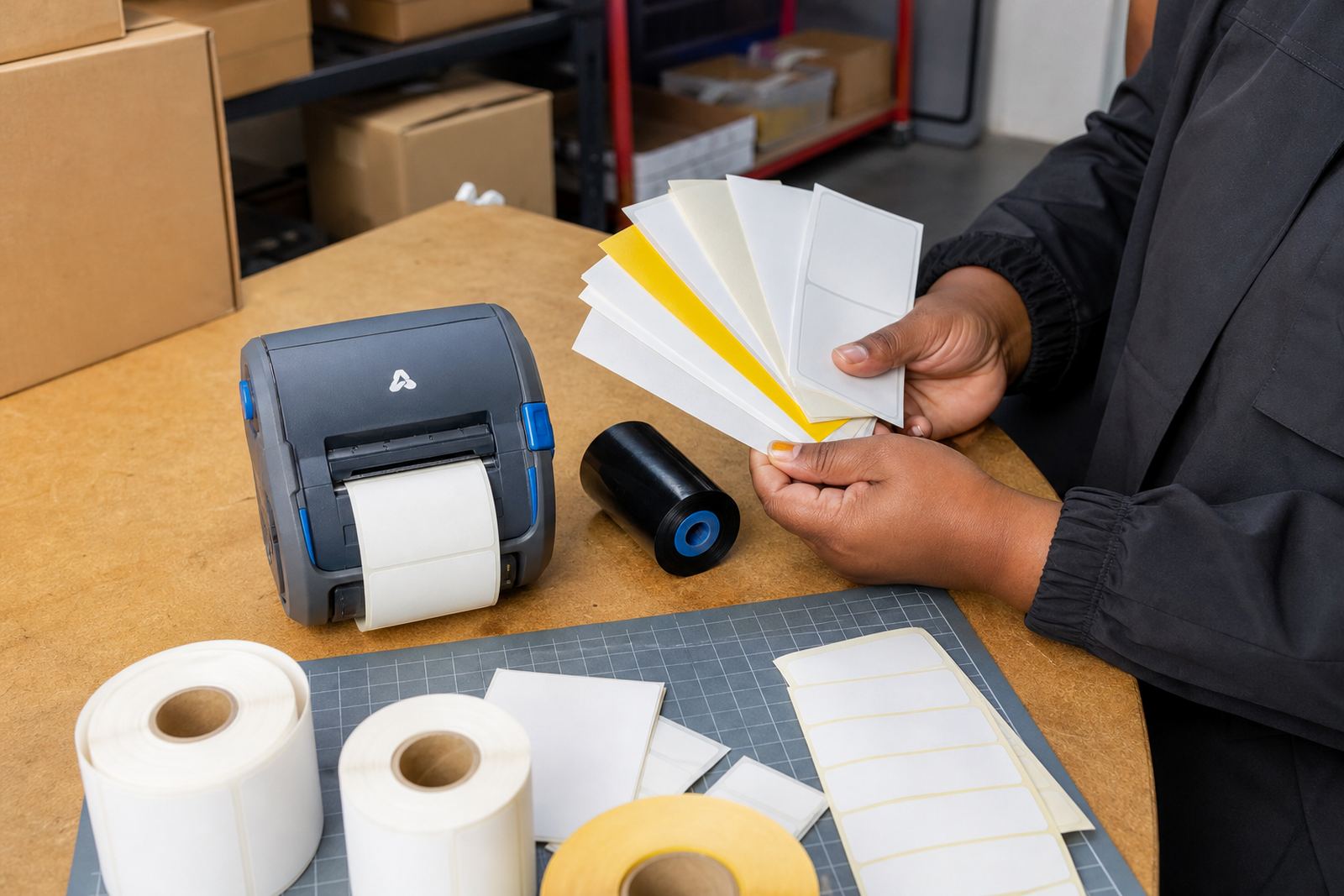
Paper labels suit short-life tasks where the parcel, shelf edge or stock tote only needs a clean printed mark for a limited period. They feed well through thermal mobile label printers, work neatly for barcodes and QR codes, and keep running costs lower for everyday stockroom use.
Synthetic labels suit handling that includes moisture, rubbing, cold rooms, cleaning chemicals or outdoor movement between vehicles and loading bays. In a Cape Town warehouse near the coast, salt air and damp mornings can turn paper soft at the edges, while a synthetic face stock keeps the print legible for longer.
The surface should match the job, not the other way round. If a label must stay on a crate through repeated handling, a tougher face material usually saves trouble later.
Reading the surface before you load the roll
A direct thermal printer prints by heat only, so the label stock itself has to take that heat cleanly. A thermal transfer printer adds a ribbon, which gives more control on tougher surfaces and usually better resistance when the label must last.
Before loading a roll, check a few things on the box or inner core:
- face material, paper or synthetic
- adhesive type for cartons, plastics or chilled packaging
- label size, including width and gap spacing
- printer method, direct thermal or thermal transfer
- whether the job needs barcode and QR code clarity
If the label surface and the printer method do not match, the print can fade, smear or lift at the corners. That is where many stockroom delays start, usually with a roll that looked close enough at first glance.
Handling, moisture and the daily knocks
Paper surfaces are fine where the label stays dry and the item is not scraped often. A courier bag label, shelf marker or carton sticker for same-day internal movement often works well on paper, especially where the print only needs to survive short handling.
Synthetic labels are the safer call for cold storage, returnable totes, warehouse bins and retail stock that gets touched many times. They resist scuffing better, and when paired with the right adhesive they stay put on plastic, coated cartons and containers that shift between dry and humid areas.
- Use paper for short-life dispatch and shelf identification
- Use synthetic for moisture, abrasion and repeated handling
- Choose stronger adhesive for plastic tubs and chilled goods
- Keep a clean printhead to protect fine barcode edges
Print width, label size and the code that still scans
Thermal mobile label printers commonly handle a range of label widths, but the print width still sets the limit. If the artwork is squeezed too close to the edge, the barcode or QR code can become harder to scan, especially when the label wraps slightly around a curved box or pail.
For warehouse and courier work, the label size should leave enough quiet space around the code and enough room for a clear human-readable line. That matters when staff are working fast and the scanner has to read the label first time, not after a second try. A well-sized label also keeps the adhesive edge away from the print zone, which helps the printhead last longer.
During setup, label calibration is not a nice extra. It keeps the printer feeding cleanly, reduces wasted stock and stops labels drifting under the printhead.
Battery, belt clip and the move between jobs
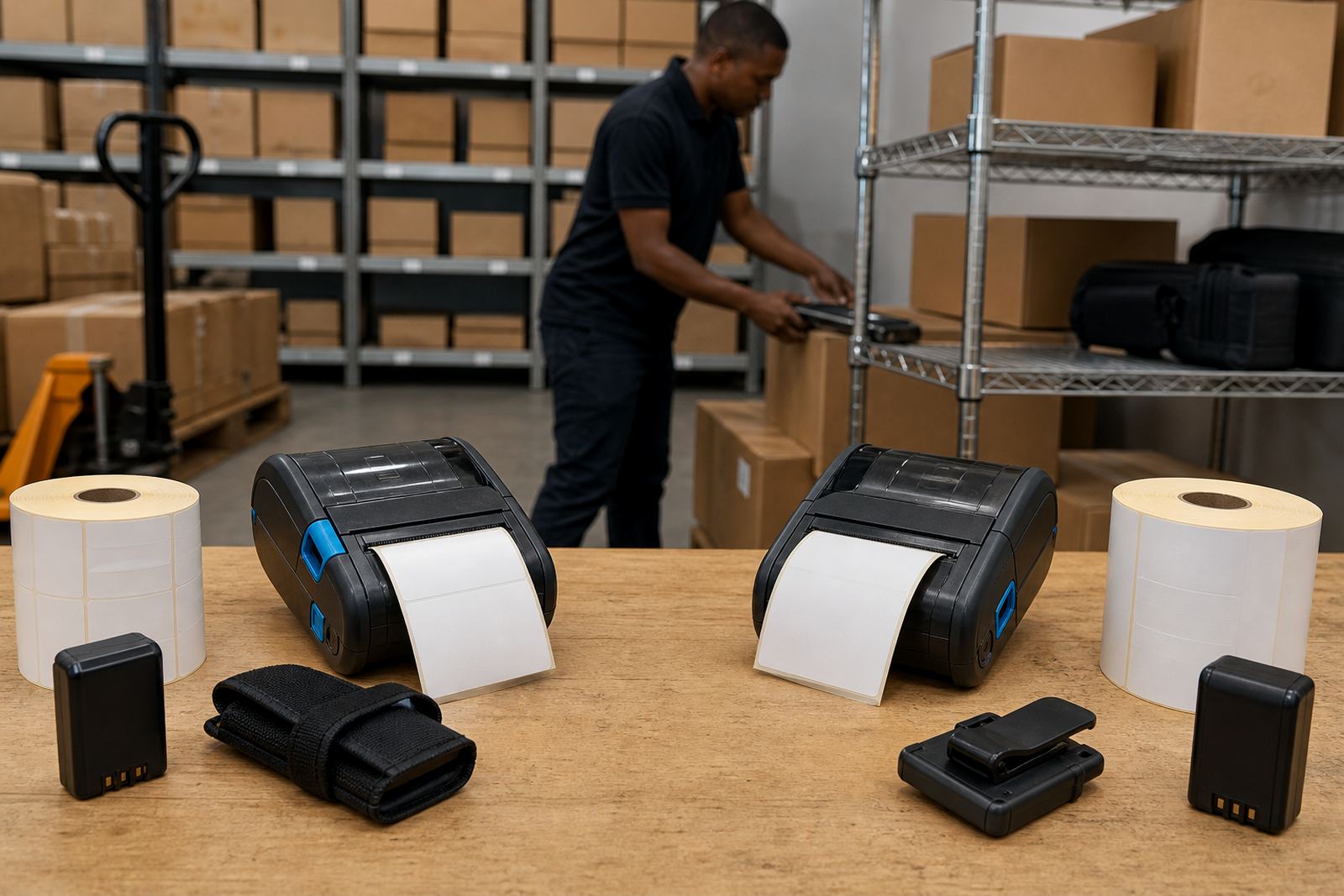
Mobile printers are only useful when they can move with the operator, and the battery has enough life for the shift pattern. A weak battery creates patchy print output, failed feeds and interruptions that show up when the team is already under pressure at a receiving bay or packing line.
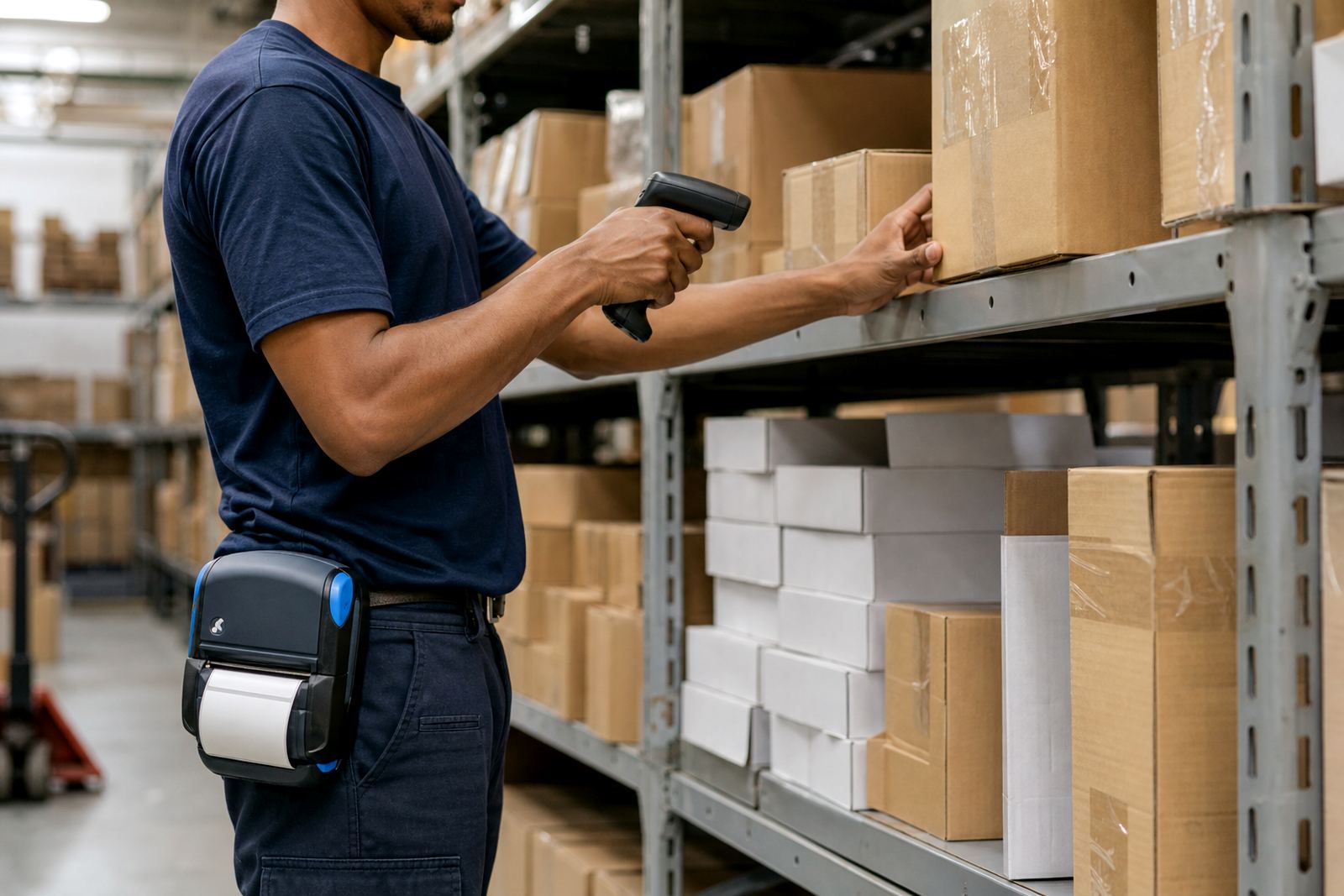
Belt clips and carrying options sound minor, but they help the printer stay close at hand during picking, ticketing and pallet movement. In busy stockrooms across Johannesburg, Durban and Pretoria, operators often need the printer on them, not on a shelf across the room.
- Test battery charge under normal job volume
- Check for swelling or poor contact points
- Inspect belt clips for cracks and loose fittings
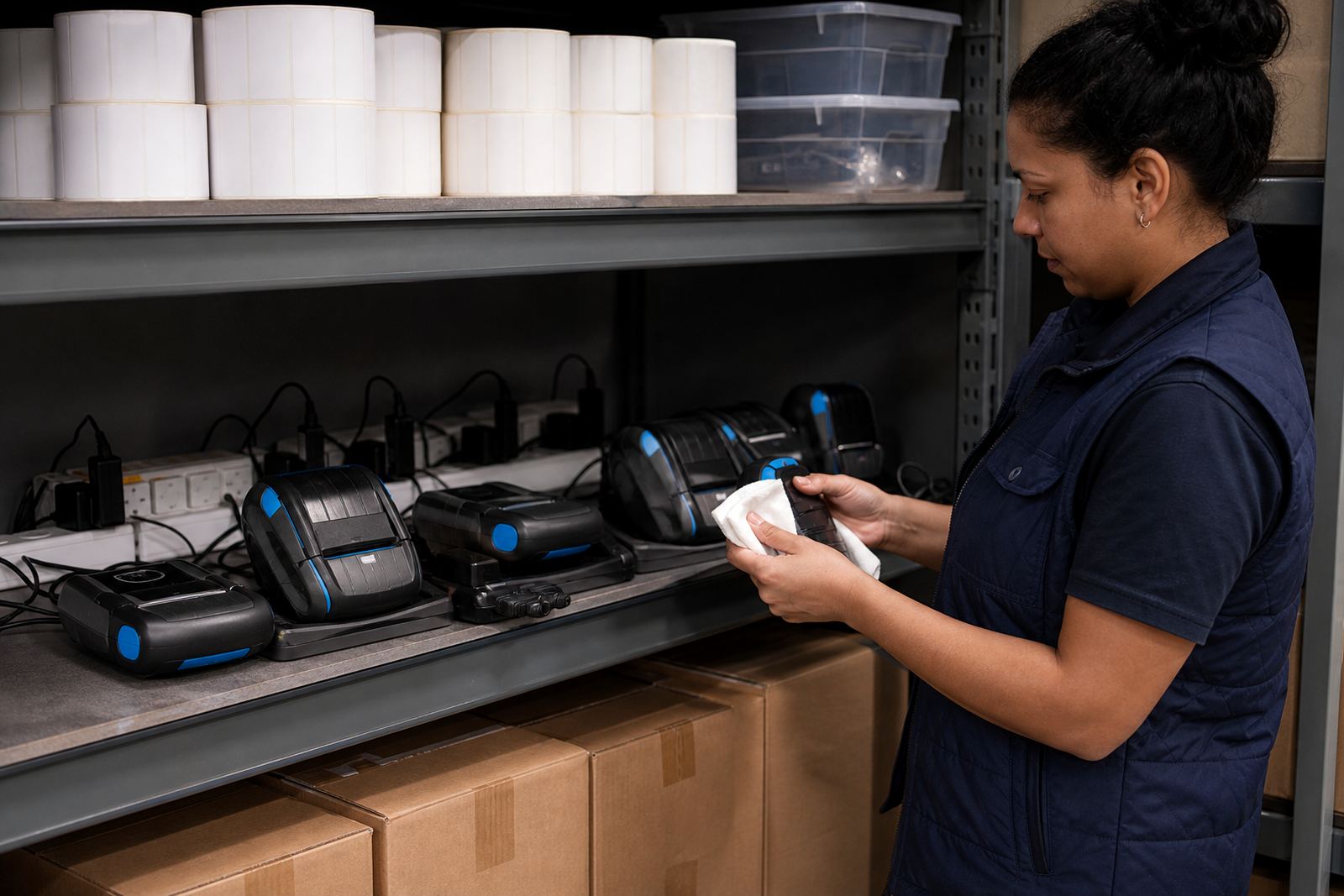
- Clean the battery terminals during servicing
When the battery is healthy and the clip holds properly, the printer stays where it should and the work keeps moving without unnecessary stops.
A Montague Gardens stockroom example
A retail stockroom in Montague Gardens may use paper labels for internal shelf tags and synthetic labels for items that travel to stores or spend time near loading bays. The difference is not dramatic on day one, but it shows after handling, cleaning and a few damp mornings near the coast.
We often see the same pattern across Cape Town and Gqeberha. Paper is perfectly serviceable for dry, short-term use, while synthetic rolls make better sense where the label has to stay sharp through movement, contact and the occasional wipe-down. If the wrong surface is used, the first sign is usually a barcode that scans badly or a label that curls at one corner.
That is why print quality fixes often start with the roll itself, not the printer alone.
Setup, cleaning and repair work that protects the label finish
Good label choice still needs a clean printer. Dust, adhesive build-up and worn printheads leave pale patches, broken barcode lines and uneven edges, even on the right surface. Printhead cleaning and label calibration keep the feed steady and the image sharp.
Our team handles on-site setup, Bluetooth pairing, Wi-Fi setup, print quality fixes, label jam clearing, battery testing and battery replacement. Where the job needs it, we also cover operator training and preventive servicing so staff know how to load the roll, check the surface and keep the printer ready for the next batch.
For warehouses, couriers and retail stockrooms, matching the label surface to the duty is usually the cleanest way to avoid waste, reprints and loose labels in the bottom of the box.