Rolls That Keep Moving, Labels That Stop in Place
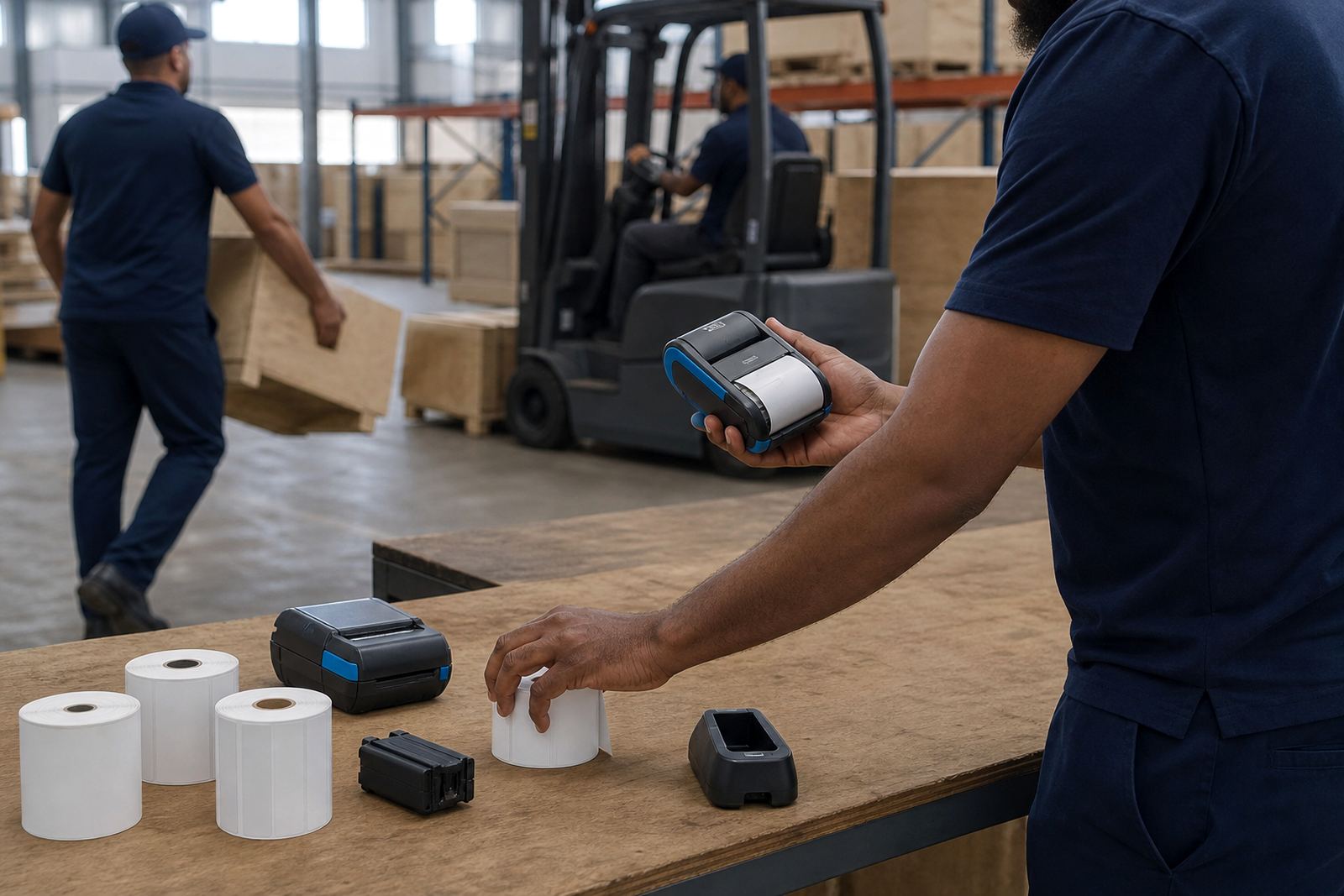
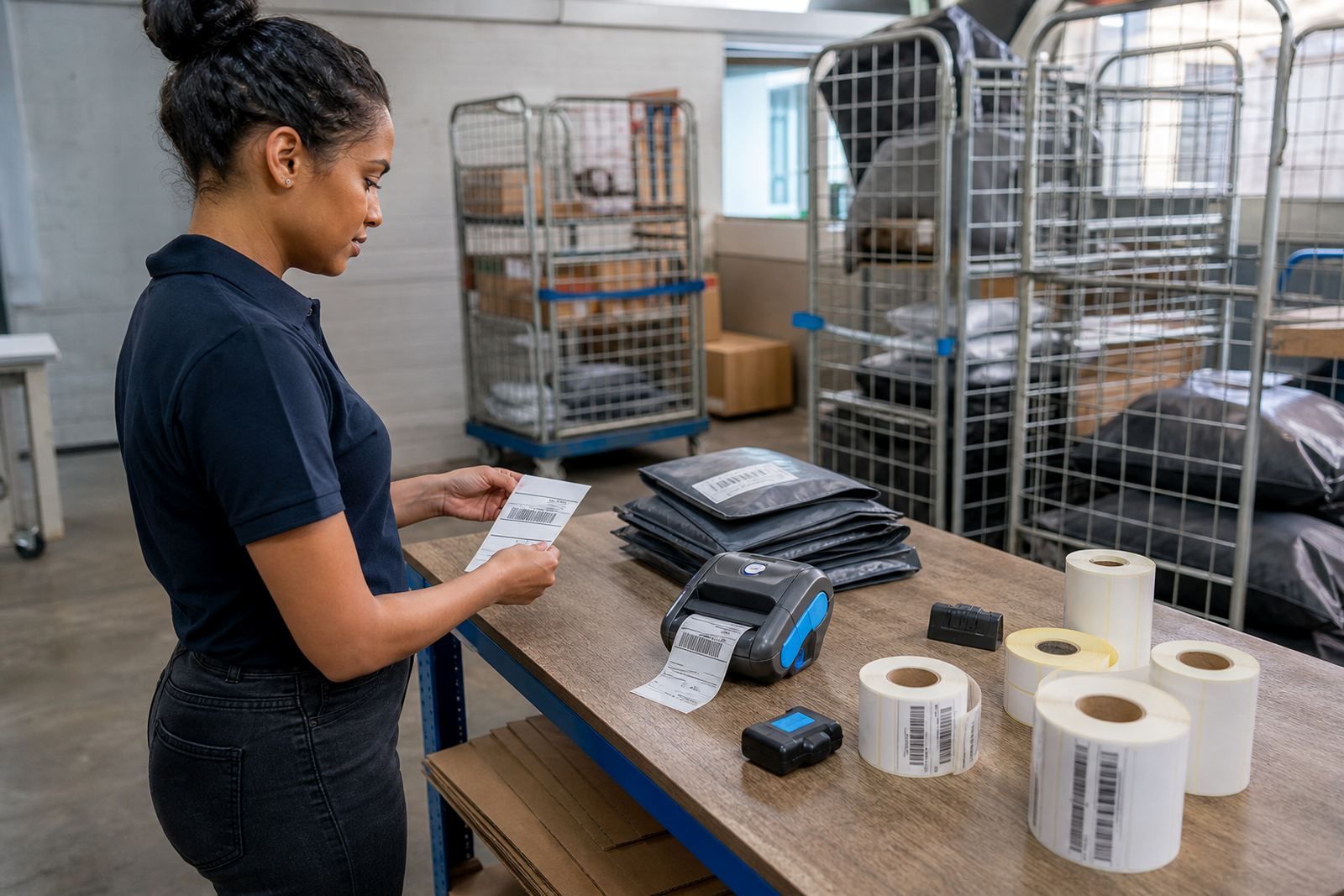
Receipt style media usually feeds as one continuous roll, then the printer cuts or tears off each printout as needed. Label media is spaced into fixed shapes, with a gap, black mark or notch that tells the printer where each label starts and ends. That difference matters when a packer wants a shipping label that lands square on one carton, not a string of print across the next roll section.
On a mobile label printer, the media path must match the job. A receipt roll can suit simple delivery slips, service notes or short lists of items. Die-cut labels suit address labels, shelf labels, barcode stickers and asset labels where each item needs its own clear edge.
Direct Thermal And Thermal Transfer Work Differently
Direct thermal media has a coated surface that darkens with heat. It works well for short life labels, courier labels and point-of-sale slips, especially where the label will not sit in sun, heat or rough handling for long. Thermal transfer uses a ribbon, which lays down ink onto the label stock and can hold up better on tougher materials.
That choice affects what the operator should keep in the van or stockroom. Direct thermal is simpler, but the print can fade if the wrong stock is used for a hot depot, a coastal store in Durban or a parcel route that stays in the vehicle for hours. Thermal transfer gives more control over durable labels, however it needs the right ribbon and a clean print path.
- Direct thermal suits short-life courier and receipt work.
- Thermal transfer suits longer-life labels and rougher handling.
- Both need the correct media width and printer setting.
- Barcode and QR clarity depends on clean heads and stable stock.
Print Width, Label Size And The Job On The Bench
Print width is often where a rushed order goes wrong. A printer that handles a 72 mm or 104 mm width can cover different label sizes, but the usable area still depends on margins, roll diameter and the label design. A wider printer is useful for cartons and multi-line shipping labels. A narrower one can suit shelf tags, bin labels and compact asset tags.
At a retail stockroom in Montague Gardens, a team might print small shelf labels in the morning and shipping labels after lunch. If the printer calibration is off, the label can start too high or too low, cutting a barcode in half. A proper setup keeps the output centred and makes the first label as useful as the tenth.
- Match label width to the printer’s rated print width.
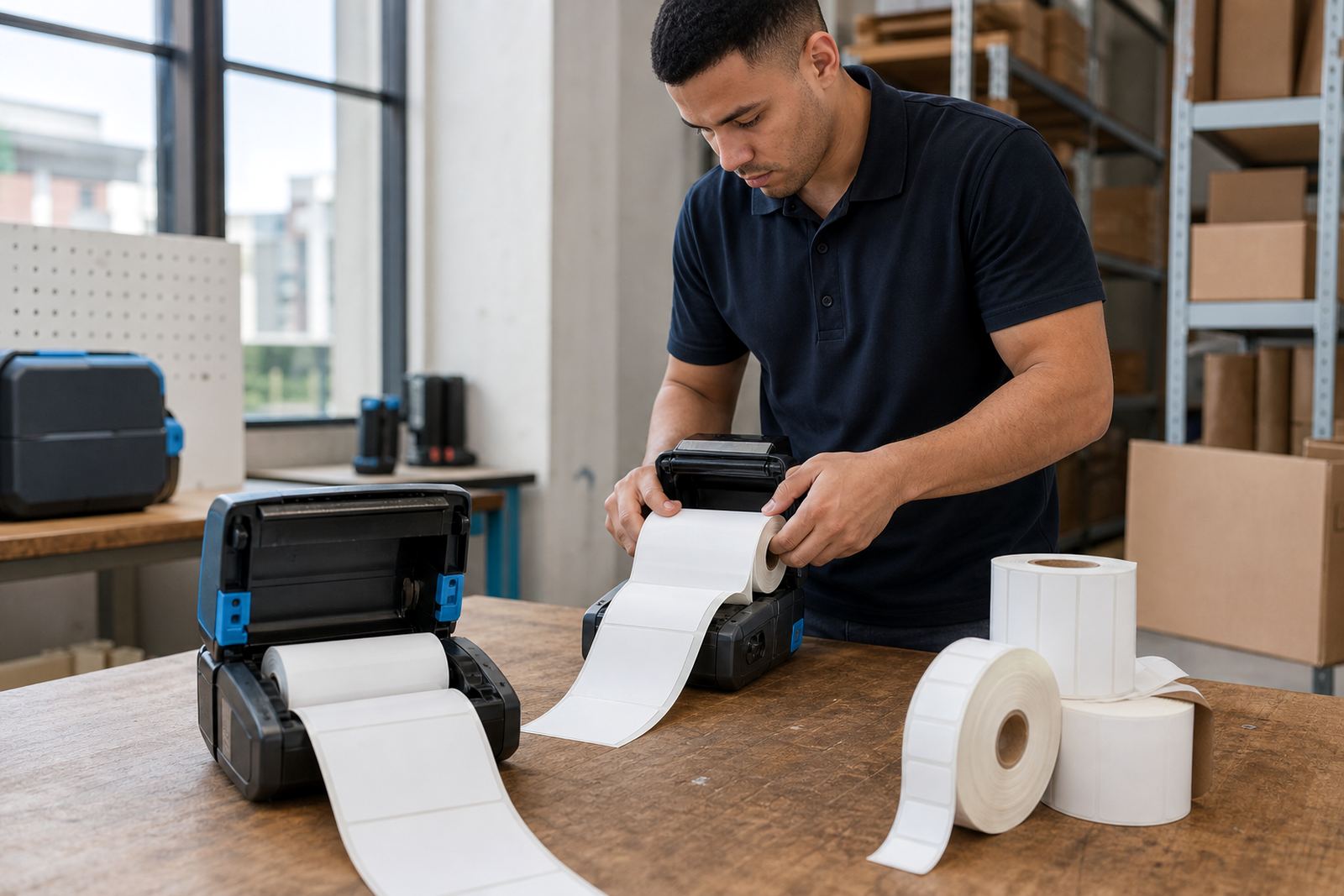
- Check roll diameter against the mobile unit’s compartment.
- Use the right gap, black mark or liner type.
- Test a sample before a full run starts.
Battery Life, Bluetooth Pairing And A Busy Floor
Mobile printers live on batteries, so media choice has to fit the shift pattern too. A courier driver who prints small labels all day may want a lighter roll and a battery that stays stable through repeated stop-start use. A warehouse runner may need a printer that pairs cleanly by Bluetooth or Wi-Fi, then keeps the media feeding without repeated resets.
When pairing is unstable, operators often blame the printer when the label roll or settings are at fault. A label loaded the wrong way round, or a media type set for continuous roll instead of die-cut labels, can make the printer appear faulty. Training helps the team read the symptoms instead of guessing.
Where Continuous Rolls Help And Where Die-Cut Labels Win
Continuous roll output is handy where the print content changes each time. It is useful for slips, short notes, internal logs and temporary tags. Die-cut labels are better when every item needs the same size and a fast peel-off action, because the backing liner keeps each label separated and easy to handle.
In a Cape Town stockroom, a picker may use continuous media for a quick bin note, then switch to die-cut labels for pallet IDs and courier parcels. That is not a small detail. It changes how the printer senses the media, how the operator tears or peels it, and how clean the barcode reads at the scanner gate.
- Continuous roll output suits variable length print jobs.
- Die-cut labels suit fixed size labels and fast application.
- Courier work often benefits from clean die-cut sheets or rolls.
- Internal notes and temporary tags can work well on continuous stock.
Cleaning The Printhead Before The Label Starts Failing
Print quality problems often begin with dust, adhesive residue or worn media rubbing the printhead. A faint barcode, patchy text or a grey band down one side usually points to a maintenance issue rather than a software fault. Cleaning the printhead and rollers at sensible intervals helps keep the label edge sharp and the dark areas even.
Battery checks matter too, especially if the unit spends the day in a vehicle or on a trolley. A weak battery can cause random shutdowns that look like media trouble. Belt clips, charging contacts and the latch on the media cover also deserve attention, because a loose fit can let the roll shift and spoil the feed.
A Local Setup That Fits Montague Gardens And Beyond
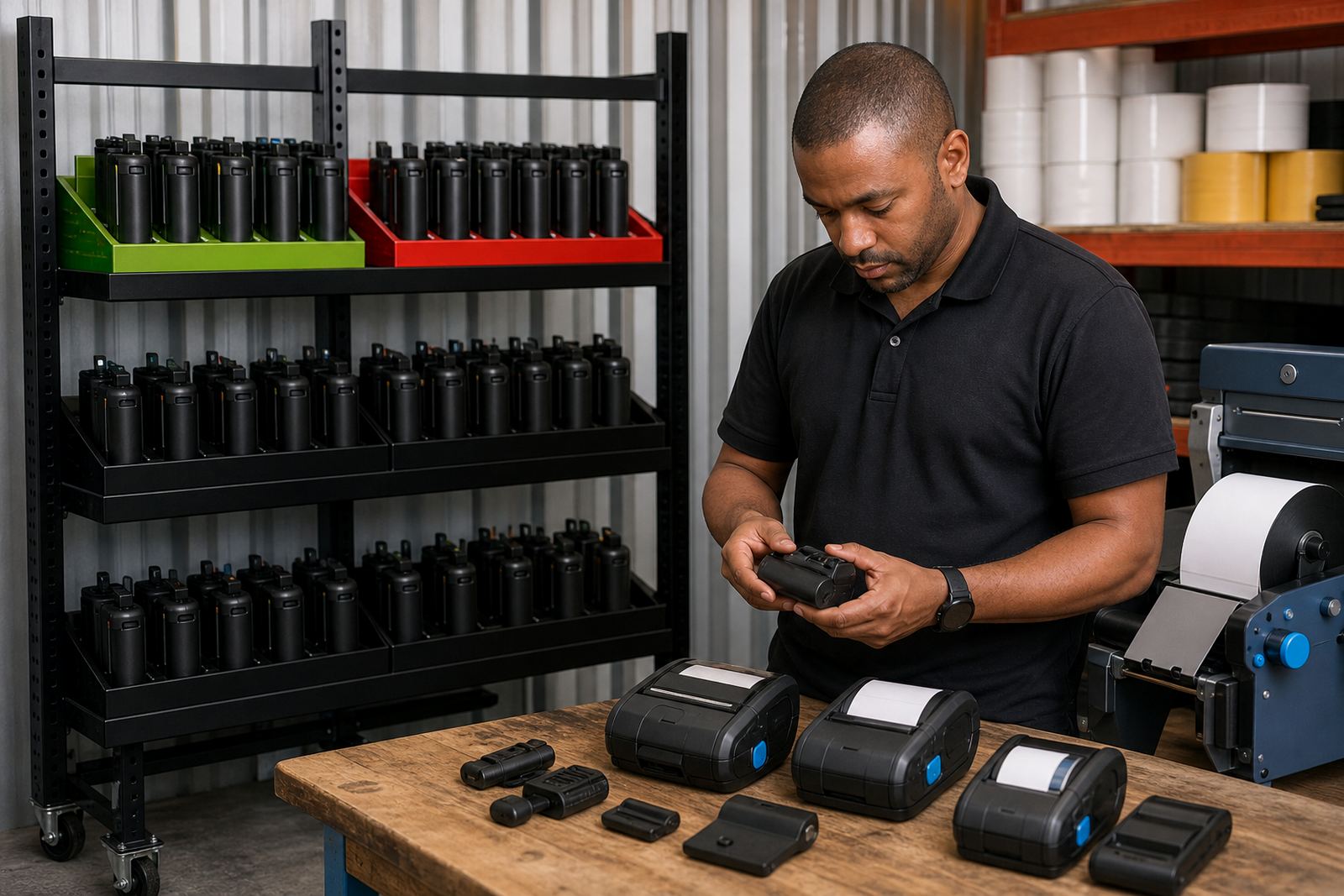
In Montague Gardens, a warehouse team may need a few printers set up for different tasks: one for box labels, one for shelf tags and one for courier consignments. The same site may also need label calibration, Bluetooth pairing, Wi-Fi setup and operator training so the right roll goes into the right unit. That practical split saves the team from loading one media type into every machine and hoping for the best.
Across Cape Town, Johannesburg, Durban, Pretoria and Gqeberha, the pattern stays similar. The job starts with the label shape, then the print width, then the printer settings, then the daily handling. If those pieces match, the barcode reads cleanly and the label sticks to the work it was meant for.