

Getting a mobile printer ready for the floor
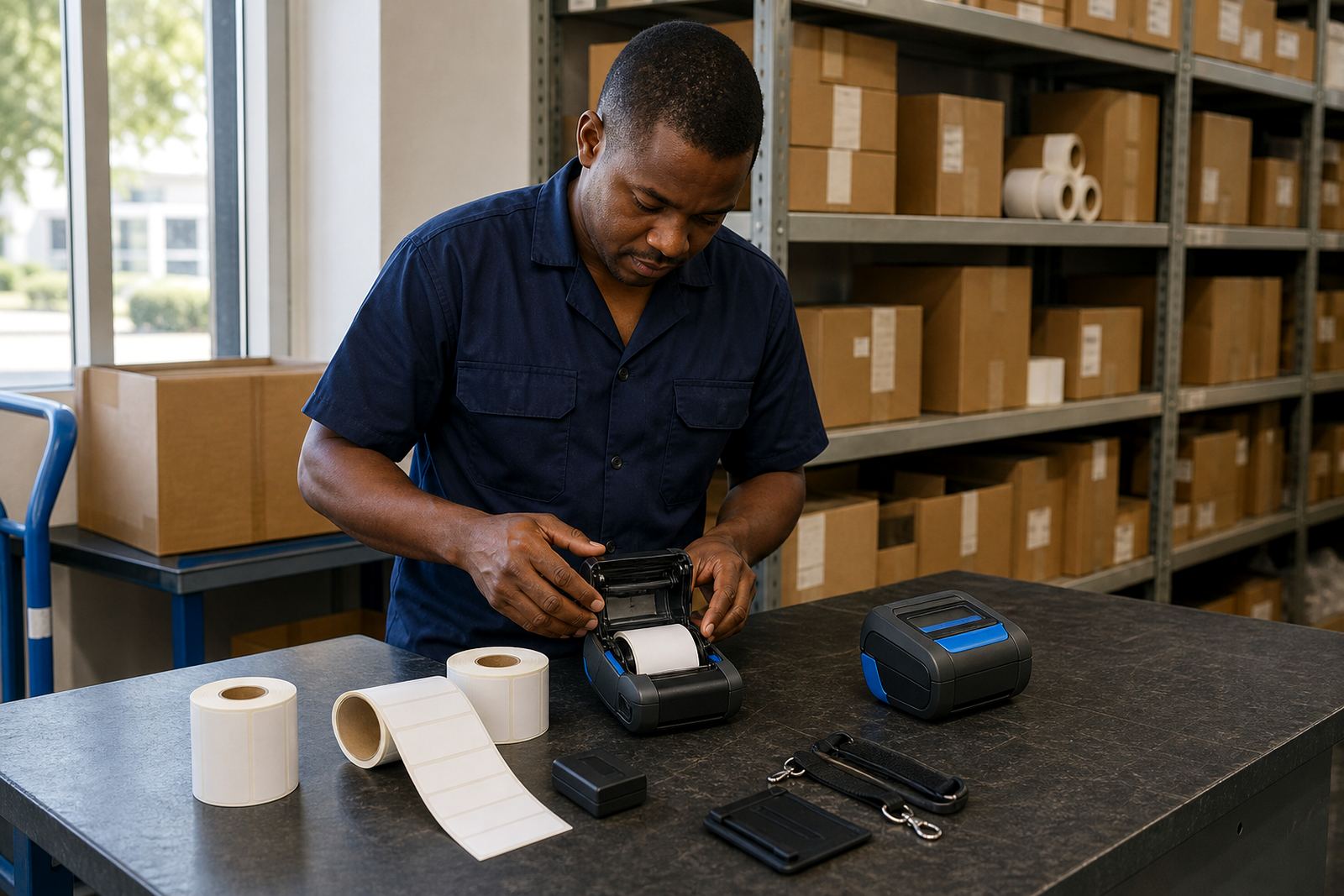
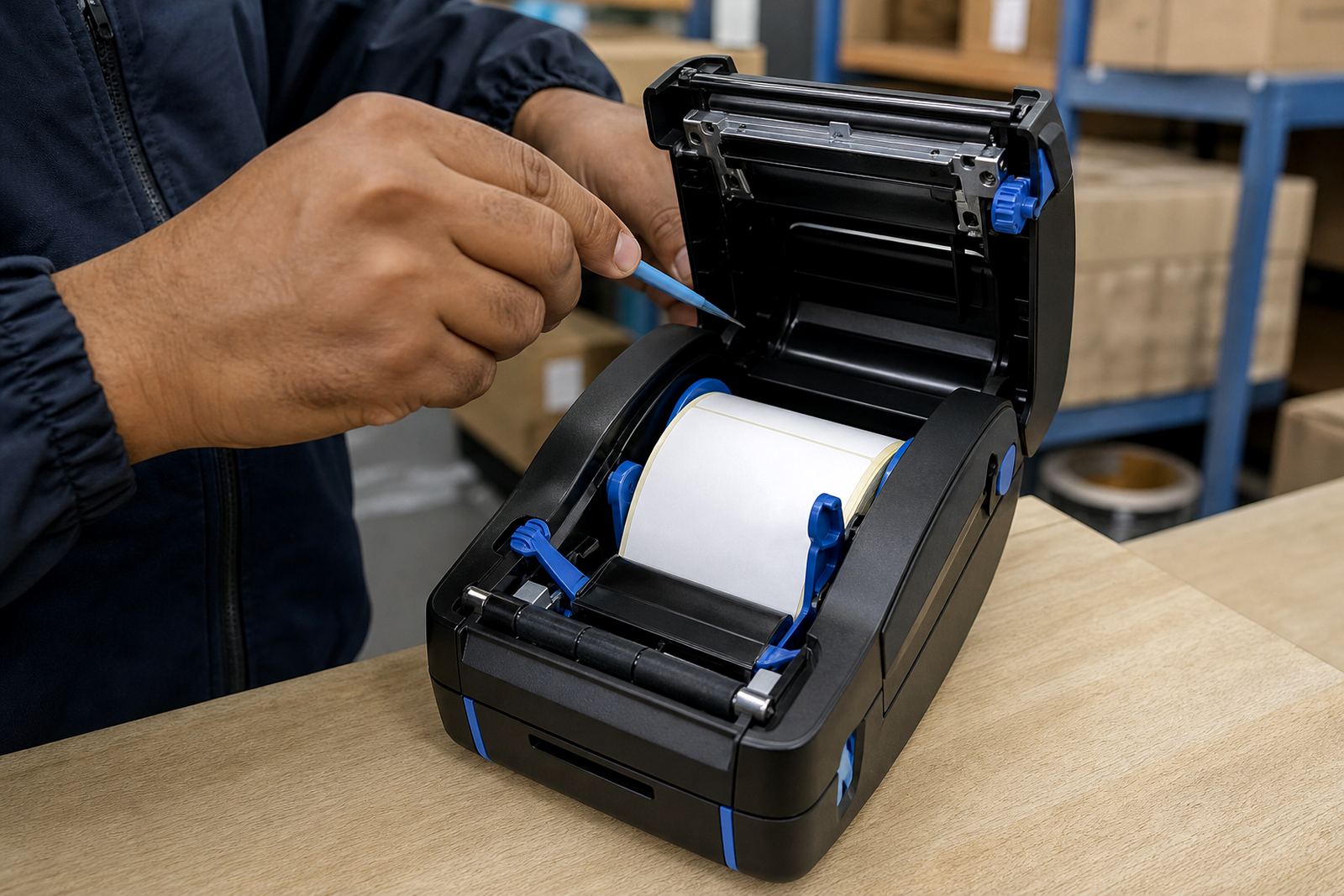
A new handheld printer needs more than a box opening. We check the print width against the labels you use, pair the unit to a phone, tablet or handheld terminal, and make sure the media path is set for the right roll size. That includes label calibration, so the printer reads the gap or black mark properly and feeds one label at a time instead of drifting.
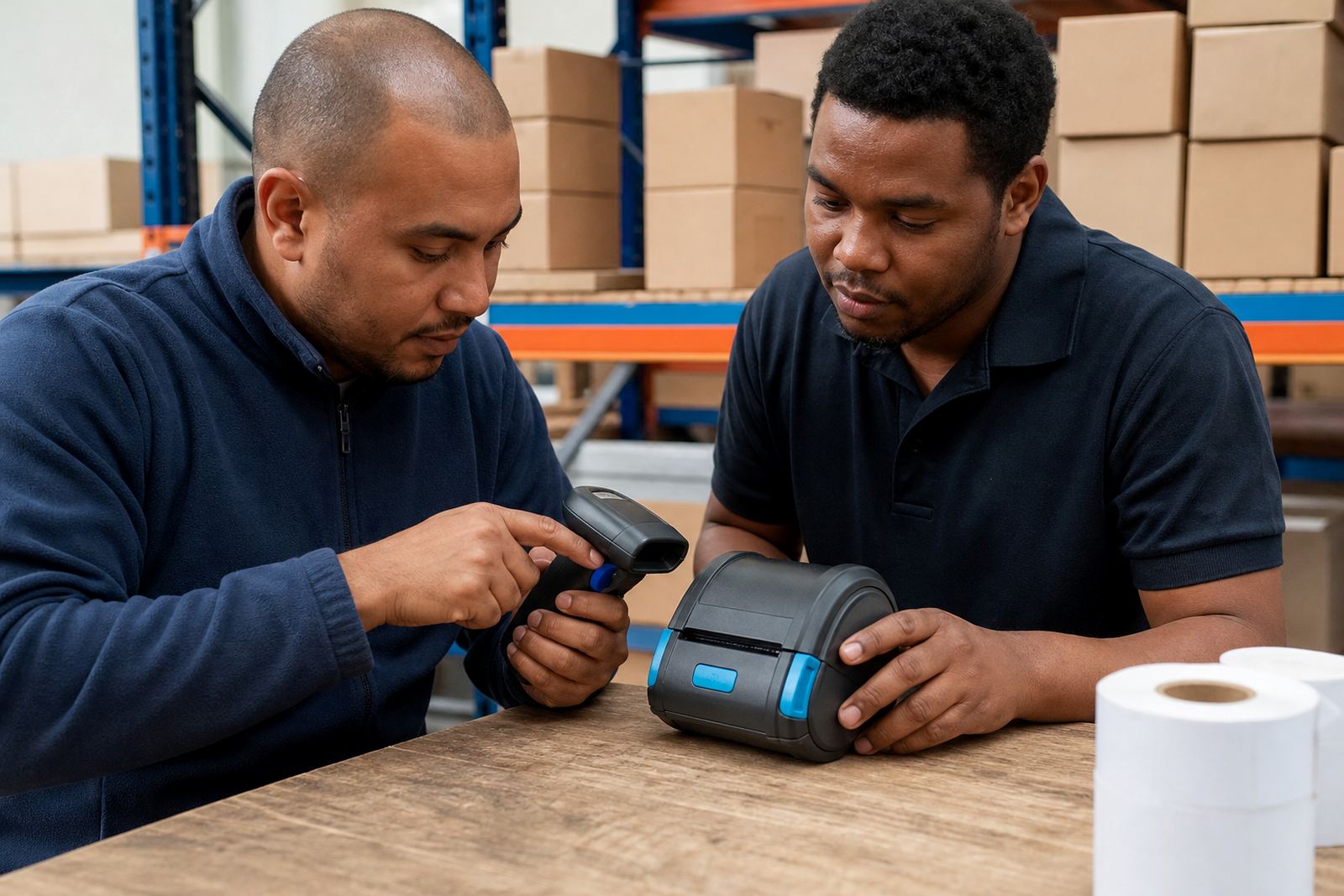
For teams in Montague Gardens, Bellville or Midrand, setup often includes operator training as well. A short run through the buttons, status lights and battery charging routine saves a lot of guessing when the first pallet or parcel line starts moving.
Direct thermal or thermal transfer, chosen for the job
Direct thermal printing suits short life labels, parcel tags and stock labels where the print is used quickly. Thermal transfer uses a ribbon and gives a tougher mark for labels that need to last longer, handle handling, or stay legible in warm storage and humid coastal air. The right call depends on where the label lives and how long the text must hold.
- Direct thermal for shipping, dispatch and short term stock marking
- Thermal transfer for shelf labels, asset tags and tougher handling
- Barcode and QR code printing for scan heavy work
- Print width matched to the label face and the data you need
Pairing, range and day to day connection work
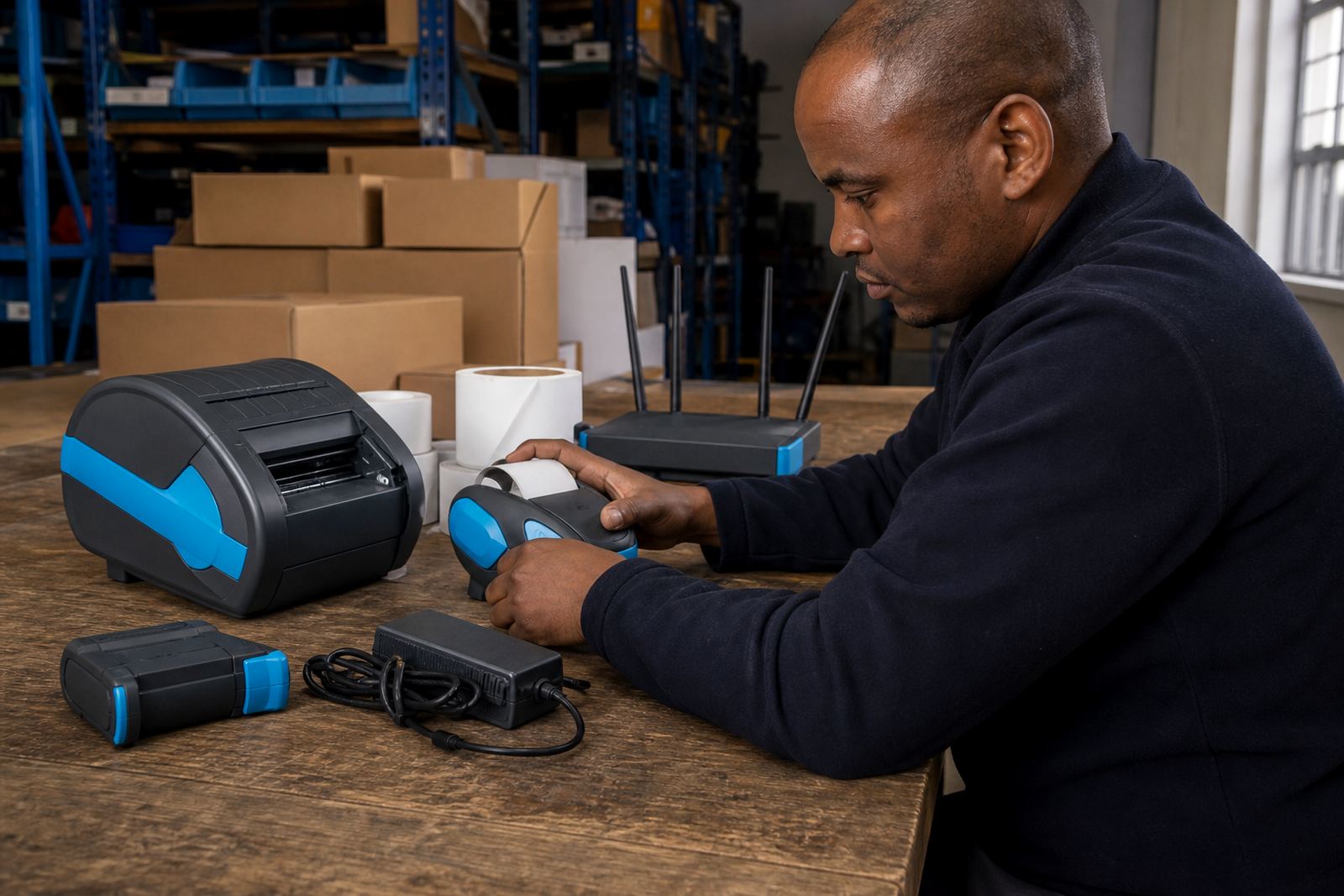
Many mobile printers live on Bluetooth, while some setups need Wi-Fi for a wider shared workflow. We handle Bluetooth pairing, Wi-Fi setup and the basic checks that keep the printer visible to the device it must talk to. A solid connection matters when staff move between packing benches, receiving bays and the courier handover point.
If a unit drops out, prints from the wrong app or shows empty jobs, the fault is often in the pairing path, network settings or label file setup. We sort those points on site or in workshop support, depending on where the printer is stuck.
When the print is patchy, faded or crooked
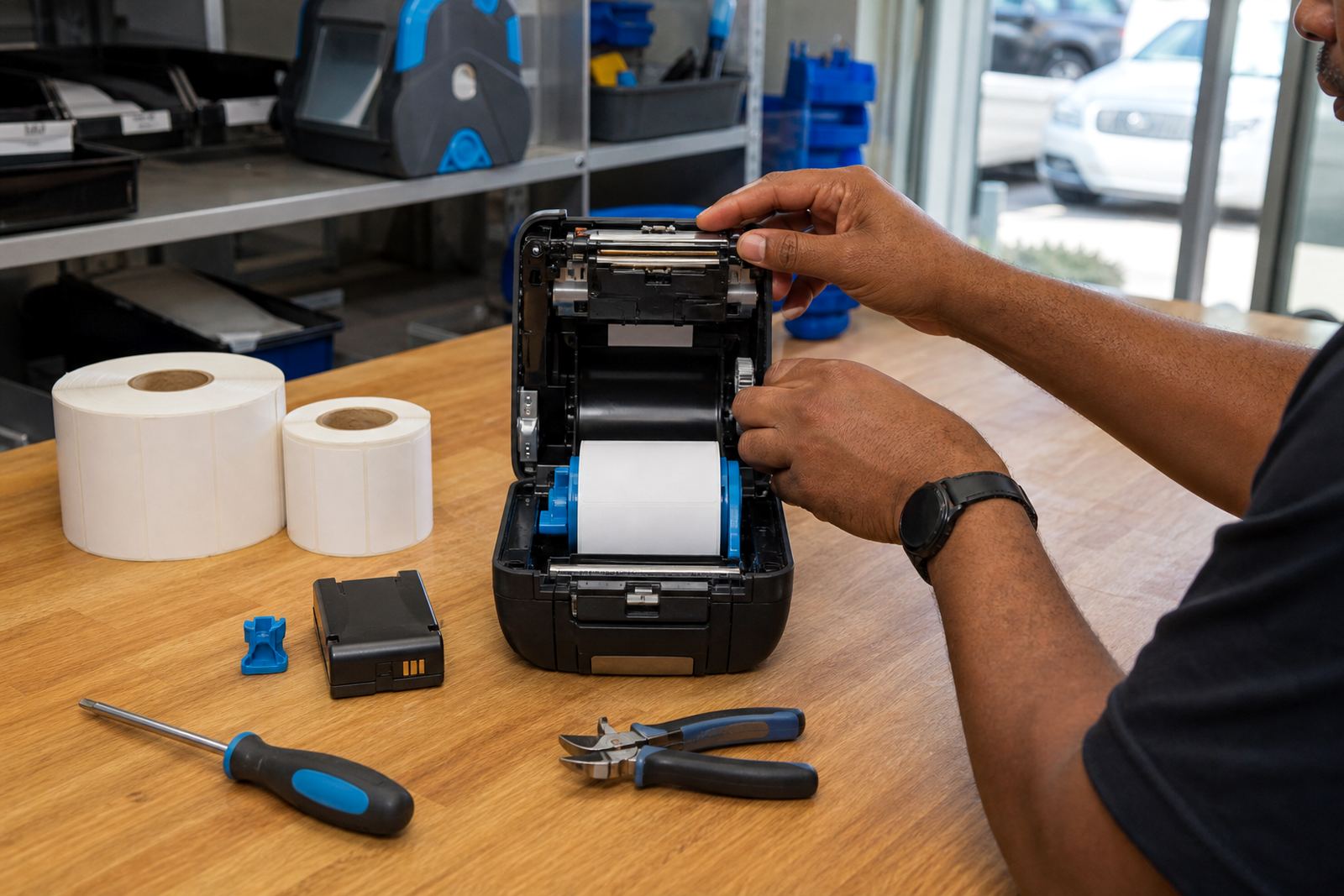
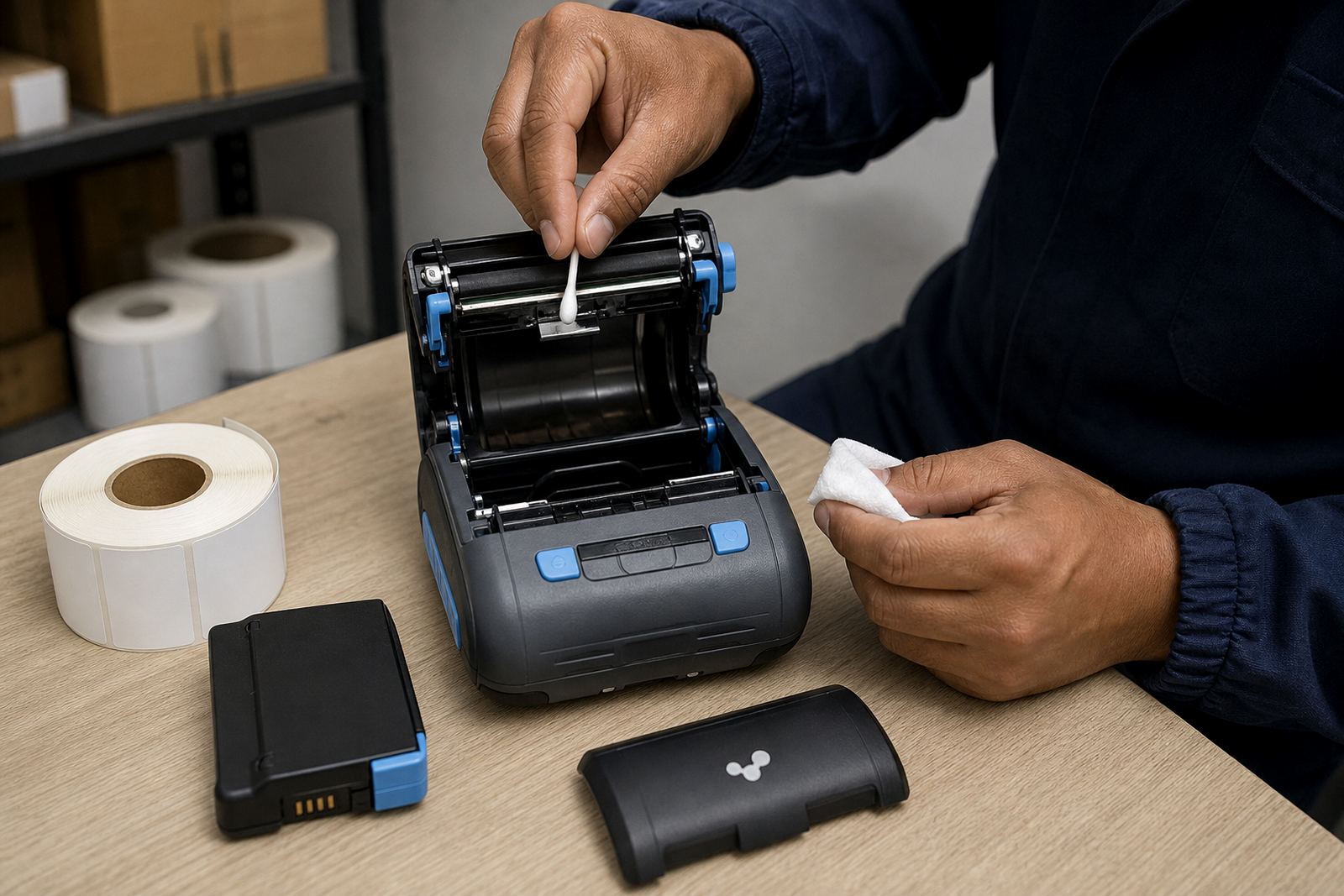
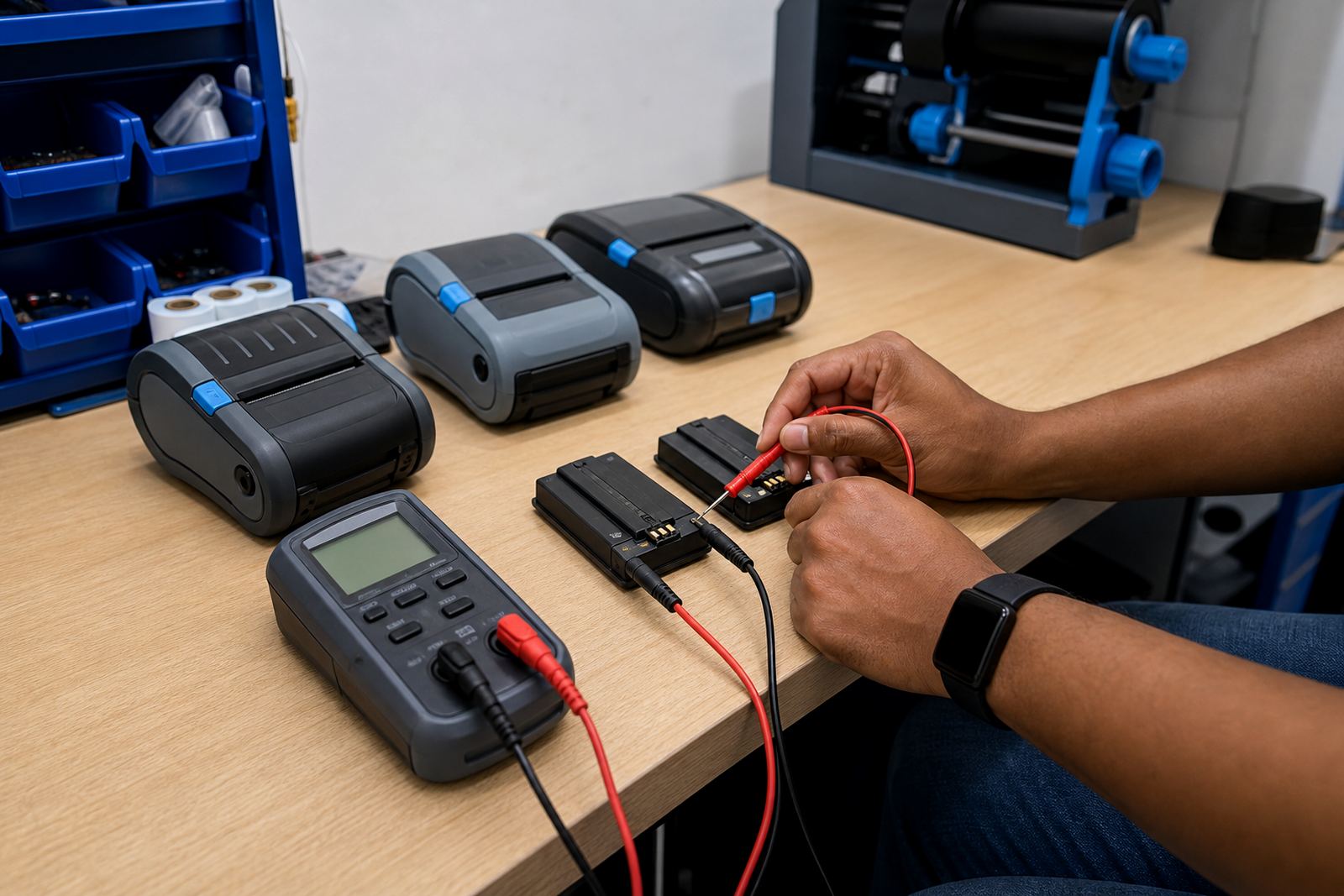
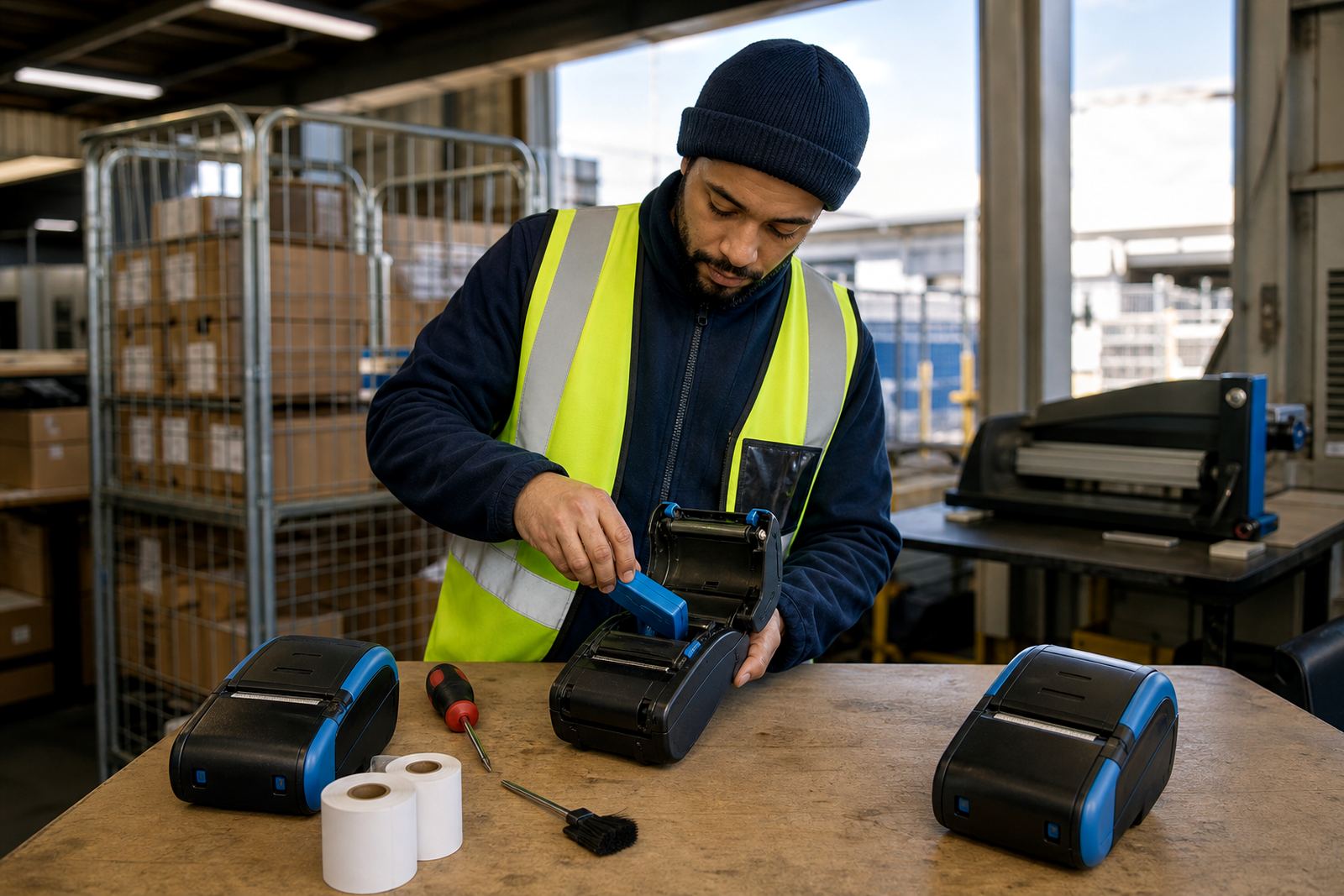
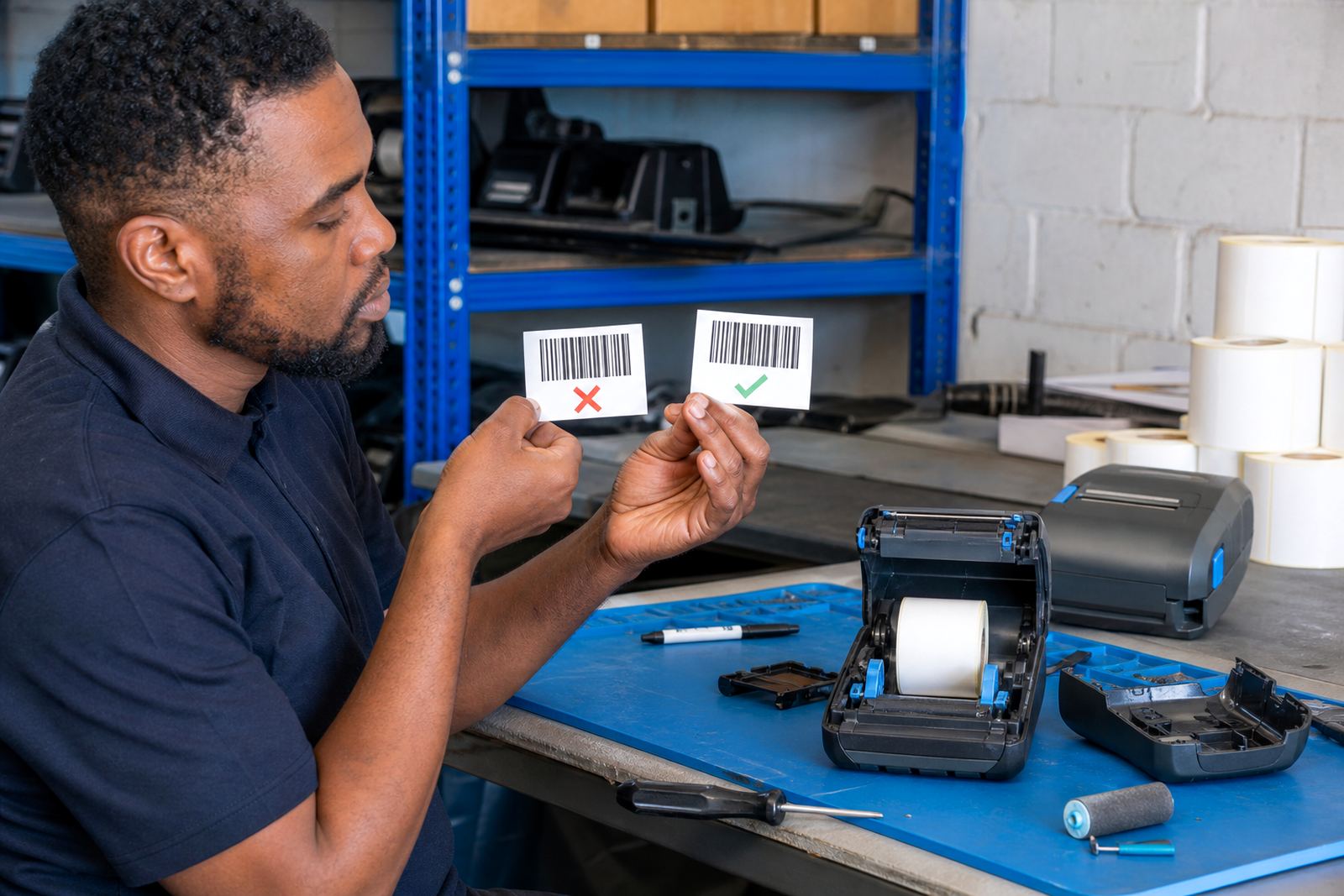
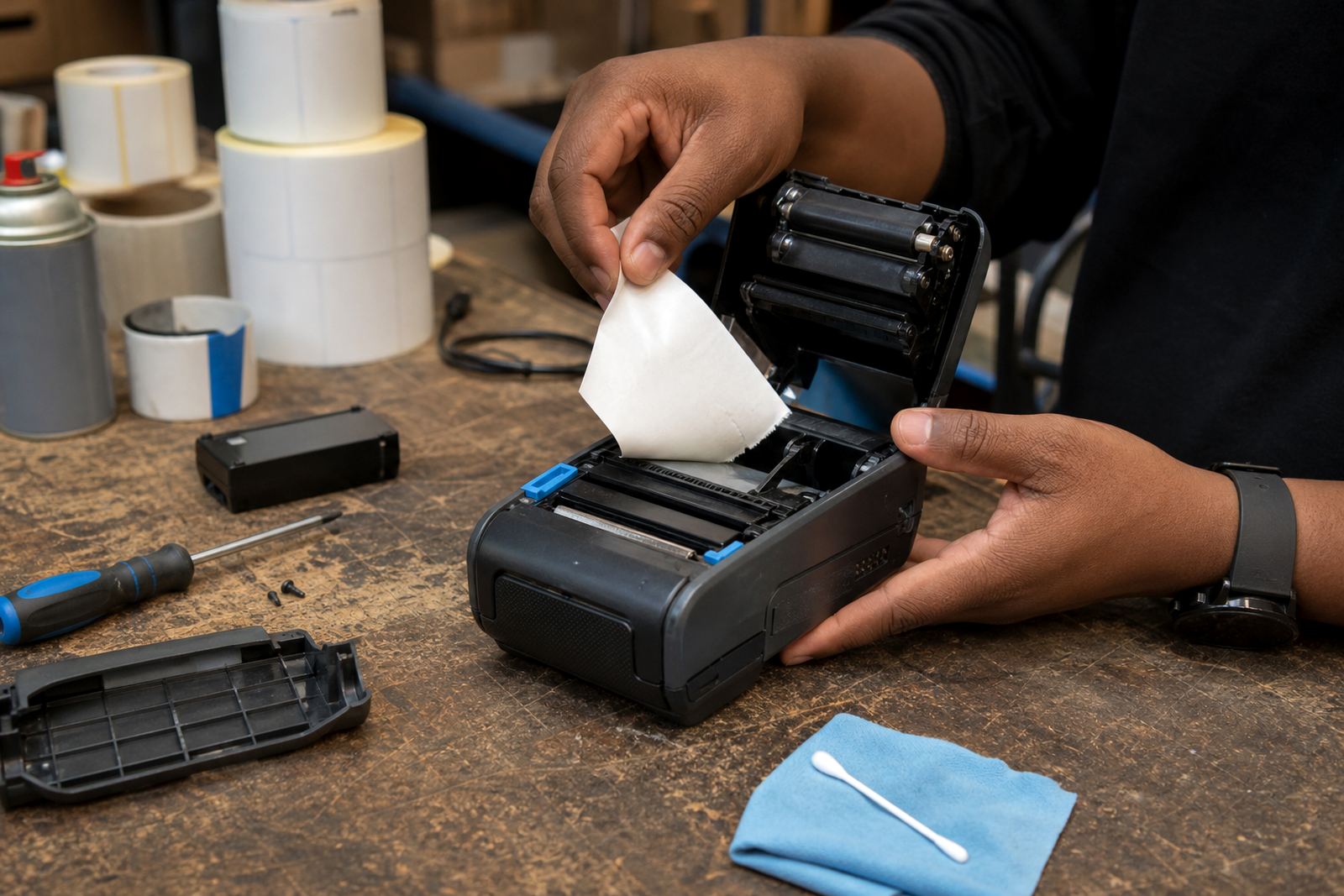
Print quality problems usually start with dirt, worn parts, the wrong media, or a printer that has not been calibrated after a roll change. We clean printheads, clear label jams, check battery health and look at feed tension where the printer is skipping labels. The job is practical work, not guesswork.
- Printhead cleaning for faded bars, pale text and broken scans
- Label jam clearing where the liner has twisted or folded
- Battery testing and battery replacement for weak runtime
- Label calibration after roll changes or format changes
Batteries, belt clips and the bits that get overlooked
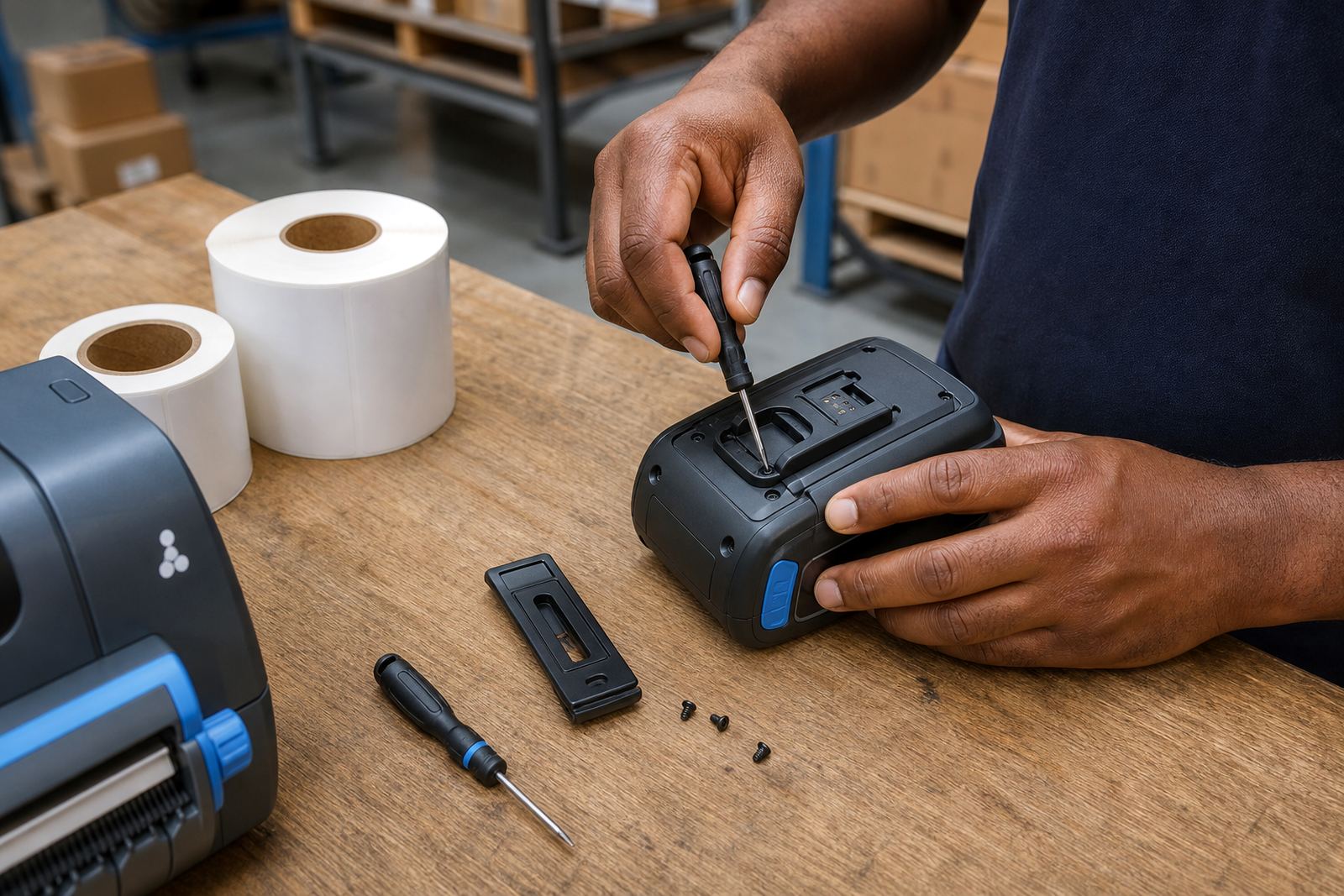
A mobile printer is only useful if it stays on the belt or trolley and holds charge through the shift. Belt clips wear, batteries age and charging contacts pick up dirt. Those small faults become bigger problems when staff are standing at a stockroom counter or moving along a loading line and the unit stops halfway through a print run.
We replace worn clips, test batteries, and check whether the charging routine suits the way the printer is used. In Cape Town and Durban, salt air can be hard on contacts and fittings, so a bit of preventive servicing helps keep the unit steady.
On-site work across Cape Town and the main centres
Go-Printer is based in Montague Gardens, Cape Town, and supports clients throughout South Africa, including Johannesburg, Durban, Pretoria and Gqeberha. On-site setup works well when a team needs the printer matched to live stock, parcel or dispatch work, while workshop support suits deeper repairs and repeated faults. The aim is to keep the printer tied to the task it must do, not sitting idle while people improvise.
Service pages below cover the main jobs in more detail. The hub brings them together so it is easier to see whether the issue is connection, print quality, media choice or worn parts.