When a label has to fit the gap, not fight it
Small labels are common in stockrooms where every centimetre matters. A bin edge may only take a short label, while a parts drawer or cable tub may need a narrow strip that leaves room for the product code, a barcode and a short description. The aim is not to cram more text in, it is to make the label readable at arm’s length and still useful when a hand is reaching for the item.
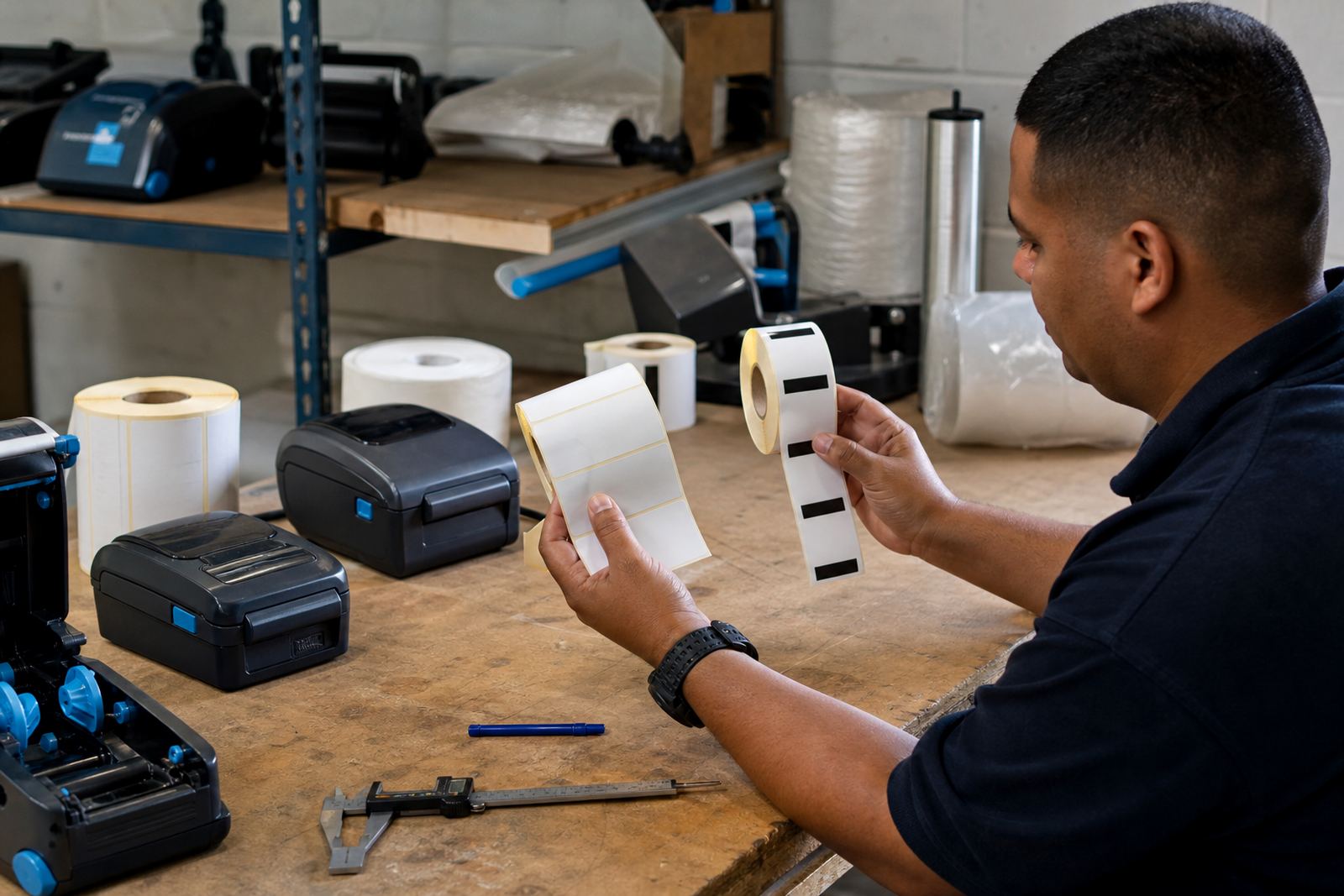
For most compact jobs, the label width matters more than the full roll length. A 25 mm or 50 mm roll can suit small boxes, clips, fasteners and sealed pouches, while a longer label may be better for shelf ends or internal process tags. On a busy floor in Montague Gardens or a retail stockroom in Midrand, a label that fits the surface cleanly saves time every shift.
Direct thermal or thermal transfer for small stock labels
Direct thermal labels are a practical fit for short-life stock labels, delivery sorting and internal bin marking. They print without ribbon and are often used for fast-moving labels where the print does not need to sit for years. Thermal transfer labels use a ribbon, which gives a tougher print surface for labels that face handling, friction or storage over a longer period.
That choice changes how the label behaves. Direct thermal is often neat for temporary bin tags, courier route labels and day-to-day stock counts. Thermal transfer suits parts that sit in a warehouse for months, or labels that must stay clear through dust, frequent touch and a bit of moisture. In Cape Town coastal areas, where humidity can be part of the week, the tougher print option often makes more sense for permanent identification.
- Use direct thermal for short-term sorting, dispatch and quick stock moves.
- Use thermal transfer where the label needs a harder-wearing print.
- Match the label face stock to the storage area and handling level.
- Keep the print area large enough for a barcode and a short human-readable line.
Barcode space, QR space and the part number problem
Small labels fail when the code is too tight for the scanner to read. A barcode needs clean quiet zones on both sides, and a QR code needs enough white space around it so the camera can catch the pattern properly. If the label is too narrow, the code becomes the only thing on it and the human-readable text gets squeezed into uselessness.
For parts, bins and tiny stock containers, the trick is to set a clear order. Put the item code first, then a short description, then the code block. If you need a QR code for internal picking or stock movement, keep it at a size that scans without forcing the label to be oversized. Print testing is important, because a label that looks correct on a screen can turn unreadable on matte stock or a curved container.
- Keep item names short and consistent across the warehouse.
- Leave enough margin around barcodes and QR codes.
- Avoid thin fonts on labels that will be scanned often.
- Test the label on the actual surface before rolling out the job.
Battery life and pairing for mobile work on the floor
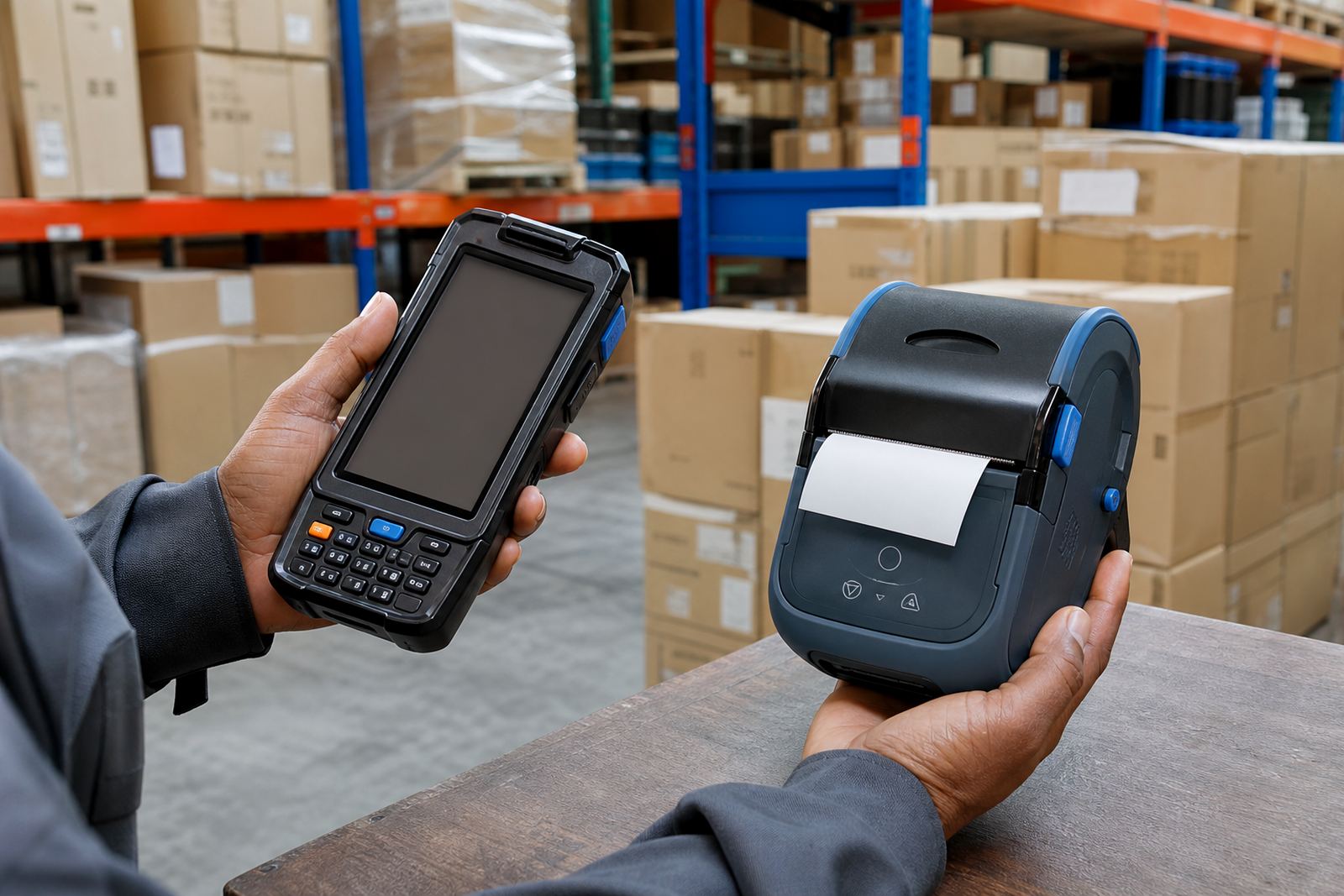
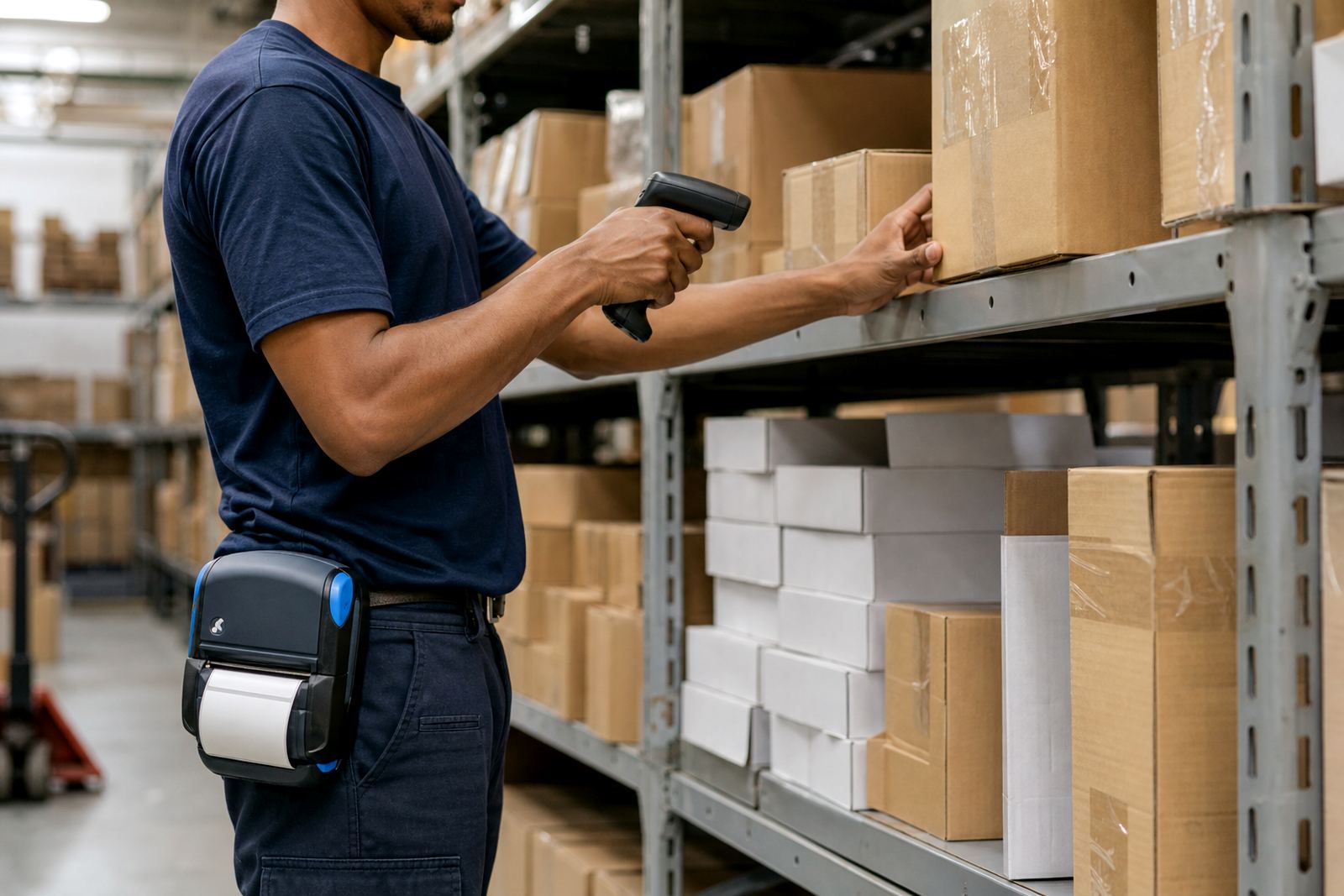
Mobile label printers earn their place when the user is away from a fixed counter. Forklift bays, receiving areas and stock cages need a unit that connects neatly and keeps moving with the team. Bluetooth pairing is useful for quick connection to a handheld device, while Wi-Fi setup suits a wider workflow where the printer must sit on a shared network.
Battery life matters because a label printer should finish a round without stopping for a charge midway through count corrections or shelf relabelling. For small labels, the printer may work in short bursts all day, so battery testing is part of the setup. A loose belt clip, an ageing battery or a flaky connection can slow down a simple job and create skipped labels or repeated prints.
Our team often sees the same pattern in a Cape Town stockroom: the printer is fine, but the pairing, label calibration and battery condition have been left to chance. A clean setup makes a real difference when staff move between bins, cages and dispatch points.
What print width does to small label readability
Print width is one of the first checks, since it decides how much information fits before the text has to shrink too much. A mobile printer with a narrow print width may work well for short codes and part tags, while a wider unit gives more room for a bigger barcode, a clearer product line and a bolder handling note. The label should not be so wide that it wastes material, but it should never be so narrow that people start reading guesswork.
For compact labels, think about the full chain: label roll width, printer width, and the size of the surface the label will sit on. A small drawer front is different from a long shelf strip. A cable pouch is different from a plastic tote. If the label wraps over an edge, the scan quality can suffer and the adhesive may lift sooner than expected.
Local stockrooms, coastal air and the small things that get missed
In Cape Town, Johannesburg, Durban, Pretoria and Gqeberha, small labels often live in rougher conditions than people expect. Dust in a stockroom, handling by different staff, and moisture near loading points can all affect how long a label stays readable. That is why printhead cleaning, label calibration and sensible storage are part of the job, not just the printer itself.
A simple local example: a retail stockroom in Bellville might need compact shelf labels for shoe boxes, accessories and overflow bins. The team may also want a mobile unit for weekend counts and a second set of rolls for temporary stock moves. If the printer is not calibrated, or if the rolls are the wrong size, the label may peel, misalign or waste material. Small labels are only small when the setup is tidy.
- Store rolls flat and dry so the edges do not curl.
- Clean the printhead before faded lines become a pattern.
- Replace tired batteries before the unit starts dropping out.
- Check that the adhesive suits the shelf, tub or box surface.
A practical buying list for compact labels
When the brief is small labels, the best starting point is not the printer alone. It is the job. Look at the bin size, the shelf width, the code length, the scan method and how often the label will be touched. A clean setup usually combines the right roll, the right print mode and a printer that can keep pace with the workflow.
For warehouses, couriers and retail stockrooms, the useful questions are usually plain ones: will the label need to survive handling, is the code short enough, and does the surface allow a clean stick? Once that is clear, on-site setup, operator training and print quality fixes become much easier to plan. A compact label can do a serious amount of work when it is built for the space it must live in.