



Picking the print method for the job
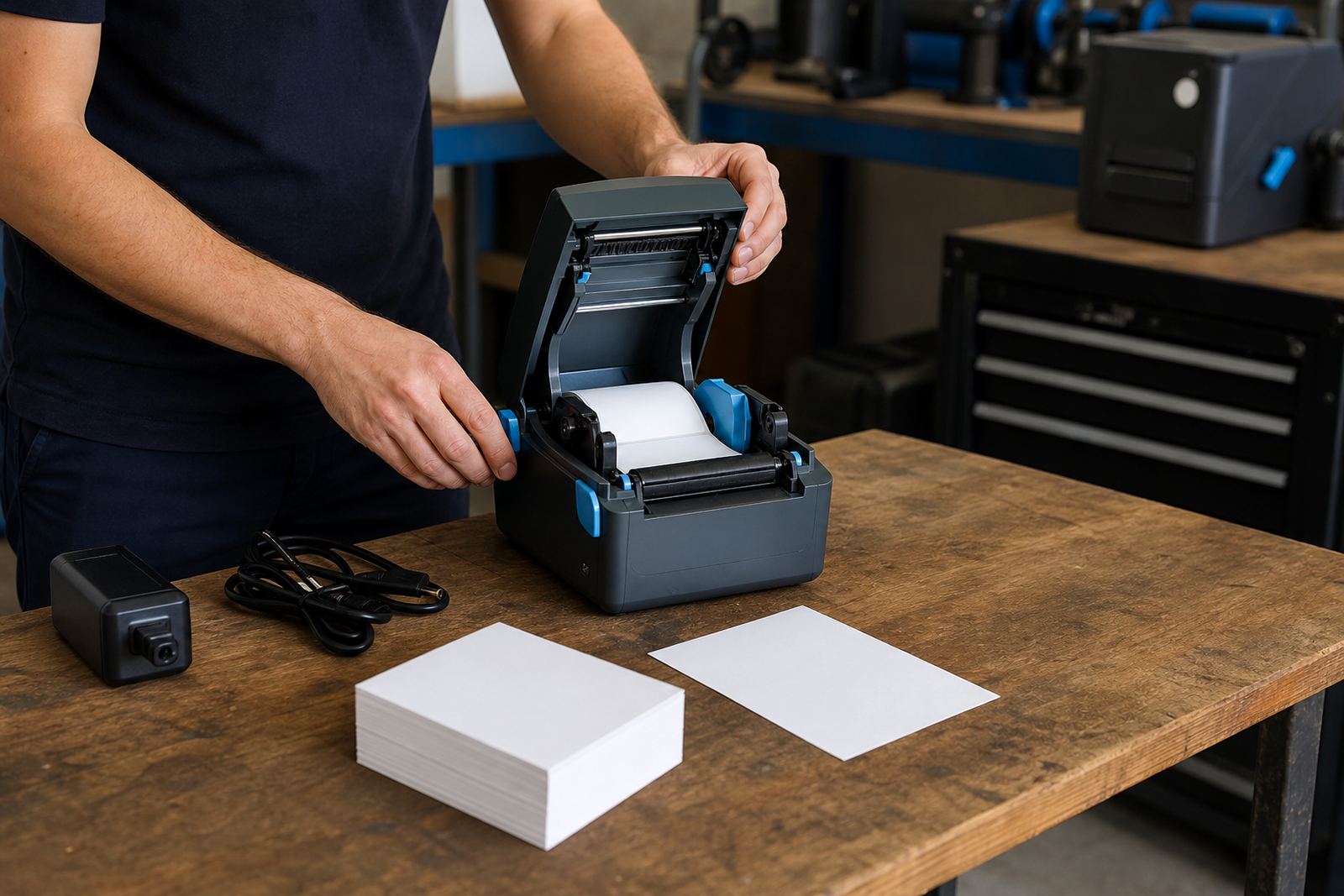
Direct thermal and thermal transfer printers solve different label problems. Direct thermal suits short life labels, dispatch notes and stock labels that do not need ribbon, while thermal transfer handles harder working labels that must stay readable for longer or face more handling.
For operators, the better question is not which method sounds better, it is which label has to survive heat, sunlight, moisture or rub marks on a busy line. The choice affects consumables, maintenance and the look of barcodes on the label face.
- Direct thermal uses heat on coated labels.
- Thermal transfer adds ribbon for more durable print.
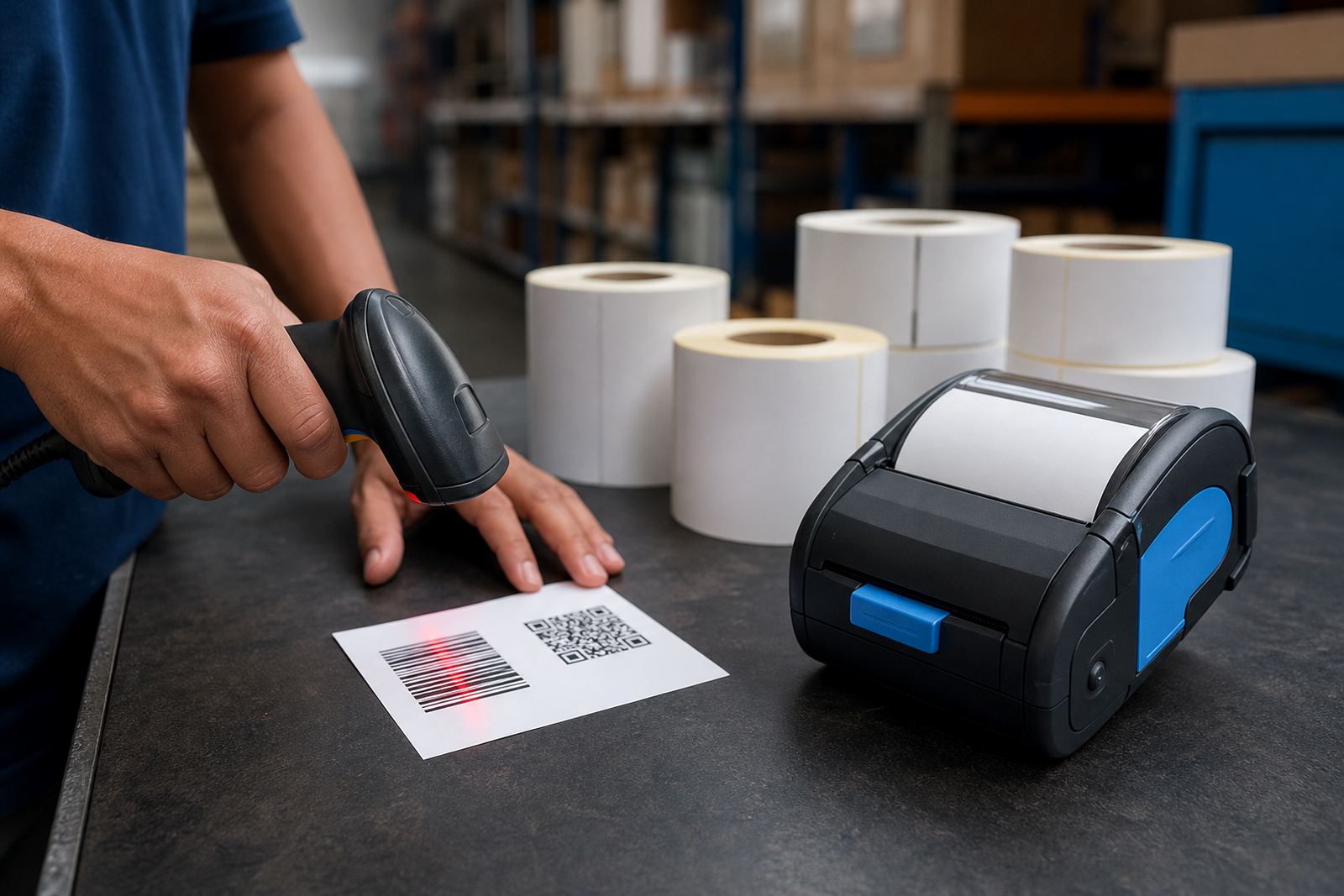
- Barcode clarity matters more than plain text alone.
- Print needs should match the label’s working life.
Width, label size and the working hand
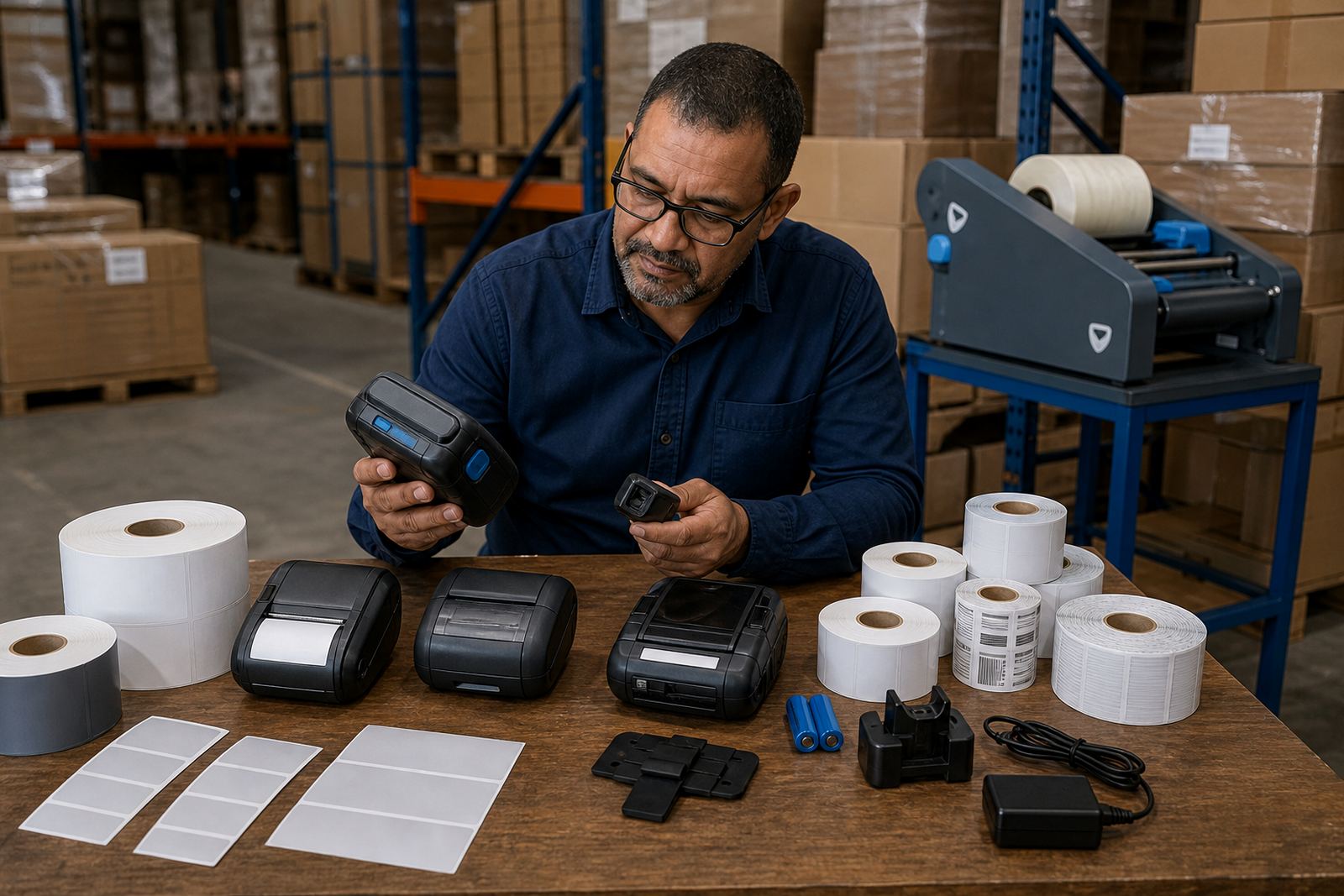
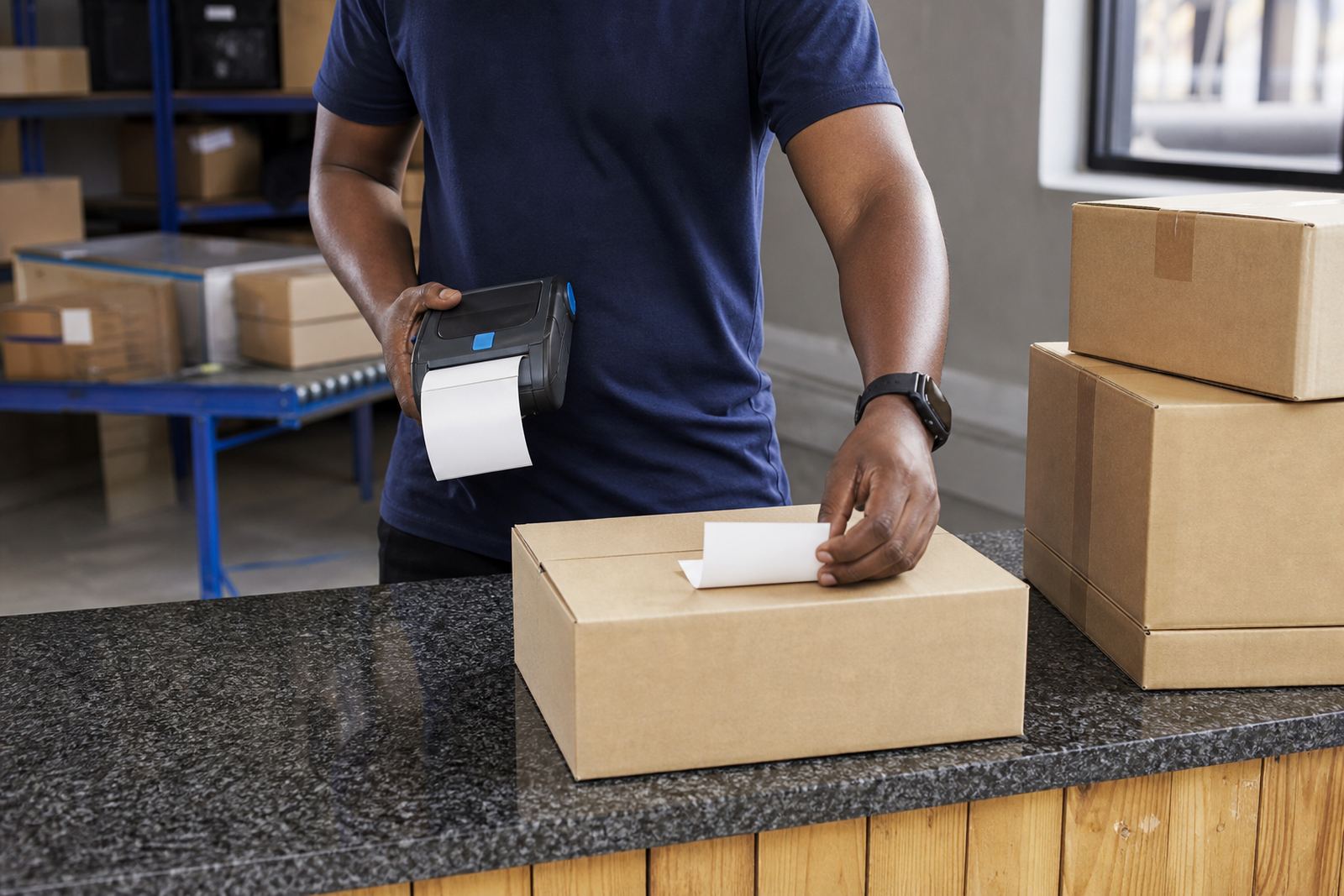
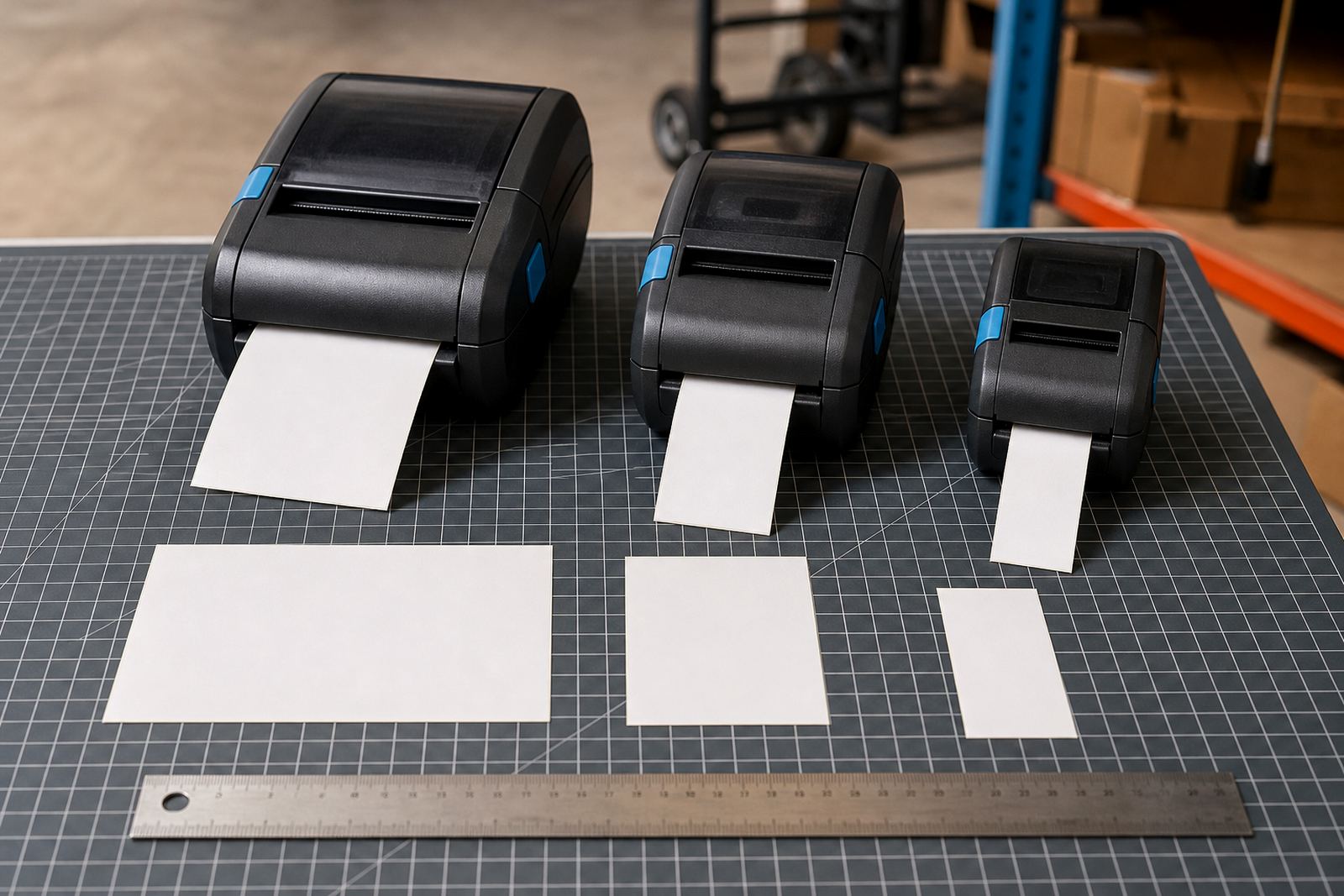
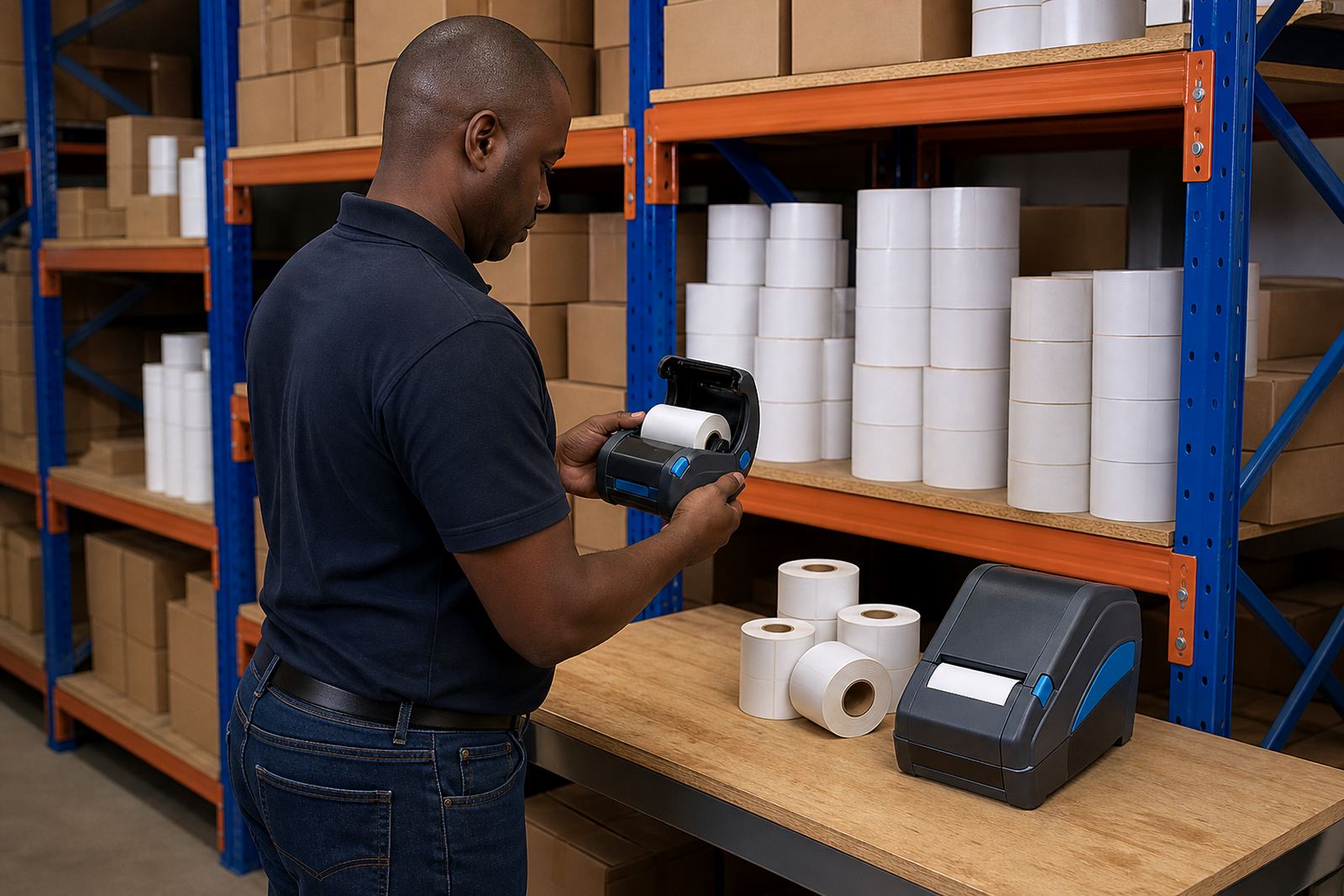
Mobile label printers are often chosen by print width first because that sets the size of the information block. Narrow models suit small product labels and shelf tags, while wider units give more room for courier labels, location codes and barcode blocks that need breathing space.
Label size should also match the hand that uses it. A roll that is too large can be awkward in a trolley, bag or vehicle cab, and a label that is too small can leave little room for batch details or scan marks. In stockrooms around Cape Town and Johannesburg, that balance matters every shift.
- Check the label width before the layout is fixed.
- Leave room for barcode quiet zones.
- Keep label rolls easy to load and carry.
- Match label size to the scan point.
Bluetooth and Wi-Fi pairing in the field
Wireless pairing lets staff move from bench to aisle without a cable in the way. Bluetooth works well for quick device links near the printer, while Wi-Fi is useful where the printer needs to sit on a shared network for broader access across a site or branch.
Pairing problems often come from simple setup faults, not the printer itself. Device memory, network details, label app settings and power checks all matter. A good setup routine keeps the printer visible, the label format correct and the operator confident enough to work without repeated resets.
- Confirm the printer mode before pairing starts.
- Keep one device profile per working role.
- Test the first print on real label stock.
- Use the same network details across the team.
Battery life, clips and a shift that moves
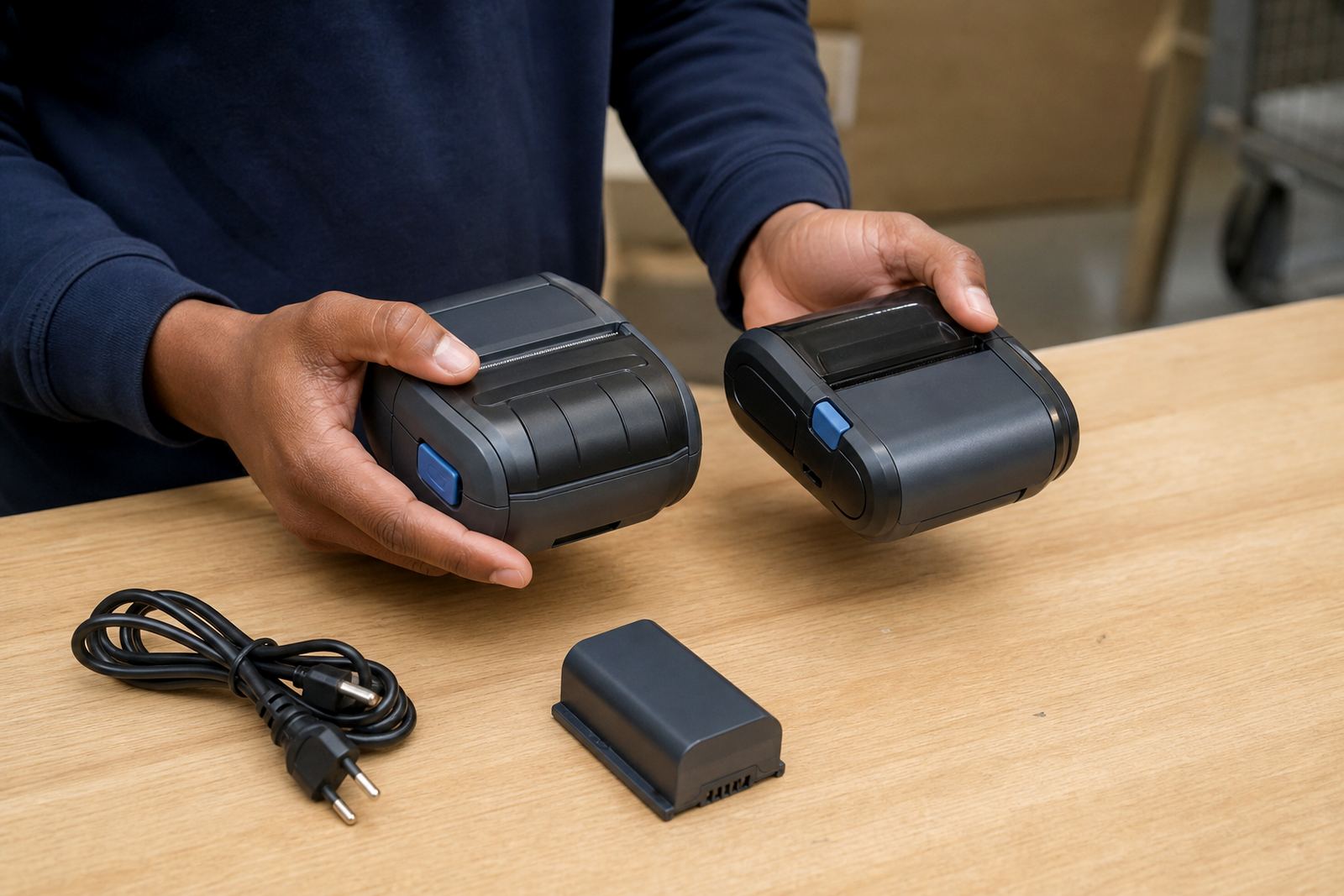
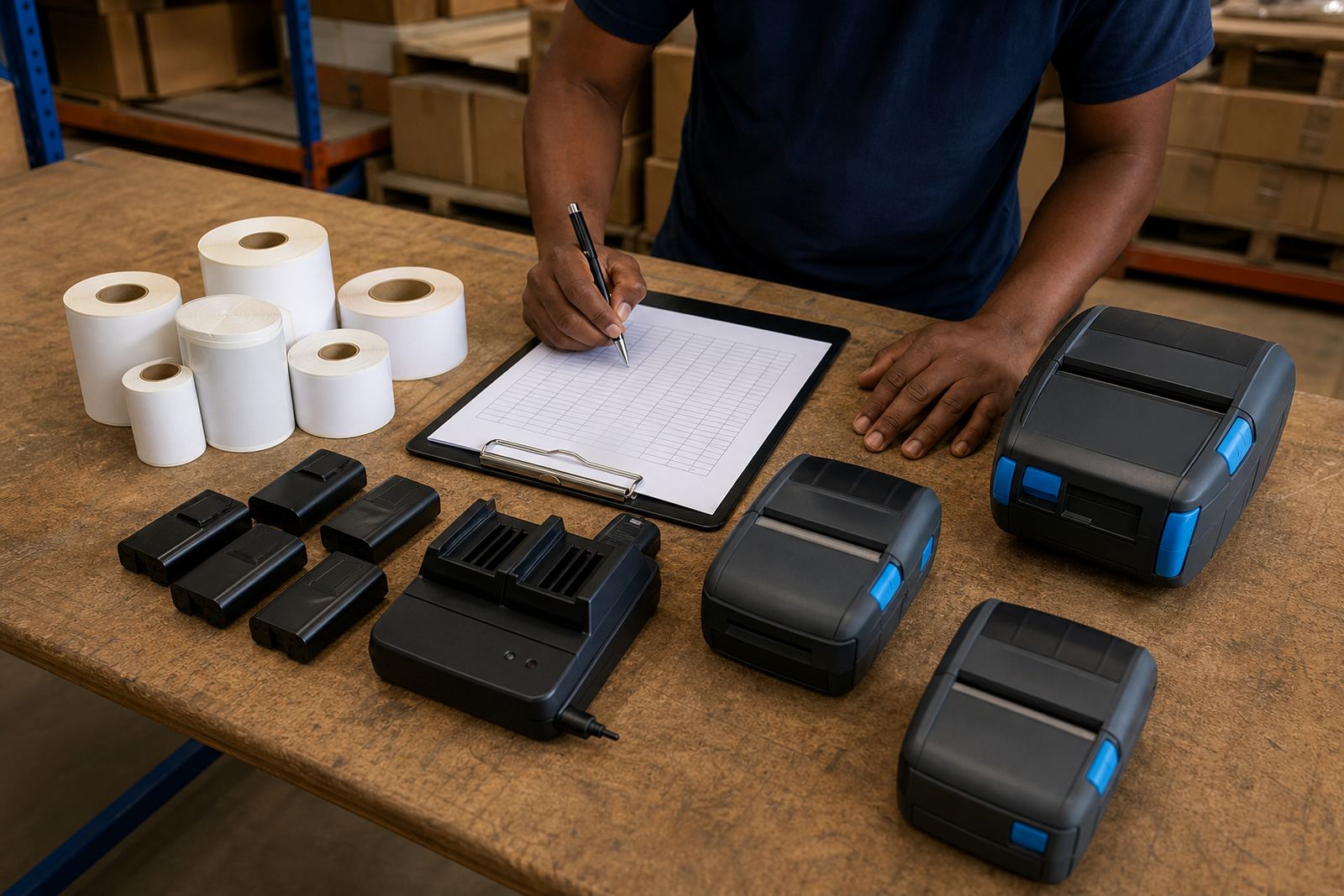
Battery life is a practical issue for couriers, warehouse pickers and floor staff who move from bay to bay. A battery that fades early slows down label runs and leaves the printer with less useful time on the road or in the aisle. The charger, battery contacts and clip also need proper attention.
Belt clips do more than hold the unit in place. They protect the printer from knocks, keep hands free and reduce the chance of it being dropped on concrete. If the clip is loose or bent, the printer becomes harder to carry safely and wears faster than it should.
- Test battery condition during routine checks.
- Look for loose clips and worn fasteners.
- Keep spare batteries in the correct rotation.
- Store chargers where staff can find them easily.
Cleaning, jams and the print line
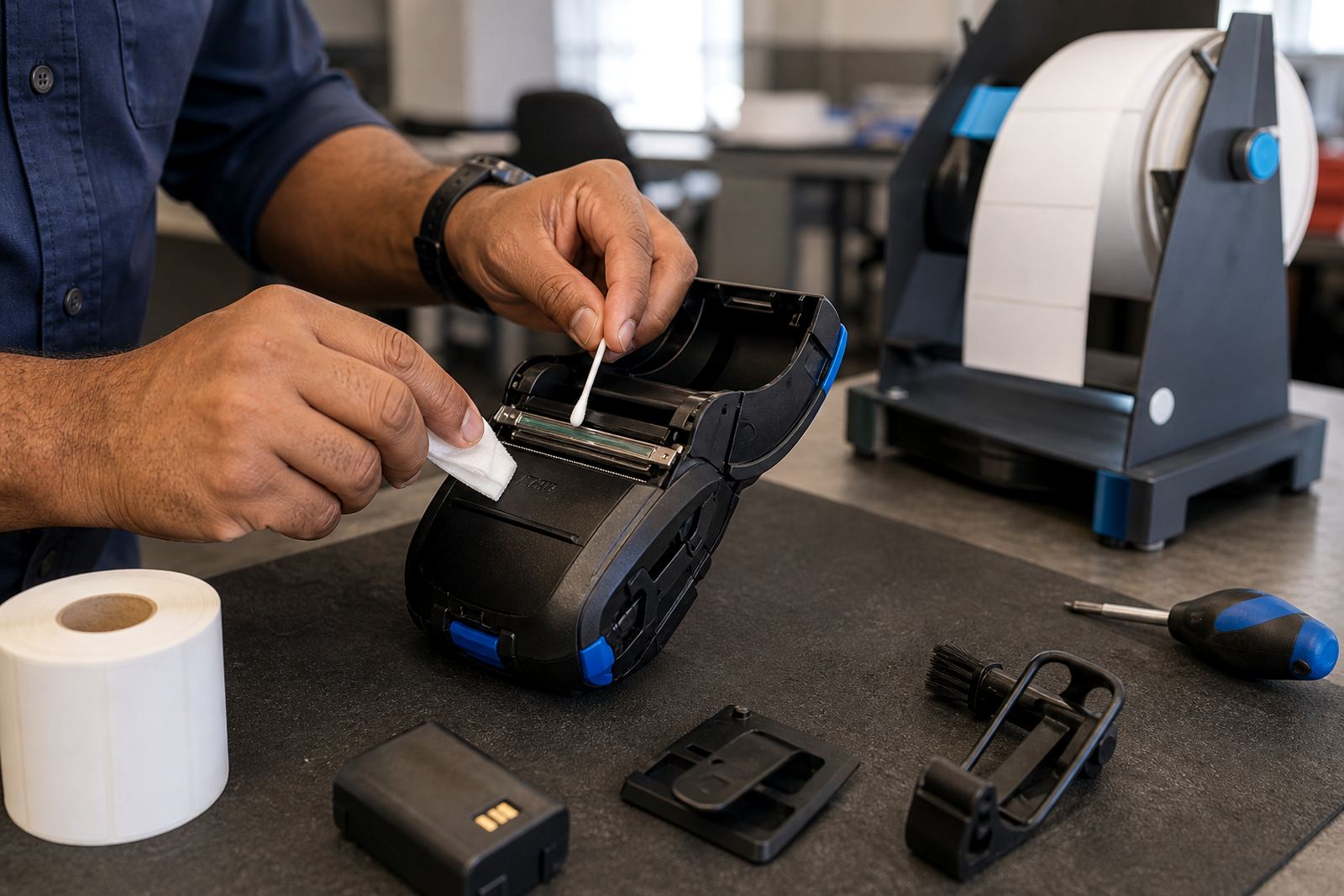
Print quality usually starts at the printhead. Dust, adhesive and label residue build up over time and can cause faded text, broken bars or uneven edges. Regular printhead cleaning is part of normal care, not a rescue step after labels have already started to fail.
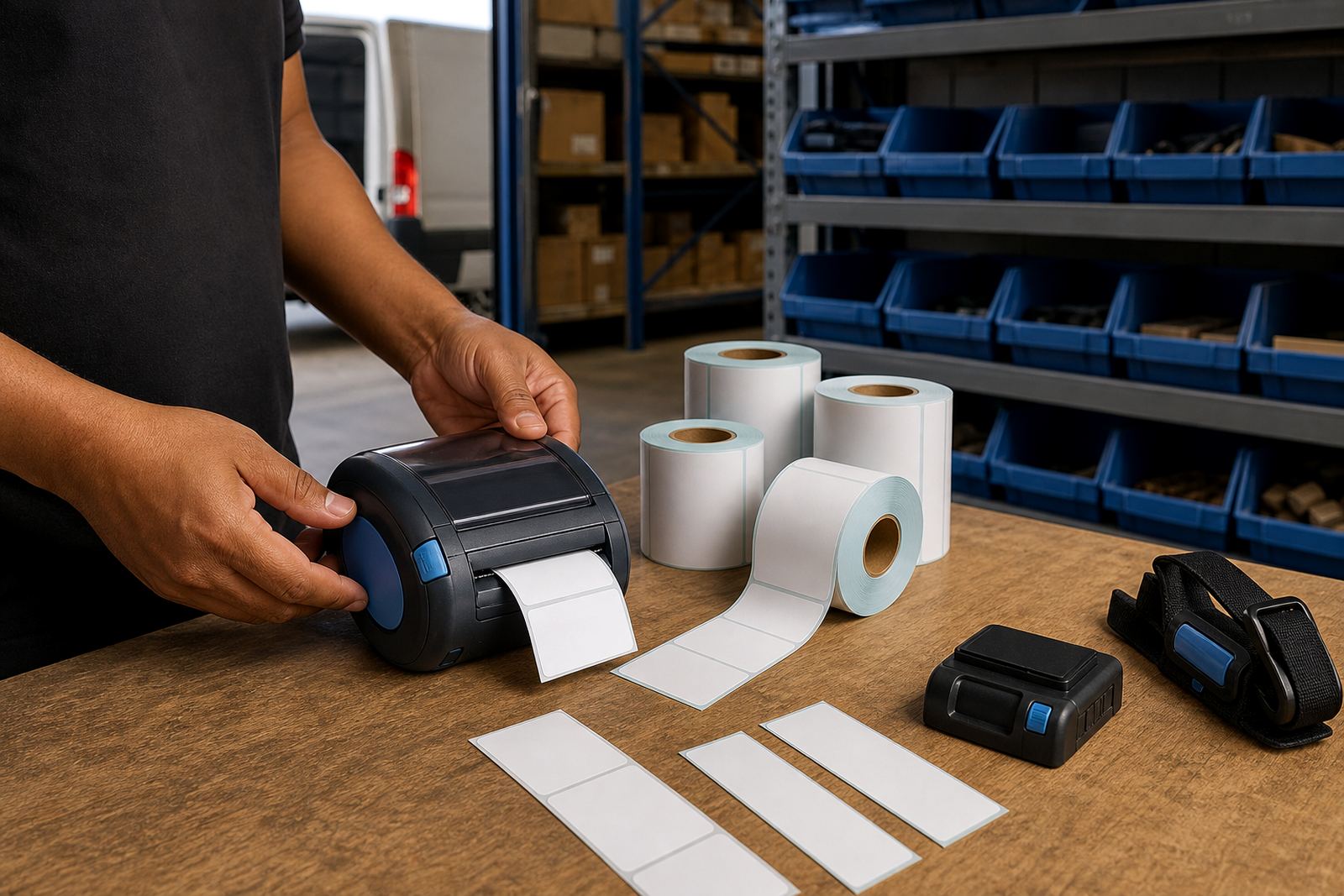
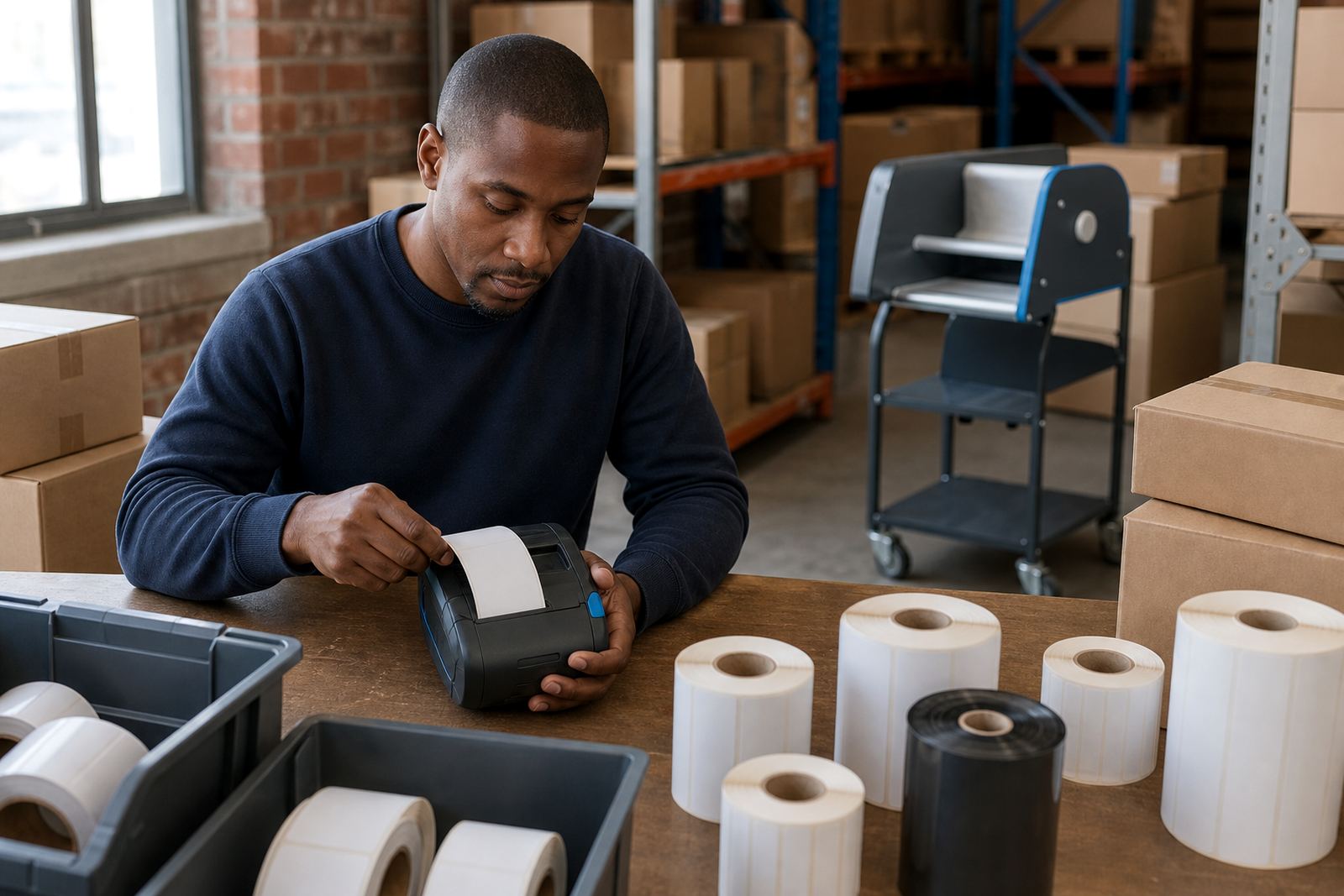
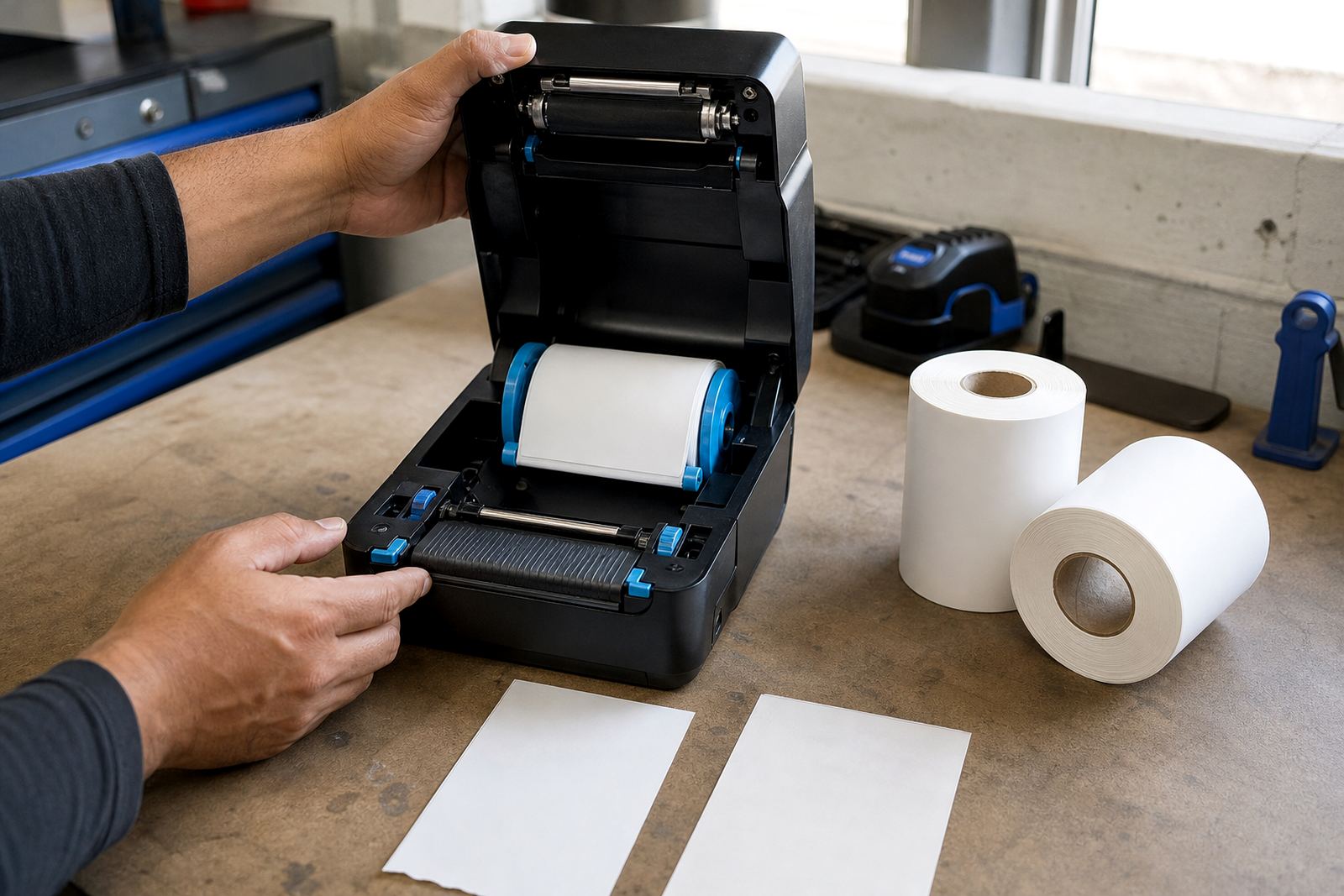
Label jams often come from poor loading, damaged rolls or labels that have shifted in the track. When that happens, the fix should be calm and methodical: remove the roll, clear scraps, inspect the feed path and load the roll square again. Small faults handled early save a lot of wasted label stock.
- Clean the printhead with the correct method.
- Check for adhesive on rollers and guides.
- Reload labels square to the feed path.
- Inspect barcode edges after every fix.
Using these guides with real site support
These guides are meant to support practical buying and operating choices, not theory. They cover the questions that matter in Montague Gardens, Bellville, Midrand and other busy sites where labels move through storage, picking, delivery and retail handover.
For teams needing setup, calibration, operator training or repairs, the contact form can be used to send the printer type, label format and site location. That makes it easier to match the guide to the actual work on the floor and keep the printer set for the way it is used.
- On-site setup for mobile label printers.
- Bluetooth pairing and Wi-Fi setup.
- Label calibration and print quality fixes.
- Preventive servicing and operator training.