When the label needs to carry more than a product name
Small labels work for short item codes and tight packaging, but they run out of room quickly when a job needs batch numbers, dates, location codes, handling notes or a larger barcode. Once the print starts to crowd the edge, the label becomes harder to read and the scan area can suffer. A larger label gives the printer room to breathe, and the operator room to set out the information in a clean block.
In a Cape Town warehouse, that extra space is often the difference between a label that gets read first time and one that gets set aside for rework. If your team is moving cartons through receiving, put-away and despatch, a larger format can make those touchpoints clearer without adding extra steps.
Barcode size, scan distance and the point of the label
Large labels are useful when a barcode must be scanned from a little further away or under less-than-perfect light. A bigger barcode can be easier for handheld scanners to pick up, especially when the pack surface is rough, curved or busy with other print. QR codes also benefit from more room, because the quiet space around the code matters as much as the code itself.
- Long item codes often need wider labels so the barcode stays sharp.
- Courier parcels may need larger address blocks and routing marks.
- Rack and bin labels are easier to read when the text is spaced out.
- Returns, stock moves and internal transfers often need more than one line of detail.
If the label is too small for the data, the printer may squeeze the content down until it is hard to read. That usually leads to a second print, which wastes time and roll stock.
Direct thermal or thermal transfer for bigger formats
Large labels can be produced in direct thermal or thermal transfer format, and the best option depends on how long the label must last. Direct thermal is useful for short-life labels such as courier parcels, dispatch notes or temporary stock labels. Thermal transfer suits labels that need to stay clear for longer, especially where sun, handling, friction or storage conditions are tougher.
With thermal transfer, the ribbon helps produce a more durable image on the label face. That matters for warehouse shelving, asset tags and products that sit in storage longer before use. For larger labels, the finish should still stay crisp across the full width, so the printer needs the correct media settings and a clean printhead.
Printer width, battery life and field use
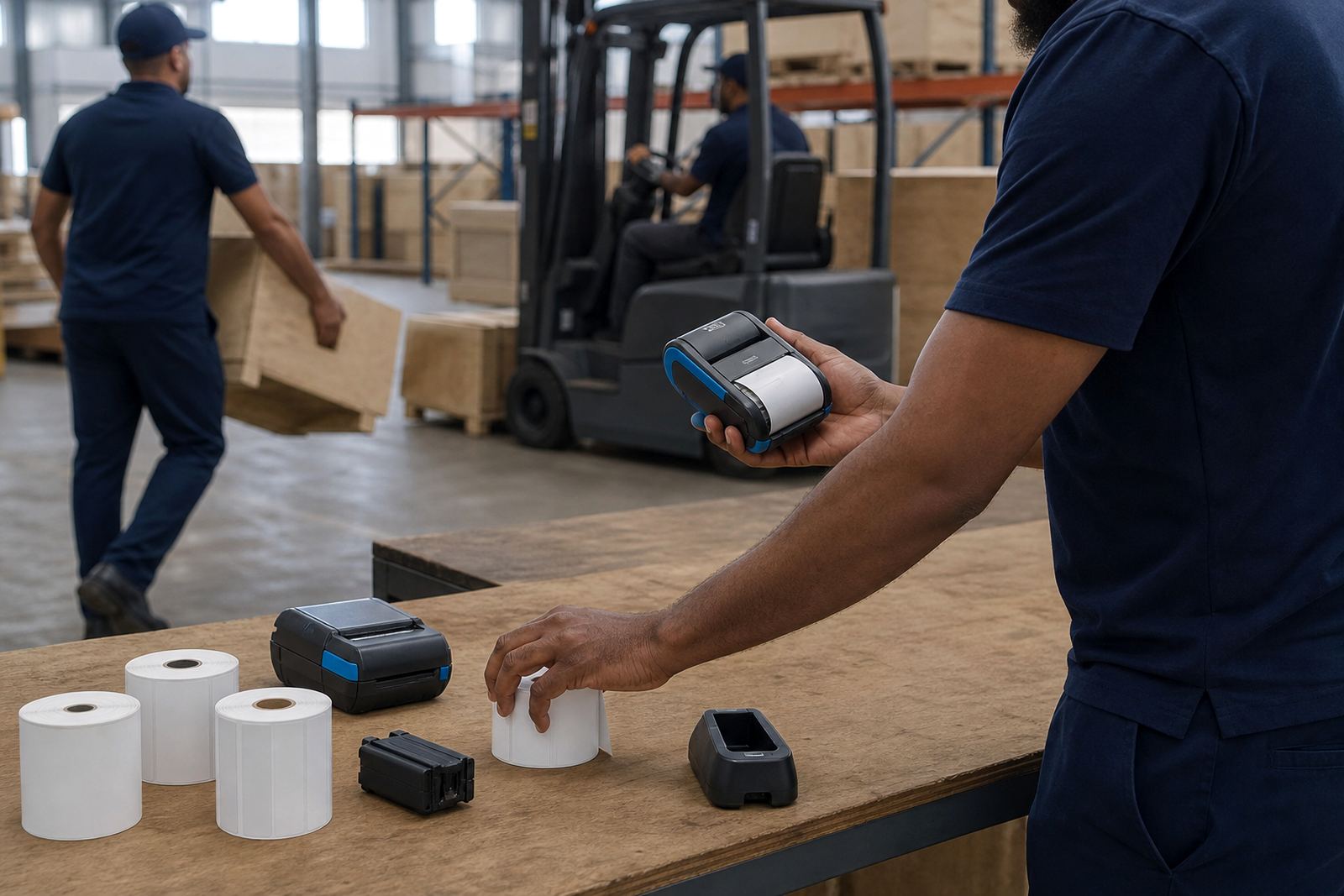
Mobile label printers are usually chosen for portability, but the print width still matters. A printer with the wrong width can force a layout that is cramped or poorly balanced. For larger labels, check that the printer can handle the width you need without clipping margins or shrinking the font more than necessary. The battery also matters when the printer is used away from a fixed station in a yard, aisle or receiving bay.
Field teams in Johannesburg, Durban or Gqeberha often use mobile printers for stock takes, shelf relabelling and outbound sorting. If the battery is weak or the belt clip is loose, the printer spends more time being carried than used. A proper setup keeps the unit stable, charged and ready for a full shift of moving labels.
- Confirm the maximum print width before choosing the label format.
- Match the label size to the text, barcode and margins needed.
- Check whether the battery still holds charge under working conditions.
- Make sure the belt clip and casing are secure for daily movement.
Pairing, calibration and clean edges on the roll
Large labels can still print badly if the printer is not calibrated to the roll. Bluetooth pairing, Wi-Fi setup and media calibration all affect the final result, especially on wider stock where a small shift becomes obvious. If the sensor is off by a few millimetres, the print can start too high, too low or split across the label edge.
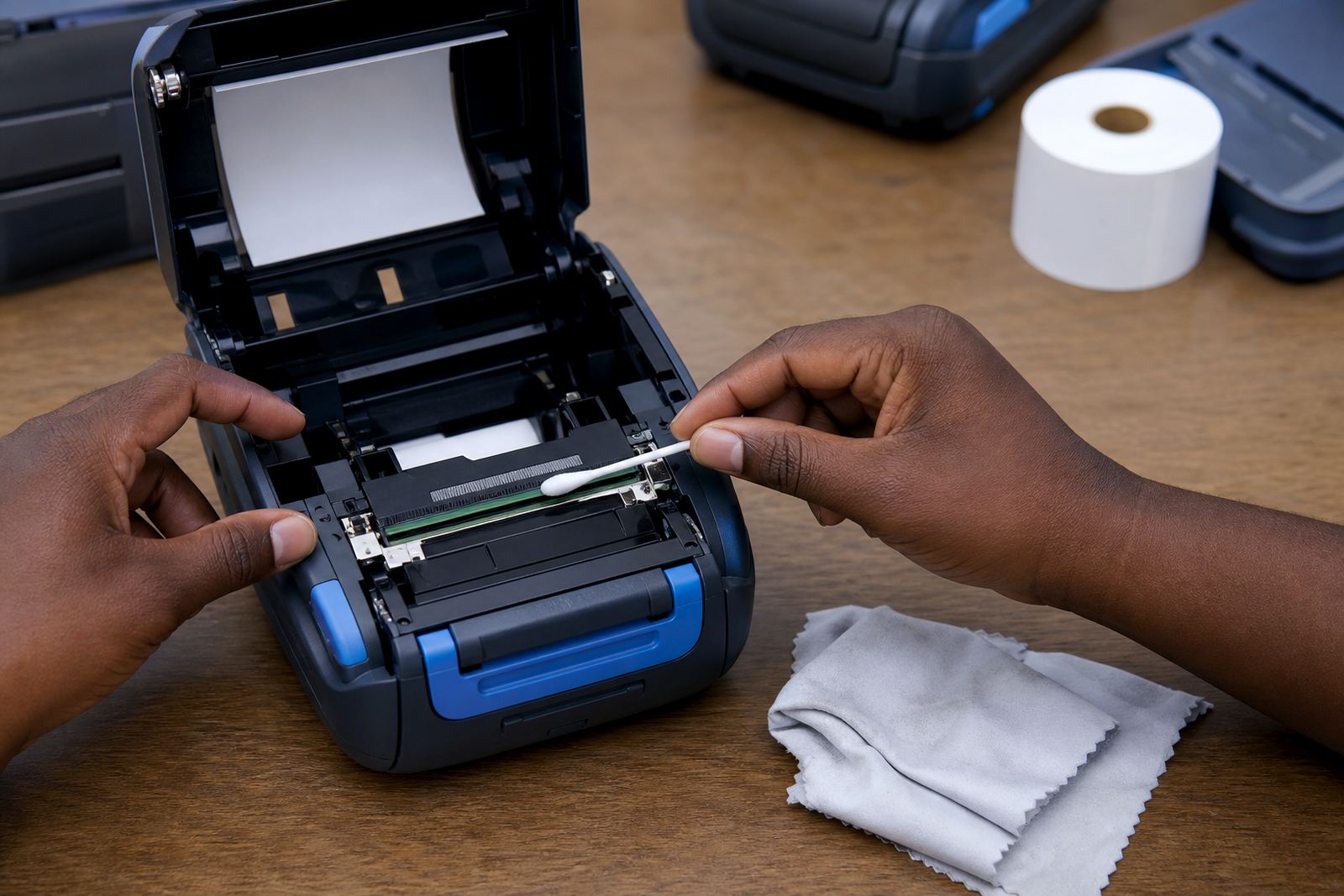
Printhead cleaning also matters more than people think. Dust, adhesive residue and paper fibre can show up as faint bars or missing lines, and those faults become more visible on a larger surface. A clean head, correct pressure and a straight feed help keep barcode edges sharp and text even across the whole label.
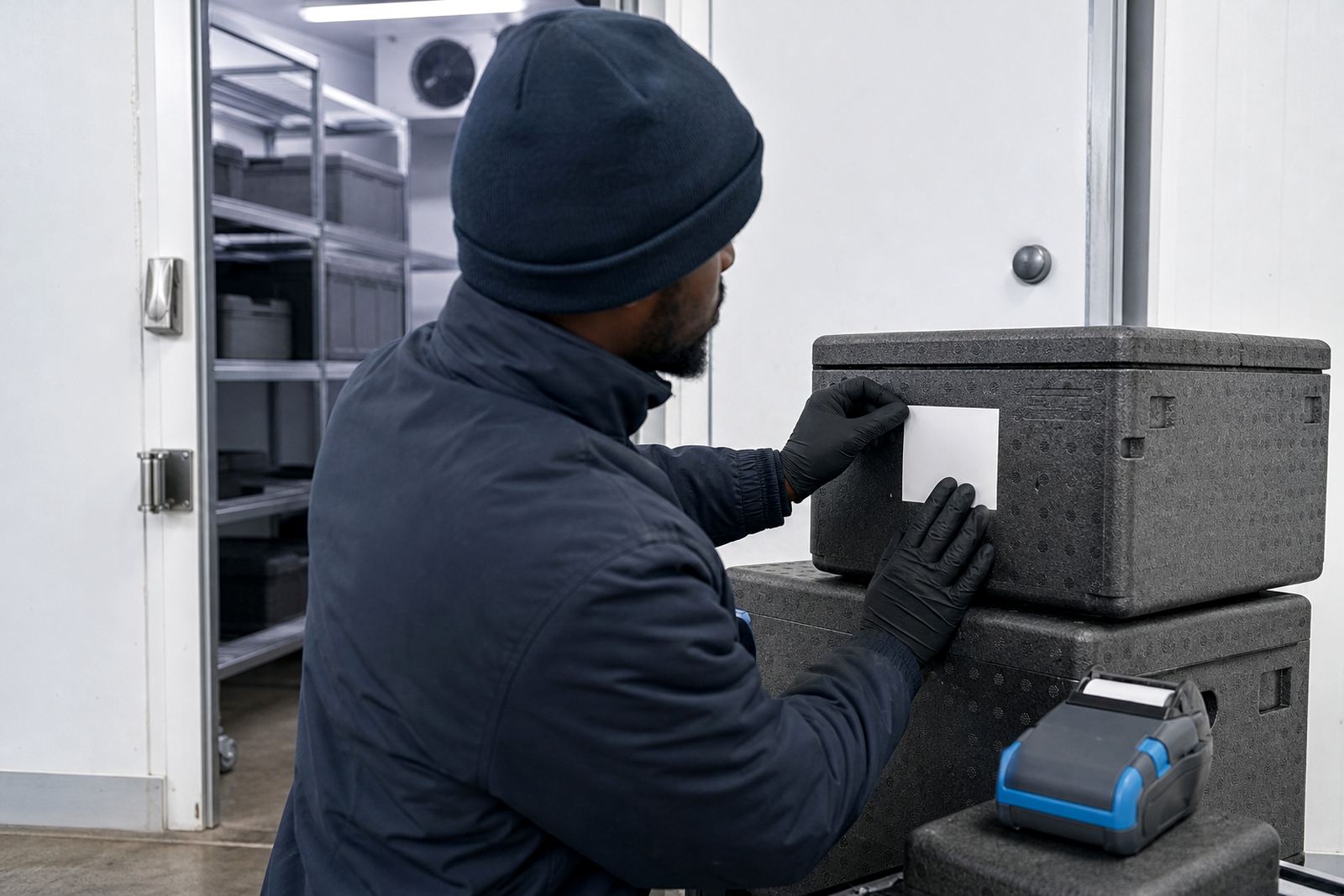
For stockrooms dealing with humidity near the coast, label rolls should be stored neatly and kept away from damp. A roll that curls or absorbs moisture can feed unevenly, which makes larger labels harder to position accurately.
A practical Cape Town example from receiving to dispatch
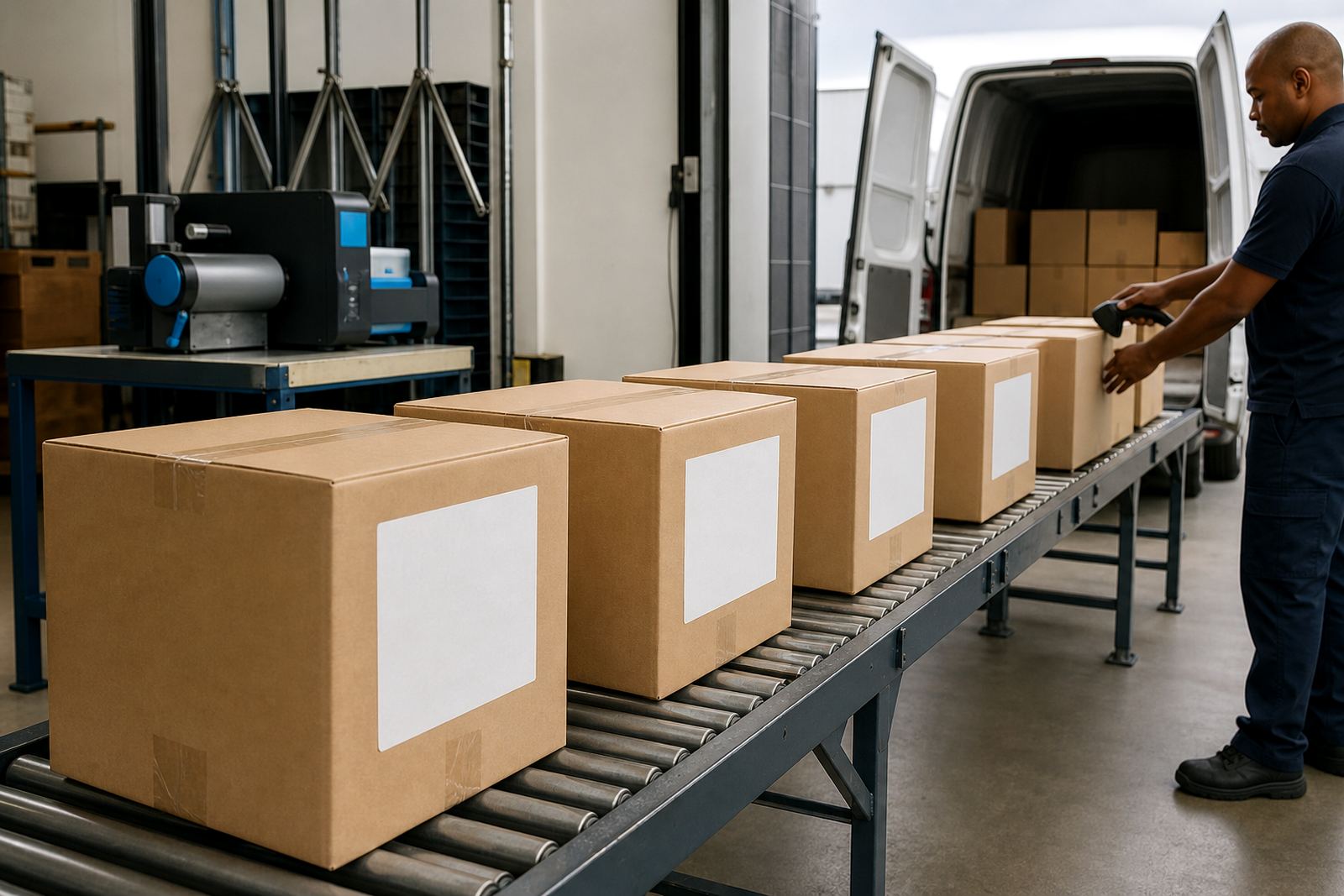
In Montague Gardens, a warehouse team may need one label for internal shelving, another for carton routing and a third for courier dispatch. The shelf label can be broader so the location code sits above the item description. The dispatch label can carry a larger barcode, a reference number and handling notes without crowding the edges. That setup saves time when goods move through a mixed stockroom where several people touch the same box.
When the same operation sends work to branches in Bellville or Midrand, a larger label can also help standardise the layout. Operators do not need to guess where the code sits, and drivers or pickers can read the same format in different sites. That consistency matters when the work is busy and the pack needs to be scanned, sorted and moved without delay.
Go-Printer supplies thermal mobile label printers, label rolls and on-site setup across Cape Town, Johannesburg, Durban, Pretoria and Gqeberha. The team handles label calibration, print quality fixes, battery testing, label jam clearing and operator training so the label size matches the job, not the other way round.