Start with the machine in your hand
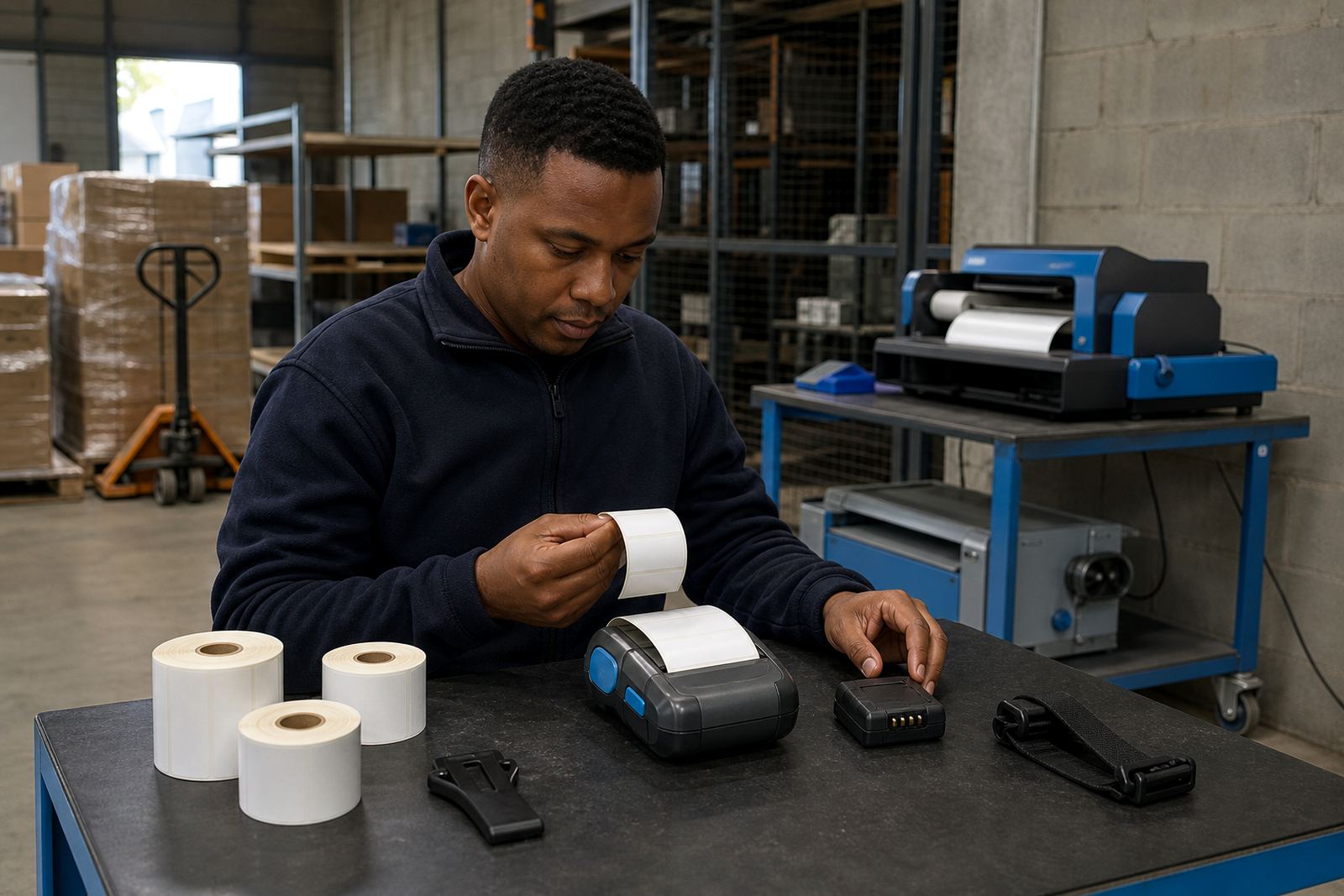
Before a cart leaves the bay, look over the printer body, latch points and battery clip. A quick check catches loose covers, bent clips and dirt around the label path before they turn into a stop on the floor.
Most mobile label printers used in stores and dispatch areas handle direct thermal or thermal transfer printing. Direct thermal is suited to short-life labels and receipt-style work, while thermal transfer gives the label more staying power. If the shift needs barcode and QR output, confirm the format, width and media type before the first print.
Battery checks that save a scramble later
Battery health matters most at shift change. A pack that looks charged can still fade under repeated prints, especially when the printer has been idle and then asked to run a full picking run.
- Check the charge level before the unit leaves storage.
- Look for swelling, heat or a loose fit.
- Confirm the battery locks into place cleanly.
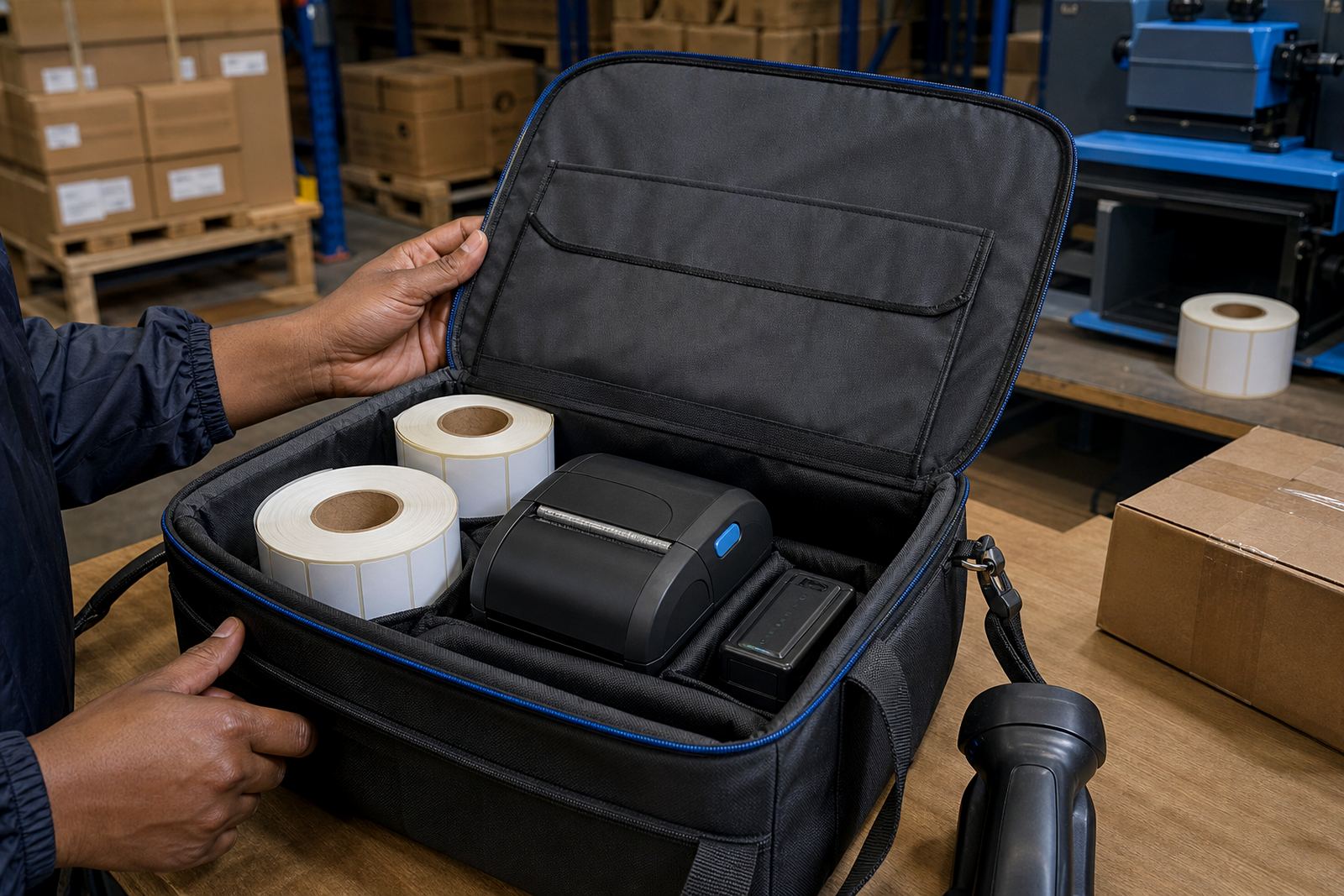
- Keep a spare pack within easy reach of the team.
If the printer uses a belt clip, inspect the clip for cracks and weak grip. A damaged clip often causes drop damage, which then leads to label feed faults or intermittent power contact later in the day.
Label rolls should match the job, not the guess
Roll choice sets the tone for the whole shift. Width, core fit, label length and adhesive all need to suit the stock item, tote, carton or courier consignment that is moving through the line.
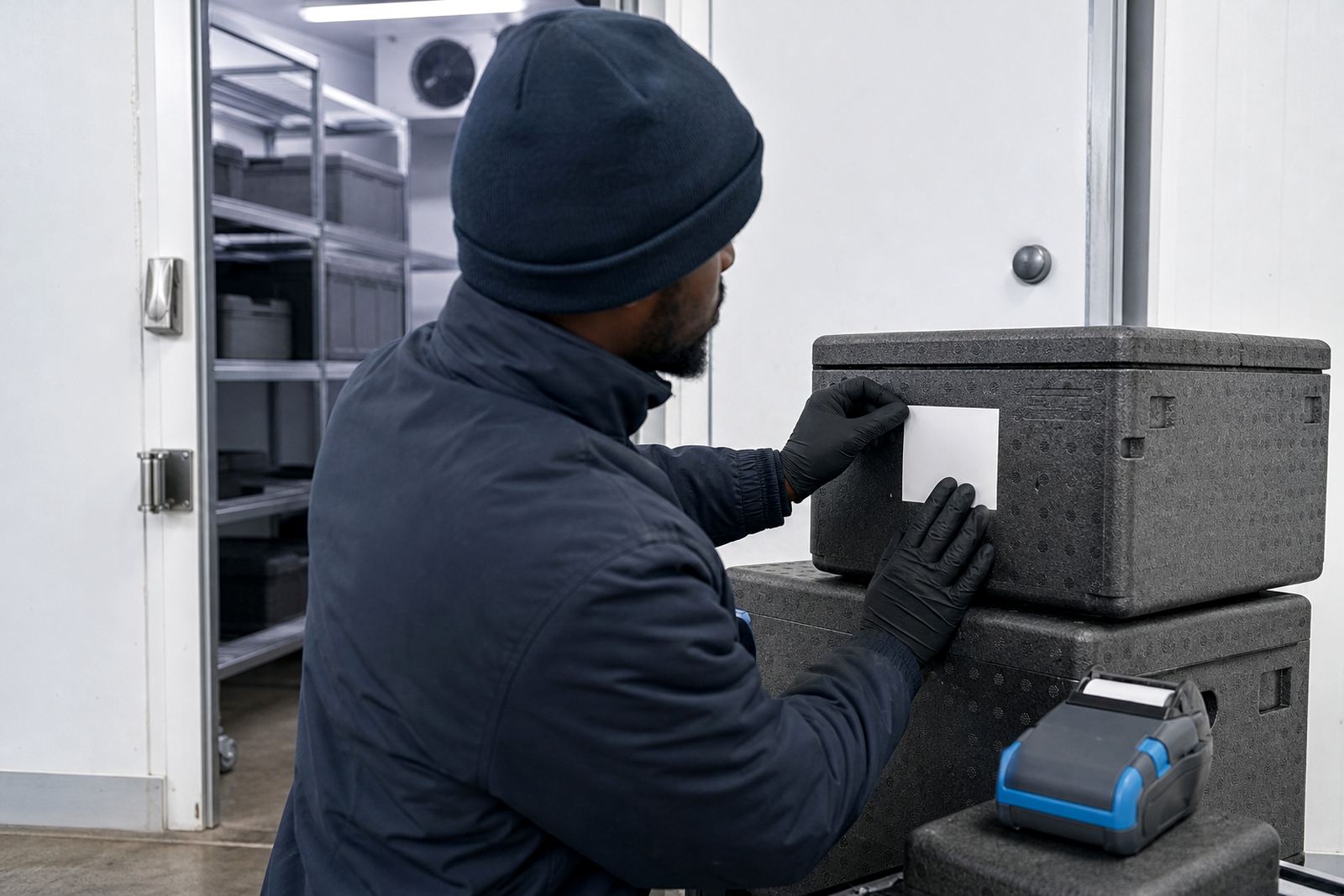
In a Cape Town stockroom with mixed ambient conditions, labels can curl if the roll is stored badly or handled with damp hands. Keep direct thermal rolls away from heat and sunlight. Thermal transfer rolls need the right ribbon match and the right print settings, or the text goes dull and barcodes lose edge definition.
- Match the label width to the printer specification.
- Confirm the label length for the intended asset or parcel.
- Check that rolls unwind cleanly and sit square.
- Set calibration before the shift gets busy.
Pairing should be done before pressure builds
Bluetooth and Wi-Fi setup is best sorted before people queue at the packing table. A printer that has drifted off the network or lost its pairing can hold up a whole lane while someone hunts for the device name or re-enters details.
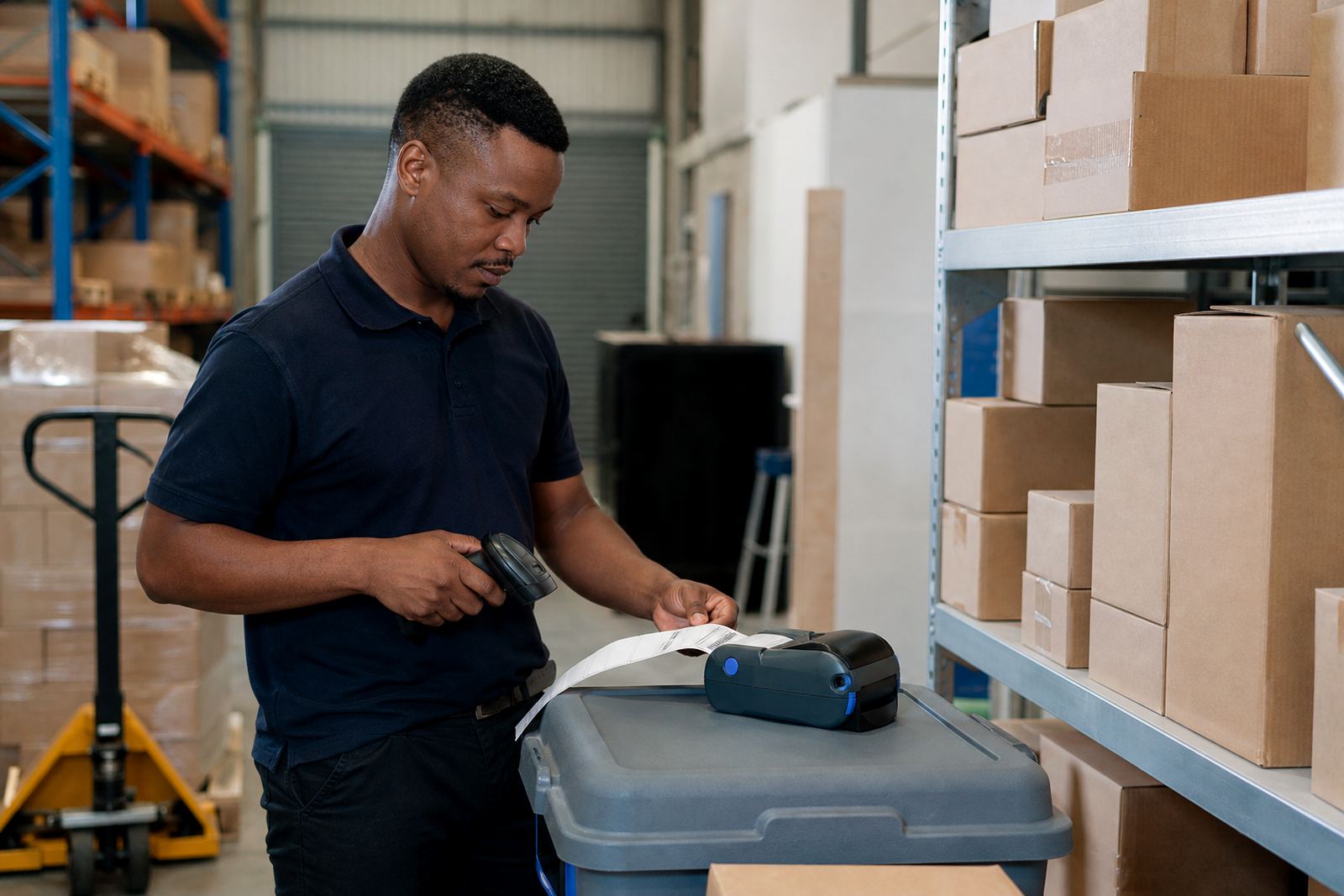
Check that the handheld, tablet or workstation sees the printer clearly. Then send a short test label with text, barcode and, where needed, a QR code. That test tells you if the print width is correct and if the label lands in the right place on the stock.
Print quality tells its own story
Good output starts with a clean printhead. Dust, adhesive residue and paper fibres can leave pale lines across the label, or make one side darker than the other. That is usually easier to fix early than after a stack of bad labels has been printed.
Use the proper cleaning method for the printer model and keep the head cool before wiping it. Check platen roller condition too. If the roller is shiny, cracked or marked, feed consistency often drops and the printer starts slipping on narrow labels.
- Wipe the printhead with approved cleaning material only.
- Inspect the roller for wear or sticky residue.
- Run a sample after cleaning, not before.
- Watch for barcodes that scan poorly.
A Pretoria dispatch bay, and the little things that hold the line
At a busy dispatch bay in Pretoria, a morning routine can be simple and still thorough. One person checks the battery and label roll, another confirms the printer pairing, and the team leader runs a sample label before parcels start moving.
That kind of habit helps in Johannesburg, Durban and Gqeberha too, especially where the same unit moves between shelving, packing and vehicle loading. When a printer starts to jam, skip labels or fade halfway across the sticker, the fault is often small at first. A bent clip, a tired battery, or a printhead that needs cleaning can all begin as a minor nuisance and end as a blocked queue.
For warehouses, couriers and retail stockrooms, the aim is not more effort. It is fewer interruptions, cleaner labels and less waste during the shift.
When the shift starts rough, the fix is usually visible
Some problems show up in the first ten minutes. Labels feed crooked. The unit refuses to pair. The print comes out too light on one side. Those are the signals to stop and check the basics rather than pushing through bad stock.
Our Montague Gardens team handles on-site setup, label calibration, print quality fixes, battery testing, belt clip repair and operator training across Cape Town and other South African business hubs. For a fresh rollout or a stubborn printer that keeps slipping, use our contact form and send the model type, label size and fault you are seeing.