A printer that moves with the job
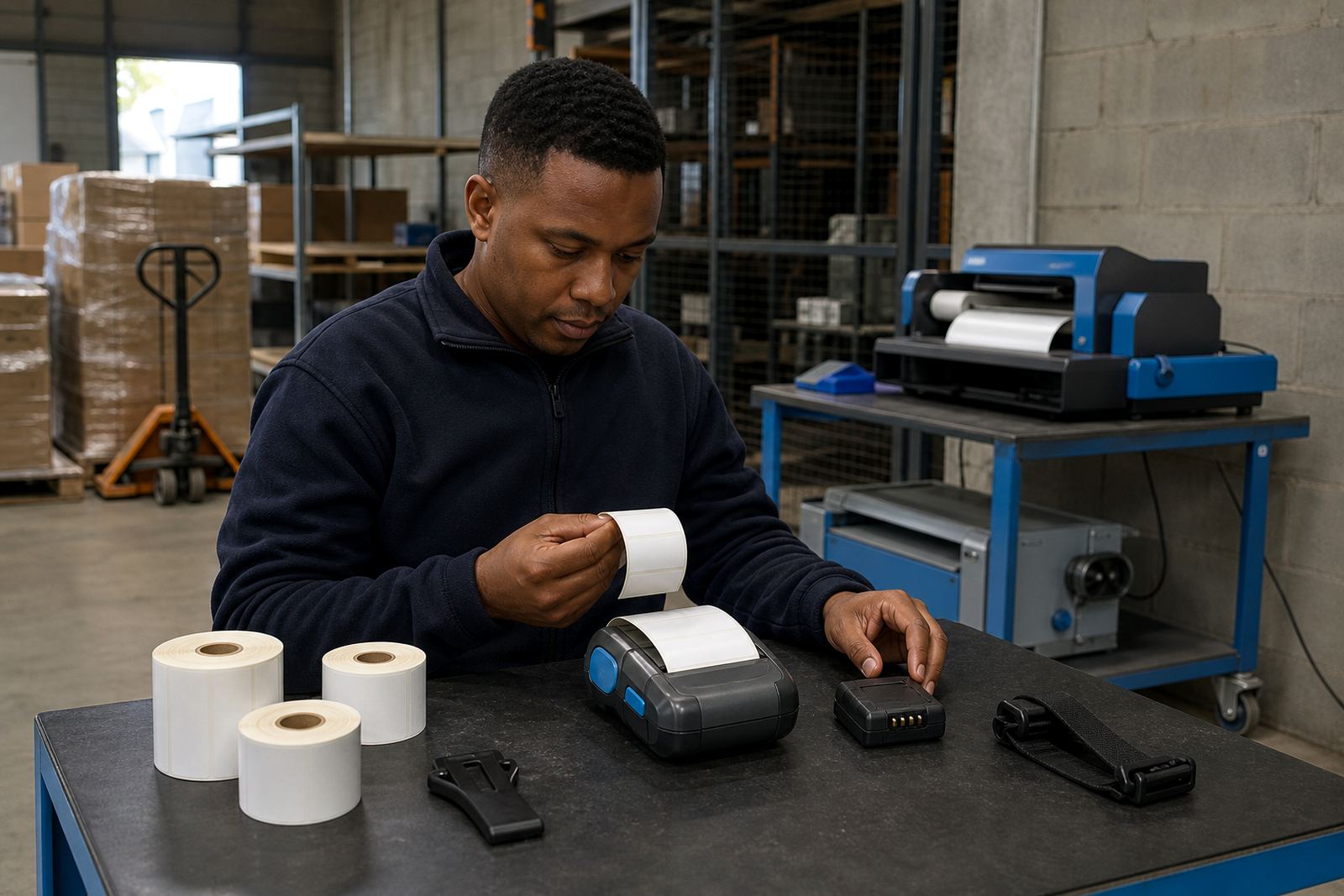
High movement sites ask a lot from a printer. The unit has to ride on a belt clip, sit in a van, or move from receiving to packing without becoming a second task for the operator. A mobile label printer earns its place when it is light enough to carry, tough enough for daily handling and easy to recharge between runs.
In Cape Town stockrooms with tight aisles, or in Durban courier depots where parcels keep moving, the printer cannot be a bulky bench unit left in one corner. The practical choice is a mobile model that prints sharply, lasts through a full shift pattern and matches the label width the team uses most often.
- Keep the printer weight manageable for belt use
- Match the print width to the label size in circulation
- Check battery life against the longest packing stretch
- Use a clip and case that suit daily movement
Let the label's working life pick the print method
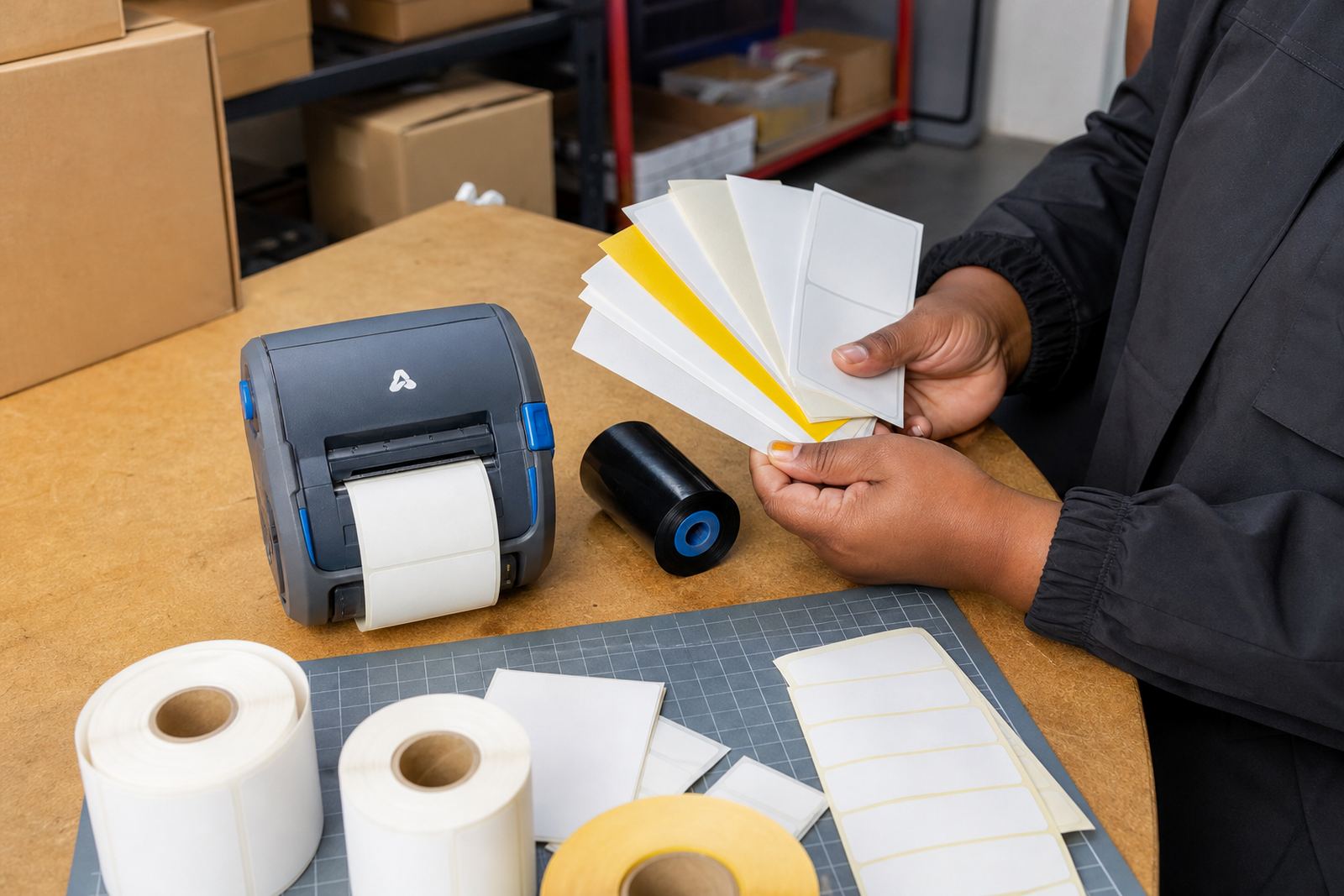
Direct thermal printing suits short life labels, such as courier labels, shelf tags and dispatch markings that do not need to last for months in sun or heat. It uses heat sensitive stock, so there is no ribbon to load. Thermal transfer uses a ribbon and creates a more hard-wearing mark, which helps where labels must cope with abrasion, handling or longer storage.
For a retail stockroom in Midrand or a warehouse in Bellville, the choice often comes down to how long the label must stay legible. Barcode and QR printing should stay sharp at the chosen size, especially where scanners read from a short distance and staff work quickly. If the stockroom uses smaller cartons, a narrow label with a crisp code may be better than a wide label that wastes space.
- Direct thermal for short term dispatch and shelf use
- Labels that must survive more handling call for thermal transfer
- Print width should suit the label stock on hand
- Barcode and QR codes must scan cleanly after printing
Pairing that holds up in real work
Bluetooth pairing is useful where operators move between aisles, cages and loading bays. Wi-Fi setup helps when the printer needs to sit on a shared network or receive jobs from more than one station. In both cases, the printer should be set up once in a way that makes sense for the floor, not left with settings that confuse the next shift.
On-site setup helps when the team needs label calibration for a new stock format or a fresh roll size. A printer that is not calibrated properly can waste labels, shift the print position or cut off part of a barcode. At a Gqeberha dispatch point, that means more manual checking and more rework, which is time nobody wants on a busy day.
- Bluetooth suits mobile use across the floor
- Wi-Fi suits shared access in fixed areas
- Calibration keeps print position and size accurate
- Operator training reduces errors after shift changes
Battery care keeps the shift moving
A mobile printer is only useful when the battery is ready for the round it has to cover. Battery testing shows whether the pack still holds charge properly, while battery replacement becomes necessary when run time drops and the unit spends too long on charge. For courier teams and stock pickers, that matters as much as label stock.
Check the battery together with the rest of the unit, instead of leaving it till last. If the printer powers down early, the belt clip gets used less and the floor starts reaching for a backup unit. A proper battery check also helps spot charging faults before they interrupt packing or dispatch.
- Test batteries during preventive servicing
- Replace weak packs before they interrupt work
- Keep a spare battery where the floor allows it
- Charge the unit in a clean, dry spot
Print quality slips usually start small
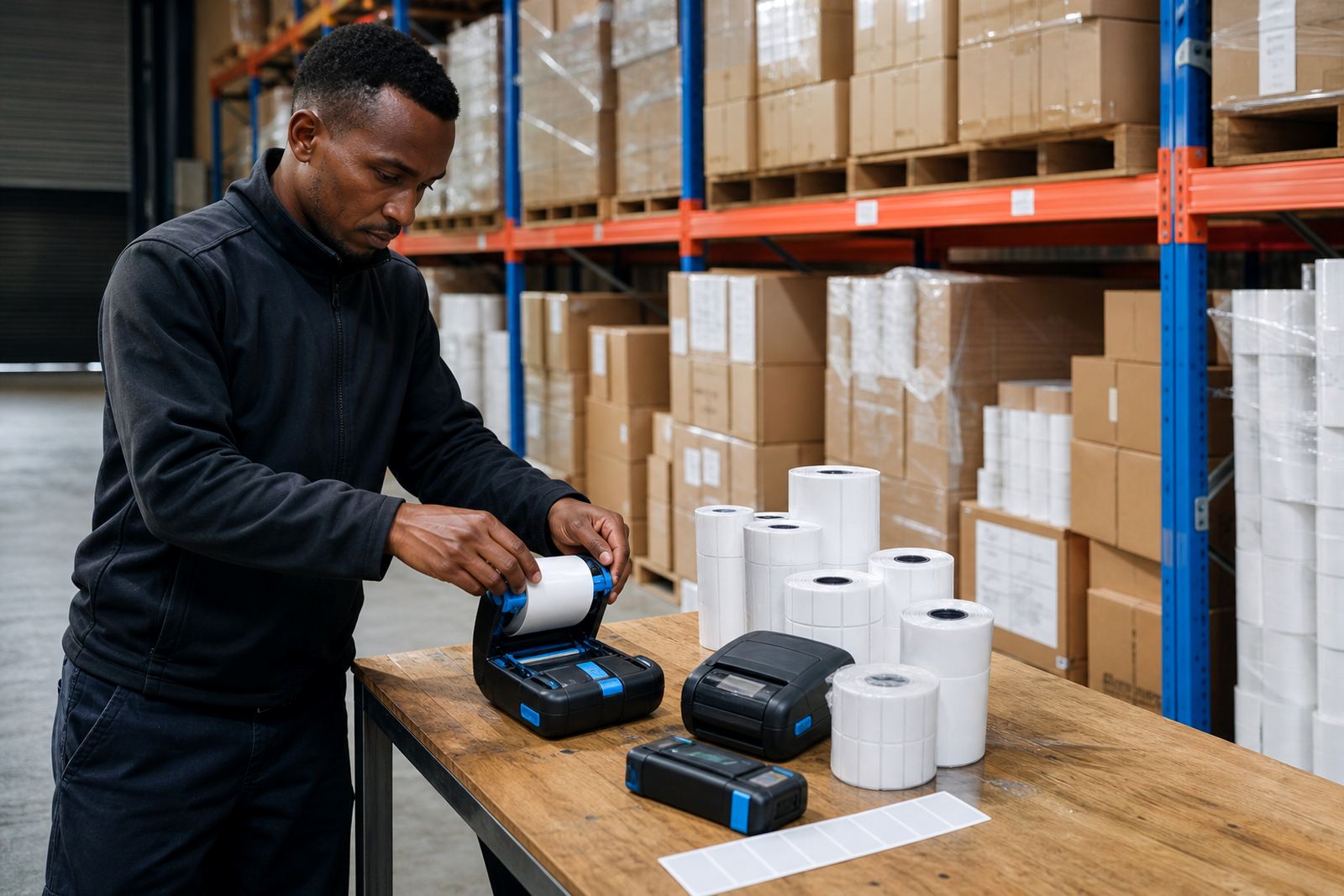
Smudged labels, faded barcodes and missing lines usually begin with small issues. A dirty printhead, dust inside the casing or label debris around the feed path can all affect output. Printhead cleaning is a basic service task, but it matters more on a busy floor where the printer gets handled by several people.
Label jam clearing should be done with care so the feed rollers and cutter area do not get damaged. If the label roll is loaded off-centre, the printer may keep pulling unevenly and waste stock. A quick check of the feed path and printhead can save a bigger repair later, especially in a humid coastal store room where dust and moisture mix with heavy handling.
- Clean the printhead before quality drops too far
- Clear jams without forcing the feed path
- Check roll loading and label alignment
- Inspect rollers and clips during servicing
A Montague Gardens floor lesson
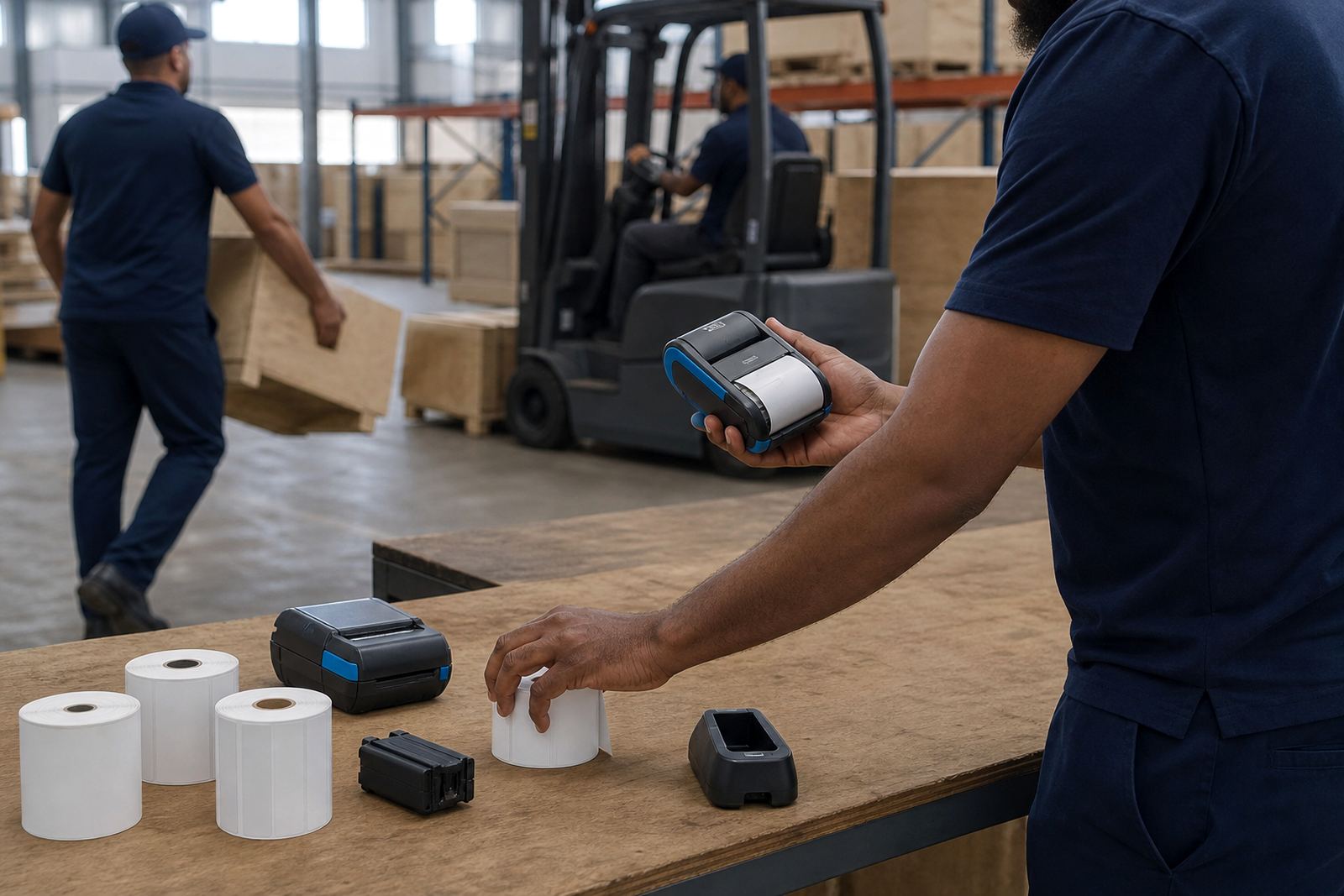
In Montague Gardens, where stock often moves from intake to packing in a short run, the printer has to travel with the operator and stay dependable across the shift. A courier team in the same area may need a small printer that clips on, pairs fast and prints dispatch labels while the parcels keep moving. The right setup saves repeated trips to a fixed station.
That is where belt clip repair, print quality fixes and operator training sit together. The printer must be comfortable to carry, the labels must match the pack size, and the settings must make sense for the people using it. When those three parts line up, the floor runs cleaner and the labels hold up better from one scan point to the next.
- Keep the unit light enough for repeated carrying
- Match the stock width to the printer format
- Set up the network or pairing method properly