Two ways a printer finds the next label
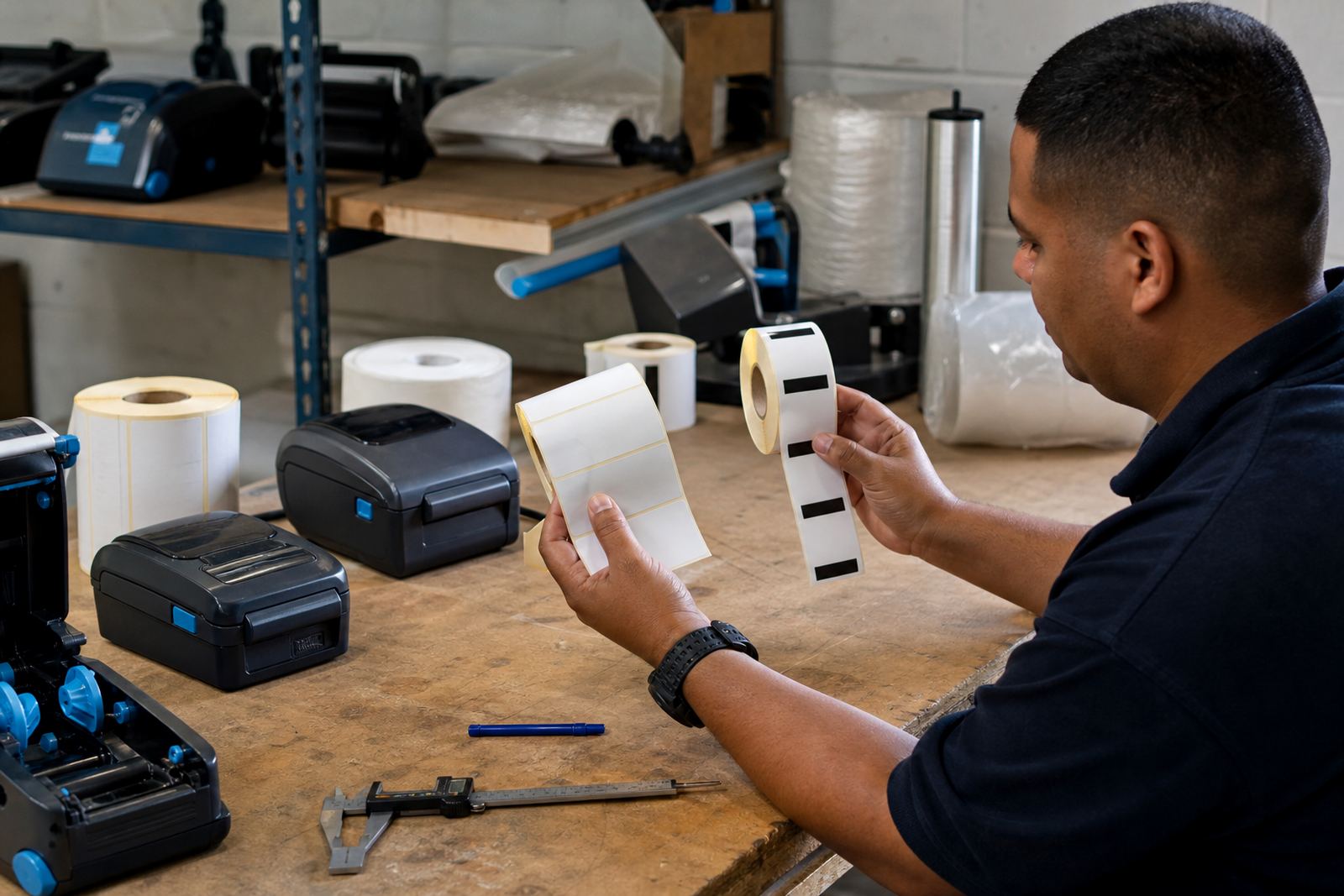
Gap sensing and black mark sensing both tell the printer where one label ends and the next begins. With gap labels, the printer reads the clear space between labels. With black mark labels, it reads a printed dark mark on the liner or back of the label stock.
Gap labels are common for standard die-cut label rolls where each label is evenly spaced. Black mark stock helps when the label shape is irregular, the backing is opaque, or the application needs a stronger visual index for the printer sensor. Either way, the printer needs the roll loaded the right way round or the feed will drift and waste stock.
- Gap sensing works off the space between labels.
- Black mark sensing works off a printed dark patch.
- The sensor must match the roll format loaded.
- Wrong loading can throw off label starts and stops.
When gap labels make the better fit
Most general stock labels in warehouses and retail back rooms use a gap format. They are neat, easy to source and simple to calibrate on a mobile printer with Bluetooth or Wi-Fi pairing. If the labels are die-cut and consistent in size, the printer can feed cleanly and keep barcode or QR code placement steady.
Gap stock suits jobs where the label is cut to a fixed size, such as shelf labels, carton labels and small dispatch stickers. For direct thermal printing, the roll is often used for shorter life labels. For thermal transfer work, the label stock and ribbon need to match the duty of the job, especially where rubbing, heat or moisture are part of the day.
- Good for fixed size die-cut labels.
- Works well with barcodes and QR codes.
- Simple to calibrate on mobile units.
- Common for warehouse and courier use.
Where black mark stock solves a stubborn feed issue
Black mark labels are useful when the printer cannot reliably detect a clear gap. Some label formats have an awkward backing, unusual spacing or a shape that confuses the sensor. The printed mark gives the printer a stronger signal, which helps when label calibration has been slipping after a roll change.
In practice, black mark stock is often chosen for specialist jobs where label size, backing colour or print layout would make a plain gap harder to read. The printer still needs the correct setting in the menu, and the roll has to be loaded so the sensor sits over the mark. If the mark is too faint or the stock is the wrong type, print starts can land off position.
- Useful when gaps are hard to detect.
- Helps with unusual label backs or layouts.
- Needs the sensor aligned to the mark.
- Works best with the correct media setting.
Where direct thermal and thermal transfer part ways
Indexing method and print method are separate decisions, but they meet at the roll. Direct thermal stock is coated to react to heat, so it is common for short-life labels and courier work. Thermal transfer uses a ribbon, which helps when the label must hold up better on shelves, parcels or stock that passes through handling.
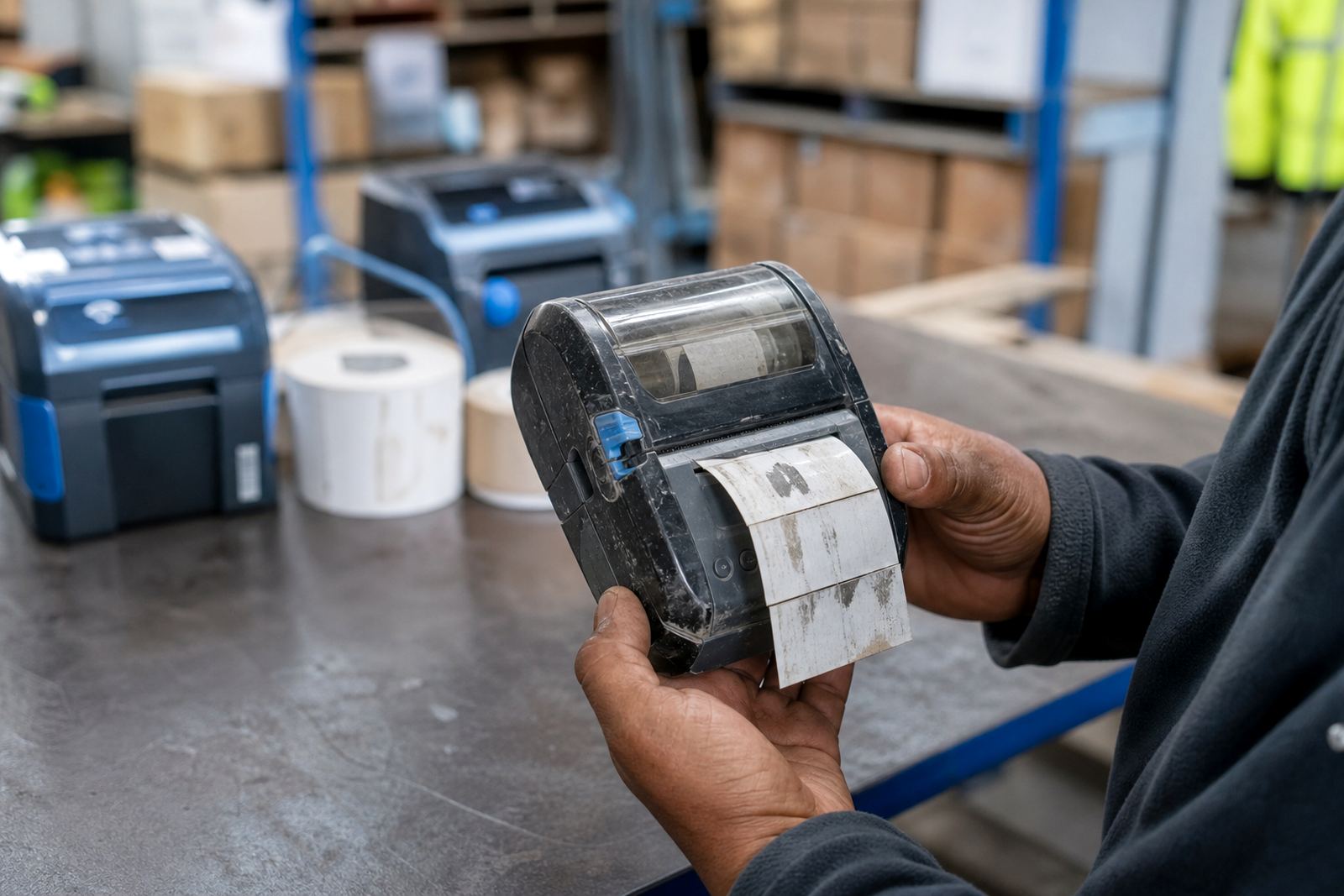
On a mobile printer, the choice affects the way you set print darkness, speed and calibration. A 2 inch or 3 inch print width is common on hand-held units, and battery life matters when the printer moves from bay to bay. If the roll, ribbon and sensor mode do not match, the printer may print cleanly but land the label in the wrong place.
A Cape Town stockroom case that makes the difference clear
In Montague Gardens, a stockroom team may use one mobile printer for tote labels and another for dispatch stickers. The tote labels may be a neat gap format, while dispatch rolls from a different aisle carry a black mark for easier sensor reading. Once the operator swaps rolls without checking the setting, the feed can start over the wrong edge and the first few labels are lost.
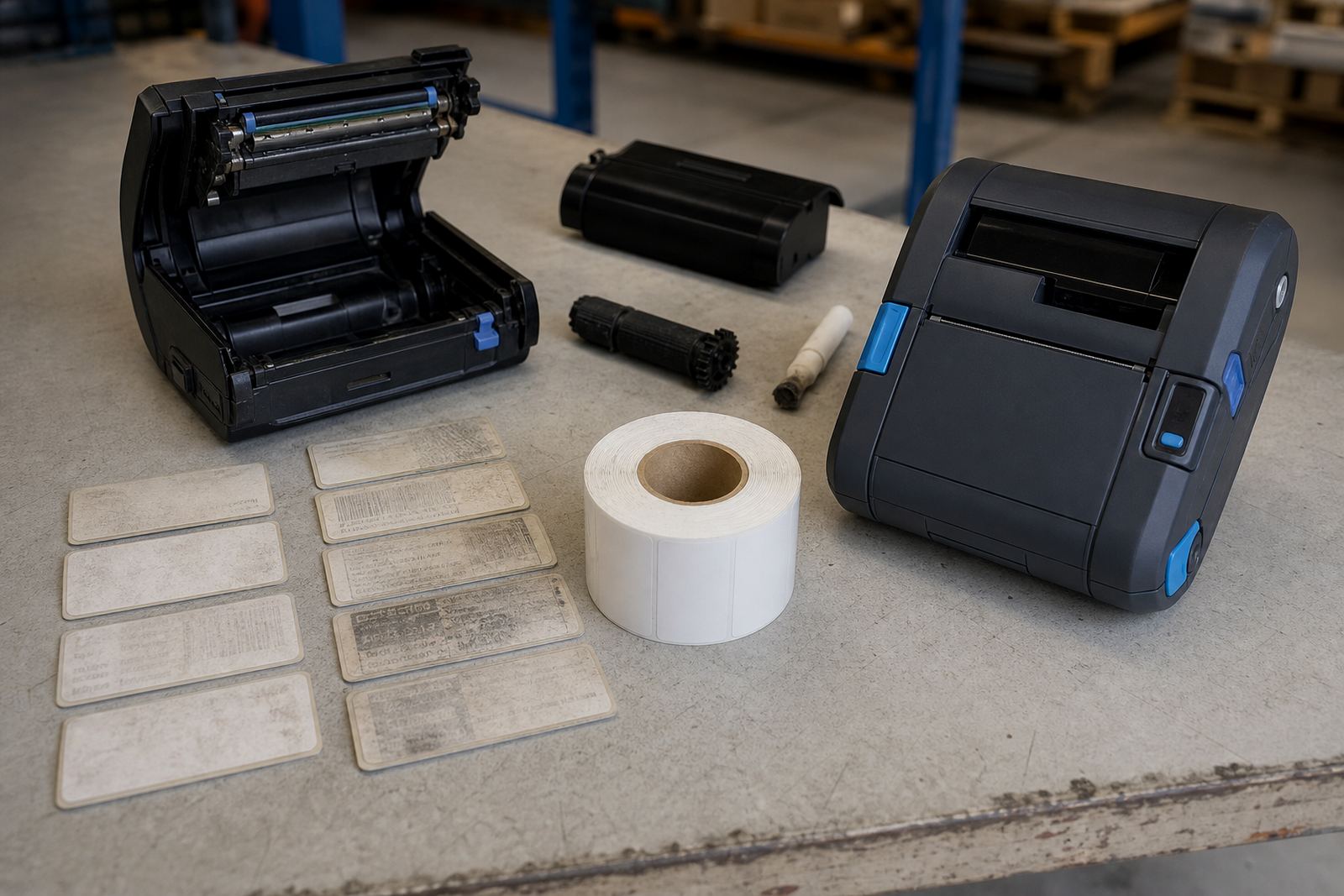
This is where a setup visit earns its keep. Field checks usually cover Bluetooth pairing, Wi-Fi setup, label calibration, printhead cleaning and battery testing. If the printer is skipping labels or the print is pale on one side, the problem may be media related or the printhead may need cleaning rather than a full repair.
A quick field checklist before the next roll goes in
For warehouse and courier teams, the easiest way to avoid wasted labels is to match the roll to the printer settings before the run starts. A short check is enough to catch most indexing errors.
- Confirm whether the roll uses a gap or black mark sensor.
- Check that the label width matches the printer setting.
- Run calibration after every roll type change.
- Keep the printhead clean, especially after dusty work.
- Check battery condition if the printer starts missing feed steps.
- Inspect belt clips and carry gear, since dropped units can shift sensor parts.
In Gauteng, Durban or Gqeberha, the same rule applies on mobile units that move between cages, counters and loading areas. The printer only reads what the roll tells it to read, so the media choice needs to stay consistent with the job.