When a printer stays with one person or trolley
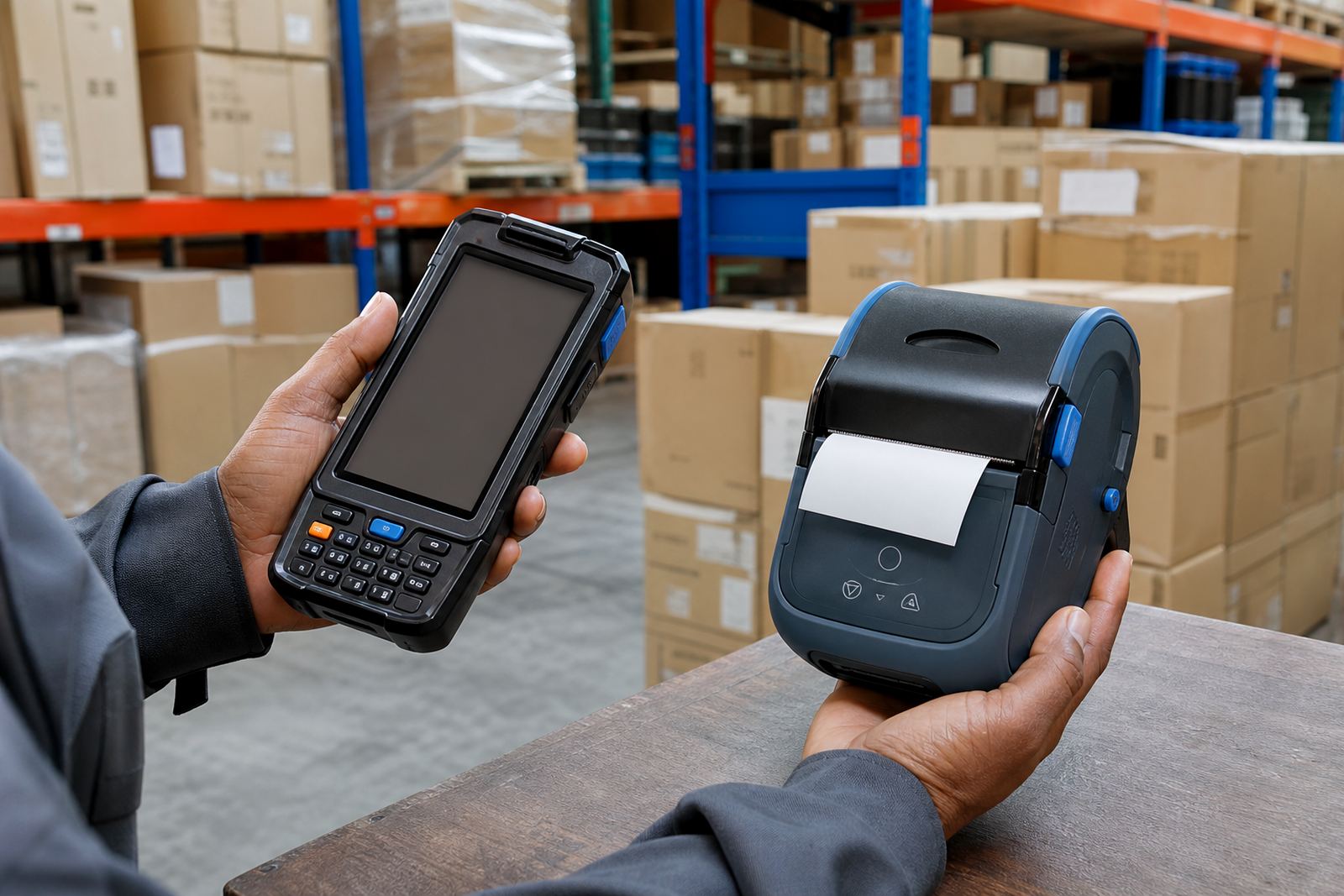
Bluetooth works well when a printer moves with one operator, a picker trolley, or a courier route bag. The connection is direct, the setup is straightforward, and it suits quick label runs where the device stays close to the phone or handheld terminal. In a warehouse aisle or retail backroom, that can keep the process neat without adding extra network steps.
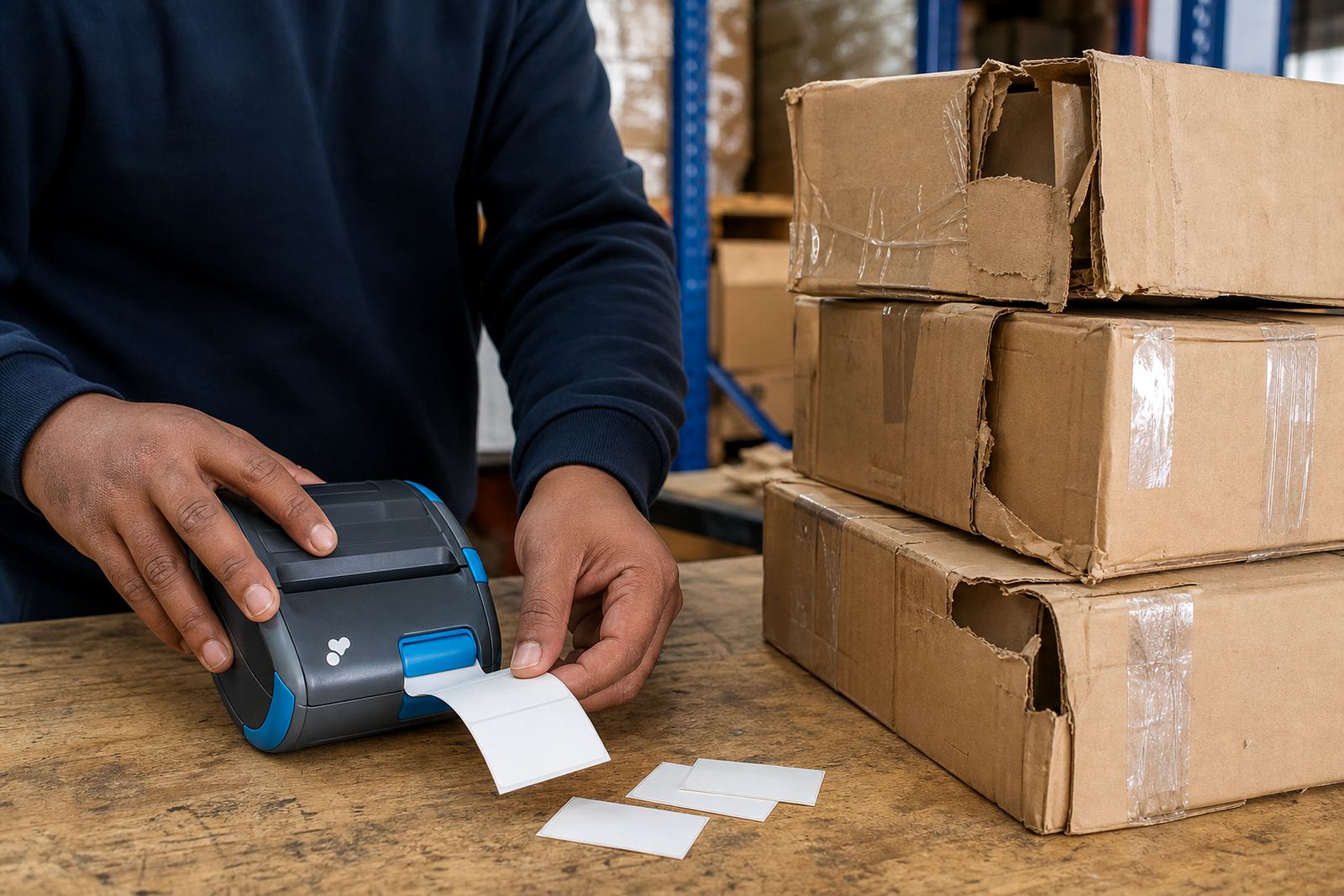
Mobile label printers in this class usually handle direct thermal printing, so there is no ribbon to fit. That suits shipping labels, shelf tags, product stickers, and barcode or QR code labels where speed matters more than long-term outdoor exposure. A 2 inch or 4 inch print width is common, and the battery should last through a shift if the printer is kept clean and the label stock is matched properly.
- Best for one user, one trolley, or one route bag
- Works well for short print runs and repeated label bursts
- Useful where the printer stays near the handset or tablet
Where Wi-Fi earns its place in a busy stockroom
Wi-Fi suits places where several people need the same printer without gathering around one device. In a larger stockroom, on a packing bench, or in a branch with more than one workstation, wireless network access can make the printer easier to reach from different points. It helps when the printer stays fixed, or when the team wants a shared setup rather than a single paired device.
That wider reach matters when labels are called from different computers, handheld units, or terminals across the room. Wi-Fi also helps when the work shifts between receiving, picking, and dispatch. If a site in Montague Gardens has one printer at the packing area and another in dispatch, the network path often makes more sense than one short-range pairing point.
- Better for shared use across more than one workstation
- Useful where the printer remains in one place
- Helpful when different users need access during the day
Direct thermal or thermal transfer changes the picture
The wireless choice matters, but the print method matters too. Direct thermal printing is common for courier labels and stockroom tags that move quickly through the system. Thermal transfer uses a ribbon and gives stronger print life on labels that may face heat, handling, or extra rubbing. The roll format, label size, and printhead care all affect the result.
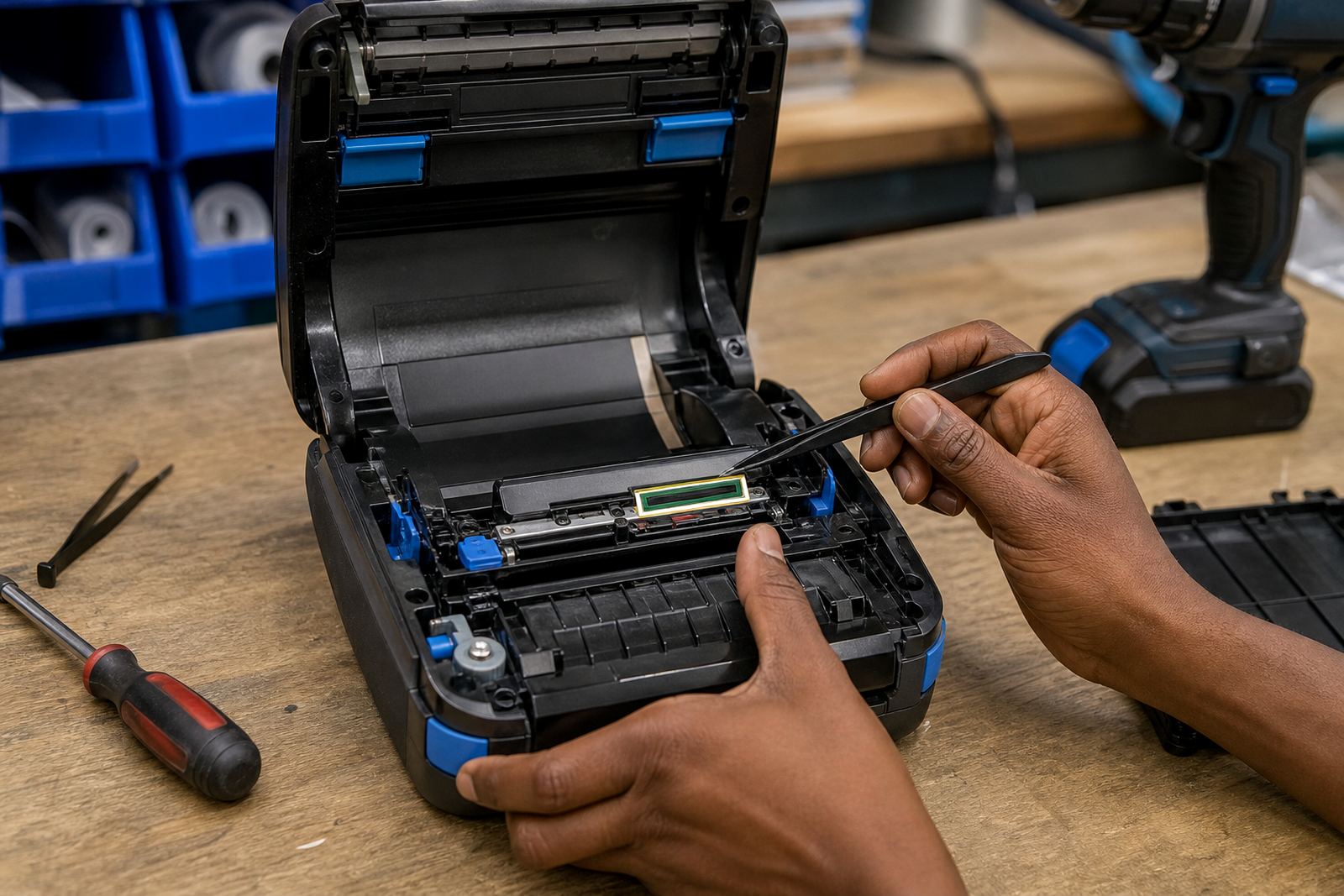
A printer used for parcel labels may need a 4 inch width and a steady battery, while a smaller unit for shelf marking may need only 2 inch stock. If the barcode is faint or the QR code is not scanning cleanly, the issue may be the label roll, the darkness setting, or a dirty printhead. Cleaning the printhead with the correct method is basic maintenance, not an afterthought.
- Direct thermal suits fast-moving courier and stock labels
- Thermal transfer suits tougher labels with longer life
- Good label calibration helps keep the print centred
Battery life, belt clips, and real movement during the shift
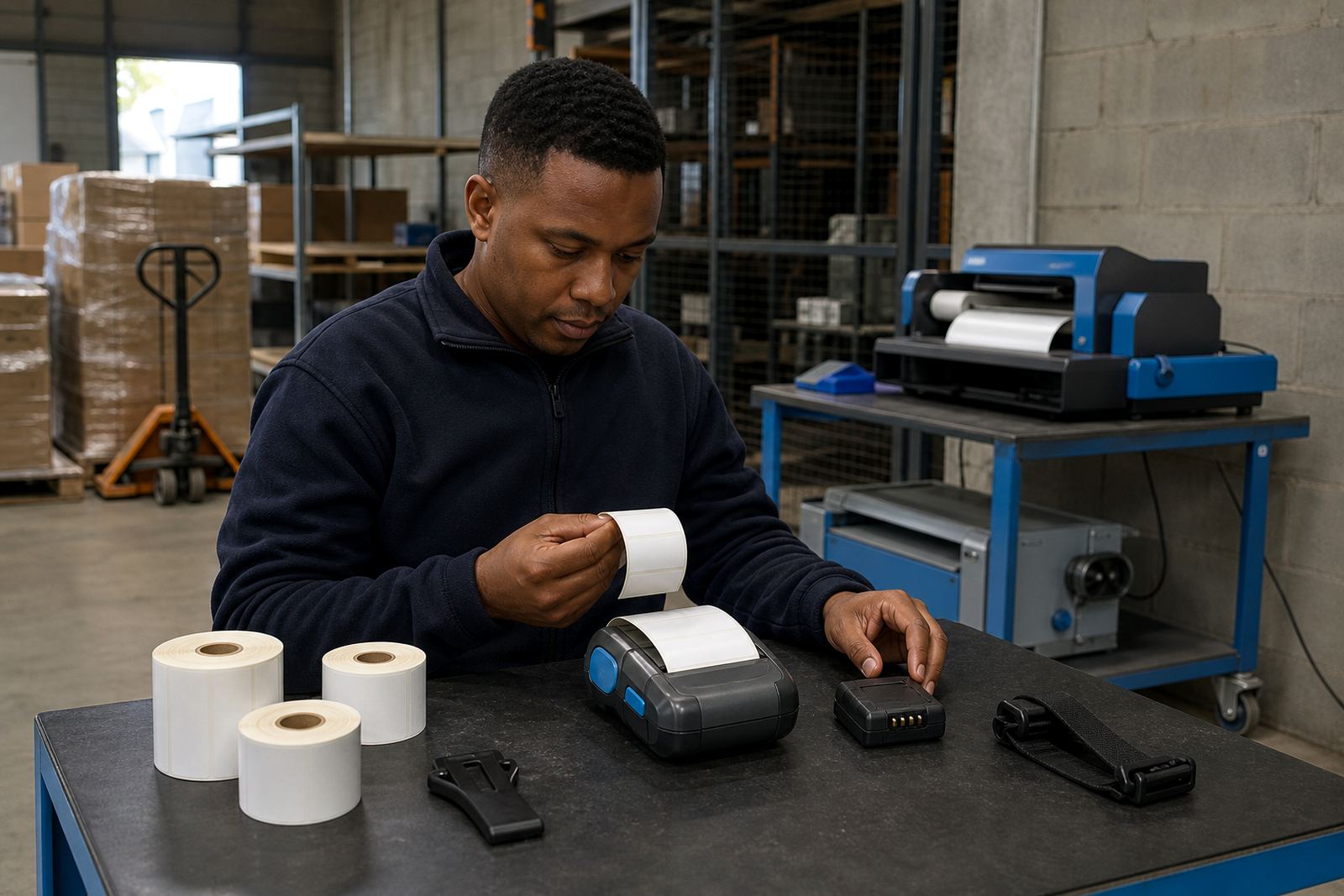
Mobility is not only about wireless connection. A printer carried between aisles, vehicles, and packing tables needs a battery that matches the day’s pace, plus a belt clip or carry point that does not snag on clothing or a trolley handle. If the battery weakens early, the printer becomes a stationary problem, even if the pairing is perfect.
Battery testing matters before a busy run starts. So does checking the charging contacts, clip fit, and physical casing. A loose belt clip can be more annoying than a dropped pairing, because it slows the whole route. In Durban’s humid conditions, or in a dusty backroom in Pretoria, the contacts and outer shell need regular attention.
- Check battery health before long picking runs
- Replace worn clips before they fail under movement
- Keep charging points and casing free of dust
A Cape Town warehouse example: one printer, two wireless needs
A Montague Gardens stockroom handling courier parcels and shelf labels may use both Bluetooth and Wi-Fi, but for different reasons. A mobile operator at the dispatch table may keep a Bluetooth pairing for quick parcel labels and movement around the floor. A fixed packing point may sit on Wi-Fi so more than one person can print from the same area without re-pairing every device.
That split keeps the work practical. Bluetooth suits the person who carries the printer, while Wi-Fi suits the station that serves the team. If the labels are set up for barcodes, QR codes, and mixed sizes, the printer should be calibrated properly so the output matches the roll and the software template. On-site setup helps sort that out before the line starts stacking up.
Getting the printer ready without guesswork
A proper setup looks at the whole chain, not only the wireless link. The printer needs the right label roll, the pairing method needs to suit the device in use, and the operator should know how to clear a label jam without damaging the mechanism. Print quality fixes often start with the basics: alignment, darkness, the right label size, and a clean printhead.
At Go-Printer, our team works with warehouses, couriers and retail stockrooms across Cape Town, Johannesburg, Durban, Pretoria and Gqeberha. The goal is to match the printer to the job, then keep it in good shape with training, preventive servicing, battery replacement, and repair work when needed. Clients contact us through our contact form on our contact page.
- Bluetooth pairing for mobile, short-range use
- Wi-Fi setup for shared or fixed print points
- Calibration, cleaning, testing and repair support