Width decides how much lives on one label
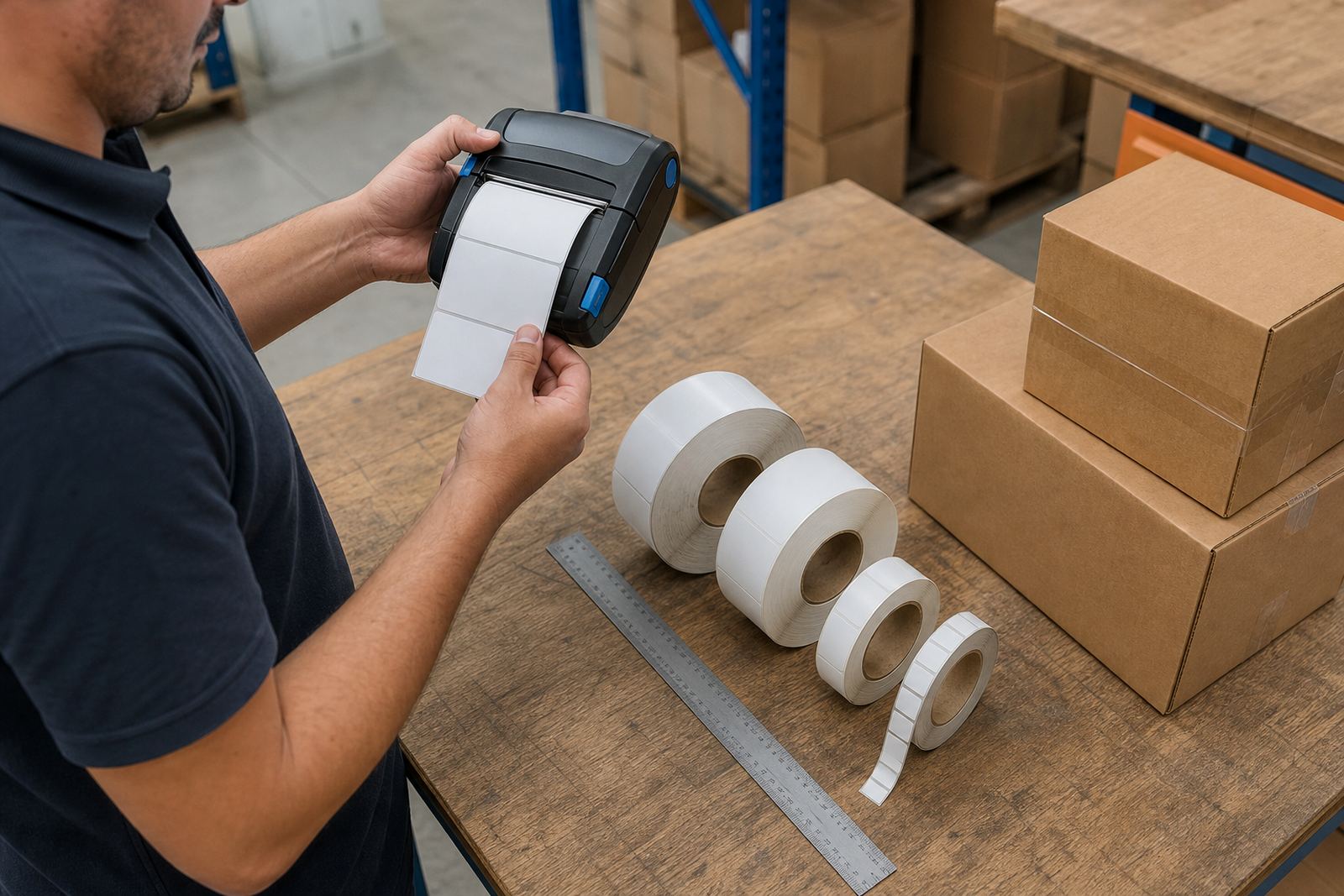
A mobile label printer is not only about getting text onto adhesive stock. The printable width decides how much room you have for a product code, item description, barcode, QR code and handling note without forcing everything into a cramped block. A narrow label can still work well, but the content has to be planned properly.
In practice, many teams discover that width affects more than the label itself. It changes the font size, barcode height, spacing around the edges and whether the operator can keep the layout legible when the label is applied to a small carton or a shelf edge. If the layout is too dense, the printer may still produce it, but the result becomes hard to scan or read in a hurry.
Direct thermal for short use, thermal transfer for harder jobs
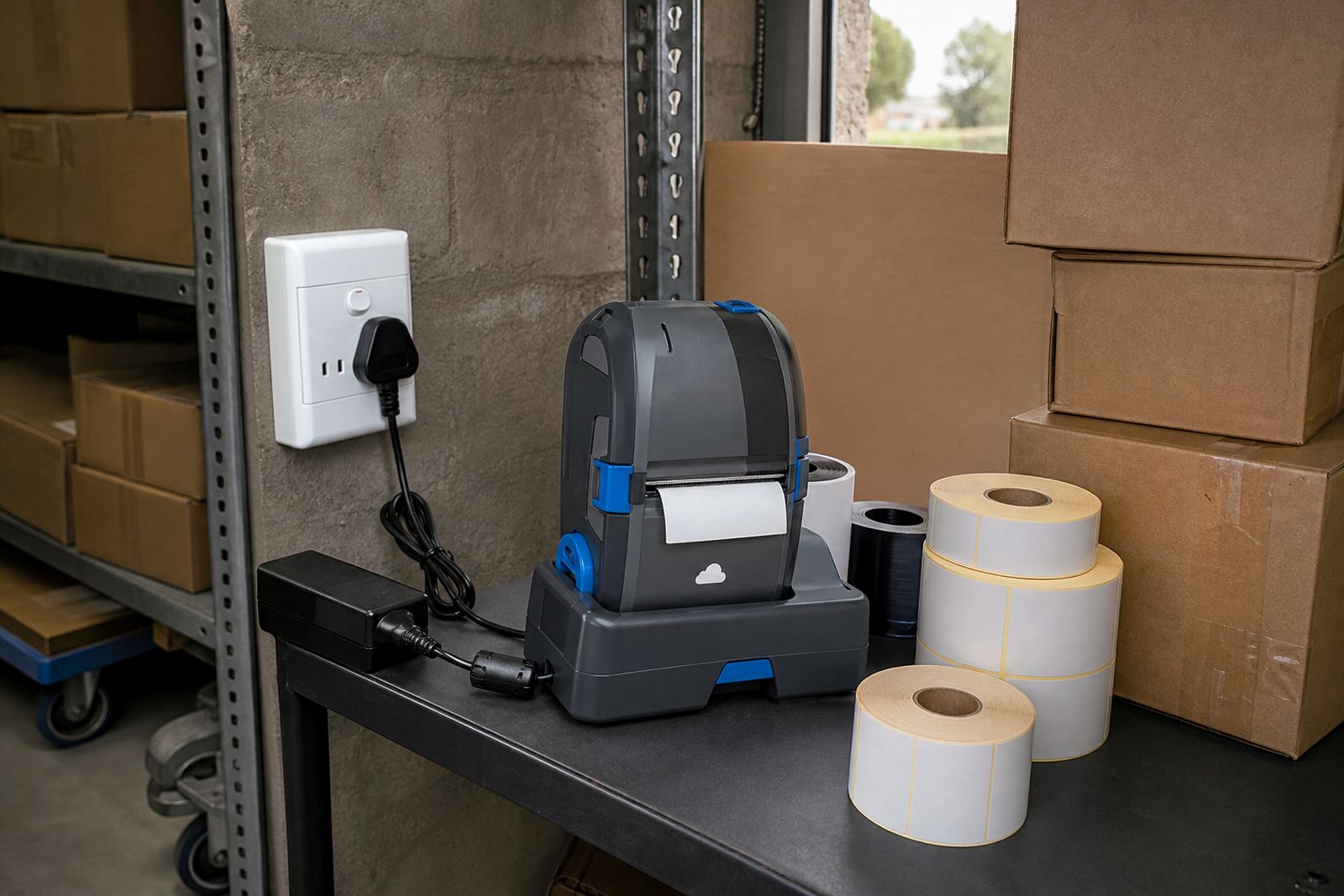
Direct thermal printing uses heat-sensitive labels. It suits short-life labels, dispatch stickers, warehouse picking notes and internal stock labels where the print does not need to survive rough handling for long. Thermal transfer uses a ribbon and produces a more durable mark on the label stock, which is useful when labels face friction, light exposure or longer storage periods.
- Direct thermal often suits courier labels, temporary shelf labels and fast-moving stock.
- Thermal transfer suits product identification, asset labels and jobs where the label must hold up better.
- The printable width still matters on both systems, because the printer only works within its set label path.
When the label size and print method do not match the job, users end up fighting the setup. A wider printer is not always the answer, but it does give more room for larger barcodes, longer item names and more readable batch information.
Barcodes and QR codes need breathing space
Barcode size is tied to print width in a very practical way. If the symbol is squeezed too tight, the scanner may struggle, especially where labels are curved, placed on uneven packaging or used in a busy stockroom with worn scanners. QR codes need similar care because they need a clean square shape and enough quiet space around them.
A courier label often needs a very different layout from a retail shelf label. Couriers may want a destination code, booking number and route information, while a retail team might need SKU data, colour, size and a short description. Width affects whether all of that sits in one neat label or has to be split into two lines with less room for the barcode.
- Allow margins at the left and right edges so the printer does not clip the content.
- Keep barcode height generous enough for scanners used at receiving and dispatch.
- Use test prints before locking in the layout for regular use.
Battery life and pairing habits matter on the floor
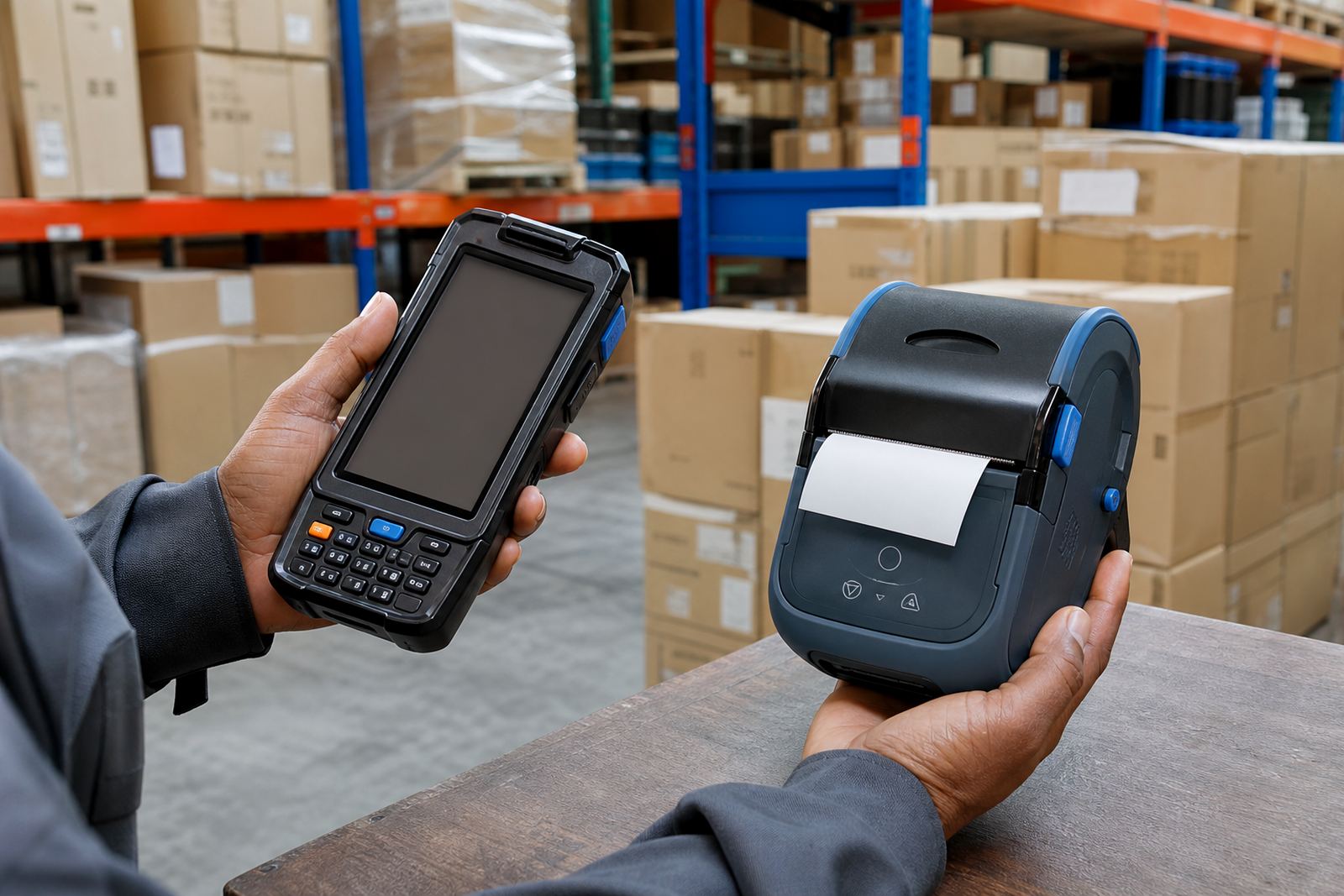
Portable printers move between warehouses, delivery vehicles and stockrooms, so battery life and pairing behaviour shape day-to-day use. A printer with the right width but unreliable pairing can slow the operator if Bluetooth drops, Wi-Fi settings are untidy or the label app sends the wrong format. That is where setup and calibration matter as much as the hardware itself.
For teams moving between packing tables and aisle checks, the printer should hold its connection without making the user re-learn the process each time. Battery condition also matters because a healthy battery supports a full shift of label work better than one that drains early or loses output quality under pressure.
- Bluetooth pairing suits short range label work near the packing bench or receiving area.
- Wi-Fi setup helps where the printer is shared by more than one workstation.
- Battery testing shows whether the unit can handle a real day of movement and printing.
A Montague Gardens stockroom example
A Cape Town stockroom in Montague Gardens may run mixed labels for cartons, shelf edges and courier parcels in the same week. If the team handles small retail items, a narrow print width can still work well for basic codes and short descriptions. Once the labels need larger barcodes, QR codes and more line detail, the layout starts asking for more printable space.
That is the point where many users move from a compact layout to a wider label path. The printer itself may still remain portable, but the label format changes the whole job. In a busy depot, a wider label can reduce awkward text wrapping and cut down on label reprints caused by cramped formatting or rushed setup.
On-site setup also helps when the same printer must work across different label rolls. A label that suits a courier satchel does not always suit a retail drawer, and the calibration has to match the stock being used. If the print is slightly off-centre or the barcode sits too close to the edge, the operator spends more time correcting than printing.
Cleaning, servicing and the parts people forget
Print width is not the only thing that shapes output quality. Dirty printheads, worn rollers, tired batteries and damaged belt clips all interfere with daily use. A printer that was fine last month can start producing faint bars, patchy text or misfeeds if the head has dust on it or the label path has small scraps stuck inside.
Regular servicing keeps the machine in shape and helps the user keep the same layout from roll to roll. For teams handling frequent labels, a short maintenance routine is worth keeping close to the printer.
- Clean the printhead with the correct method for the printer model.
- Check the label path for dust, glue residue and small offcuts.
- Test the battery before a heavy dispatch run.
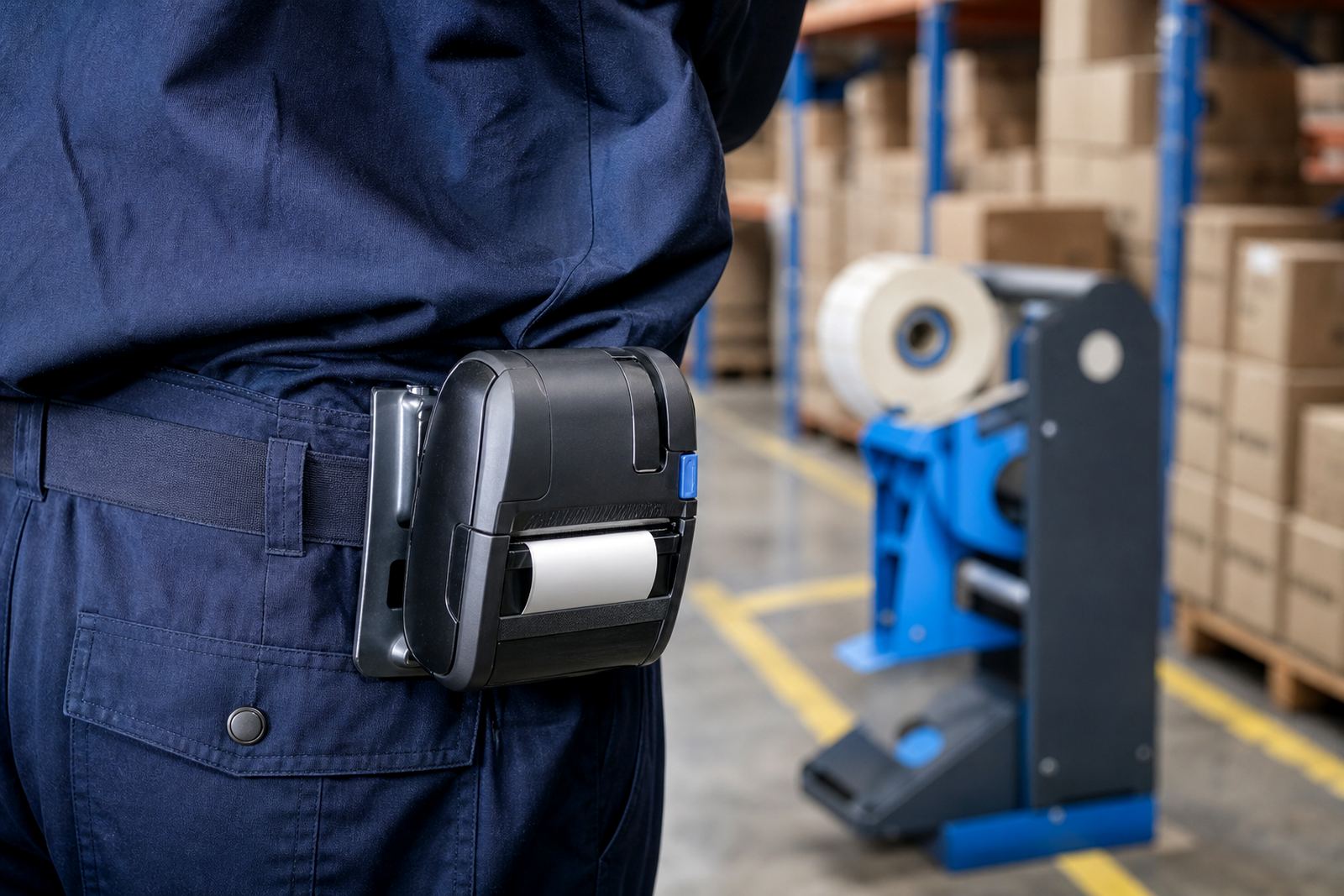
- Replace a worn belt clip before the unit starts dropping from the belt or pouch.
Picking width for the job you actually run
The right print width comes down to the labels you use most often, not the widest label you can find. Warehouses, couriers and retail stockrooms all need different layouts, and portable printers should match the content without wasting space or forcing tiny text. A good fit means the barcode scans cleanly, the data stays readable and the operator does not have to fight the format every shift.
Go-Printer works with thermal mobile label printers, label rolls and setup for teams in Cape Town, Johannesburg, Durban, Pretoria and Gqeberha. The work often starts with the label size, then moves through pairing, calibration and print quality checks so the printer suits the actual job on the floor.
A quick width check before you settle on a unit
If the label carries only a short stock code, a compact width may be enough. If it carries a description, barcode and QR code together, the printer needs more room to breathe. That choice affects what kind of roll you load, how the content is arranged and how often the operator has to trim or compress the layout.
For teams that want the printer set up correctly, our contact form is the best place to send the label details. From there, the layout, pairing method and servicing plan can be matched to the work instead of forcing the job into the wrong width.