When the goods arrive and the shelf is already busy
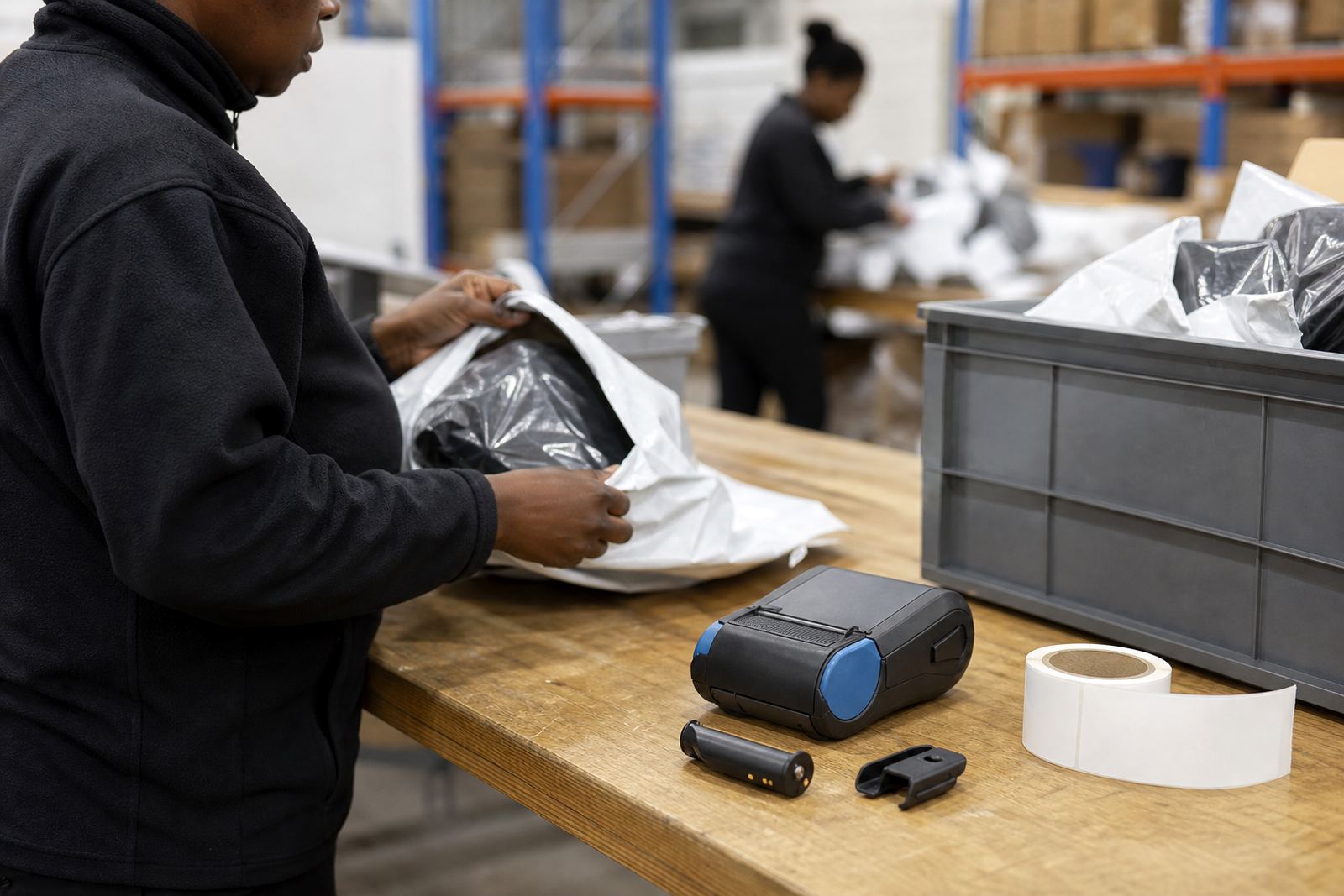
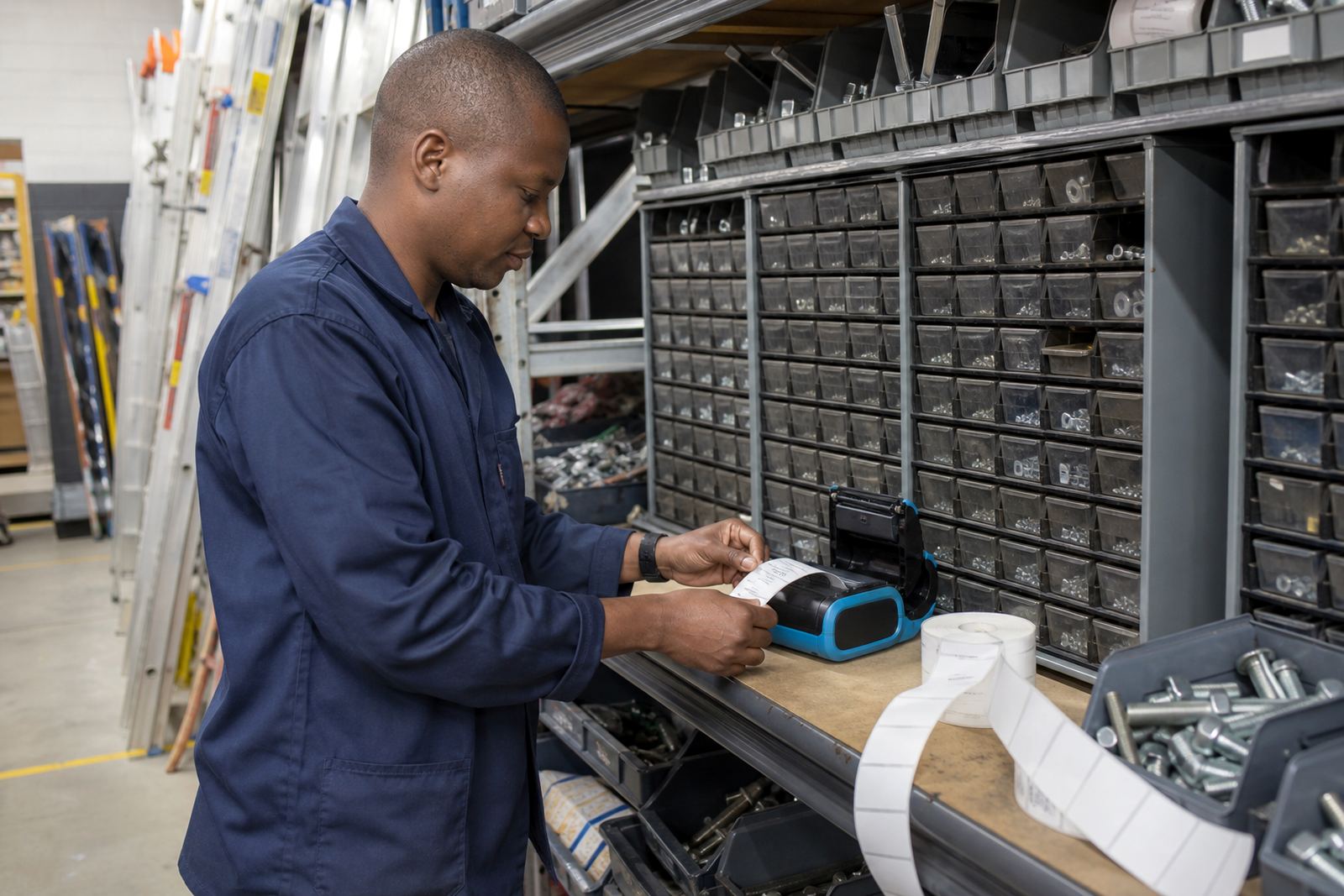
Store receiving usually starts at a crowded point: cartons come off a vehicle, someone checks quantities, then items need a quick mark before they move to oversize bays, backstock racks or the sales floor. A portable label printer works well here because it travels with the person doing the count, the split, or the relabel. It cuts the extra walk to a fixed workstation and keeps the process moving where the cartons are stacked.
For this use case, direct thermal printing suits short-life labels, delivery labels and carton marks. Thermal transfer is the better fit when the label must last longer, face friction, or stay legible in a storeroom with dust and handling. In humid coastal conditions around Cape Town and Gqeberha, label stock and adhesive choice matter as much as the printer setting. If the wrong roll is used, edges lift, the barcode smudges, or the label peels before the stock reaches its bay.
What normally sits on the receiving trolley
A practical set-up is usually small and plain. The printer should be light enough to clip onto a belt or sit on a trolley shelf, yet tough enough for daily handling. Many teams want Bluetooth for a phone or handheld terminal, and Wi-Fi where the printer must sit on a receiving network. A battery with enough life for a full shift is useful, especially when the receiving point is away from a charging spot.
- Thermal mobile label printer with direct thermal or thermal transfer capability
- Label rolls matched to the label size in use, such as small item tags or wider carton labels
- Battery pack and charger, with a spare battery for busy receiving runs
- Belt clip or mounting clip for hands-free movement
- Cleaning kit for the printhead and platen area
- Labels suited to barcode and QR code printing
Print width is worth checking against the label size you actually use. A narrow printer may handle small split labels well, while wider cartons need more space for item codes, counts and location notes. If the receiving team prints several formats in one day, label calibration must be set properly so the printer does not waste rolls or cut off text.
A receiving layout that keeps cartons moving
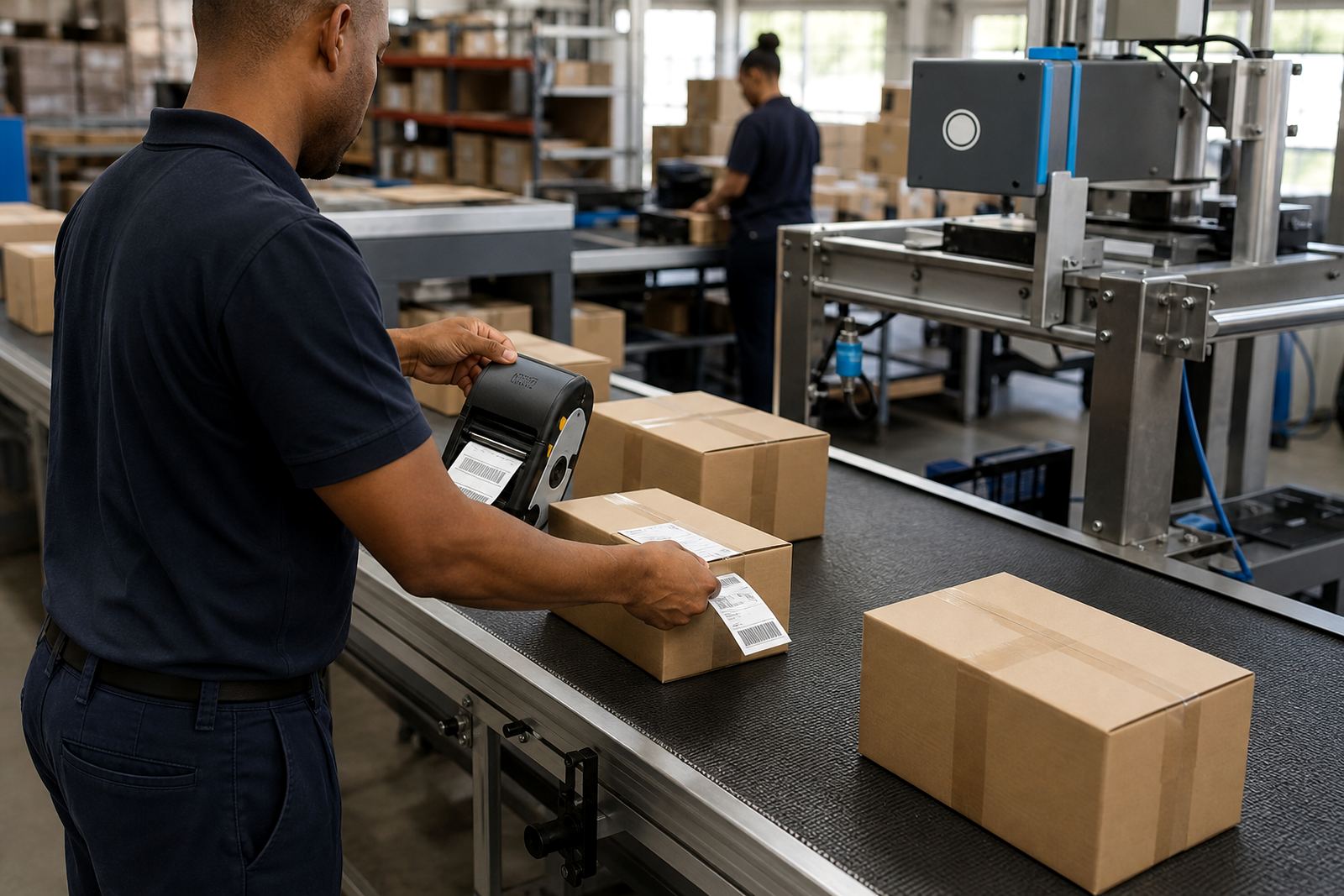
Good layout advice starts with the path the cartons take. Labels should be printed where the goods are checked, not at the far end of the stockroom. If the team separates overstock from open stock, set one label format for carton identity and another for shelf or bin placement. That keeps item separation clear when several staff members handle the same delivery.
It helps to place the printer near the scan point, a packing table or the incoming pallet area. Where staff move between the shop floor and storeroom, a belt clip lets the printer travel without being left on a counter. Label stock should be kept dry and flat, because curled rolls cause feed problems and wasted time. In a coastal branch, this is not theory, it shows up in the first few weeks of bad handling.
- Keep the printer at the point where stock is counted and checked
- Match label size to the carton or item, not to a guess
- Store rolls away from heat, dust and moisture
- Use clear location codes for overstock, returns and short-dated items
- Test Bluetooth or Wi-Fi pairing before the team starts a busy receiving block
Mistakes that slow down the first sort
The most common problem is mixing label types. Direct thermal labels are fine for many short-term cartons, but they can fade faster if they sit in light or heat. Thermal transfer labels last better, though they need ribbon and a set-up that matches the stock. Another frequent error is sending every item through one label size, even when the cartons, bags and trays are very different.
Dirty printheads create pale barcodes, broken QR codes and weak text. That often shows up after a few rolls if the printer is not cleaned. Belt clips also get ignored until they snap or loosen, then the printer is left on a crate or wrapped in a rag. Small failures like that are easy to avoid with preventive servicing and a simple operator routine.
When the receiving team is new to portable printing, a short training session helps more than a pile of spare rolls. Staff need to know how to load media, set the print darkness, clear a minor label jam and recognise a battery that is no longer holding charge. If the printer is used across multiple stores, label calibration should be checked at each branch, because a setting that works in Midrand may not behave the same after transport and handling.
Budgets in Rand, matched to the receiving load
Budget usually depends on how hard the printer works and what the labels must do. A compact direct thermal unit for short-life carton marking sits at one level, while a thermal transfer model with wider print options, wireless pairing and stronger battery support sits higher. Add rolls, a spare battery, clips and setup time, and the total changes quickly with the number of receiving points.
For a small store receiving point, a starter set can sit in the lower Rand range, especially if the job only needs simple carton labels and a narrow print width. A busier warehouse receiving team, or a branch that needs durable labels for item separation and stock movement, usually moves into a mid-range or higher budget. Repairs, printhead cleaning and battery replacement are part of the real cost over time, not extra noise on the side.
- Starter mobile printer set for lighter receiving use: usually lower Rand cost
- Mid-range set with stronger battery and wireless pairing: moderate Rand cost
- Heavier receiving setup with wider labels and more accessories: higher Rand cost
- Ongoing consumables, servicing and repairs: budget separately from the printer
Go-Printer works from Montague Gardens, Cape Town and supports stores and warehouses in Johannesburg, Durban, Pretoria, Gqeberha, Bellville and Midrand. We handle on-site setup, Bluetooth pairing, Wi-Fi setup, label calibration, print quality fixes, printhead cleaning, battery testing, battery replacement, belt clip repair, label jam clearing, operator training and preventive servicing.
Where this use case fits on a real floor
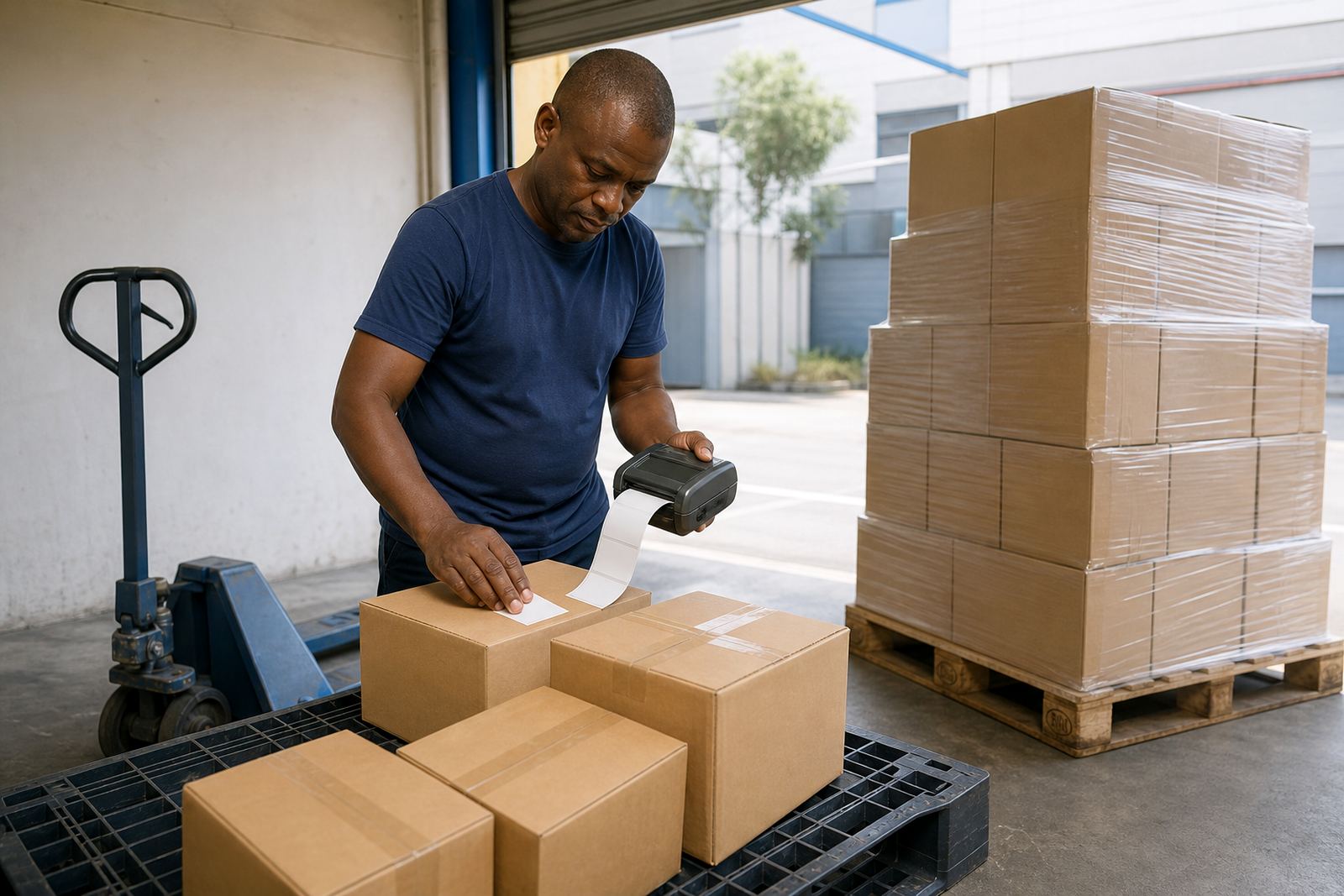
Store receiving is not only about printing a label. It is about getting the label onto the right carton, tray or item before the goods disappear into the wrong bay. A portable printer helps when the team needs to mark incoming stock, separate mixed cartons, identify overstock, or label a split pack for later picking. The right set-up makes those steps shorter and less messy.
When the equipment is matched properly, the receiving team works with fewer stops and fewer reprints. The printer stays close to the person doing the job, the rolls match the stock, and the labels stay readable through handling. That is the point of a good store receiving setup, plain and practical, with less guessing at the back of the warehouse.