Back-of-store printing that keeps the floor moving
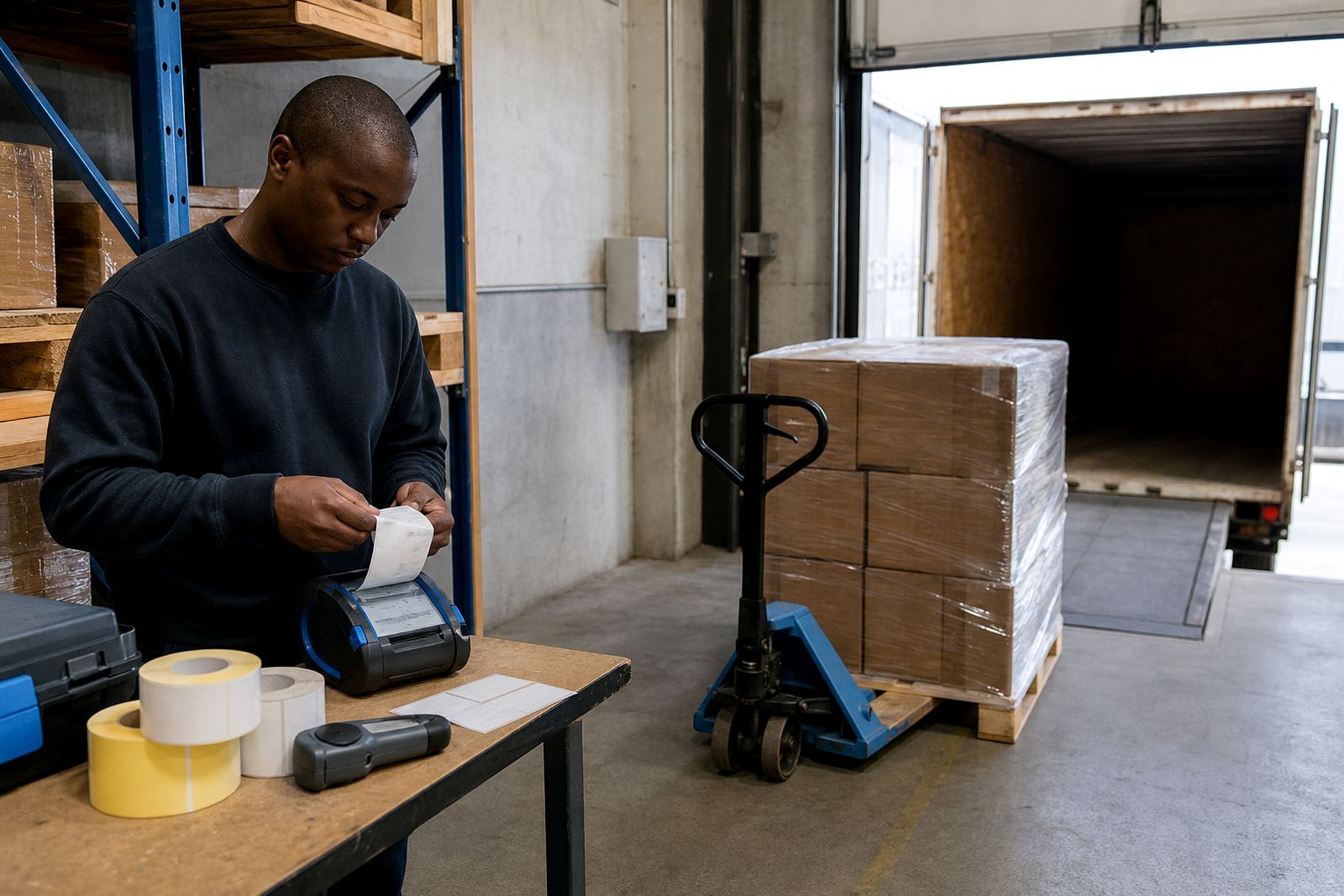
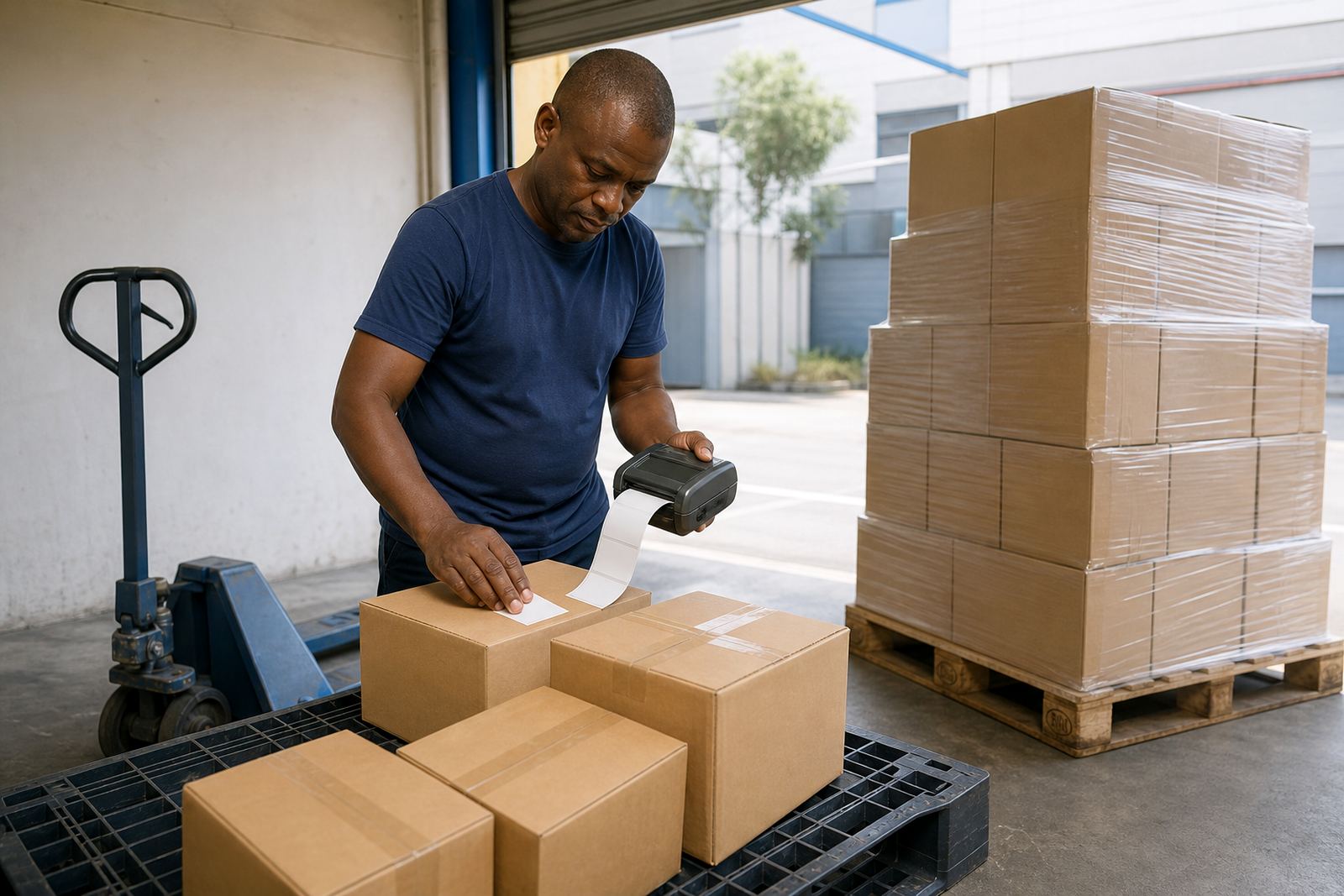
A stockroom has its own pace. One team member is checking transfers, another is relabelling reduced stock and somebody else needs a clear barcode label before the trolley leaves the cage. A mobile label printer helps there because it prints at the point of work, not across the store or in a back office corner.
For retail stockrooms, the usual aim is plain and practical: print a label that scans, stays legible and suits the item size. That may be a small shelf label, a carton label or a transfer label with a code, date and location mark. If the stockroom handles daily receiving and markdown movement, a printer that fits a belt clip and runs on battery power saves a lot of walking.
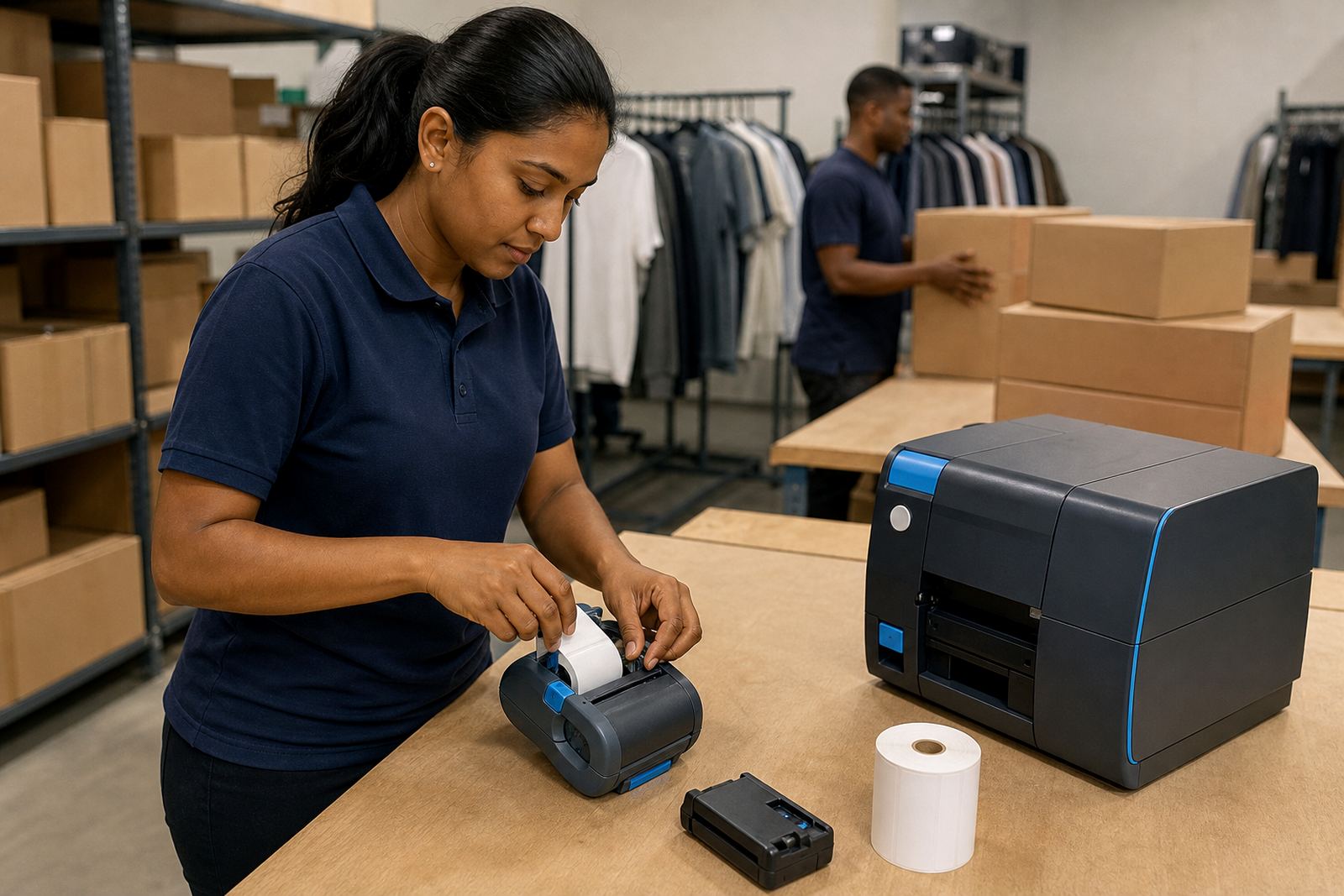
We set up mobile printers for stores that need barcode and QR printing, label calibration and a clean feed path. The work is often about getting the printer to match the label roll properly, then making sure the code prints dark enough for handheld scanners and tills.
The printer set-up that suits retail stockrooms
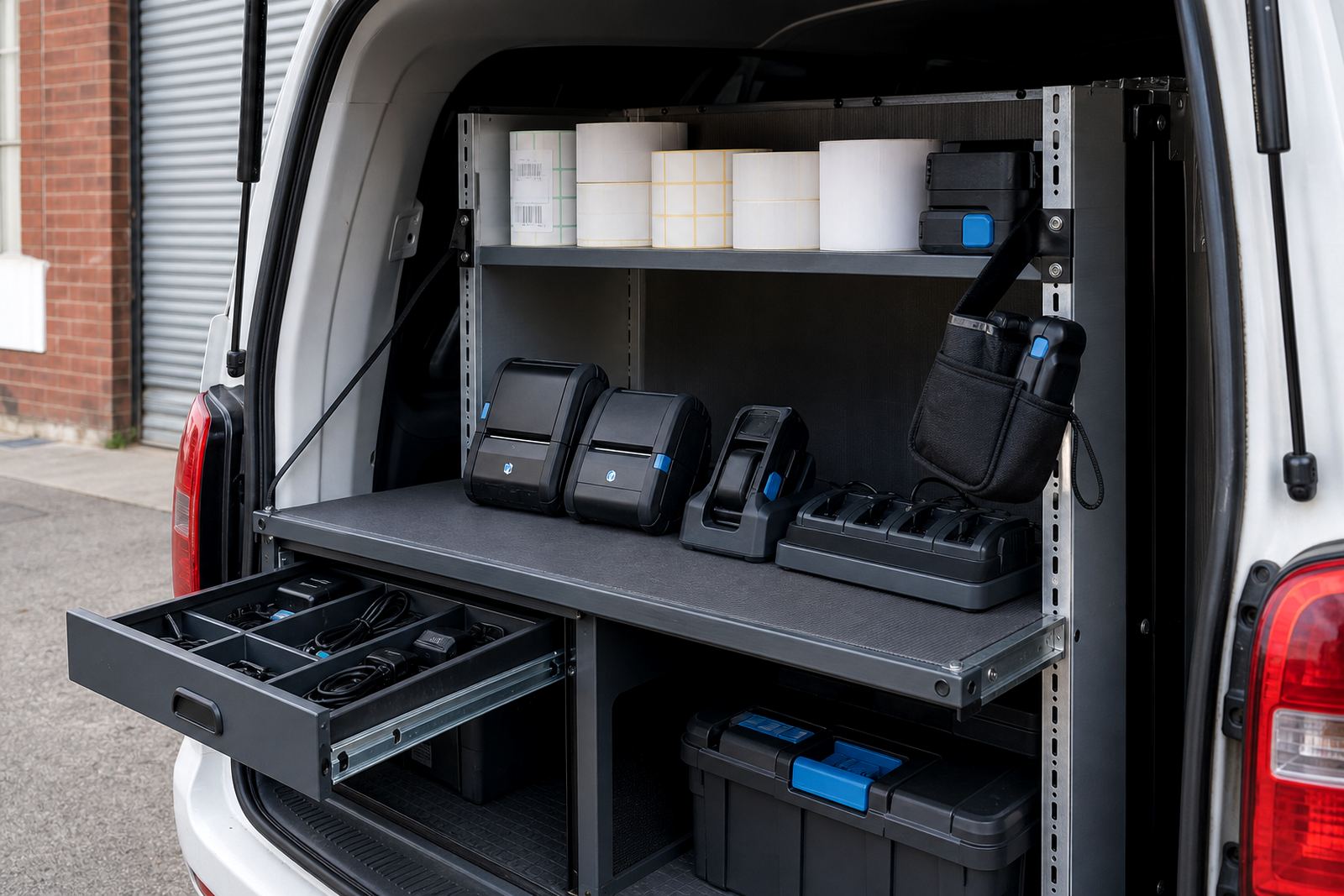
Most stockrooms need more than the printer body alone. The working set usually includes a mobile thermal printer, battery, charger, belt clip, label rolls and the correct connection to a handheld device or back-office system. A team may also keep a spare battery, especially where the printer is in constant use during stock counts or markdown rounds.
Direct thermal printers suit short-life labels and fast handling. They use heat on the label material itself, so there is no ribbon. Thermal transfer printers use a ribbon and suit labels that need longer life, better resistance to scuffing or a label that must keep its text clear over time. For retail, both have a place, depending on whether the label is temporary transfer work or a stock identity label that stays on a carton or tote.
- Direct thermal for markdowns, transfers and short-use shelf labels
- Thermal transfer for longer-life carton and stock identification labels
- 2 inch and 3 inch print widths for compact stockroom work
- Bluetooth pairing for handheld use near the rack or packing bench
- Wi-Fi setup where the printer must sit on the store network
- Battery testing and replacement for printers that travel all shift
Label sizes, codes and the mark that needs to scan first time
Retail labels are often smaller than warehouse labels, but they still need enough space for the right information. A stockroom label may carry a product code, location code, quantity and a barcode or QR code. If the print width is too narrow, the code gets squeezed and the label becomes hard to scan. If the roll is too large for the printer guide, the feed starts wandering and the edges curl.
For a transfer label, the code must stay clear after handling, shelf contact and the odd damp patch from a delivery run. Cape Town stores near the coast also deal with humidity that can affect label stock if rolls are left open. In those cases we look at label material, storage and print darkness, then clean the printhead before the edges start dropping out.
Print quality problems usually show up as faded barcodes, patchy text or a line through the label face. Most of that comes down to dust, worn printheads, poor calibration or the wrong roll size for the job. A quick service on the printer often prevents bigger delays during a busy stock move.
Common stockroom mistakes that waste labels and time
A lot of retail label trouble comes from small habits that build up. The printer gets used with the wrong roll, the battery is not tested before a shift, or the Bluetooth link is left paired to an old handset. Then the team ends up reprinting labels and sorting the same carton twice.
We also see labels stored loosely in open boxes, which picks up dust and moisture. If the stockroom is busy, people often press on with a half-empty roll and blame the printer when the feed slips. That is rarely the whole story. The printer usually needs calibration, a cleaned printhead or a proper battery check.
- Using a label size that does not match the printer guide
- Leaving direct thermal rolls in heat or damp storage areas
- Skipping printhead cleaning until the barcode fades
- Pairing one printer to too many handheld devices without control
- Ignoring battery wear until the printer stops mid-round
- Running labels with damaged edges through a narrow feed path
Layout advice for Montague Gardens and multi-store teams
A stockroom layout should make the printer easy to reach without blocking the packing line or receiving space. In a smaller back room, the printer can live near the label stock and charger point, with the handheld device close by. In larger operations, the better arrangement may be a fixed charging shelf, a clearly marked label rack and a spare unit for busy days.
For stores in Montague Gardens and throughout Cape Town, Johannesburg, Durban, Pretoria and Gqeberha, the main concern is usually how the printer gets used during the day. If one person carries it from receiving to markdowns to stock counts, belt clips and battery life matter. If a store uses a few printers across departments, then pairing, calibration and label supply control matter more.
On-site setup helps where the team needs the printer fitted into an existing process. That can include Bluetooth pairing, Wi-Fi setup, label calibration, belt clip repair, print quality fixes and operator training. When a label printer is used properly, the stockroom spends less time reworking labels and more time moving cartons.
Budget ranges that make sense in Rand terms
Retail stockroom budgets vary with print width, battery setup, connection needs and whether the printer is direct thermal or thermal transfer. A basic mobile unit for lighter stockroom use sits in a different bracket from a printer built for constant movement, barcode work and more frequent servicing. Label rolls also need to be counted properly, because the cost is not only the machine but the ongoing supply side too.
For planning, many stockrooms look at three areas: the printer itself, consumables and support. Consumables include direct thermal or thermal transfer rolls, plus ribbons where needed. Support can cover setup, training, cleaning, battery replacement and repairs. A sensible budget should include spare rolls and a backup battery if the printer is used every day.
- Entry level mobile thermal printer setup: about R3,500 to R7,500
- Mid-range retail stockroom setup: about R7,500 to R15,000
- Heavier-use printer and support package: about R15,000 to R25,000+
- Label rolls and ribbons: budget separately based on label volume
- Battery replacement and servicing: allow for ongoing maintenance over time