When the pack line needs labels that travel with the job
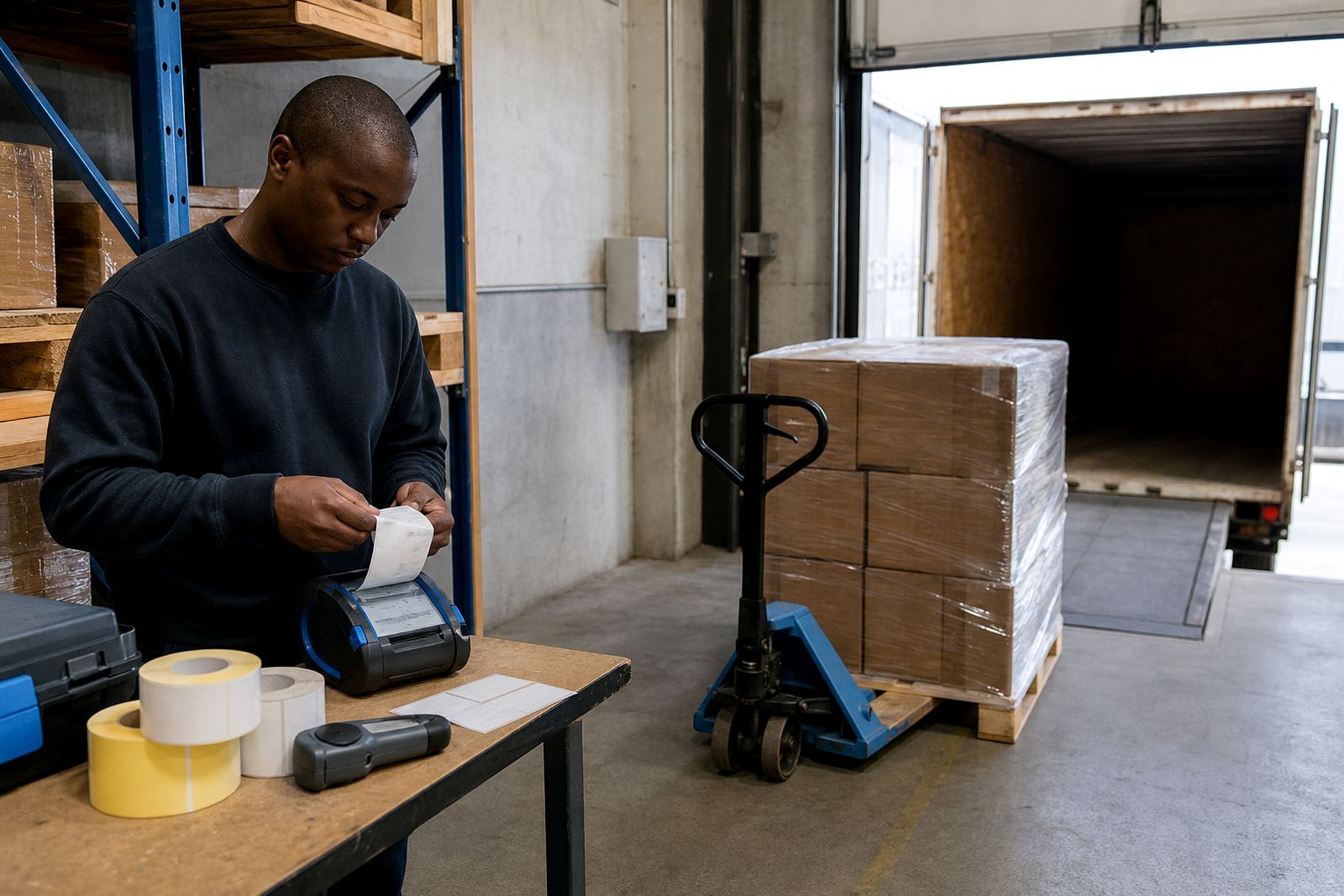
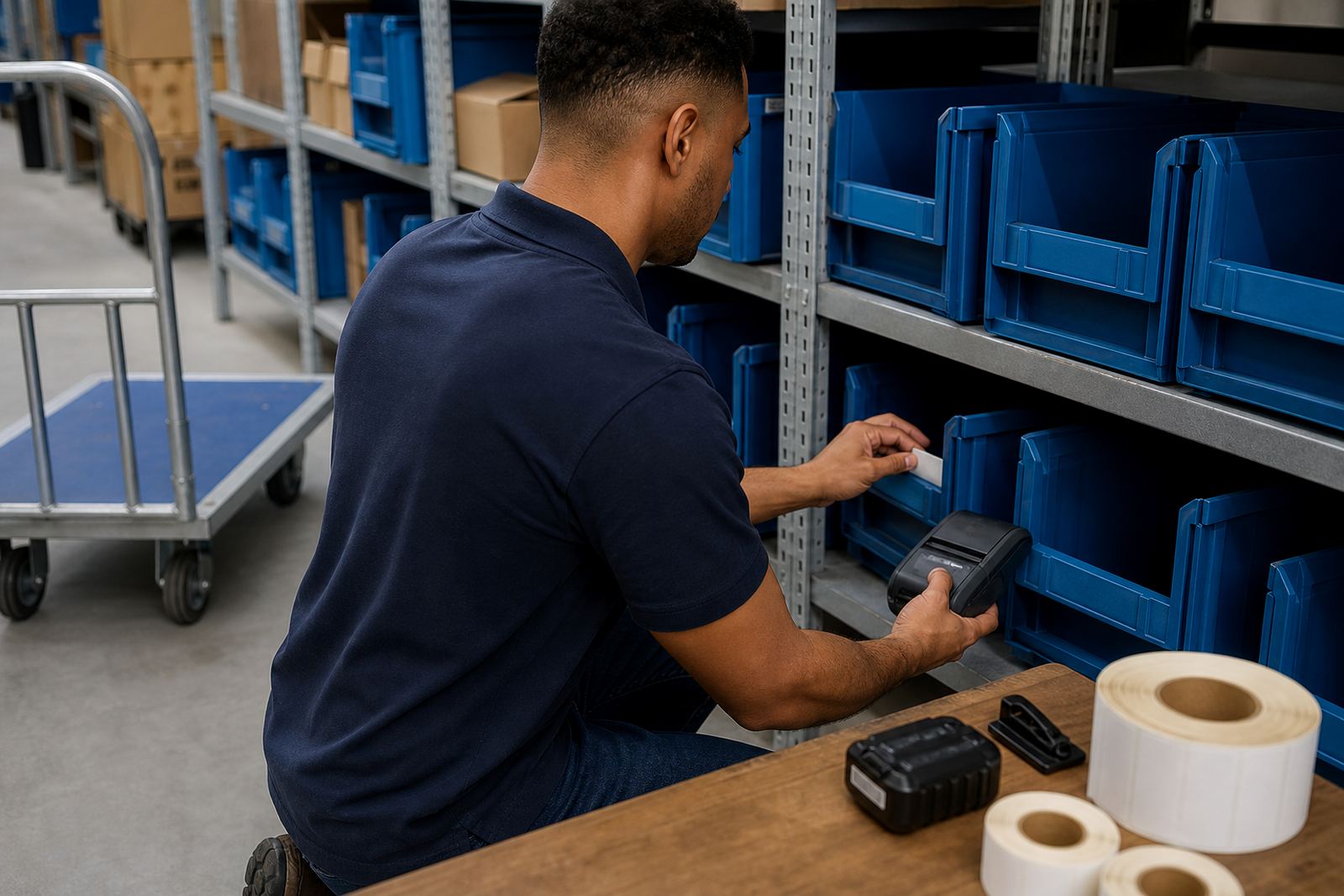
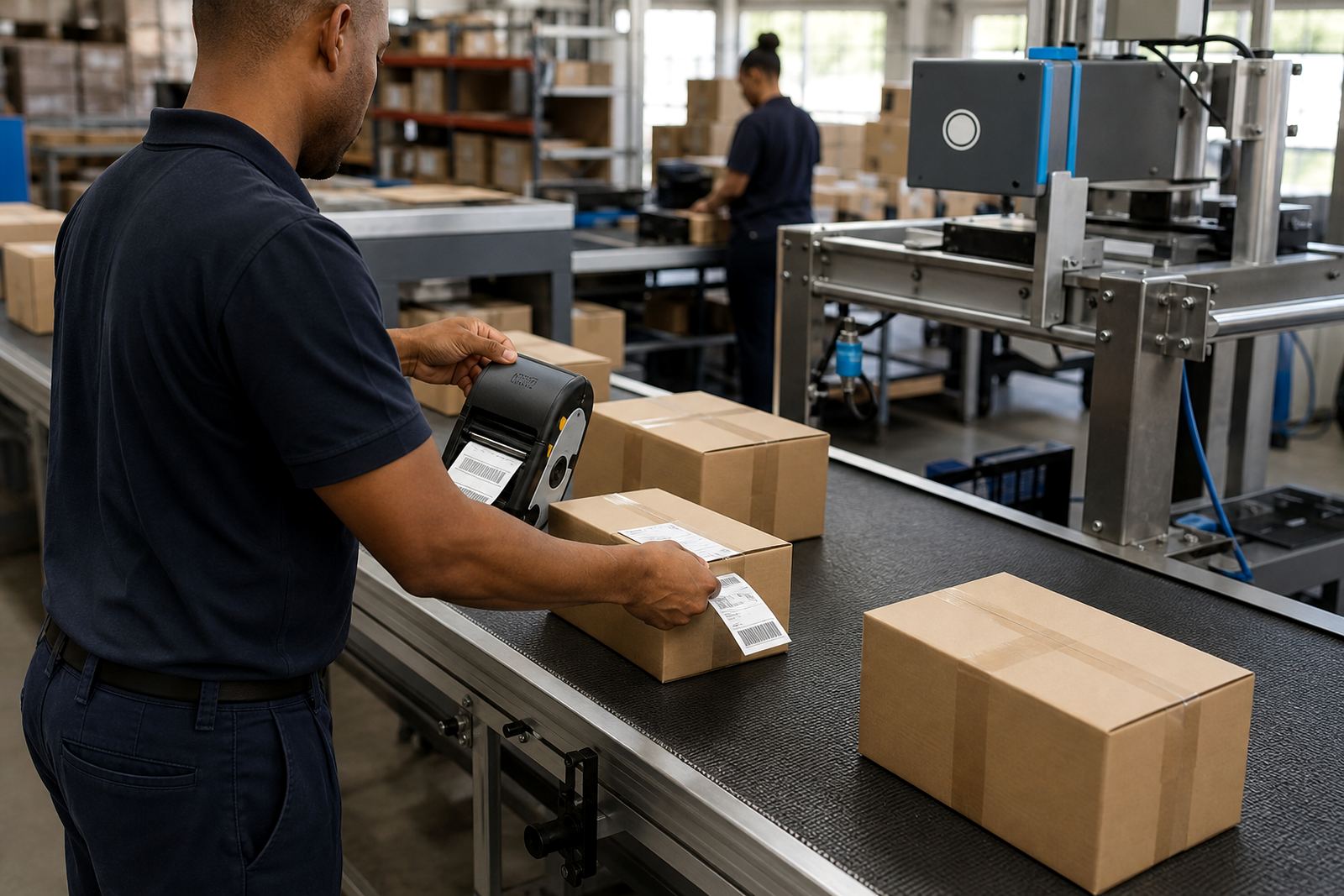
In a fulfilment setting, the printer often leaves the counter and moves with the picker, the checker, or the person fixing a damaged parcel label. A compact mobile unit is useful when a bay label must be printed beside racking, at a returns table, or near a staging lane where cartons are being sorted for same day dispatch.
Direct thermal units suit short life shipping labels, courier slips and stock movement tags. Thermal transfer units use a ribbon and are better for longer lasting labels, shelf tags or stockroom jobs where heat, handling and humidity can wear a direct thermal print down. In Cape Town, Johannesburg and Durban, that detail matters when labels sit in a truck yard or on a humid storeroom wall.
Most fulfilment teams work with label widths around 40 mm, 50 mm, 60 mm and 80 mm, depending on the box size and scanner use. A good mobile printer should handle text, barcodes and QR codes clearly, while still keeping the printhead easy to clean and the battery simple to test before a long run.
Equipment that suits order picking, exceptions and rework
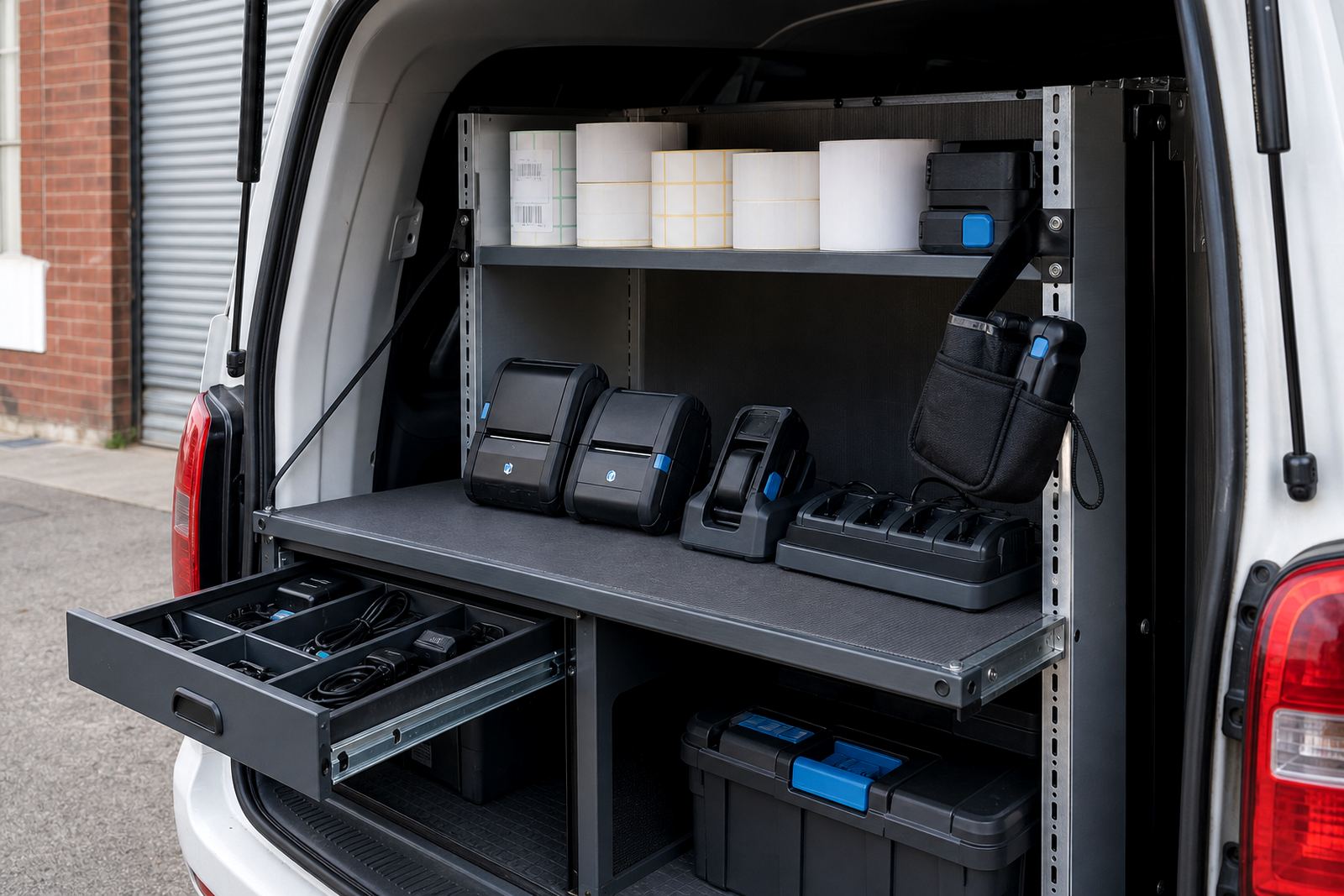
Typical setups in ecommerce fulfilment use one portable printer for the bench and a second unit for the floor, so reprints do not stall the picking flow. Some teams also keep spare batteries, belt clips and extra rolls close to the packing table, especially where the operator moves between stations and needs the printer on hand.
- Thermal mobile label printer for carton labels, bin labels and courier reprints
- Direct thermal rolls for short term dispatch labels
- Thermal transfer rolls and ribbon for tougher stockroom labels
- Battery pack and charger for shift use
- Belt clip or carry clip for hands free movement
- Cleaning swabs or approved cleaning materials for the printhead
Bluetooth pairing is useful for quick connection to a handheld device, while Wi-Fi setup helps where labels must be sent from a fixed work area or from several packing benches. Label calibration is worth doing properly, because a crooked first feed wastes rolls and creates avoidable reprints.
Packing bench layout that keeps the label path short
A practical bench layout puts the printer where the operator can reach it without stepping away from the parcel, the scanner and the tape gun. In many stockrooms, the best position is beside the packing mat or on a small shelf at waist height, with rolls stored where the edge stays clean and dry.
Battery life should be matched to the shift pattern. A unit used for burst printing at peaks can work differently from one that prints throughout the day. If the team handles returns, marketplace exceptions or split consignments, the printer should wake fast, pair cleanly and keep the label feed steady after the unit has been moved between stations.
Set the label widths to the job before the rush begins. A 50 mm label may suit a compact barcode tag, while wider formats are better for address panels and routing fields. If the printer is used across Bellville, Midrand or Pretoria branches, keep the same calibration standard across each site so one roll spec does not turn into three different habits.
The small mistakes that slow a fulfilment bench
Most label problems in ecommerce are not dramatic. They start with the wrong roll width, a dirty printhead, a low battery or a Bluetooth link that was paired once and never checked again. A printer can also drift if the label path is not seated properly, which shows up as pale text, cut off barcodes or an unreadable QR code.
- Mixing direct thermal rolls with a thermal transfer setup
- Using old stock that has faded in storage
- Skipping printhead cleaning until the image starts to break up
- Running a battery flat during peak picking
- Leaving the printer uncalibrated after a roll change
- Mounting the unit where cartons knock it loose
For teams working in Durban or Gqeberha, humidity can make rough handling and poor storage show up faster. Keeping rolls sealed and the printer clean helps the label stay legible when parcels move through a busy dispatch lane.
Budget bands for a working ecommerce setup
A starter mobile label setup can begin around R3 500 to R7 500 for a basic printer and first rolls, depending on label width, battery setup and the type of output needed. Mid range fulfilment setups often sit between R8 000 and R15 000 when the job needs stronger battery life, better connectivity and spare consumables for the bench.
For a multi station operation or a site that needs on site setup, training and repairs, the spend can move higher once extra batteries, belt clips, calibration work and backup units are added. Thermal transfer systems generally cost more than direct thermal units because the ribbon, compatibility and label media all need to line up properly.
It is usually wiser to plan for the full working kit, not only the printer unit. Rolls, batteries, clips and a proper setup visit often matter more in a fulfilment floor than a low sticker price on the unit alone.
What our setup visit covers on the floor
Go-Printer supports ecommerce fulfilment teams from Montague Gardens, Cape Town, and works across South Africa where the packing floor needs portable label output that stays usable through the day. Our team handles on site setup, Bluetooth pairing, Wi-Fi setup, label calibration, print quality fixes, printhead cleaning, battery testing, battery replacement, belt clip repair, label jam clearing, operator training and preventive servicing.
That support is useful when a warehouse opens a new packing lane, when a courier counter changes label format, or when a retail stockroom starts printing from hand held devices instead of a fixed station. Mandla Mthethwa, Anele Ntsele, Kagiso Ngwenya, Leanne Hlongwane, Siyabonga Adonis and Zinhle van Wyk work across equipment setup, supplies and field service so the label side stays orderly.
For sites in Johannesburg, Durban, Pretoria, Gqeberha and Cape Town, the aim stays the same: keep the label path short, keep print quality sharp, and let the operator print, peel and apply without losing time.