Labels that keep pace at the dock
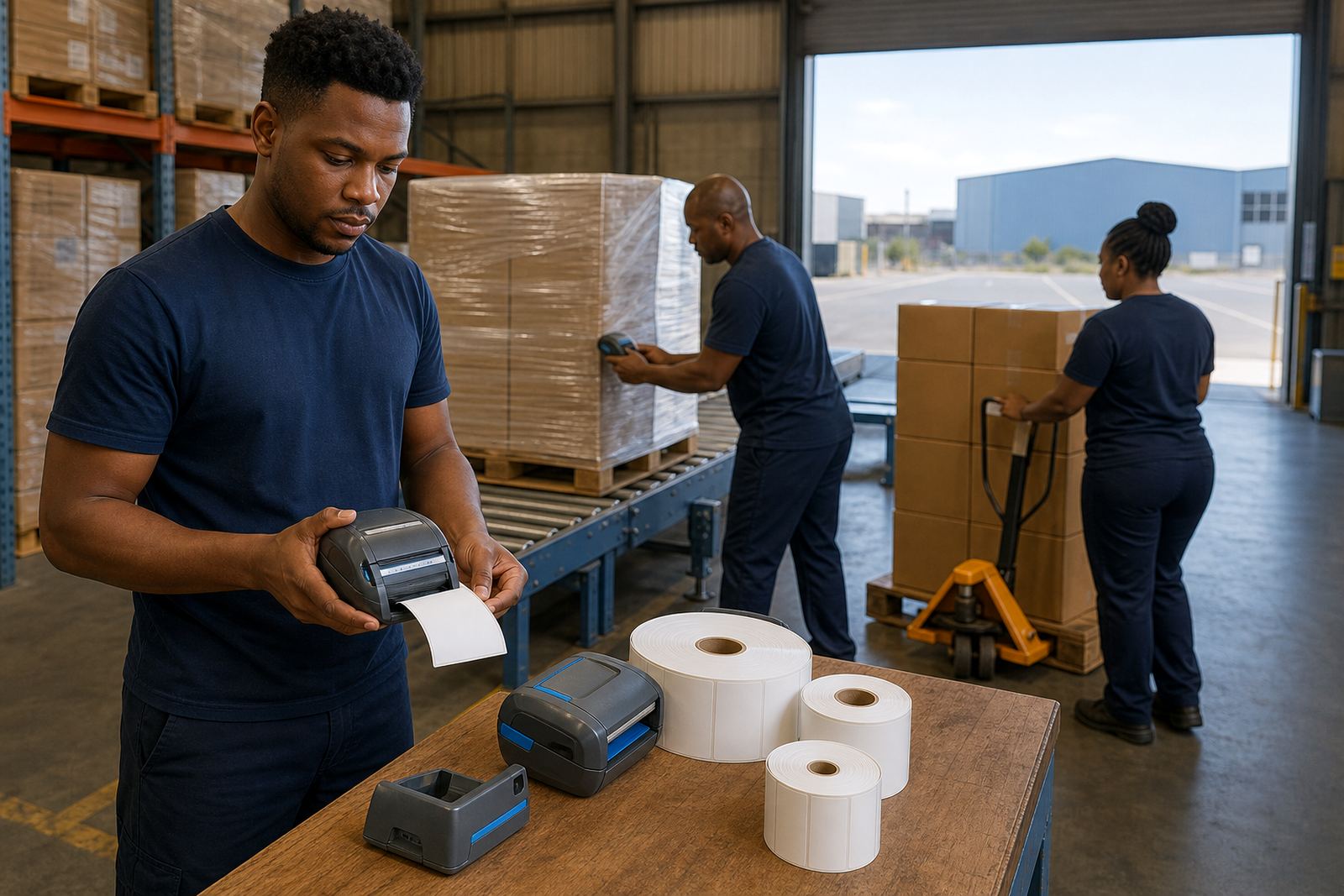
Cross docking does not leave much room for slow admin. Boxes arrive, get checked, scanned, relabelled and sent out with very little pause. A mobile thermal label printer suits that rhythm because it prints where the goods are, not at a fixed office point. For busy receiving lanes, direct thermal labels are common for short-life shipping labels and route tags, while thermal transfer suits labels that need tougher print life, cleaner edges and better resistance to handling.
In a dock area the usual label needs are plain and practical. Many teams want barcode labels, QR codes, carton identifiers, location tags and shipment marks that can be read before the pallet leaves the floor. Print width matters too, because some jobs only need 58 mm labels while others need wider formats for handling notes or multi-line data. A label that is too small or too light can slow the next scan and create avoidable relabelling at the gate.
Battery life also matters in cross docking because a printer may be used across several bays, a staging area or a loading line. Bluetooth pairing works well for short-range use with handheld devices, while Wi-Fi helps where printers sit on a shared network and need to receive jobs from more than one point. If the printer head gets dusty or sticky, print quality drops fast, so regular cleaning is part of keeping the line moving.
Typical set-up for a moving goods floor
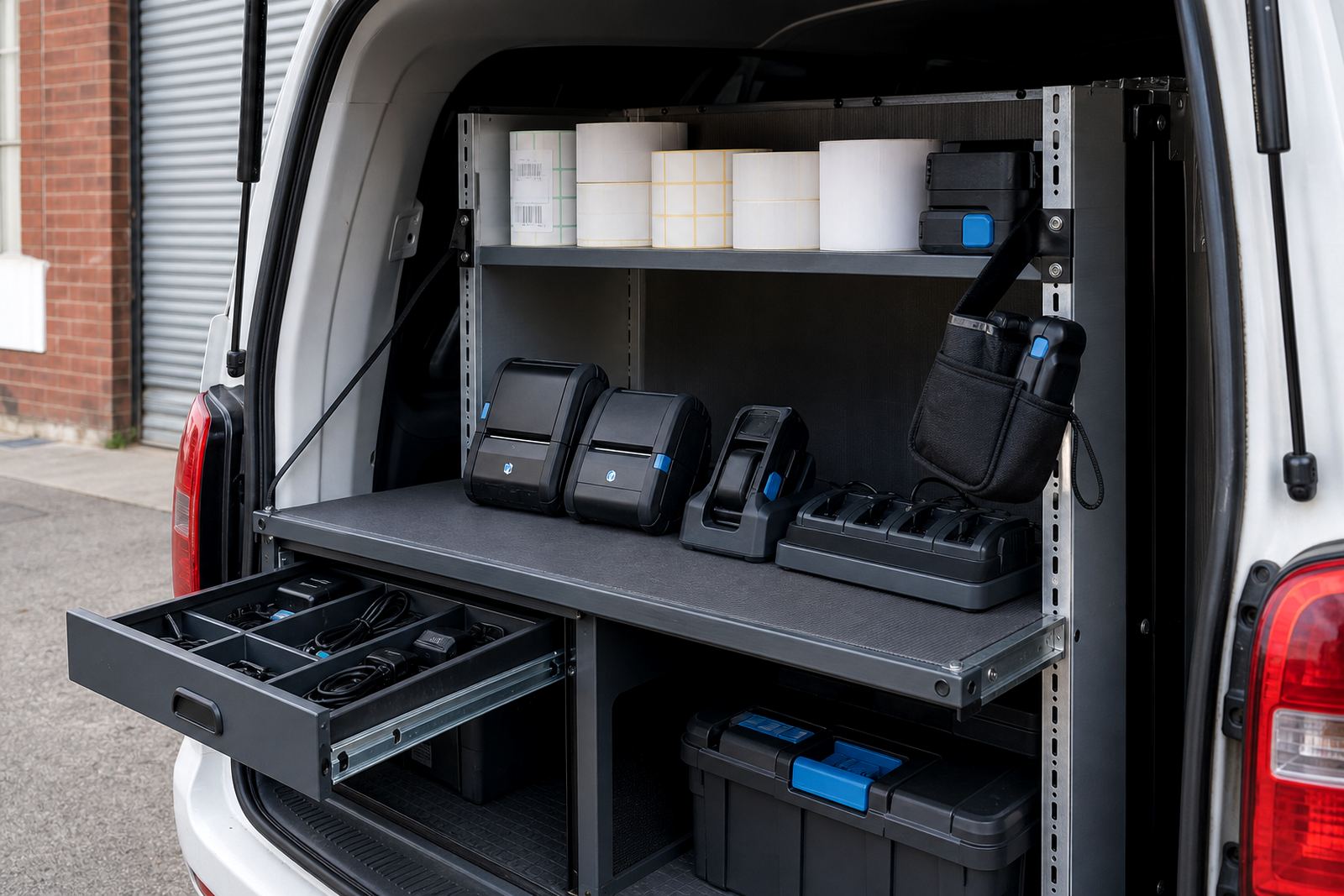
A cross docking setup usually starts with the printer itself, spare batteries, belt clips and the right label stock. Some teams use direct thermal rolls labels. Others use thermal transfer rolls where the label must hold up longer on cartons, tubes or containers moving through more hands. The choice depends on how long the label must stay clear and what sort of surface it will be applied to.
- Mobile label printer with Bluetooth or Wi-Fi pairing
- Direct thermal rolls for short-life dispatch and routing labels
- Thermal transfer rolls for tougher handling and longer readability
- Spare battery, charger and battery test check
- Belt clip or carry option for scanning and relabelling on foot
- Small cleaning kit for printhead cleaning and roller care
For a warehouse in Montague Gardens or a courier hub in Midrand, that mix keeps the printer close to the work. In tighter stockrooms, a compact unit with an easy belt clip is often enough. On a larger floor, the setup may include more than one device so receiving and dispatch can label at different points without shuttling one machine around all day.
Layout choices that save steps and mistakes
Cross docking works best when label printing follows the path of the goods. If cartons are checked at one table and then moved to another lane, the printer should travel with the operator or sit within reach of the staging point. That reduces walking, cuts reprints and helps labels get applied before the pallet leaves the receiving side. It also helps if the print format is fixed in advance, because changing size at the dock often leads to wrong scans or labels that cover old data.
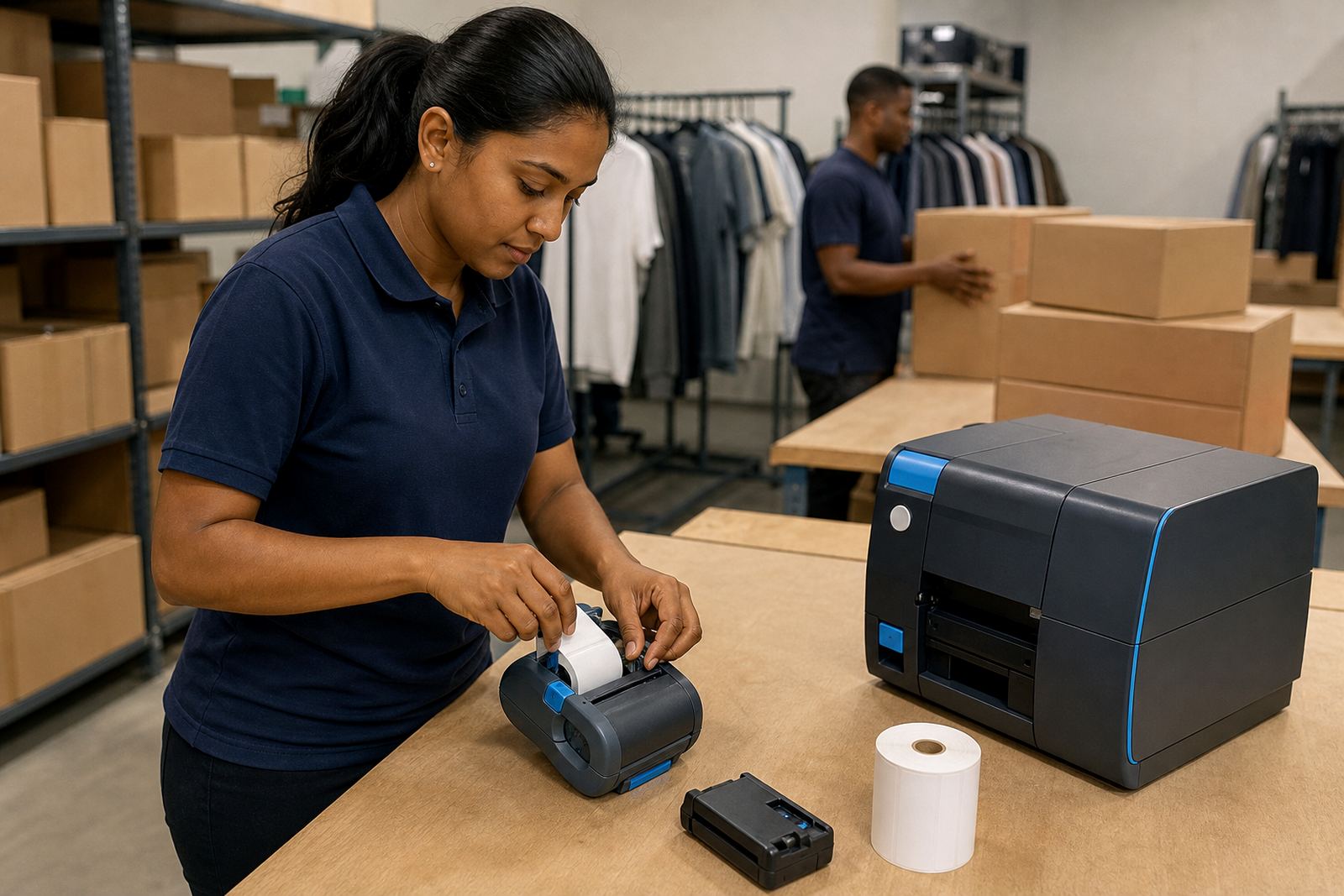
Label calibration matters when a printer is switched between stock types or roll sizes. If the feed is off, the first label can print half on the liner or at the wrong margin, and that is enough to slow the bay. A tidy layout also keeps batteries charged, rolls dry and spare clips within reach. In Cape Town, Durban and Gqeberha, humidity can affect paper stock if rolls are left open near loading doors, so sealed storage and sensible rotation make a difference.
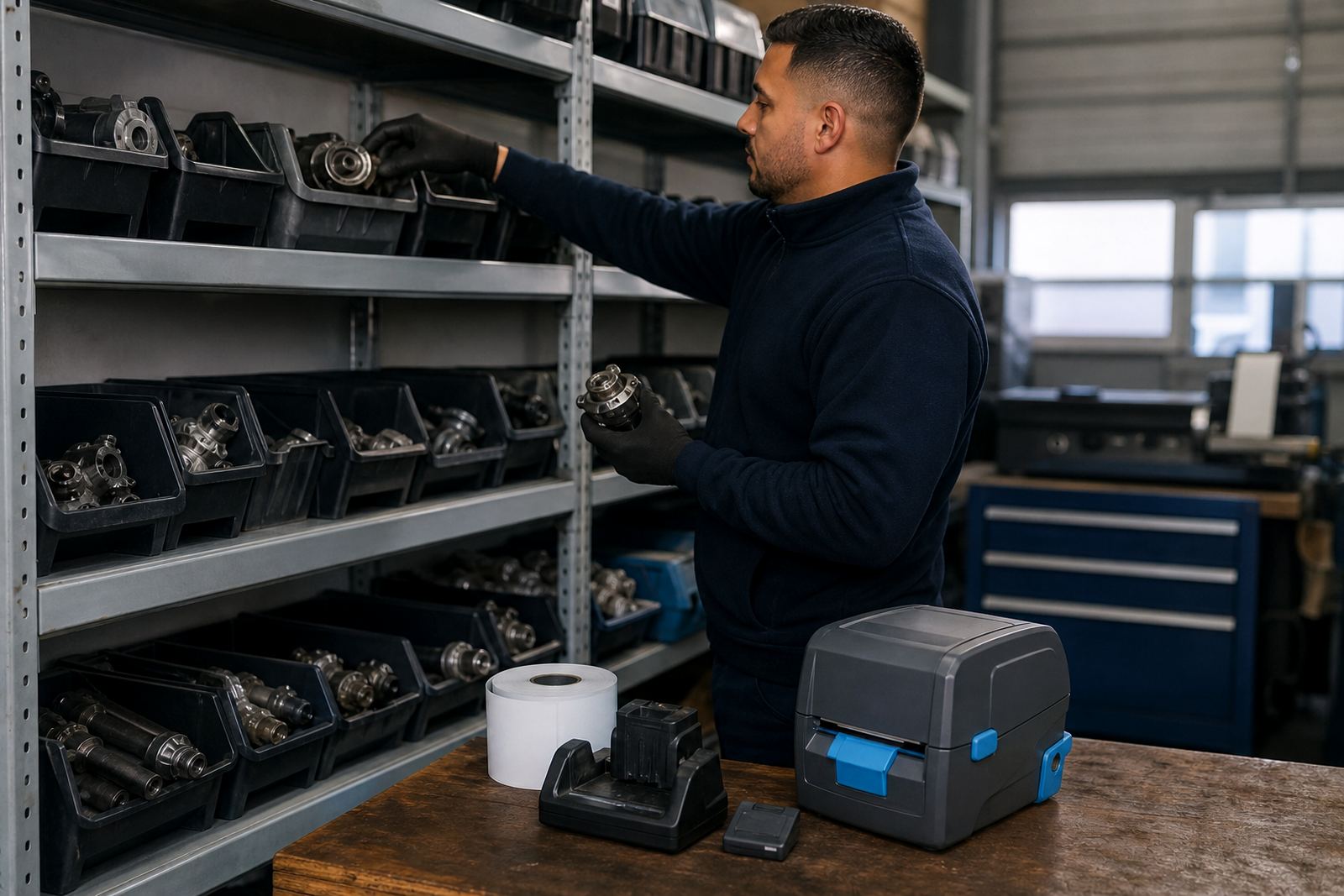
- Keep the printer at the point of relabelling, not across the room
- Match label width to the scan area and carton size
- Use one print template for each route or dispatch lane
- Store rolls away from dust, moisture and direct heat
- Plan charging points for spare batteries and backup units
The mistakes that slow a cross dock
One common mistake is using the wrong label type for the job. A direct thermal label may be fine for same-day movement, but it can fade if the carton sits longer than expected or gets warm in transit. Another problem is pairing the printer once and leaving it unchecked after a battery swap or device reset. That is how a label queue turns into a line of workers waiting for the next print.
Printhead cleaning is often skipped until the text starts fading or the barcode breaks up. By then the printer may already be wasting labels. Another issue is bad calibration after changing roll size, which can cause skipped labels or crooked prints. Belt clips are also worth checking because a loose clip can make the device awkward to carry when an operator is moving between receiving and dispatch.
For teams handling mixed stock, it helps to separate shipping labels from internal movement labels. If both are printed from the same template without a clear rule, the wrong sticker goes on the wrong carton and the goods need relabelling later in the lane.
What the budget usually covers in Rand
Budgets for cross docking setups vary with the number of printers, the label format and whether the work is a fresh install or a repair-heavy site. A basic mobile printer setup for a small receiving or dispatch point can start with the unit, one battery, a charger and a first set of rolls. More active sites often need extra batteries, more rolls, belt clips and field setup to get the layout right across several bays.
As a broad guide, a starter cross docking kit may land in the low thousands of Rand, while a bigger setup with several printers, spare batteries and thermal transfer stock can cost more depending on label size and duty cycle. Ongoing costs usually include replacement rolls, battery checks, printhead cleaning and the odd repair when a printer has had a hard run on the floor. On site setup can also be part of the budget when staff need the printer matched to their scanners and route labels.
For warehouses in Pretoria, couriers in Johannesburg or stockrooms in Bellville, the useful question is not just the device price. It is whether the printer can keep up with the label volume, the floor movement and the way the team actually works during receiving and dispatch.
Support that fits the dock rhythm
Go-Printer operates from Montague Gardens, Cape Town and supports cross-docking sites across South Africa, including Cape Town, Johannesburg, Durban, Pretoria and Gqeberha. The team handles on-site setup, Bluetooth pairing, Wi-Fi setup, label calibration, printhead cleaning, battery testing, battery replacement, belt clip repair, print quality fixes, label jam clearing, operator training and preventive servicing. That matters where the line cannot afford messy labels or a printer that keeps missing the next pallet.
Our contact form is the easiest way to send a cross docking brief with the label size, the number of bays and the kind of movement on your floor. From there, the setup can be matched to the way cartons are received, relabelled and sent out. If your site uses direct thermal or thermal transfer for harder handling, the equipment can be set to suit that pattern without overcomplicating the dock.