When the van becomes the last packing bench
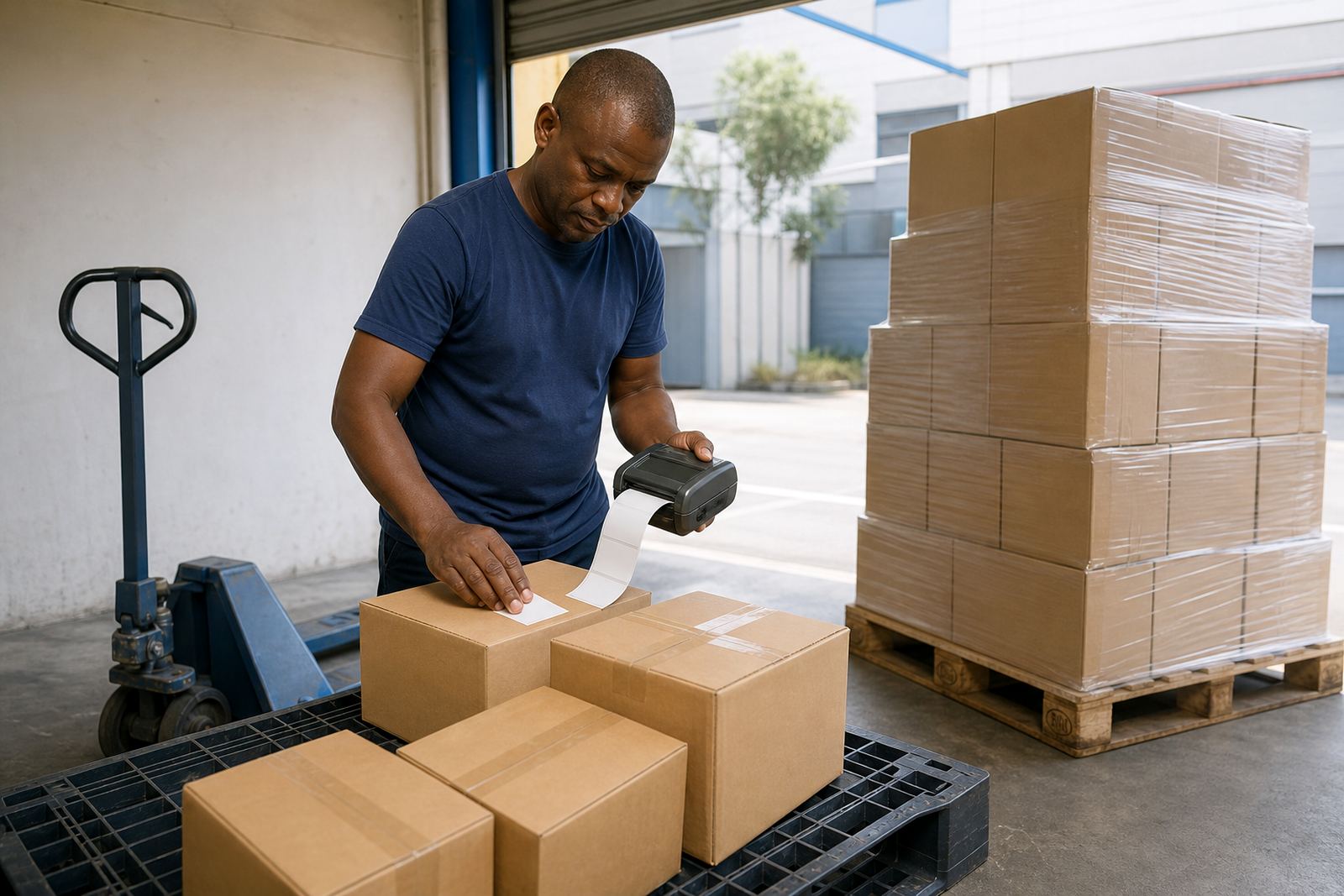
In-vehicle printing usually starts with a simple problem: the parcel is ready, the driver is leaving, and the label still has to be printed where the handover happens. That can be a courier van, a service bakkie, a retail delivery truck or a collection route that needs proof labels before the team leaves the depot. A mobile printer keeps the print point close to the parcel, which cuts down on misplaced labels and rework at the stop point.
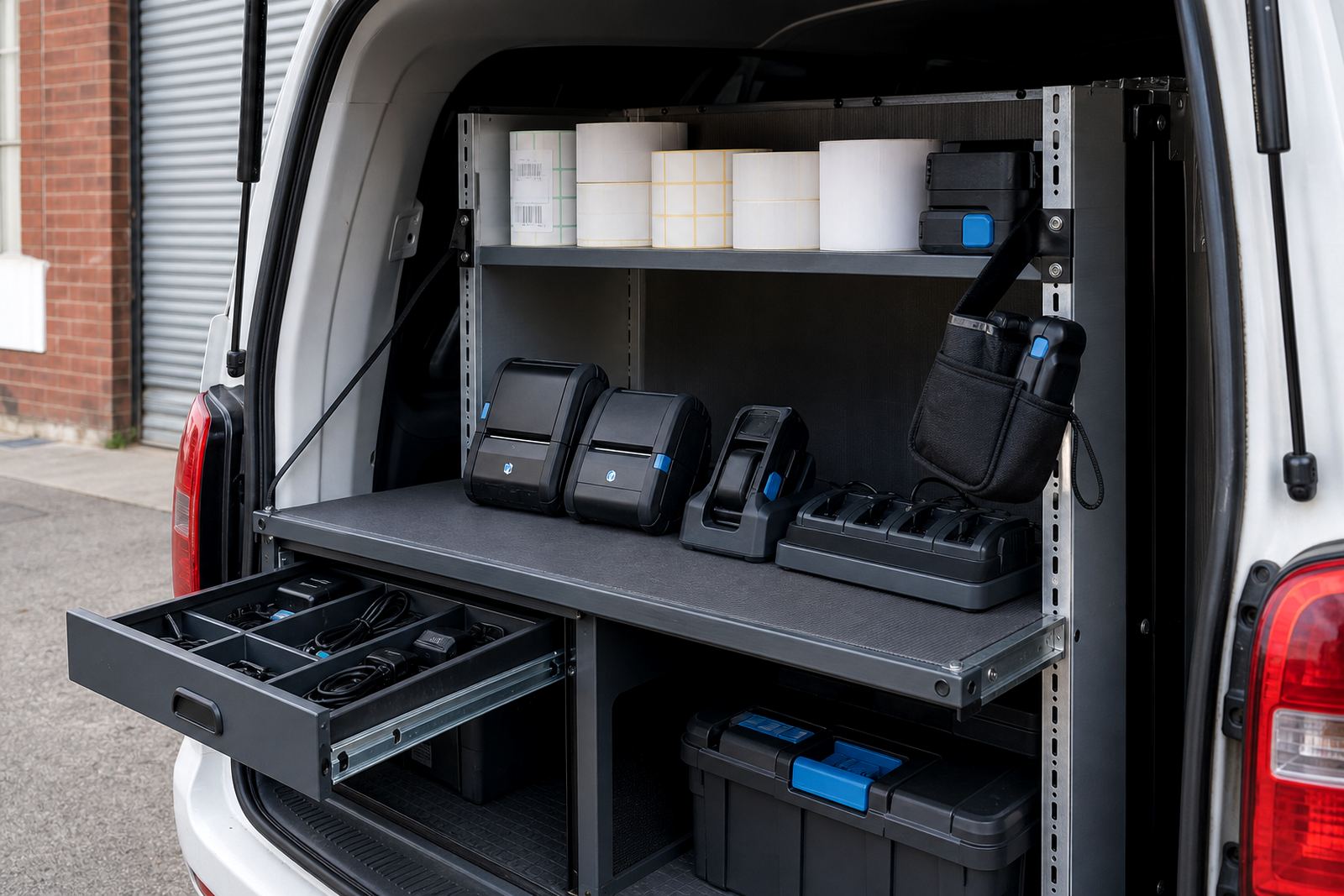
For this use, the printer needs to travel well and hold up to dust, vibration and daily charging. A compact battery unit is usually the right fit, especially when the driver and sorter need short bursts of printing through the day. The better setups also make room for simple carrying, a belt clip or mount, and enough label stock to last the shift without loose rolls moving around in the cab.
Printer types that suit route work
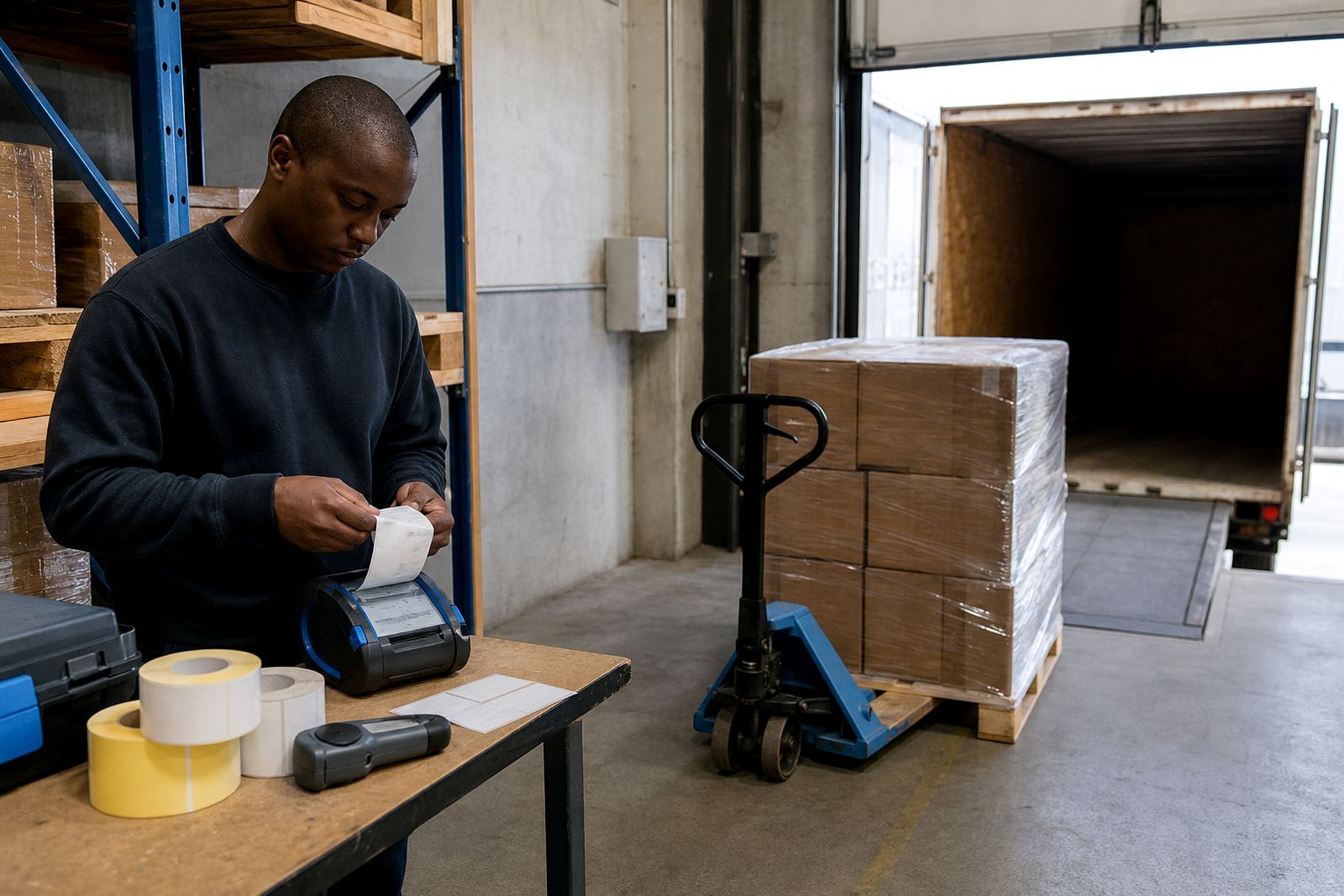
Thermal mobile label printers fall into two common types. Direct thermal units print on heat-sensitive labels and suit short-life labels, courier waybills, parcel tags and collection records. Thermal transfer units use a ribbon and are better when the label must survive longer storage, handling, rub and some weather exposure. For vehicle work, the choice usually comes down to how long the label must remain legible once it leaves the van.
Print width matters as well. Many route teams work with widths around 48 mm, 60 mm or 104 mm, depending on the parcel system and the size of the barcode. Wider labels give more room for addresses, route notes and QR codes. Smaller labels suit item tagging and quick scans. Pairing options usually include Bluetooth and Wi-Fi, which can link the printer to a handheld device, tablet or vehicle workstation when the team needs to print off a manifest or collection label on the move.
- Direct thermal for short-use parcel labels and delivery slips
- Thermal transfer for tougher labels that must last longer
- Battery power for mobile use between charge points
- Bluetooth pairing for close-range printing in the vehicle
- Wi-Fi setup where the route team shares a local network
How the label roll is chosen for a moving team
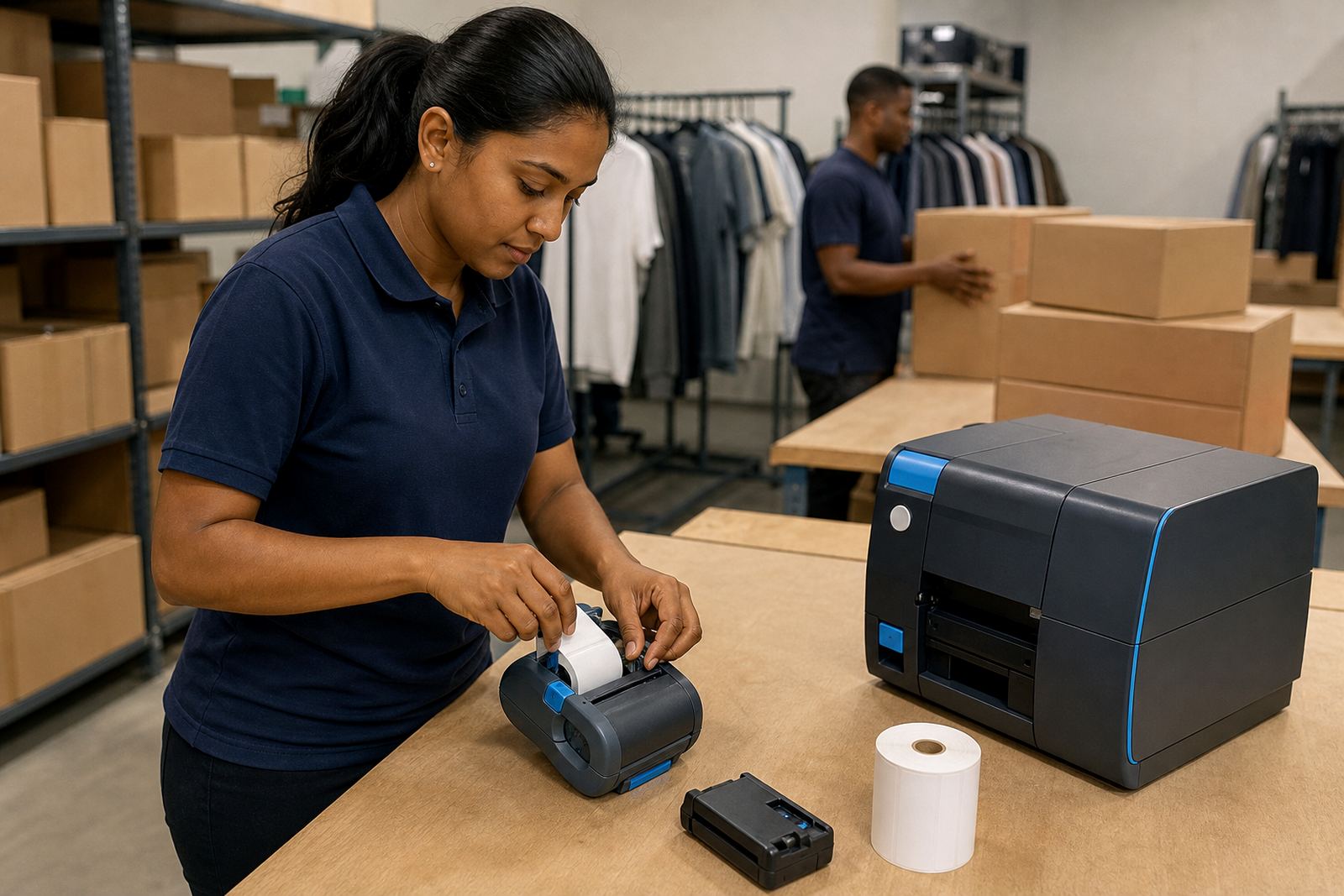
Label roll choice matters more than many crews expect. A roll that suits a stockroom printer may not feed neatly in a vehicle unit, and a roll that looks fine in the office can curl or smear in the heat of a cab. The adhesive should match the surface too, whether that is corrugated carton, plastic tote, clear pouch or a wrapped parcel on a collection run.
For route work, common sizes are often kept in a few standard widths so the team does not waste time changing stock between jobs. Barcode labels need enough clear print area for scanning, while QR labels need good contrast and a clean printhead to stay sharp. If the labels pass through hands, dust or rain, a thermal transfer roll with the right ribbon can be a better fit than direct thermal alone. Print quality also depends on calibration, so the printer must feed the label at the right gap and stop in the right place each time.
- Short-life labels for same-day handover or dispatch
- Longer-life labels for returns, transfers and shelf movement
- Adhesive matched to cartons, plastic crates or wrapped items
- Clean feed path to reduce skew and wasted labels
- Correct calibration for neat barcode and QR placement
Route-ready layout and fitting notes
A delivery vehicle setup works best when the printer has a fixed place, a spare battery path and enough space for the roll cover to open without fumbling. In practice that means checking where the driver sits, where the parcels ride, and whether the unit needs a belt clip, a small shelf mount or a travel case. It also helps to plan for charging in the depot, not only in the vehicle, so the team starts the route with a full battery and a tested printer.
On-site setup often includes Bluetooth pairing, Wi-Fi setup, label calibration and a few test labels at the actual print size. If the printer is used by more than one driver, the settings should stay consistent across devices. Training matters here too, because a fast-paced route can create small errors that turn into wasted labels, missed scans and extra stops. Battery testing, printhead cleaning and belt clip repair are all part of keeping the unit ready for the next run.
- Keep one standard print profile for the route team
- Test barcode clarity before the vehicle leaves the base
- Store spare rolls in a clean dry box
- Clean the printhead with the correct method and schedule
- Check battery health before heavy collection days
Common mistakes that slow a delivery shift
The most common mistake is choosing a printer that is too small for the label size. Another is buying label stock that feeds badly or curls in warm vehicle conditions. Some teams also pair the printer to the wrong device, then waste time resetting the connection while parcels wait. A loose battery, worn belt clip or dirty printhead can create the same kind of delay, even when the printer itself is still usable.
We also see teams printing at the wrong darkness setting, which makes barcodes too light or fills the label with heavy marks. In other cases, the roll is fine but the calibration is off and the print drifts up the label. These are practical faults, not dramatic ones, yet they affect scanning and proof tasks quickly. A proper setup, a bit of operator training and periodic servicing usually fix the pattern before it becomes a daily problem.
For budget planning, a basic mobile printer setup can start around R3 500 to R6 500 for lighter route work, depending on width and battery setup. Mid-range units with stronger battery life, better pairing options and larger label support often sit around R6 500 to R12 000. If the team needs thermal transfer capability, extra batteries, mounts, label rolls and on-site setup, the total can move into the R12 000 to R25 000 range or higher for more involved vehicle fleets. Repairs, battery replacement and printhead work are usually quoted on the actual unit and fault, not as a flat figure.
Where this setup is used across our service areas
Montague Gardens is a common starting point for vehicle printers because many warehouse and dispatch teams work from there or nearby Bellville. The same setup also fits courier depots and retail stockrooms in Midrand, Pretoria, Durban, Johannesburg and Gqeberha where drivers need a compact unit that can travel with the job. For South African route teams, the aim is not fancy hardware. It is steady printing, readable labels and a unit that survives daily handling.
Go-Printer handles on-site setup, Bluetooth pairing, Wi-Fi setup, label calibration, printhead cleaning, battery testing, battery replacement, belt clip repair, print quality fixes, label jam clearing, operator training and preventive servicing. The team includes Mandla Mthethwa, Anele Ntsele, Kagiso Ngwenya, Leanne Hlongwane, Siyabonga Adonis and Zinhle van Wyk, with work based from Montague Gardens, Cape Town and travel support across the major centres listed above.
What to send when the route needs a proper quote
For an accurate quote, the useful detail is practical: print width, label size, direct thermal or thermal transfer, Bluetooth or Wi-Fi pairing, and whether the printer will live in one vehicle or several. Add the route type too, because courier parcels, retail transfers and proof labels do not all need the same roll or the same battery life.
our contact form is the simplest way to send that information through. If there is an existing printer on the vehicle, include the model details and the fault notes so the team can see whether the job needs setup, servicing or repair. The point is to match the printer to the run, not force the route to fit a random box of labels.