What changes when counts happen on the floor
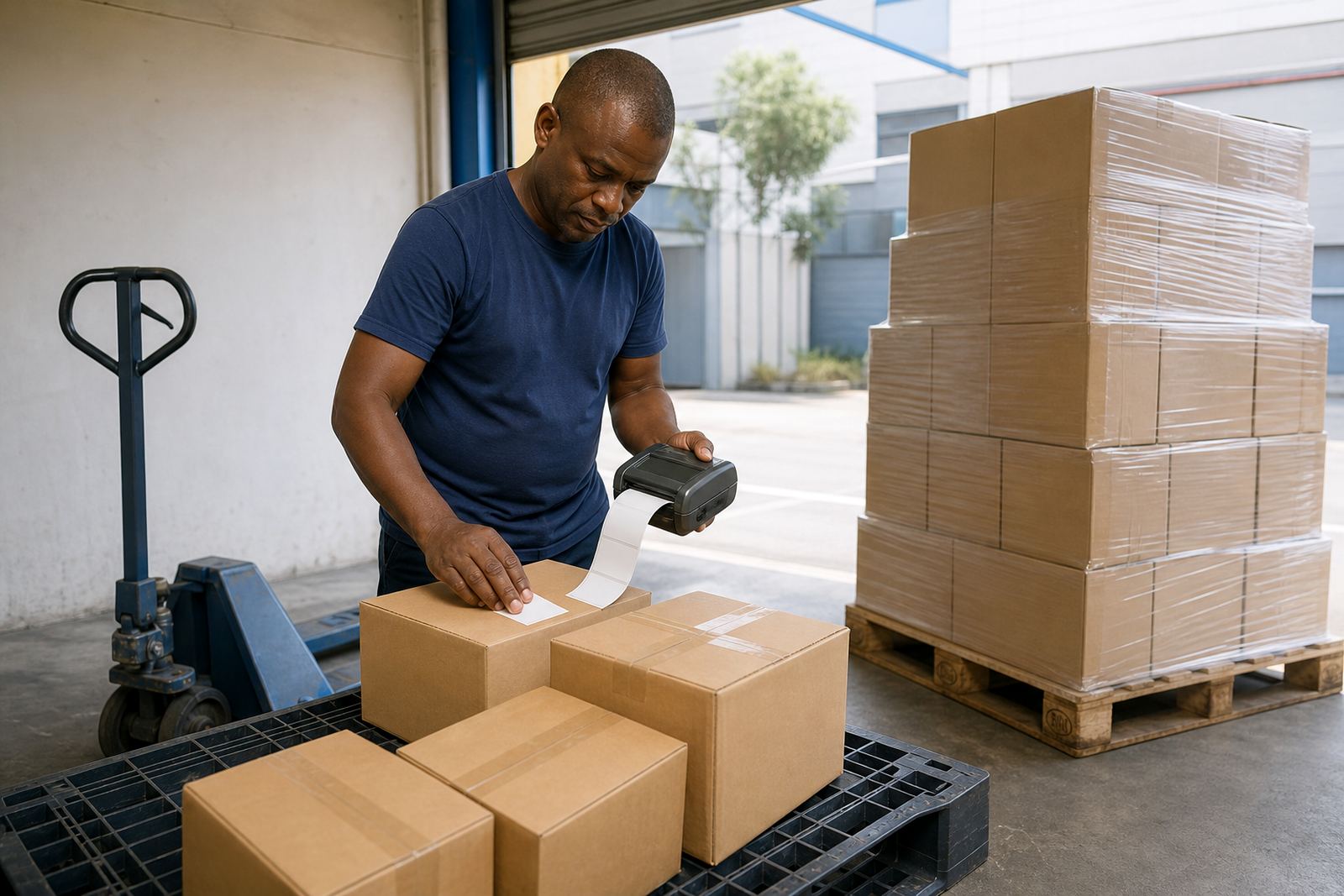
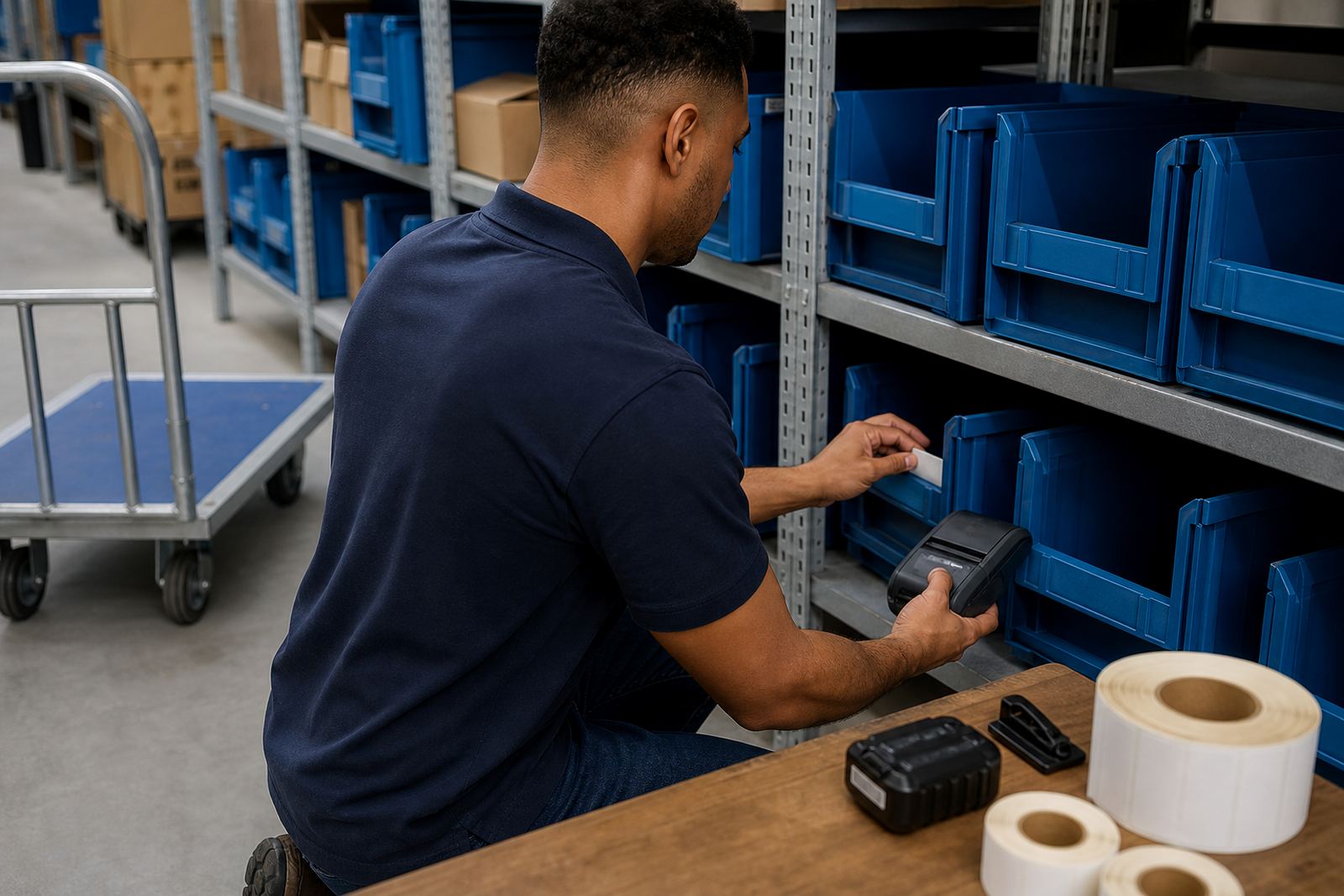
Cycle counting is less forgiving than a full stocktake. The team is usually working in aisles, at bays, near dispatch cages or beside fast moving shelves, so the label printer has to travel with the person counting. That is where a compact mobile unit earns its keep, especially when the same stock is checked in more than one room or on more than one shift.
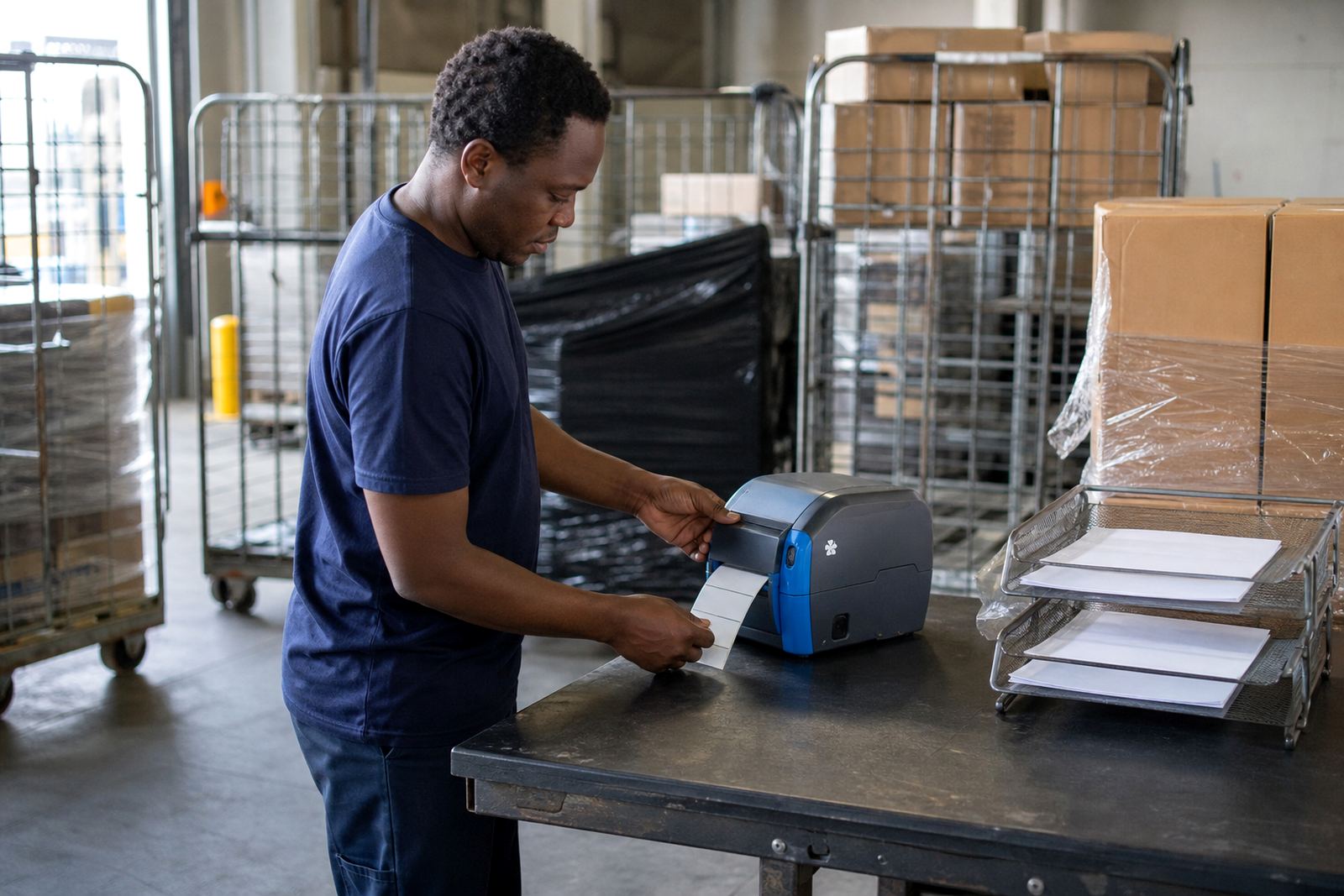
For this use case, the labels are often for count corrections, damaged stock marks, temporary location changes and note tags on mixed cartons. A direct thermal printer suits many short life labels, while thermal transfer is better where the mark must survive more handling, friction or a warmer store room. Print width matters too, because a 2 inch format suits smaller codes and notes, while wider units give more space for item names, bins and larger barcodes.
Kit that usually sits with the counting team
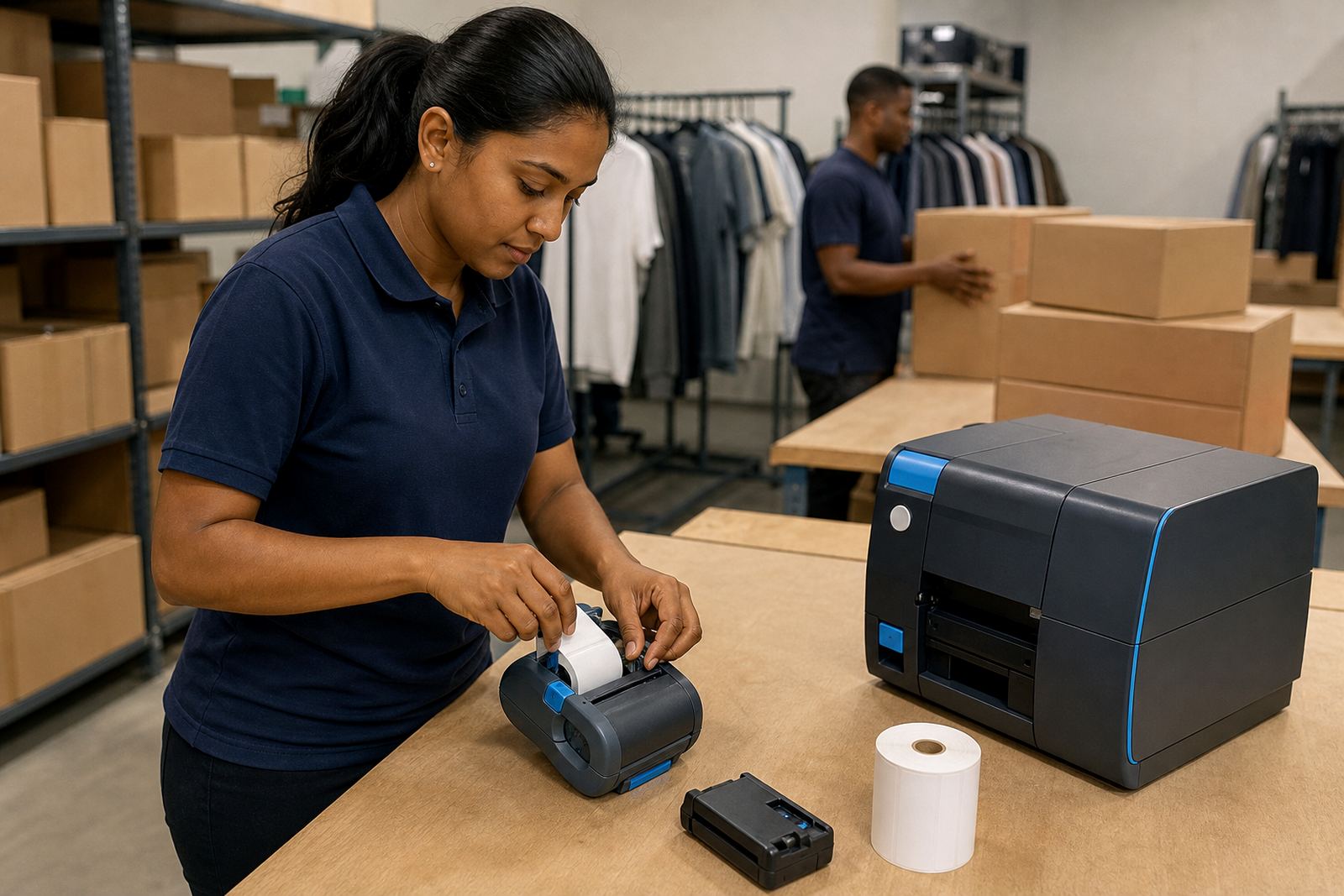
A practical cycle counting set is usually simple. The printer needs a charged battery, a belt clip or carry clip, the right label roll and a clean printhead. Bluetooth pairing is common for quick use with handheld devices, while Wi-Fi helps in larger sites where the counting team moves between zones and data has to stay aligned with the stock system.
- Mobile thermal label printer with direct thermal or thermal transfer option
- Label rolls in the correct width and core size
- Spare battery for longer routes or multi-zone counts
- Belt clip or carry clip for hands free movement
- Labels for bins, shelves, damaged stock and temporary corrections
- Cleaning swabs or wipes for printhead care
Label sizing should match the job. Small labels are handy for shelf edges and container IDs, while larger labels help when the count team needs a bold code, a location name and a readable QR code on one face.
Layout and planning that save steps
Cycle counting works better when the label plan follows the floor plan. A warehouse in Montague Gardens will not move the same way as a retail stockroom in Bellville or a courier cage in Midrand, but the logic stays similar. Put common label sizes near the work area, keep spare rolls in a dry drawer and separate fresh stock labels from correction labels so no one grabs the wrong roll in a rush.
Where the team scans, counts and relabels in one pass, print quality becomes part of the process. If the barcode smudges or the QR code prints too light, the count record can be right and the physical label still fails on the next scan. That is why printhead cleaning and label calibration matter, not as afterthoughts but as part of the counting routine.
Mistakes that slow a count
The same problems show up in many sites. The printer pairs to one device but not another, the battery is half charged when the shift starts, or the roll size does not match the printer path. Sometimes the label face is wrong for the application, so a direct thermal label fades too early or a transfer ribbon is omitted where durability is needed. Small slips become big delays once the team is already on the floor.
- Using the wrong label width for the printer
- Ignoring printhead cleaning until the print goes faint
- Mixing up direct thermal and thermal transfer stock
- Leaving battery testing until a unit drops out mid count
- Skipping label calibration after changing roll size
- Sending operators out without short setup training
A tidy setup keeps the count line moving. It also cuts down on wasted labels, duplicate prints and the small arguments that start when nobody can tell whether the issue is the printer, the roll or the file being sent from the handheld device.
Setup, repairs and maintenance on the counting route
Go-Printer supplies mobile label printers, rolls and support for warehouse, courier and retail teams across Cape Town, Johannesburg, Durban, Pretoria and Gqeberha. On-site setup helps the device pair correctly, the labels feed cleanly and the print format match the stock system. When a unit needs attention, repairs can cover battery checks, belt clip repair, print quality fixes, label jam clearing and printhead cleaning.
Operator training also matters because a good printer can still be used badly. A short walk through of pairing, loading rolls, cleaning the printhead and checking label alignment usually saves more time than waiting until a problem becomes routine. For larger teams, preventive servicing keeps the equipment ready for the next count cycle and reduces the chance of a failed print at the wrong moment.
What the budget usually covers in Rand
Cycle counting budgets tend to split into three parts: the printer, the consumables and the support work around it. A basic mobile thermal printer for simple count labels sits lower than a wider unit with stronger connectivity and transfer capability. Consumables then depend on label size, material and how often the team relabels damaged or moved stock.
- Entry level mobile printer setup: about R2,500 to R6,500
- Mid range mobile printer with broader label support: about R6,500 to R12,500
- Label rolls and daily consumables: often from a few hundred Rand per batch upward
- Battery replacement, calibration or repair work: priced by fault and parts used
- On-site setup and training for multiple users: quoted to match the site and device mix
A site with one stockroom and a small correction workflow needs a different spend from a distribution team running several locations and print formats. The best budget is usually the one that covers the printer, the labels and the follow-through, not only the device itself.