Part bins need labels that stay useful after the shift starts
In a spares warehouse, labels are not decoration. They guide pickers, show part numbers, support barcode scans and keep replenishment cards moving between the floor and the counter. When labels are too small, fade too fast or peel on a rough bin, stock control becomes slower and the wrong part can be handed out. That is where the printing choice matters.
Direct thermal printing suits short-life labels, dispatch marks and temporary bin notes. Thermal transfer printing is the better fit when a label must hold up for longer, especially where sunlight, rubbing or warehouse dust is part of daily work. For many stores the right mix is a mobile printer for field use and a fixed label stock plan for the counters and racking.
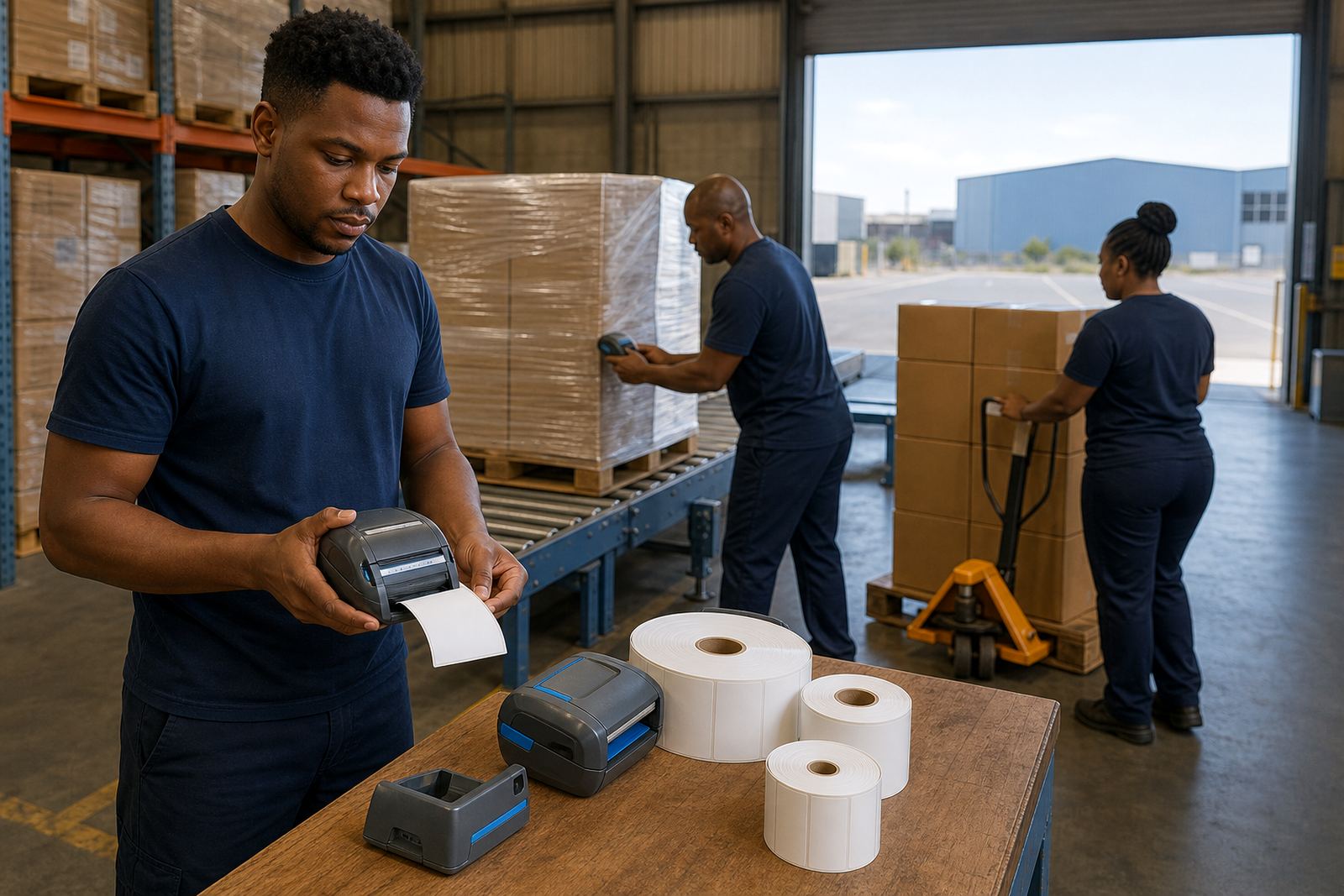
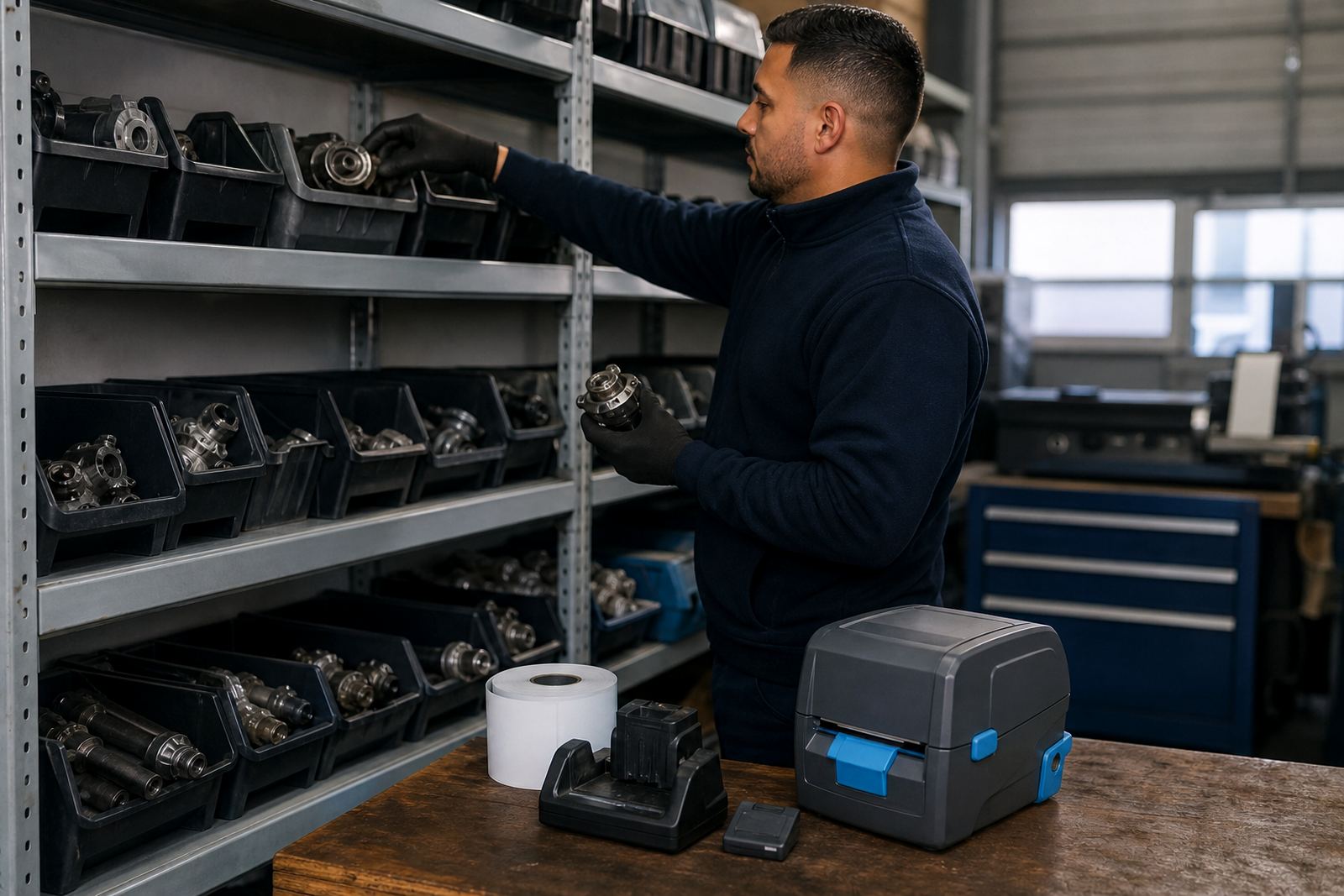
What the usual printer set includes on a spares floor
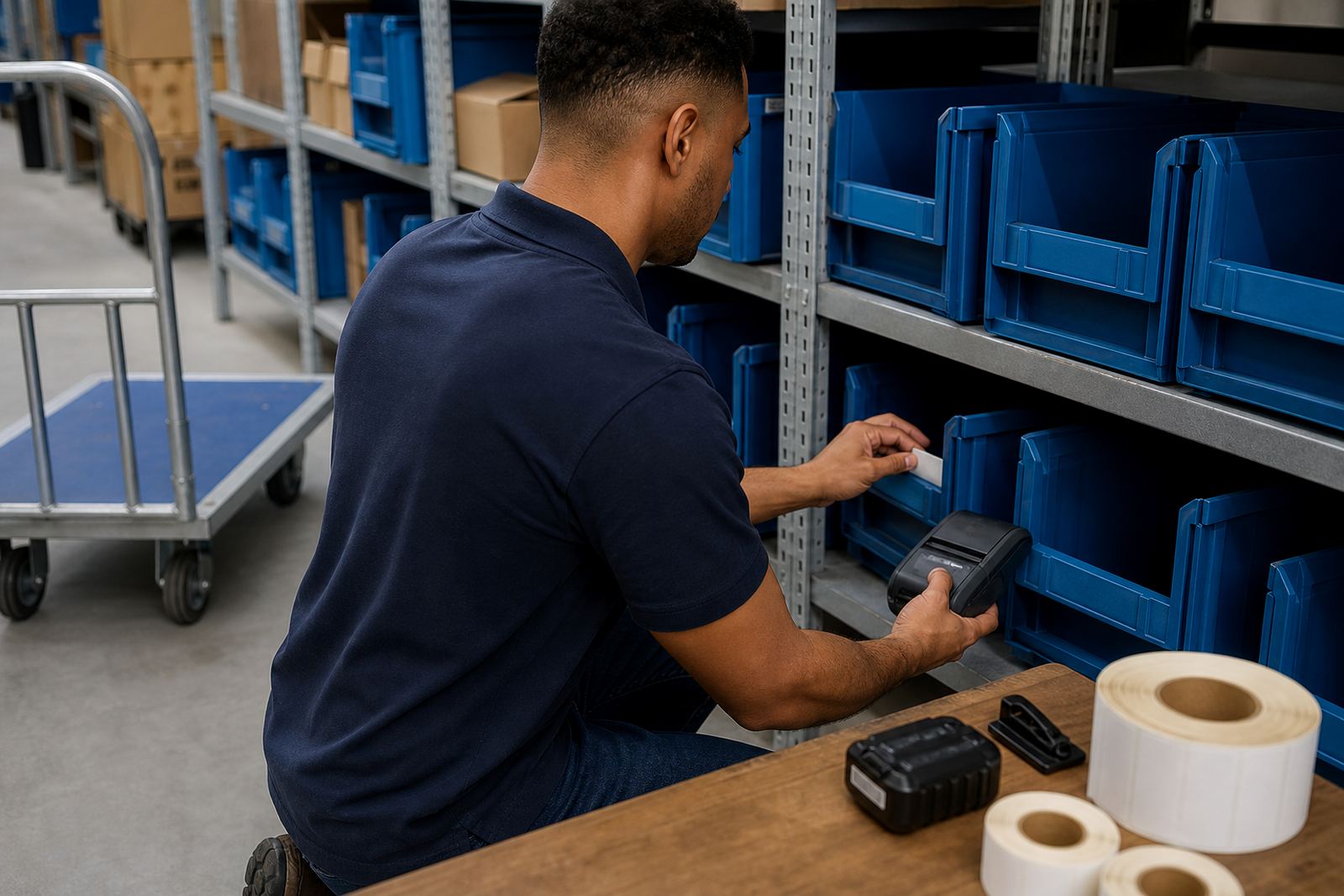
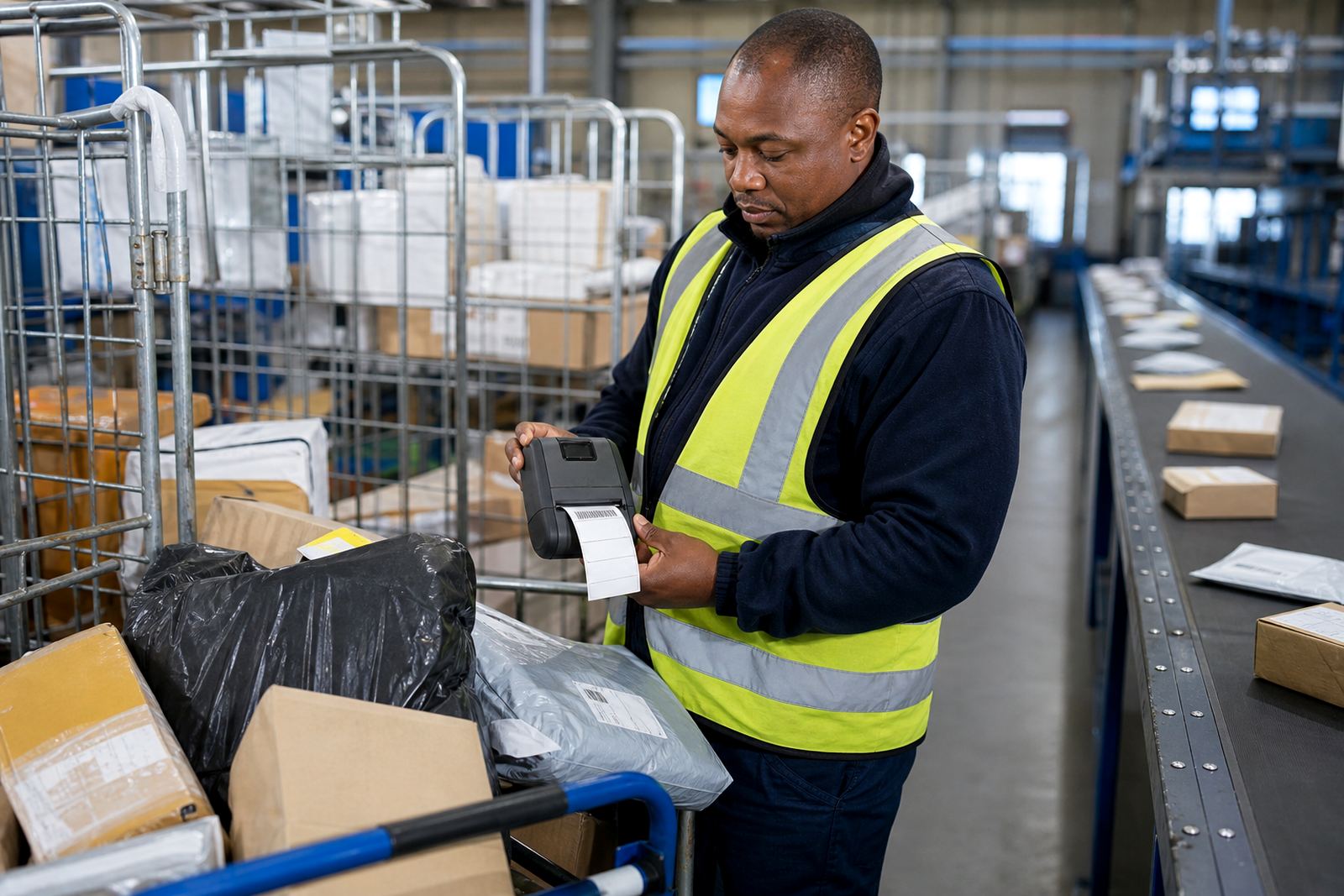
Most warehouse teams want a printer that can move with the user, pair with a handheld device and print clearly on common label sizes. A mobile unit with Bluetooth is often used for bin labels at the racking, while Wi-Fi helps when the printer needs to sit in a store office or print from a shared system. Print width is important too, because a narrow unit is fine for part stickers, but a wider print width helps when you need more text, a barcode and a QR code on the same label.
- Mobile thermal printer for bin and shelf labels
- Battery and charger for a full shift of movement
- Belt clip or carry clip for stock take rounds
- Direct thermal rolls for short-life stock labels
- Thermal transfer rolls and ribbon for longer-lasting labels
- Barcode and QR label formats for part tracking
We also see a lot of value in having spare batteries on hand and checking printhead condition before the label stock runs low. A clean printhead keeps barcodes sharp and stops light gaps across the print area.
Layout notes that make a warehouse label system easier to live with
The label system works best when it follows the route of the stock. Bins near receiving need bigger text and high-contrast labels, while shelf edges and replenishment cards can use smaller formats if the scan quality stays strong. If your team moves between receiving, picking and issue counters, the printer should be set up so the most-used templates are close at hand and not buried in menus.
Label size matters more than people think. A 50 mm by 25 mm label may be fine for a part code and small barcode, but a 100 mm by 50 mm label gives more room for part name, description, location and scan marks. If the warehouse uses mixed parts, the print template should allow for long part numbers without squeezing the text until it becomes hard to read.
Common mistakes we see in spares stores and parts rooms
A frequent mistake is buying labels before checking the printer width and adhesive type. Another is using a label roll meant for short-life marking in a space where the label needs to last through handling, cleaning and dust. Teams also get caught when one department prints with Bluetooth and another expects Wi-Fi, then no one is sure where the template lives.
- Using the wrong roll for the surface, which leads to peeling
- Skipping calibration after a label size change
- Ignoring battery health until the printer drops out mid-round
- Printing barcodes too small for quick scanning
- Letting adhesive build up on the printhead and rollers
- Mixing direct thermal and thermal transfer stock without a plan
Print quality fixes usually start with the basics: clean the printhead, check the platen path, confirm the label gap sensor and make sure the roll is seated correctly. If the barcode looks weak, the issue is often setup rather than the label itself.
On-site setup for Cape Town and other warehouse sites
Our base in Montague Gardens, Cape Town supports spares warehouses, couriers and retail stockrooms across Cape Town, Johannesburg, Durban, Pretoria and Gqeberha. On-site setup is useful where the printer must sit with a picking team, a receiving counter or a stock issue counter. We set up Bluetooth pairing, Wi-Fi setup, label calibration, battery testing, print quality fixes and label jam clearing where needed.
For warehouses with more than one area, it helps to standardise the printer templates first and then train the operators on the routine tasks. That includes changing the roll, checking the battery, cleaning the printhead and confirming the label is aligned before large batches are printed.
What budget planning usually looks like in Rand
Budgeting depends on whether you need a mobile printer only, a label supply plan, or a full setup with repairs and operator training. A small spares room may only need one printer, a few battery spares and a steady label roll supply. A larger warehouse may need multiple mobile units, belt clips, spare batteries and a planned stock of both direct thermal and thermal transfer rolls.
- Starter mobile printer package: about R4 500 to R8 500
- Mid-range setup with battery spares and clips: about R8 500 to R15 000
- Warehouse label supply and setup pack: about R2 000 to R6 000, depending on roll mix
- Repairs, servicing and calibration visits: quoted to the site and equipment condition
It often costs less to plan the label system properly than to fix repeated print errors, wasted rolls and misreads at the bin face. The best budget is the one that matches the label life, the scanning method and the size of the stock room.