Stockroom labels that hold up under daily handling
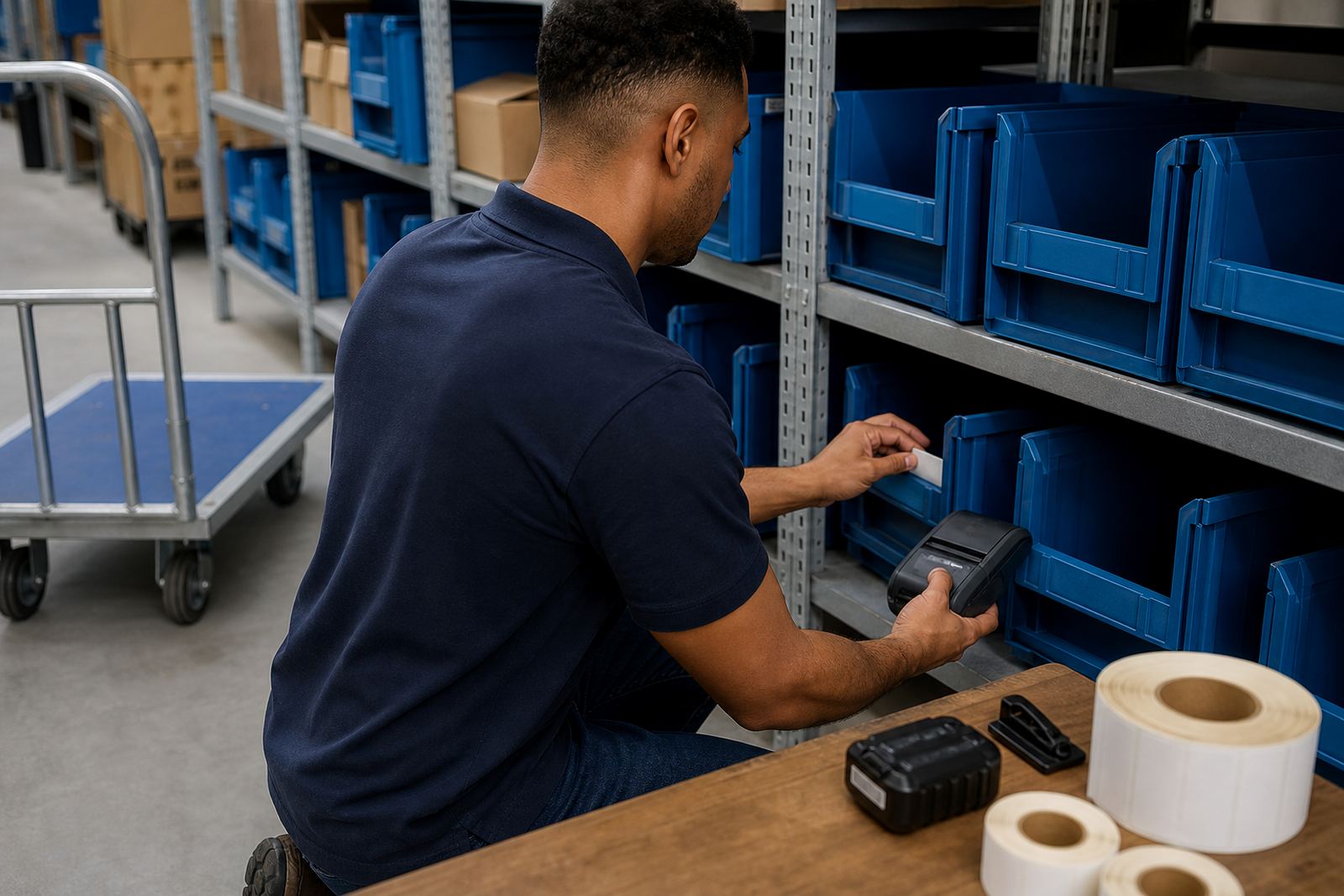
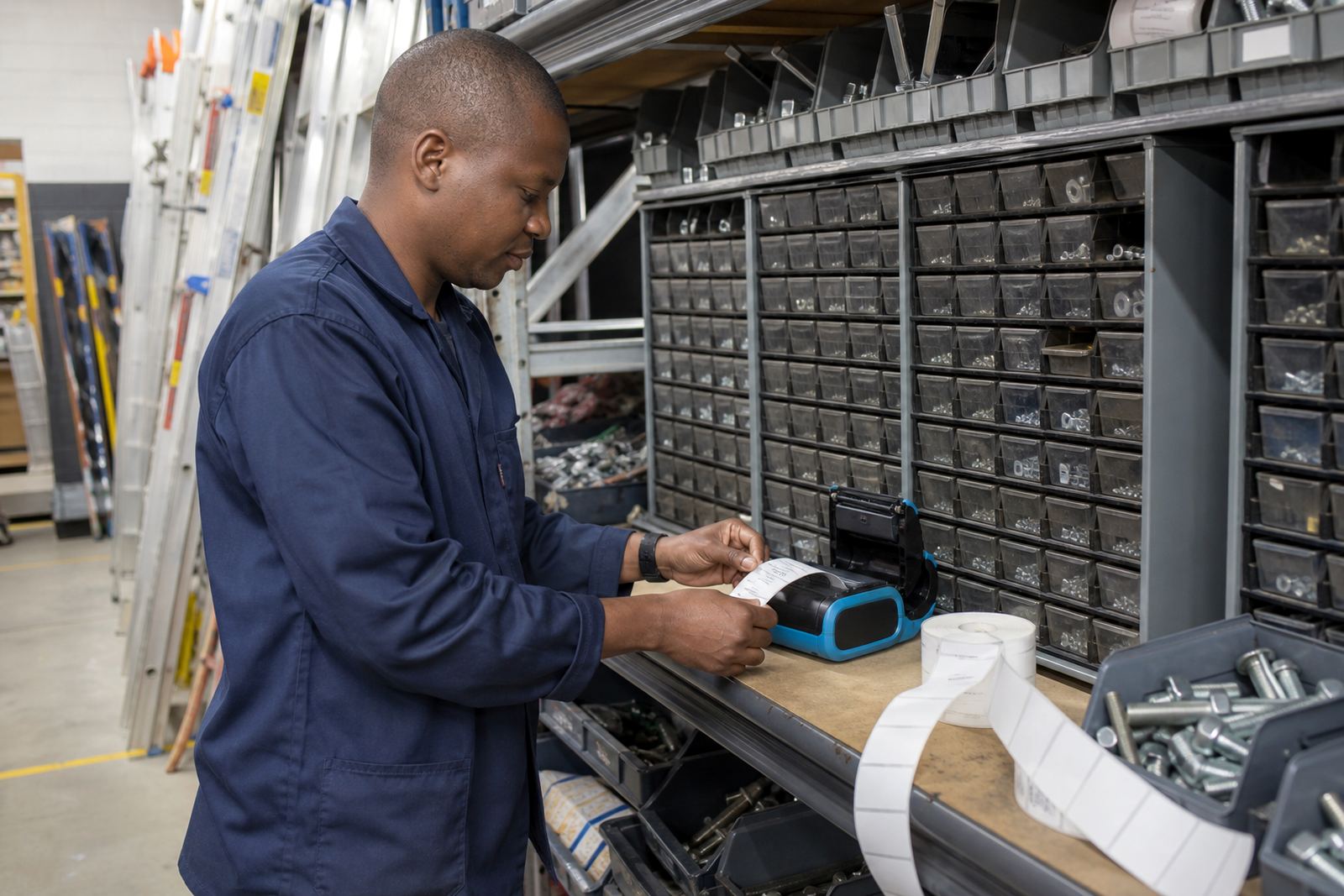
In a hardware store, labels get touched all day. They sit on plastic bins, metal shelving, timber packs and boxed stock, then get rubbed by hands, dust and transport straps. Mobile printing helps teams label the point of use, not only the back office. That matters when a receiving clerk needs a code on a tub of fasteners, or a floor team has to relabel mixed stock after a count.
For this setting, direct thermal printing suits short life labels such as receiving notes, shelf tickets and bin markers. Thermal transfer suits labels that need better resistance to scuffing, sunlight and light moisture. Wider print areas help when you need item names, SKU codes, location codes and a barcode on the same label without crowding the text.
Typical kit for a busy hardware floor
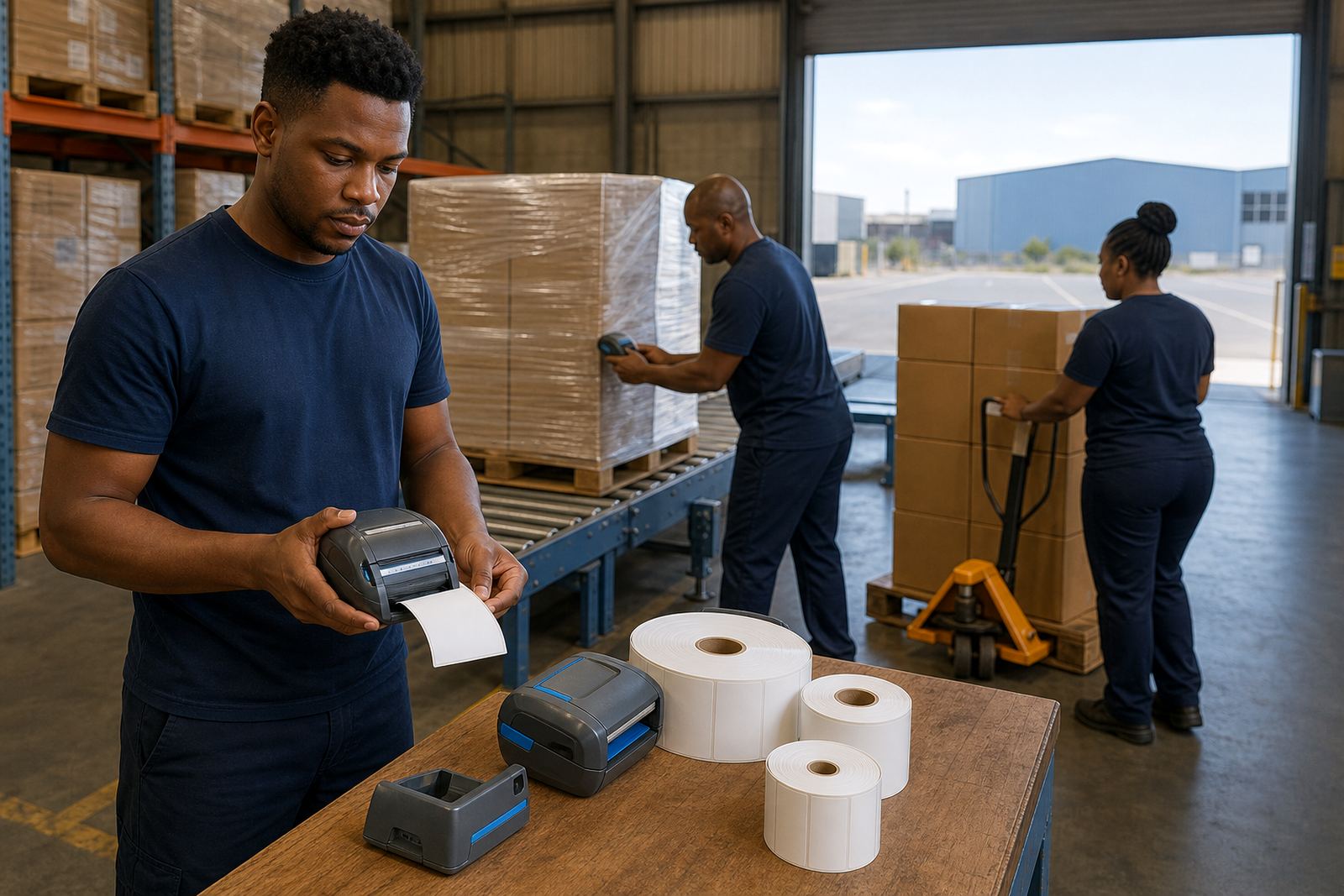
A practical set often includes a mobile printer, battery pack, belt clip, label rolls and a charger base. Some stores use one unit per receiving lane, while larger sites keep extra batteries for long picking runs and inventory moves. For mobile work, Bluetooth pairing is common, and Wi-Fi setup helps where the printer needs to sit on the store network for shared use.
- Direct thermal labels for bin marking, receiving tags and temporary location stickers
- Thermal transfer rolls where labels face more wear or exposure
- 48 mm to 112 mm print widths, depending on the size of the barcode and wording
- Battery testing and replacement for units that are losing run time
- Belt clips for staff moving between aisles, cages and receiving counters
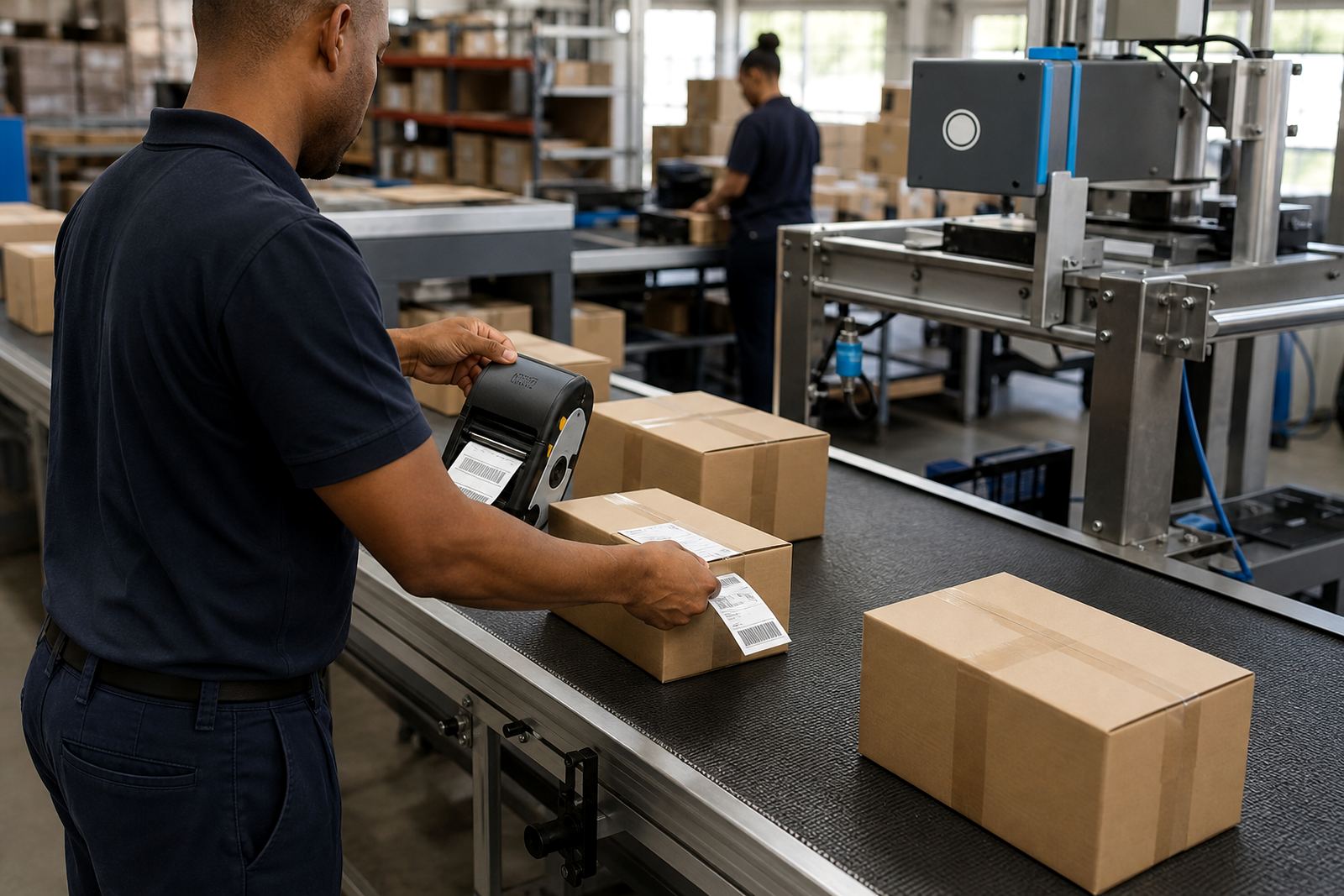
Barcode and QR printing are both useful in hardware stockrooms, especially where locations change often or where a scanner must pull up item data quickly.
Planning the label layout before the first roll goes in
Good layout saves time. Before printing, decide which fields always need to appear. In a hardware store that usually means product name, pack size, location code, barcode and sometimes a short handling note. Keep the font sizes readable at arm length, and leave enough white space around the barcode so scanners do not struggle.
Label size should match the job. Small labels work for drawer dividers and small bins, while larger formats suit bulk shelves, receiving crates and pallets. If staff wear gloves or move fast, a label that is too small gets skipped. If the label is too large, it curls on curved containers or hangs over the edge of a bin.
Where printers slip up in hardware stores
Many problems start with the wrong media. A direct thermal label used on stock that sits in heat or sunlight can fade sooner than expected. A thermal transfer label with the wrong ribbon can leave a weak print or patchy barcode. Dirty printheads also cause trouble, especially where dust from timber, cement bags or boxed goods collects around the unit.
- Incorrect pairing, usually after a device change or network reset
- Label calibration not matching the actual roll width
- Printhead dirt causing pale bars or broken text
- Battery wear that shows up during longer receiving shifts
- Wrong label adhesive for plastic tubs, painted racks or chilled areas
Print quality checks and label jam clearing are routine jobs, and they help keep the printer usable through the week.
On-site setup for warehouses, couriers and branch stockrooms
Go-Printer handles on-site setup for hardware stores in Montague Gardens, Bellville, Midrand, Johannesburg, Durban, Pretoria and Gqeberha. That includes Bluetooth pairing, Wi-Fi setup, label calibration, printhead cleaning, battery testing and operator training. If a store has several counters or a receiving yard, the setup can be matched to the way staff actually move through the space.
For a new branch or a stockroom reset, the aim is to keep the workflow plain. A receiving clerk should be able to print a location label, a picker should be able to scan it, and the label should still read clearly after handling. Where the store uses multiple aisles or separate cages, the location structure needs to be consistent so staff are not guessing.
Budget bands that make sense in Rand
The budget depends on the printer type, the label width, the battery condition and whether you need setup or repairs on site. A basic mobile printer and starter roll set sits in a different bracket from a unit used for larger labels, tougher media and frequent movement between counters. Spare batteries, belt clips and replacement rolls also affect the total.
- Entry level mobile printing for small bin and shelf labels: usually the lower Rand band
- Mid-range setups with wider labels and shared network use: a moderate Rand band
- More demanding stockroom work with repairs, servicing and extra consumables: a higher Rand band
For hardware stores, it often costs less to set the label system properly than to keep reprinting poor labels, chasing unreadable barcodes and replacing worn parts too late.