Final labels that travel with the load
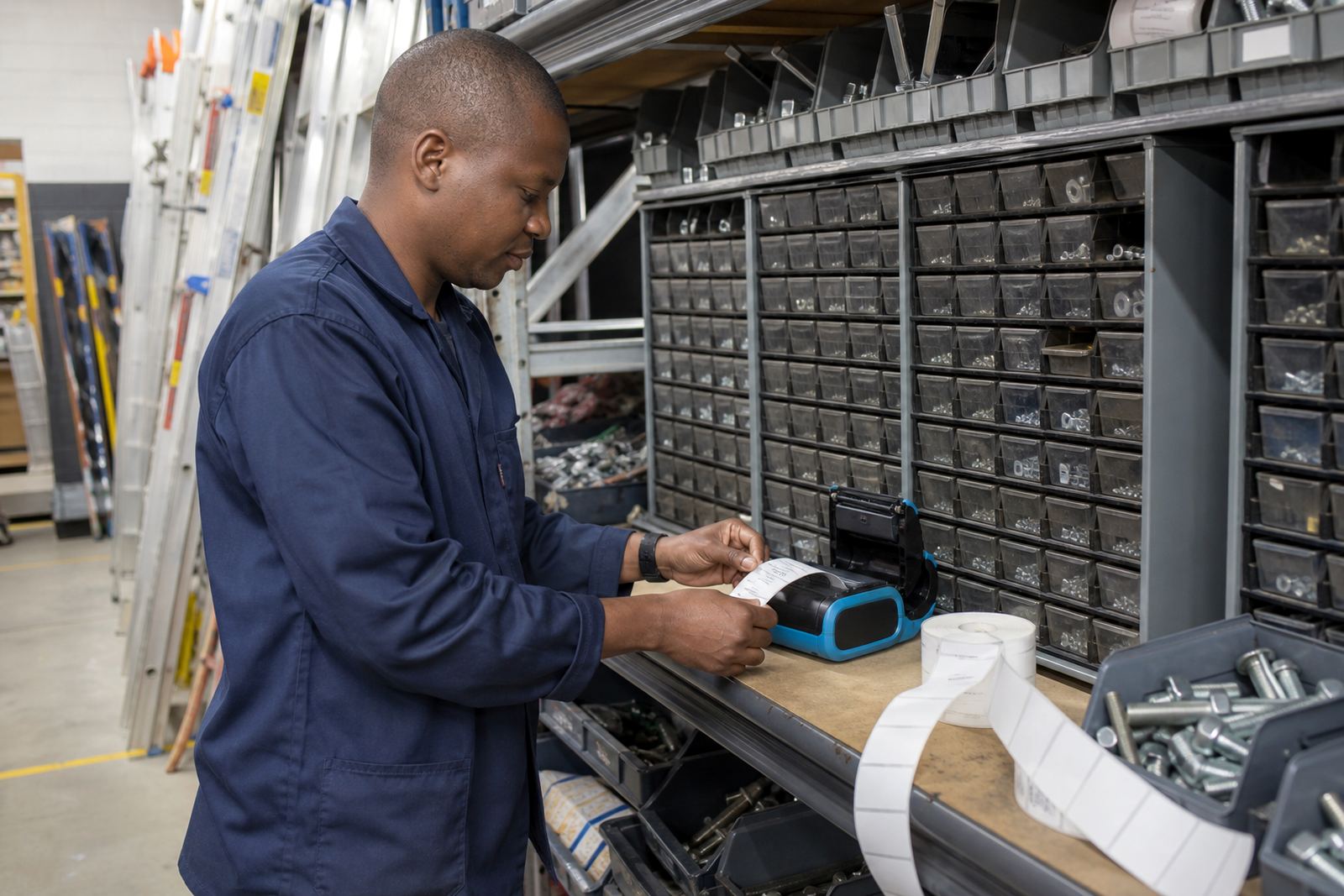
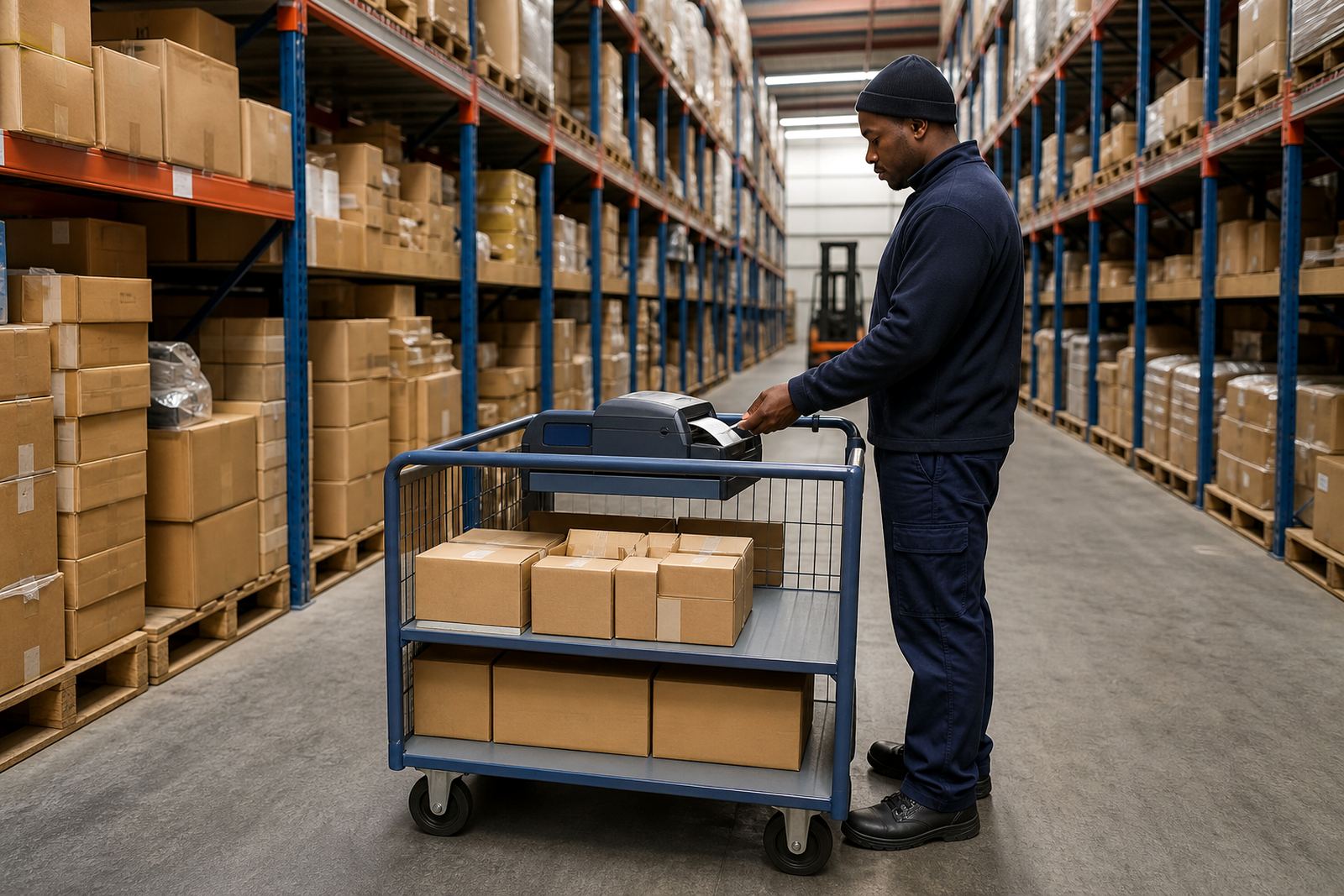
Dispatch staging is where parcels, cages, tote bins and transfer packs get their last identity before they move to the truck or crossdock. A mobile thermal label printer suits that work when teams need to print near the staging lane, verify the scan, and place the label while the item is still easy to reach.
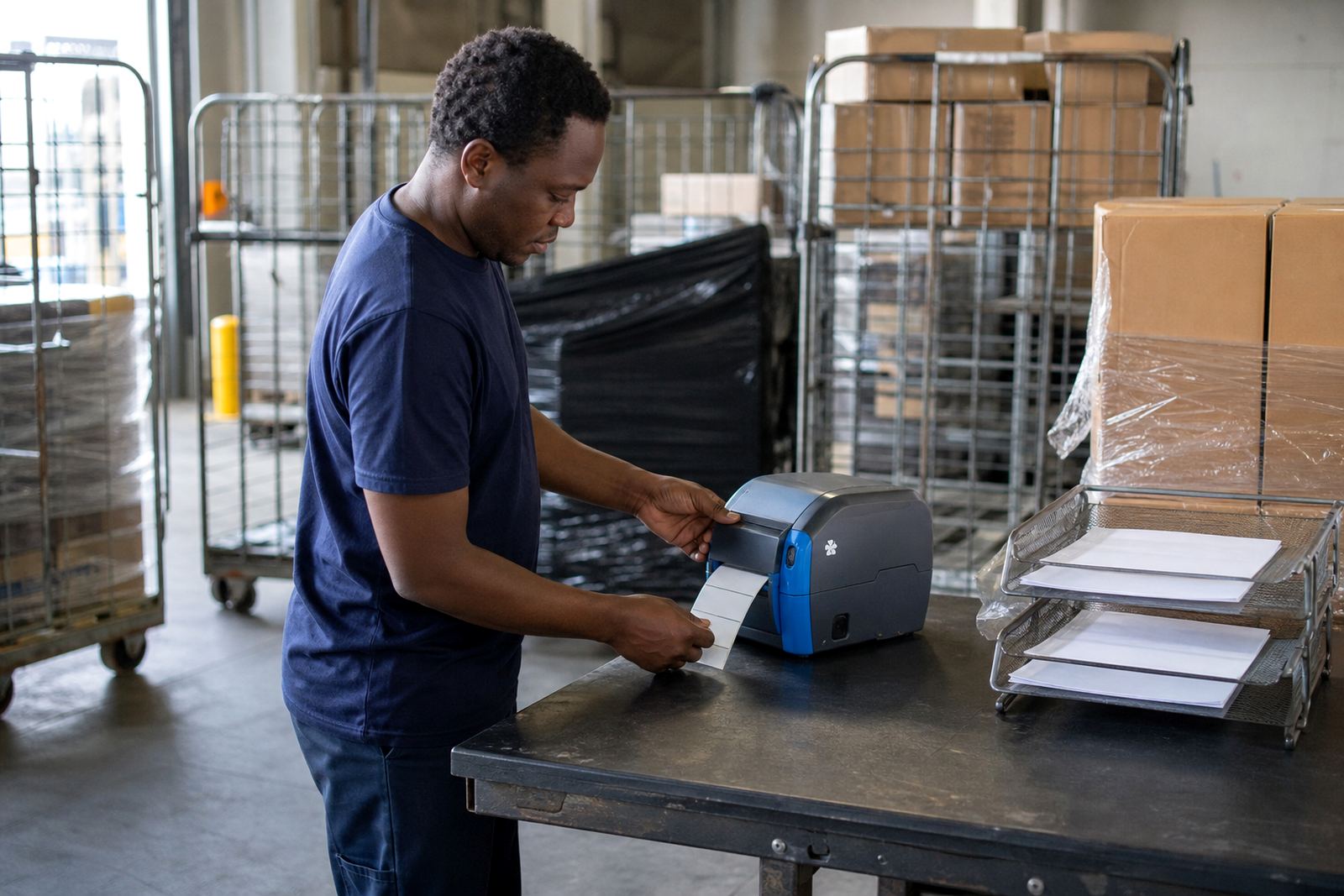
For this use, direct thermal printing is common for short-life parcel labels, route labels and temporary staging tags. Thermal transfer matters when labels need better resistance to scuffing, light moisture or rubbing across a shift. A good setup starts with the right print width, usually 2 inch, 3 inch or 4 inch formats depending on the label panel and the barcode size. Barcode and QR printing should stay sharp at the chosen size, or the scan gun starts slowing the line down.
What the dispatch station usually carries
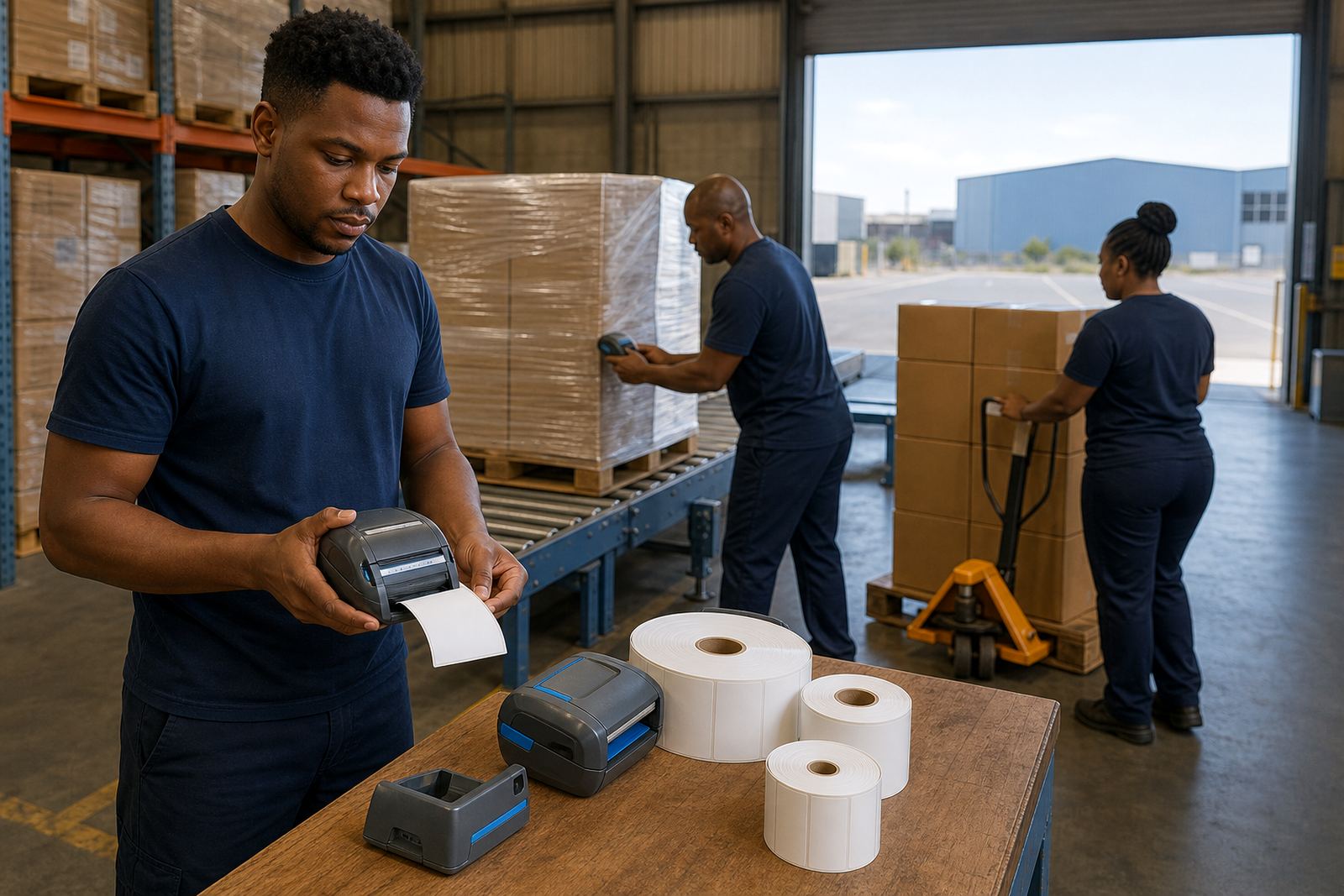
A practical set for staging is not complicated, but every piece must match the job. The printer, battery, charging cradle or spare battery, belt clip and the correct roll width all need to sit together in the same workflow. If one label size is used for cartons and another for transfer identifiers, the operator should not be forced to swap rolls every few minutes.
- Thermal mobile label printer for on-spot printing at the packing or staging lane
- Direct thermal rolls for short-life dispatch labels and transfer notes
- Thermal transfer rolls and ribbon when labels must last longer in handling
- Spare battery for longer picking or staging runs
- Belt clip or carry clip for operators moving between lanes
- Cleaning swabs and lint-free cloths for printhead cleaning
Battery life matters more than people expect in a busy dispatch area. If the printer drops out before the last wave of parcels is staged, the work breaks rhythm and the labels start piling up on a bench. A field unit should be paired and tested before the shift, then checked for print darkness, feed length and scan quality at the labels most often used in the room.
Layout choices that keep the lane moving
In a dispatch staging area, the printer should sit where the labels are applied, not across the room near a fixed office station. That means a clear bench, a charger point, enough space for rolls and a holder for the spare battery if the team uses one. Bluetooth pairing is useful when the operator moves with a handheld device, while Wi-Fi setup works better where several staff members print from the same staging point.
Label calibration is worth doing properly, because poor calibration wastes stock and causes the printer to feed blank strips or cut in the wrong place. If the label stock has a gap, black mark or notch, the sensor settings must match it. In humid coastal conditions around Cape Town or Durban, rolls should stay sealed until needed, otherwise curling and surface lift can start to affect print quality.
- Keep the printer within easy reach of the last scan point
- Store rolls flat and dry, away from dust and sunlight
- Use one label size per task where possible
- Test barcode and QR scan quality before the batch leaves staging
- Schedule printhead cleaning before streaks appear
Common mistakes that slow a dispatch floor
Most staging problems are small at first, then they spread across the shift. A mixed roll set is a common one, where direct thermal stock and thermal transfer stock are kept together and the wrong roll gets loaded. Another is assuming every label size will fit every carton, when the pallet tag or parcel face is narrower than expected. Belt clips also get overlooked until staff are carrying the unit by hand all day and the printer starts getting dropped or knocked.
Label jams often come from worn rollers, damaged backing paper or a roll that was loaded crooked. Print quality fixes usually begin with the basics: clean the printhead, check the pressure setting, confirm the darkness level and make sure the roll width matches the printer guide. Battery testing should not wait until the unit is flat in the middle of a handover. If a battery has become weak, replacement is cheaper than losing time in the staging lane.
On-site setup for Cape Town and national dispatch teams
Go-Printer operates from Montague Gardens, Cape Town and supports staging areas across South Africa, including Cape Town, Johannesburg, Durban, Pretoria and Gqeberha. On-site setup matters when the printer has to join a live dispatch flow, because the label format, pairings and operator habits all need to line up with the room as it actually runs. For larger sites, that can include several printers for different lanes, a mix of label rolls, and a planned check for battery life, clips and spare consumables.
Support in this use-case often includes Bluetooth pairing, Wi-Fi setup, printhead cleaning, battery replacement, belt clip repair, operator training and preventive servicing. The point is not to overcomplicate the kit, just to make sure the printer fits the number of labels, the pace of the lane and the way parcels leave the floor.
Budget planning in Rand usually starts with the printer itself, then adds the rolls, battery spares and setup work. A small staging lane may only need a modest spend for one printer and a few consumables, while a multi-lane dispatch floor needs a wider allowance for extra units, label formats and service cover. It is better to budget for the actual label volume and the amount of handling, rather than treat every lane as if it behaves the same.
When the line needs a cleaner print
Dispatch staging runs better when the label stays legible from the first scan to the last truck. That is where regular printhead cleaning, correct calibration and a sensible choice between direct thermal and thermal transfer start to matter. If labels smudge, lift, or fail to scan at the gate, the problem is usually in the setup or the stock match, not the courier lane itself.
For teams that move parcels, totes and transfer identifiers through a loading point, mobile printers are less about fancy equipment and more about control. The printer must sit well in the hand, pair cleanly, feed the right size and keep printing without making the operator stop and guess.