When inbound stock needs a label before it moves on
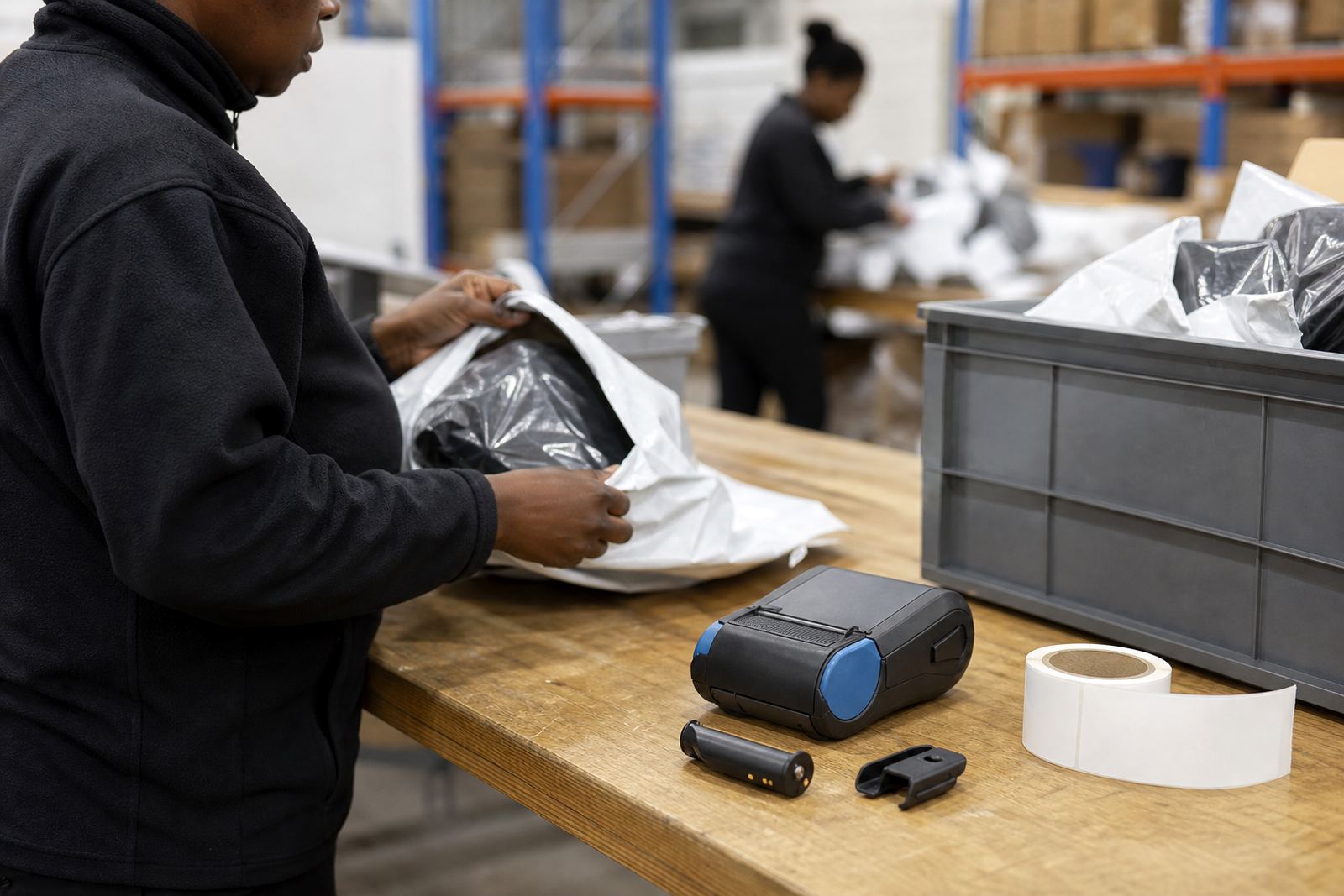
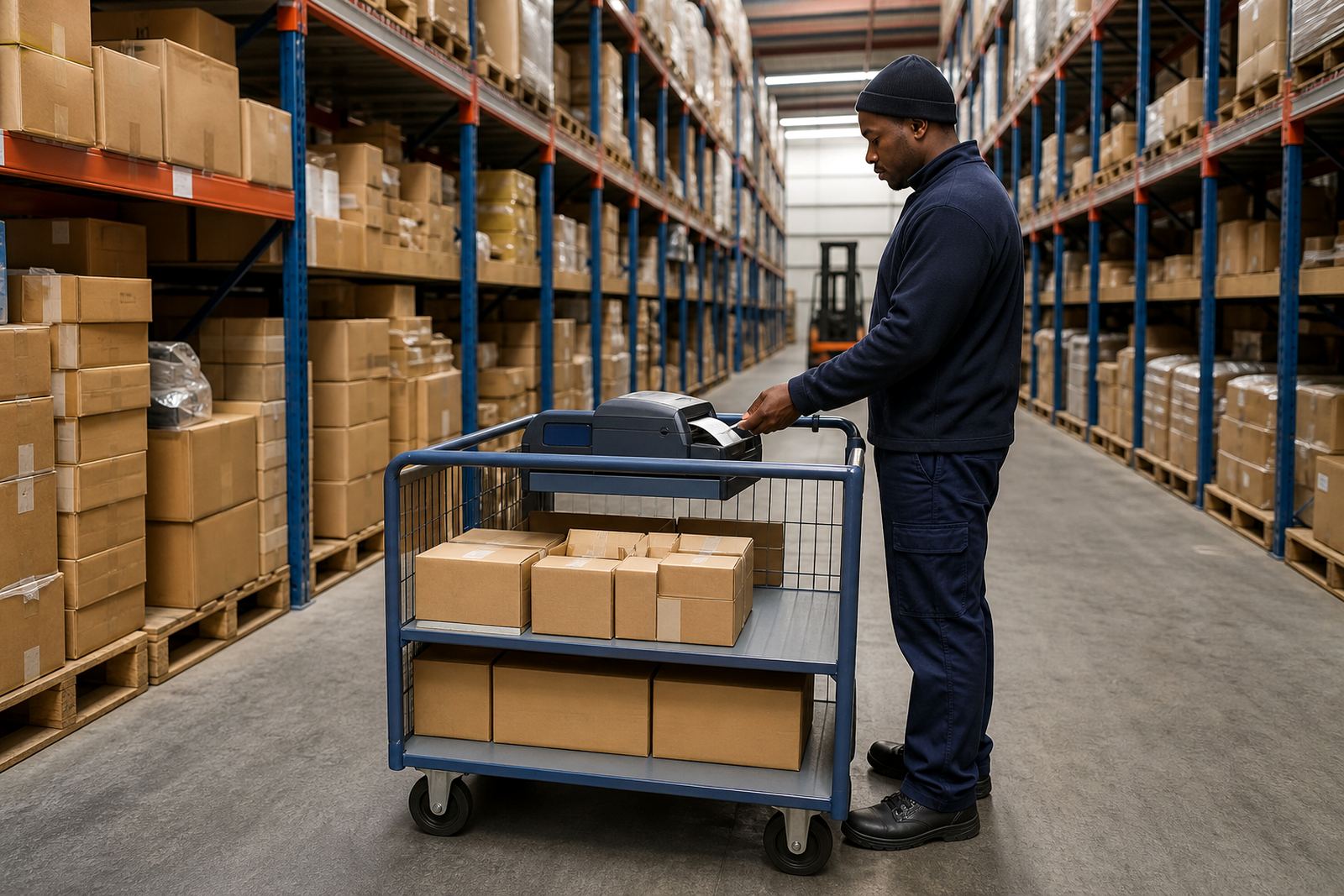
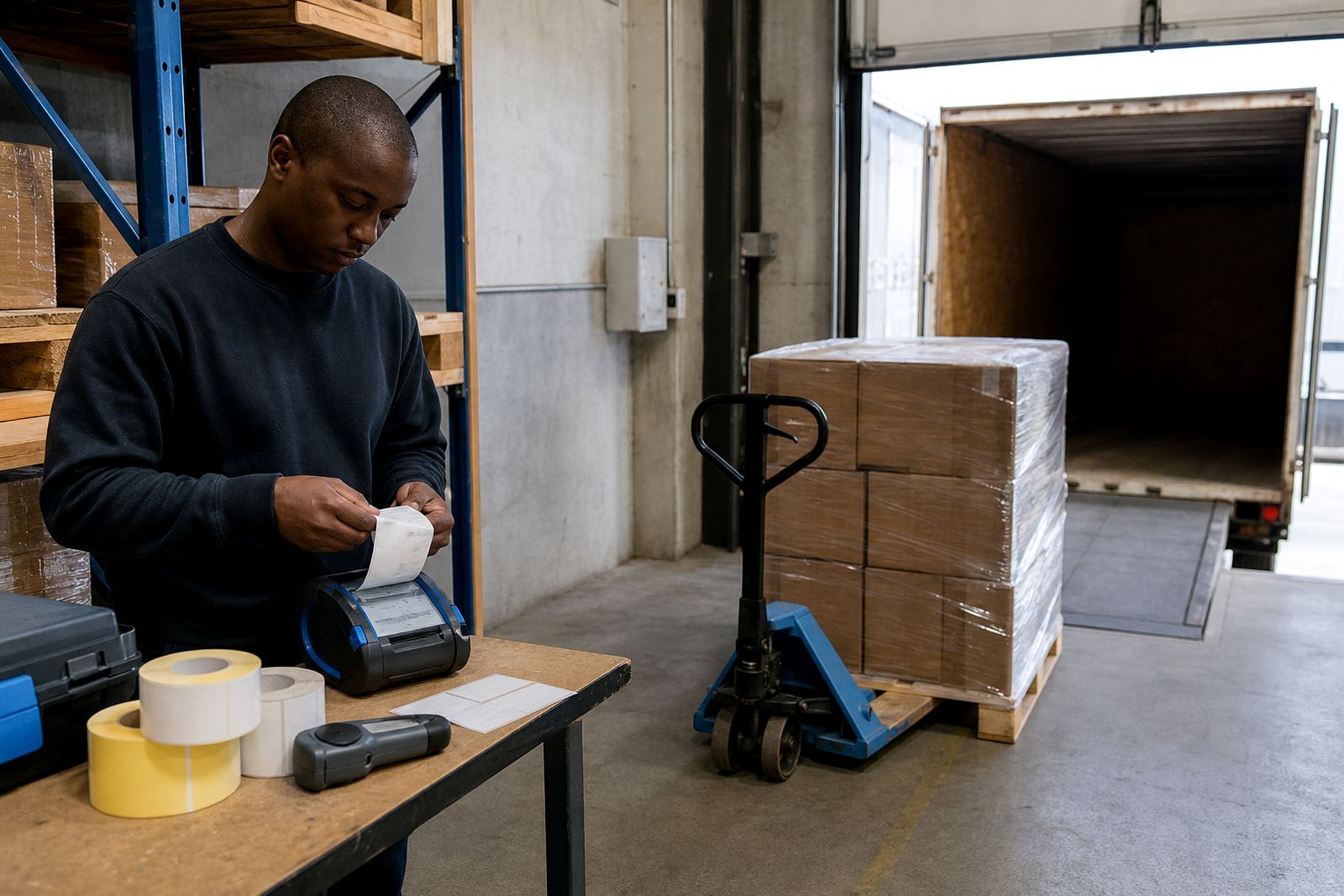
At receiving, the label often has to follow the parcel, the tote or the crate before it reaches shelving. A portable printer lets the team print item codes, carton marks, shelf labels and temporary identifiers right beside the intake bay, so stock can be checked and moved without shuffling back to a fixed workstation.
Goods receiving teams usually work with mixed cartons, courier bags, returns, and repacked items. In that setting, a printer that handles 50 mm to 112 mm media, keeps a steady line of print, and scans cleanly for barcodes and QR codes makes the difference between a tidy intake and a pile of relabelled stock at the end of the shift.
- Direct thermal suits short-life labels, intake slips and temporary identifiers.
- Thermal transfer suits labels that need longer life or better resistance to handling.
- Portable units with Bluetooth and Wi-Fi pairing work well around bays and cages.
- Battery life matters when the printer moves between receiving, QC and put-away points.
Typical set-up for a busy intake bay
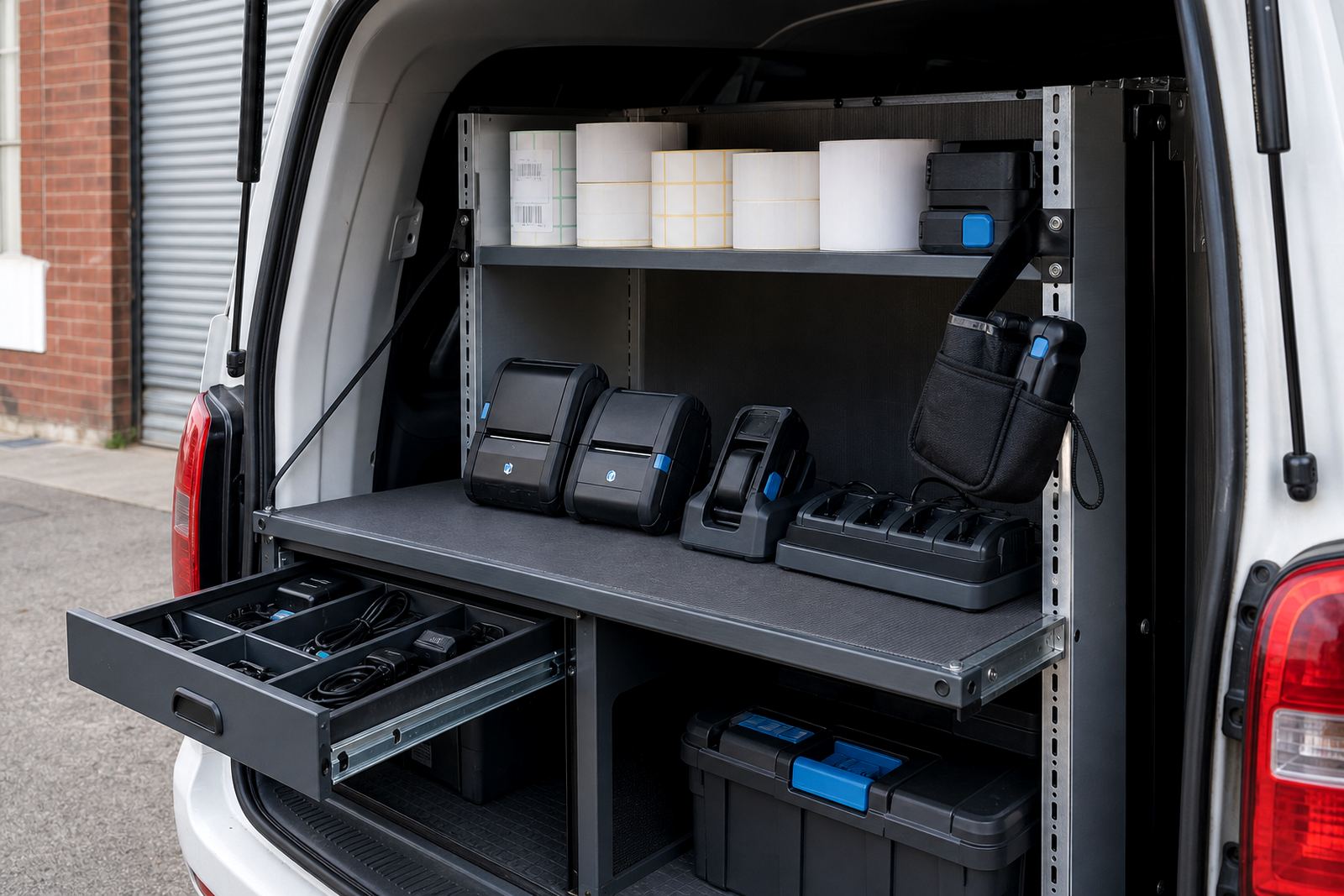
A sensible goods receiving kit is usually compact and practical. The printer sits in reach of the scanner, label roll and clipboard or tablet, with a belt clip or carry strap for staff who move between the dock and the stockroom. If the team prints more than one label size, it helps to keep the rolls grouped by use, not mixed into one box where the wrong size gets loaded in a hurry.
We often see intake points in Montague Gardens, Bellville and Midrand where a small layout change saves more time than a larger machine ever would. A printer with clear media guides, an easy latch for label loading, and simple printhead access is easier to keep in shape when the bay is busy and the floor is not empty for long.
- Mobile printer for labels, carton marks and temporary bin identification.
- Label rolls matched to the width used at intake.
- Spare battery for longer receiving runs or split shifts.
- Belt clip or carry solution for staff moving between points.
How we plan the print flow around the receiving floor
Goods receiving works best when the print step sits inside the movement of the floor, not outside it. We look at where stock is first opened, where items are verified, and where labels are applied before the next move. That helps with pairing, signal reach and the choice between a Bluetooth link or a Wi-Fi setup if the unit must stay connected across the bay.
Print quality also matters. Small type, batch numbers, date lines and barcodes need the printhead set cleanly, with label calibration done properly so the print lands in the right place on every label. If the label shifts, the team wastes time trimming, reprinting or covering a crooked code with fresh stock labels.
Common receiving mistakes that slow the line down
Most problems start with the wrong roll, poor calibration, or a printer that has not been cleaned since the last heavy run. Dust, adhesive build-up and liner fragments can affect the printhead and cause pale bars, broken QR codes or labels that feed off-centre. In stockrooms near the coast, damp air can also make label stock curl if it is stored poorly.
Another common issue is using one printer for every job without matching the media to the task. A temporary goods-received label does not always need the same stock as a shelf marker or return label. If the same roll is used for all three, the team usually ends up with waste, rework and a drawer full of half-used media.
- Wrong label size loaded for the item being marked.
- Dirty printhead causing faded text or broken codes.
- Battery left too low for a full receiving shift.
- Pairing not checked before the intake rush starts.
Repairs, servicing and operator training that keep the printer moving
Our setup and repair work covers the small things that make a receiving station dependable: printhead cleaning, battery testing, battery replacement, belt clip repair, label jam clearing, print quality fixes and preventive servicing. We also train operators on loading rolls, checking calibration and keeping the printer clean between jobs, which matters when several hands use the same unit over a week.
On-site setup helps when the receiving bay has a specific flow or when the team needs the printer to move between benches, cages and floor checks. A short training session is usually enough to get the crew handling the basics with less waste and fewer stoppages.
Rand ranges for goods receiving projects
Budgets vary with the printer type, media width, battery needs and whether the job includes setup at one site or several branches. A straightforward portable direct thermal unit for temporary receiving labels may sit in a lower bracket, while a thermal transfer unit with wider media support, stronger battery use and pairing setup will sit higher. Add label rolls, spare batteries and carry gear, and the total moves quickly with the size of the floor.
For planning purposes, many goods receiving projects fall into three practical ranges: entry level from about R3,500 to R7,500 for a basic portable unit and starter rolls, mid-range from about R7,500 to R15,000 for a more capable setup with better battery use and pairing, and larger multi-site or more specialised jobs from about R15,000 upward where servicing, extra media and on-site setup are part of the work.