Pick route labels that survive a busy shift
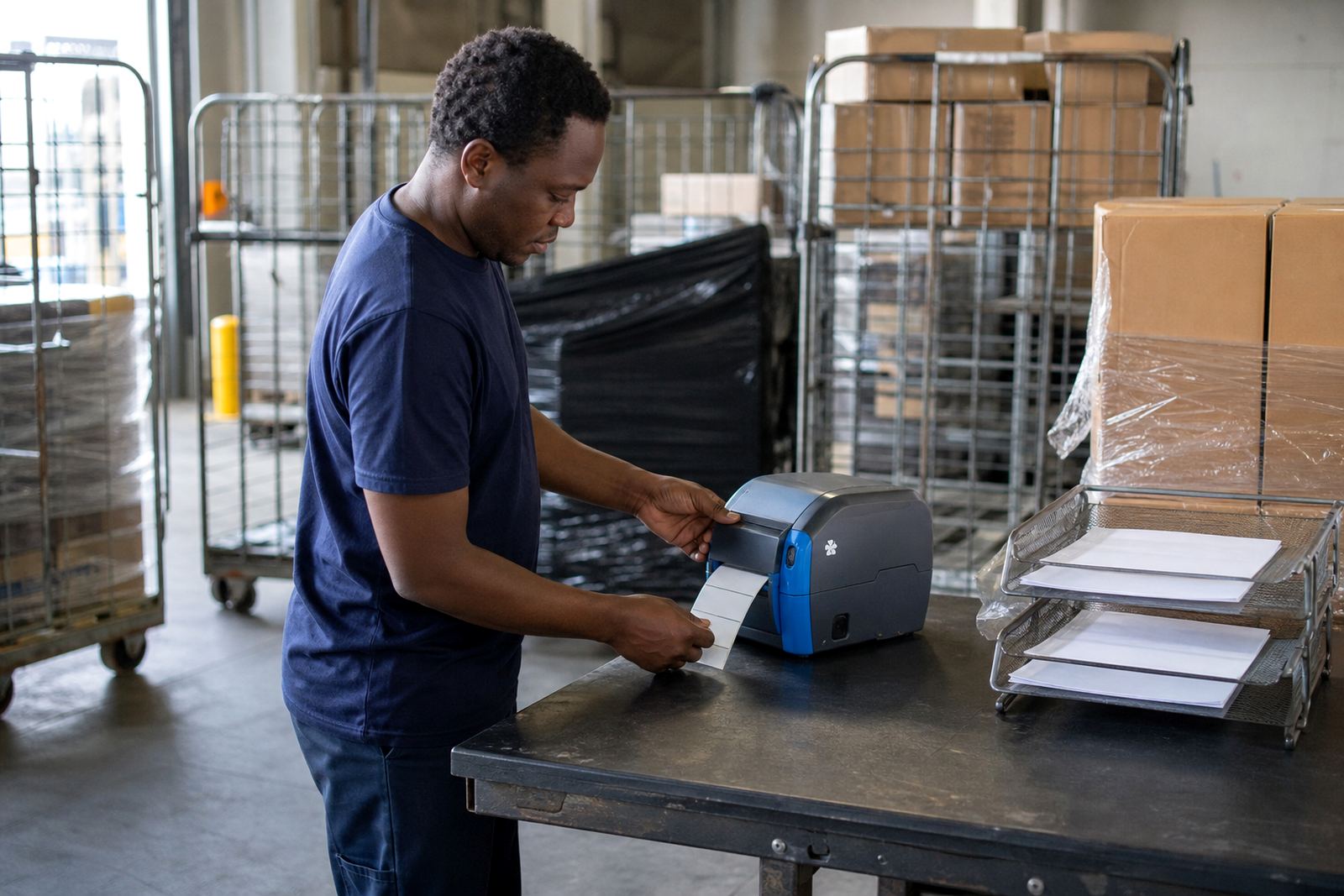
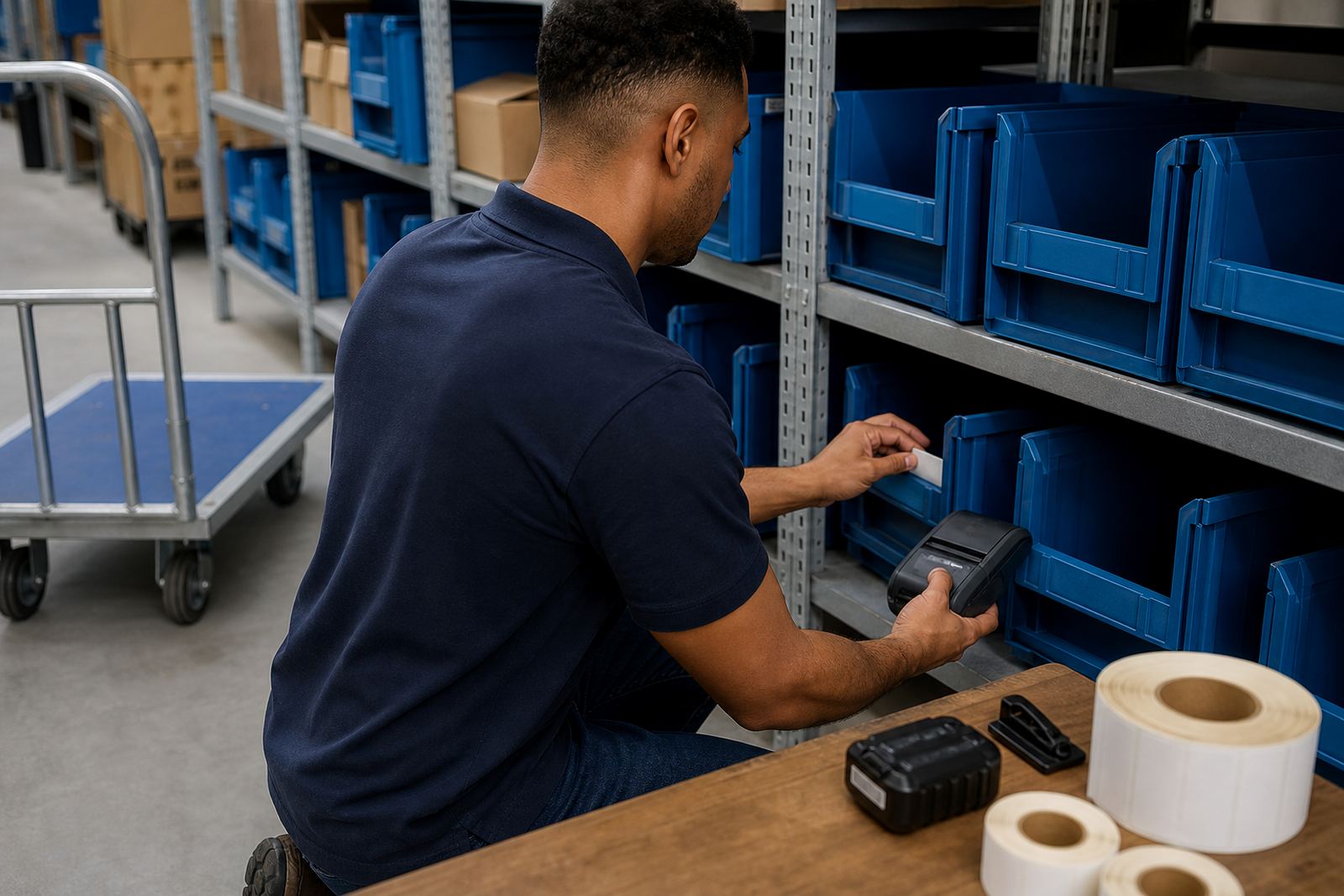
Picking teams need labels that print fast, scan cleanly and stay fixed on cartons, bins or shelving while the trolley keeps moving. In a warehouse, the job often starts with bin labels, replenishment tags and item verification slips that must match the pick list without slowing the team down.
Mobile thermal label printers suit that work because they travel with the operator and print where the stock is handled. Direct thermal print is useful for short life labels and internal movement. Thermal transfer gives a tougher mark for labels that must hold up better on shelves, dispatch totes or higher wear areas.
What usually sits in the kit
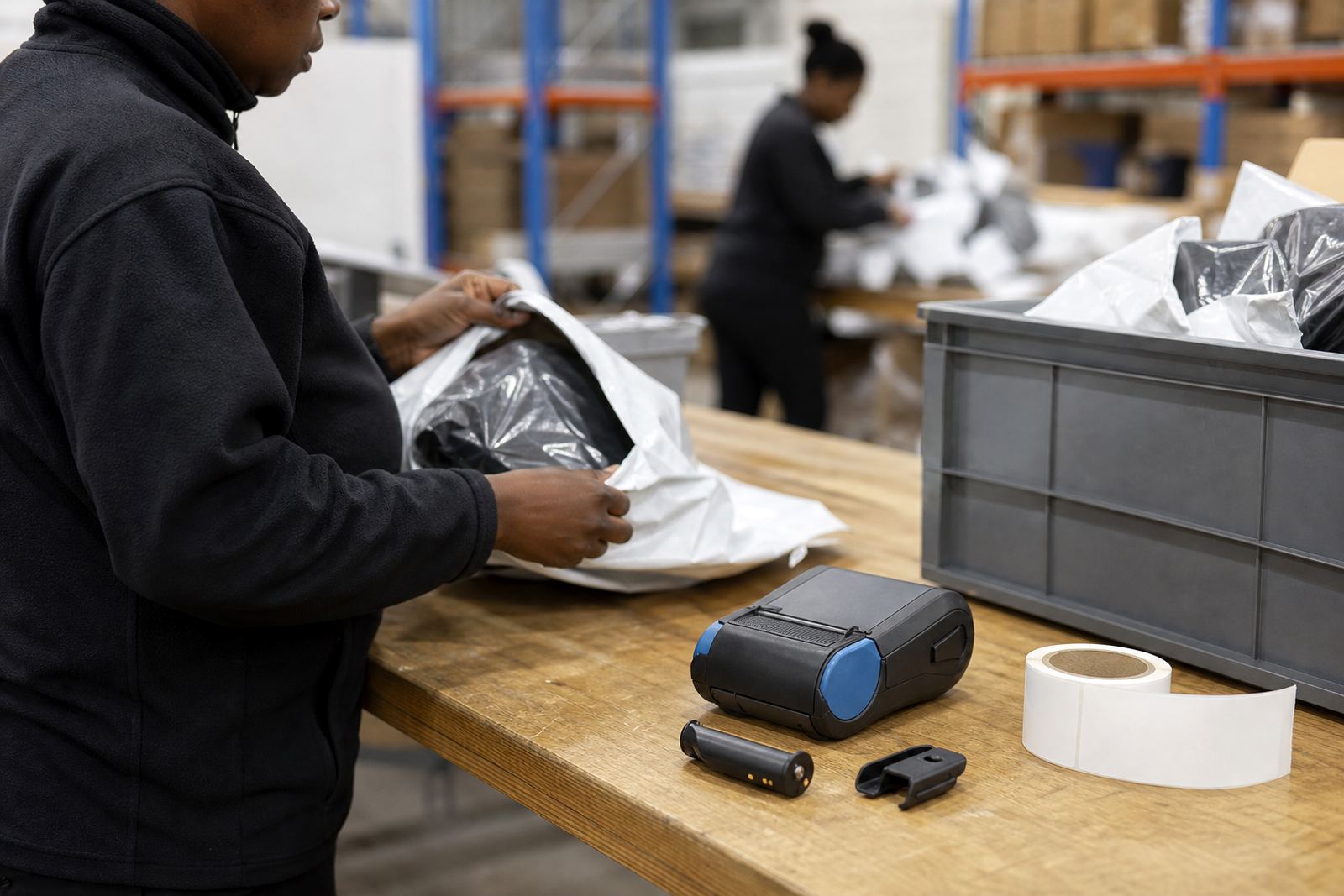
A proper picking setup is more than the printer alone. The usual kit includes the handheld printer, batteries, belt clip, label rolls and the right charging or pairing method for the team’s devices. Print width matters too, because a narrow label is fine for a bin code, while wider stock lines need more space for item names, batch details and barcodes.
- Mobile thermal printer with Bluetooth or Wi-Fi pairing
- Direct thermal or thermal transfer label rolls
- Battery, spare battery and charger care checks
- Belt clip or carry method for hands-free movement
- Labels sized for bins, shelves, cartons and tote use
Barcode and QR printing is common in pick routes, especially where staff scan at the shelf then verify at pack-out. If the printhead is not cleaned often enough, the code can fade on one side or leave gaps that make scanning awkward.
Layout decisions that keep the route tidy
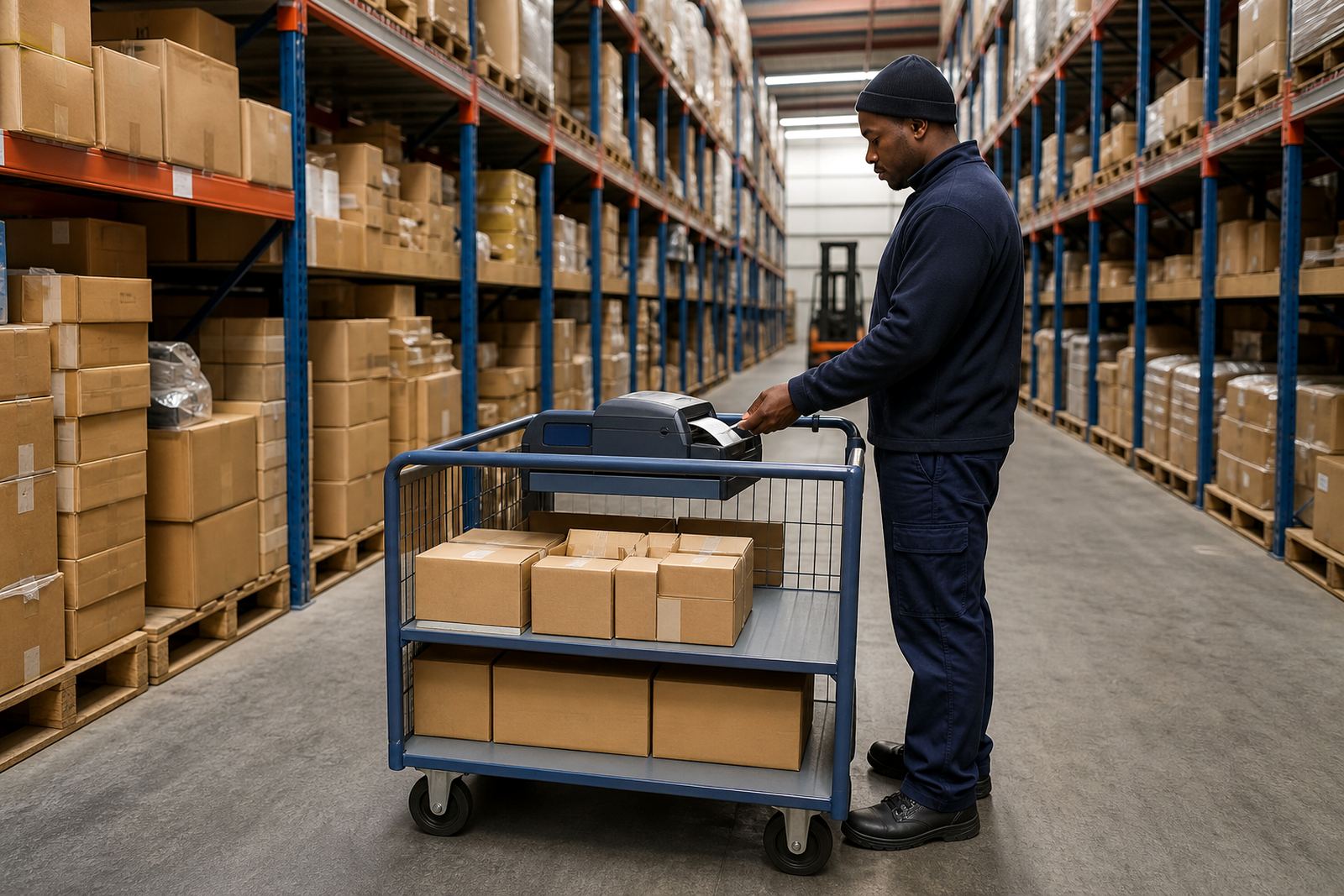
The best layout is the one that matches the actual aisle flow, not the brochure version. If the picker works from a pallet jack in a narrow aisle, the printer should clip on without snagging. If the work moves between stockroom, cage and dispatch bench, pairing must hold steady as the user shifts between spaces.
Label calibration matters more than many teams expect. When the label size is set wrong, the printer cuts too far, feeds too much stock or places the barcode too low on the face. That creates waste and slows the line. For mixed operations, it helps to standardise a few label sizes instead of keeping a different roll for every minor task.
- Keep label sizes consistent across similar pick tasks
- Set print width to match the longest common item line
- Test scan quality before the route goes live
- Match battery capacity to the full shift pattern
- Place printers where operators can grab them without crossing traffic paths
Common mistakes on picking floors
One common mistake is choosing a printer that is too large for the belt or trolley. Another is using the wrong label stock for the environment. In a cool room or a humid Cape Town store near the coast, adhesive can be affected if the roll and surface are not suited to the space. A label that lifts at one corner is enough to slow down the next scan.
Teams also run into trouble when Bluetooth pairing is left half set up, or when the Wi-Fi profile is not matched to the warehouse layout. A printer that drops connection in one section of the floor soon becomes a source of small delays. Printhead cleaning gets skipped too, then the output starts looking pale or uneven and the operator blames the roll when the head needs care.
Repairs, cleaning and training on site
On-site setup helps the team start with the right roll, the right pairing and the right label format. It also gives room to show operators how to clear a jam, check battery health and clean the printhead without damaging it. For picking teams, that practical training matters because the printer is handled often and not always gently.
We work from Montague Gardens, Cape Town and support sites in Johannesburg, Durban, Pretoria and Gqeberha. The same service also covers Bellville and Midrand where stock moves fast and equipment has to stay in rotation. Repairs can include battery replacement, belt clip repair, print quality fixes and label jam clearing, depending on what the unit needs.
- Bluetooth pairing and Wi-Fi setup
- Label calibration and print quality fixes
- Battery testing and replacement
- Printhead cleaning and preventive servicing
- Operator training for daily use
Budget ranges for picking systems in Rand
Budget depends on print width, connection method, battery setup and whether the label stock is direct thermal or thermal transfer. For a small picking line, the spend may sit around the cost of a single mobile printer, a few rolls and basic setup. Larger stores or distribution teams often add spare batteries, clips and extra rolls so the units stay in rotation.
A practical budget for a starter picking setup can run from a few thousand Rand per printer and supply set, while more complete field-ready kits move higher once calibration, setup and training are included. If the site needs multiple users, the final figure depends on how many routes, labels and devices must work together. We keep the quotation tied to the actual floor plan, not a generic kit list.