When returns move faster than the bench
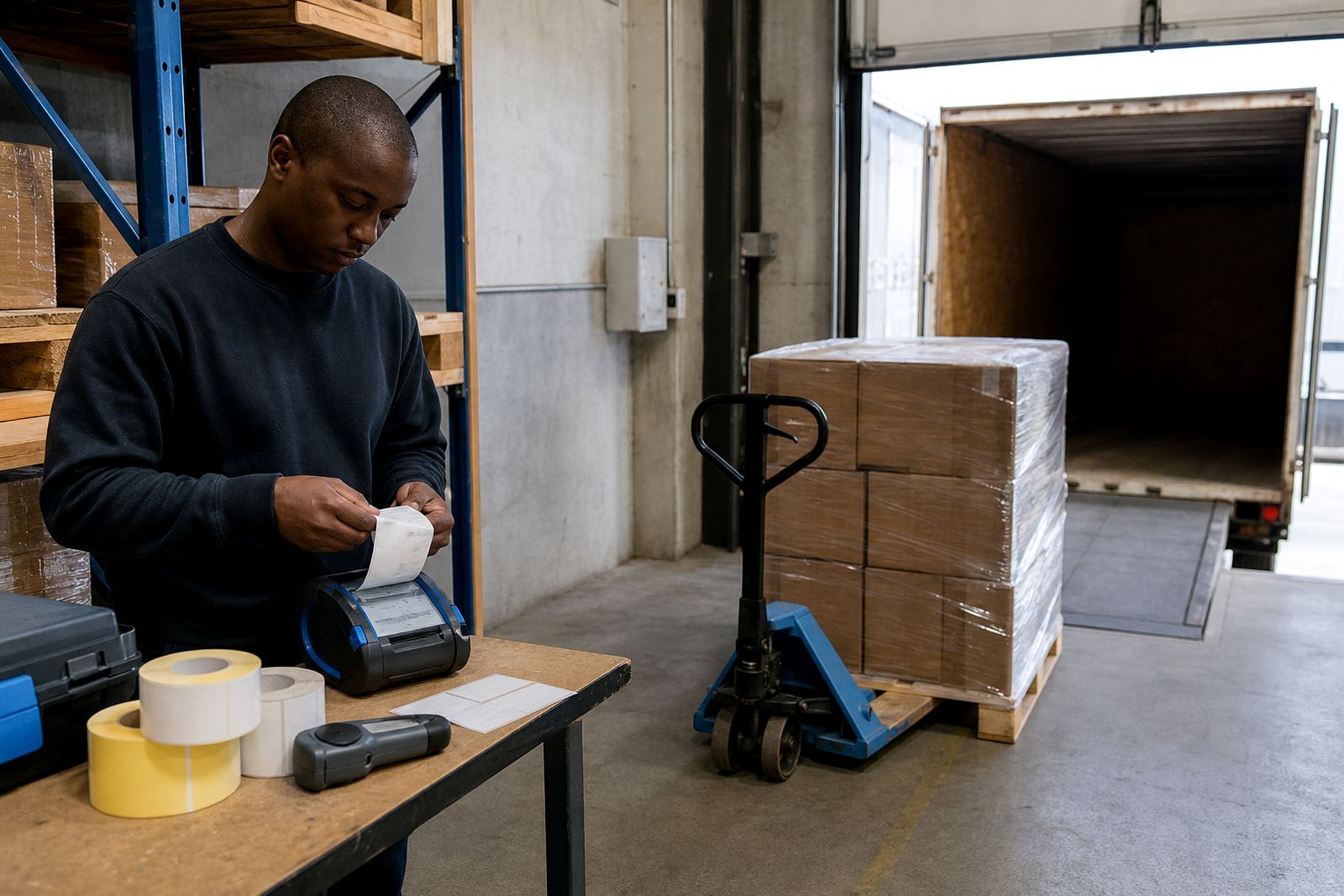
Returns processing usually starts at a table near receiving, then shifts to inspection, grading and put-away. A portable label printer helps the team print where the pallet lands, where the carton is opened, or where the item is checked. That keeps return reasons, status marks and shelf routing in the same hand, not on a loose note that disappears under tape or stretch wrap.
In a Cape Town, Johannesburg or Durban stockroom, returns often arrive with mixed paperwork, wet cartons or damaged outer labels. A handheld printer can mark stock as inspect, hold, repair, restock or scrap without sending staff back to a fixed workstation. For a busy Bellville or Midrand floor, that saves steps and keeps the sort line moving.
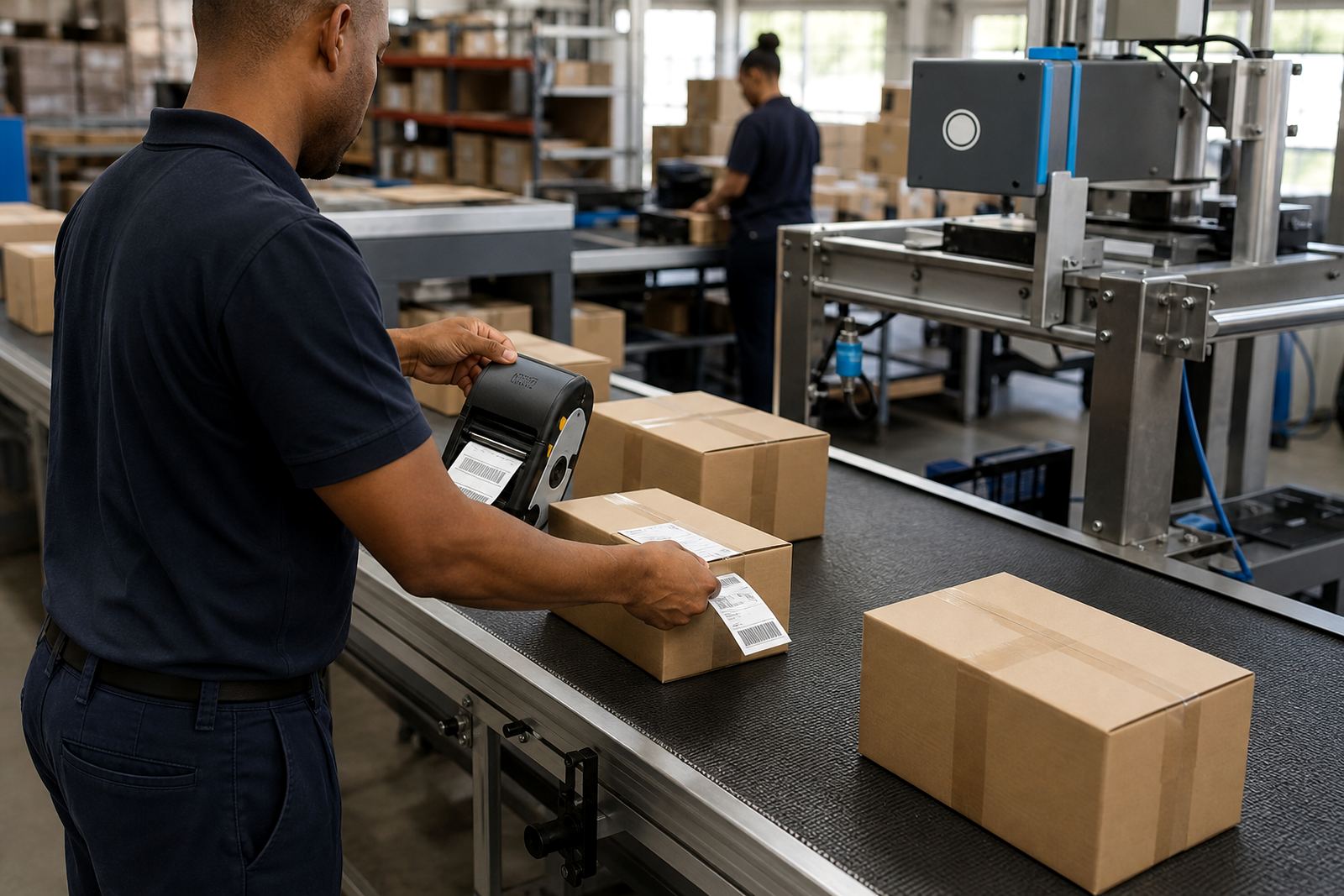
Thermal mobile label printers suit this work because they are light, quick to carry and easy to use at a trolley or cage. Direct thermal printing suits short life labels for return bins and temporary routing. Thermal transfer suits labels that must survive storage, rubbing or longer handling before the item is put away.
The printer mix that suits a returns bay
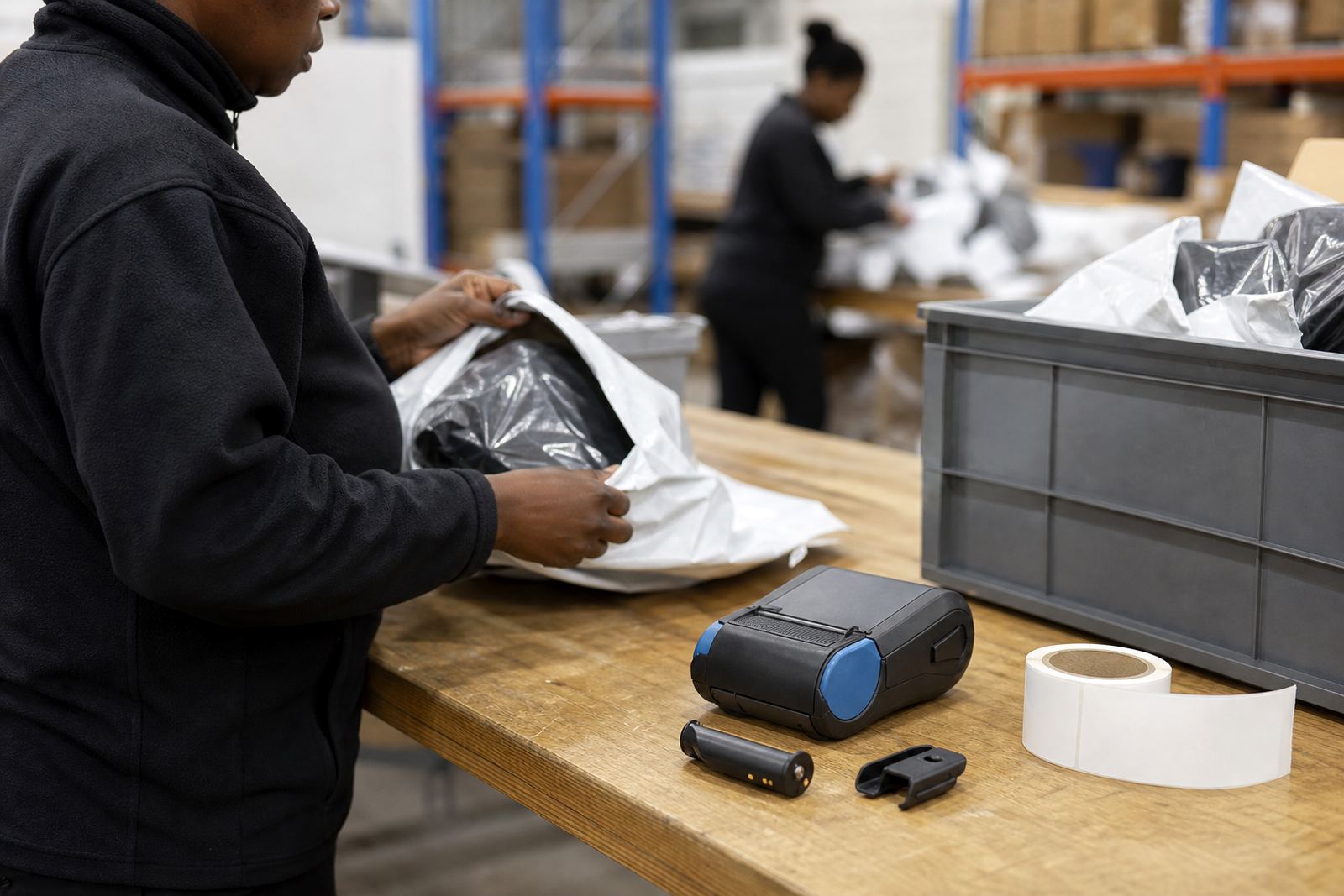
A returns team usually does not need a large office printer at the centre of the process. A mobile unit with Bluetooth pairing or Wi-Fi setup, a clear screen and an easy battery swap is often enough. For most stockrooms, a print width around 2 inch to 4 inch covers status tags, bin labels and barcode labels without wasting media.
Battery life matters where the printer moves with the person checking stock, especially across loading areas and racking aisles. Belt clips help when the device must stay with the operator during a long receiving run. For QR codes and barcodes, the printer must keep line edges sharp so scanners do not miss a read after the label has been handled a few times.
- Direct thermal rolls for short term return status tags and bin routing.
- Thermal transfer rolls with ribbon for labels that need longer wear.
- Battery testing and replacement for printers used across full shifts.
- Belt clip repair where the printer moves with the operator.
How a returns layout keeps the labels useful
Returns labels work best when the layout is plain and the wording is fixed. A label that says return reason, inspection status, received date and put-away zone gives the next person a clean handover. If the team also prints a barcode or QR code, the item can move through counting and scanning without retyping the same details.
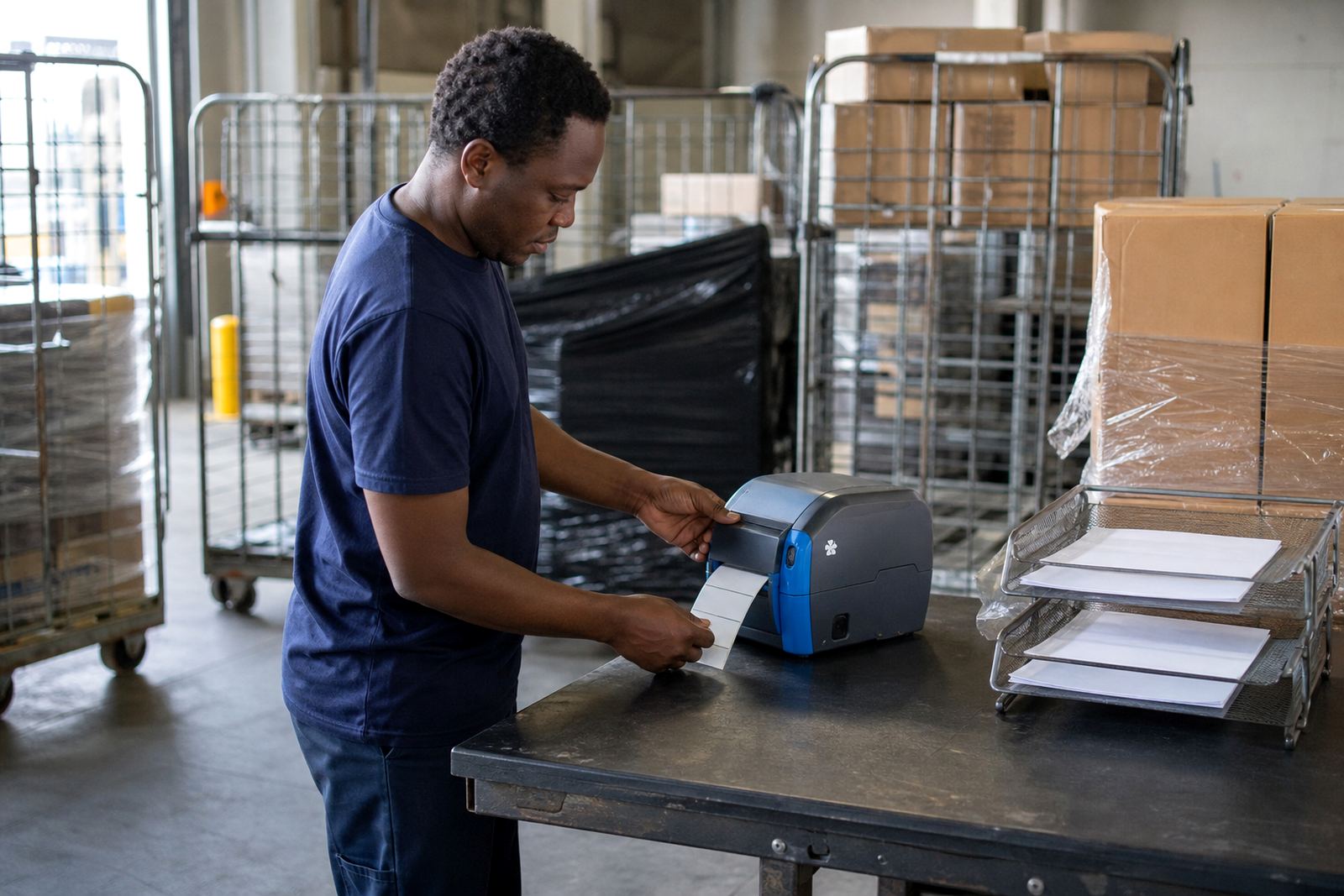
Layout planning should match the way the bay runs in real life. If the first check happens at the goods-in table, the printer should sit near that point with spare rolls within reach. If staff inspect items in two areas, the same label format should print cleanly on both sides of the process. Label calibration is important here, because a short misfeed can waste roll stock and give uneven margins.
- Keep one format for return reason and one for final put-away.
- Use the same label size across similar carton types.
- Place the printer where the operator already stands, not across the room.
- Test print after calibration, then check barcode scan quality.
Common mistakes that slow returns down
The biggest mistakes usually come from trying to do too much on one label. A crowded label is harder to read, and if the printhead is dirty the text can fade before the carton leaves the bay. Printhead cleaning is a small job, but it protects print quality and helps the label stay sharp on direct thermal media.
Another issue is using the wrong roll for the job. Direct thermal stock is fine for short term sorting, but it is not the best choice when the label will sit in a warm storeroom or rub against crates for days. For those jobs, thermal transfer gives better durability. Teams also lose time when the battery is tired, the Bluetooth pairing is unstable or the Wi-Fi setup was never checked properly after a move in the rack layout.
- Do not mix label sizes for the same workflow if staff must guess the format.
- Do not skip printhead cleaning when labels start to look pale.
- Do not use a short life roll for labels that must survive storage.
- Do not leave operator training until the team is already under pressure.
Setup, servicing and repairs on site
Go-Printer handles on-site setup and repairs for returns teams in Montague Gardens, Bellville, Cape Town, Johannesburg, Durban, Pretoria, Gqeberha and Midrand. That work can include Bluetooth pairing, Wi-Fi setup, label calibration, battery testing, battery replacement and print quality fixes. If the printer starts skipping labels or the barcode edges look broken, the unit needs attention before the returns queue gets backed up.
Preventive servicing is useful where the printer is used every shift. A clean printhead, working battery and tight clip keep the device ready for the next run. We also assist with label jam clearing and operator training, which matters when new staff join a stockroom and need the same routine from day one.
What the budget usually looks like in Rand
Budgets for returns processing setups depend on how many printers are needed, whether the labels are direct thermal or thermal transfer, and whether repairs, training or on-site setup are part of the job. A smaller rollout for one site may only need a single mobile printer, a few rolls and calibration. A larger warehouse group may need several units, spare batteries, belt clips and a wider label supply plan.
As a working guide, a basic mobile returns setup can sit in the lower Rand thousands, while a fuller kit with extra rolls, battery spares and setup support moves higher. When the process needs durable labels for storage and scanning, thermal transfer consumables usually cost more than short term direct thermal stock. If the printer is being moved across sites in Cape Town, Gauteng and KwaZulu-Natal, travel and field setup may also shape the total.
- Single printer with starter rolls for a small returns point.
- Multi-unit setup for inspection, sorting and put-away stations.
- Spare batteries and belt clips for mobile staff use.
- Service visits for print quality, pairing and label feed faults.