Tight back-room space needs labels that stay legible
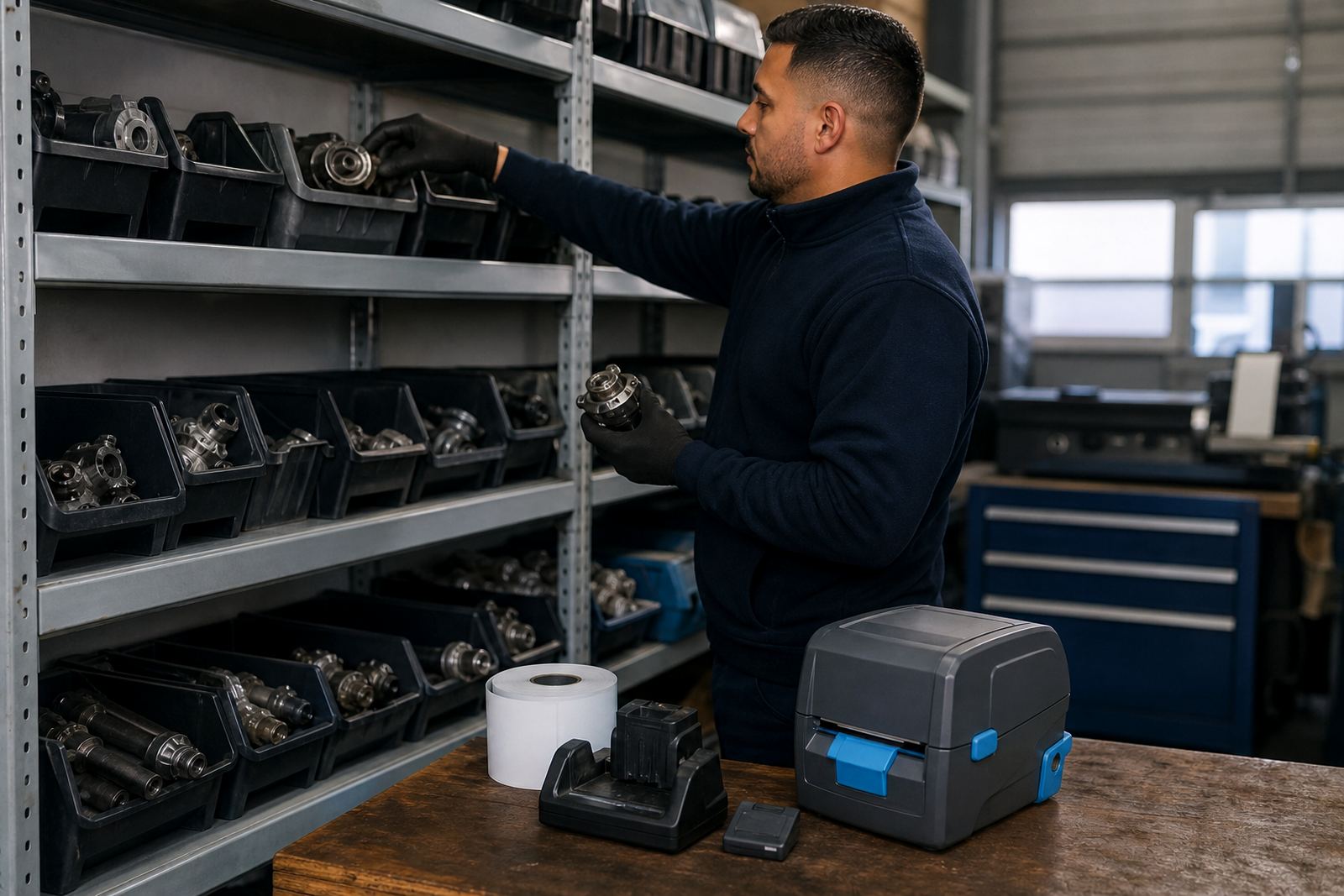
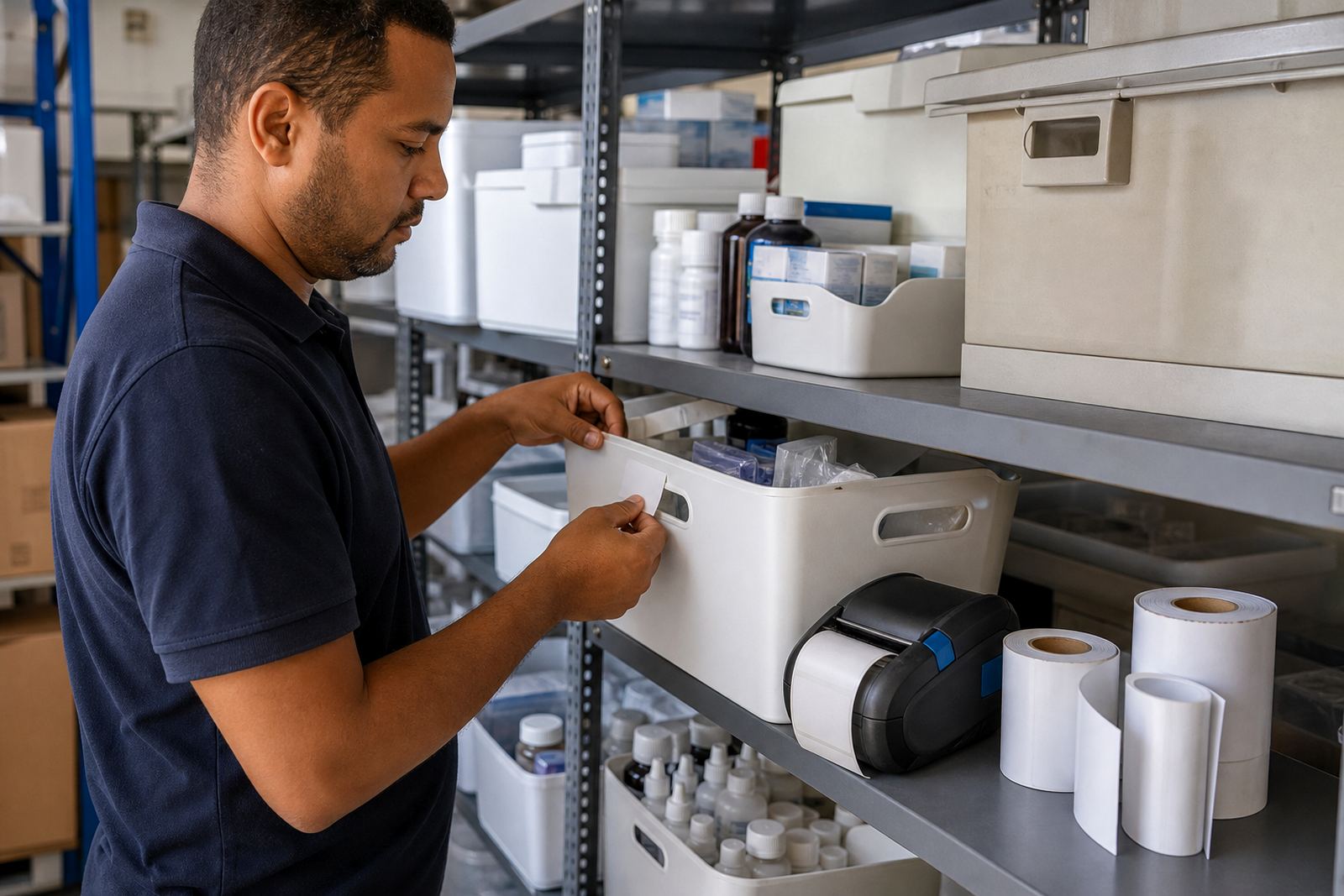
In a pharmacy stockroom, there is rarely spare room for bulky equipment. Staff move between receiving, put-away, picking, returns and checks, so a compact mobile printer makes more sense than a fixed station left at one counter. Labels need to stay readable on shelving, bins, baskets and transfer packs, especially where small items are split across locations or handled several times in a shift.
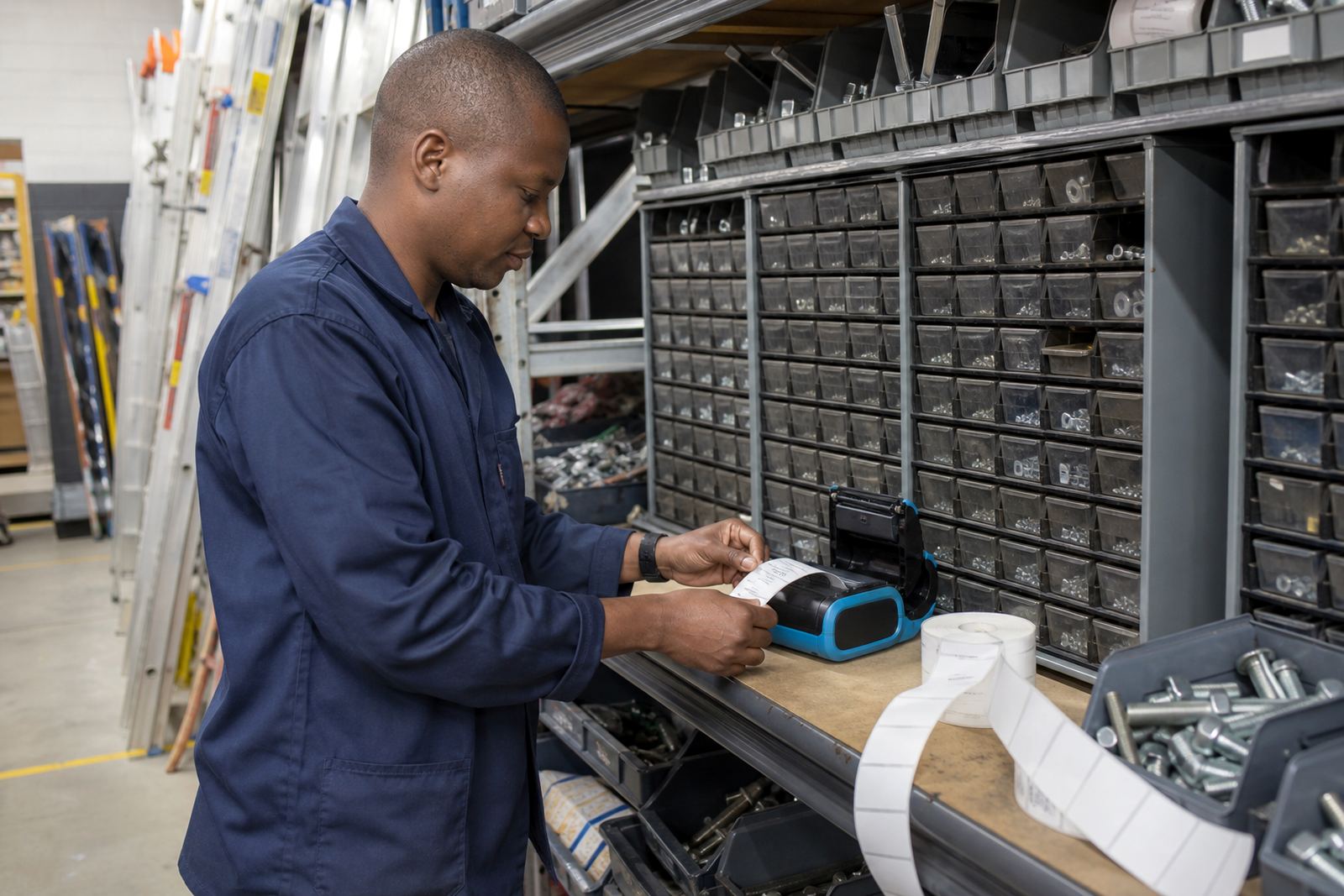
Thermal mobile label printers suit that pace because they print on demand and do not rely on ink or toner. Direct thermal printing works well for short-life labels, internal location marking and move labels that do not need to last for years. Thermal transfer is the better fit where the label must hold up to more handling, better abrasion resistance or a longer shelf life. For pharmacy stockrooms, that distinction matters because not every label has the same duty.
- Location labels for shelves, drawers and trays
- Batch movement labels for internal sorting
- Barcode and QR labels for stock control
- Small-format labels for baskets and crates
Printer choices that fit pharmacy movement
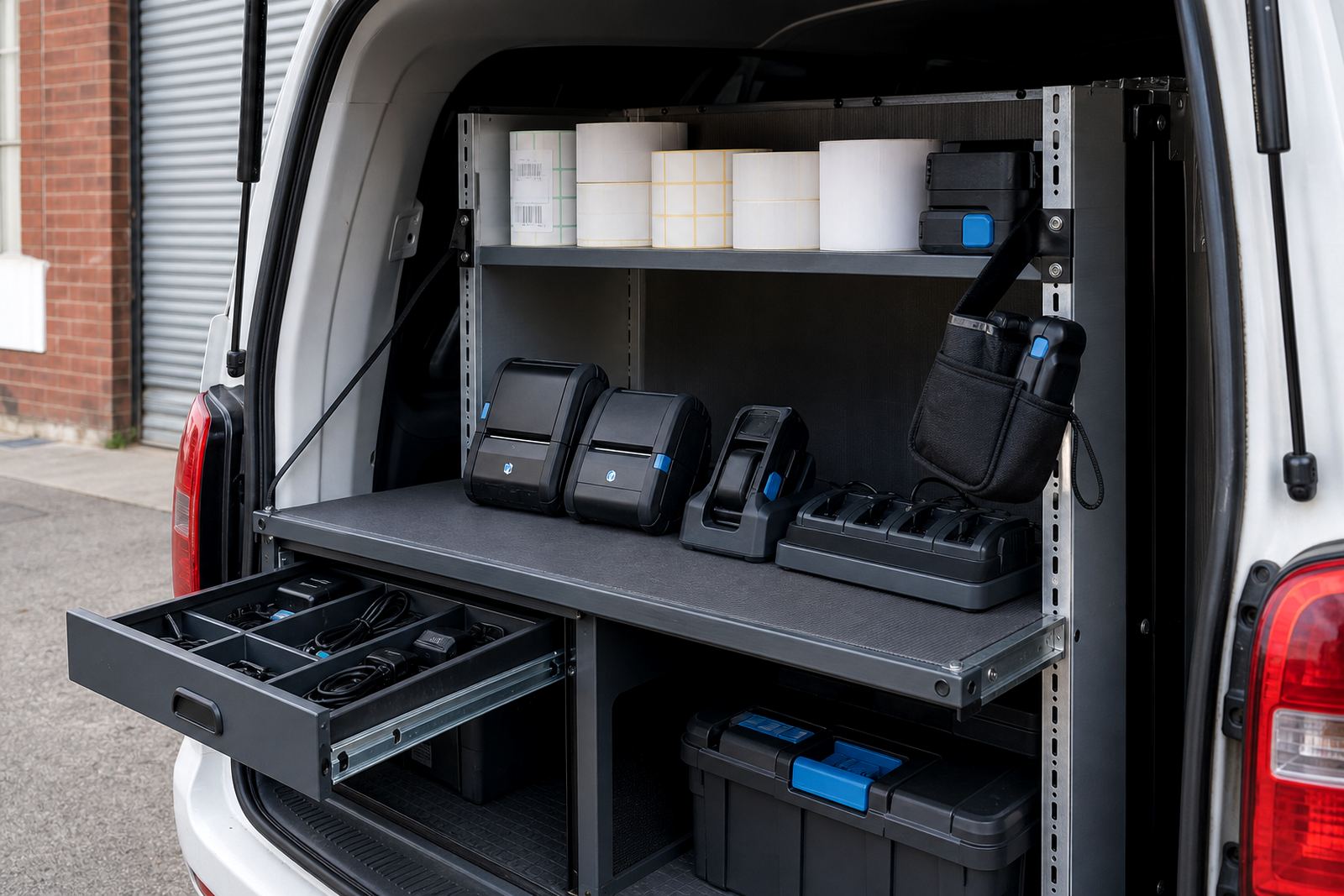
A mobile printer for this setting usually needs a print width around 58 mm to 104 mm, depending on how much data must sit on the label. Narrow rolls work for compact shelf tags and bin labels. Wider rolls help when the team needs more text, a barcode, a QR code and a handling note all on one label. Battery life matters too, because the printer may travel with one operator through a full back-room run, then move to another section without sitting on a charging base all day.
Bluetooth pairing is useful for handheld work, especially when labels are printed from a tablet or mobile device during stock moves. Wi-Fi setup helps where the printer must sit on a shared network for several users or where label files are driven from a back-office system. Battery testing, belt clip repair and printhead cleaning are part of keeping the unit ready, because dust, adhesive residue and rough handling can affect output. If the printhead is dirty, barcodes start looking weak before staff notice anything else.
- Direct thermal for short-term stock movement labels
- Thermal transfer for tougher handling and longer life
- Bluetooth for handheld use in aisles and storerooms
- Wi-Fi where more than one workstation needs access
Layout planning for shelves, bins and controlled movement
Good planning starts with the stockroom map, not the printer box. Shelf edges, drawer fronts, tote bins and quarantine spaces all need different label sizes. A label that looks fine on a carton may be too wide for a narrow drawer front. In a pharmacy stockroom, clean zoning matters because staff must know what is available, what is waiting, what is transferred and what must not be mixed with general stock.
We look at where the printer will travel, who will use it and how the labels are printed in practice. Some teams want one printer shared between receiving and issuing. Others need a unit for the back-room supervisor and another for a prep area. On-site setup helps with label calibration, so the printer feeds the roll straight and cuts the print size correctly. Training also matters, because a good setup can still fail if the wrong roll is loaded or the label template is oversized.
In Cape Town, Johannesburg, Durban, Pretoria and Gqeberha, the stockroom layout and the work rhythm are never identical. Coastal humidity in places like Cape Town and Durban can also change how labels bond to packaging if the wrong adhesive or stock is chosen. The better plan is to match the printer, roll type and label size to the room rather than force a single label across every section.
Mistakes that slow a stockroom down
One common mistake is buying only the printer and leaving the roll choice for later. Another is expecting one label size to cover every shelf, basket and transfer pack. That leads to wasted labels, crooked printing and handwritten fallbacks that become the weak point in the system. A third mistake is skipping printhead cleaning until the barcode starts fading, by then the trouble has already spread across a shift.
Battery issues are easy to ignore until the printer drops power during a busy receiving run. A weak battery can be tested before it becomes a daily nuisance, and a worn belt clip can be repaired instead of replaced in a rush. Operator training also matters more than many teams expect. If staff do not know how to calibrate the roll or clear a label jam, they stop using the printer the way it was meant to work.
- Using one roll type for every task
- Printing labels larger than the shelf space allows
- Ignoring dust and adhesive build-up on the printhead
- Skipping calibration after changing label stock
Rand ranges for pharmacy stockroom planning
Budget planning depends on whether the stockroom needs one printer, a full roll set or a wider setup with training and site work. A basic direct thermal mobile printer is usually the lower-cost option, while thermal transfer units sit higher because they support longer-lasting labels and the extra ribbon supply. Label rolls vary by size, adhesive and duty, so the cost of consumables changes with the way the room is run.
For a small pharmacy stockroom, a practical starting point may be a printer package in the lower rand tens of thousands, with rolls added according to label volume. Larger operations with several teams, calibration work, battery testing and on-site setup can move into a higher range. Repairs, print quality fixes and preventive servicing are usually planned around the condition of the units and the number of printers in use. The best budget is one that covers both the hardware and the day-to-day labels that keep the stockroom moving.
Go-Printer is based in Montague Gardens, Cape Town and supports pharmacies across South Africa, including Bellville, Midrand and the main metro areas. Clients contact us through our contact form when they need setup, label supply, repairs or training for a stockroom that must stay organised under pressure.