When direct thermal earns its place on the floor
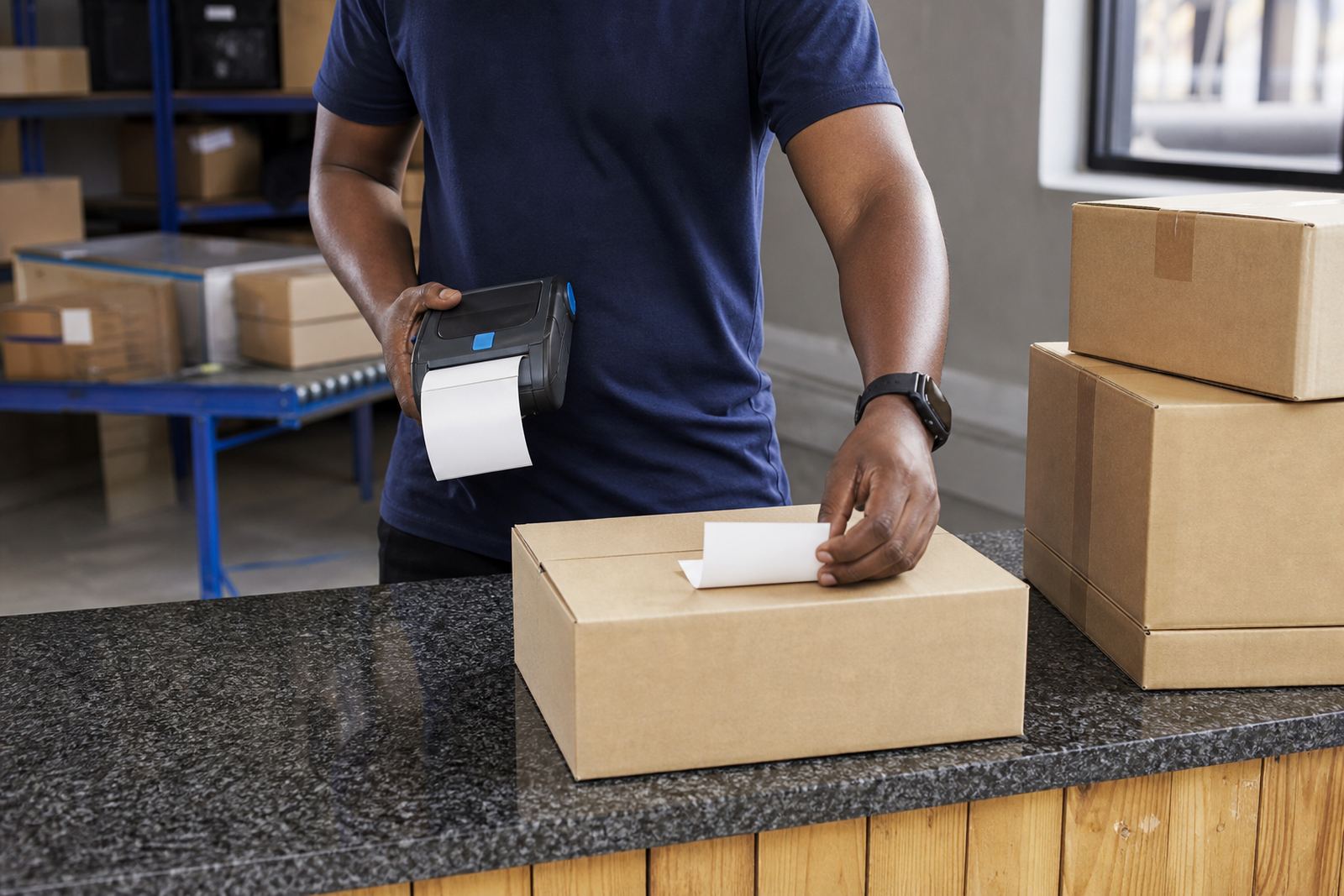
Direct thermal is a practical fit when labels are used for dispatch, shelf marking, parcel routing, intake and short-life stock movement. The print is clear at the start and the process stays straightforward because the printer only needs the label roll, not a ribbon.
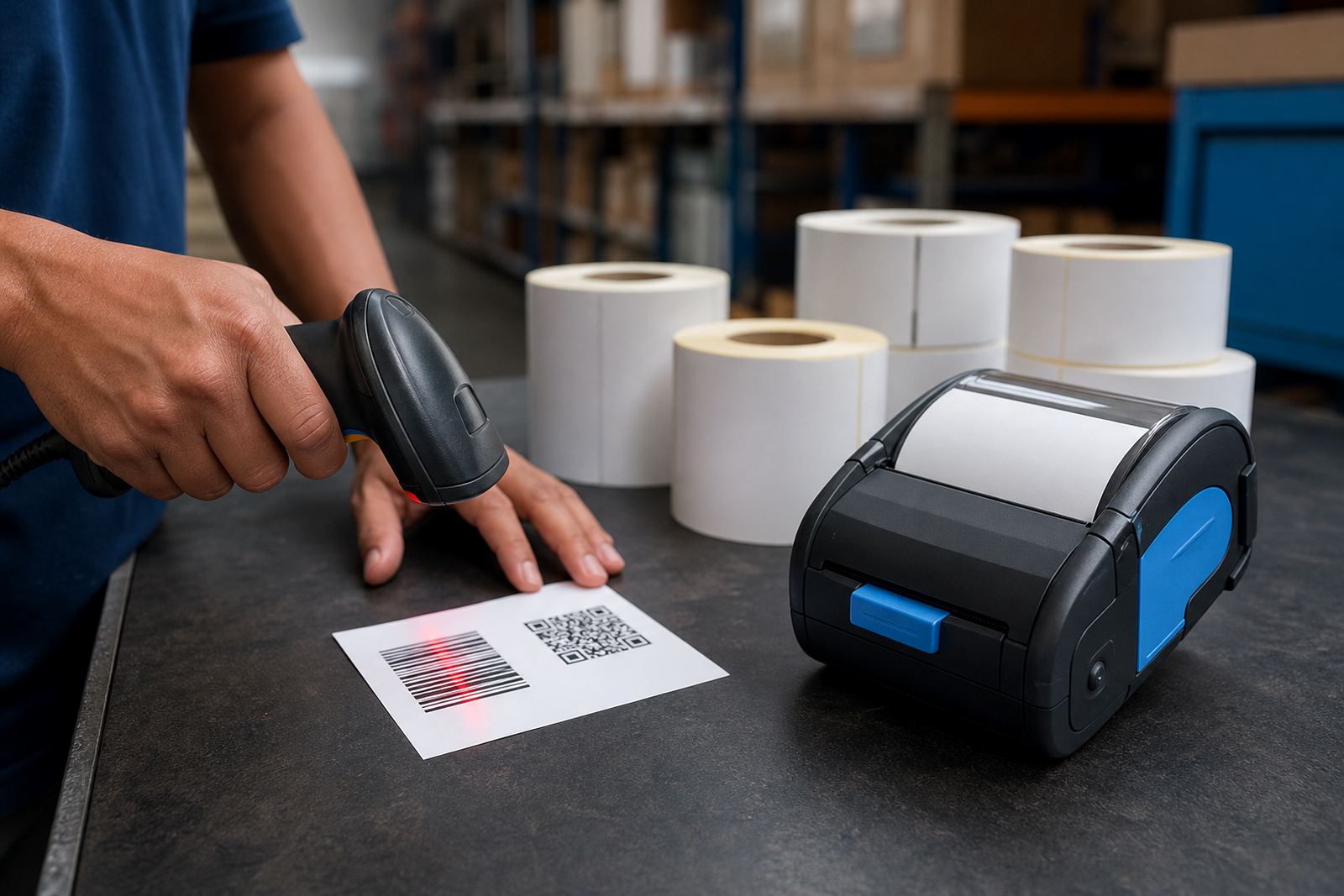
This method suits teams that print often, in small or medium batches, and want less handling between jobs. It is widely used for barcode labels, QR labels, address labels and internal identification where the label does not need to withstand heat, strong sun or long storage on a box.
How the print method works in everyday terms
Direct thermal printers use a heated printhead to react with the label surface. The result is a dark image on coated paper stock, which means fewer consumables on hand and less stoppage while changing supplies.
For mobile work, the usual setup includes Bluetooth pairing for handheld use, and some units also support Wi-Fi for shared stockroom jobs. Many models print widths around 2 inch to 4 inch, which covers common shipping and shelf label sizes. Battery life matters as well, especially if the printer moves between picking aisles, receiving bays and packing benches.
- Good for labels that turn over quickly
- Works well for barcode and QR printing
- Fewer consumables than thermal transfer
- Suitable for compact mobile printers
- Useful where label format changes through the day
Where direct thermal falls short
The same surface sensitivity that makes direct thermal easy to run also limits it outdoors and in warm storage areas. Heat, sunlight and rubbing can fade the print, so it is not the right choice for labels that must stay readable for months on a drum, pallet or archive box.
If your team needs long-life product labels, cold chain tags or items that face rough handling, thermal transfer is usually the safer option. That method uses a ribbon and a wider range of label materials, so the print stays in place for longer and handles more demanding conditions.
A quick checklist before you settle on direct thermal
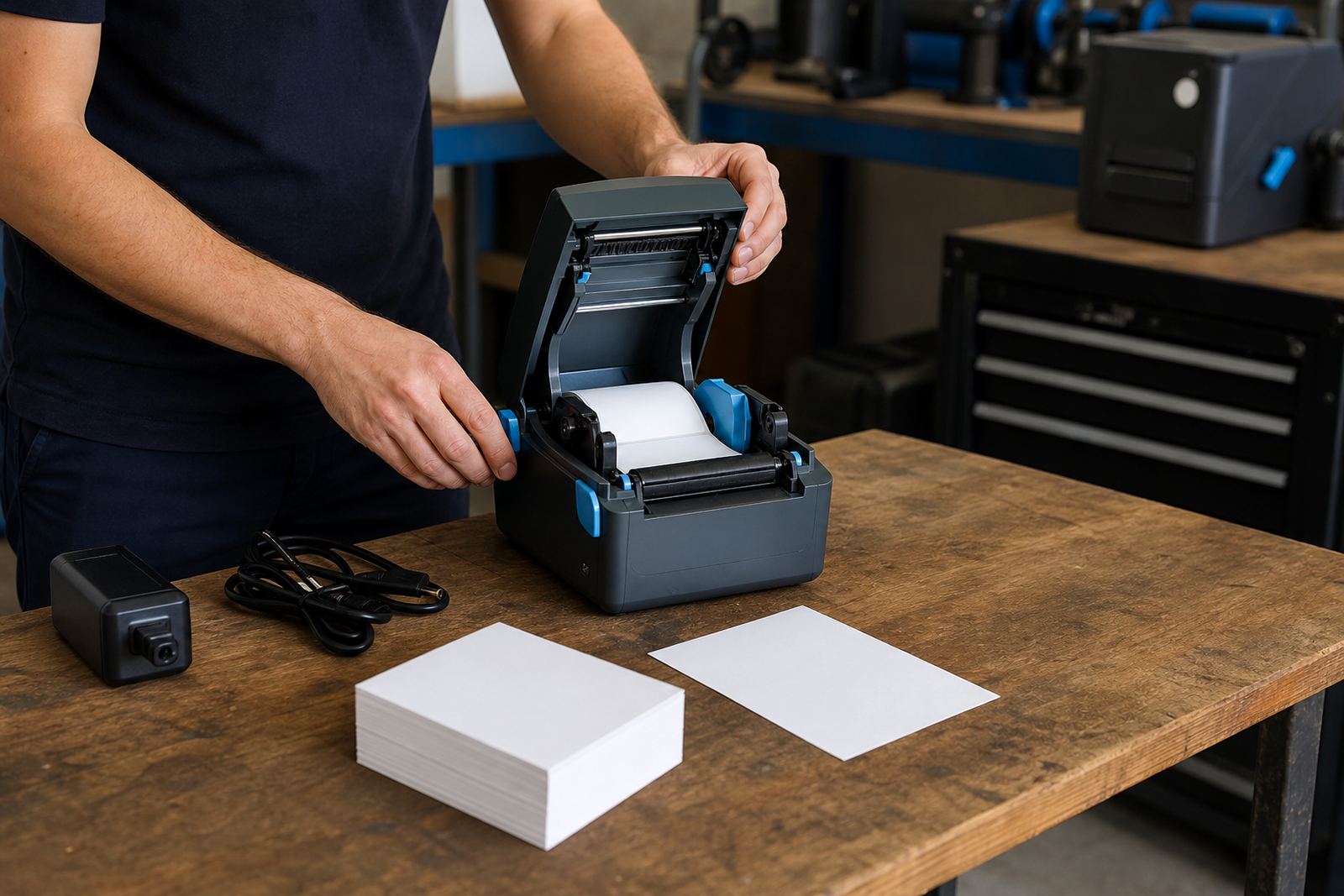
Before a printer is set up, it helps to match the label type to the job. A direct thermal unit can be a poor match if the wrong roll is loaded or the print width does not fit the label format.
- Check the maximum label width you need to print
- Match the roll core and outer diameter to the printer
- Confirm whether Bluetooth, Wi-Fi or both are needed
- Test battery condition for mobile rounds
- Set calibration for gap labels, black mark labels or continuous media
- Run a sample barcode and QR label before live use
- Keep spare rolls in the same finish and size
Print quality also depends on a clean printhead. Dust, adhesive build-up and label lint can leave pale bars, broken lines or patchy codes. A short cleaning routine with the correct method keeps the output sharper and reduces waste.
Setup points that save time later
Good setup is usually about the small things. Bluetooth pairing needs the right device name and profile, Wi-Fi setup needs a stable network path, and label calibration must match the roll that is loaded. If the printer feeds too much or too little, the label stock is often fine but the settings are not.
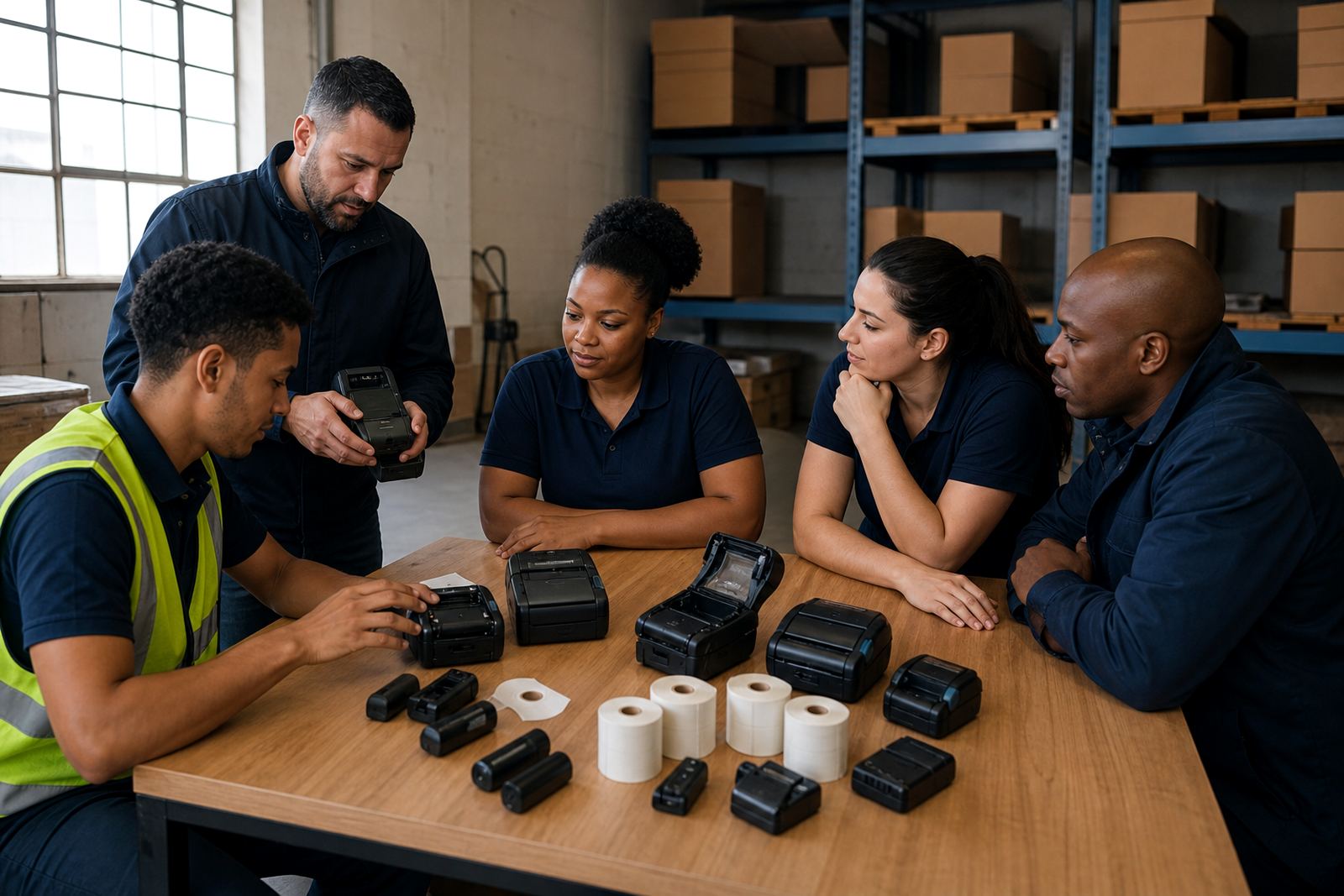
Battery testing matters when the printer is used on a trolley, in a van or on a busy packing line. Belt clip repair, battery replacement and print quality fixes all help keep the unit in service instead of parked in a drawer. For teams that train new operators often, a short handover on loading rolls, closing the cover and clearing jams saves a lot of rework.
Where our team fits in
Go-Printer operates from Montague Gardens, Cape Town and supports warehouses, couriers and retail stockrooms in Cape Town, Johannesburg, Durban, Pretoria and Gqeberha. The work includes on-site setup, label calibration, printhead cleaning, battery testing, battery replacement, belt clip repair, label jam clearing, preventive servicing and operator training.
That matters when a printer is used across more than one site or when a stockroom shifts from shelf labels to parcel labels in the same week. Our contact form is the route for those requests, and it helps keep the printer model, label size and service need in one place before the visit is arranged.
- On-site setup for new mobile printers
- Bluetooth and Wi-Fi pairing support
- Label roll guidance for direct thermal jobs
- Repairs for battery, clip and feed issues
- Setup help for warehouse and courier teams