Where thermal transfer earns its place
Thermal transfer uses a ribbon to bond the print into the label face. That gives you a tougher mark than direct thermal, which is useful when boxes move through dusty aisles, courier cages and receiving areas where labels get rubbed or exposed to moisture.
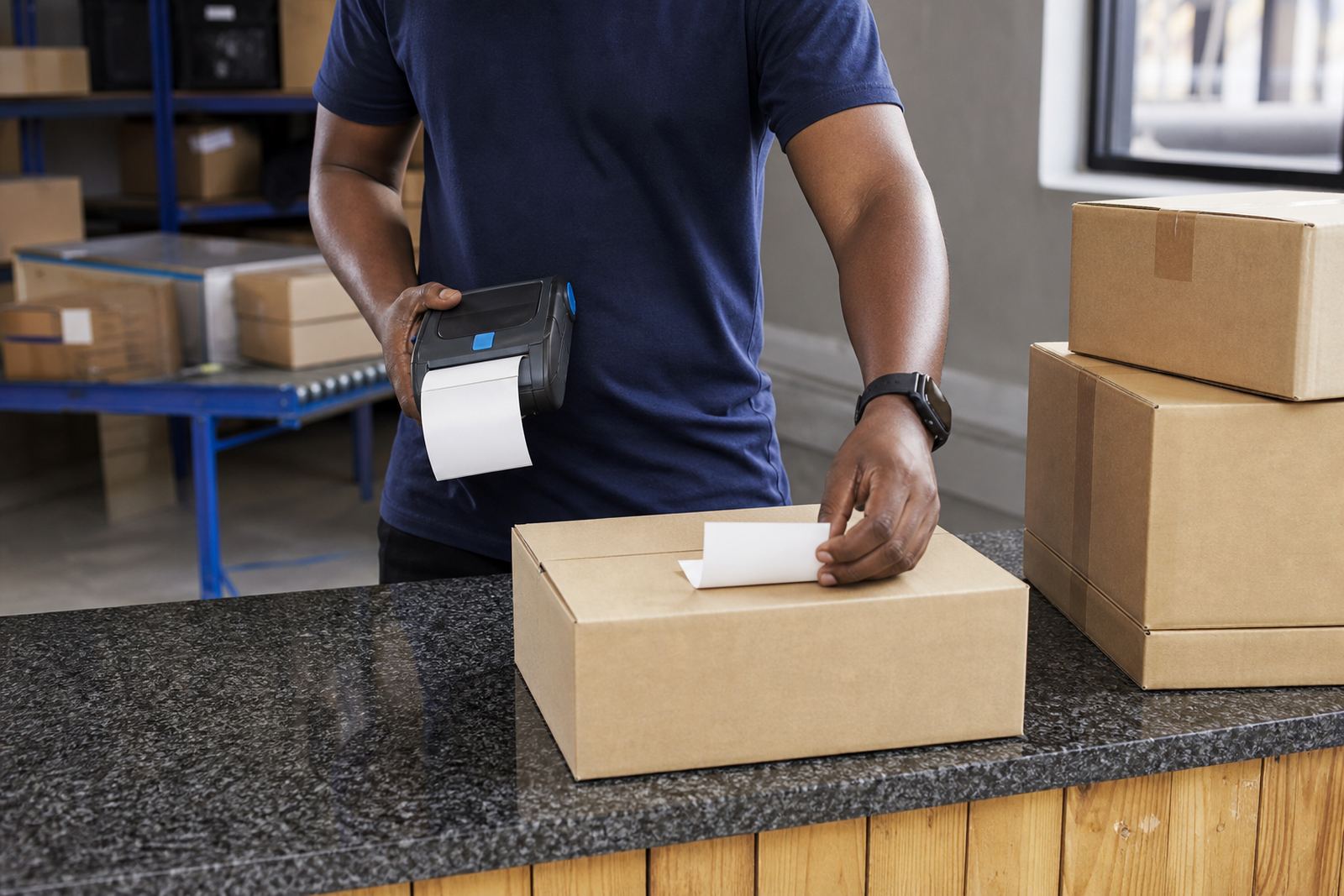
For mobile label printers, the choice often comes down to how long the label must last. Direct thermal is fine for short life work such as same-day dispatch notes or temporary shelf labels, but thermal transfer is the better fit for asset tags, warehouse locations, compliance labels and cartons that may sit in storage for months.
Signs the job needs more than direct thermal
If the label must survive handling, stacking or low light scanning, thermal transfer usually makes more sense. It is also the better call when you need sharper small text or when barcodes and QR codes must stay readable after repeated touches.
- Labels are stored for weeks or longer before use.
- Items move through humid coastal conditions or chilled spaces.
- Printed data includes serial numbers, batch codes or scan codes.
- The label may be scraped by straps, shelving or packaging tape.
- You need a wider choice of label materials and adhesive types.
Printer settings that affect the result
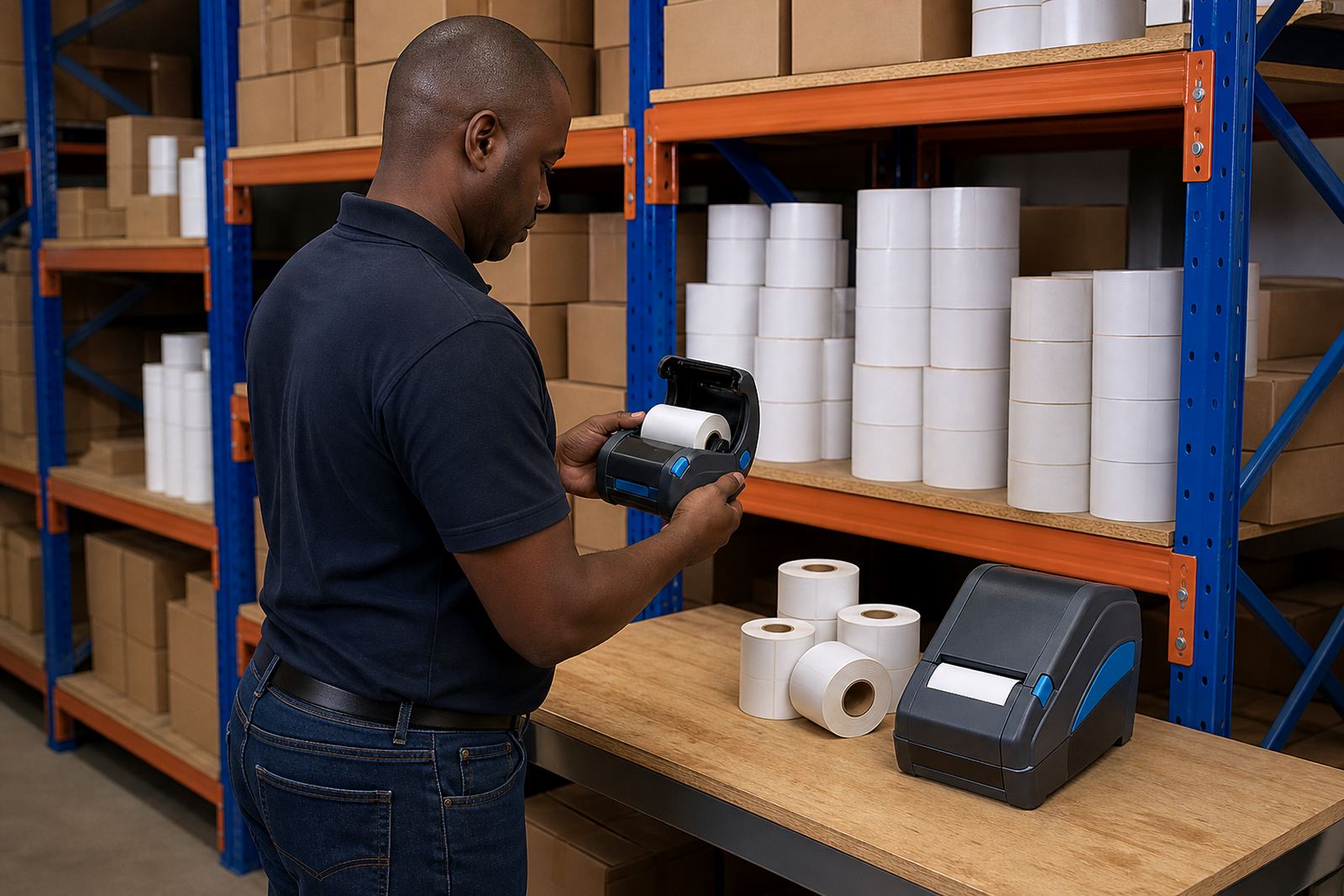
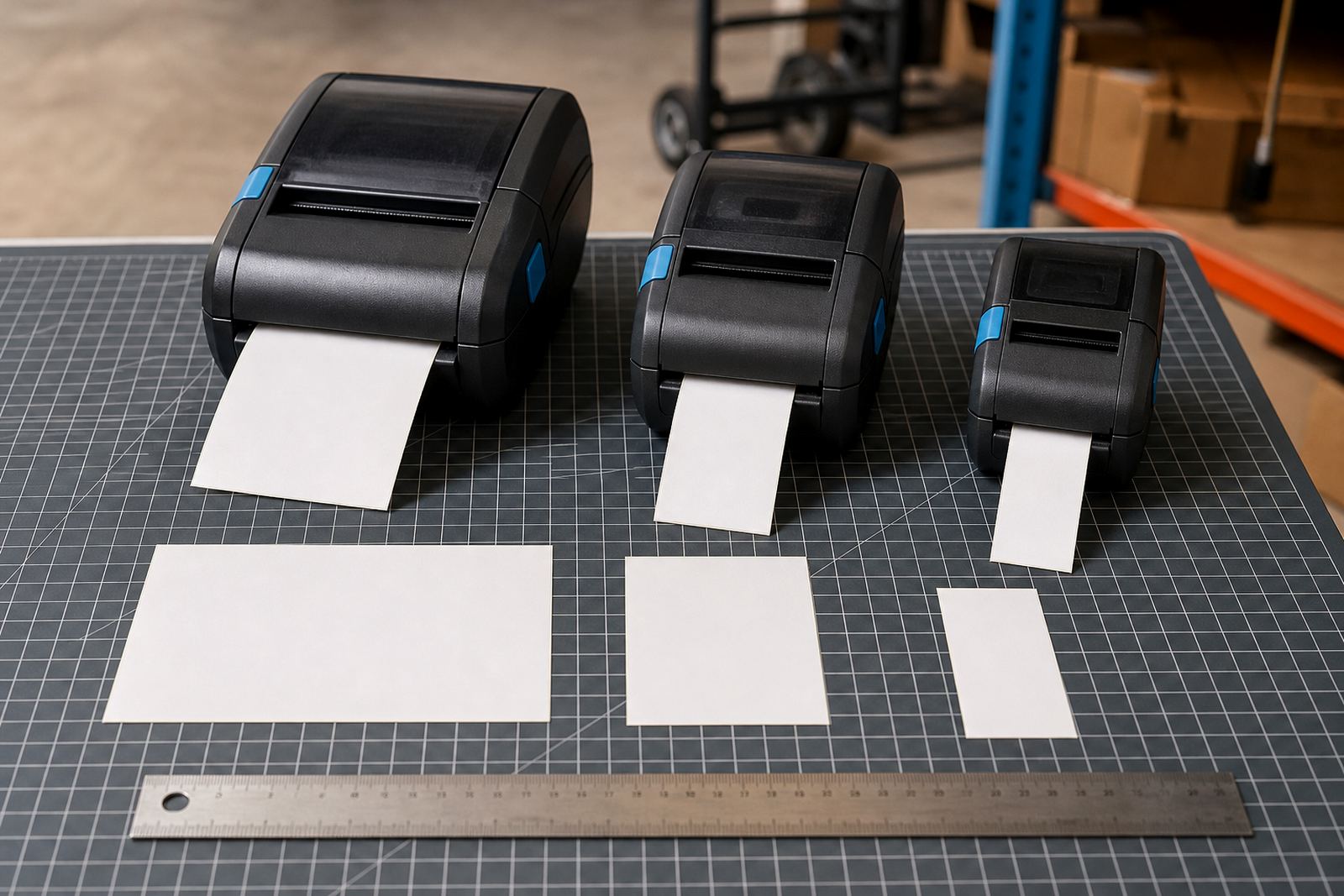
Thermal transfer printing is not only about the ribbon. Print width, label size and the printer’s calibration all affect the finished label. A 2 inch or 3 inch mobile printer can suit compact stockroom work, while wider units help with larger shipping and shelf formats.
Battery life matters too if the printer is carried through a warehouse or used on the move. Bluetooth pairing is common for mobile use and Wi-Fi setup helps where a team prints from different points in the building. When print quality drops, a clean printhead and correct darkness setting often fix the issue before it becomes a bigger fault.
A practical setup checklist for the first batch
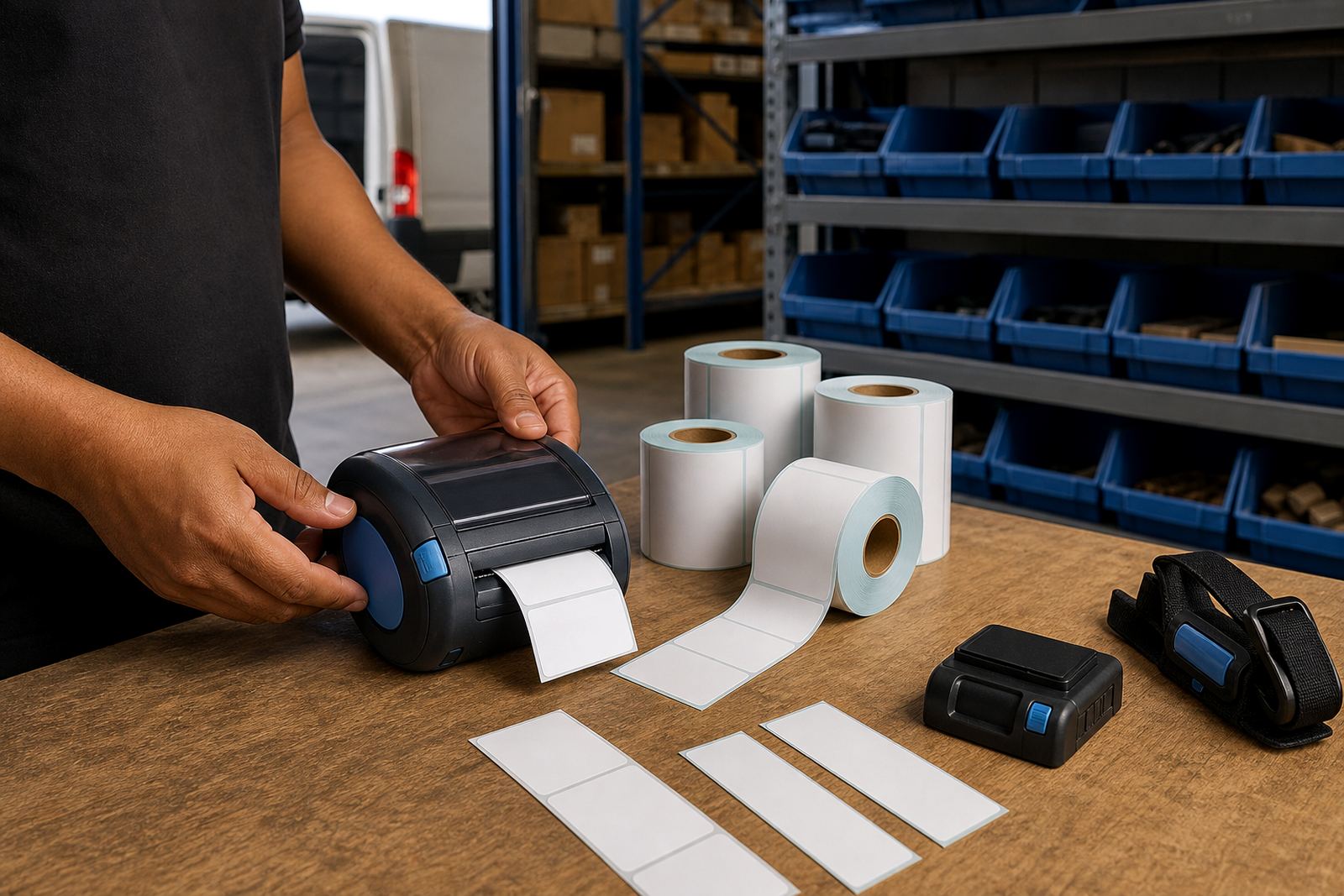
A clean setup saves reprints and wasted label rolls. Before the first run, make sure the media path is set correctly and the ribbon width matches the label width. Then check the code format, the spacing between labels and whether the printer is calibrated for the exact roll size in use.
- Confirm the printer width matches the label roll.
- Check ribbon direction and label feed path.
- Test one barcode and one QR code for scan clarity.
- Inspect battery charge and charging contacts.
- Clean the printhead before long production runs.
- Keep spare belts clips or carry gear ready for mobile use.
When setup, servicing and training matter
Thermal transfer printers work best when the operator knows the basics of loading, calibration and cleaning. In a busy stockroom, a small error with ribbon tension or label alignment can cause jams, faded bars or wasted labels. That is where on-site setup and operator training help, especially for teams spread across Cape Town, Johannesburg, Durban, Pretoria and Gqeberha.
Preventive servicing keeps the printer ready for daily work. Battery testing, battery replacement, printhead cleaning, label jam clearing and print quality fixes are all part of keeping mobile equipment in service without guesswork. For teams that rely on handheld printing, even a belt clip repair can make day-to-day use easier.
A simple way to decide between the two print types
Choose direct thermal when the label is short-lived and cost control matters more than long wear. Choose thermal transfer when legibility, durability and scan reliability matter after the label leaves the printer and enters the real work of the site.
If your operation handles stock turns, courier labels or warehouse marking, thermal transfer is usually the safer choice. It gives more room for tougher materials, clearer codes and better performance where labels must keep their shape under pressure.