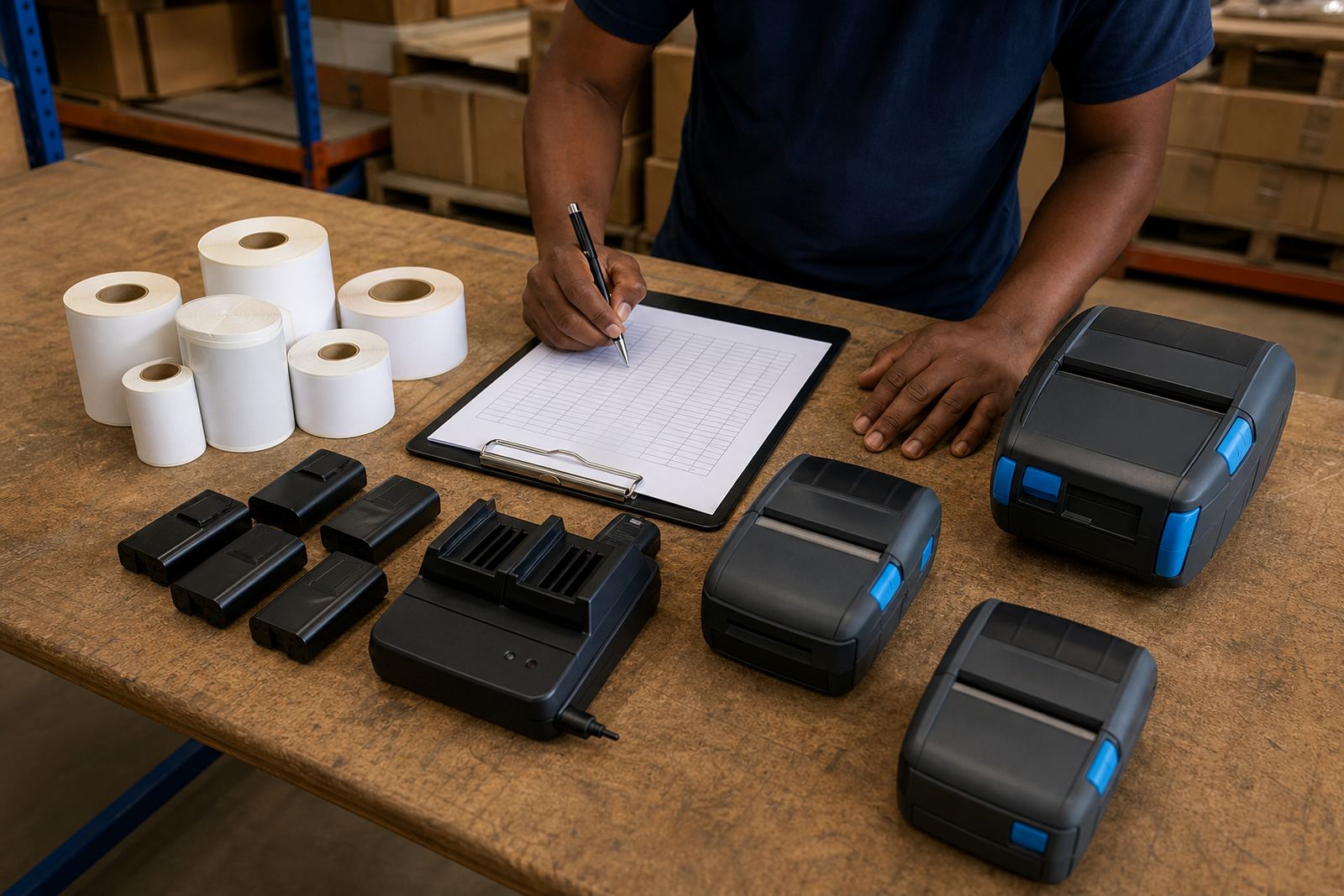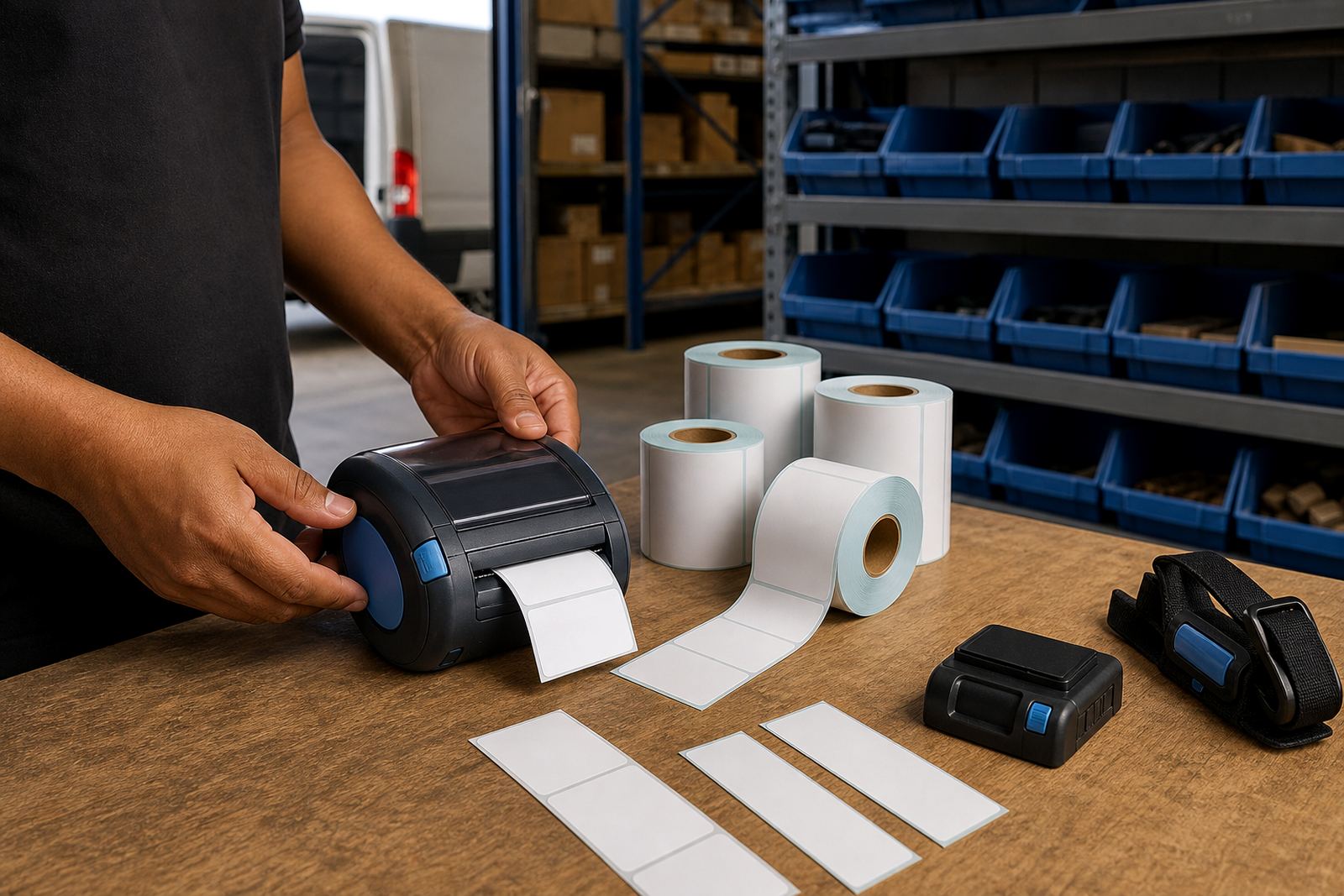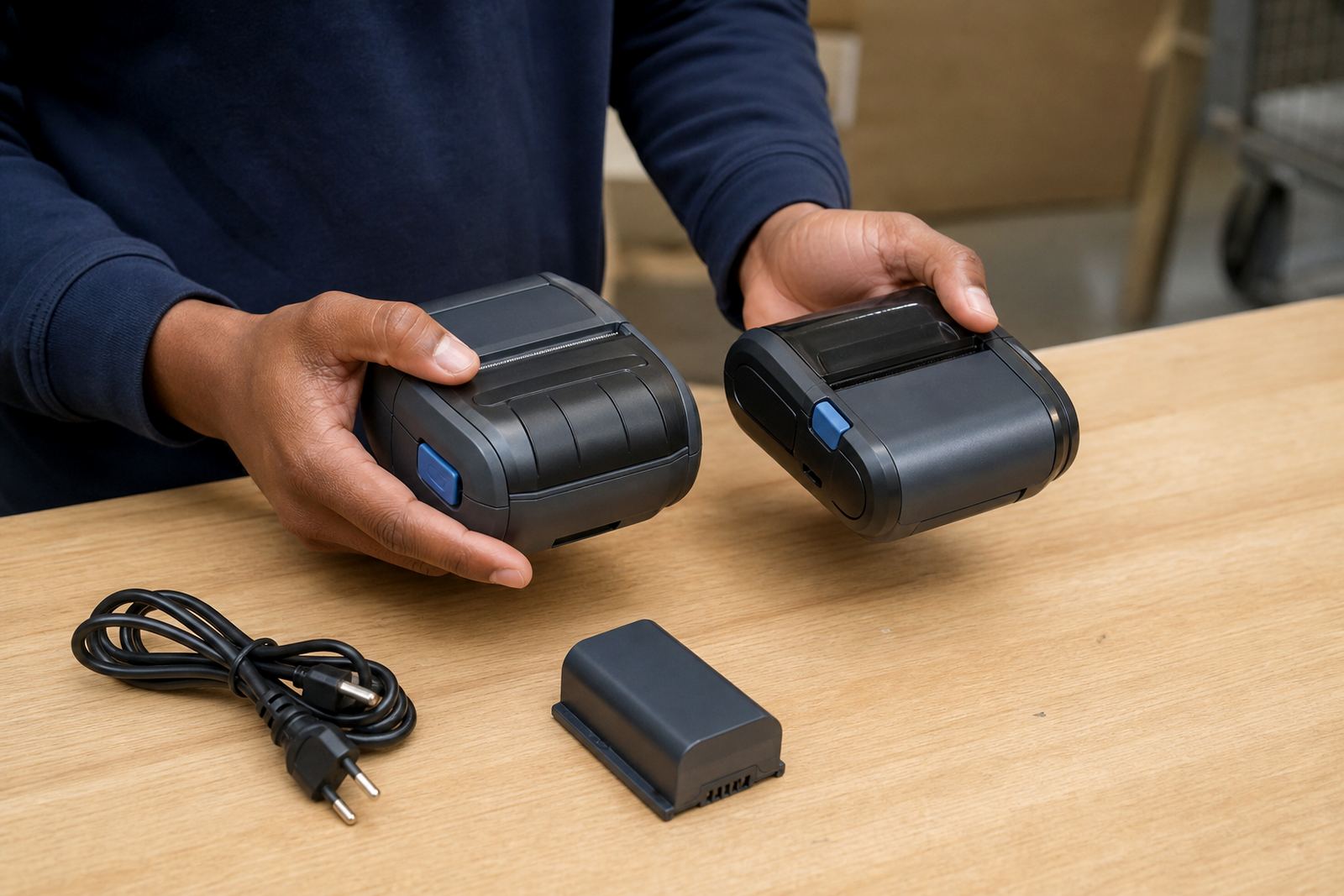
Start with the printer that sits in each hand
Begin by naming the exact printer style in use and the job it handles. Some teams print short-run shelf labels, while others need courier labels, bin tags or stockroom barcodes, so the operator must know the print width, the supported label size and whether the unit uses direct thermal or thermal transfer media. That first distinction matters because direct thermal prints without a ribbon and suits labels that move through stock fairly quickly, while thermal transfer uses a ribbon for longer lasting marks on labels that need more abrasion or handling.
Show each shift how to load media, close the cover correctly and check that the label path is straight. A small twist at the roll edge can cause drift, poor print registration or label waste, especially on narrow labels. It helps to teach one standard loading sequence for every site, even when the stockroom layout differs.
- Confirm label width and roll direction before loading.
- Show the difference between direct thermal rolls and ribbon based setups.
- Set one standard print format for common jobs.
- Keep a sample roll at each station for quick comparison.
Pairing that does not get lost between shifts
Many mobile printers move between supervisors, pickers and packers during the day, so the pairing routine must be simple enough for the next person to repeat without help. Train staff to connect by Bluetooth or Wi-Fi only after the printer is powered on, awake and ready for setup. If the site uses more than one device, each printer should be labelled clearly so the team does not pair to the wrong unit in a busy bay.
Keep the training practical. Show where the battery sits, how to check charge level and what to do if the unit falls off a docking point or loses pairing after a shift change. A battery that is partly charged can still start a run, but it may not finish a long picking cycle if the team ignores the warning lights. Teach the crew to treat low power as part of the handover, not an afterthought.
- Assign one name or code to each printer.
- Check Bluetooth or Wi-Fi pairing before the first label run.
- Review battery level at the start and end of a shift.
- Keep a spare battery where the workload is heavy.
Use label calibration as a daily habit
Label calibration should be part of training, not a task reserved for technical staff. When the label gap, black mark or media sensor setting is wrong, the printer can waste labels, cut barcodes in the wrong place or feed blank sections through the machine. Operators should learn the calibration steps for their model and understand when a label roll change requires a fresh setup.
For warehouses and retail stockrooms, calibration matters most when the same printer handles several label sizes in one day. If one shift prints bin tags and the next prints courier labels, the team needs a clear way to reset the layout. Include a quick check for barcode and QR clarity, because scanning problems often start with a small alignment issue rather than a major fault.
- Calibrate after changing label size or roll type.
- Print one test label before a busy run.
- Check barcode edges, QR contrast and text placement.
- Write down the right settings for each location.
Train for the faults that stop a shift
Every site needs a short fault routine that operators can follow before they call for repairs. Start with the common issues: label jams, dirty printheads, poor print quality, battery faults and broken belt clips. When the team knows how to clear a jam without tearing the liner, wipe a printhead safely and spot a worn clip before it snaps, the printer spends less time out of service.
Print quality training should include faded bars, missing lines and light print on one side of the label. Those signs often point to dirt on the printhead, poor pressure, the wrong heat setting or a worn roller. Keep cleaning cloths and approved supplies in the same place at every branch, because nobody wants to search a busy counter for a small maintenance item during peak trade.
- Show how to clear a jam without forcing the feed path.
- Teach safe printhead cleaning and drying time.
- Explain the signs of battery weakness and clip wear.
- Record repeating faults so the repair visit is targeted.
Make the handover sheet short enough to use
Shift teams absorb more when the handover is short, visible and repeated in the same order. A good sheet should list the printer name, current battery level, label type in use, recent faults and any settings that were changed during the shift. If the team works across Johannesburg, Durban, Pretoria or Gqeberha, keep the wording identical at each site so the information is easy to read under pressure.
The handover also needs a place for service notes. If a unit was fitted with a new battery, had a belt clip replaced or needed print quality fixes, the next shift must see that note at once. That avoids repeat troubleshooting and keeps the operator from guessing which fault has already been checked. A clear handover sheet is not just paperwork, it forms part of equipment control.
- List the printer ID and site location.
- Note battery state, label type and current settings.
- Record cleaning, repairs and parts replaced.
- Keep one handover format across every branch.
Build the training around the real work pattern
Train people on the labels they actually print, the shift lengths they actually work and the machines they actually carry. A courier team may need battery discipline and fast pairing, while a stockroom team may need more focus on label calibration and barcode placement. The same printer can serve both, but the habits around it are not identical.
For multi-site operations, it helps to separate the training into setup, daily use and fault handling. Use on-site setup visits to confirm that the printer settings match the label stock, the pairing method matches the device environment and the operator sequence matches the job. That leaves less room for confusion when new staff step in or when a branch in Bellville or Midrand runs a heavier shift than usual.
Go-Printer works with warehouses, couriers and retail stockrooms from Montague Gardens, Cape Town, and supports on-site setup, preventive servicing and operator training across South Africa. The strongest training plans stay plain, repeatable and close to the workbench, not buried in a folder nobody opens during a busy morning.