Start by deciding what your labels must handle
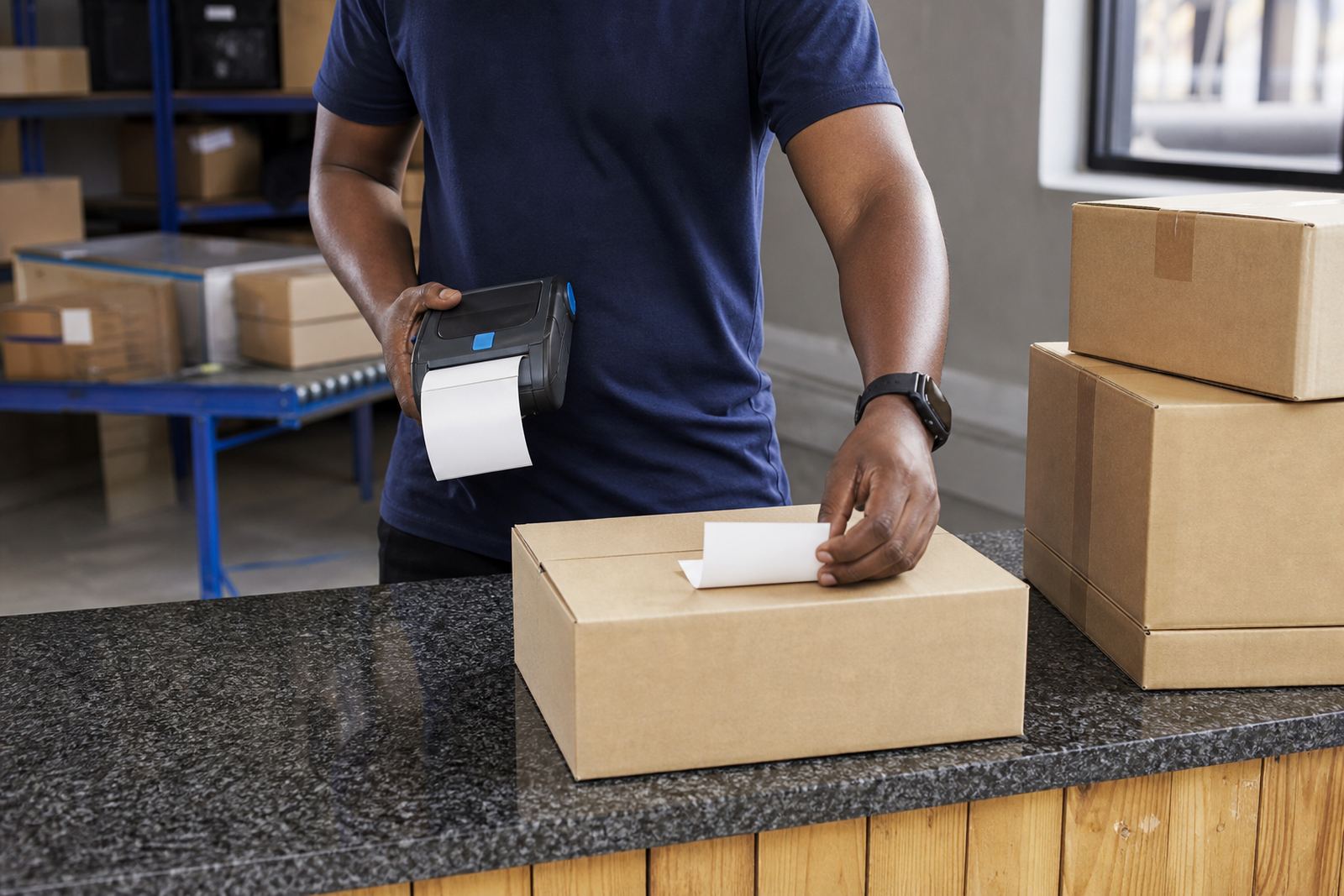
Before you look at the printer itself, decide what the label must carry. Many warehouses use location labels, carton labels, shelf tags and dispatch labels. Couriers often need address labels, route labels and proof labels that must stay readable while the parcel moves through sorting and delivery. Retail stockrooms usually want smaller shelf and bin labels that fit tight spaces without wasting label stock.
Ask what must be printed every day, because that affects the printer choice more than any brochure claim. If you only need short-term labels, direct thermal is often the practical route. If the label must handle heat, rubbing or longer storage, thermal transfer is usually the safer choice. The right answer depends on the surface, the handling, and how long the label must stay clear.
- List the label types used in the store room, van or warehouse
- Note whether the label must last days, months or longer
- Check if barcode and QR code printing is needed
- Measure the usual label width before you shop
The first decision: direct thermal or thermal transfer
Direct thermal printers use heat-sensitive labels. They are often straightforward for shipping labels, short-run stock labels and other work where the print does not need to survive for years. They can be a good fit when the label rolls are kept moving and the print job is not exposed to much abrasion.
Thermal transfer printers use a ribbon with the label roll, which gives a more durable print on many label types. That matters where labels are handled often, stored longer, or need to survive rough movement in a warehouse or on a courier route. If you need crisp barcodes that must remain readable after transport and sorting, thermal transfer is worth serious attention.
No one printer suits every label run. A busy Montague Gardens dispatch area may need one setup, while a retail stockroom in Pretoria may need another. The first choice should fit the label life you genuinely need, not the easiest sales pitch.
Print width, label size and the space you have to work with
Mobile thermal label printers usually suit narrower label work, but width still matters. A printer that is too small can force you to split information across awkward layouts. A printer that is too wide can waste label stock and make the unit heavier than needed. The print width should match the label sizes you use most, whether that is a small shelf tag or a wider dispatch label.
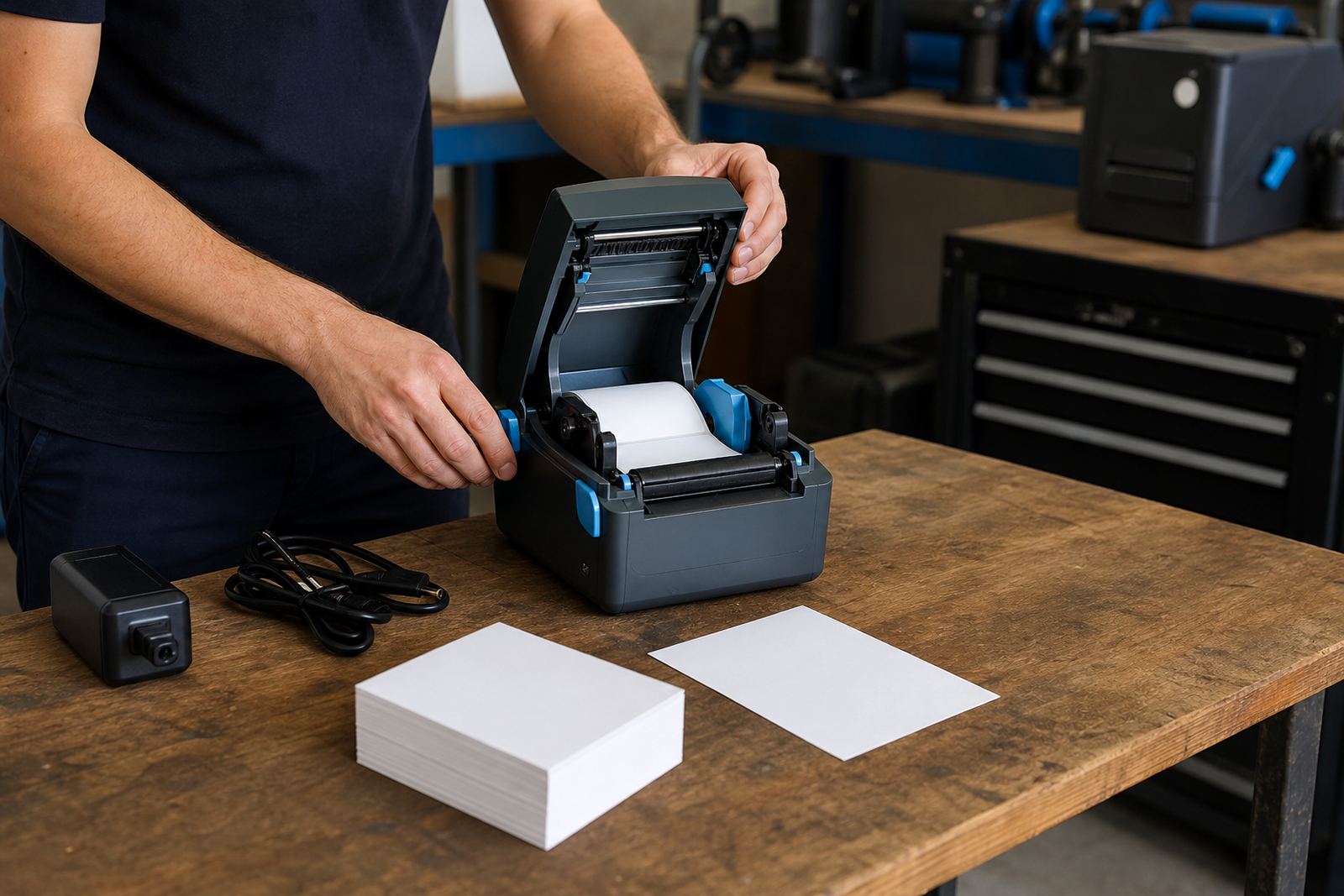
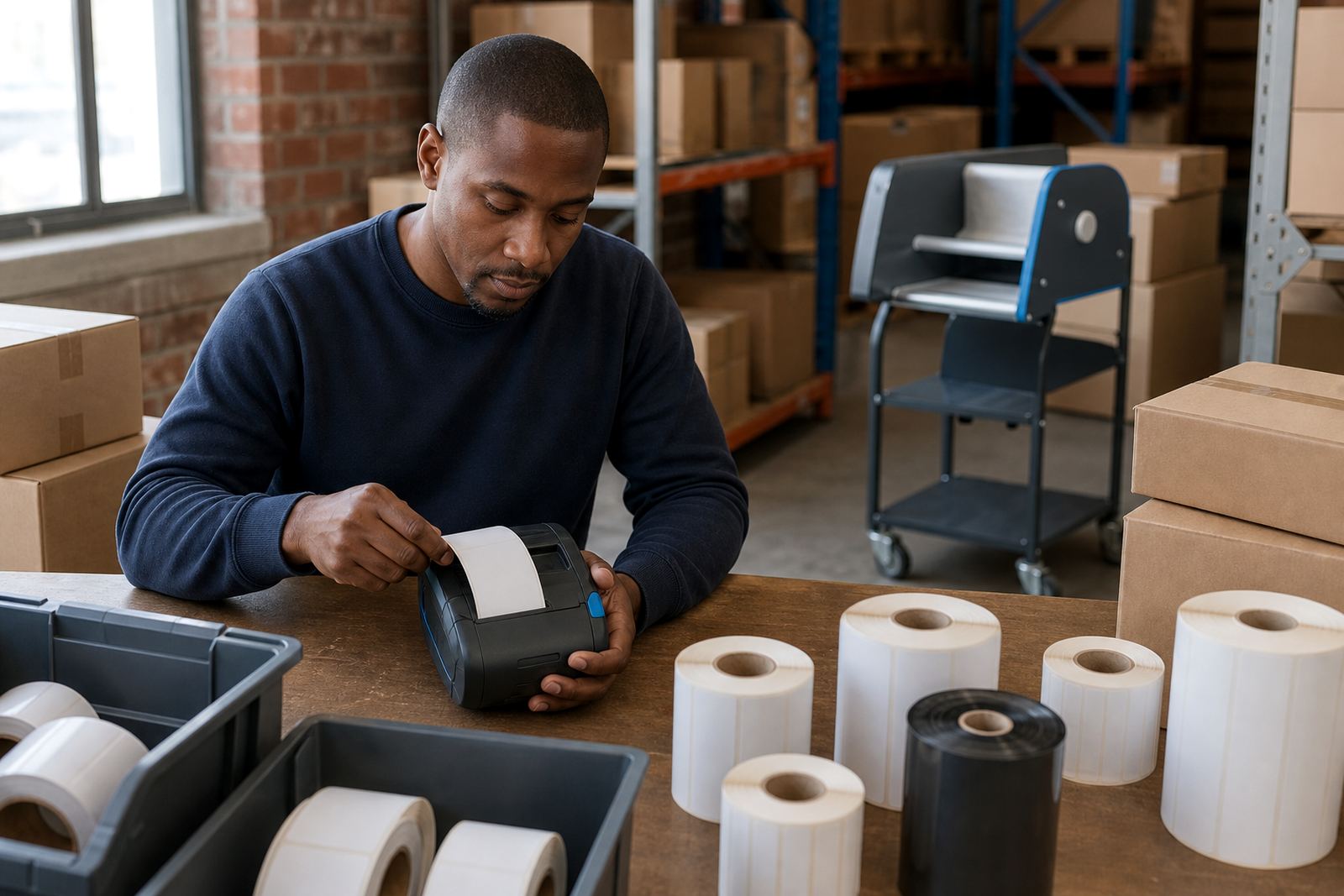
Check the label roll sizes the printer can take, and make sure the roll path is comfortable for your team. If staff need to swap rolls in a hurry, the design should be clear and simple. A good first machine should handle your normal label size without forcing constant adjustments.
- Match print width to your most common label width
- Make sure the printer can fit the roll diameter
- Check whether internal or external feed suits your work
- Keep one spare roll size on hand for training and testing
Battery life and movement between sites
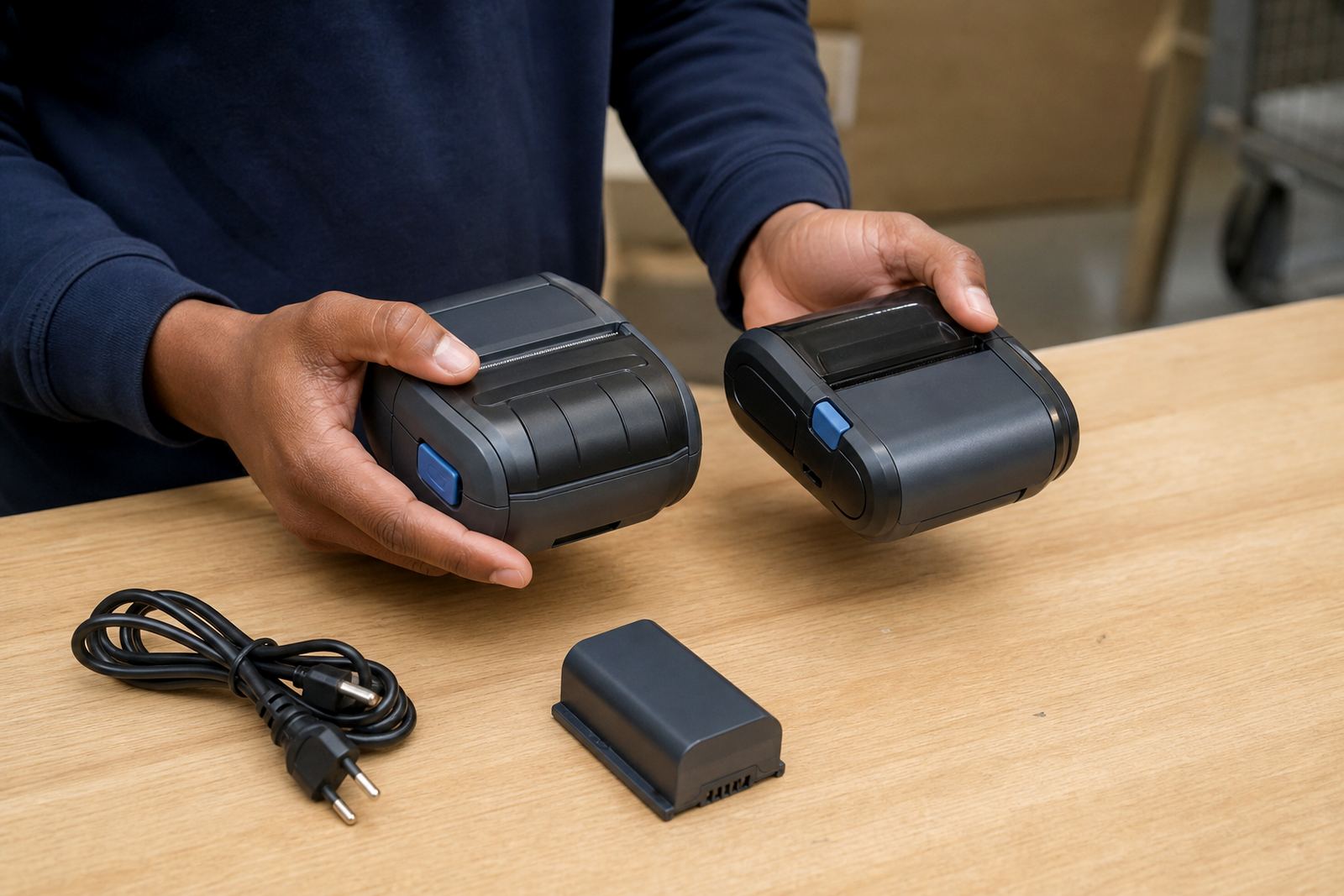
A mobile printer must travel well. Plan battery life into the purchase from the start. If the printer is used across a warehouse, loading bay or vehicle, the battery must cope with a full working shift pattern without becoming a daily problem. Where the printer is used in bursts, a smaller battery may be enough, but it should still hold charge well and be easy to test.
Ask how the battery is checked, replaced and recharged. A unit that is carried on a belt clip should stay balanced and not dig into the hip during long use. If the battery starts losing strength, print jobs slow down and staff begin avoiding the machine. That is when battery testing and replacement matter as much as the printer model itself.
For teams moving between branches in Cape Town, Johannesburg or Durban, a stable battery and a practical carry setup can make daily work far less awkward.
Bluetooth, Wi-Fi and the device that sends the label
Most first-time buyers need to think about pairing as carefully as printing. Bluetooth is common for direct mobile use, especially where a person prints from a handheld device or tablet close to the printer. Wi-Fi helps when the printer must sit on a shared network or receive jobs from a fixed point in a stockroom or dispatch area.
The choice depends on the job flow. If staff move around the floor, Bluetooth pairing may be the better start. If the printer will sit in one place and serve several users, Wi-Fi setup can be more useful. The pairing step should be checked during setup so the printer and the sending device speak properly from the start.
- Decide whether one user or several users will send print jobs
- Check whether Bluetooth range suits the way staff move
- Confirm Wi-Fi access in the area where the printer will sit
- Test barcode and QR output from the actual device used on site
The small maintenance habits that keep the printer honest
Most printing trouble starts with dirt, wear or rushed handling. Printhead cleaning is basic work, not a special extra. If dust or adhesive builds up, print quality drops and labels start to look patchy. A clean printhead helps keep text sharp and barcodes readable, which matters in scanning work and stock control.
Label jams should be cleared carefully, not forced. Staff training should include how to load the roll, how to close the cover properly and how to notice when the label path is not feeding cleanly. Preventive servicing also matters for teams that run the printer every day. A short service visit can spot worn parts, poor calibration and tired batteries before they slow a busy shift.
Our field team handles on-site setup, label calibration, print quality fixes, label jam clearing, belt clip repair and battery replacement across Cape Town, Johannesburg, Durban, Pretoria and Gqeberha.
A first-buy checklist for warehouse, courier and retail teams
Check everything here before you place an order or arrange setup. It keeps the discussion practical and avoids buying a printer that looks right but does not fit the work.
- Choose direct thermal or thermal transfer based on label life
- Check the maximum label width you need to print
- Check battery life against the actual shift pattern
- Decide between Bluetooth pairing and Wi-Fi setup
- Confirm support for barcode and QR labels
- Ask how often printhead cleaning and battery testing should happen
- Make sure the roll sizes match your stock and dispatch labels
- Plan operator training for the staff who will use it daily
If you want help matching the printer to your label work, the contact form is where to send the details. Go-Printer works from Montague Gardens, Cape Town and supports warehouse, courier and retail stockroom setups across South Africa.