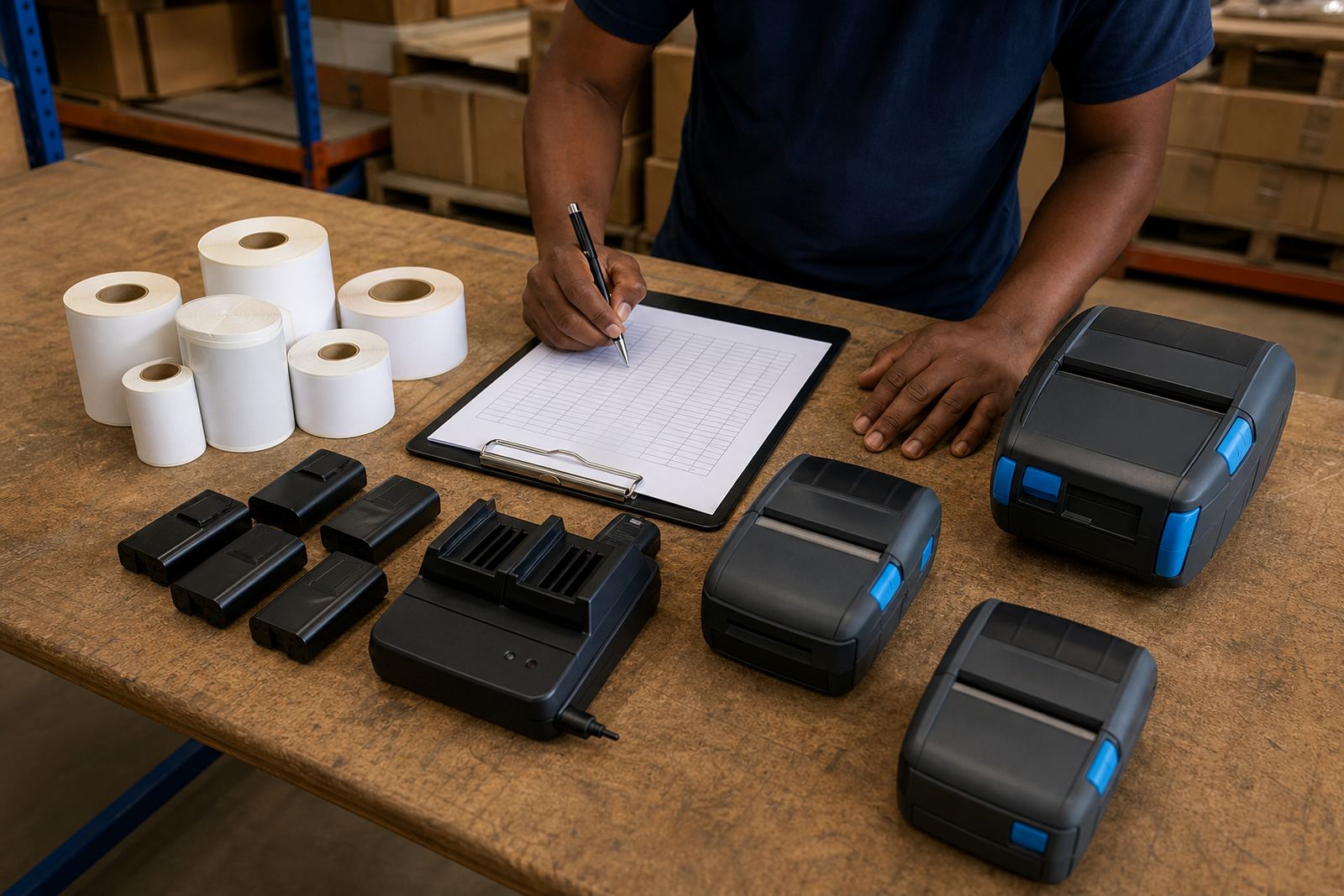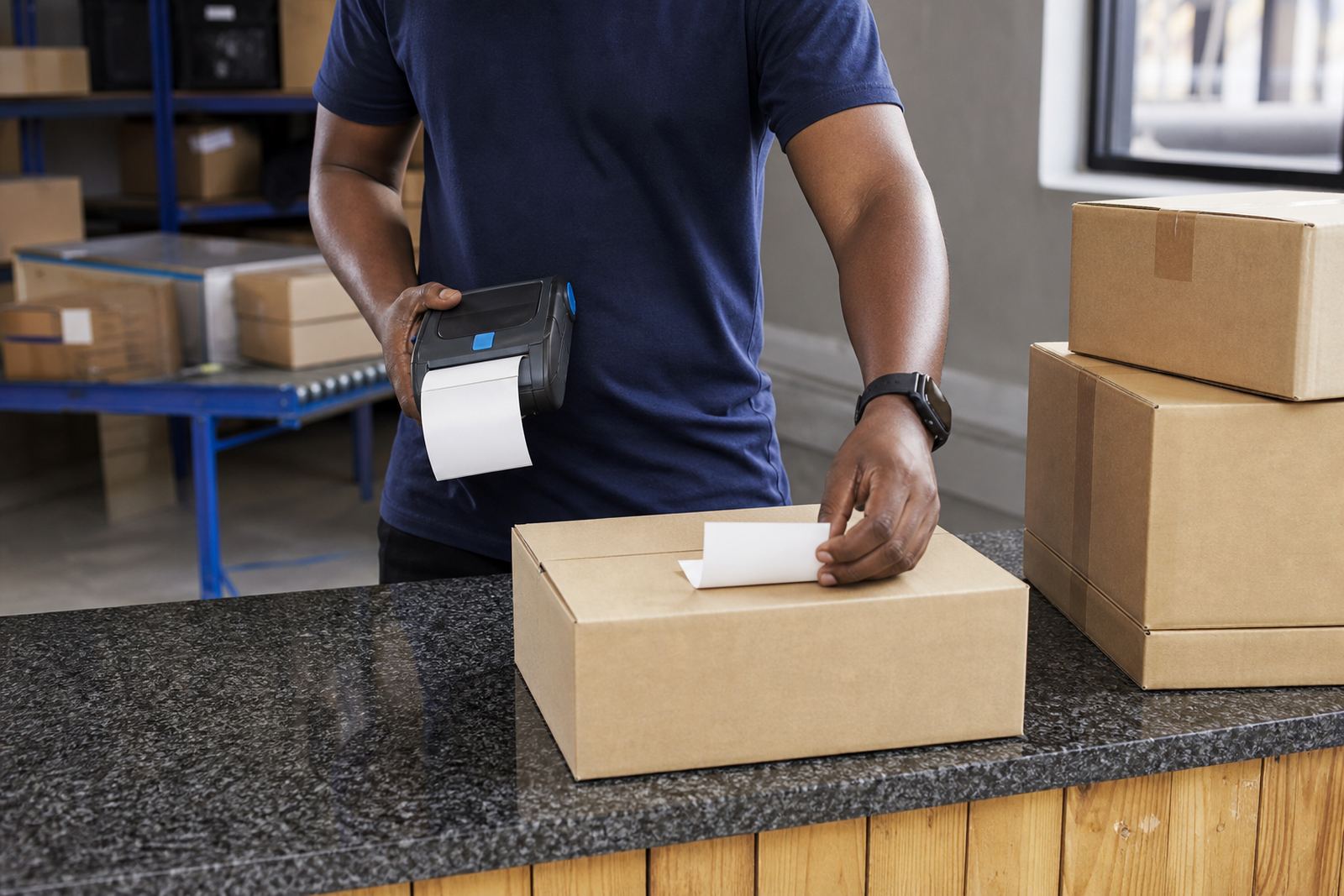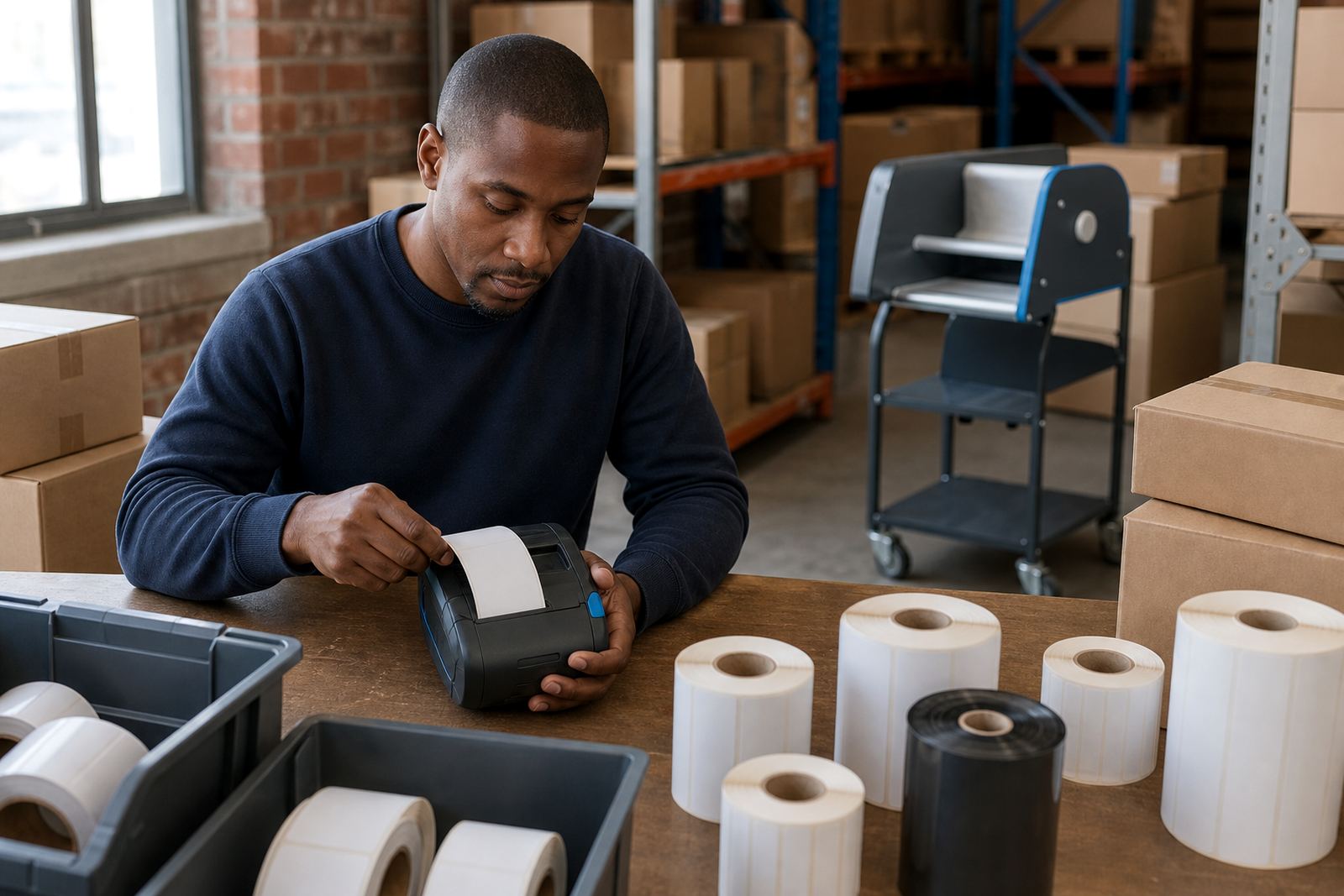
Start with the way labels move through the site
Before you settle on a wireless method, look at where the printer will live during a normal shift. A picker walking between racks needs a different setup from a driver printing waybills from a van, and a stockroom team often wants a printer that pairs fast, stays connected and handles mixed label sizes.
Direct thermal units suit short life labels, courier slips and shelf labels. Thermal transfer is better where the label must last longer, especially on stock that stays in storage or passes through humid Cape Town conditions. If the job includes barcodes and QR codes, confirm the printer can keep the code sharp at the width you need, usually around 2 inch to 4 inch units depending on the label format.
When Bluetooth makes the most sense
Bluetooth works well where one user prints from one handheld device at close range. It is common in retail stockrooms, receiving bays and vehicle based delivery work, because pairing is direct and the printer can stay on a cart, belt clip or counter without needing a fixed network point.
- Best for one-to-one pairing with a handset or tablet
- Useful for mobile teams moving between aisles, cages or loading areas
- Suited to quick label runs, proof labels and route changes
- Often easier where the printer changes hands during the day
For Bluetooth jobs, battery condition matters. A weak battery can cause dropouts, failed prints and awkward re-pairing just when labels are needed most. Belt clips also need checking if the printer is carried daily, because a loose clip turns into a dropped unit before long.
Where Wi-Fi earns its place
Wi-Fi suits sites where the printer should stay visible to several users on the same network. Larger warehouses, multi-zone stockrooms and sites with a steady wireless signal can benefit from this setup, especially where labels are sent from different stations instead of one handheld only.
It is also useful when the same printer must receive jobs from different counters, packing points or terminals without constant re-pairing. In Johannesburg, Pretoria or Durban sites with spread out work areas, Wi-Fi can reduce the need to move the printer around. The key is steady coverage, because weak signal zones can interrupt label queues and cause missed prints.
- Good for shared printers and multiple workstations
- Useful where labels are sent from networked devices
- Works well when the printer stays in one fixed area
- Needs stable coverage across the print point
Using both methods without making the floor messy
Some sites benefit from both Bluetooth and Wi-Fi on the same printer. That gives you a main network connection for fixed use, plus a mobile option when someone needs to move the unit for receiving, dispatch or repairs. The trick is keeping the pairing rules clear so users know which path to use for which task.
Combined setups help when a warehouse and showroom share one label workflow. They also work when a field technician and a stock controller need the same printer on different days. If the printer is handled by more than one person, label calibration and operator training matter just as much as the wireless choice, because bad media loading can make a good connection look faulty.
Checks before you pick the wireless route
Use a short site check before you decide. Look at the label size, printer width, battery life, the distance to the nearest signal point and who will use the unit most often. A printer that handles 50 mm labels may be ideal for parts bins, while a wider unit may be better for courier manifests or asset tags.
- Confirm the label roll width and core type
- Check whether the printer must print barcodes, QR codes or both
- Test the wireless signal where the printer will actually stand
- Look at battery condition and charging routine
- Check whether printhead cleaning is part of normal maintenance
If labels smear, skip or drift off centre, the issue may be calibration rather than connectivity. A dirty printhead, worn platen roller or poorly loaded roll can create the same complaints as a weak Bluetooth link. That is why the print path and the mechanical setup should be checked together.
A practical setup and maintenance routine
Once the wireless method is chosen, keep the routine plain. Pair the printer, test the label size, print a sample barcode and scan it at the packing bench. Then check the battery, the belt clip, the media path and the cover latch before the printer goes into daily use.
For ongoing care, printhead cleaning should happen on a sensible service schedule, especially where dust, adhesive residue or paper lint builds up. Thermal transfer units also need the ribbon path checked, while direct thermal units need cleaner handling of the label stock because heat and friction can mark the surface. On-site setup and repairs help when a printer needs calibration, battery replacement or label jam clearing without removing it from the floor for long.