Shift length changes the battery maths
Start with the shift, not the charger. A printer that lasts through a four hour picking run may be under pressure on a ten hour courier route, especially when labels are printed one by one across the day rather than in a single block. Direct thermal printing usually draws less from the battery than thermal transfer because there is no ribbon motor to keep turning, but the label type and print density still matter.
Count the real pauses too. If the printer spends time asleep on a belt clip, wakes often for barcode labels and then prints a batch at the cage, the battery pattern is different from a steady stream of labels at a packing bench.
- Write down shift start and end times.
- Note how many labels are printed per hour.
- Separate short bursts from constant use.
- Record whether Bluetooth or Wi-Fi stays on all shift.
Match runtime to the way the printer is used
Mobile label printers are usually judged by how long they stay ready, not just how long they print. A unit used for 50 mm shipping labels and quick barcode checks will behave differently from one that prints wider warehouse labels with dense text and QR codes. Wider labels need more print coverage, and darker settings can shorten battery life if they are left too high for everyday work.
Battery age also changes the picture. A fresh pack holds charge better than one that has been cycled heavily, and a battery that sits flat for long periods often loses useful capacity. If the printer is used in a Cape Town stockroom with daily movement, or on a Johannesburg courier route with long stretches in the vehicle, the same machine may need a different spare plan.
- Check the battery age and past use.
- Match label width to the job, not the habit.
- Keep print darkness only as high as needed.
- Test both text and barcode readability.
Build a spare battery count that makes sense
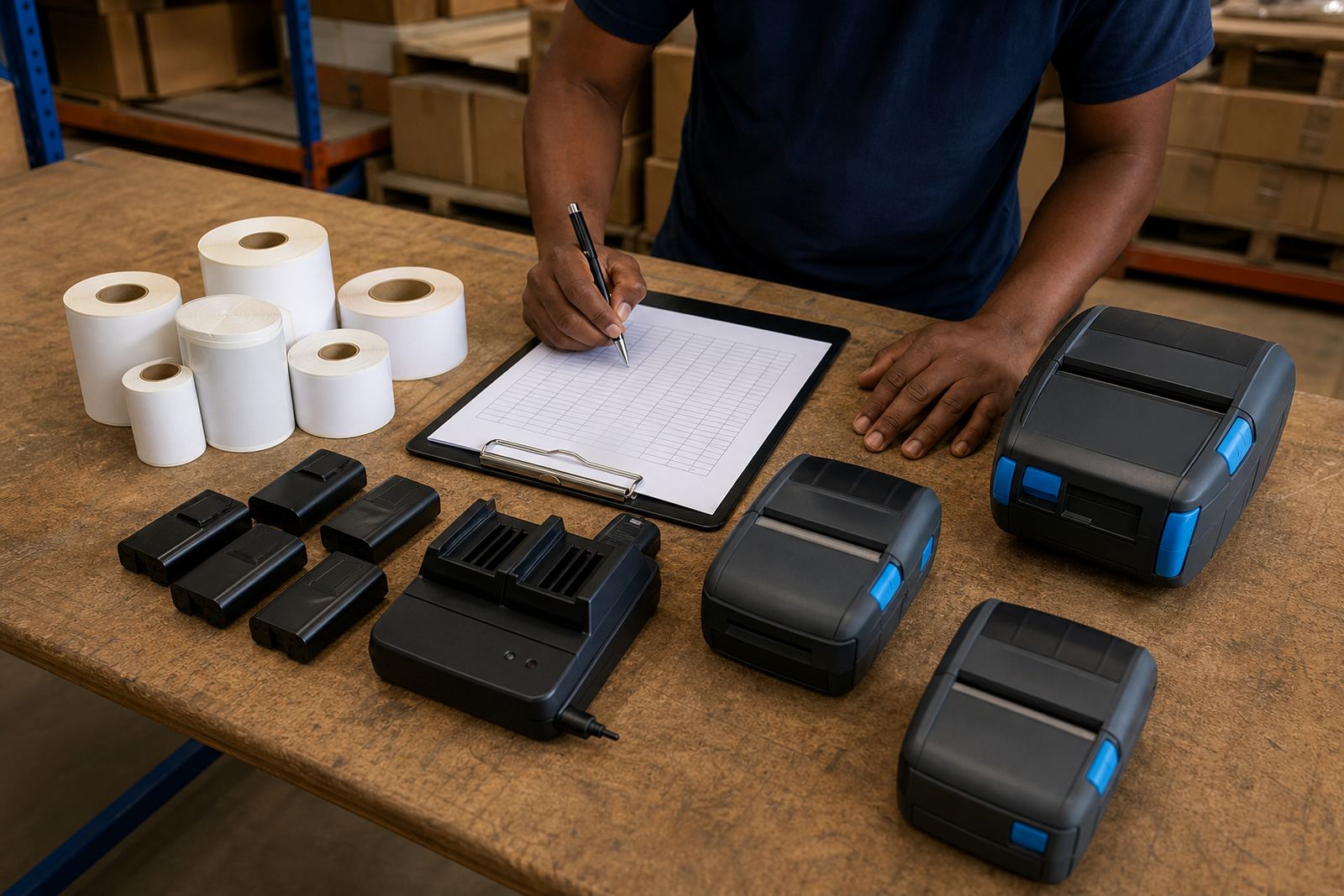
A spare battery plan should follow shift cover, not guesswork. For a single shift team, one spare battery per printer may be enough if charging is disciplined. For split shifts, overtime or shared printers across a loading bay, the spare count often needs to rise. If the same printer is used by different operators, battery handover rules matter just as much as label stock levels.
Keep the charging routine plain. Batteries should go on charge before they are fully flat, because deep discharge can shorten working life. A battery that is swapped out at the same point every day is easier to monitor than one that is used until the printer slows down or stops in the middle of a run.
- Allow one spare for every printer in daily use.
- Add another spare where shifts overlap.
- Label charged and uncharged batteries clearly.
- Keep one battery out for testing if faults repeat.
Pairing settings can affect how long a charge lasts
Bluetooth and Wi-Fi setup affects power draw in small but practical ways. A printer that searches for a connection too often can waste charge, and weak pairing can lead to extra retries that shorten the working window. Good setup keeps the connection stable, reduces dropped jobs and saves the battery from repeated wake cycles.
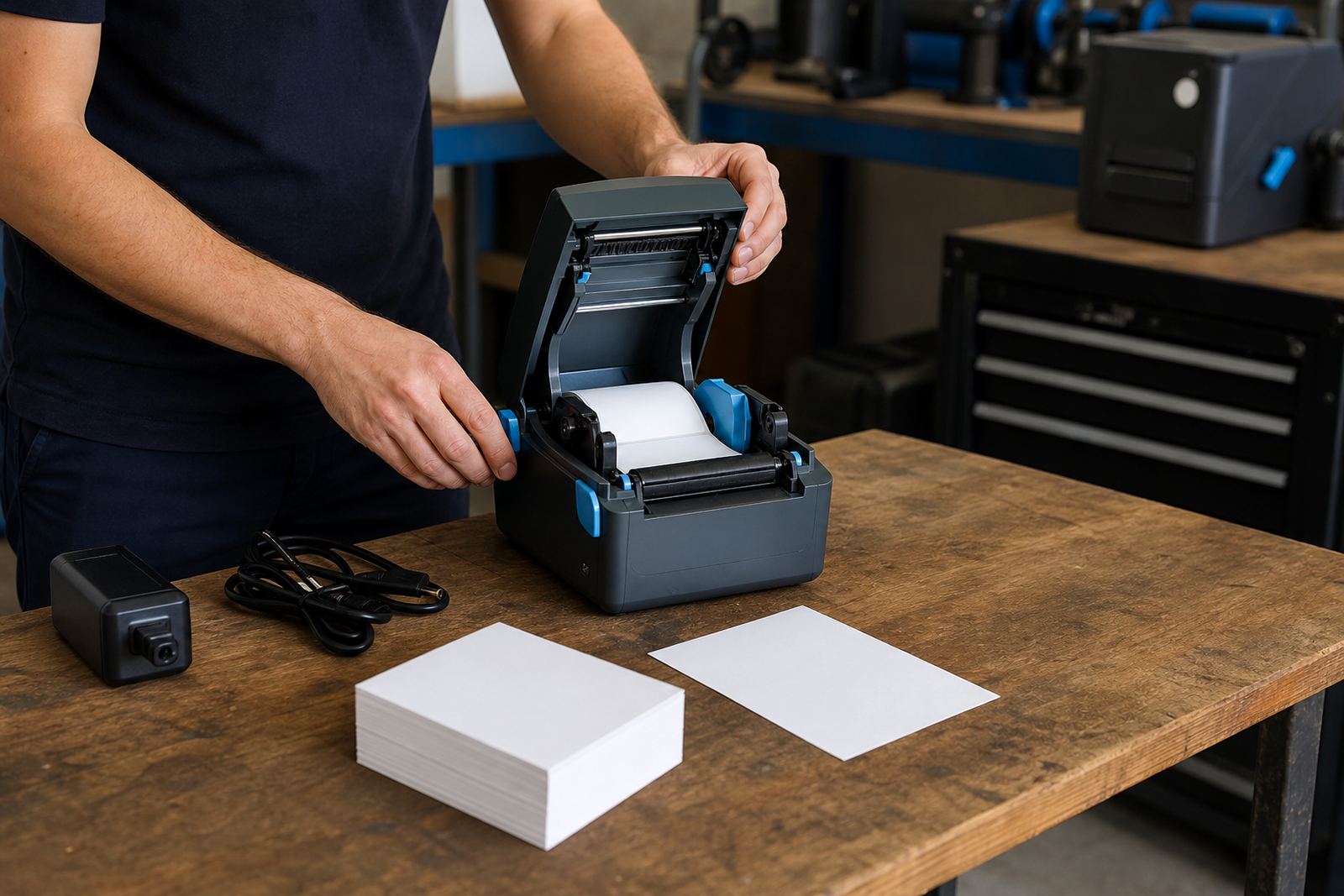
Field setup should also cover sleep settings, auto-off timing and calibration for the label roll in use. If the printer wakes too often, or the label sensor is not reading the gaps properly, the unit may work harder than it should. That is where on-site setup and calibration help, especially when the printer is tied to handheld scanners or stockroom tablets.
- Confirm the pairing method used on the site.
- Check sleep settings before the first full shift.
- Test connection stability with live label jobs.
- Recalibrate after changing label size or roll type.
Keep print quality steady without draining the pack
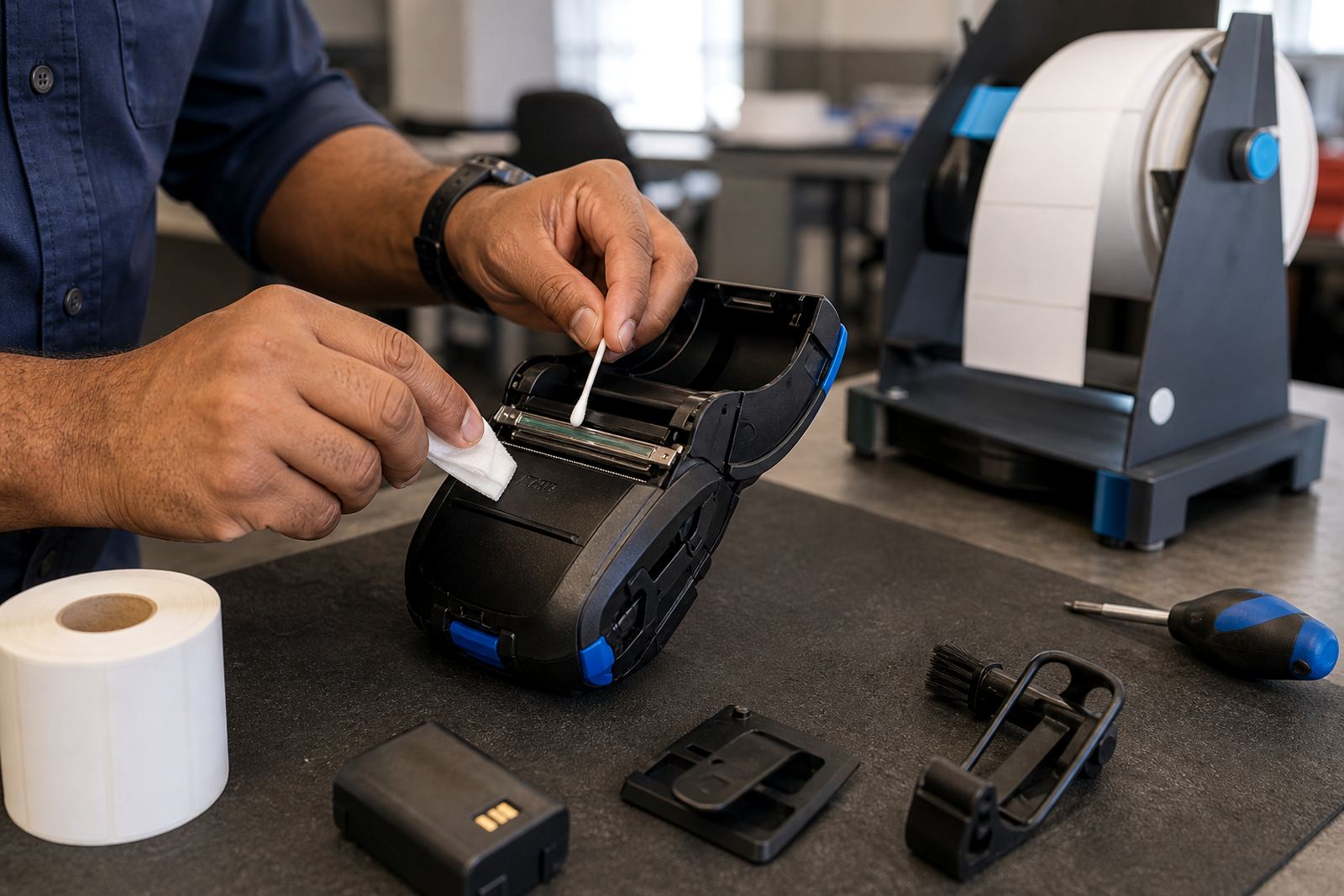
Battery planning is easier when print quality stays consistent. A dirty printhead, poor label calibration or a jammed roll can force repeat prints, and that extra use eats into runtime. Printhead cleaning should be part of the routine, along with checks for dust, adhesive build up and worn platen pressure. These faults are common in stockrooms where label rolls are changed often and the printer is clipped on and off a belt through the day.
When labels start fading or barcodes scan badly, do not assume the battery is the only issue. The printer may be set too dark, the wrong label material may be loaded, or the head may need cleaning. A small fault left alone can turn into unnecessary charging cycles and more downtime for the team.
A practical battery check before the shift starts
Use the same checks each morning or handover. A short routine keeps the battery plan honest and shows when a printer needs service rather than another charge. This also helps teams in Cape Town, Pretoria, Durban, Gqeberha and Bellville keep the same standard across more than one site.
- Battery seated firmly in the printer.
- Charge level checked before issue.
- Spare battery charged and nearby.
- Label roll loaded for the correct size.
- Bluetooth or Wi-Fi connection tested.
- Print sample includes barcode or QR code.
- Belt clip secure before field use.
For on-site setup, battery testing, replacement, print quality fixes and operator training, our contact form is the cleanest starting point. That keeps the details together for your site layout, shift pattern and label range, whether the work is in Montague Gardens or across another branch.