Commissioning that starts at the packing bench
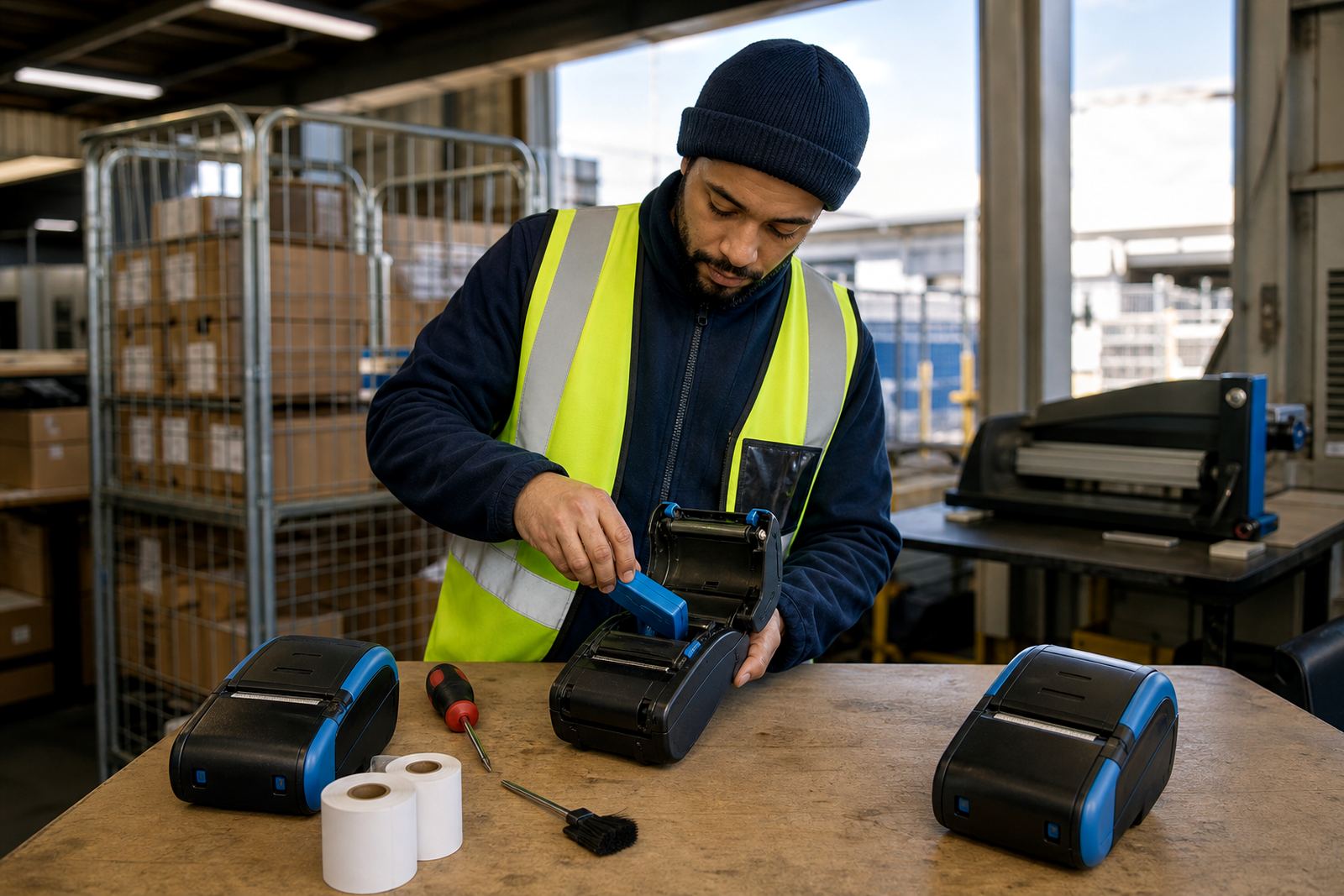
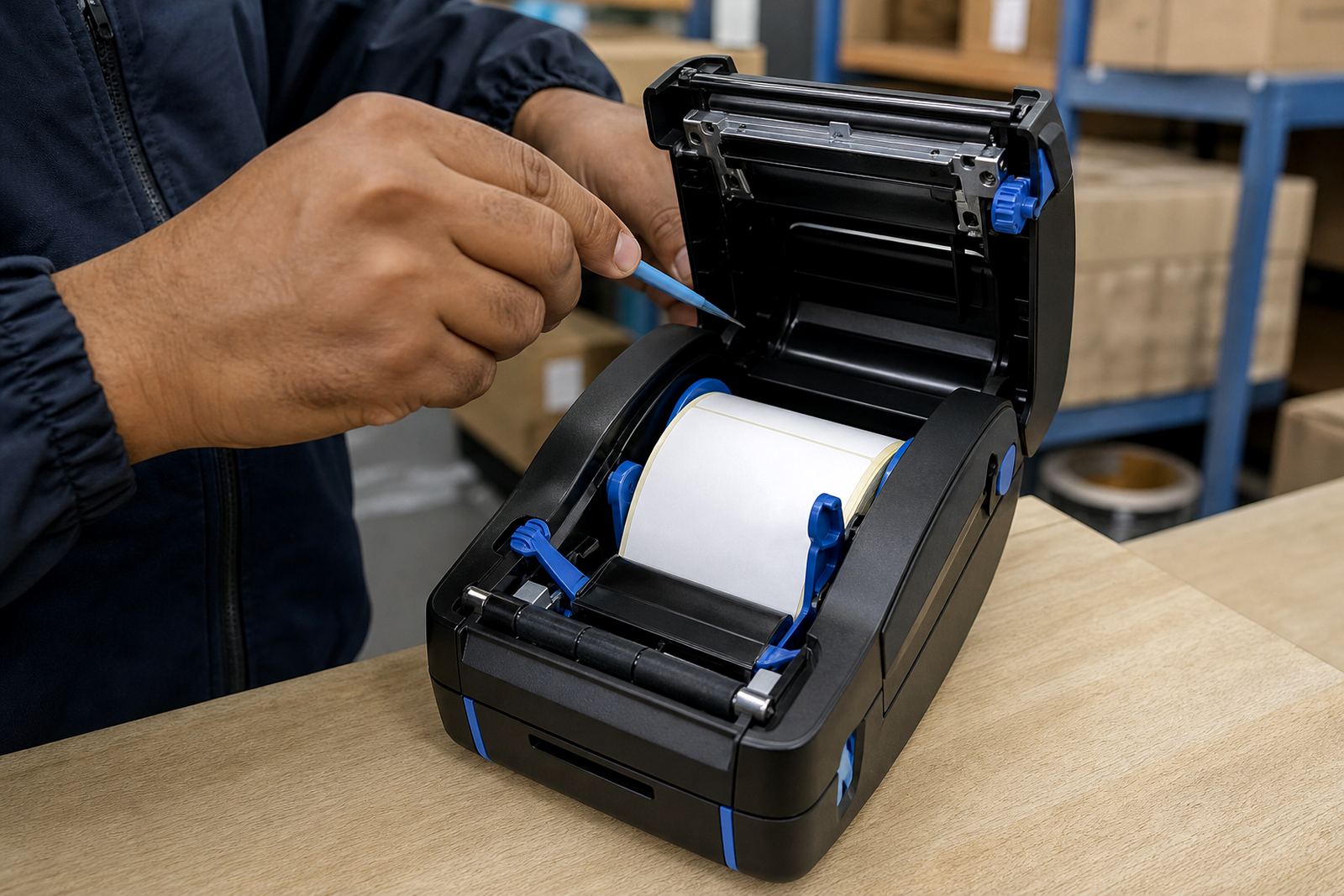
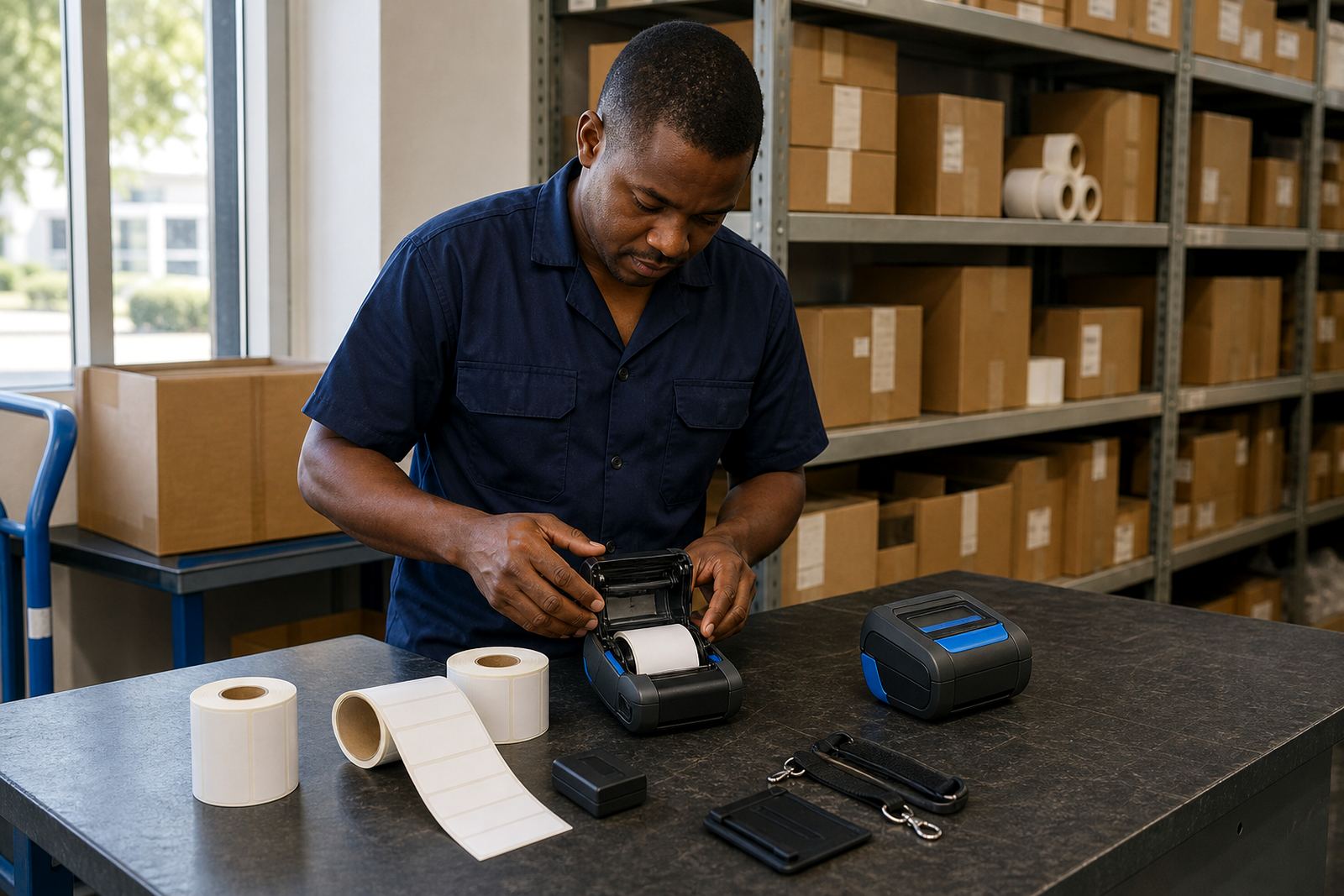
On-site setup begins with the printer, batteries, belt clip, charger and label stock on the same bench where the work will happen. We check the print width against the label size, set the media path correctly and load direct thermal or thermal transfer rolls the right way round, because a small loading mistake can waste a stack of labels before the first parcel moves.
Direct thermal suits short-life labels such as dispatch slips, route labels and stock labels that do not need a ribbon. Thermal transfer suits tougher labels that need a ribbon for better durability, especially where the label must keep reading through handling, dust or mild abrasion. We set the printer for the material in front of us, not by guesswork.
- Printer unboxing and physical check
- Battery fitment and charge check
- Label roll loading and ribbon loading where needed
- Print width and media alignment setup
- First sample output for visual checking
Pairing that matches the way your team works
Many mobile label printers move between handheld use, a packing table and a forklift pouch, so Bluetooth pairing and Wi-Fi setup need to suit the actual working routine. We pair the printer to the chosen device, confirm the network path where Wi-Fi is used and test barcode and QR printing before anyone starts issuing labels in volume.
The setup also includes label calibration, which helps the printer read the gap, black mark or notch on the roll correctly. If calibration is off, the printer can drift, cut the label in the wrong spot or feed extra length. We correct that before the unit goes into service. Where operators need more than one label size, we set the most common format first and note how to switch cleanly between formats.
- Bluetooth pairing to mobile devices or handheld units
- Wi-Fi setup for shared label stations
- Label calibration for gap, mark or notch sensing
- Barcode and QR code output checks
- Switching between common label sizes
What we cover during the visit
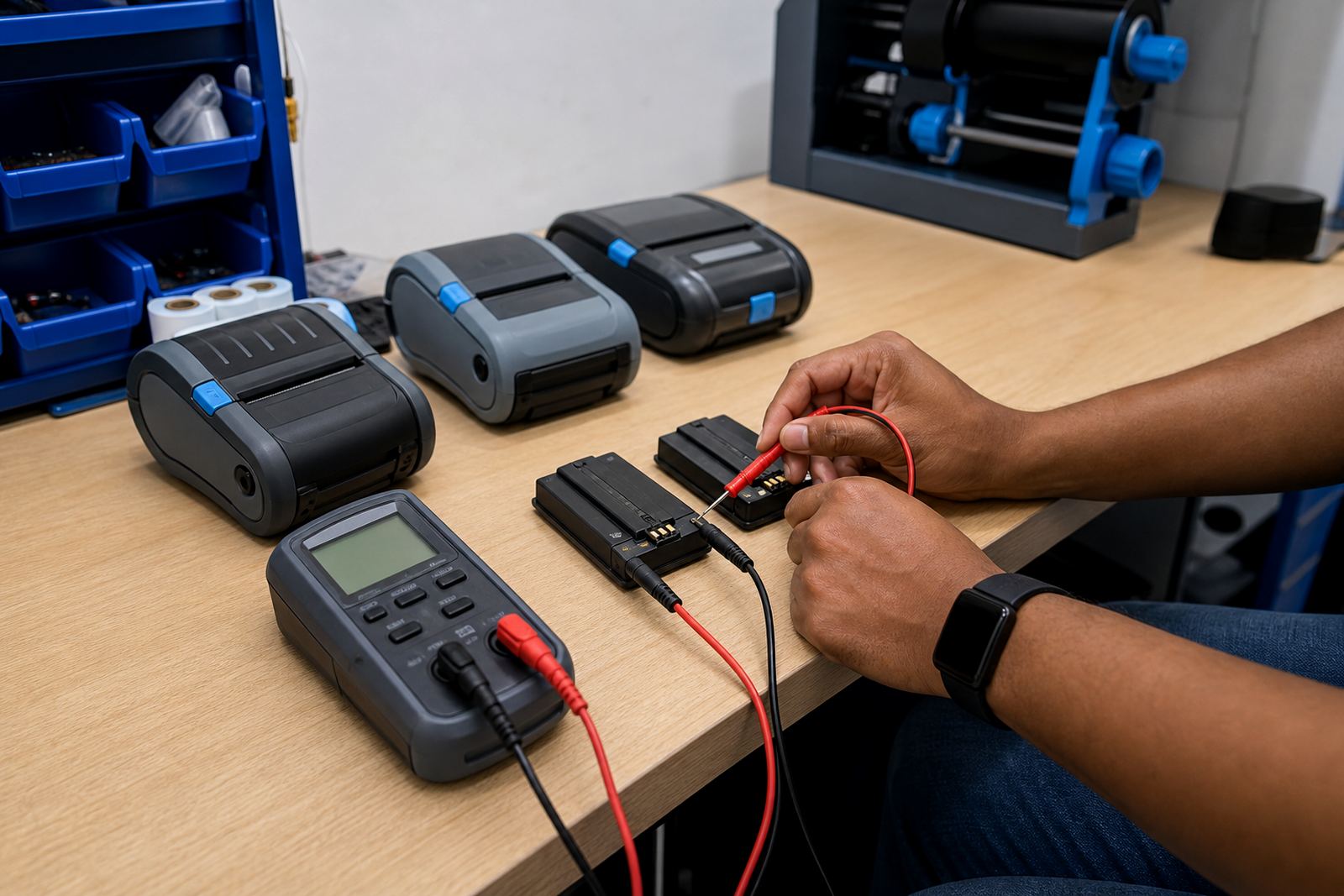
The visit is practical and hands-on. We do not leave the operator to puzzle through a manual while labels pile up at the counter. The work normally includes print quality fixes, belt clip repair where a clip has loosened or cracked, printhead cleaning and battery testing. Where the battery is weak, we can replace it and confirm that the unit still holds charge for a proper shift cycle.
For stockrooms in Cape Town, Johannesburg, Durban, Pretoria and Gqeberha, the same visit can also cover jam removal and a fast check of the feed rollers, since a jam often comes from a worn paper path or a folded liner. We look at the printer as a working tool, not as a box that only needs software settings.
- Printhead cleaning with suitable cleaning material
- Battery testing and battery replacement
- Belt clip repair or replacement fitting
- Label jam clearing and feed path checks
- Print quality fixes for faint or uneven output
A clear sequence for setup day
Our setup process is straightforward. First we confirm the printer model, media type and label size on site. Then we fit the battery, load the labels or ribbon, and calibrate the machine for the stock that will be used. After that we pair the printer to the device, print a sample and adjust the settings until the barcode lines and text sit where they should.
If the unit is going into a courier run or a retail receiving area, we also show the operator how to clean the printhead and how to spot the early signs of wear. That matters in dusty stores and humid coastal areas, where residue builds up faster than many teams expect. We keep the steps plain so the person using the printer can repeat them without drama.
- Confirm printer type and media
- Load labels or ribbon correctly
- Calibrate and test print
- Adjust darkness, speed and alignment
- Show operator cleaning and handling steps
Turnaround, pricing and site planning
Setup timing depends on the number of units, the condition of the printers, and whether one site or several branches must be covered in the same run. A single unit at a warehouse in Montague Gardens is different from a multi-site rollout across Bellville, Midrand and Pretoria, so we scope the visit around the actual workload rather than giving a one-size estimate.
Pricing is based on the number of printers, the type of setup needed, the travel involved and whether spare parts or replacement batteries are required. Where we are doing multiple units, it is usually more efficient to schedule them together so the same calibration and testing approach can be applied across the batch. That gives the stockroom a cleaner handover and fewer surprises after the team starts printing.
- Single-unit setup or batch rollout
- Travel and site access factored into the quote
- Parts and consumables listed separately where needed
- Clear scope for repairs, training or calibration
- Suitable for one branch or several branches
Aftercare that keeps the printer usable
After the visit, the main goal is steady day-to-day use. We leave the printer set for the chosen media, the right connection path and the working label size, then show the team how to spot a poor feed, a dull printhead or a battery that is dropping out too early. If a device starts missing labels or the code prints light, those signs are easier to solve when the operator knows what to look for.
For teams with regular dispatch or receiving pressure, preventive servicing can be added later, but the first focus is getting the printer ready for the floor. That includes practical handling advice for dusty spaces, coastal humidity and the sort of rough movement that happens when a printer rides in a pouch or gets passed between shifts.
- Operator handover on site
- Cleaning guidance for printhead care
- Advice on label storage and handling
- Support for future repairs or replacements
- Setup records for repeated branch use
Key facts
| Service area | Montague Gardens, Cape Town and sites across South Africa |
|---|---|
| Printer types | Thermal mobile label printers, direct thermal and thermal transfer |
| Label sizes | Common small-format stock, dispatch and barcode labels |
| Connectivity | Bluetooth pairing and Wi-Fi setup |
| Key checks | Calibration, test output, print quality and battery condition |
| Support items | Label rolls, batteries, belt clips and printhead cleaning |